Magnific Flow Example: Adding project content
Preview this Magnific user flow: Adding project content. Explore the opening screens.
Preview these flows

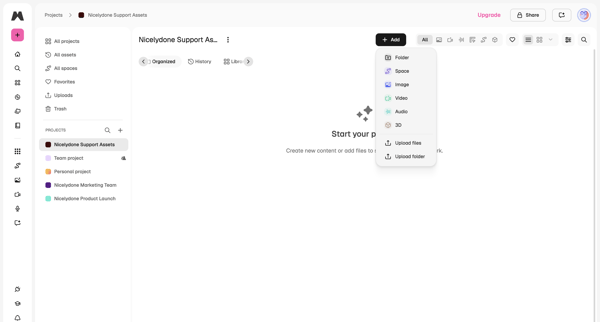
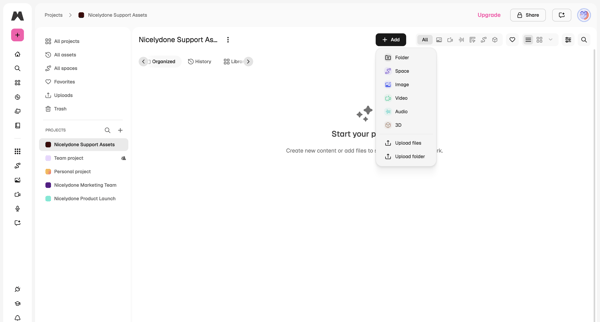
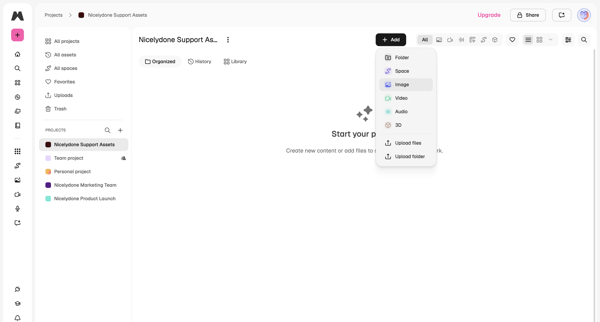
User lands on empty project workspace and opens add menu offering folder, space, image, video, audio, 3D, upload files or upload folder
Related user flows

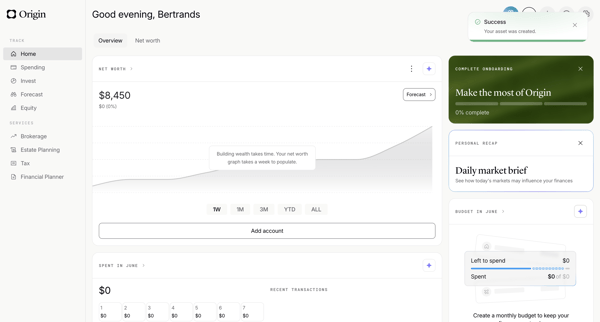
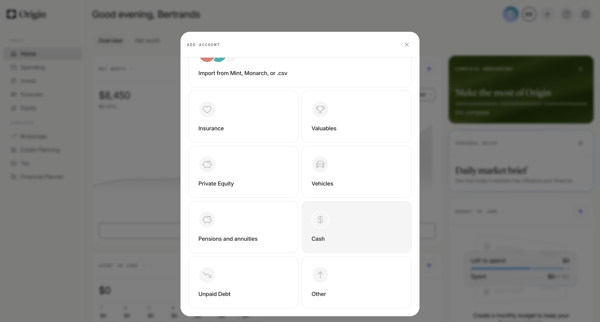
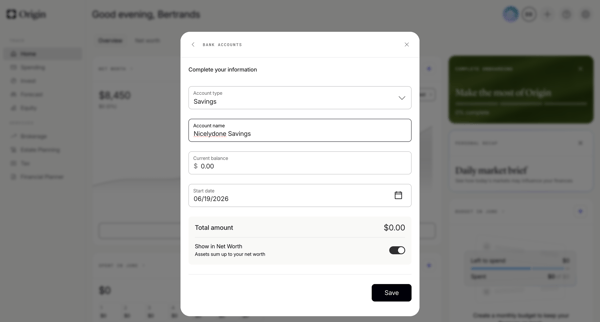
User adds a savings account manually from the personal finance dashboard by selecting asset type then completing multi-step form modals for account name, balance, type, and start date

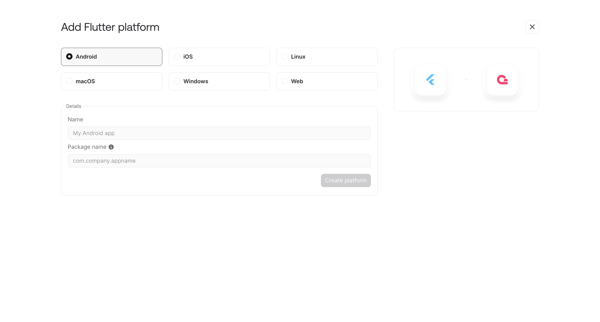
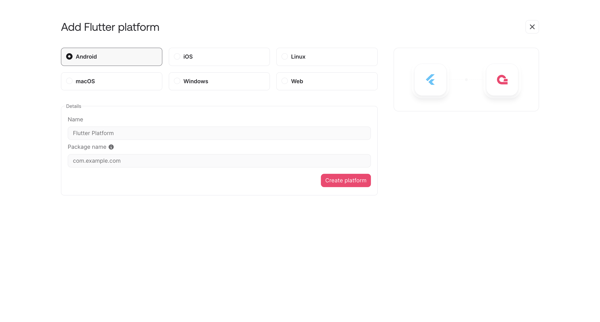
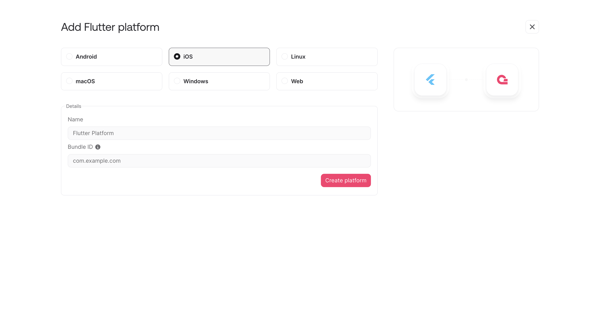
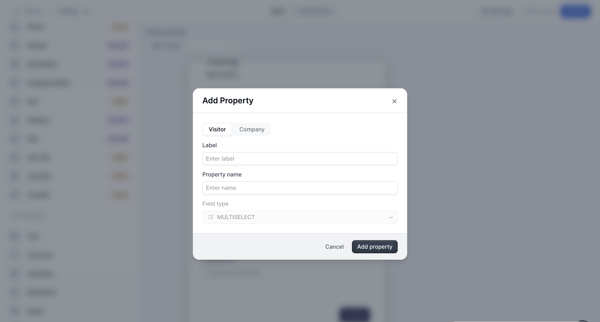
User opens add platform modal or onboarding step to register a new Flutter integration by selecting target OS and entering app details like name, package ID or bundle ID

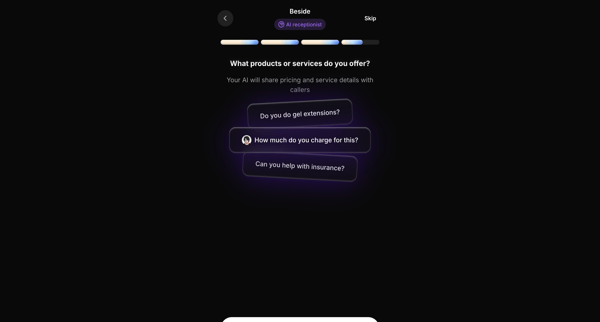
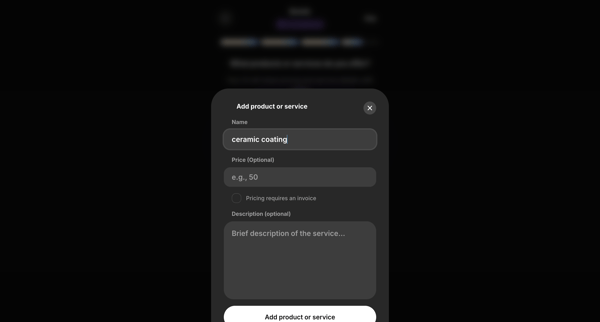
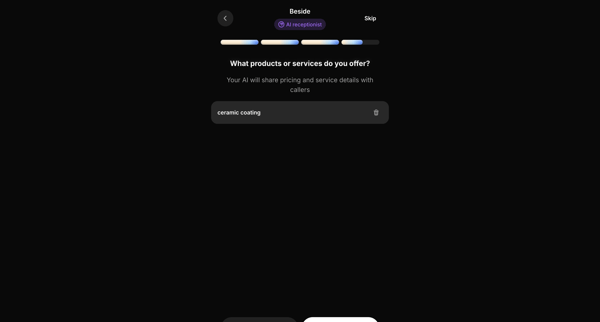
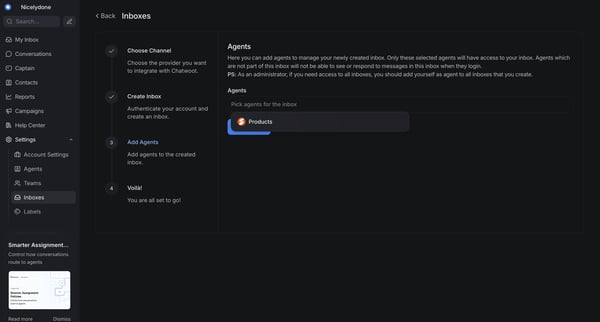
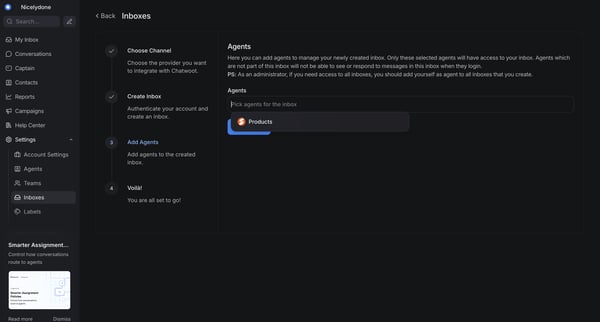
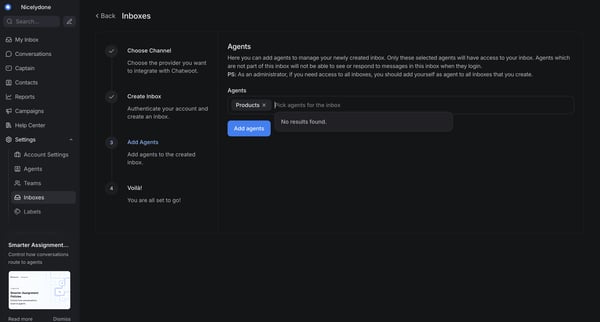
Onboarding flow to configure products and services for the AI receptionist to reference with callers











Explore the full SaaS flow library
Browse the full SaaS flow library.
Trusted by the best teams







