Family Flow Example: Editing wallet profile
Preview this Family user flow: Editing wallet profile. Explore the opening screens.
Preview these flows

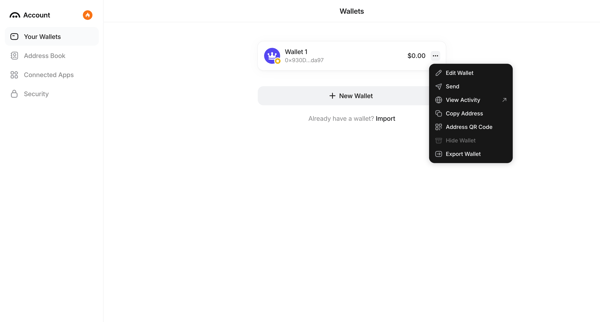
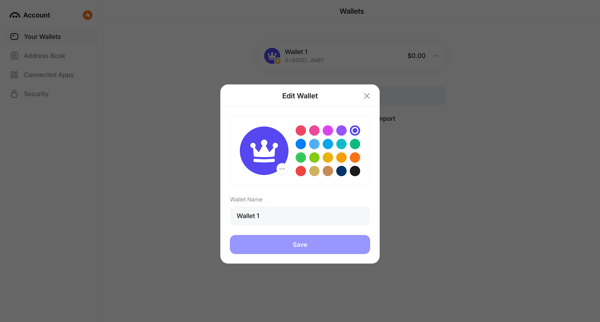
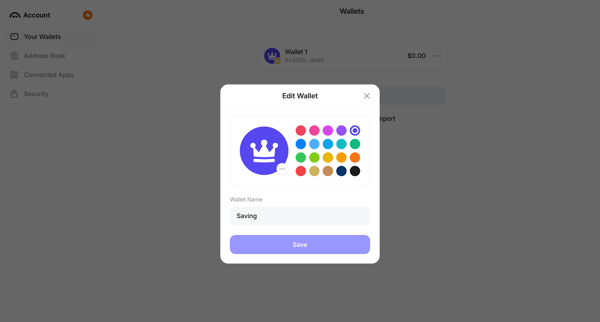
User opens context menu on a wallet in settings and edits its name and color identifier in a modal
Related user flows

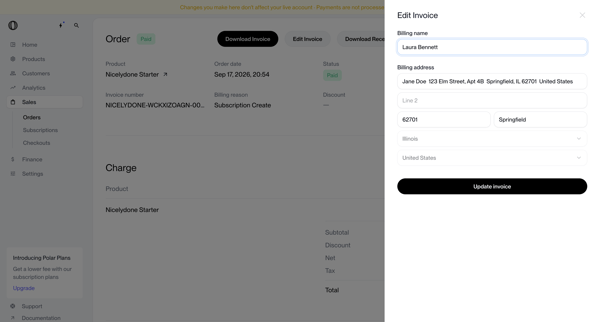
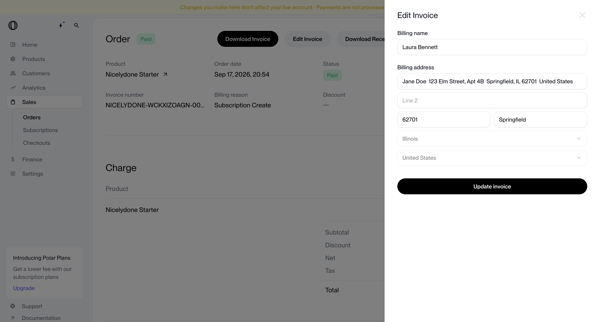
User opens edit invoice drawer from order detail page to update billing name and address on a paid order record

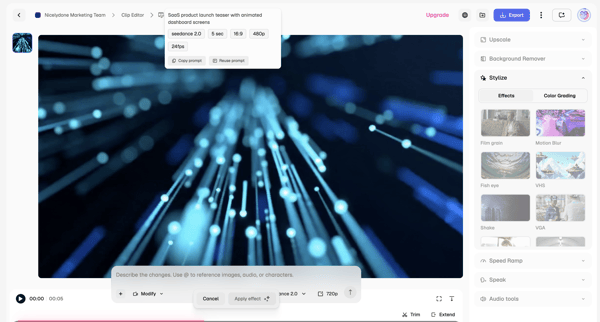
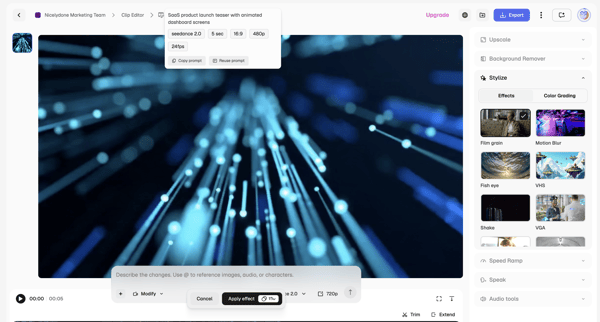
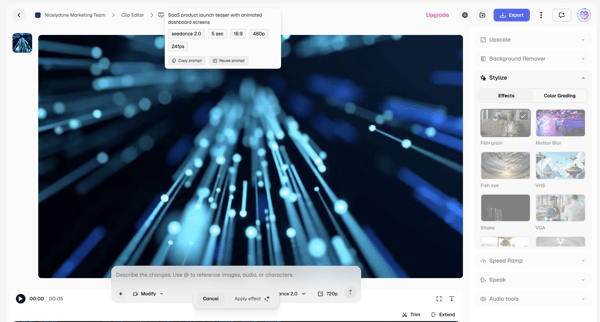
Applying AI stylization effects and modifications to video clips via text prompts and timeline controls in the Magnific editor

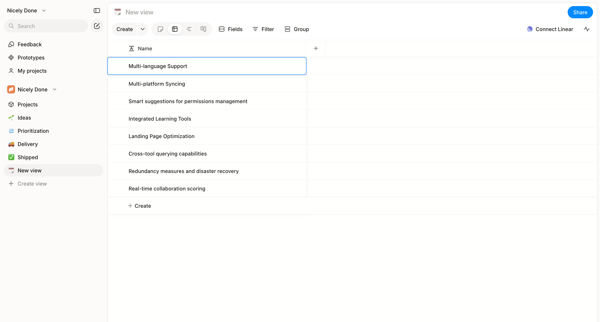
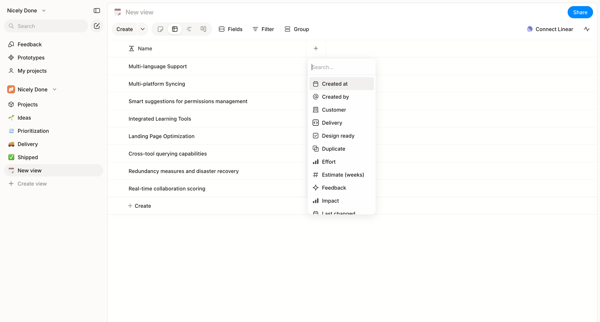
User starts in custom list view and adds columns to a data table via searchable picker in Alloy

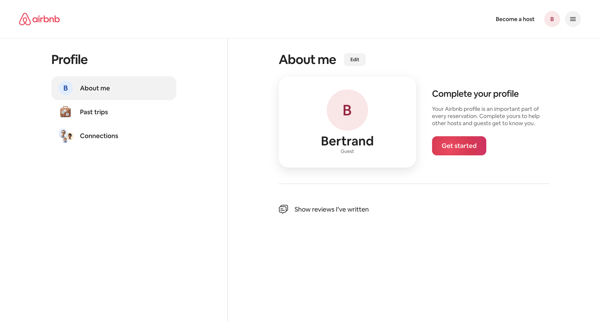

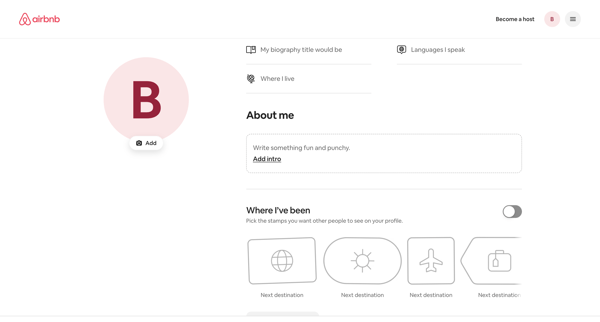
User views profile settings, enters edit mode to update biography, languages, location, travel stamps and interests, then returns to profile settings view

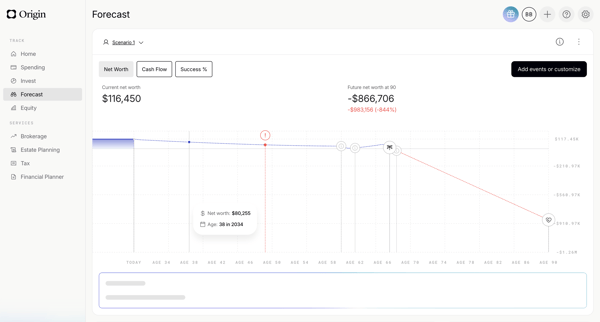
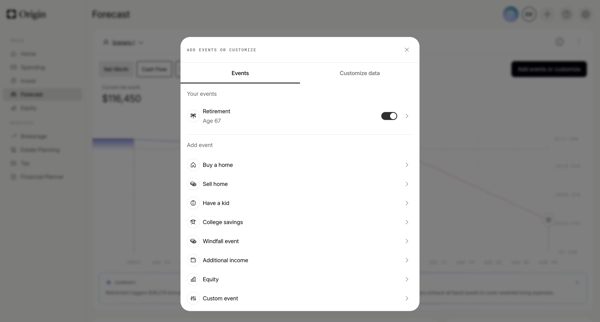
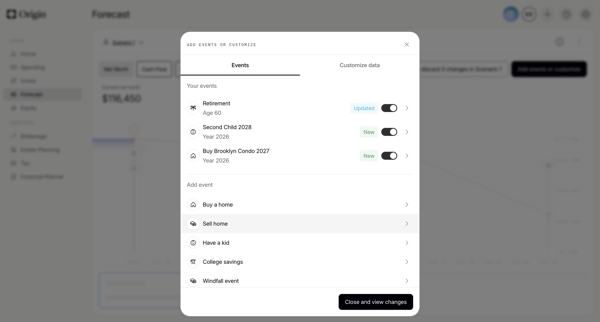
User starts on financial forecast dashboard, opens events modal to toggle or add life events, configures specific events like retirement via forms and sliders, then views updated scenario chart with AI summary

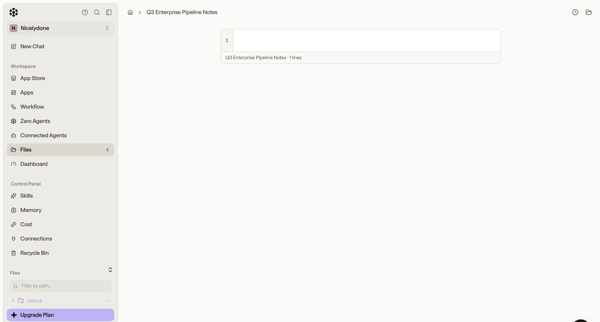
User opens and edits multiple text and code files in the workspace content editor while navigating the sidebar and file browser

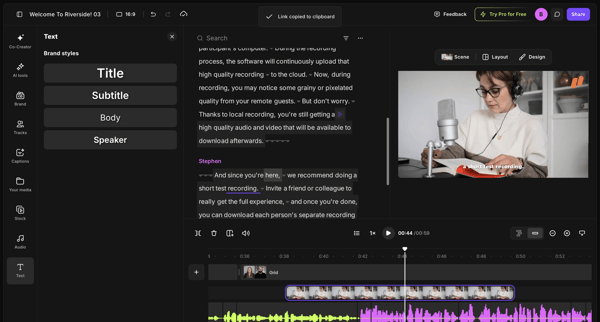
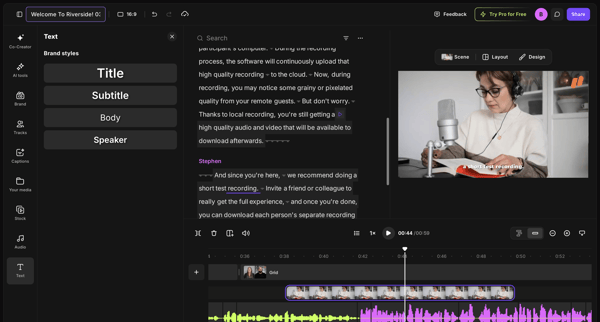
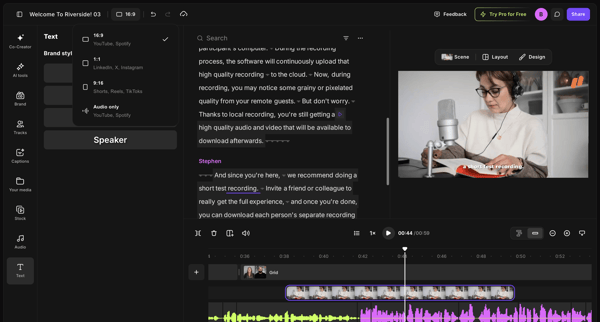
Editing brand styles, text elements, and timeline tracks in the video editor workspace

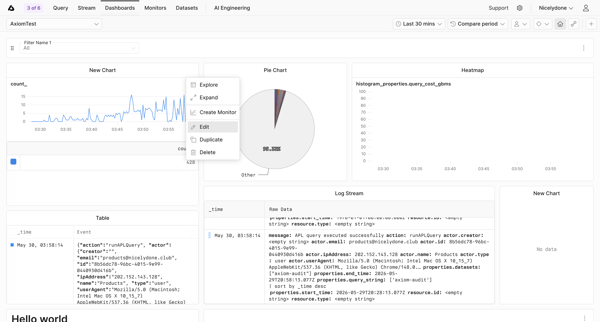
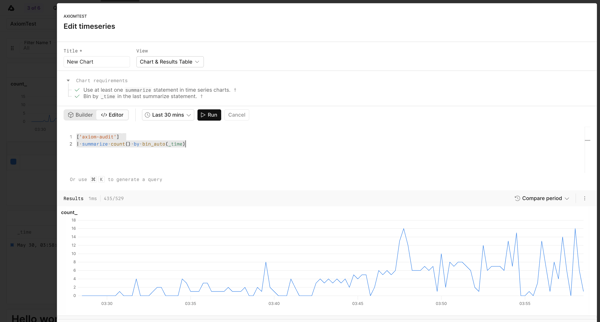
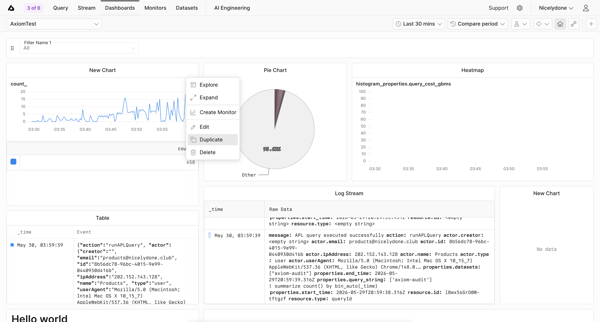
User opens widget context menu on custom dashboard, edits timeseries query in modal with live preview, returns to dashboard editor showing unsaved changes banner

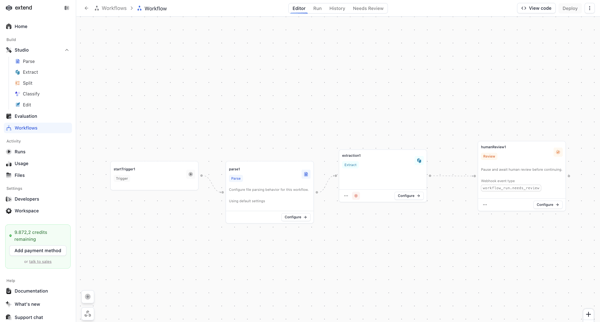
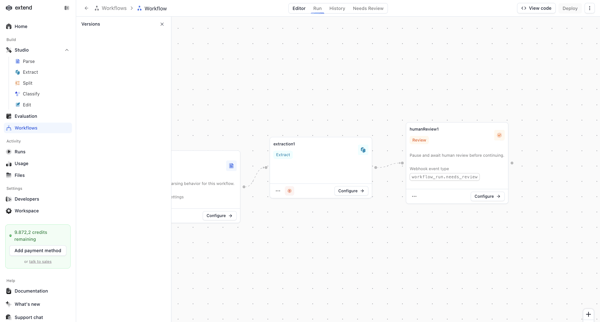
Configuring an AI document processing pipeline on the Extend workflow canvas using trigger, parse, extraction, and human review nodes

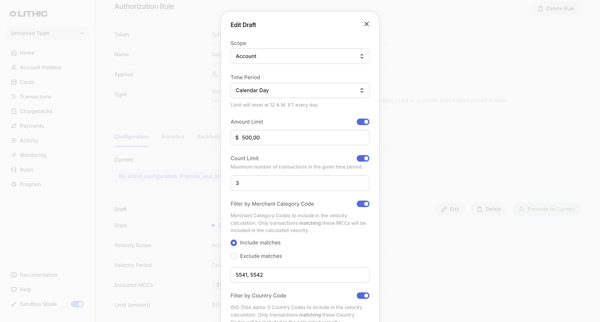
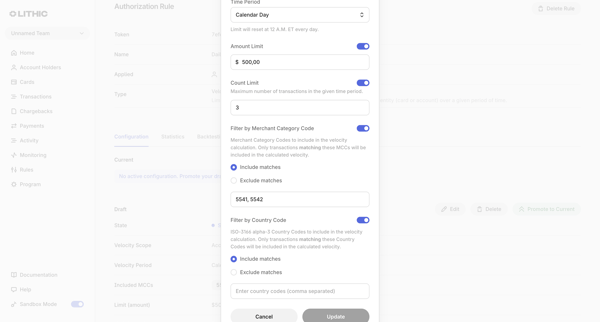
User edits draft authorization rule configuring scope, velocity limits, merchant categories, and country filters via modal forms

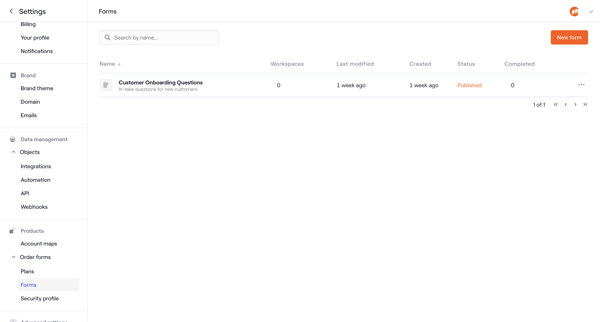
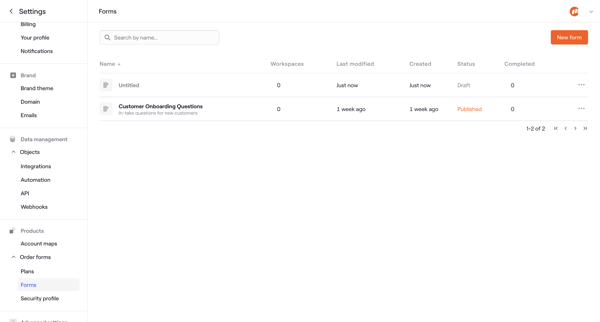
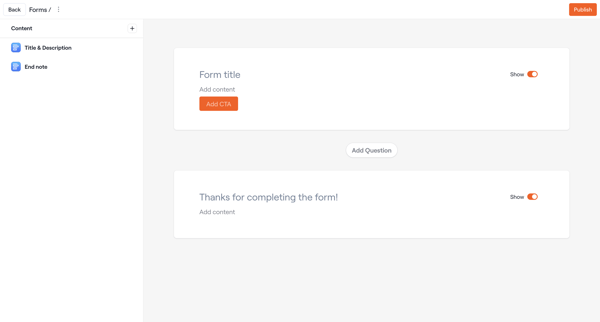
User navigates from forms settings table to order forms settings then into the form builder to edit title, questions, content blocks, and requirements for customer onboarding forms

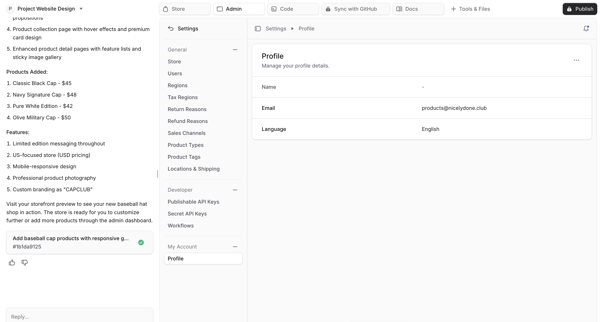
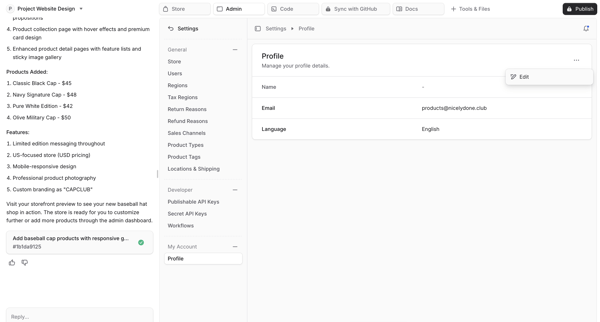
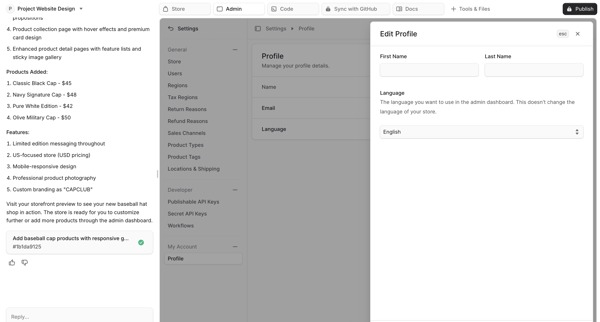
User views profile settings in an AI-generated project workspace, opens an edit modal to update name, email and language, saves changes and sees a success notification.
Explore the full SaaS flow library
Browse the full SaaS flow library.
Trusted by the best teams







