Appwrite Flow Example: Verifying sign-in MFA
Preview this Appwrite user flow: Verifying sign-in MFA. Explore the opening screens.
Preview these flows

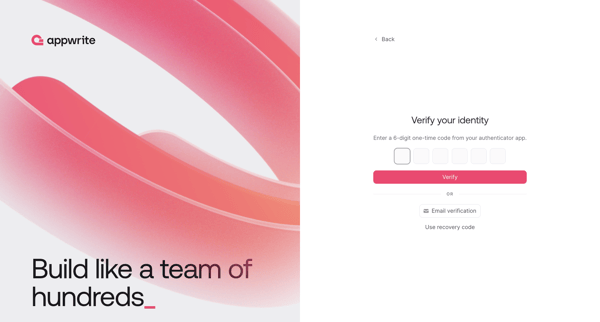
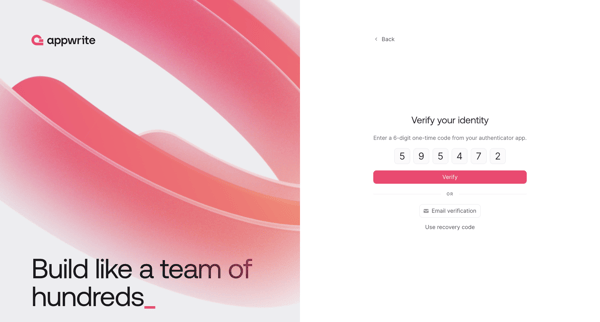
User enters 6-digit authenticator code during sign-in with fallback options for email verification or recovery code
Related user flows

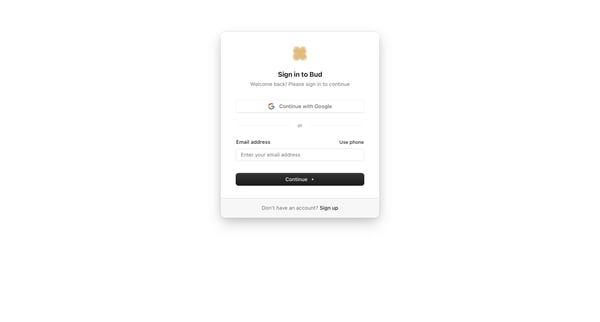
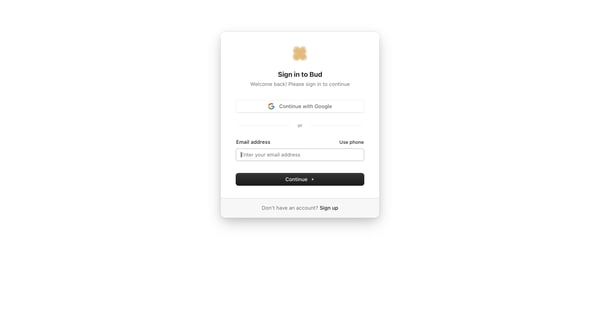
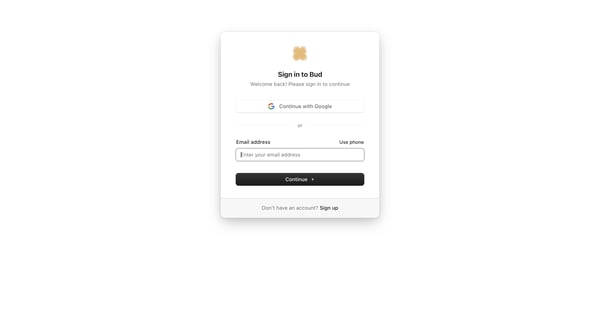
User selects Google, email, or phone authentication on the sign-in card, then enters password on the follow-up screen

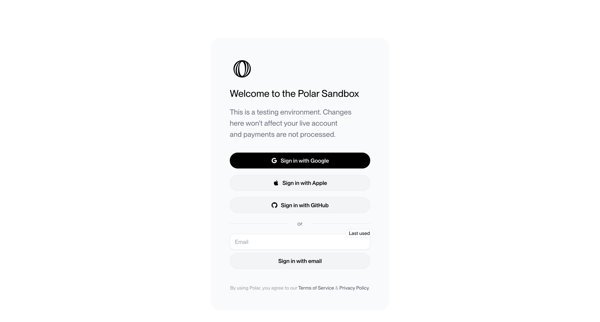
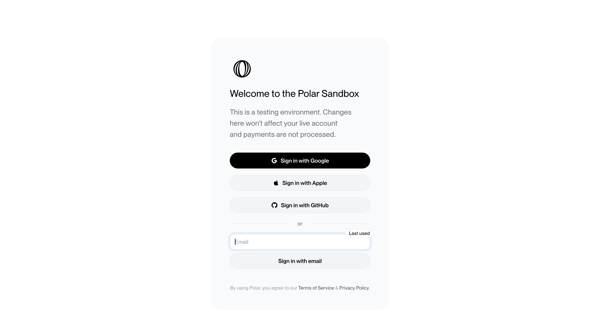
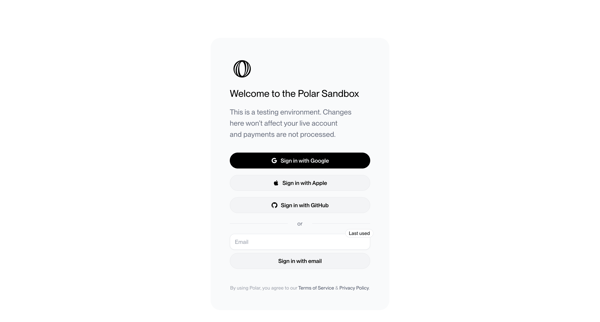
User views sandbox sign-in screen offering Google, Apple, GitHub OAuth or email magic link authentication with testing environment notice and legal footer

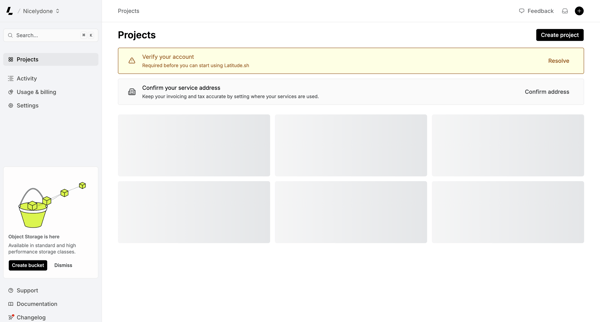
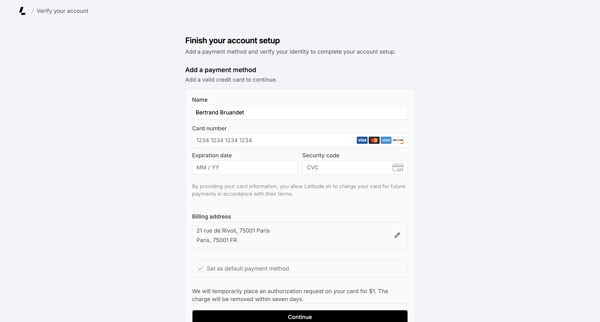
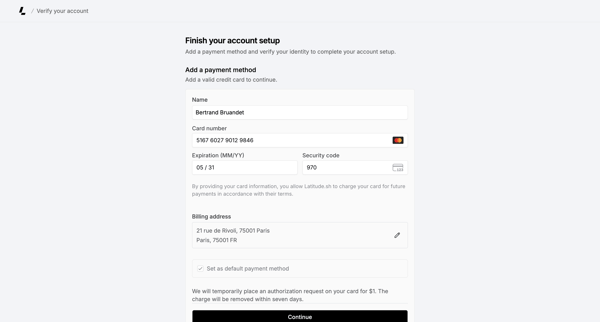
Onboarding journey starting from projects dashboard checklist that prompts identity verification, then collecting credit card and billing address to authorize a $1 hold and complete account setup

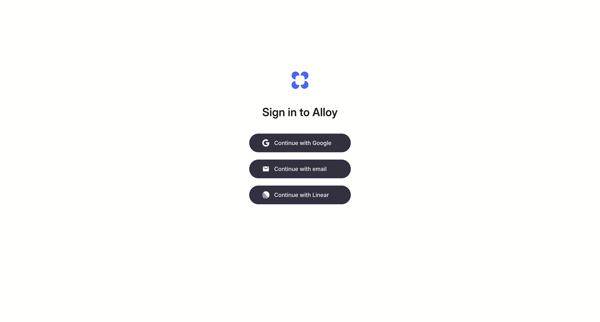
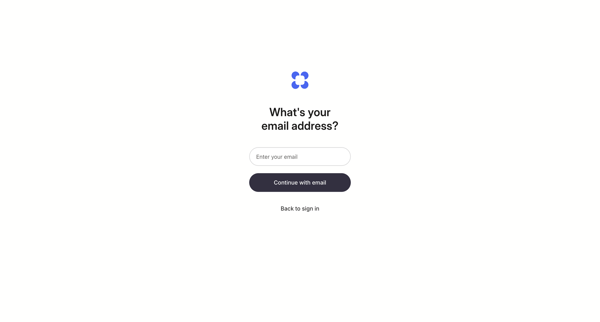
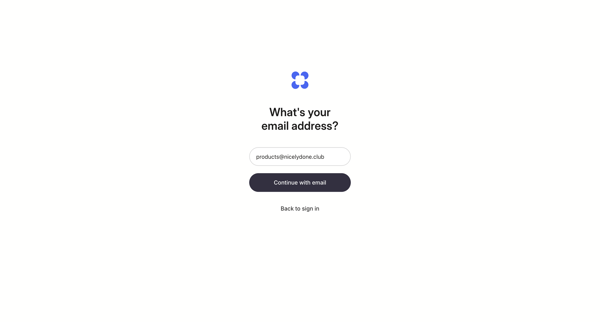
OAuth or passwordless email magic link authentication flow for Alloy

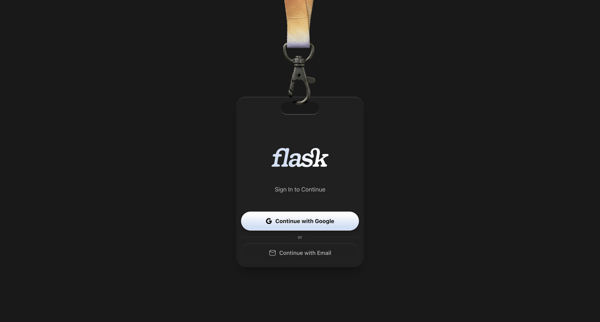
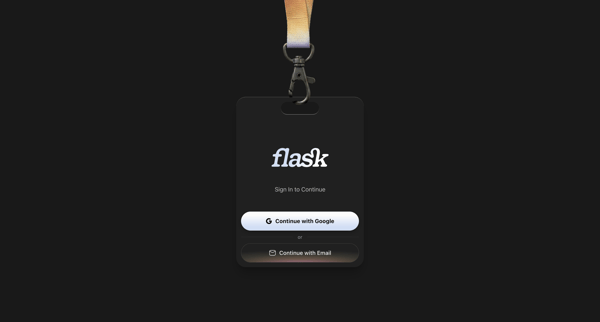
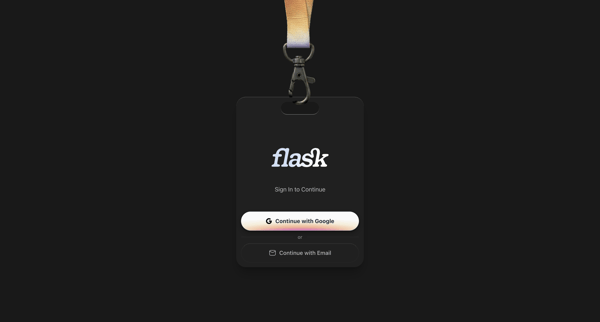
User authenticates to Flask using Google OAuth or email magic link on skeuomorphic ID badge styled auth screens

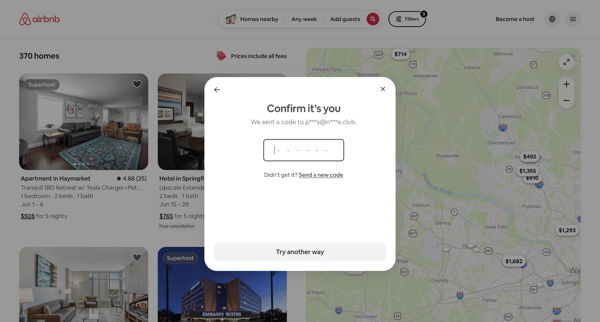
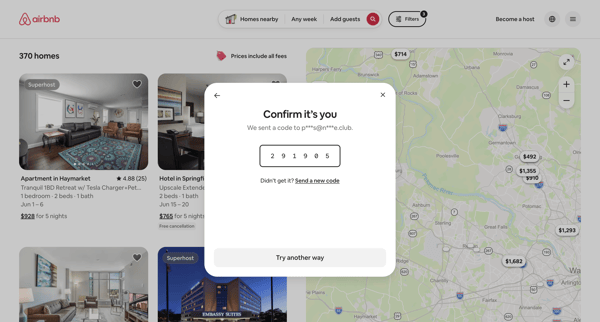
User enters 6-digit email verification code in modal overlay during Airbnb authentication to confirm identity

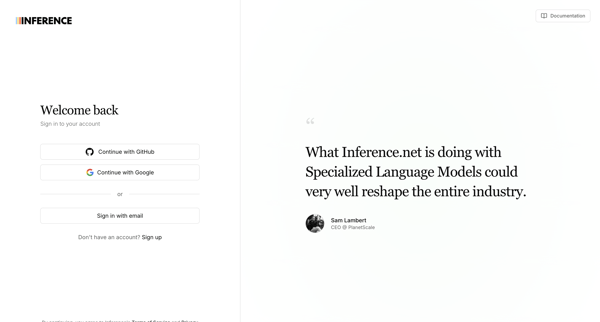
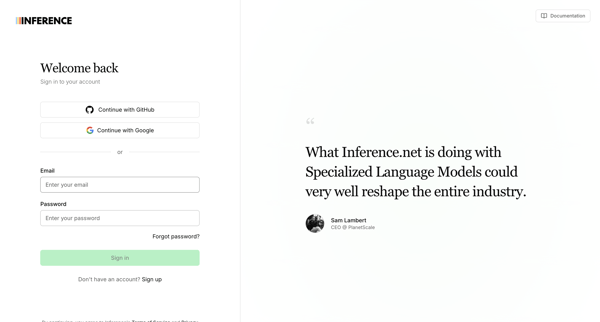
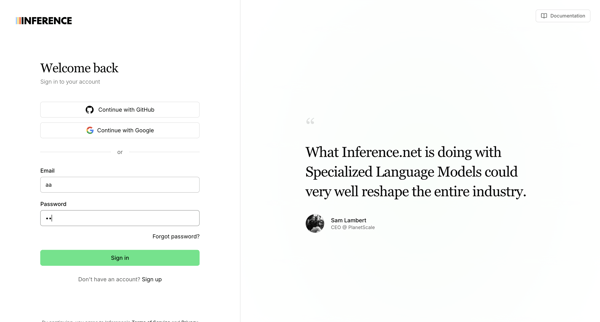
Authenticating via OAuth providers or email/password on split-screen sign-in pages that include customer testimonials, with multiple default and error states shown

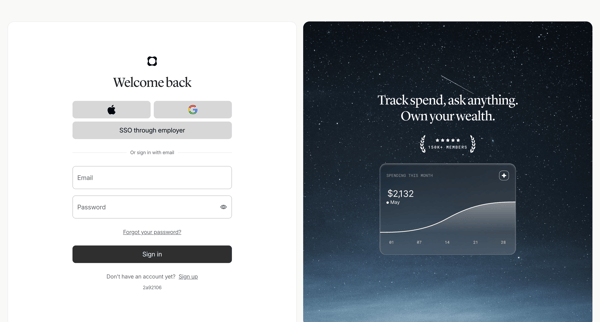
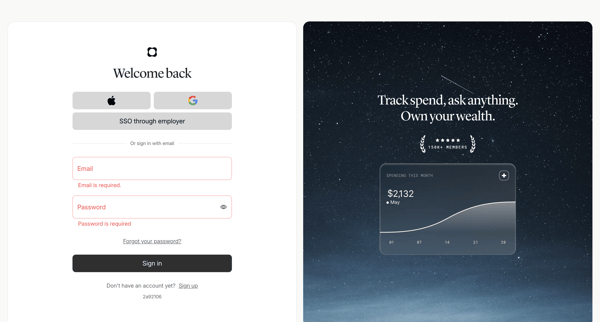
Authenticating to Origin Financial via split-screen sign-in form supporting social providers, SSO, or email and password

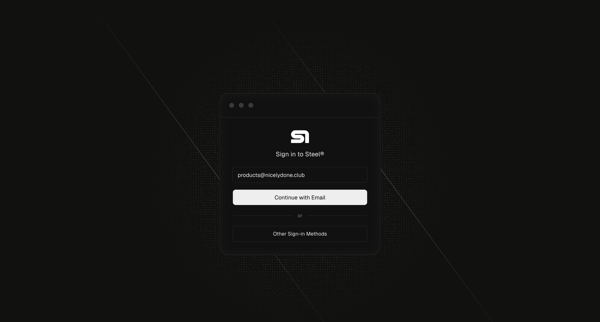
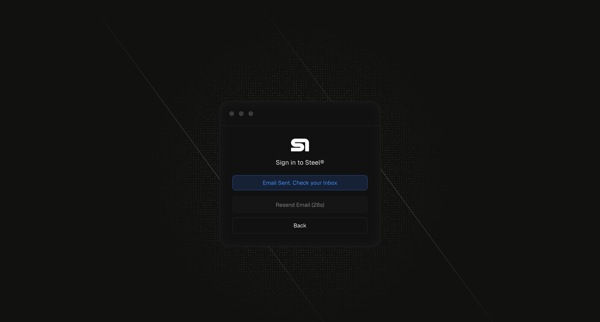
User enters email on sign-in card then views magic link sent confirmation with resend timer

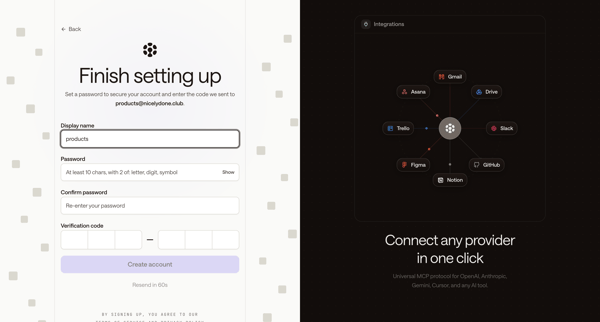
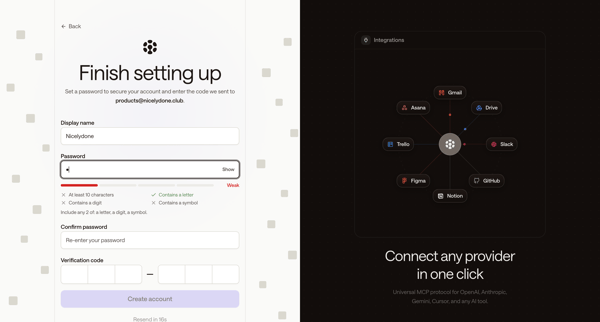
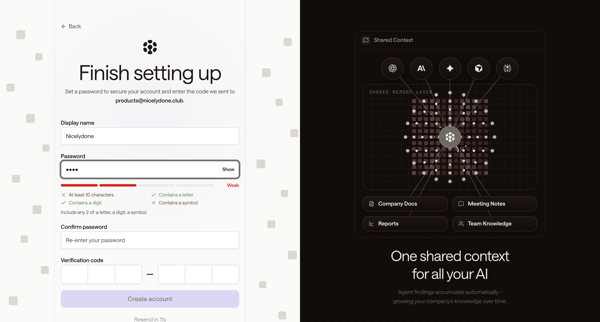
Completing Zaro account signup by setting display name and password while entering email OTP verification code across multiple states



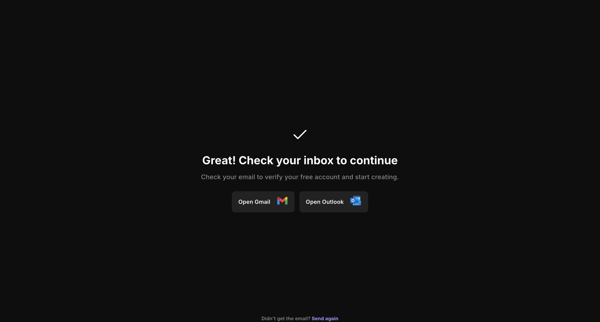
Email verification flow after account creation redirect, showing loading states then inbox check prompt with mail client links

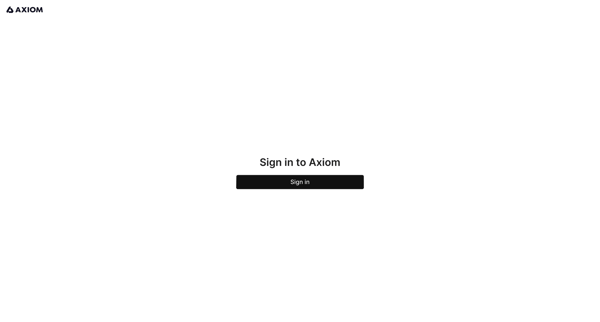
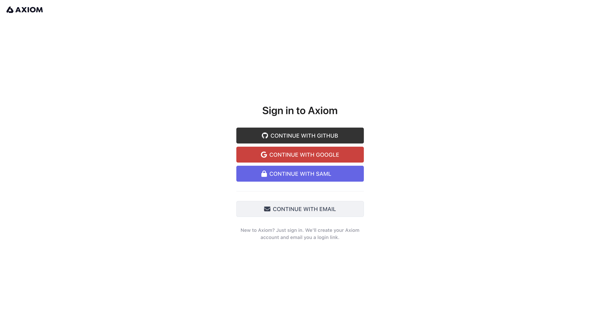
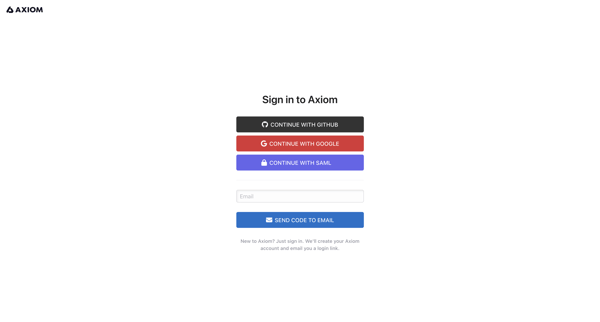
User authenticates into Axiom via SSO providers or passwordless email magic link and verification code
Explore the full SaaS flow library
Browse the full SaaS flow library.
Trusted by the best teams







