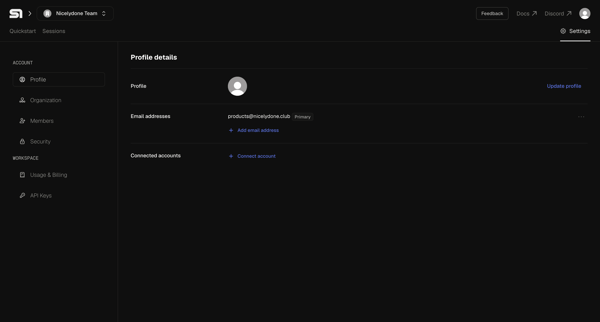
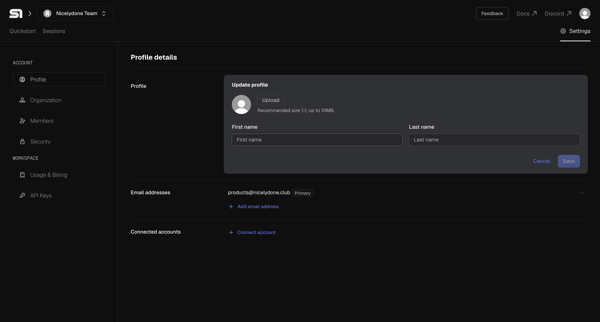
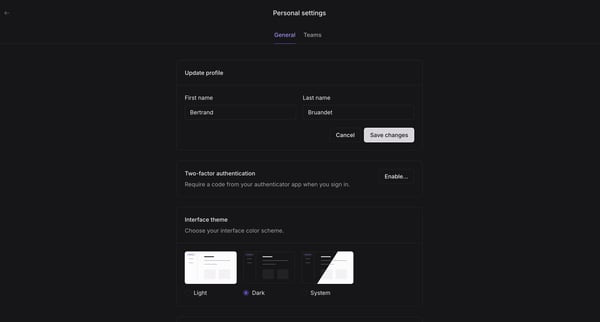
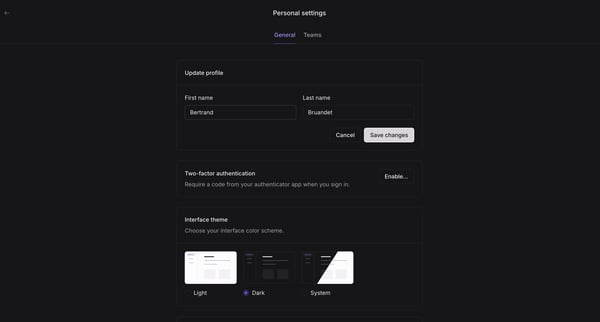
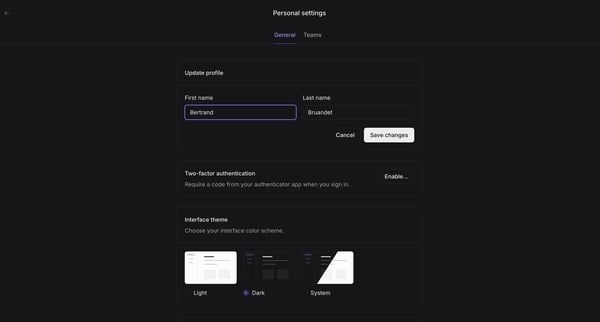
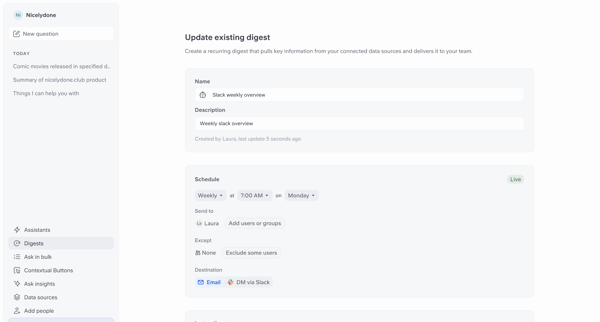
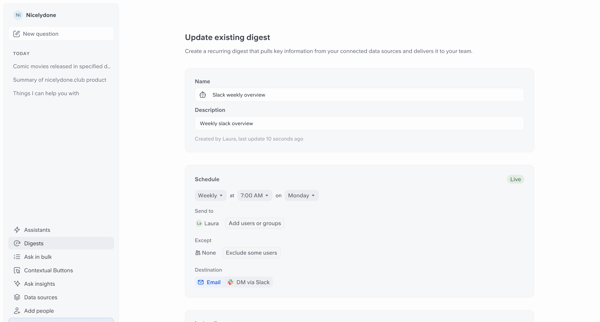
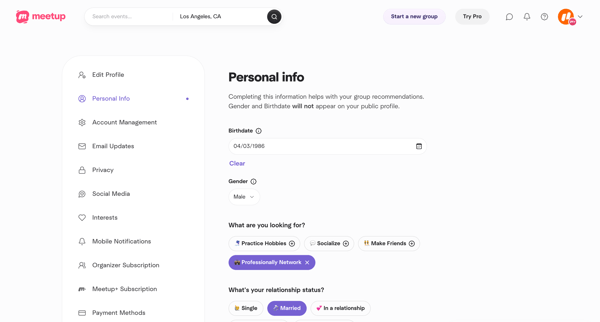
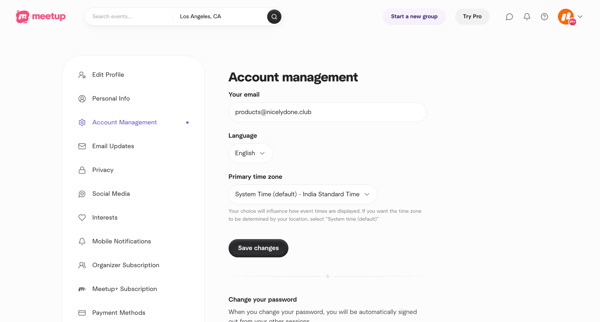
Updating user profile
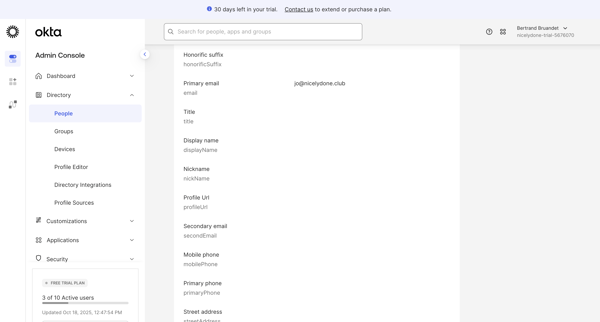
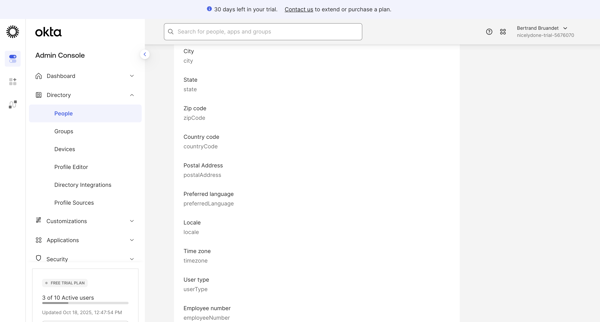
User flow from Okta.
Preview these flows

Related user flows


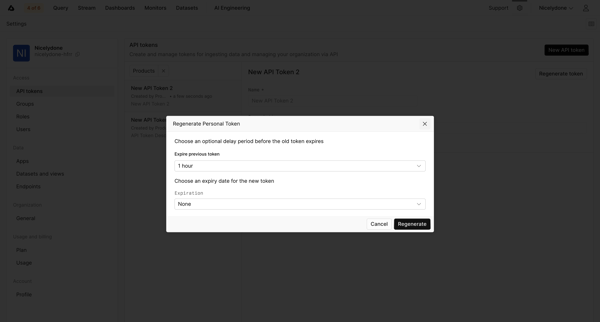
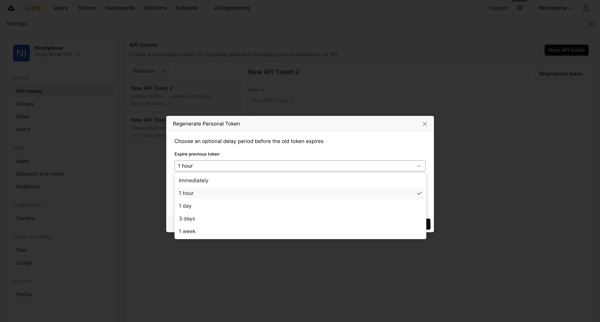
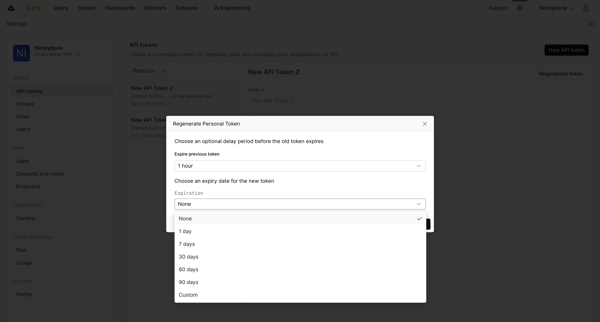
User opens regenerate API token modal from API tokens settings, configures optional delay before old token expires and expiration for new token including custom date, then views the newly generated token value for copying

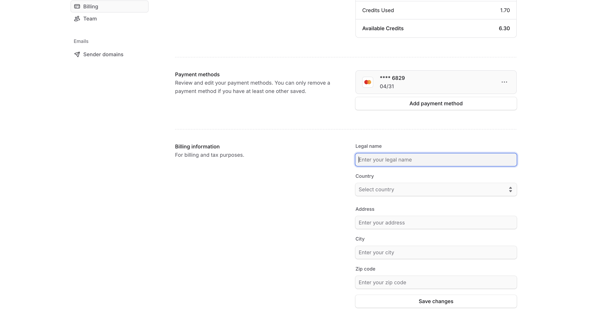
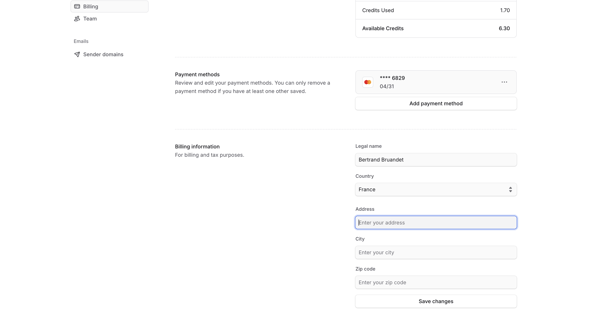
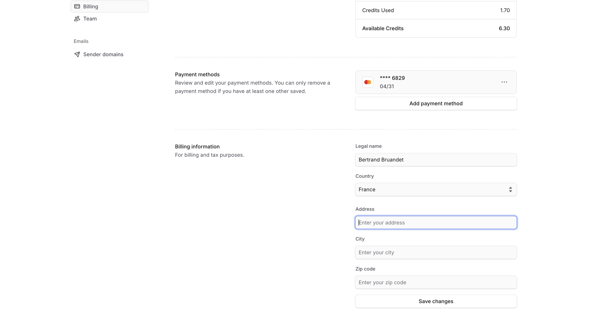
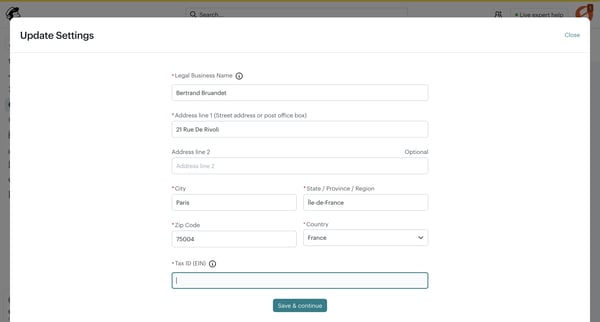
Journey through billing settings screens to edit payment methods, billing address, legal name, view credits, and manage subscription

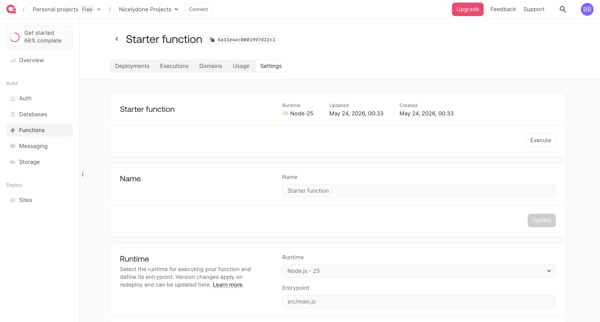
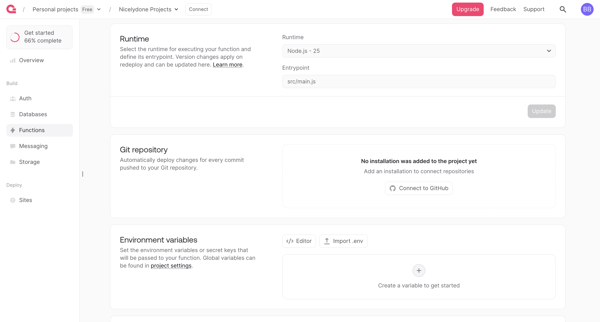
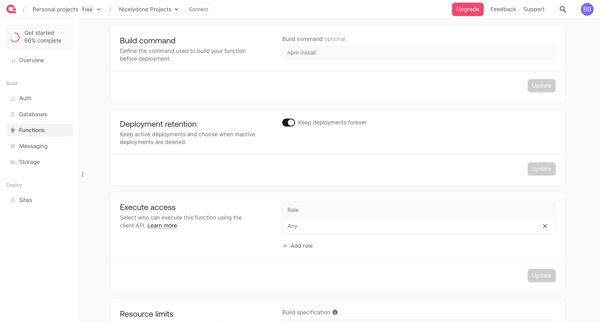
User configures serverless function runtime, integrations, permissions, limits and scopes across sequential settings screens in Appwrite console

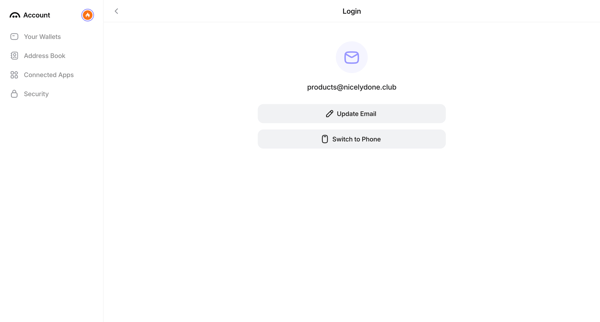
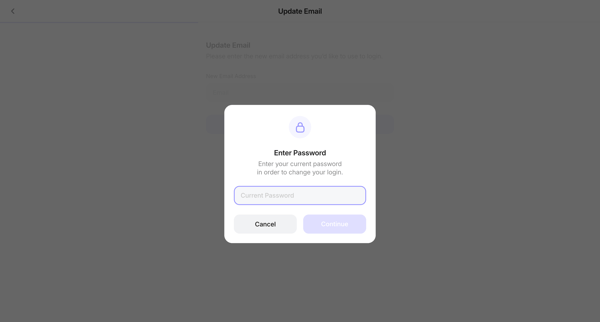
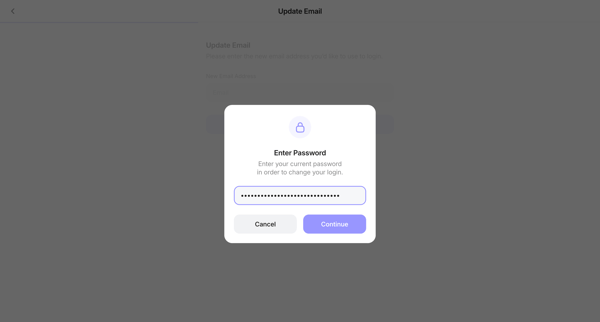
User initiates email change from login settings, verifies password, enters new email, and confirms via 6-digit code sent to the new address before returning to account settings


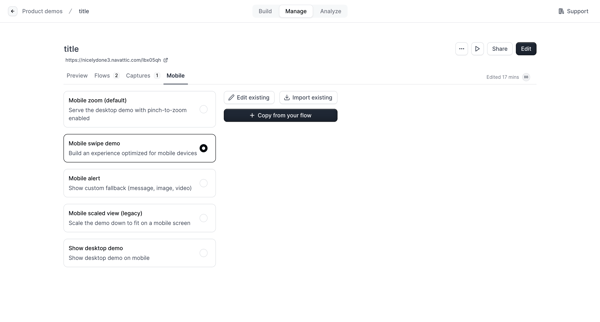
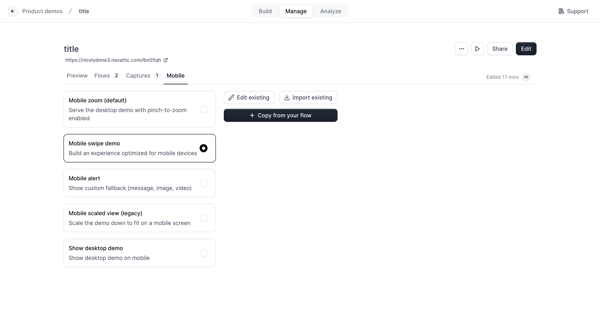

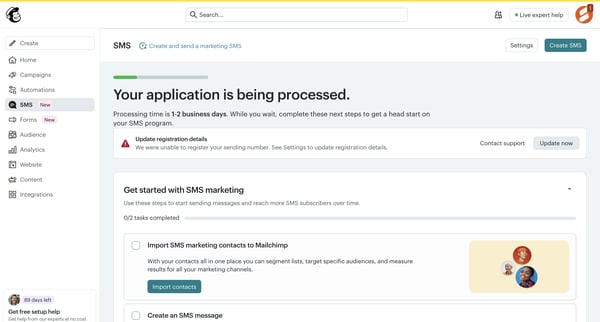
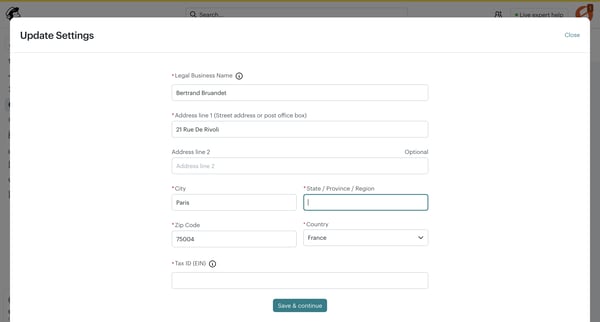




Explore the full SaaS flow library
Browse the full SaaS flow library.
Trusted by the best teams







