Skiff Flow Example: Inviting contacts
Preview this Skiff user flow: Inviting contacts. Explore the opening screens.
Preview these flows

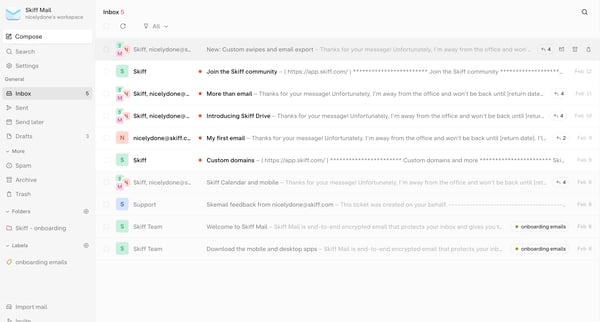
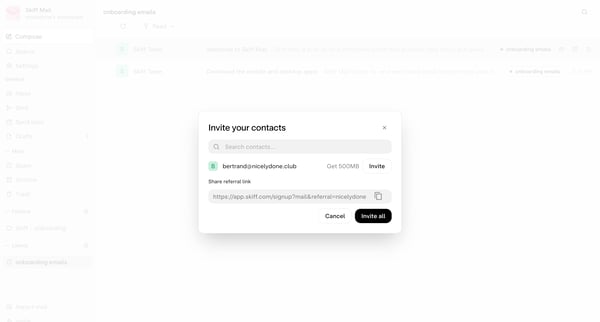
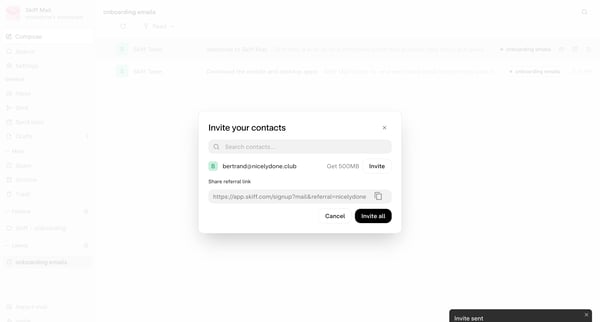
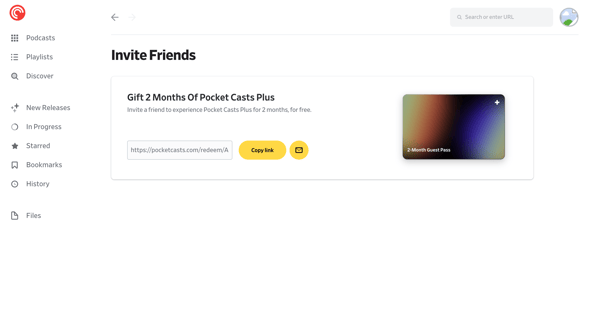
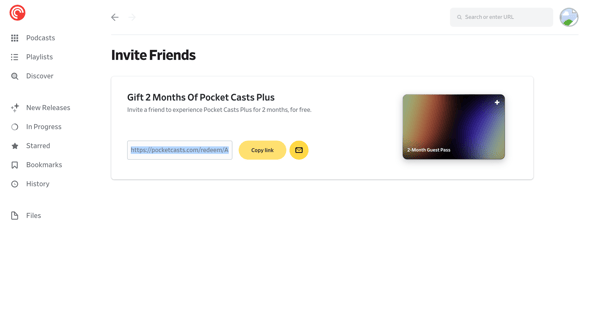
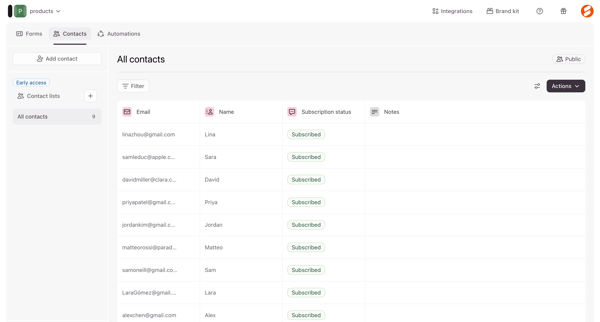
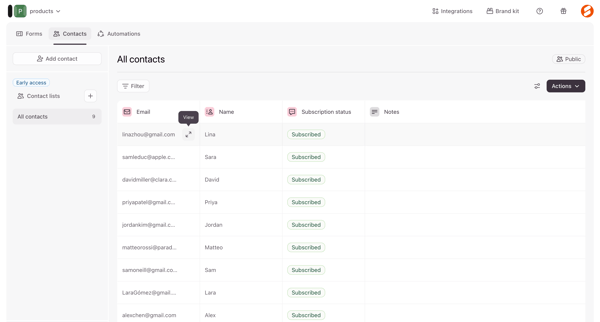
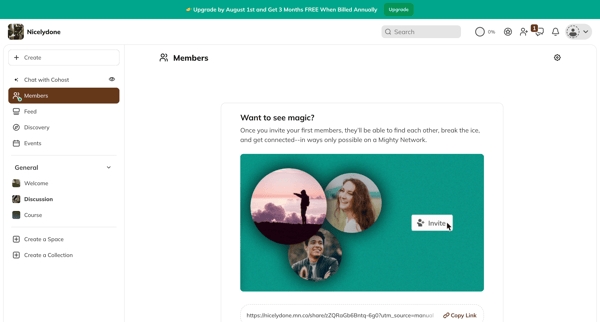
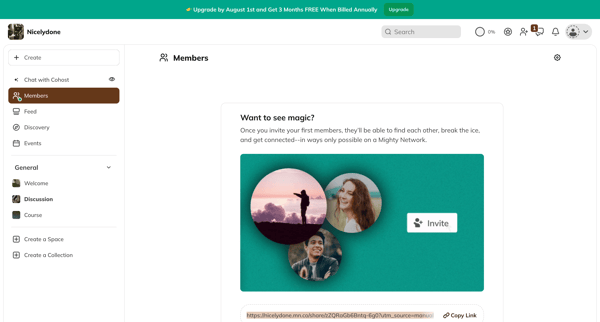
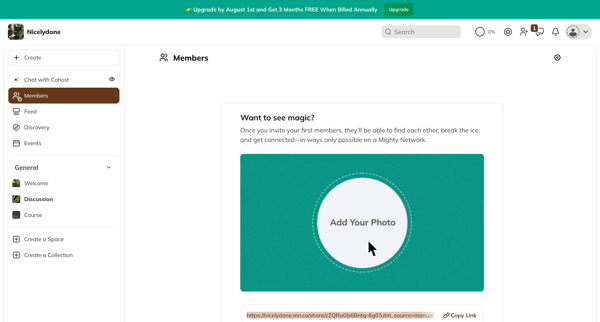
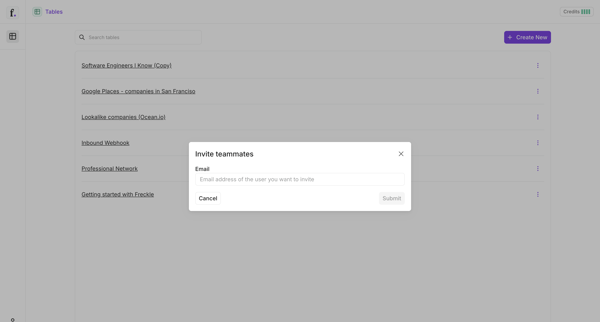
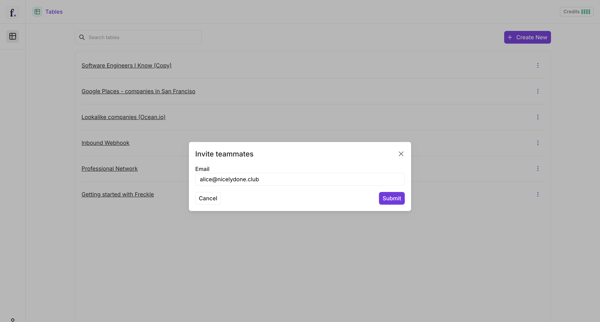
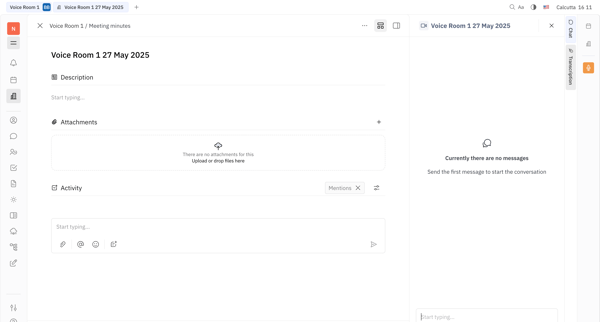
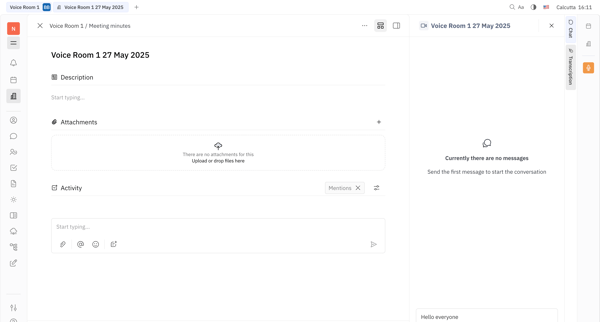
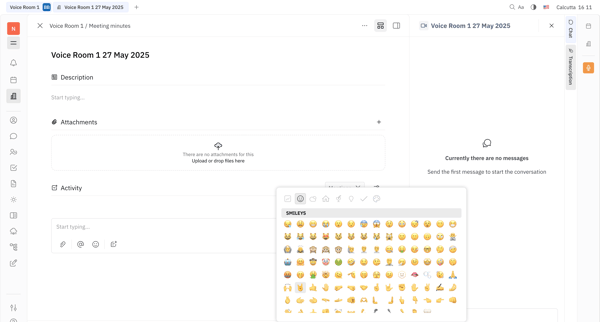
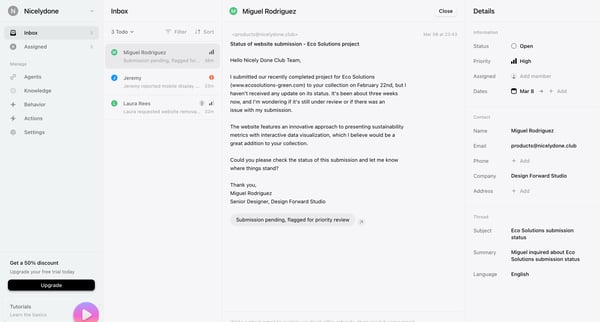
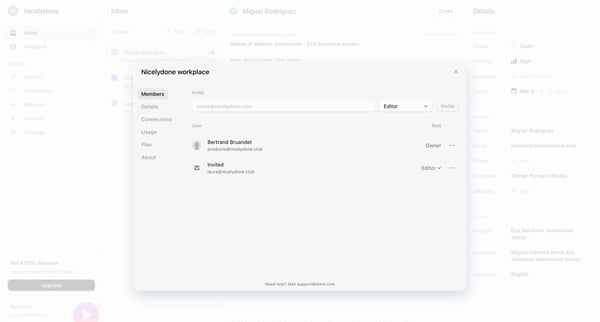
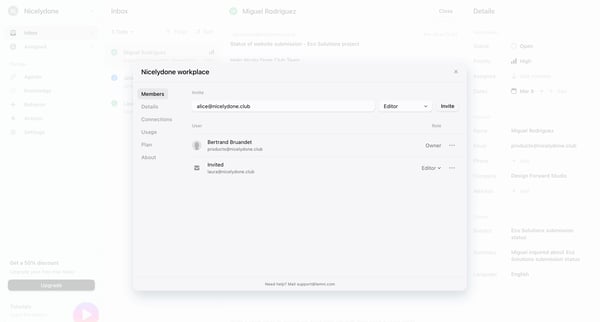
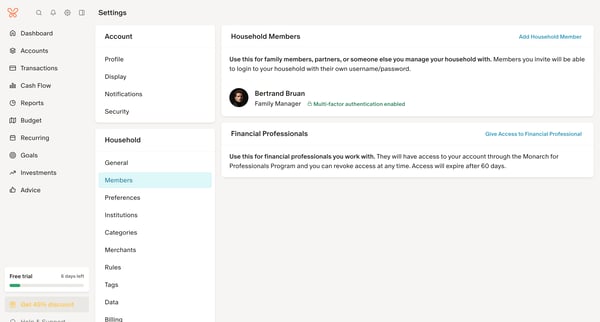
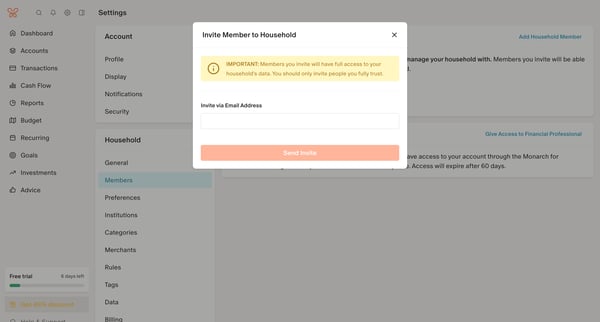
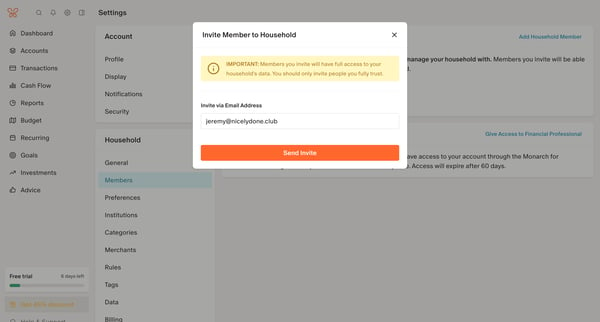
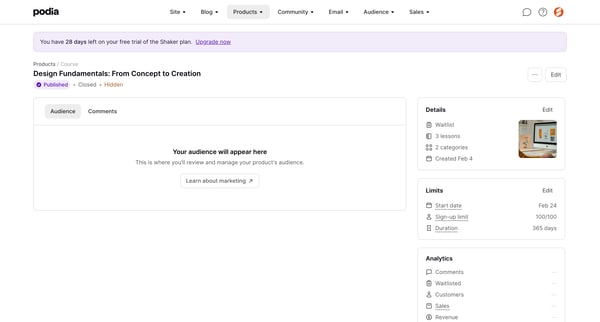
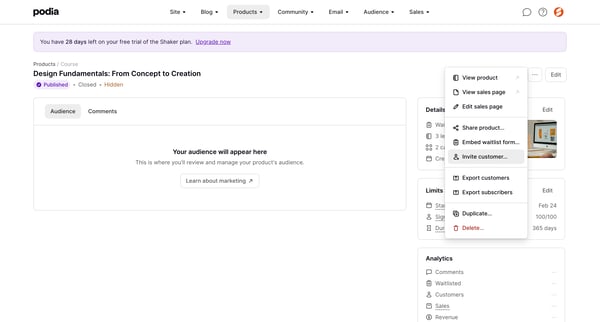
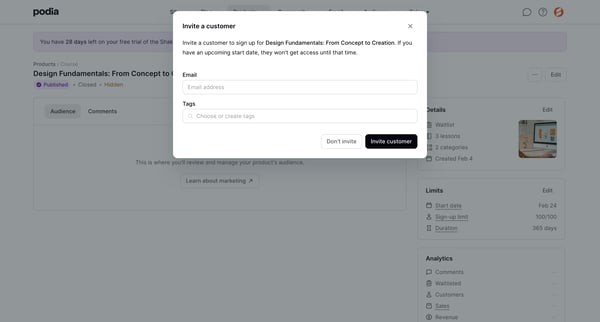
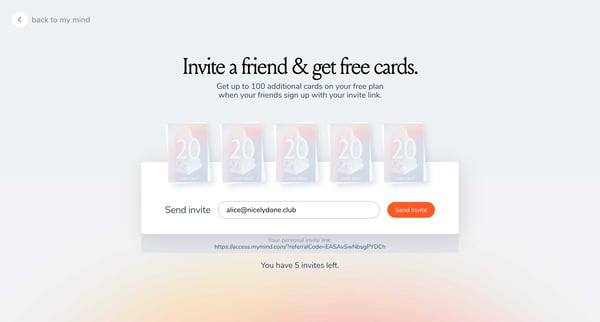
This user flow facilitates the process of inviting contacts to join Skiff by sending invitation emails and sharing referral links.
Related user flows

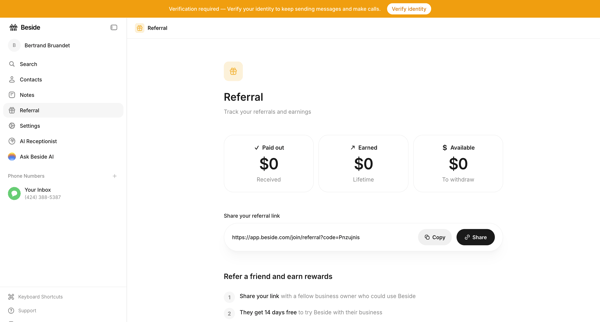
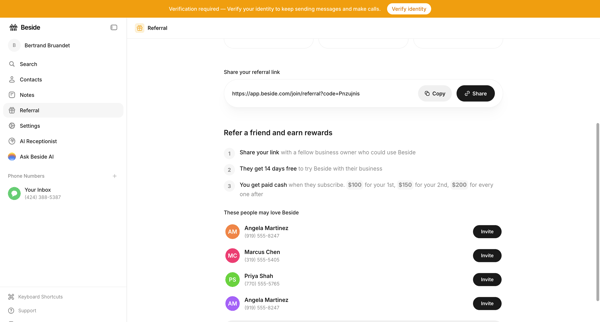
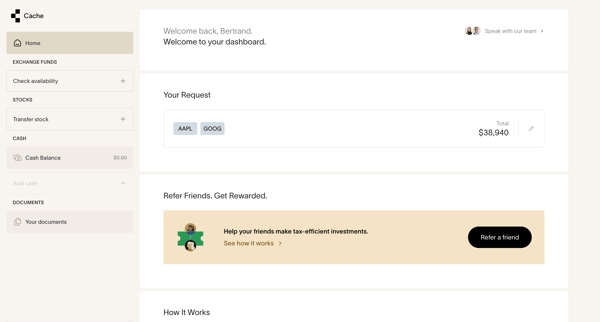
User views referral dashboard with earnings and link, then accesses detail page to copy link or invite suggested contacts

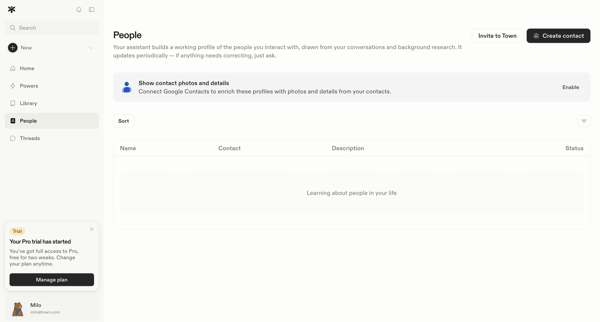
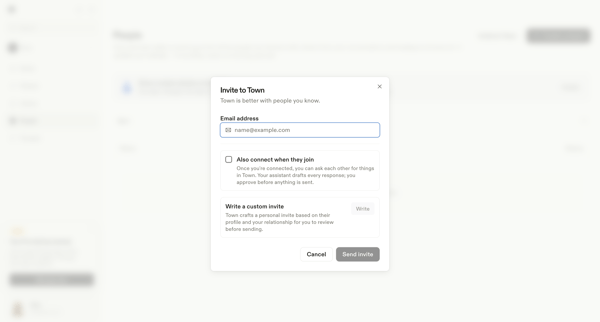
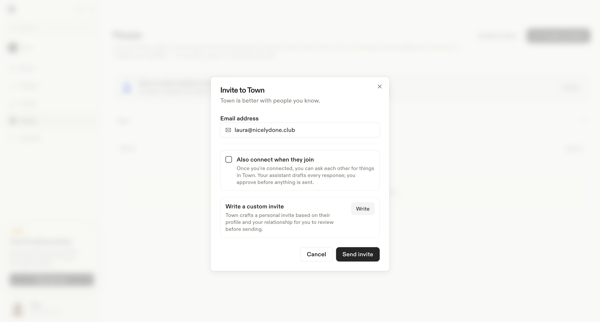
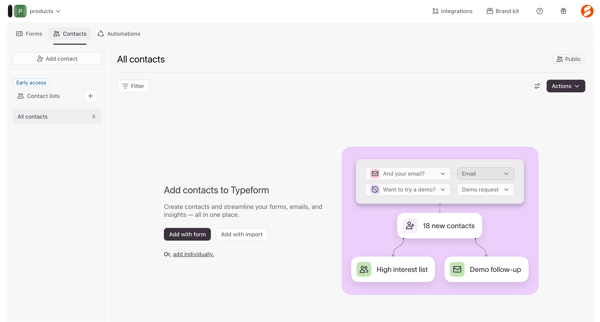
User opens invite flow from empty People list and enters email in modal to send teammate invitation with optional auto-connect and custom message













Explore the full SaaS flow library
Browse the full SaaS flow library.
Trusted by the best teams







