OpenAI Flow Example: Selecting AI model
Preview this OpenAI user flow: Selecting AI model. Explore the opening screens.
Preview these flows

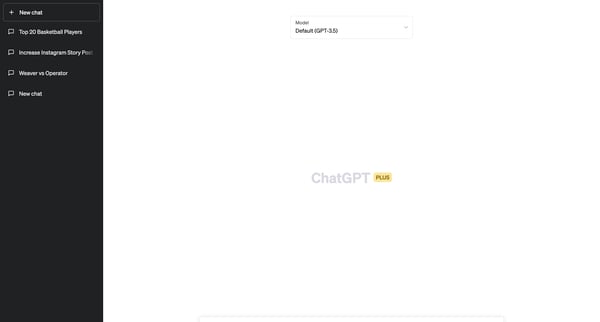
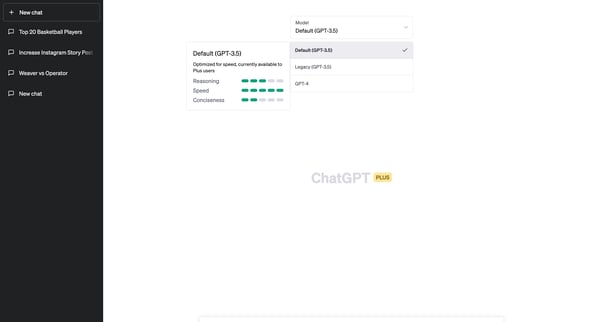
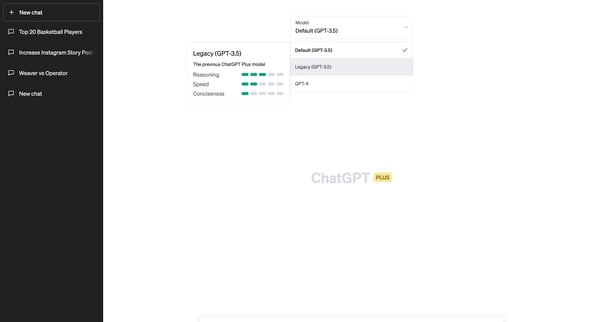
This flow guides a user through the process of selecting and understanding different ChatGPT model versions, highlighting features and limitations.
Related user flows

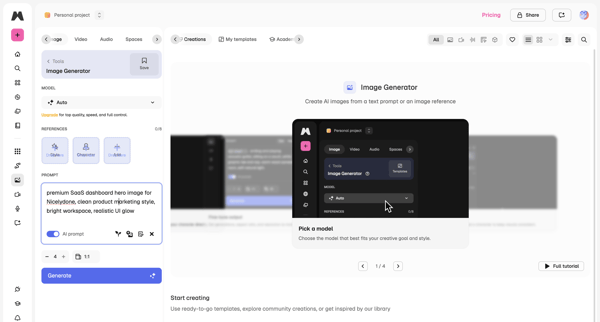
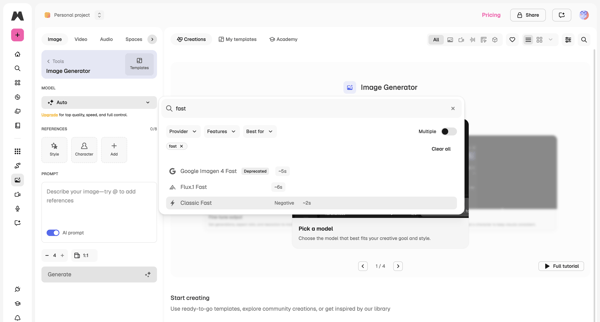

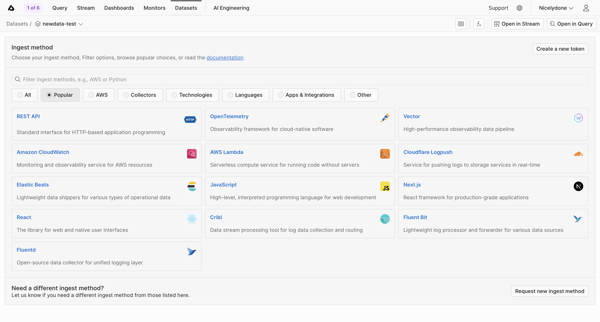
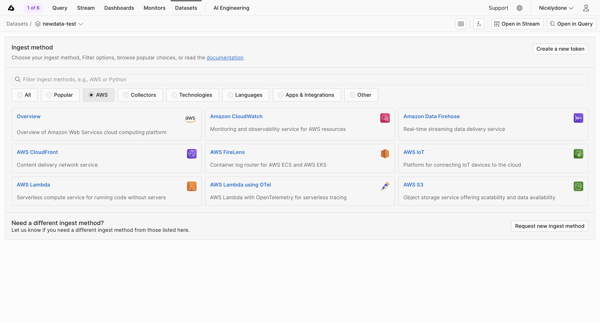
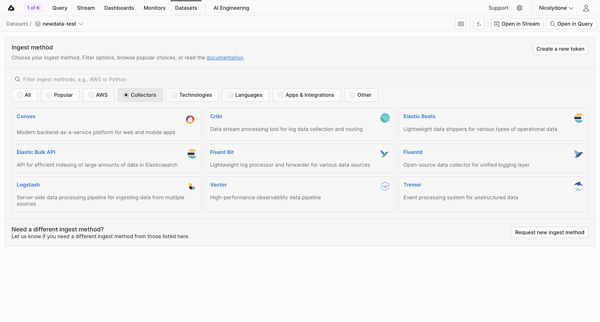
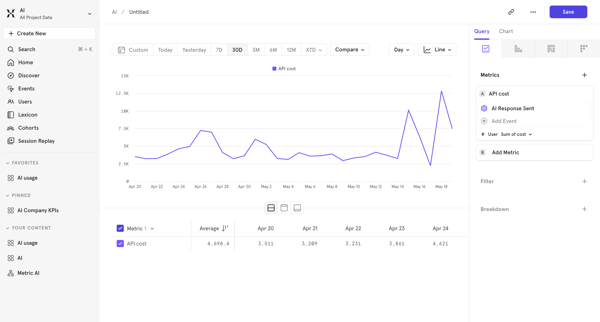
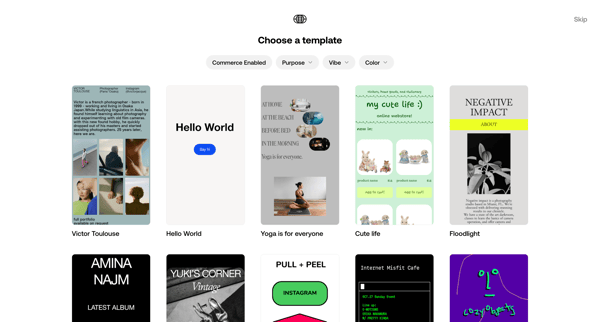
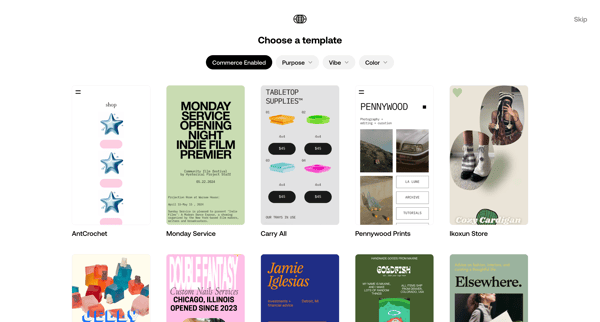
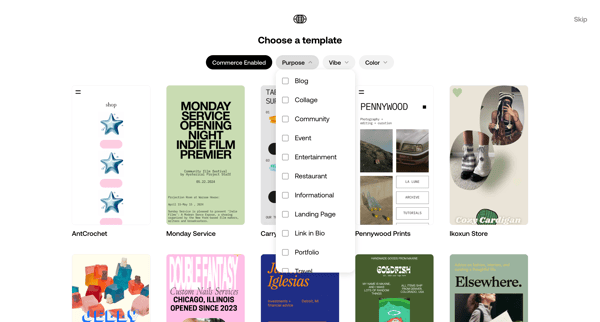
User searches, filters, and selects an ingest method from categorized grids of integrations for a specific dataset

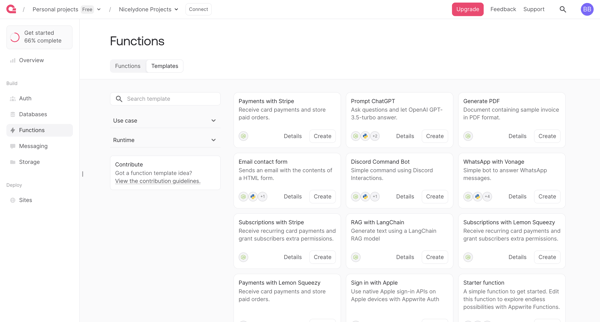
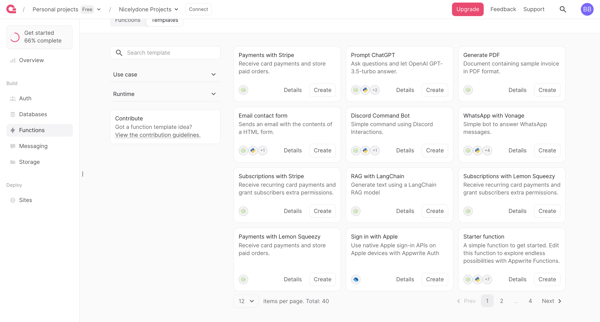
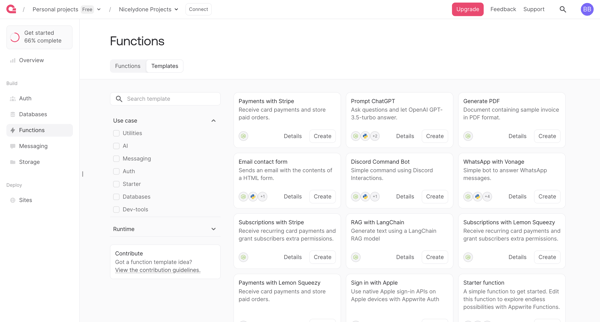
User browses, filters by runtime and use case, searches, and reviews function templates in gallery to select one for deployment






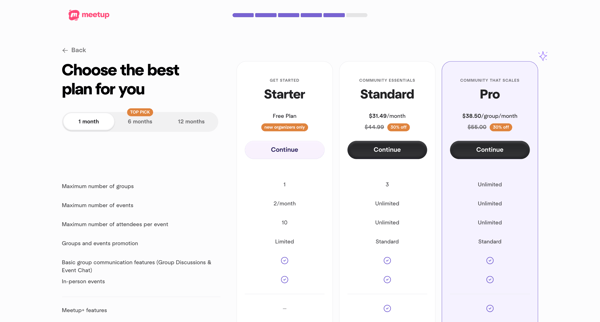


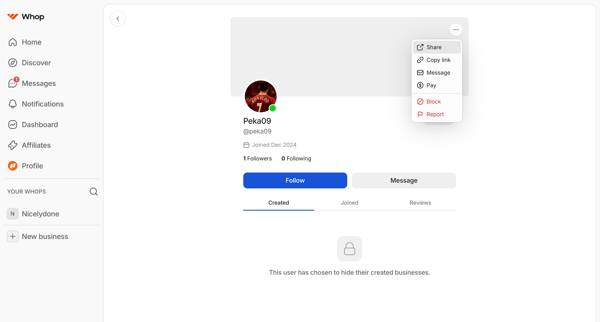

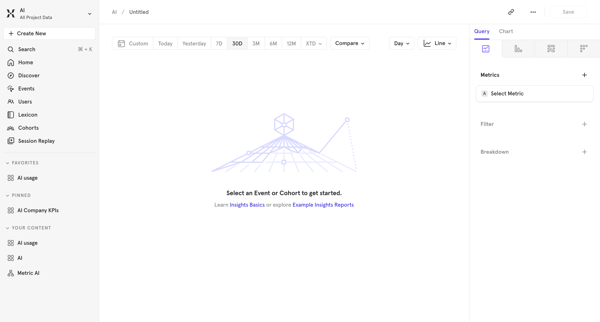
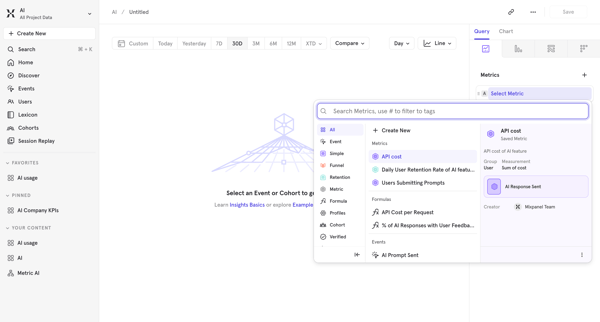






Explore the full SaaS flow library
Browse the full SaaS flow library.
Trusted by the best teams







