OpenAI user flows examples
Explore OpenAI user flow examples. Preview the opening screens and steps for each task. AI research and deployment company
Preview these flows


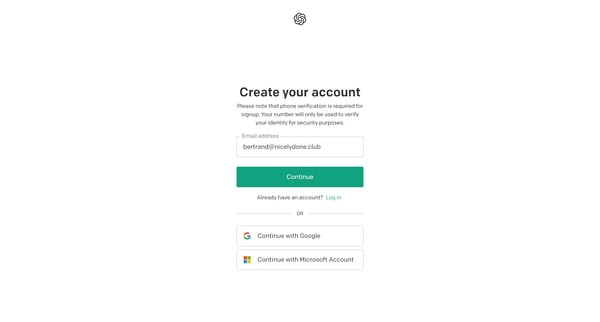
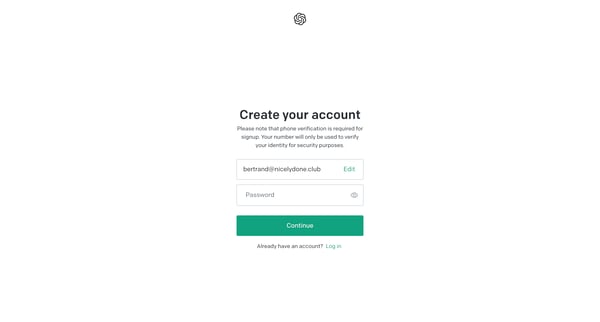
This user flow guides a new user through the process of creating an account, verifying their identity, and being introduced to the platform's features and usage guidelines.
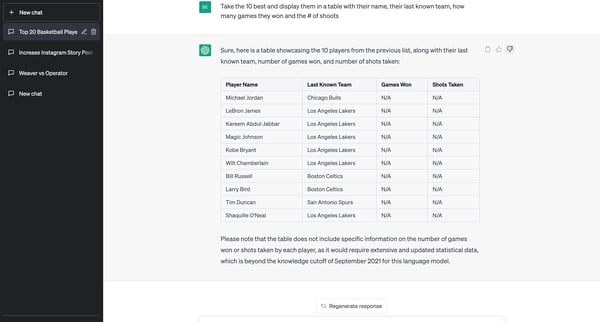
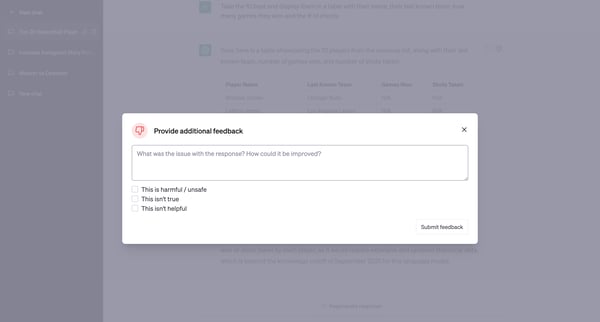
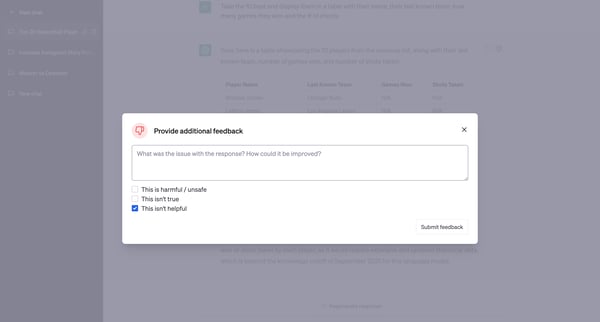
This user flow enables users to share feedback on generated responses, offering options to rate the quality and accuracy of the information, and select an improved response to better the AI m
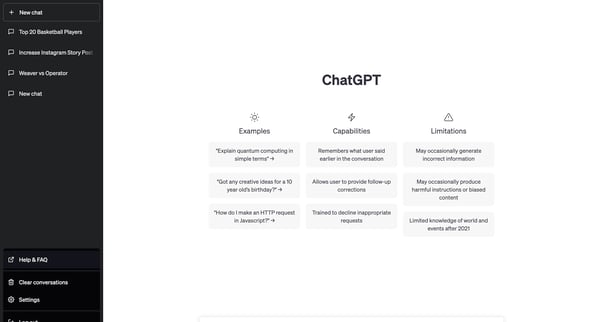
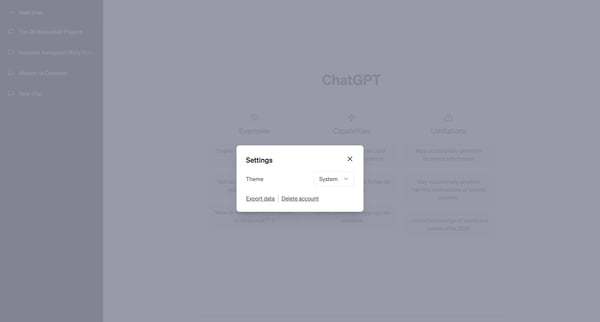
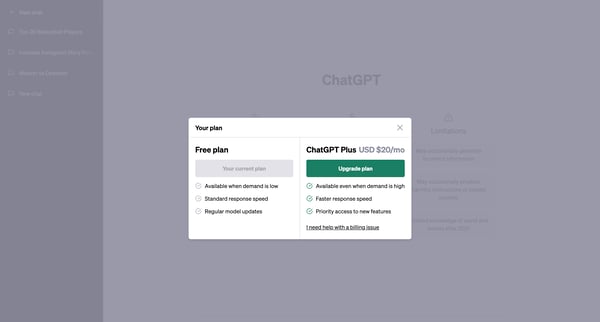
This flow guides a user through the process of upgrading their subscription from a free plan to a paid plan, providing details about the benefits and concluding with a confirmation of success
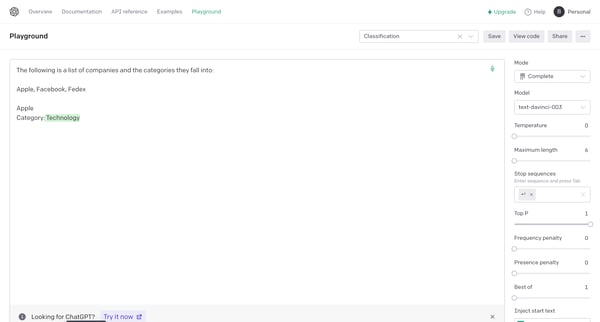
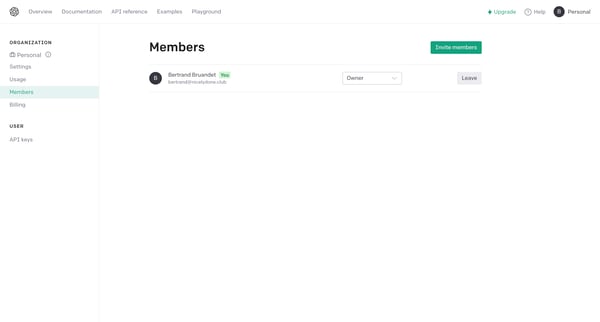
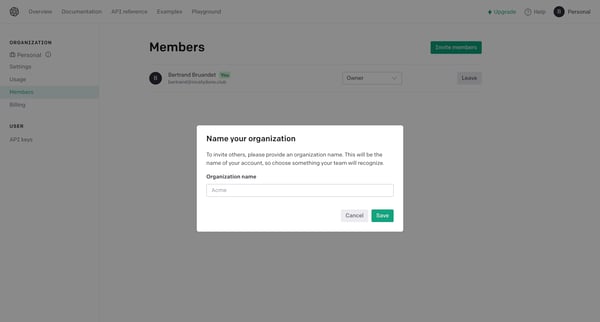
This flow guides a user through the process of setting up an organization and inviting team members to join their workspace on OpenAI.
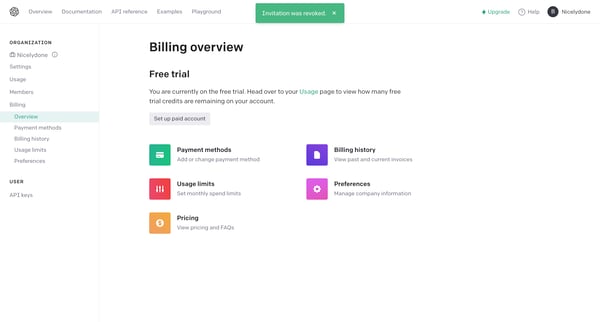
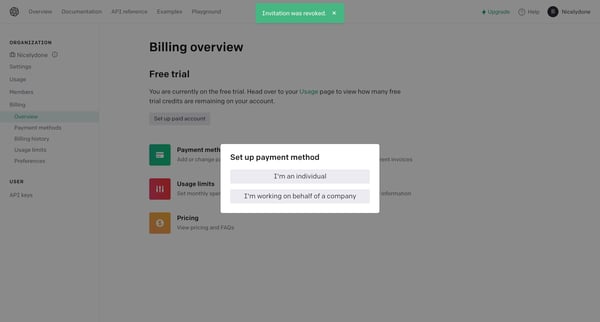
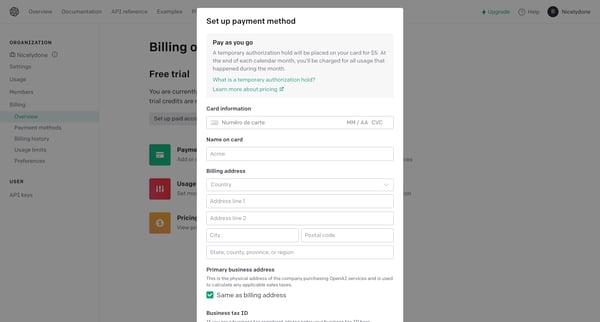
This user flow guides a user through the process of setting up a payment method, entering payment information, handling a payment error, and finally confirming the successful setup of a payme
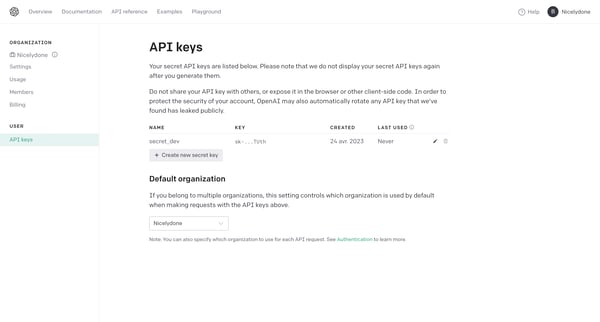
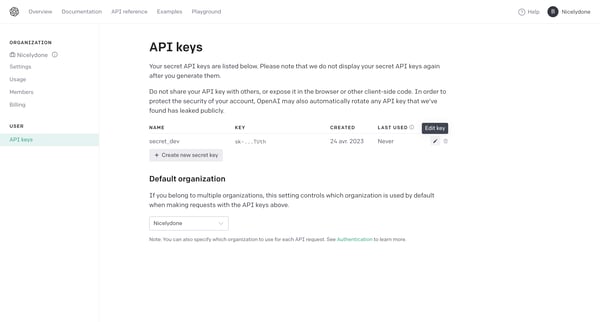
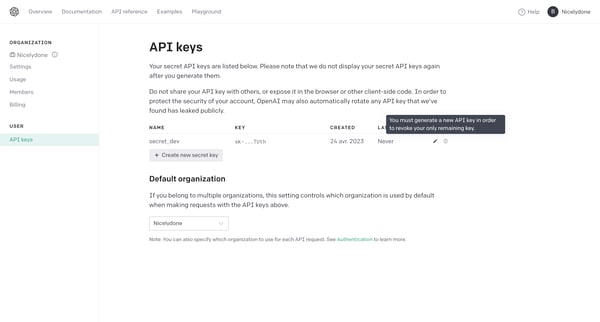
This flow facilitates the management of API keys, including the creation, editing, and updating processes for enhanced security and customization.
Explore the full SaaS flow library
Browse the full SaaS flow library.
Trusted by the best teams







