Raster Flow Example: Setting up account
Preview this Raster user flow: Setting up account. Explore the opening screens.
Preview these flows

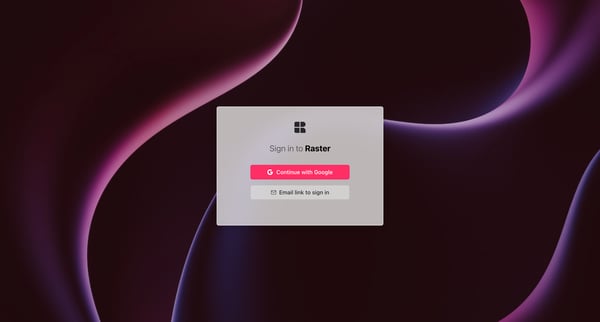
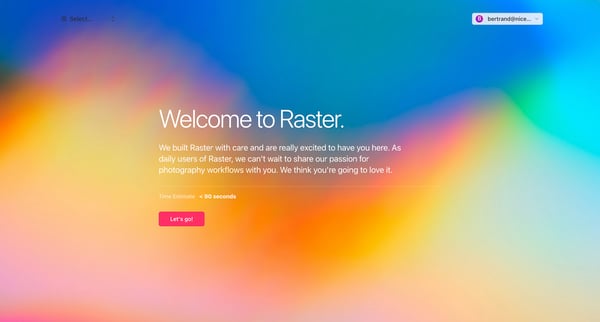
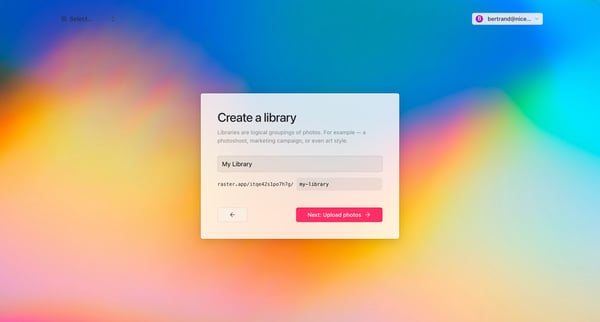
This flow guides a user through the process of setting up an account on Raster, including signing in, onboarding, creating a photo library, and uploading initial photos.
Related user flows

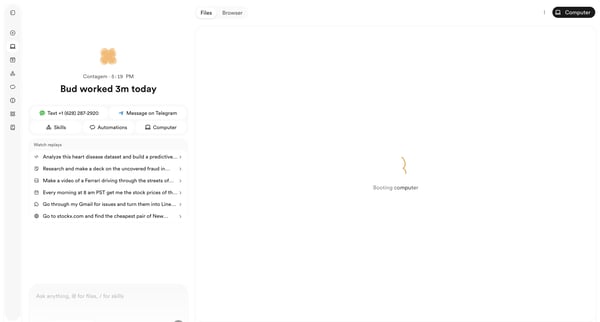
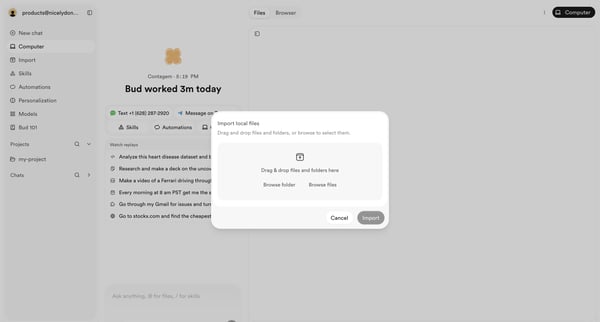
User opens file import modal from AI agent workspace dashboard to select local files or folders via drag-and-drop or browse

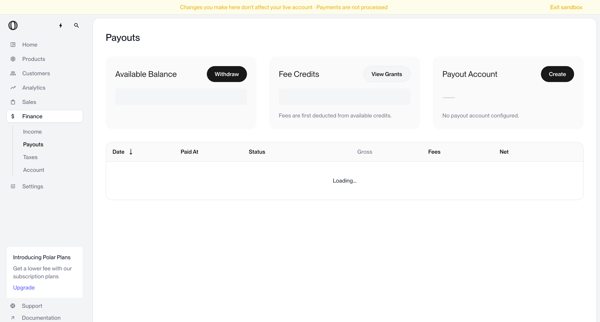
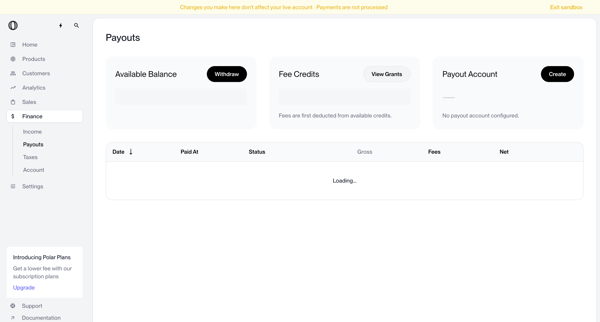
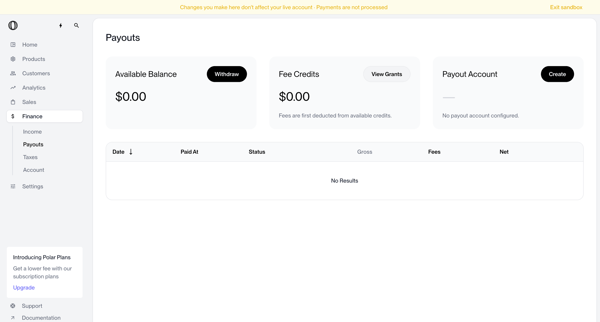
User views payouts dashboard showing no account configured, triggers withdrawal which shows blocked modal, opens create payout account modal, selects country of residence from dropdown, and returns to dashboard with manage button and setup required status

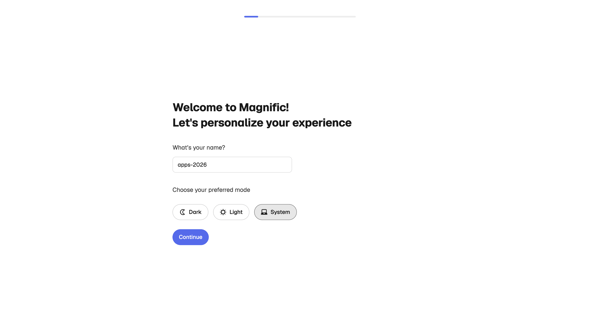
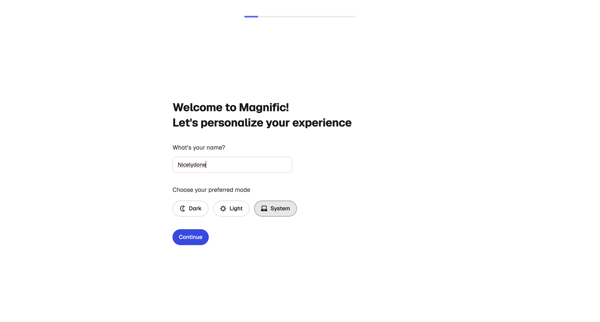
Onboarding personalization step where user enters name and selects display theme before entering the app

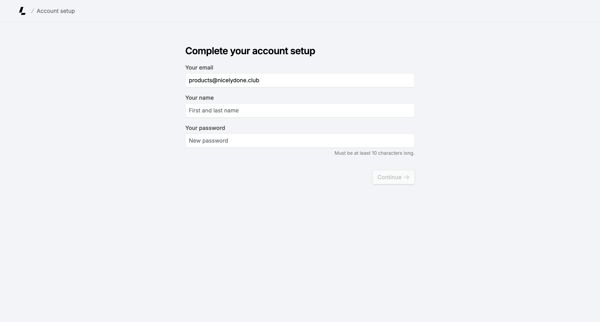
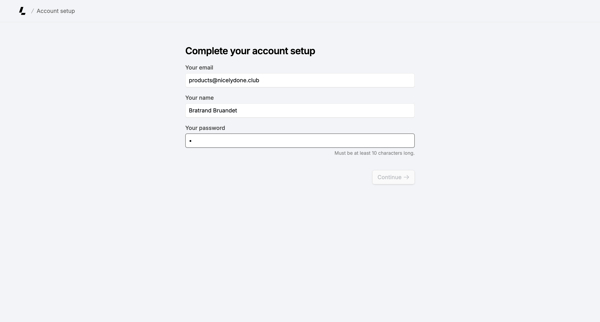
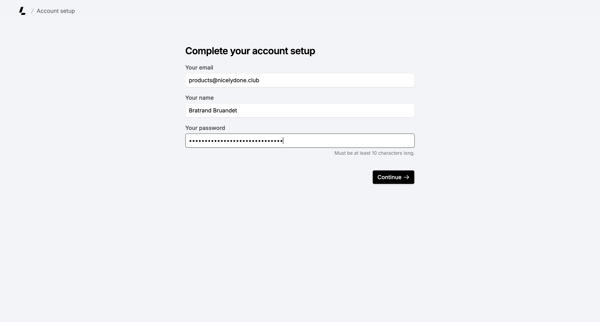
Onboarding form where user confirms email, enters name, and sets password to finish account creation

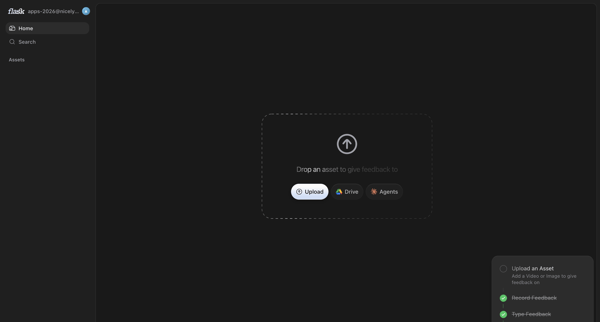
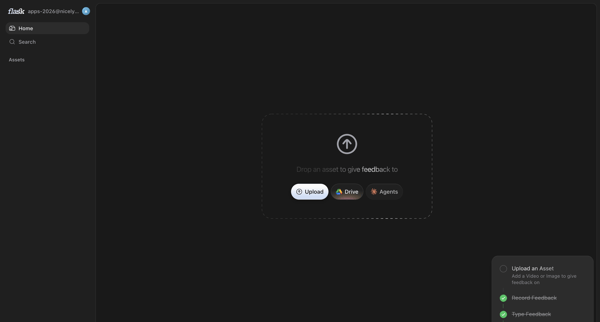
User prompted on home screen to upload asset via local file, Drive or Agents to begin feedback

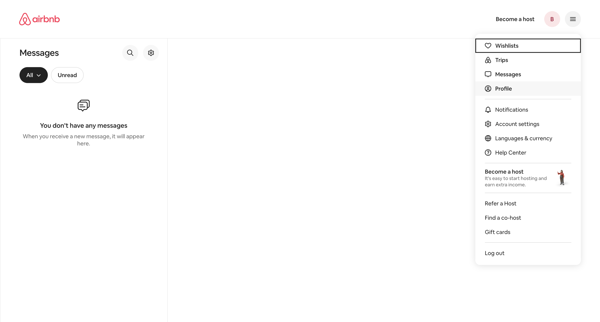
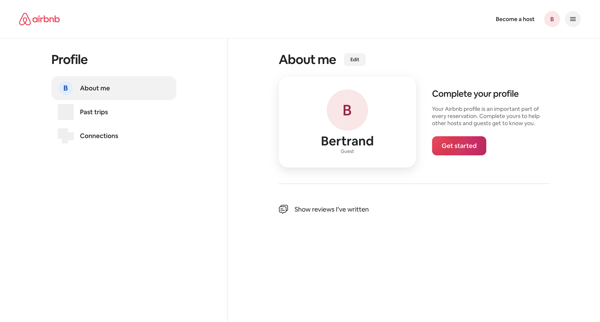
From empty messages inbox, open profile dropdown to reach profile settings page showing completion prompt and Get started action

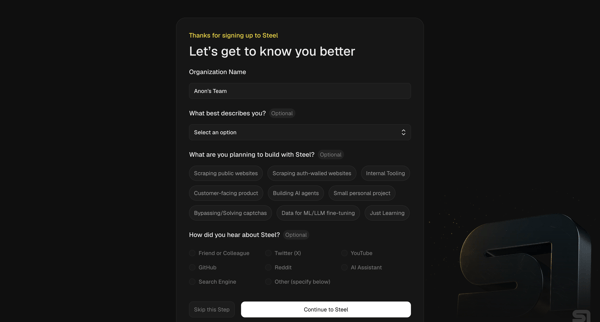
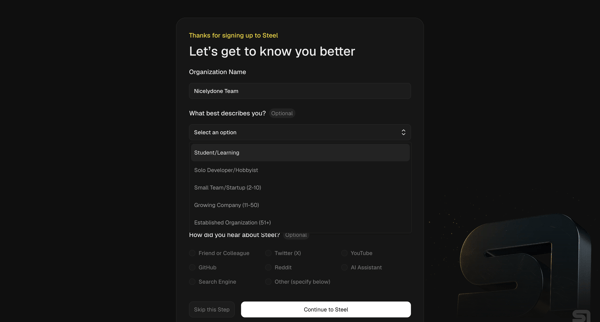
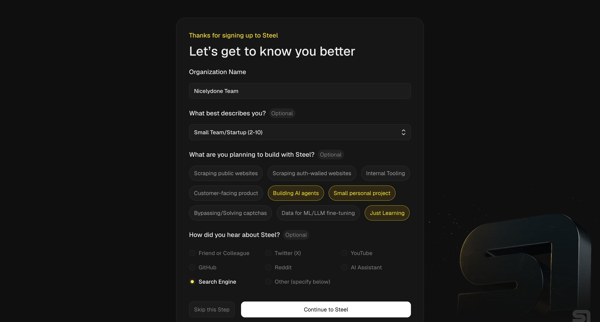
Multi-step onboarding questionnaire collecting organization name, role, use cases, and referral source for Steel account setup

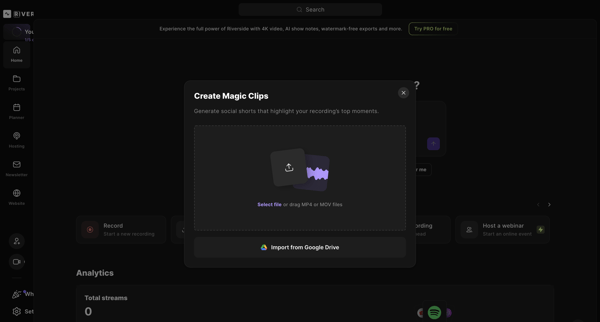
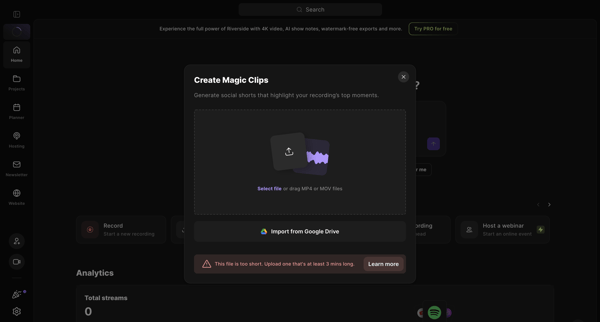
User opens Create Magic Clips modal from home dashboard to upload MP4/MOV or import from Google Drive for AI social shorts generation, resulting in minimum duration error state

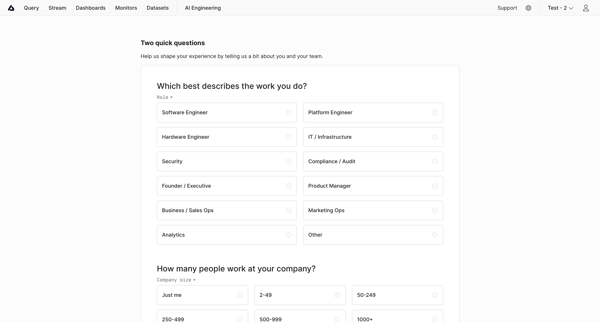
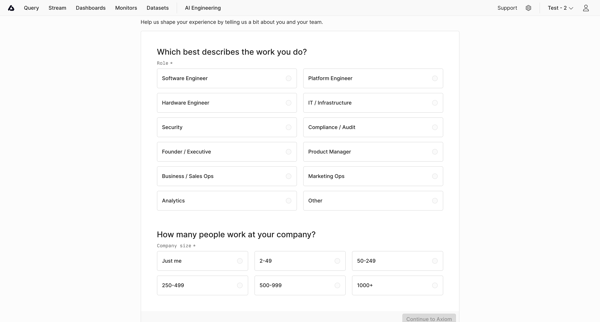
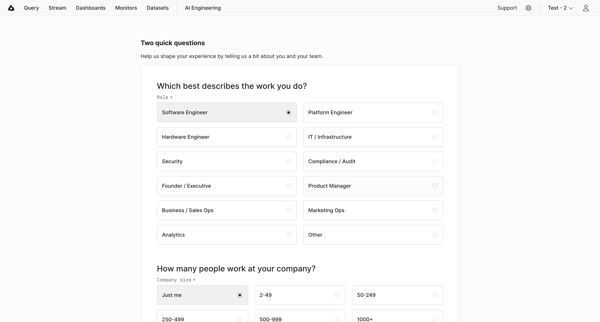
User completes onboarding questionnaire selecting role and company size to personalize experience in Axiom

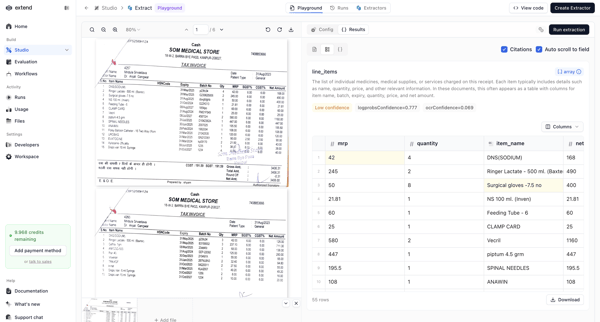
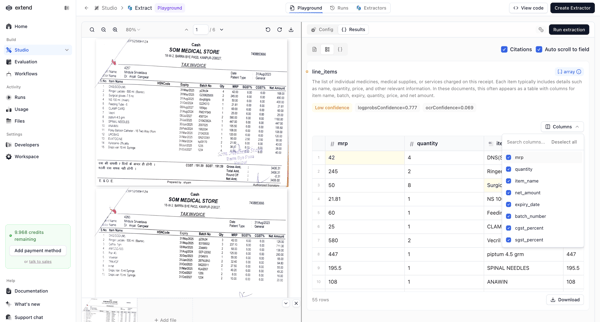
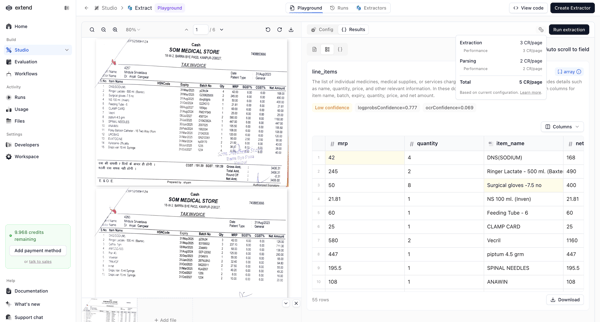
User uploads a PDF such as a tax invoice in the AI Extraction Playground, reviews AI-extracted line items with confidence scores and citations, and performs edits or downloads.

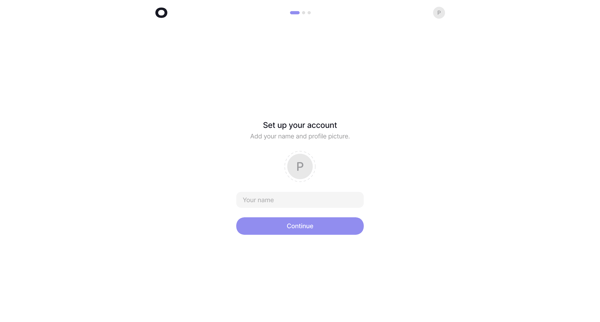
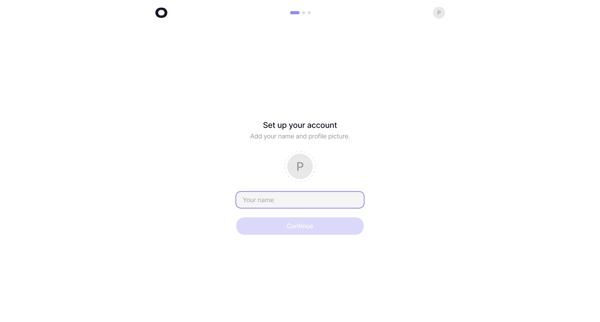
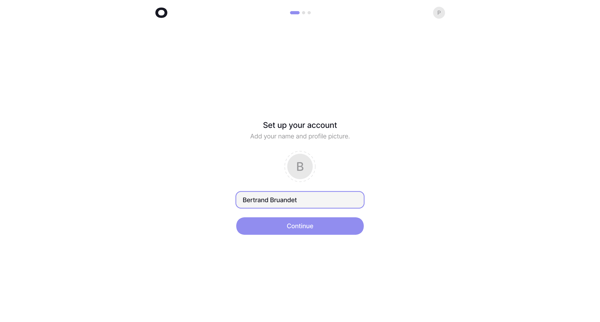
Onboarding sequence to provide name and profile picture during initial account setup

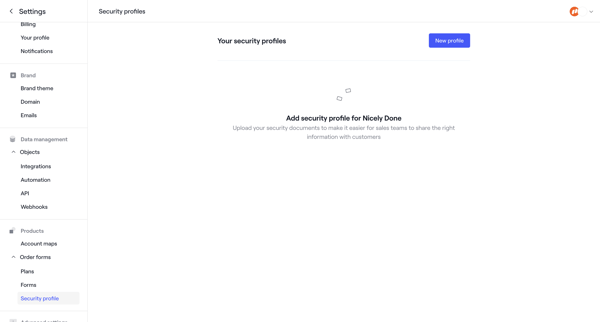
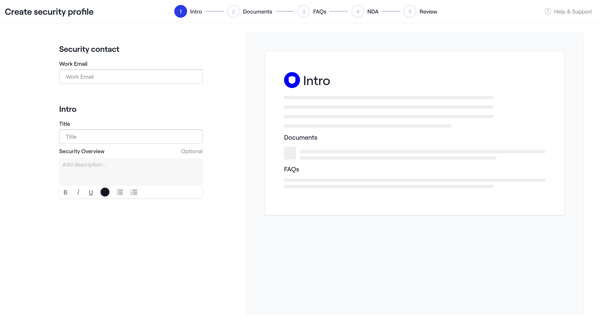
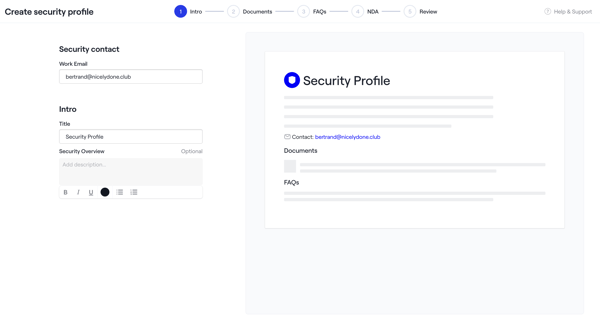
Admin creates a security profile via multi-step wizard starting from empty settings, configuring intro, uploading documents and NDAs, adding FAQs, reviewing, activating, then managing in settings
Explore the full SaaS flow library
Browse the full SaaS flow library.
Trusted by the best teams







