Dock Flow Example: Chatting with AI
Preview this Dock user flow: Chatting with AI. Explore the opening screens.
Preview these flows

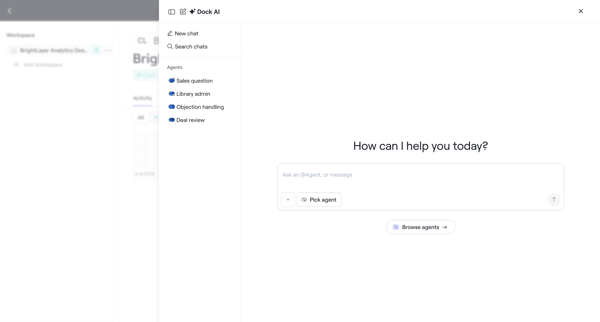
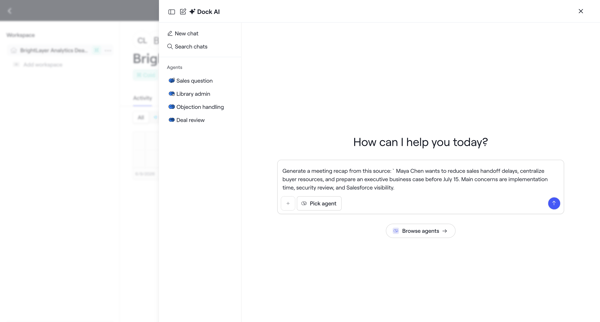
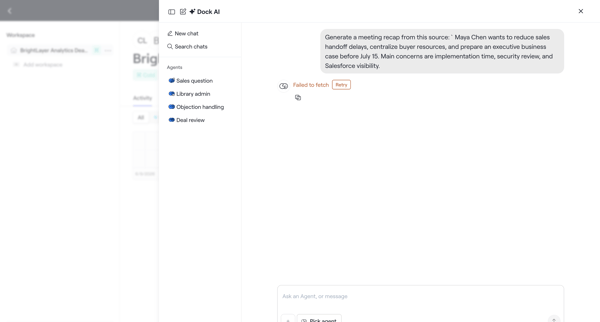
User opens AI chat drawer, selects specialized agent, submits pre-filled prompt for meeting recap generation, and encounters fetch error
Related user flows

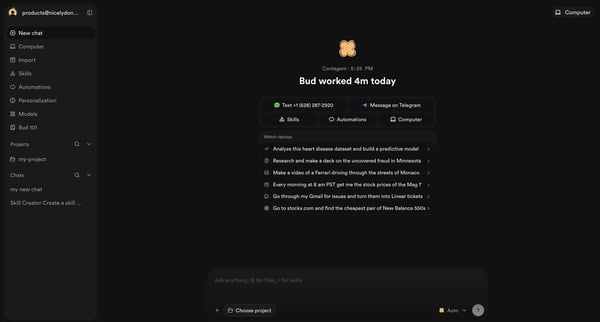
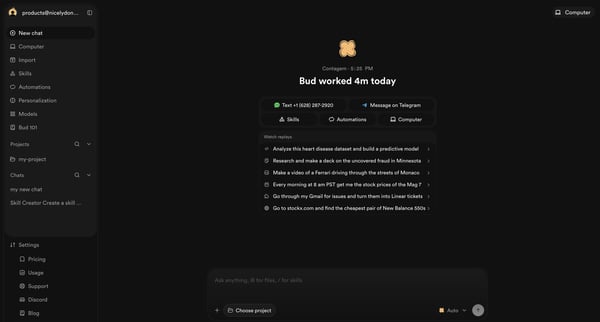
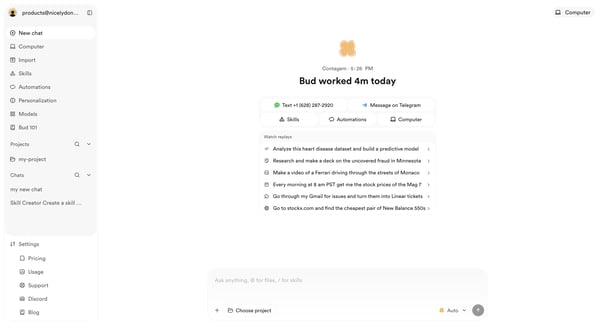
Initiating a new conversation from the AI agent home screen with prompt suggestions and quick actions

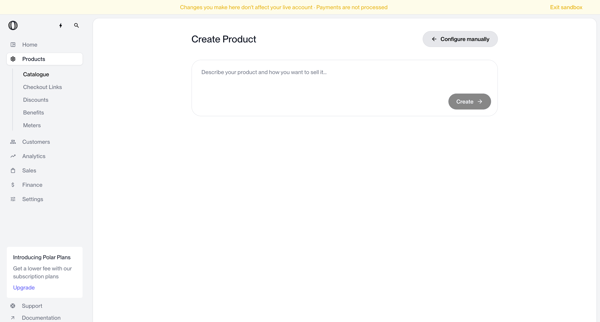
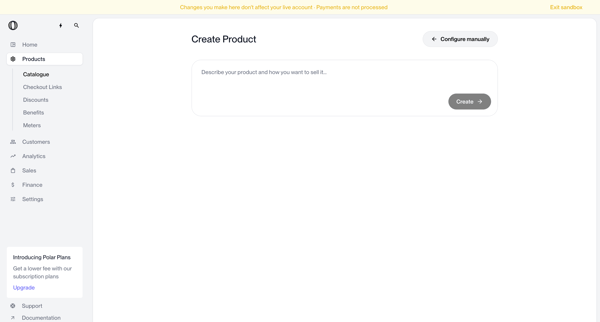
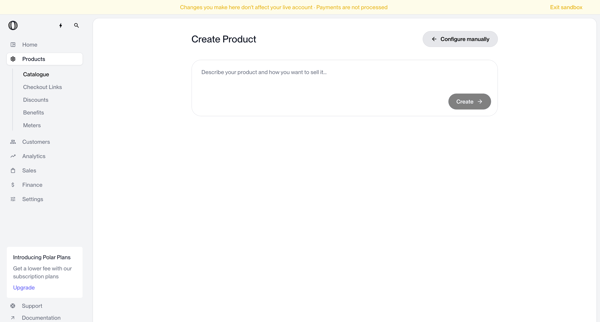
User enters natural language description on create page to generate a new product via AI, with manual configuration option available

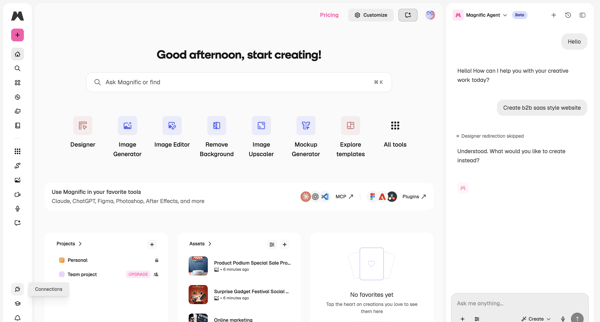
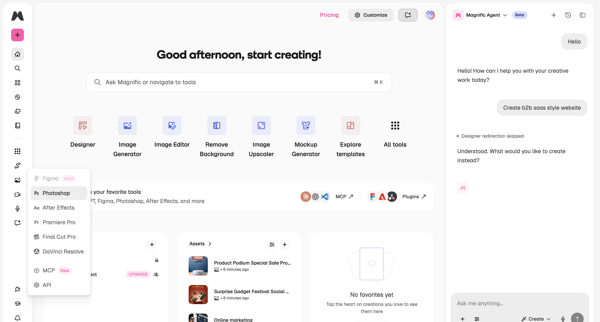
User opens creator dashboard and engages with Magnific Agent sidebar to converse about creative tasks while viewing tools and recent assets

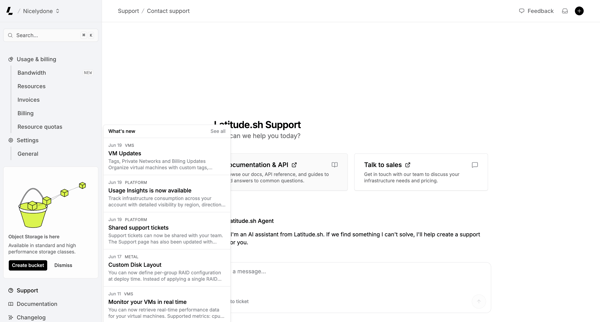
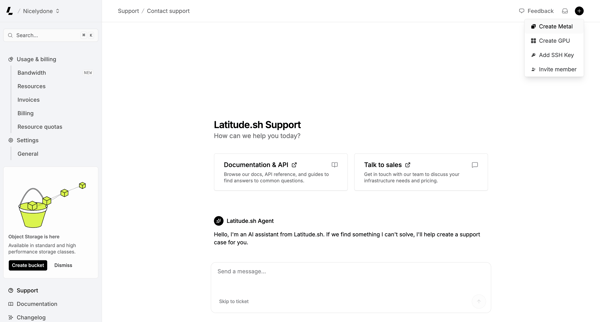
User engages with AI assistant on support page to resolve issues, browse documentation, or contact sales while viewing platform updates

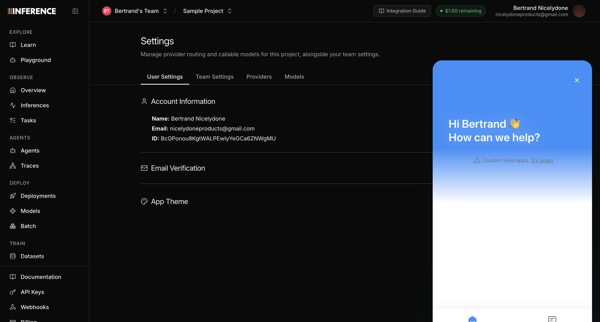
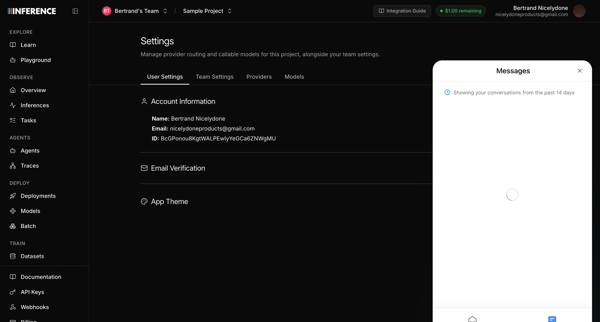
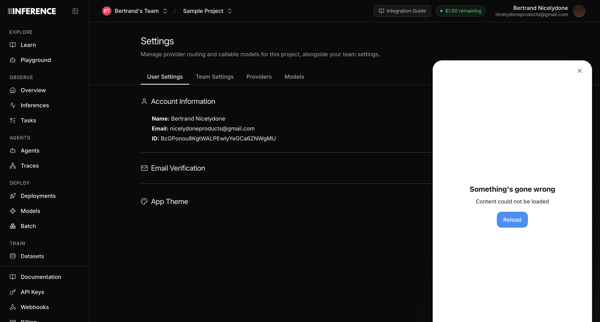
Opening support chat widget from user profile settings page, with messenger attempting to load recent conversations before displaying error states

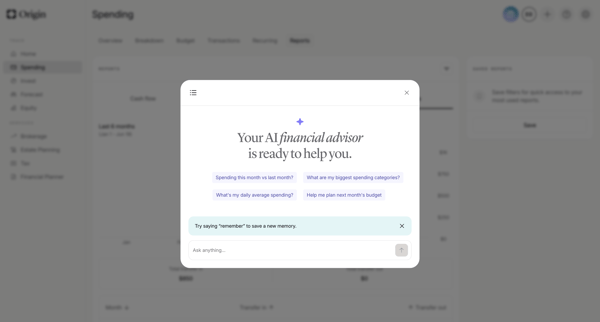
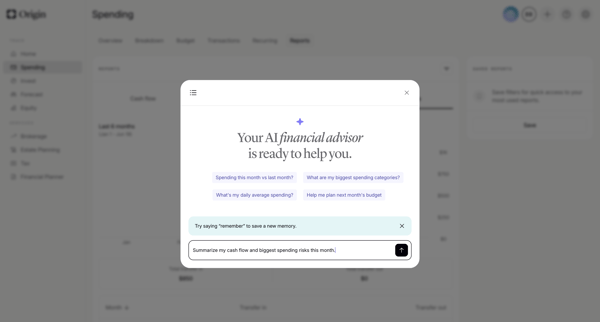
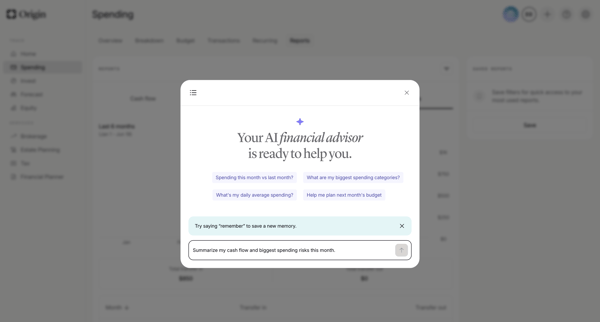
User opens AI advisor modal from dashboard and engages in multi-turn chat to request spending analysis, cash flow summaries, subscription insights, forecasts, and personalized recommendations with generated charts and reasoning steps

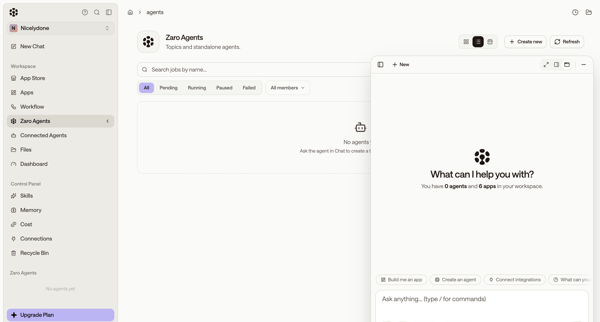
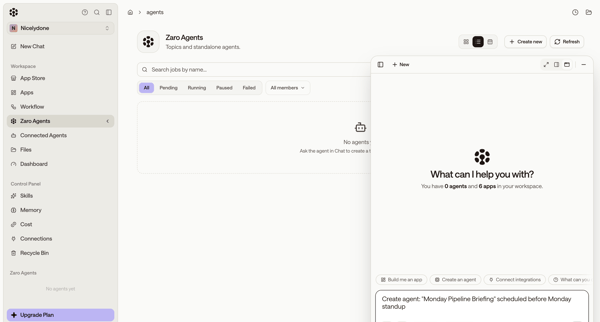
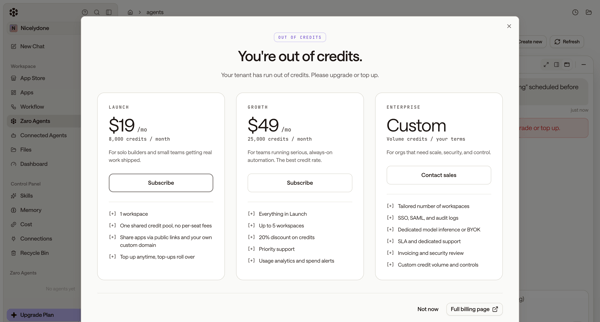
User starts from empty agents list, uses floating AI chat to request agent creation, then encounters out-of-credits paywall and error state

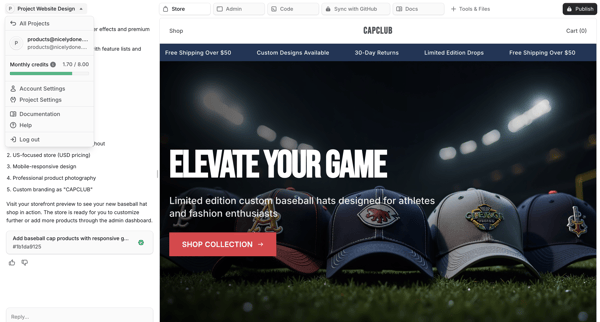
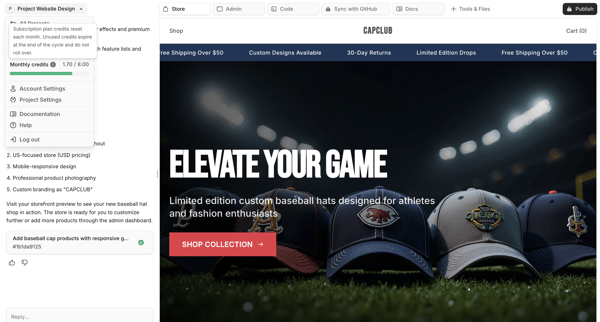
User chats with AI assistant to generate and refine an e-commerce storefront while previewing live results on the right pane

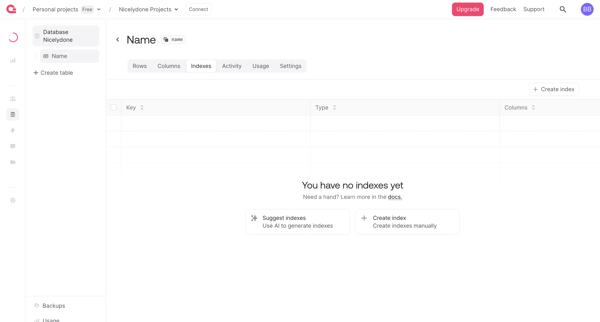
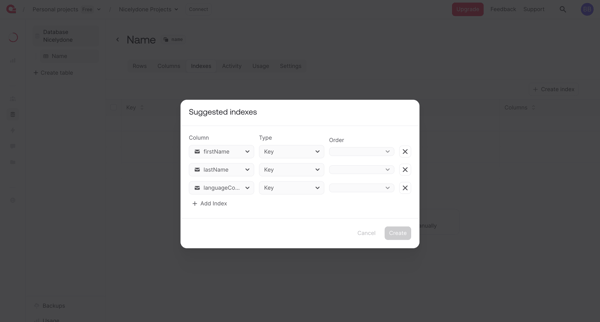
User creates database table indexes from an empty list view using manual creation or AI-generated suggestions in Appwrite

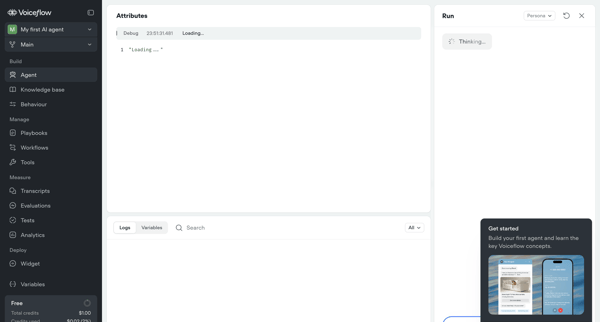
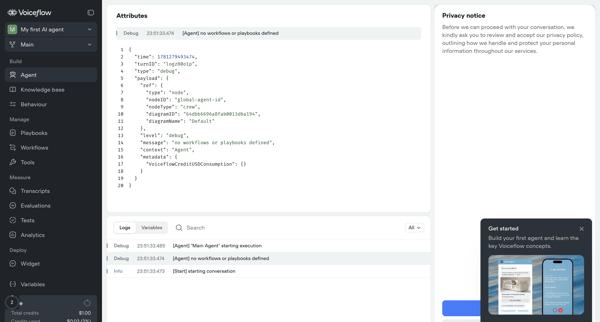
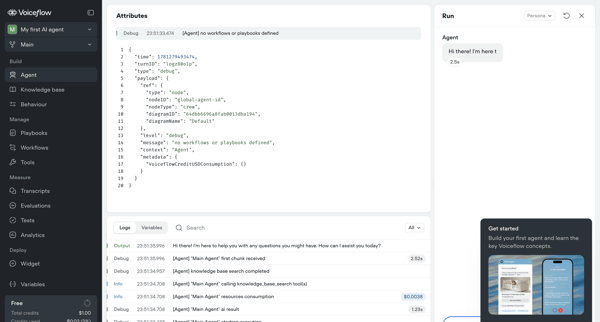
Testing and inspecting live AI agent execution through trace logs, JSON payloads, variables, and real-time chat panel

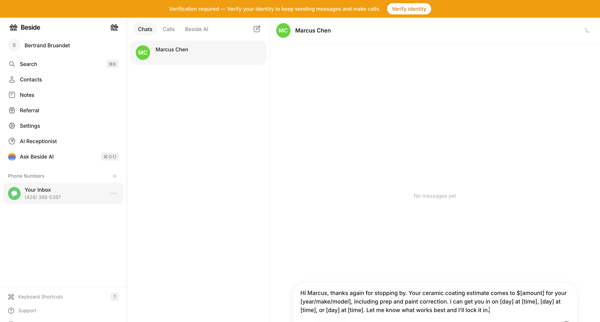
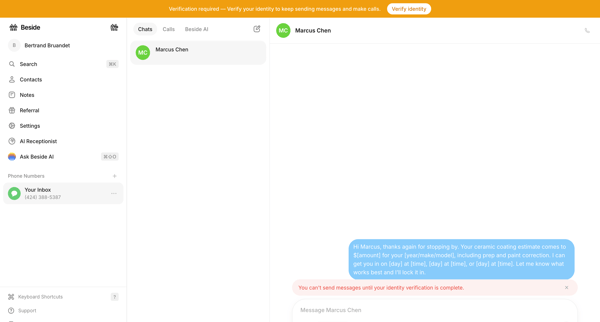
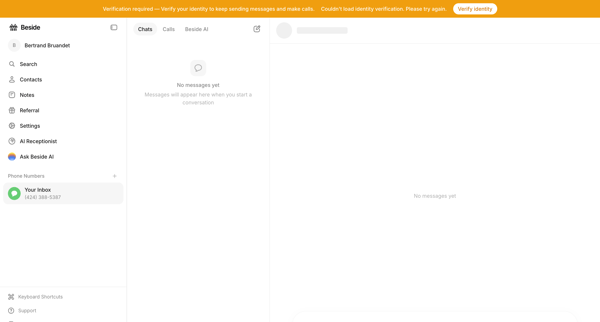
User attempts to draft and send a message in the chat inbox but is gated by an identity verification requirement across empty and blocked states



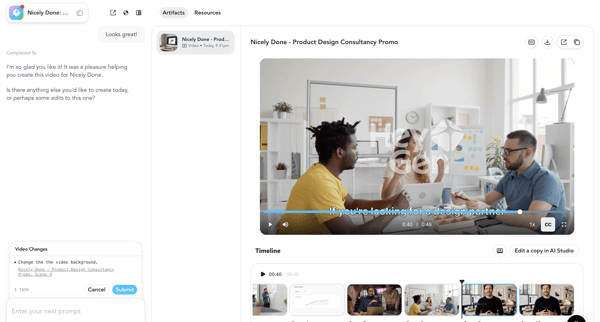
User reviews AI-generated promotional video in HeyGen workspace and uses chat agent to request scene edits such as background change, previewing draft before final generation
Explore the full SaaS flow library
Browse the full SaaS flow library.
Trusted by the best teams







