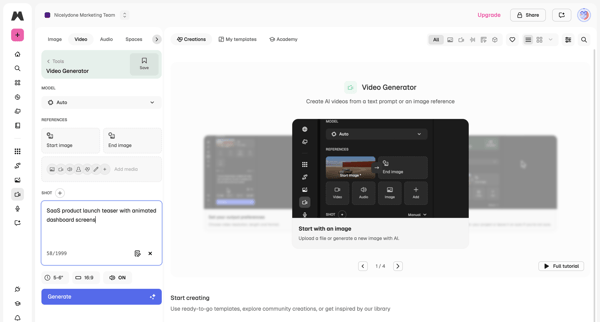
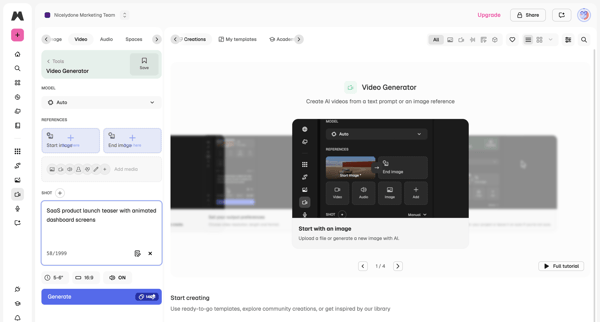
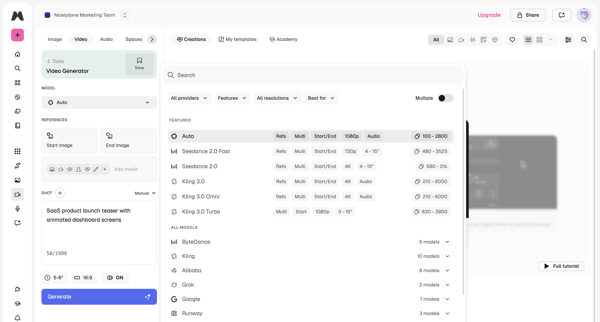
Magnific Flow Example: Configuring video generation
Preview this Magnific user flow: Configuring video generation. Explore the opening screens.
Preview these flows

Related user flows

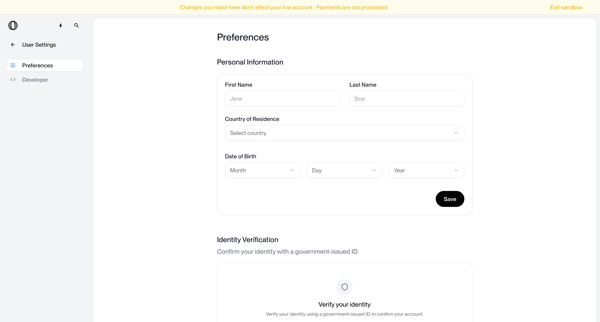
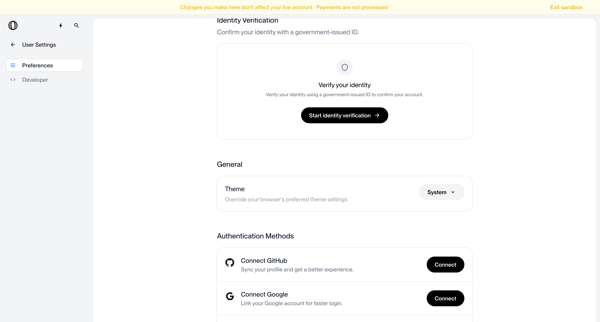
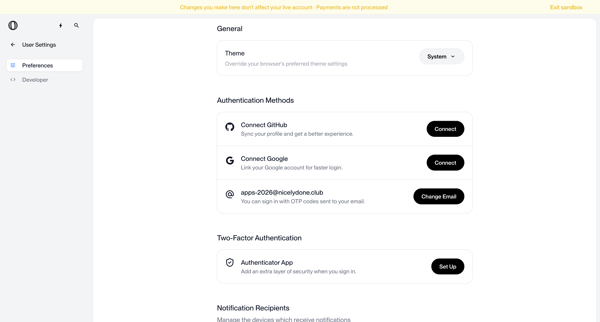
User configures personal information, identity verification, theme, authentication methods, MFA, notifications, and account deletion options across settings screens in sandbox mode

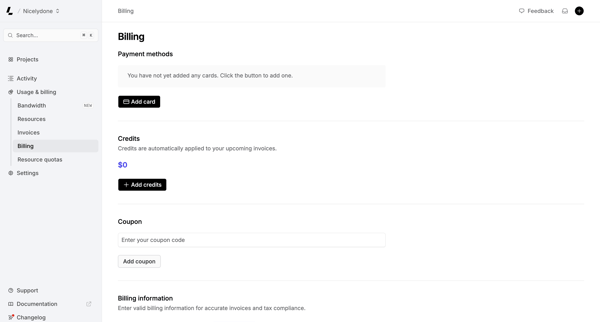
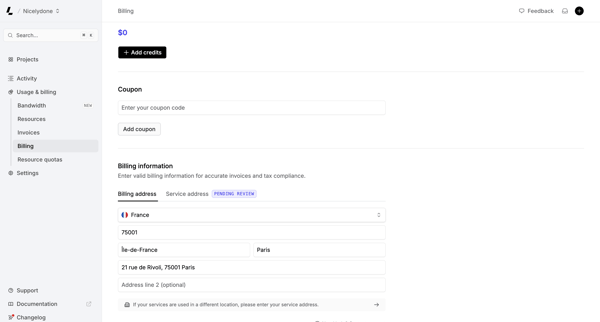
User views and manages payment methods, credits, coupons, and billing address on the billing settings page

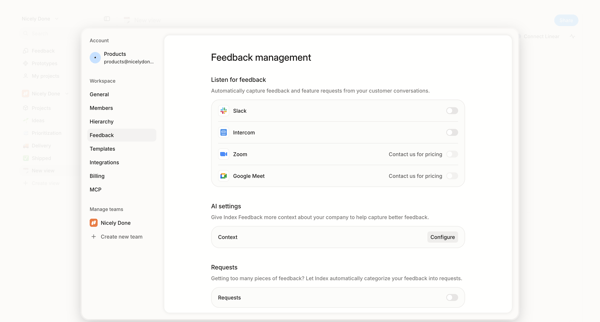
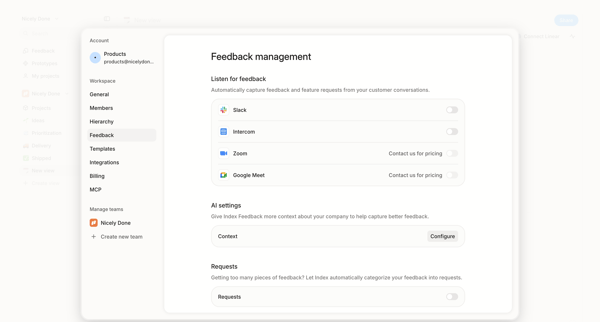
User configures workspace feedback ingestion sources including Slack and Intercom integrations, AI context rules, and request categorization in Alloy settings.

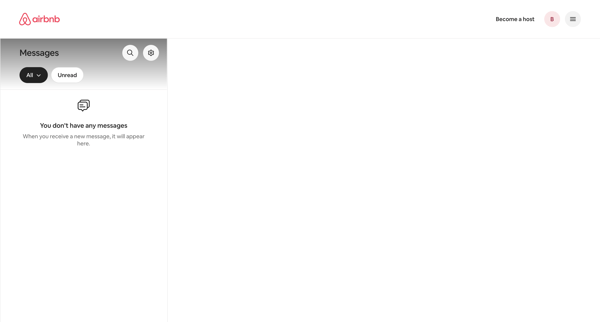
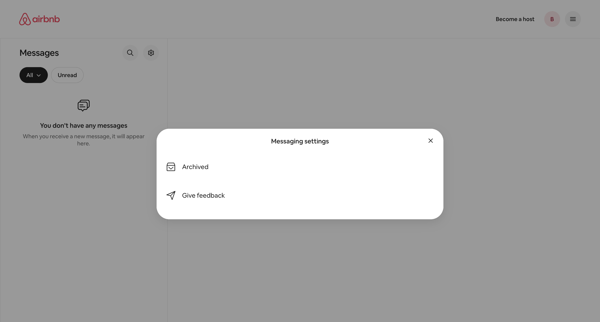
User accesses messaging settings modal from empty inbox to manage archived messages or provide feedback

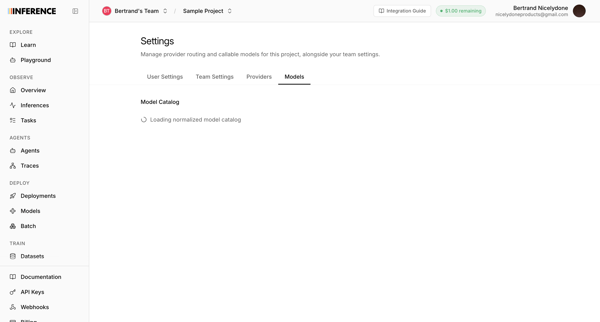
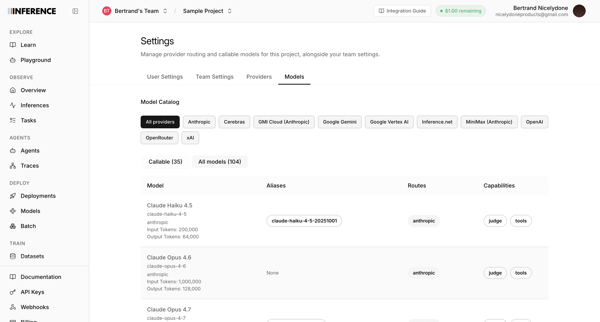
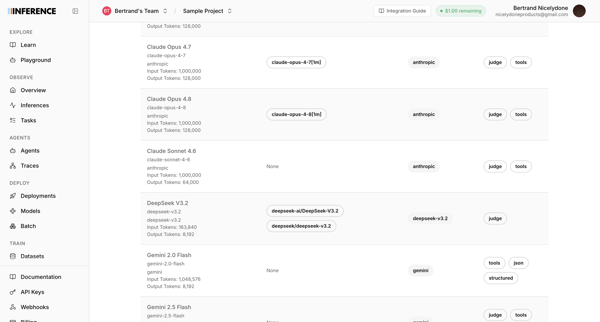
User accesses AI model catalog settings to manage provider routing, filter models by provider, and review token limits and capabilities across multiple list and table views


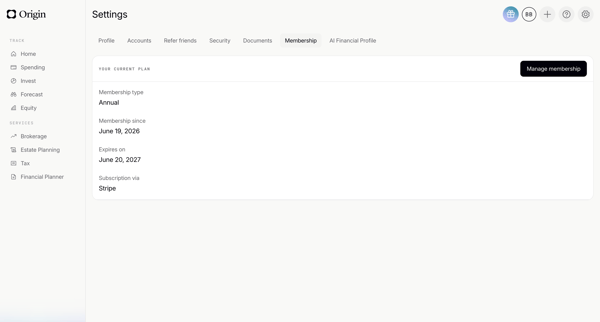
User enters membership settings after loading to view annual plan, expiration, membership date, and Stripe billing provider

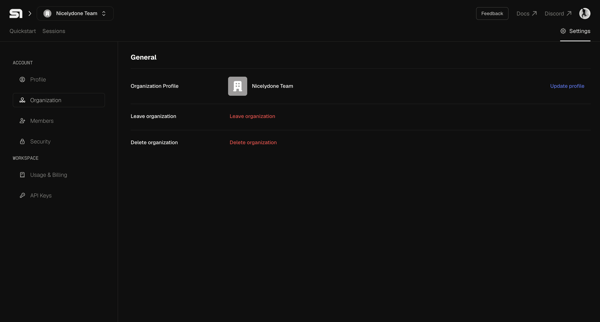
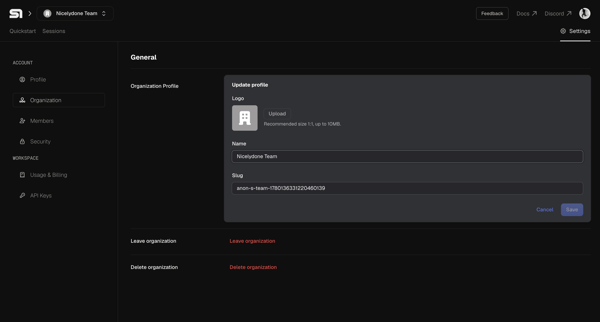

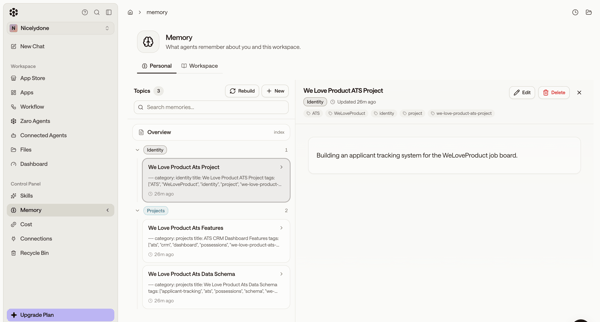
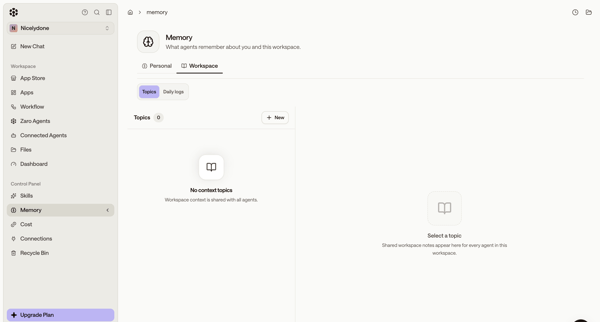
User manages AI agent memory topics for self and workspace via settings pages in default master-detail or empty states

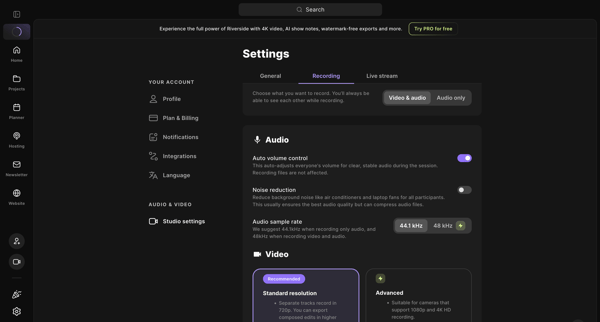
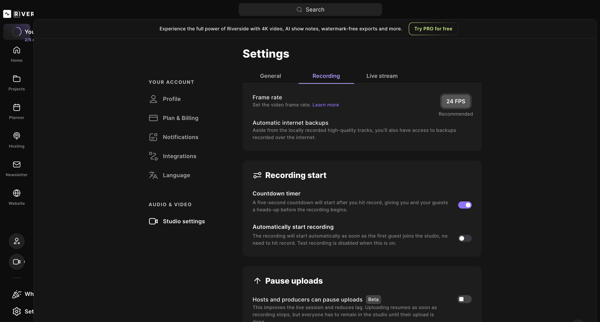
User opens studio recording settings and adjusts audio/video options, frame rate, backups, and related toggles

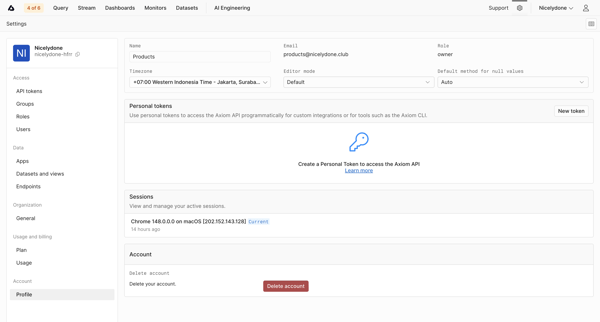
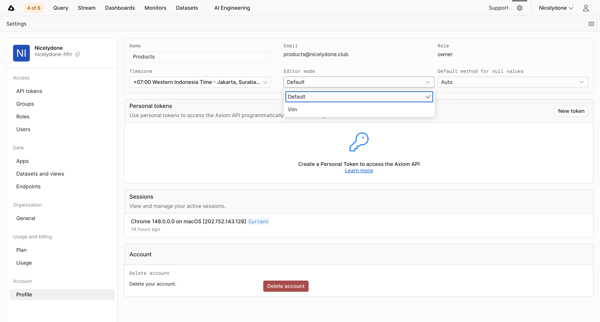
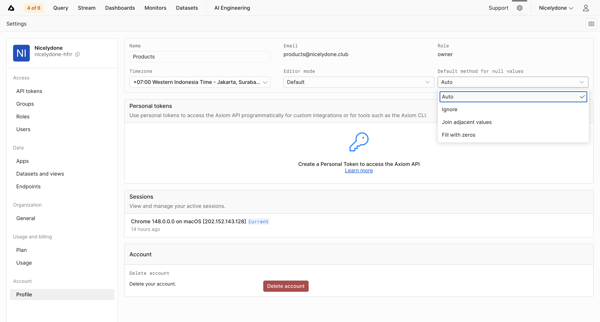
User updates profile details, editor preferences, timezone, personal API tokens, and active sessions from account settings pages

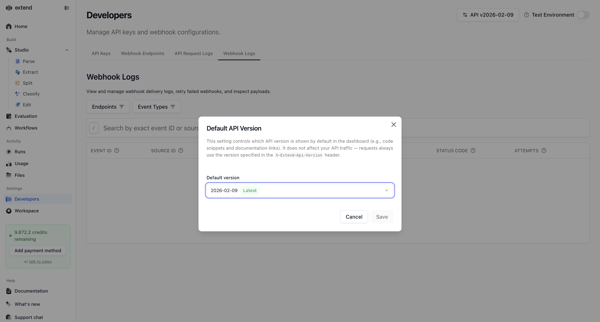
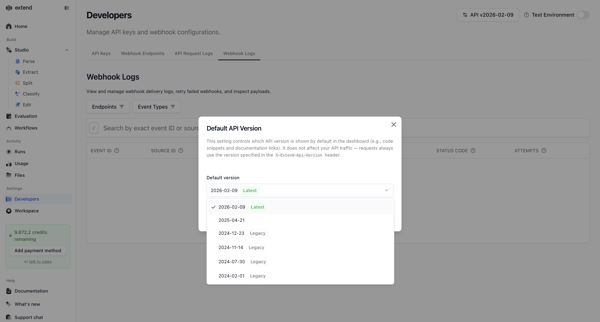

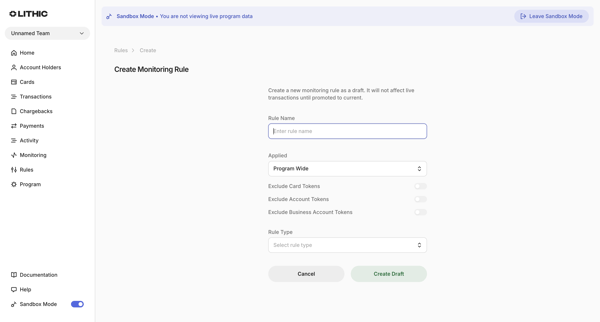
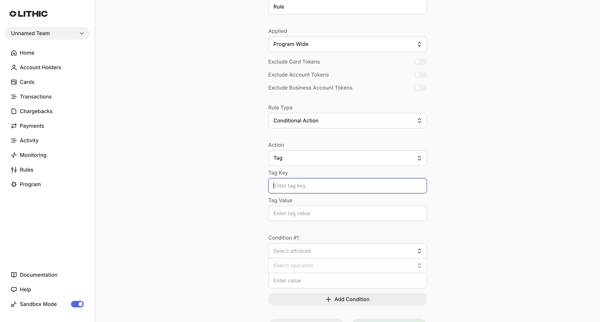
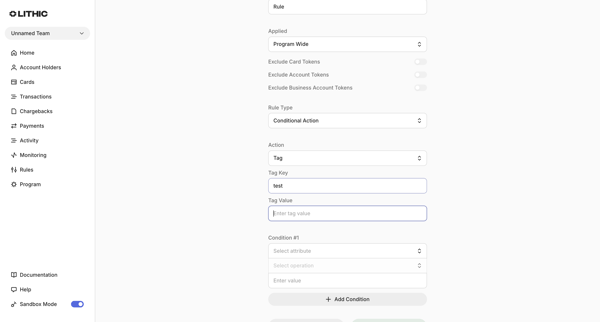
Multi-step form sequence to create a new transaction monitoring rule by specifying name, scope, exclusions, conditional logic, risk-based actions, and automation triggers
Explore the full SaaS flow library
Browse the full SaaS flow library.
Trusted by the best teams







