Signing in
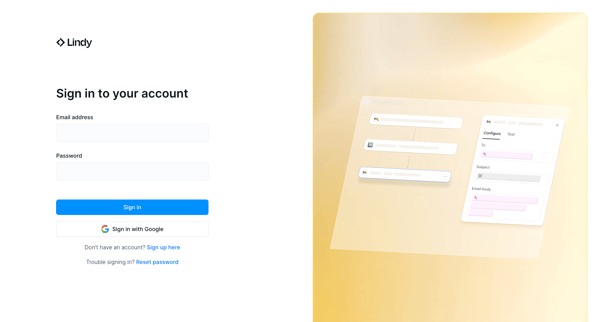
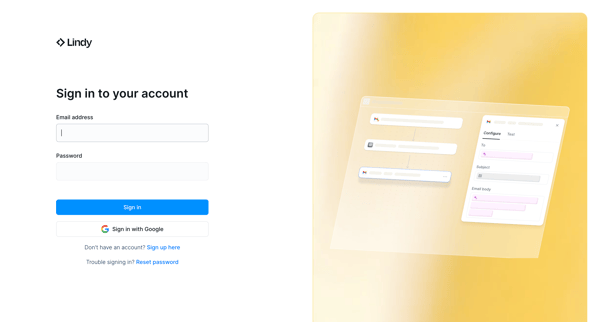
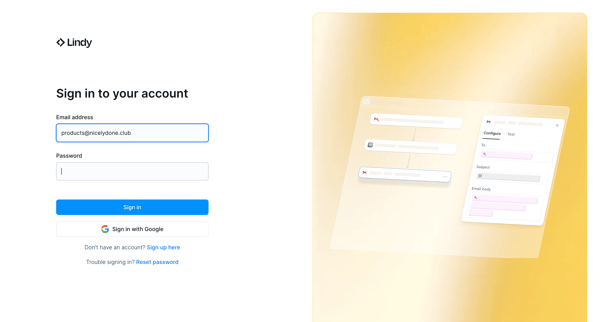
User flow from Lindy.
Preview these flows

Related user flows

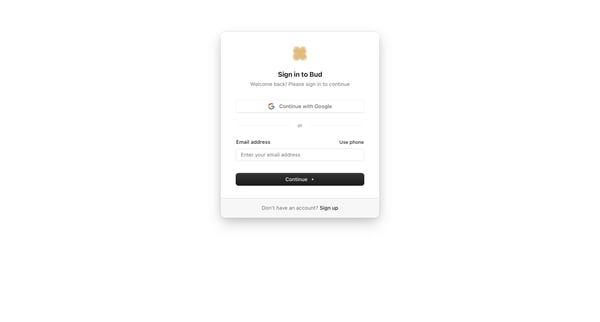
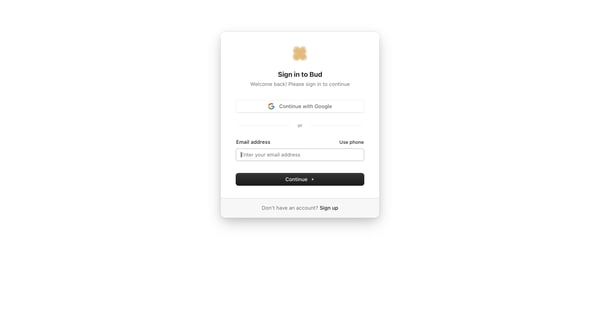
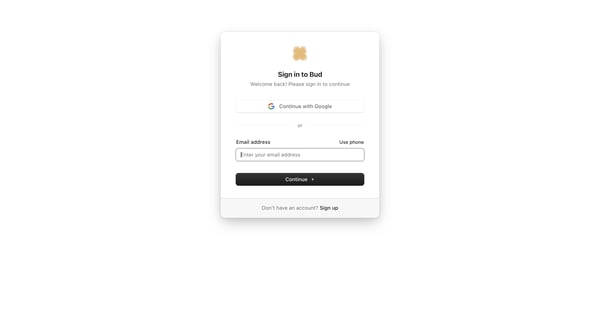
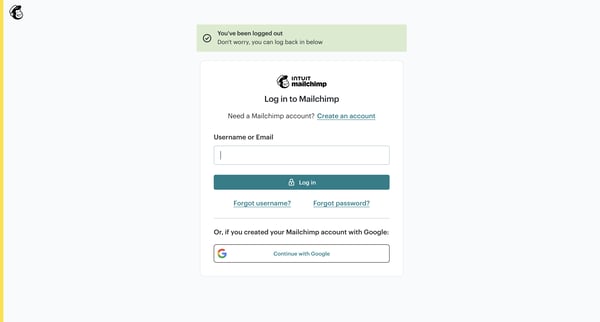
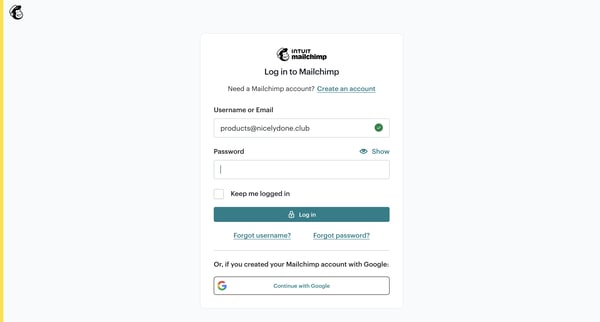
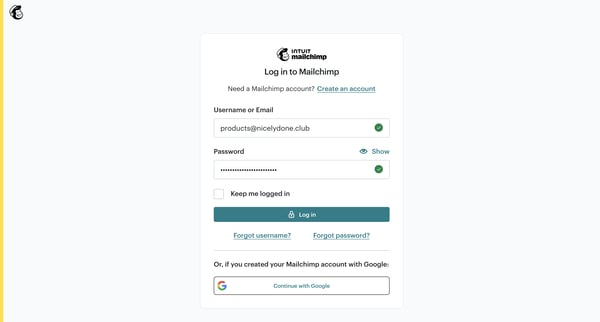
User selects Google, email, or phone authentication on the sign-in card, then enters password on the follow-up screen

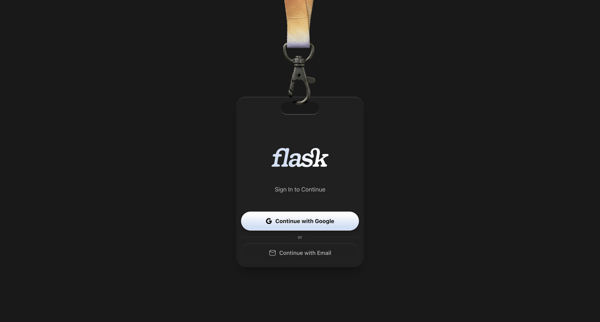
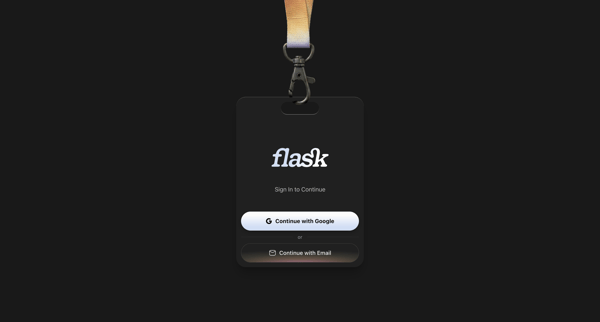
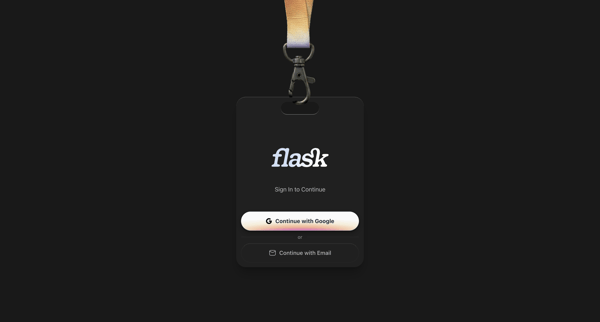
User authenticates to Flask using Google OAuth or email magic link on skeuomorphic ID badge styled auth screens

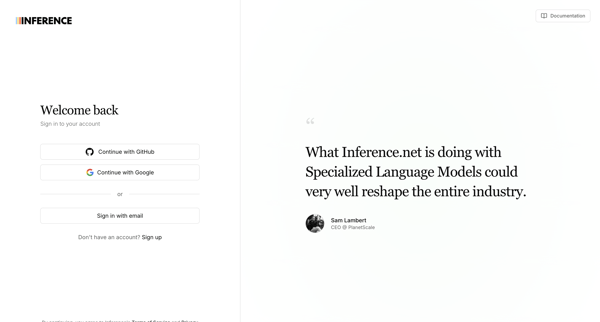
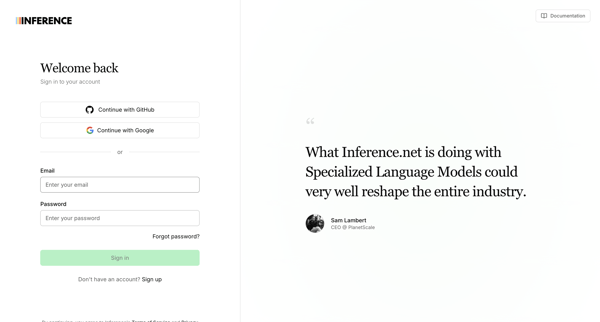
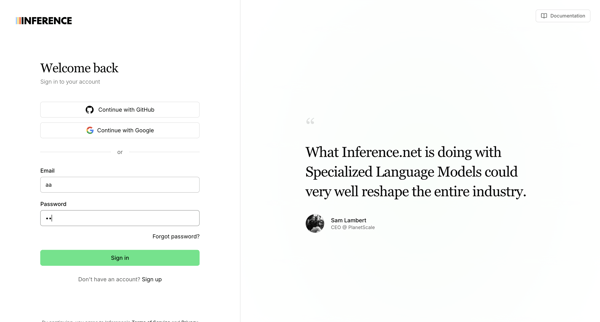
Authenticating via OAuth providers or email/password on split-screen sign-in pages that include customer testimonials, with multiple default and error states shown

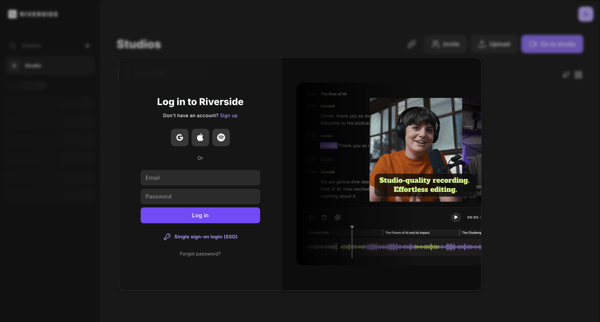
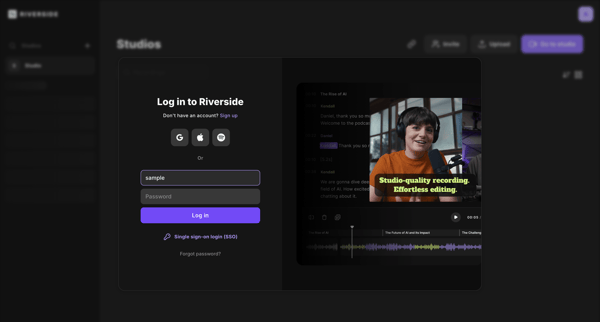
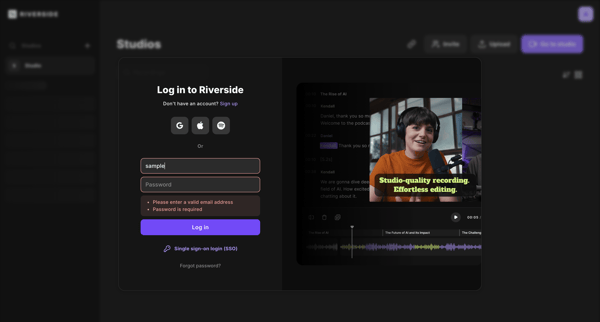
User authenticates via email, social providers, or SSO through repeated states of a split-pane login modal overlaid on the Riverside studio dashboard or editor

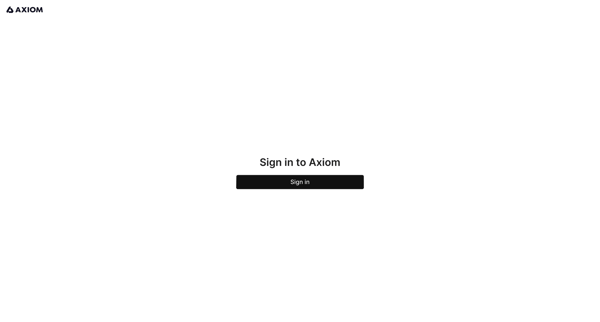
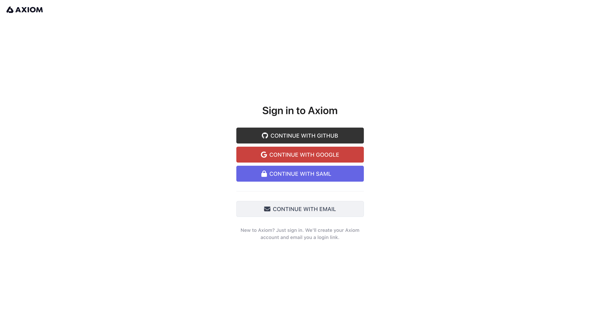
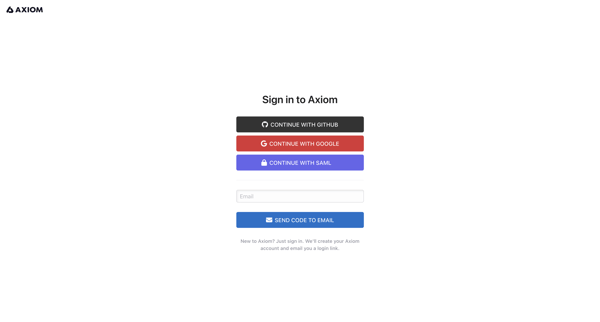
User authenticates into Axiom via SSO providers or passwordless email magic link and verification code

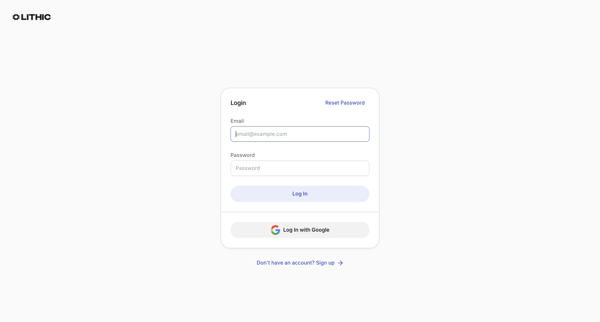
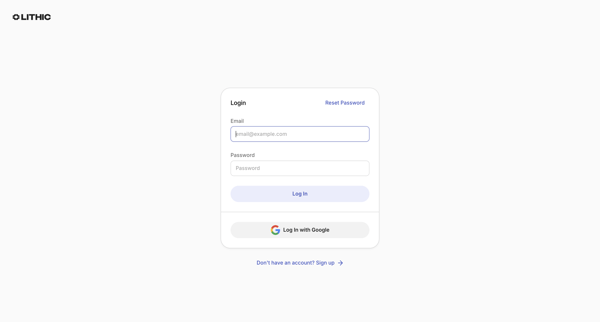
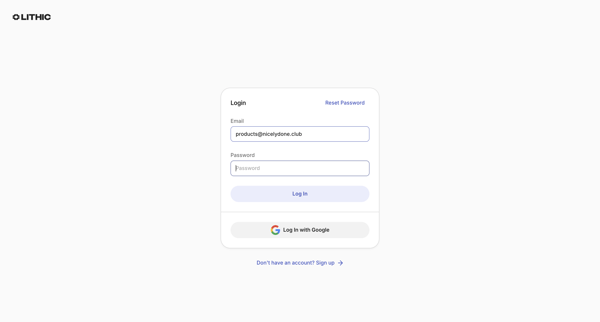
User enters email and password on login screen then verifies identity by entering emailed one-time passcode

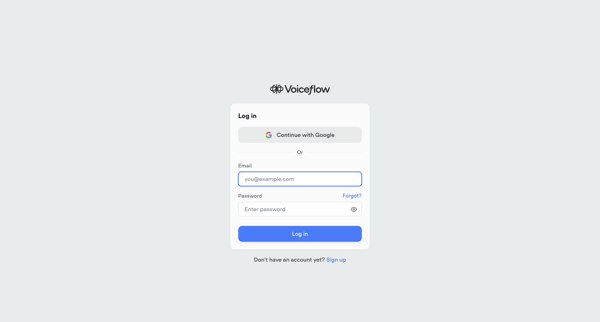
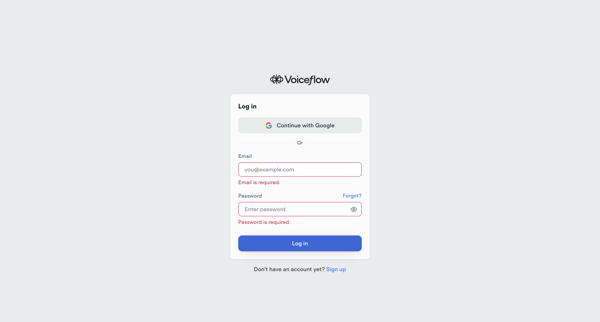
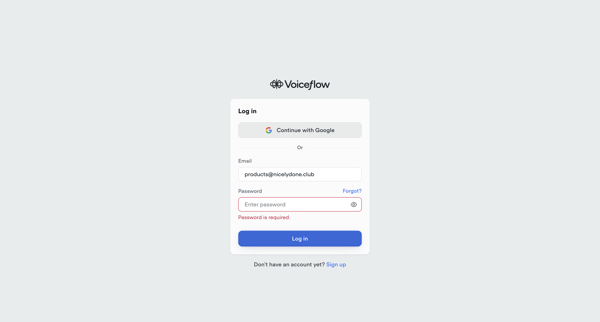
Authenticate into Voiceflow via Google SSO or email and password across default, error, and loading states

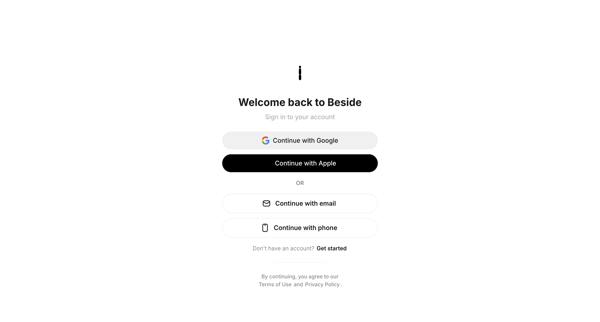
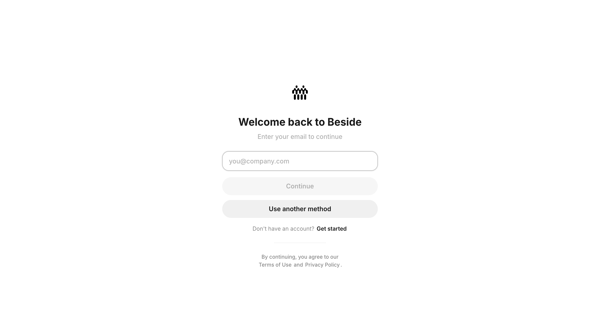
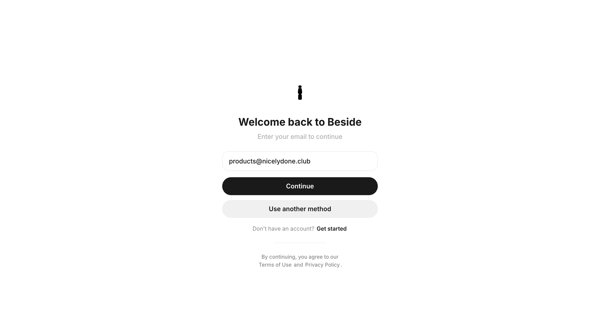
Passwordless email sign-in flow using magic link or 6-digit OTP code, with fallback social login options via Google or Apple

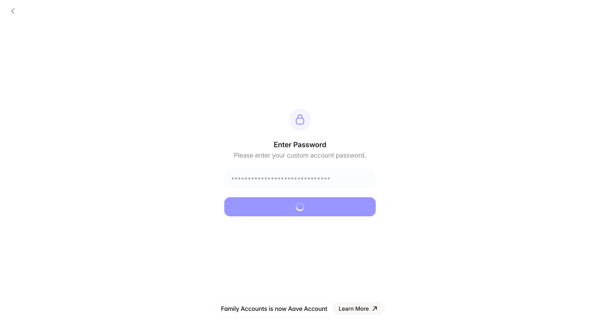
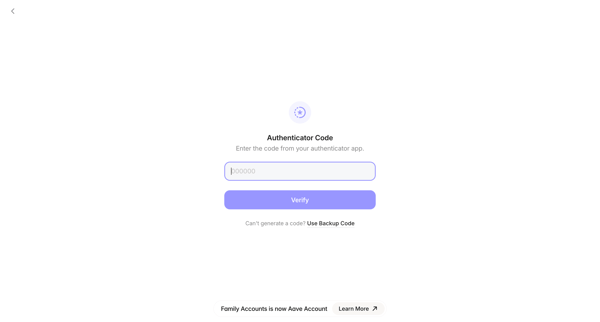
User enters account password then completes MFA with authenticator code or backup code to access Family crypto wallet

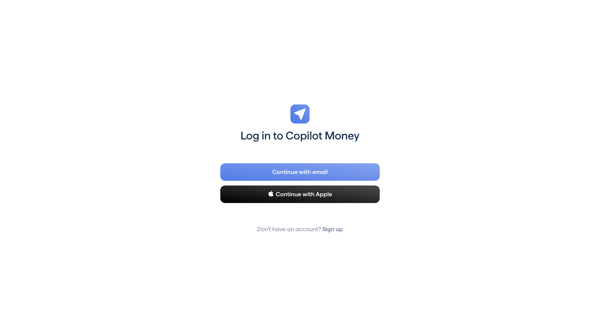
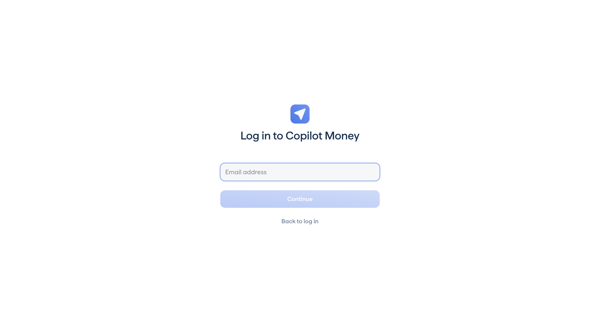
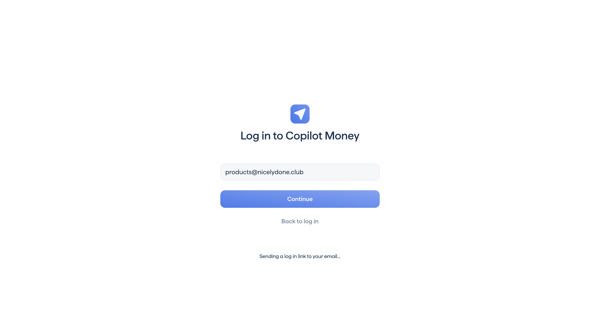
User authenticates to Copilot via email magic link or Apple, followed by MFA code entry


Explore the full SaaS flow library
Browse the full SaaS flow library.
Trusted by the best teams







