Skiff Flow Example: Sharing document
Preview this Skiff user flow: Sharing document. Explore the opening screens.
Preview these flows

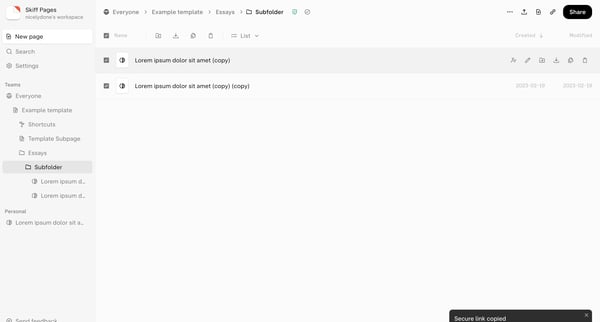
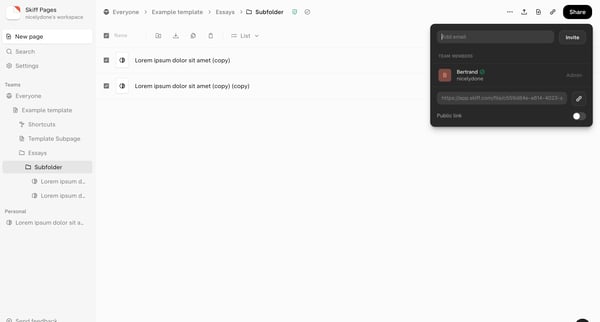
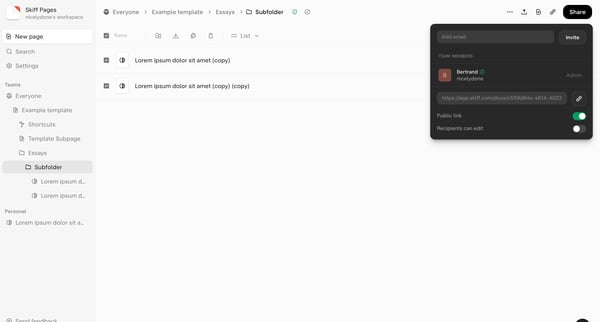
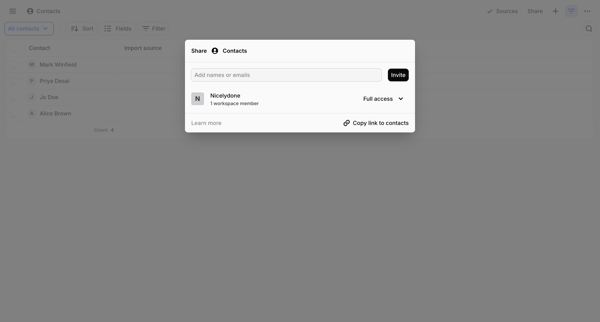
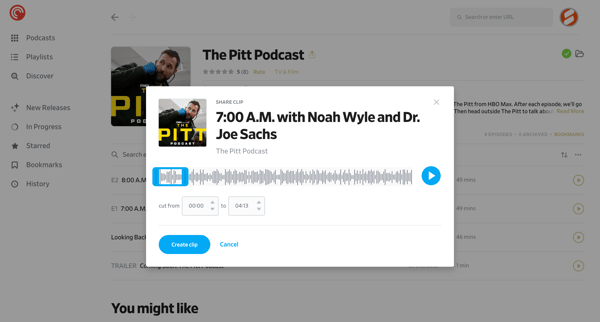
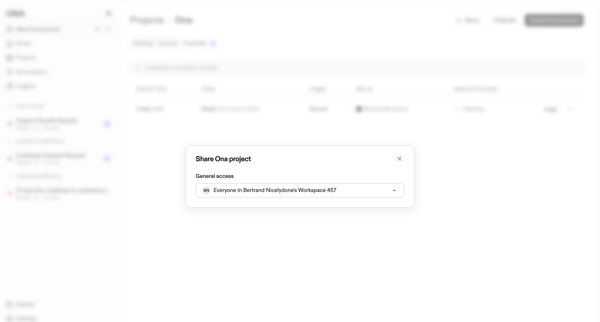
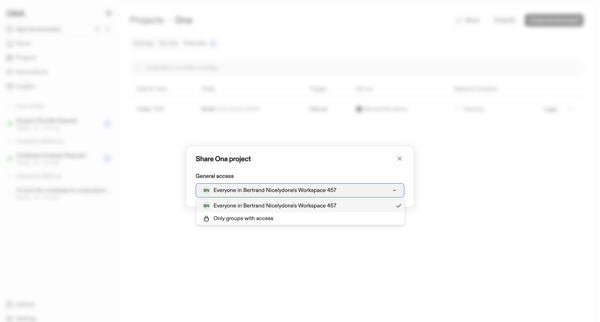
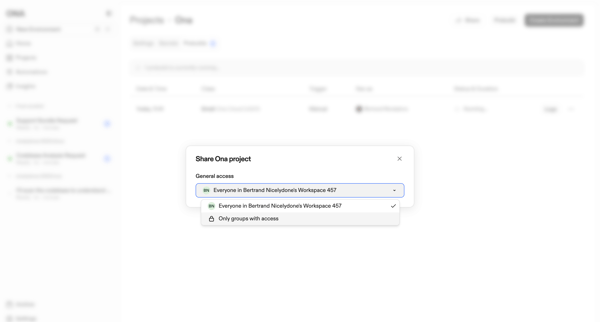
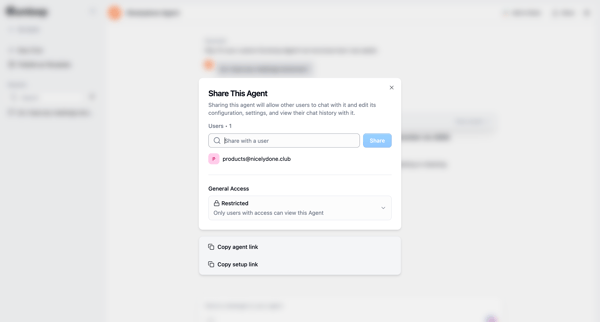
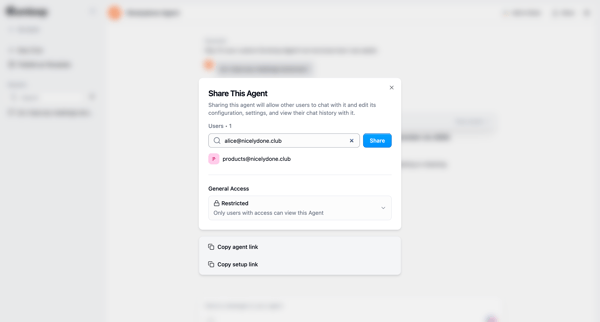
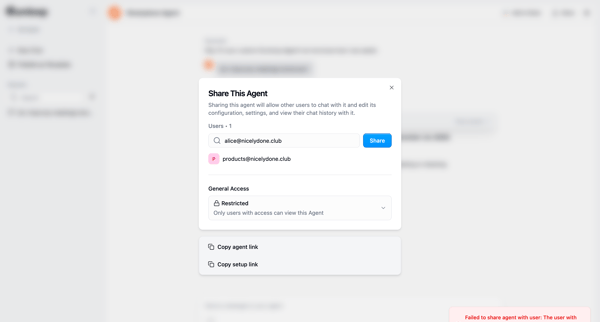
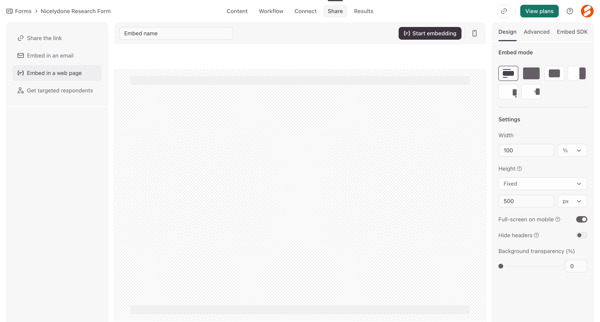
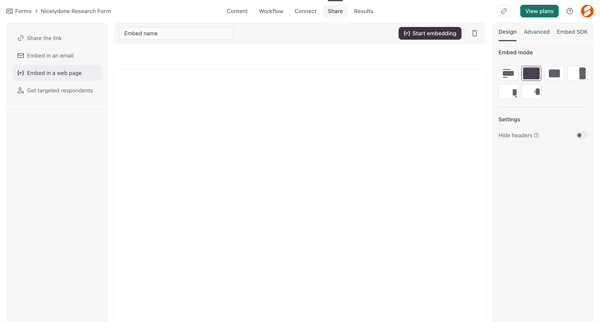
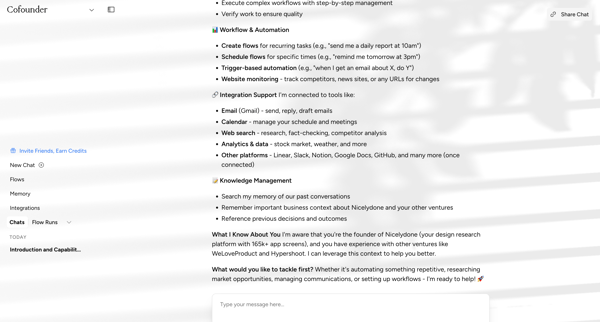
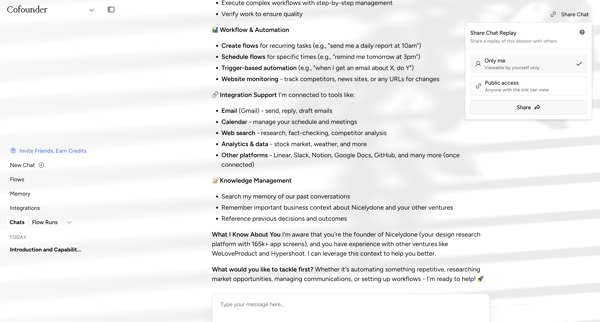
This sharing user flow enables a user to select a document, initiate sharing, choose sharing settings, and finalize the sharing process.
Related user flows

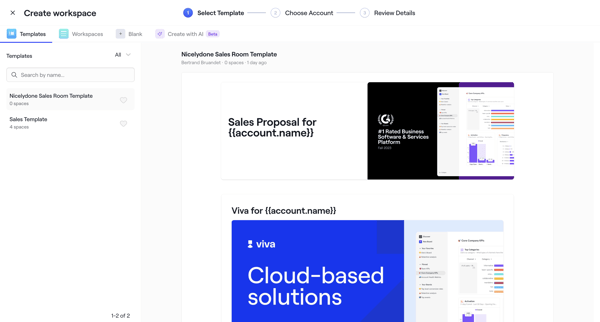
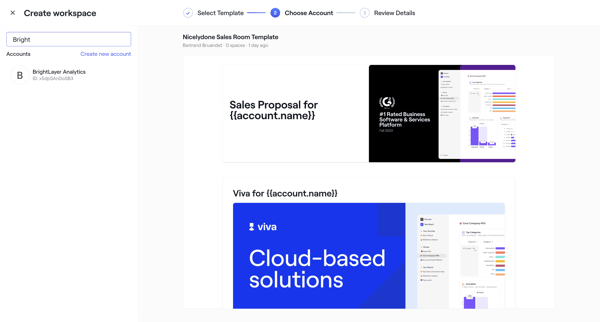
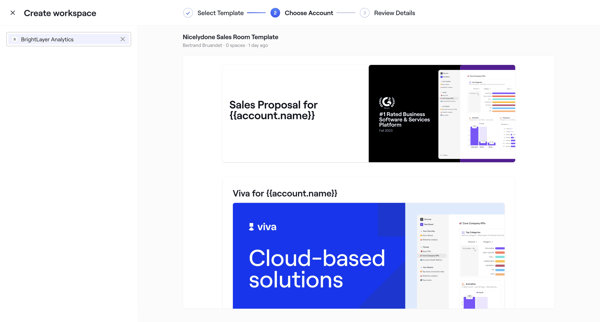
User selects sales room template, chooses account, configures roles dates and teammates through wizard steps, then publishes with shareable link

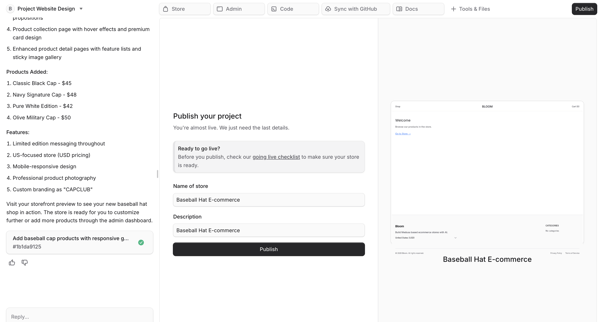


User fills publish form in AI chat then monitors multi-step AI deployment of an e-commerce storefront with live preview




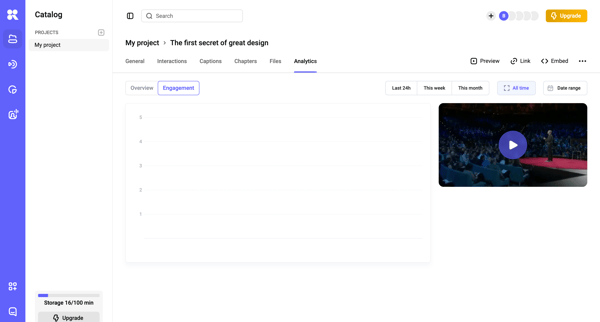
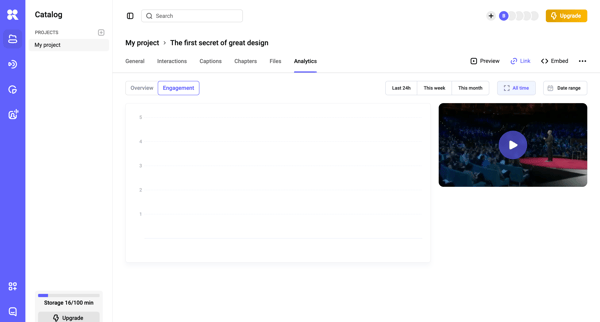
User configures link access, password protection, and embed options then copies the share link for a generated video via modal in HeyGen





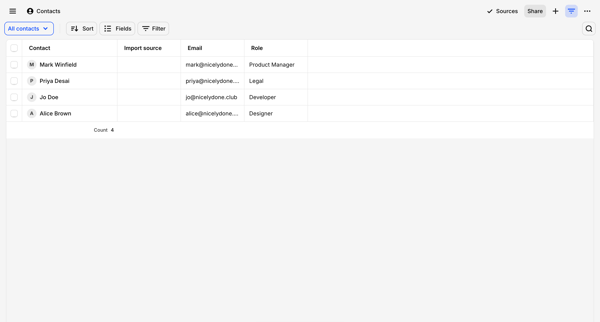











Explore the full SaaS flow library
Browse the full SaaS flow library.
Trusted by the best teams







