Searching music tracks by video
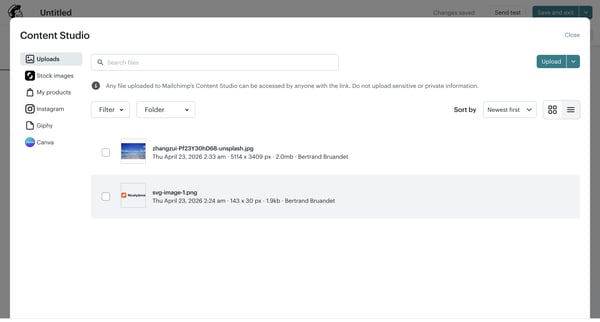
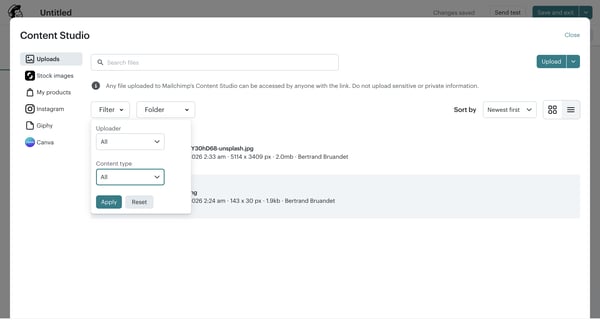
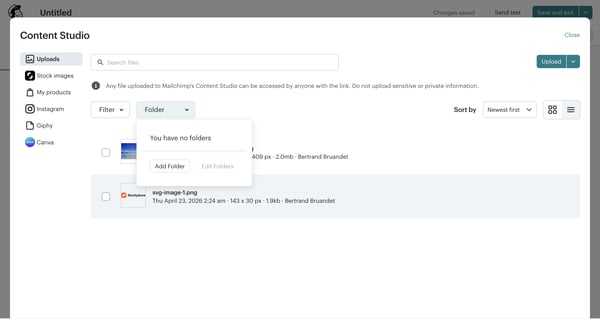
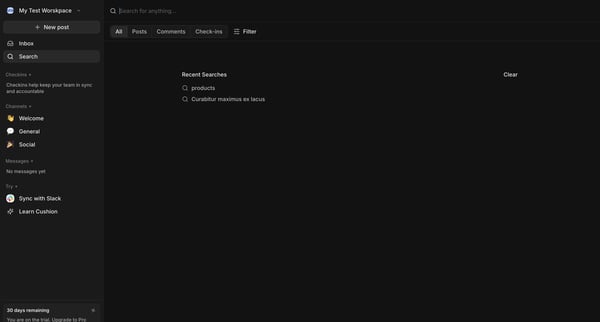
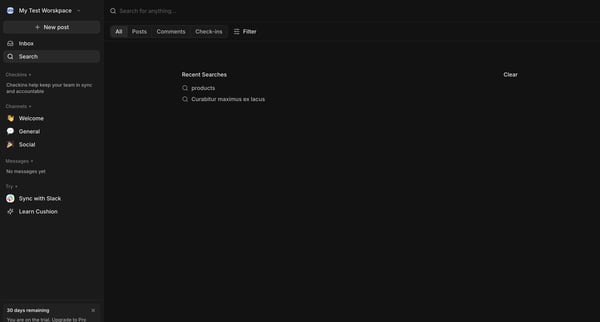
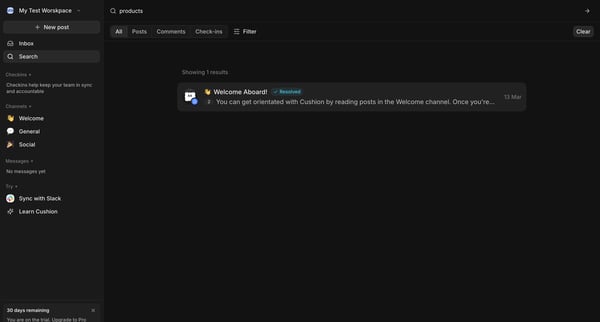
This user flow enables users to search for and select music tracks based on the mood and content of their video, offering an intuitive and tailored music discovery experience.
Preview these flows

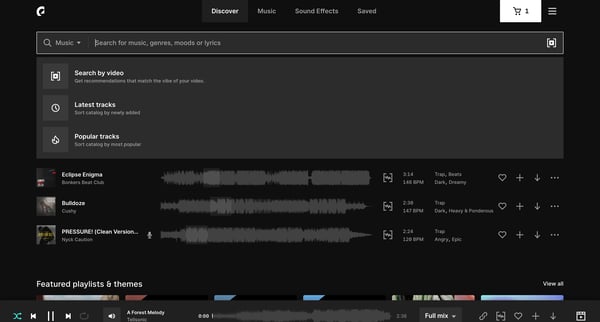
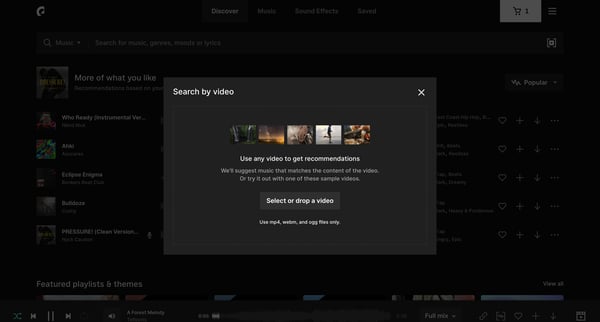
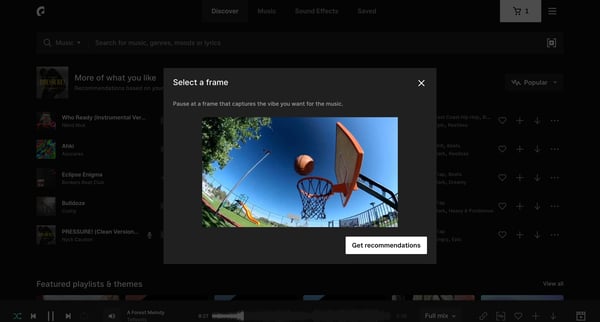
This user flow enables users to search for and select music tracks based on the mood and content of their video, offering an intuitive and tailored music discovery experience.
Related user flows

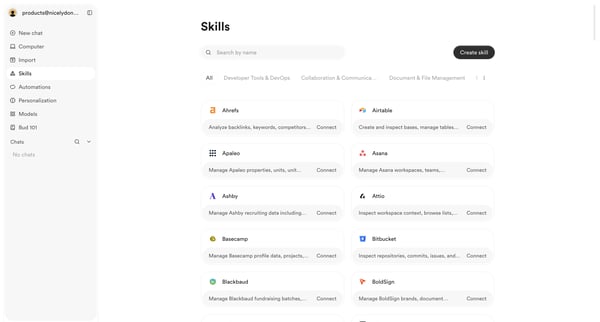
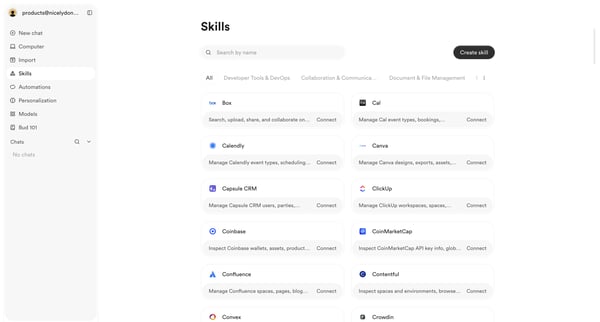
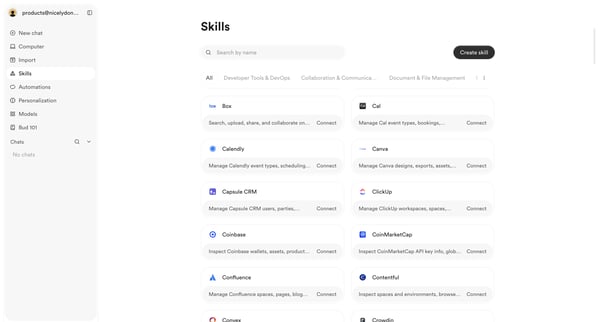
User browses, searches, and filters the skills integrations directory to discover and connect third-party tools

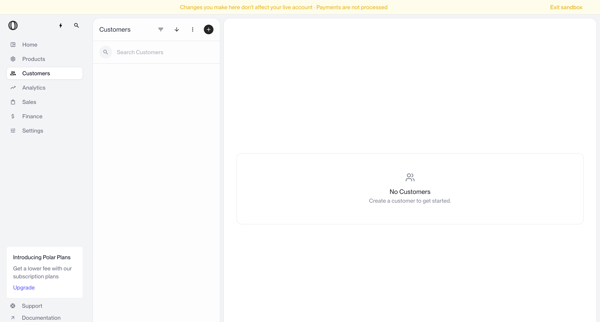
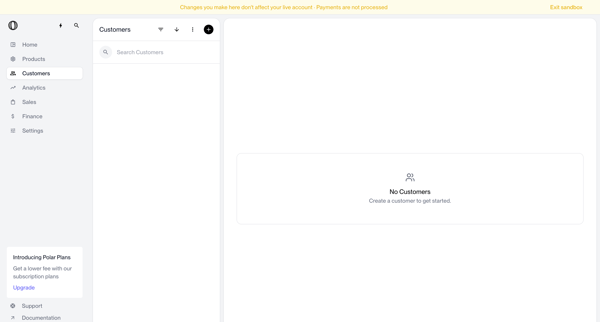
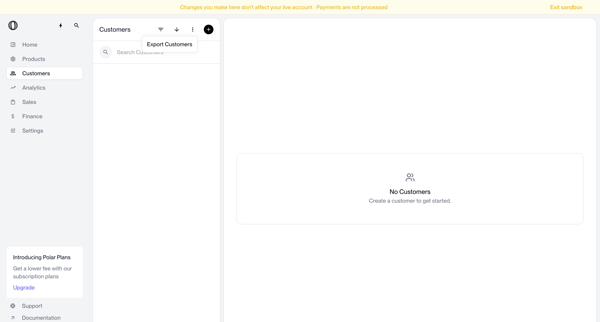
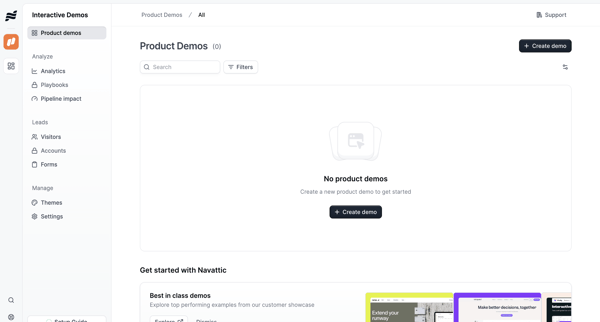
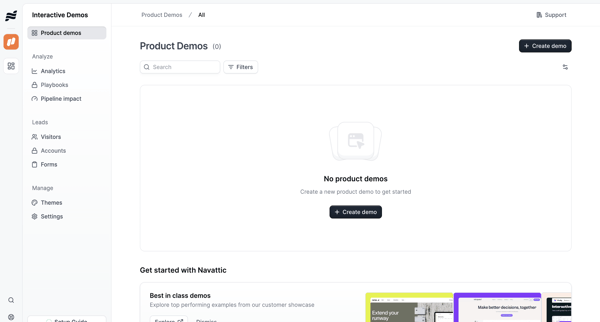
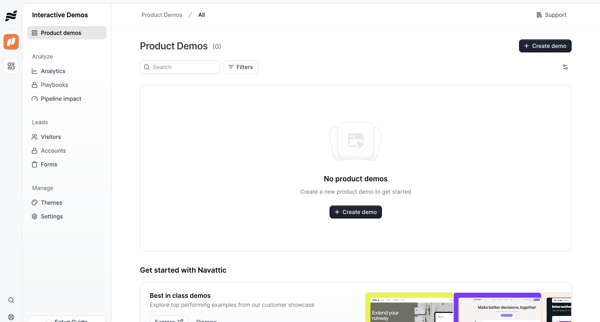
Navigating empty customer list states in sandbox with search bar, filter options, and create prompts visible




User enters search query for stock images, browses masonry grid results, applies filters by license/orientation/color, views AI suggestions in overlay, and saves or downloads assets

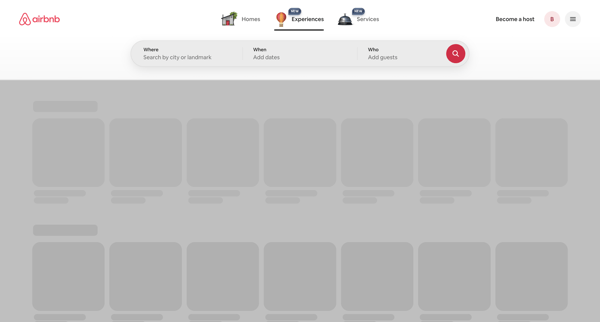
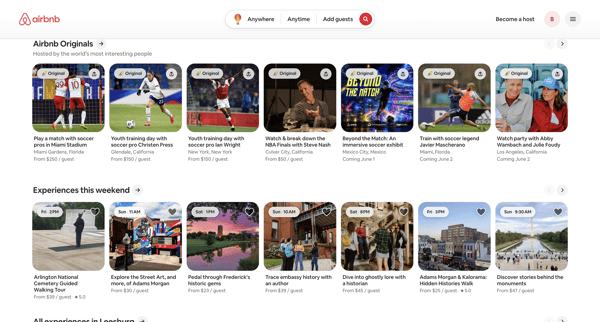
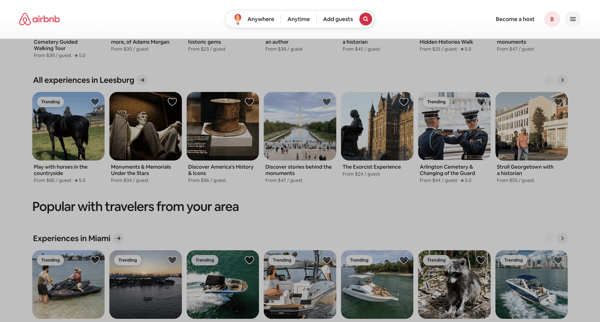
User initiates experience search on Airbnb app, selects destination and dates via overlays, then browses filtered results in card grids and carousels

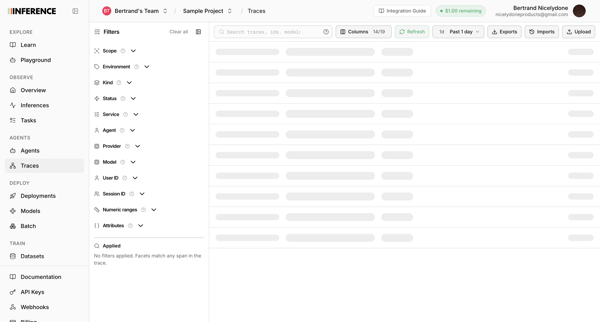
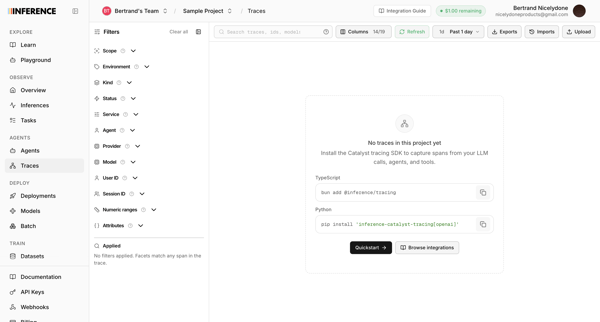
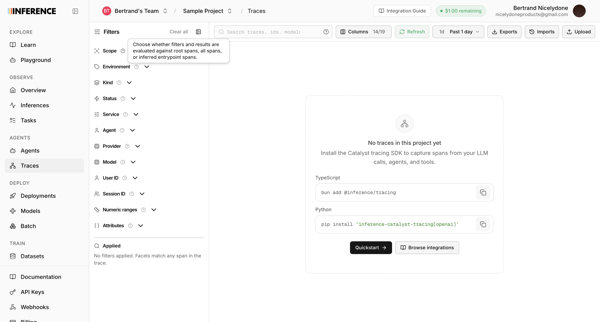
User opens observability traces list in Inference app and sees loading skeleton followed by repeated empty states prompting SDK installation

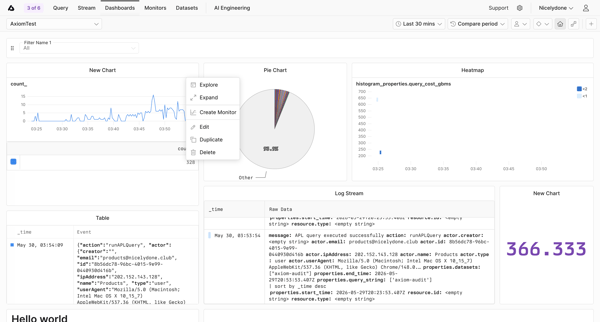
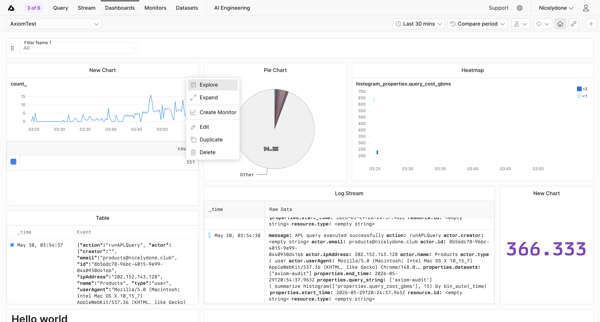
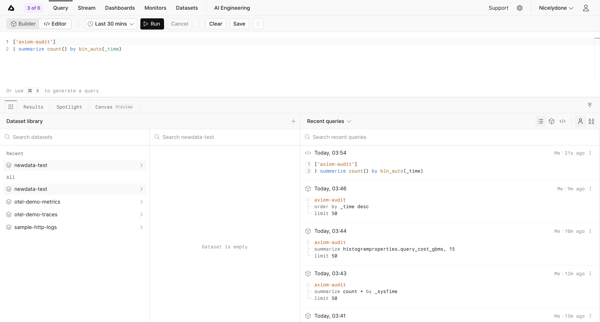
User navigates from analytics dashboard with open context menu through query editor and log query builder to custom monitoring dashboard and expanded chart detail view

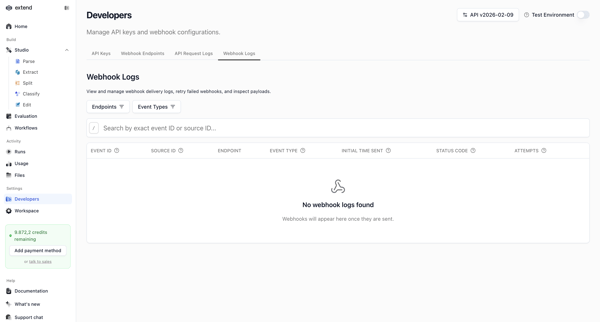
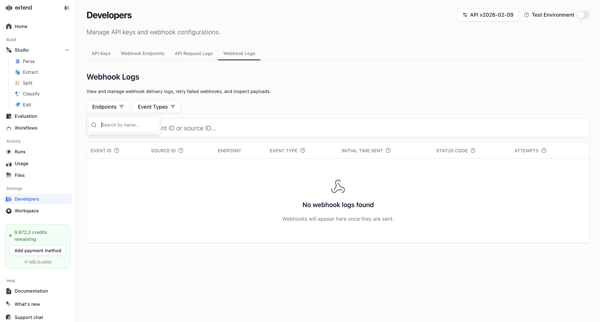
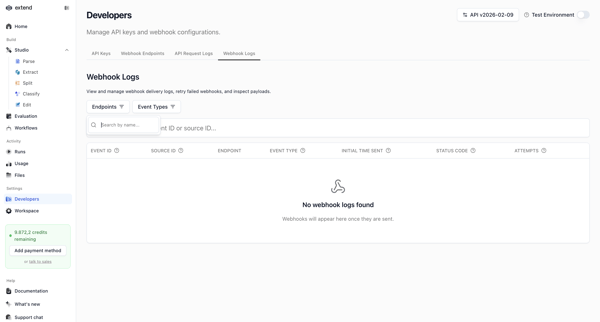
Developer accesses webhook settings page to search, filter, and view delivery logs, shown in multiple empty states with filter popovers and table views

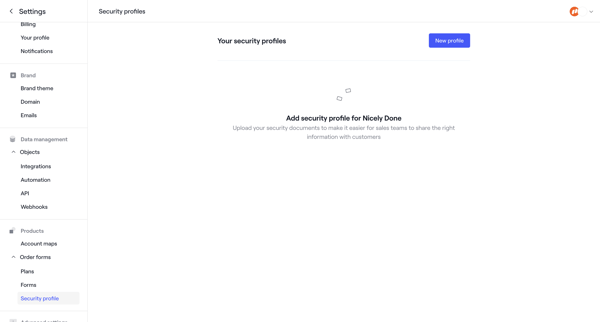
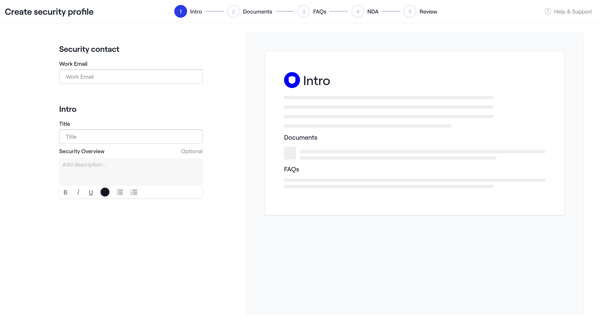

Admin creates a security profile via multi-step wizard starting from empty settings, configuring intro, uploading documents and NDAs, adding FAQs, reviewing, activating, then managing in settings

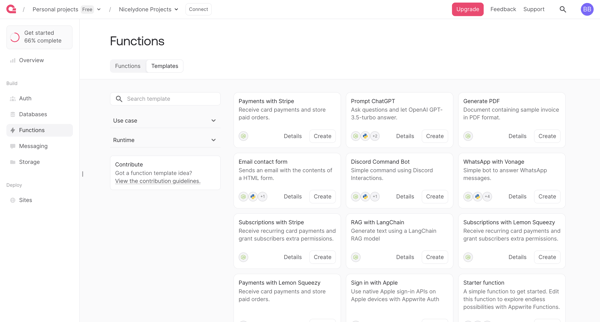
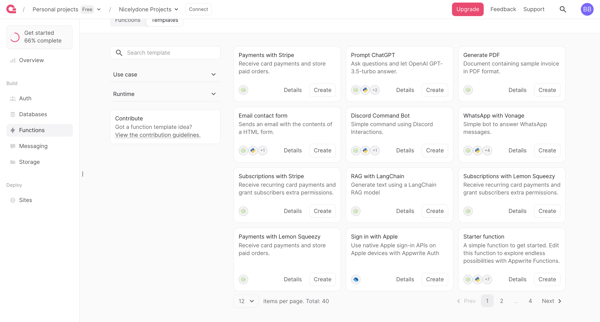
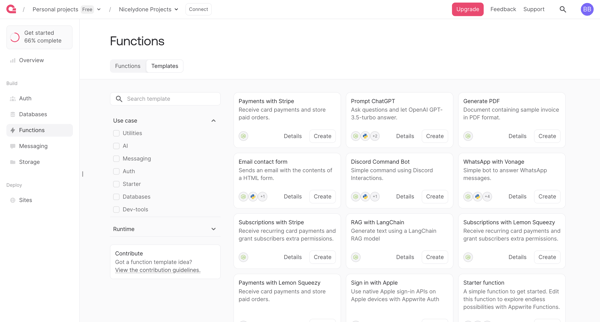
User browses, filters by runtime and use case, searches, and reviews function templates in gallery to select one for deployment



Explore the full SaaS flow library
Browse the full SaaS flow library.
Trusted by the best teams







