Epidemic Sound user flows examples
Explore Epidemic Sound user flow examples. Preview the opening screens and steps for each task. Royalty-free music for your videos
Preview these flows

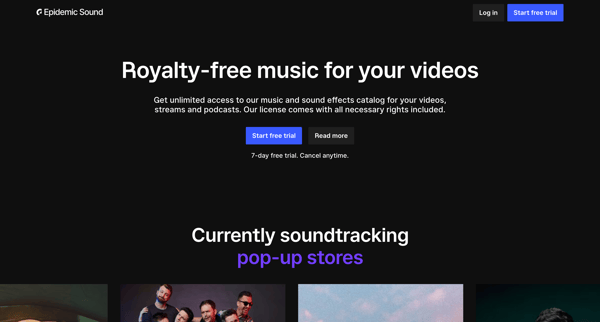
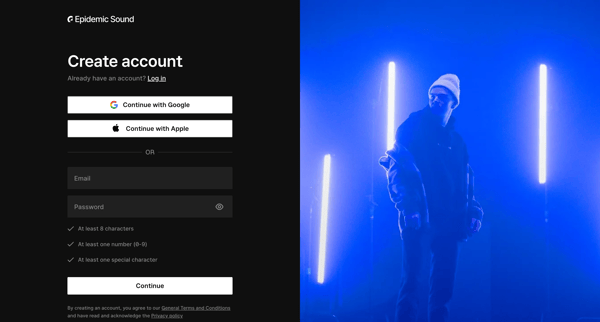
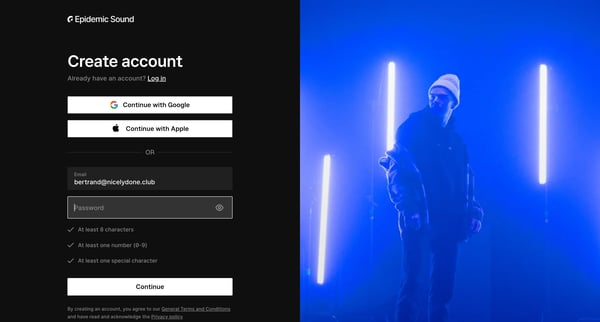
This flow guides a new user through creating an account with Epidemic Sound, selecting a subscription plan, entering payment information, and finally accessing music content.
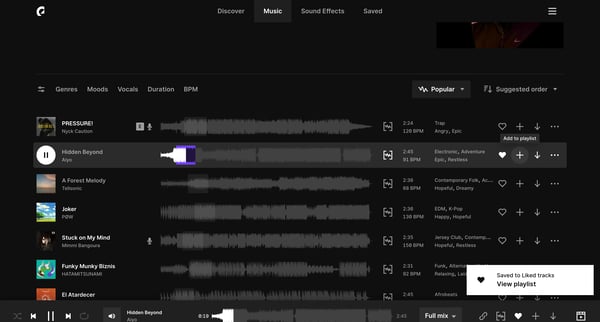
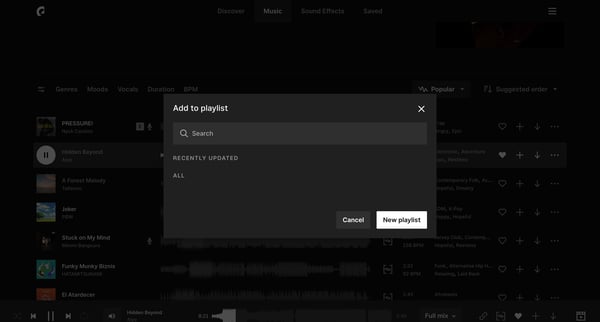
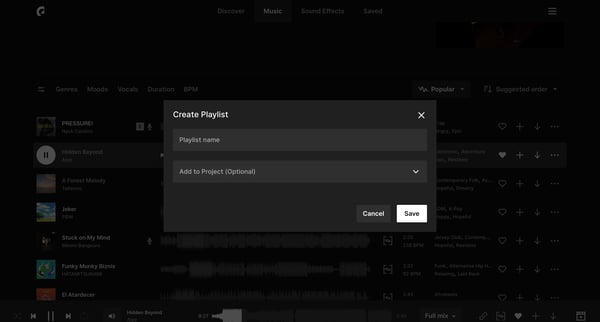
This user flow outlines the process of adding a selected track to a playlist within the Epidemic Sound platform.
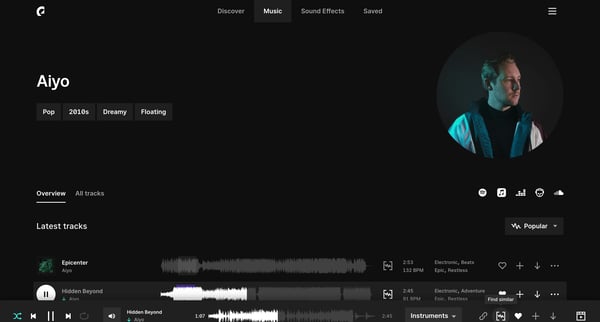
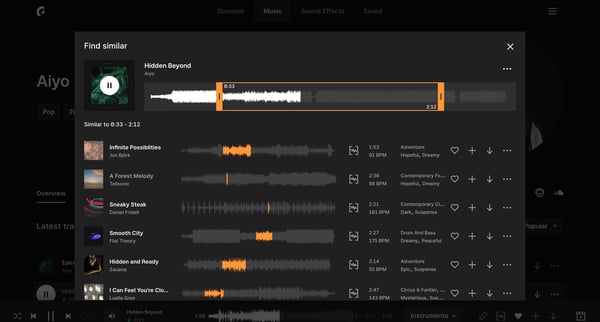
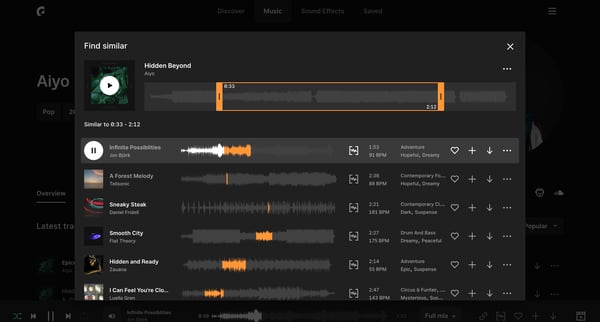
This user flow facilitates the discovery and exploration of music tracks by allowing users to search, filter, and sort through a collection, enhancing their ability to find tracks that meet t
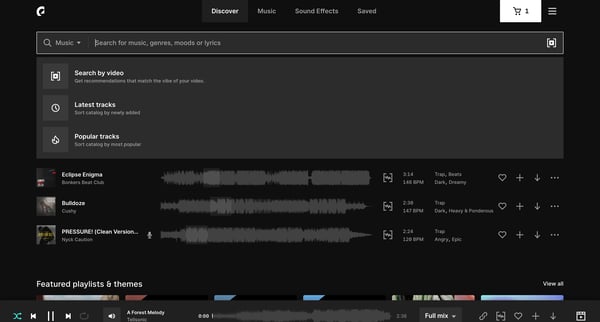
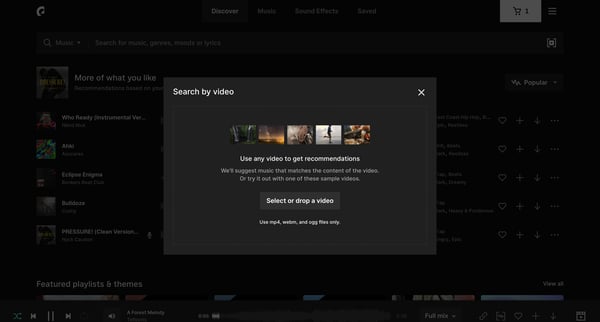
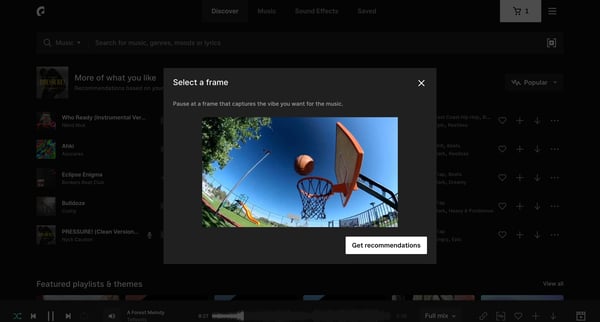
This user flow enables users to search for and select music tracks based on the mood and content of their video, offering an intuitive and tailored music discovery experience.
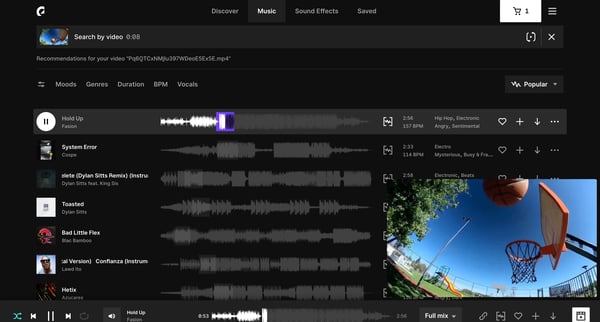
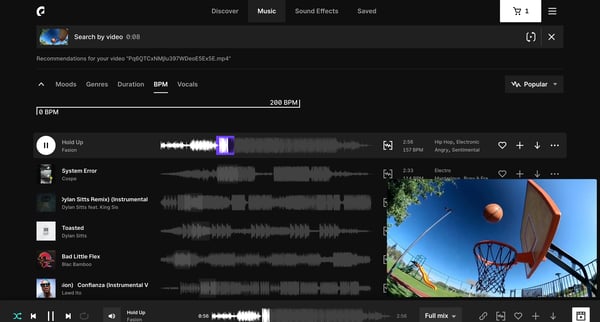
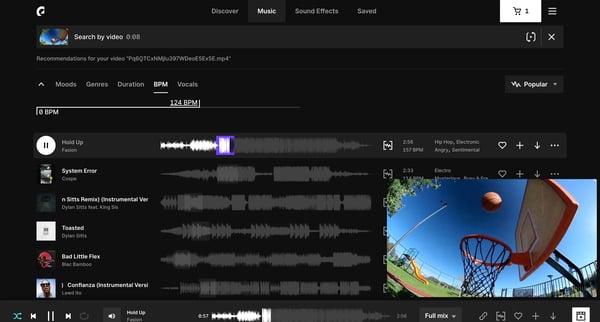
This flow enhances user experience by providing a streamlined process for filtering and sorting music recommendations based on specific criteria to match the user's video needs.
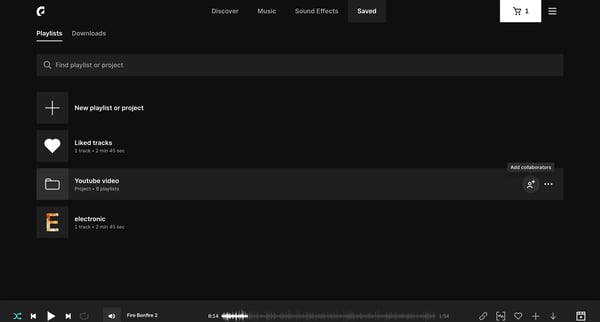
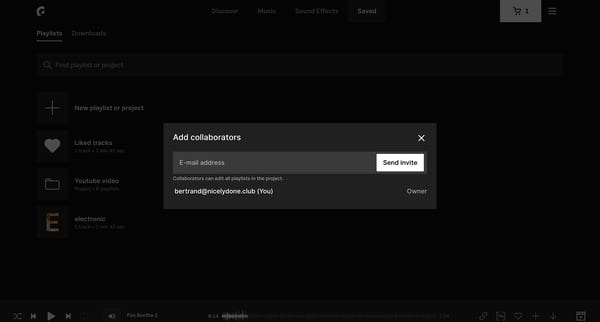
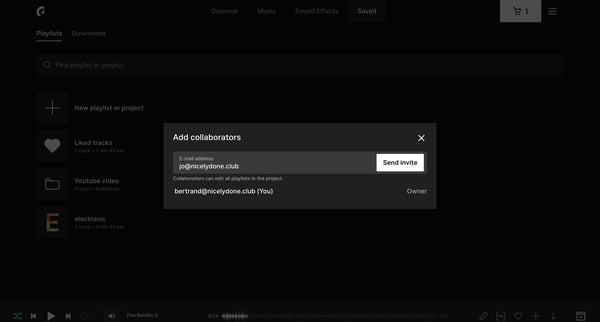
This user flow allows a project owner to invite collaborators to edit playlists within a project, showcasing the process of adding team members and displaying the invitation status.
Explore the full SaaS flow library
Browse the full SaaS flow library.
Trusted by the best teams







