Tome Flow Example: Creating workspace
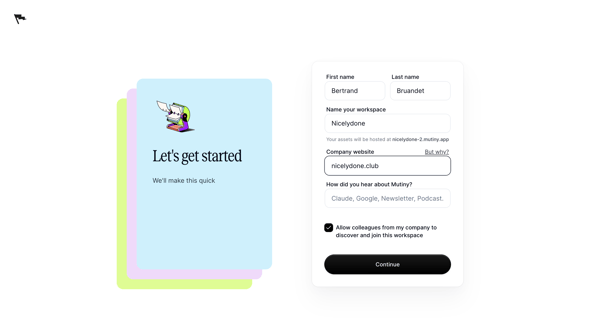
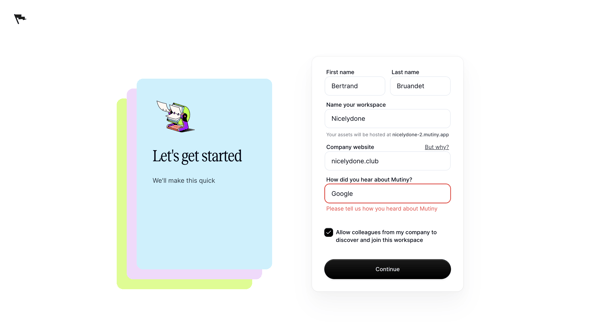
This flow guides a user through the process of creating a workspace where their team can collaborate on documents.

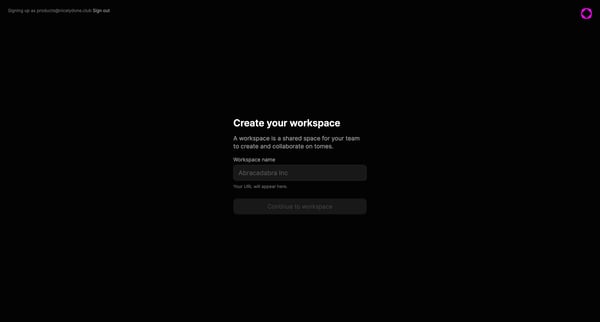
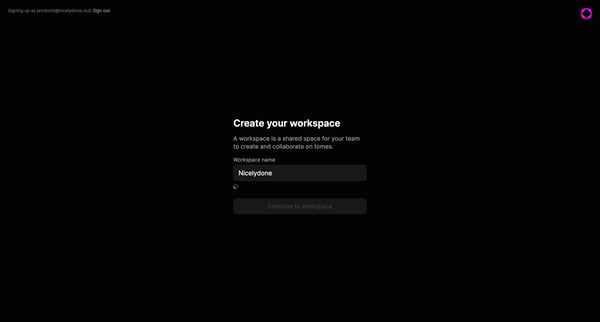
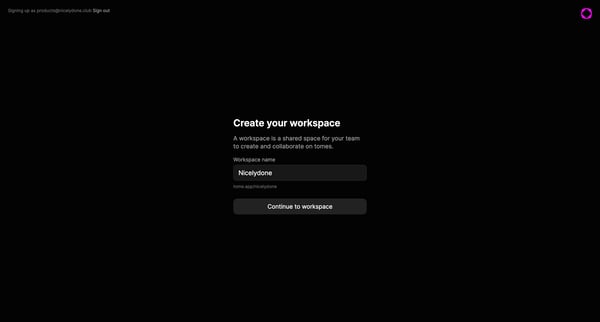
This flow guides a user through the process of creating a workspace where their team can collaborate on documents.
Related user flows

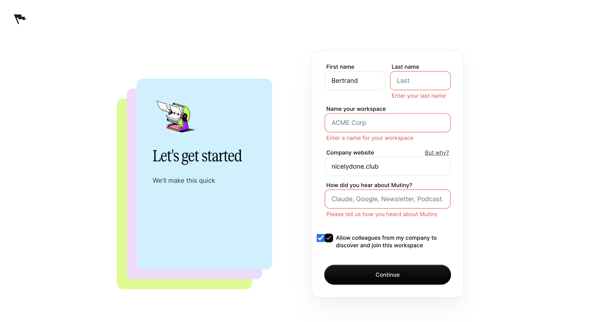

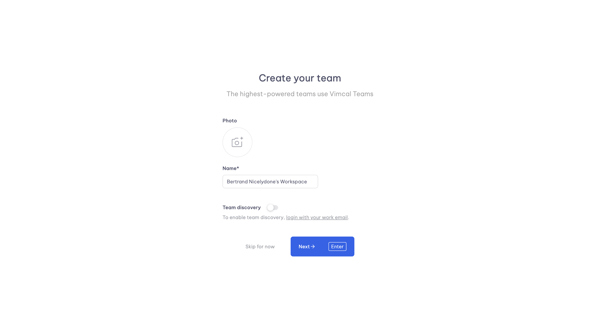
Onboarding step to name workspace, upload team photo, and configure team discovery in Vimcal


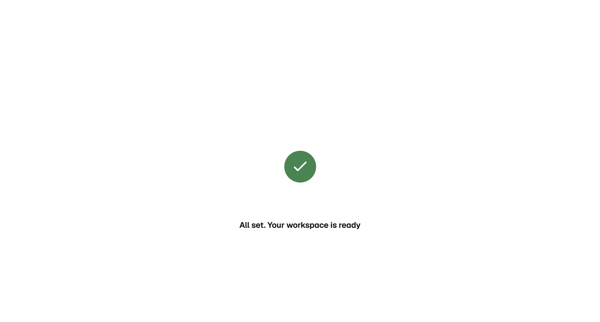
Onboarding flow showing loading state then success confirmation for new workspace initialization in Magnific

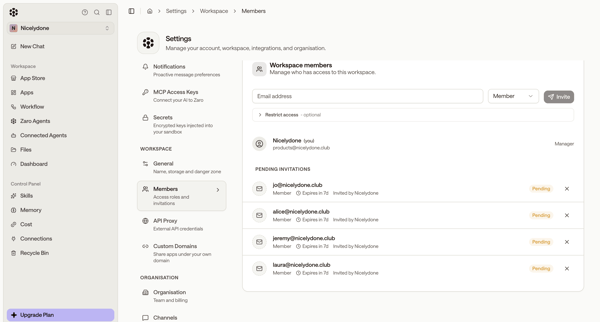
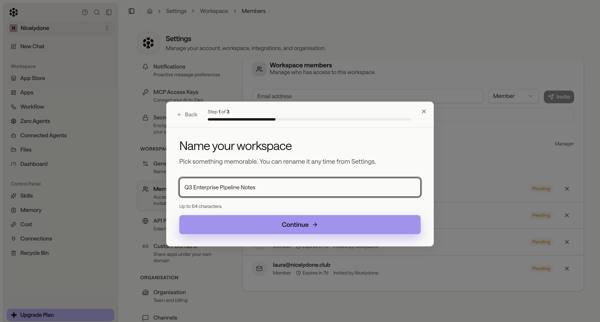
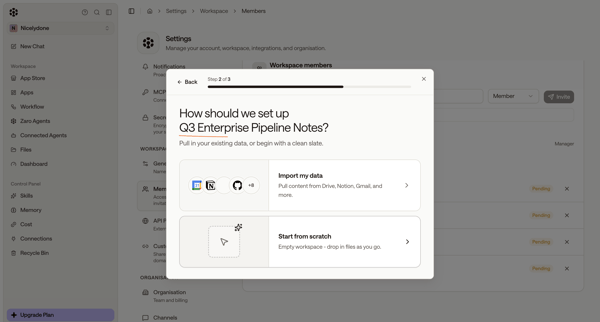
User starts workspace creation from members settings, names workspace and chooses setup options in modals, then encounters quota limit paywall and error states blocking completion
Explore the full SaaS flow library
Browse the full SaaS flow library.
Trusted by the best teams







