Vero product screens examples
Browse Vero screen design examples. Preview the interface screenshots and explore related UI patterns. Make every customer communication count
Explore the examples


Landing page for a multi-channel customer engagement platform, featuring product workflows, feature breakdowns, extensive customer testimonials, and integration options.
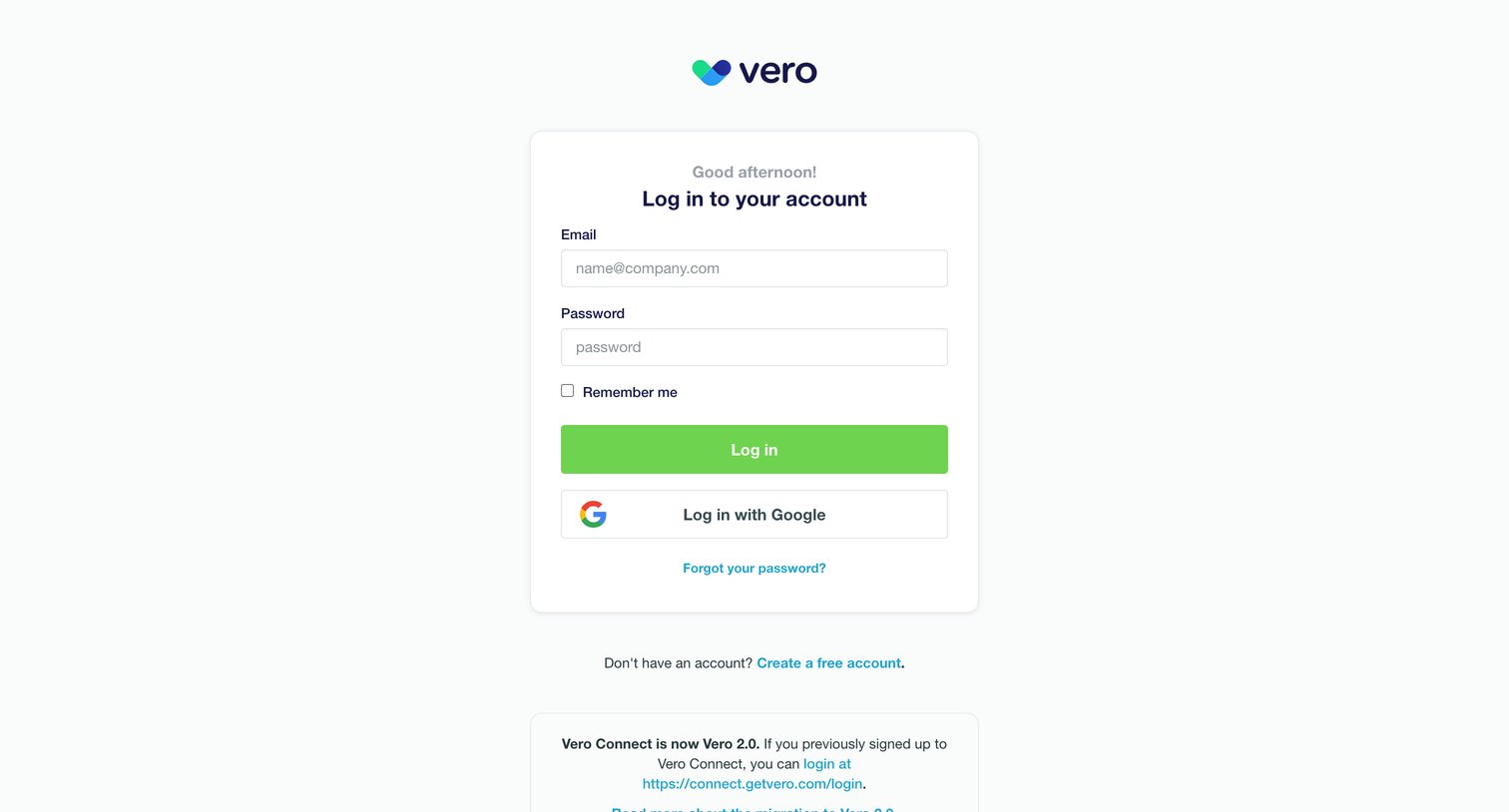
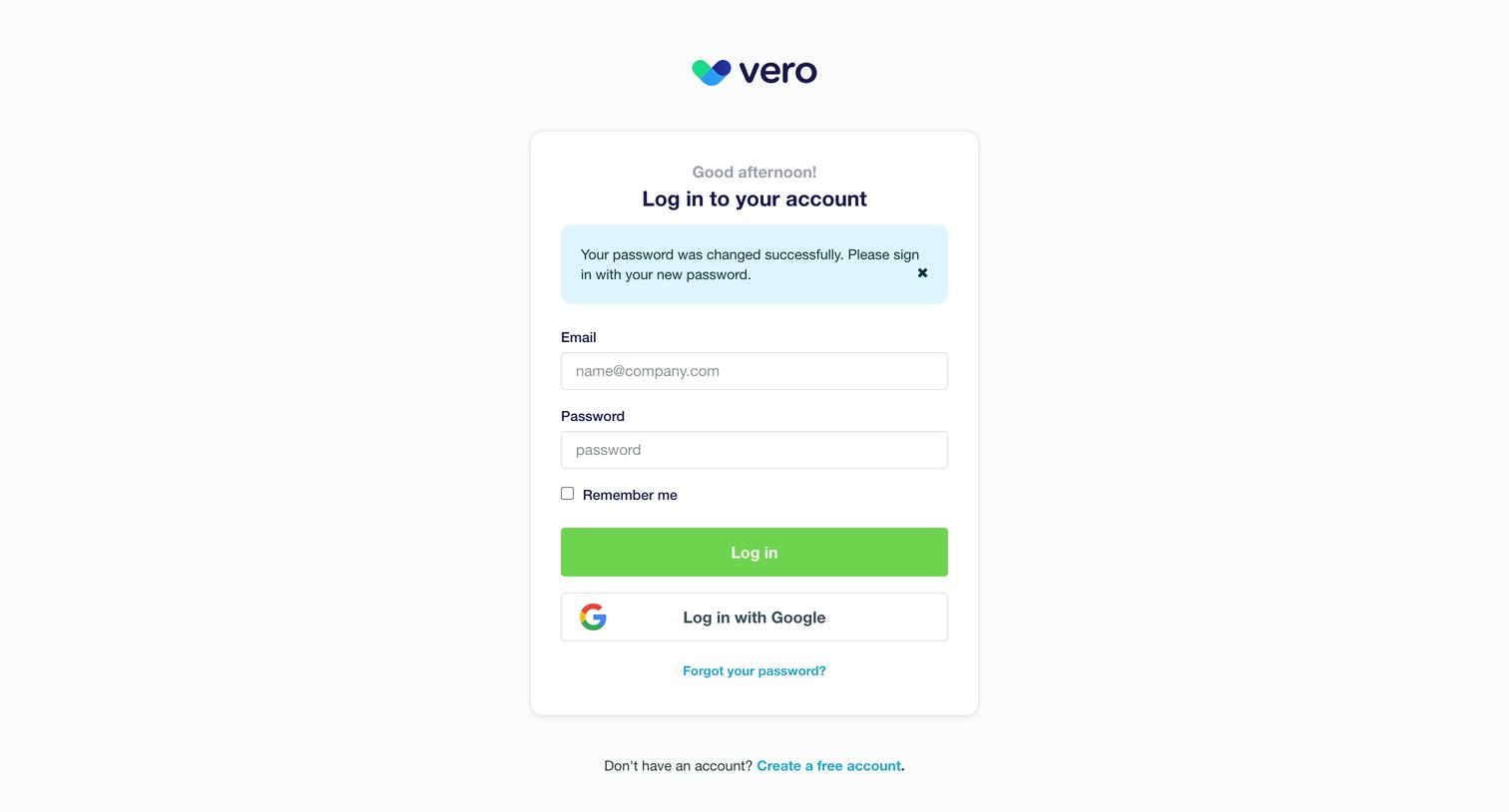
Sign-in screen where the user authenticates with email and password or via Google, with an informational banner about the Vero 2.0 migration.
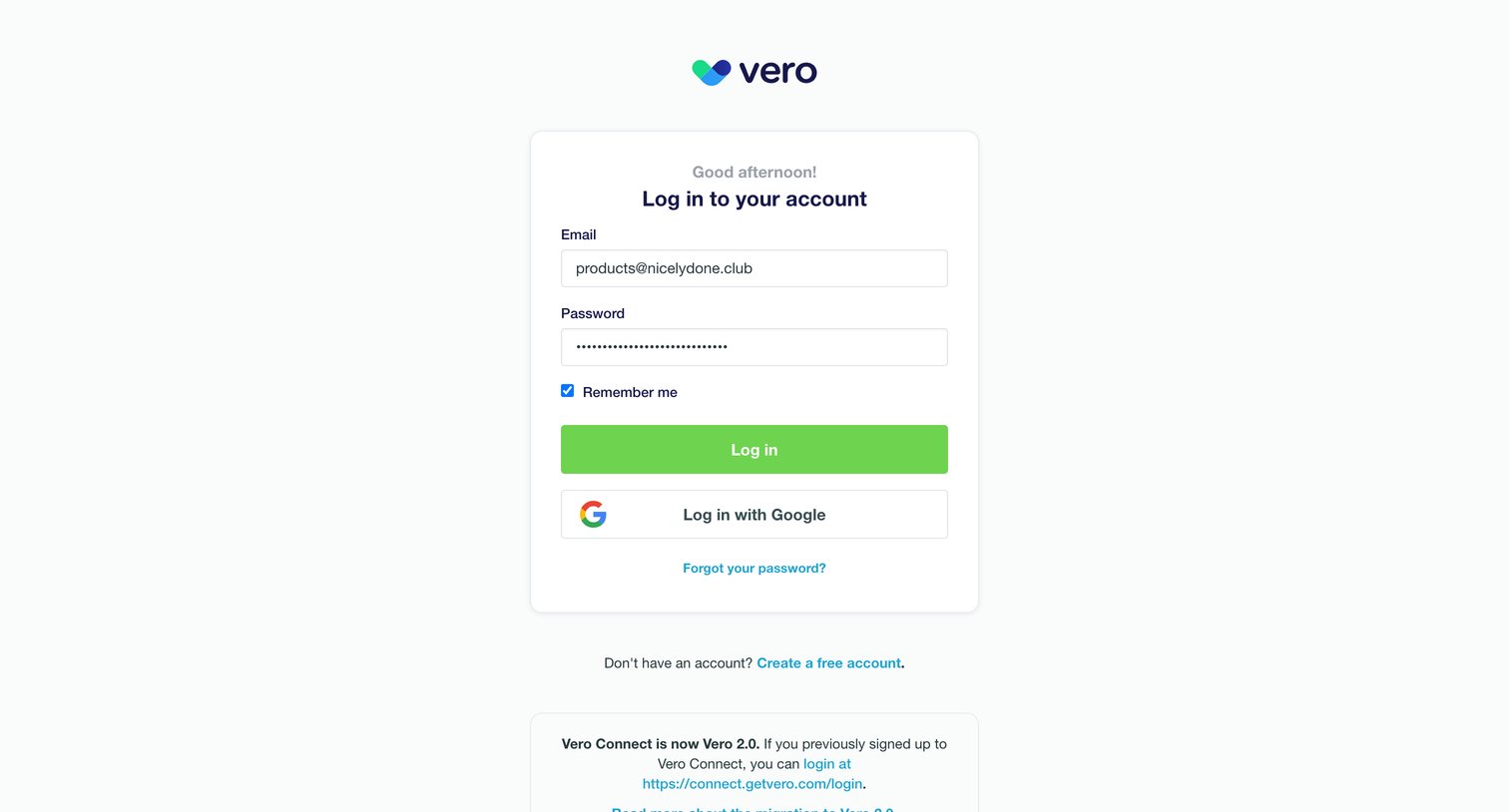
Sign-in screen where the user authenticates with email and password or via Google, with a notice about a recent migration.
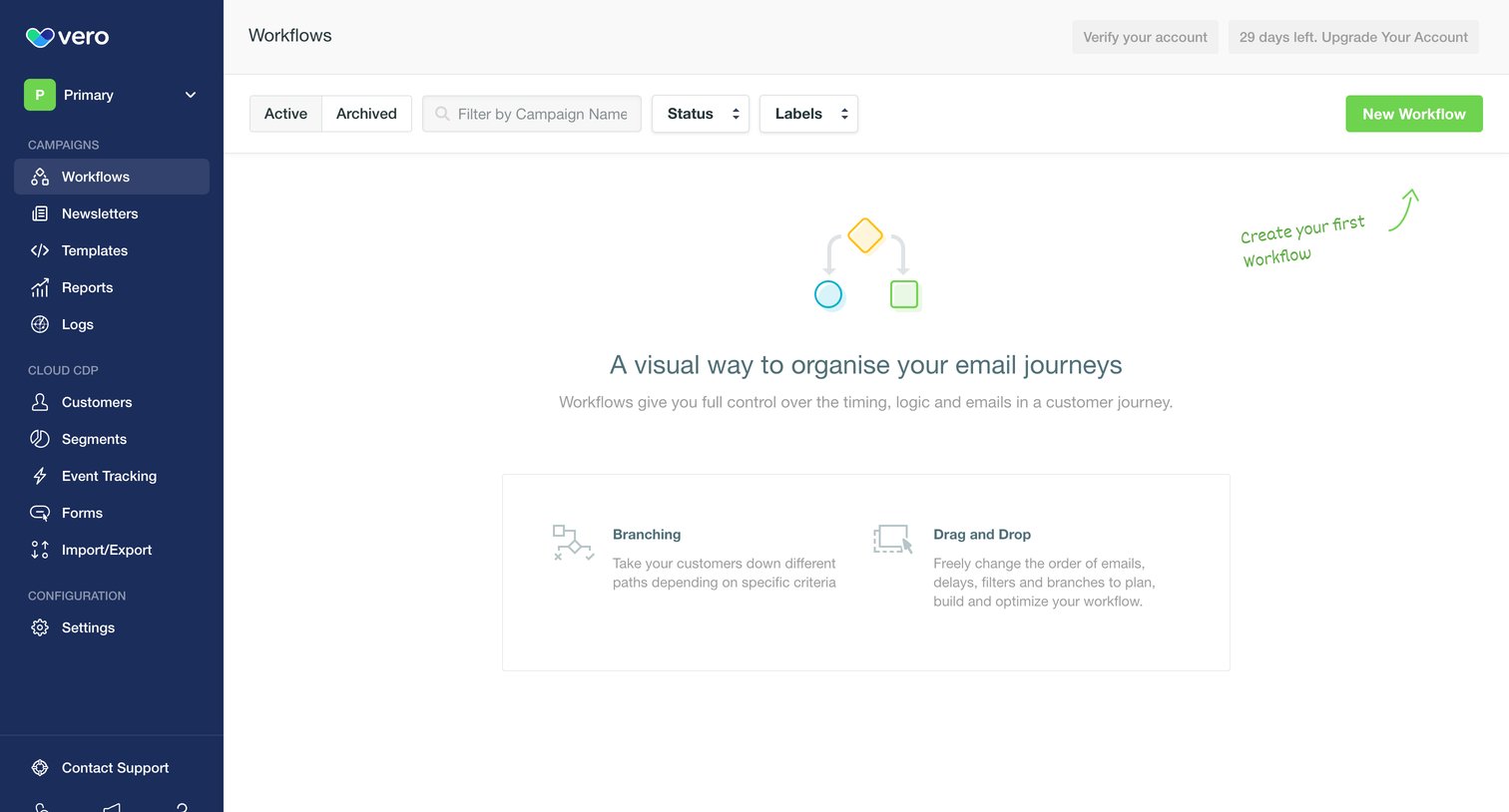
List view for workflows in an empty state, featuring an illustration, a feature breakdown card, and a hand-drawn annotation pointing to the primary creation action.
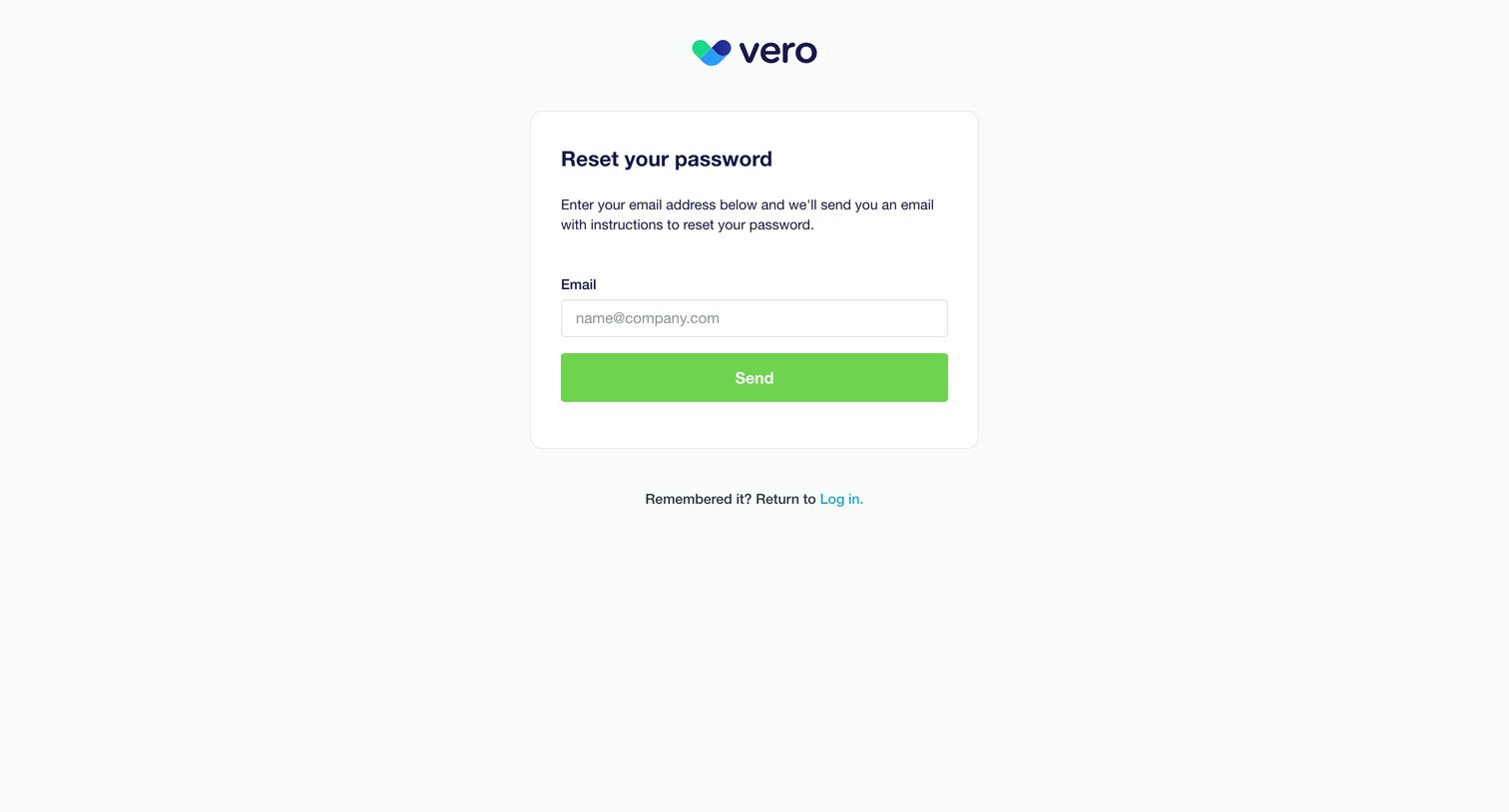
Password recovery screen where the user enters their email address to receive reset instructions.
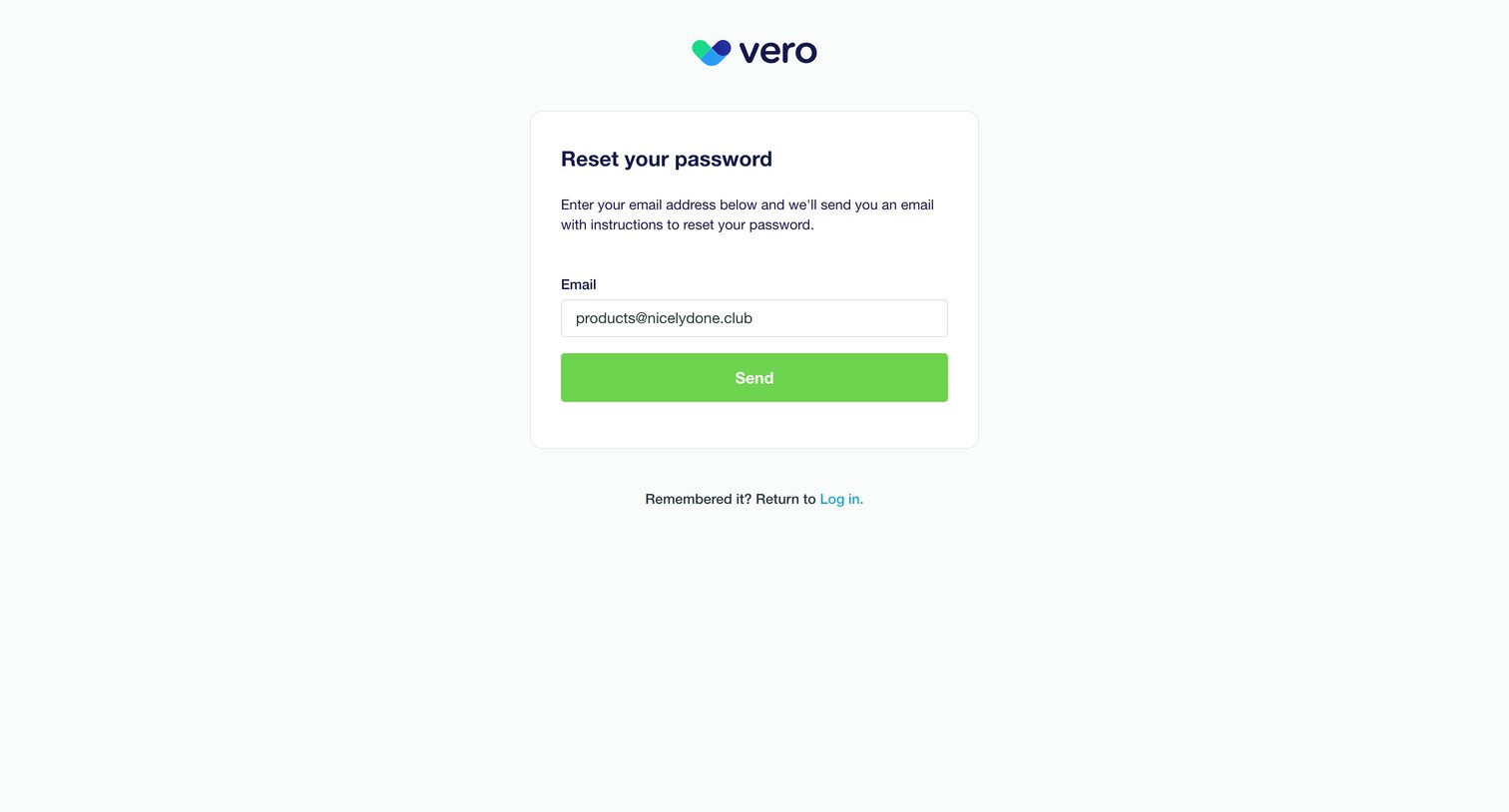
Password recovery screen where the user enters their email address to receive reset instructions.
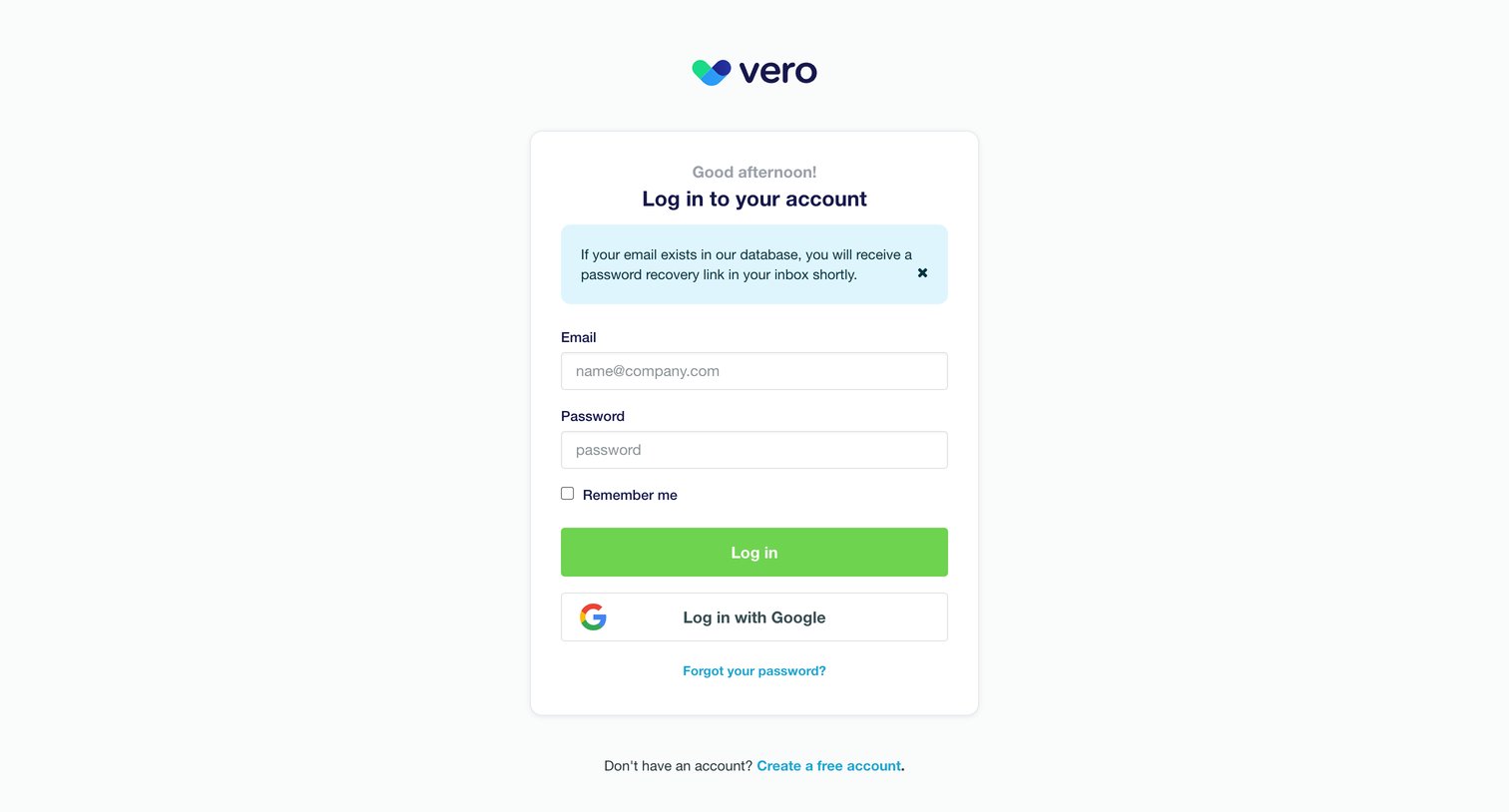
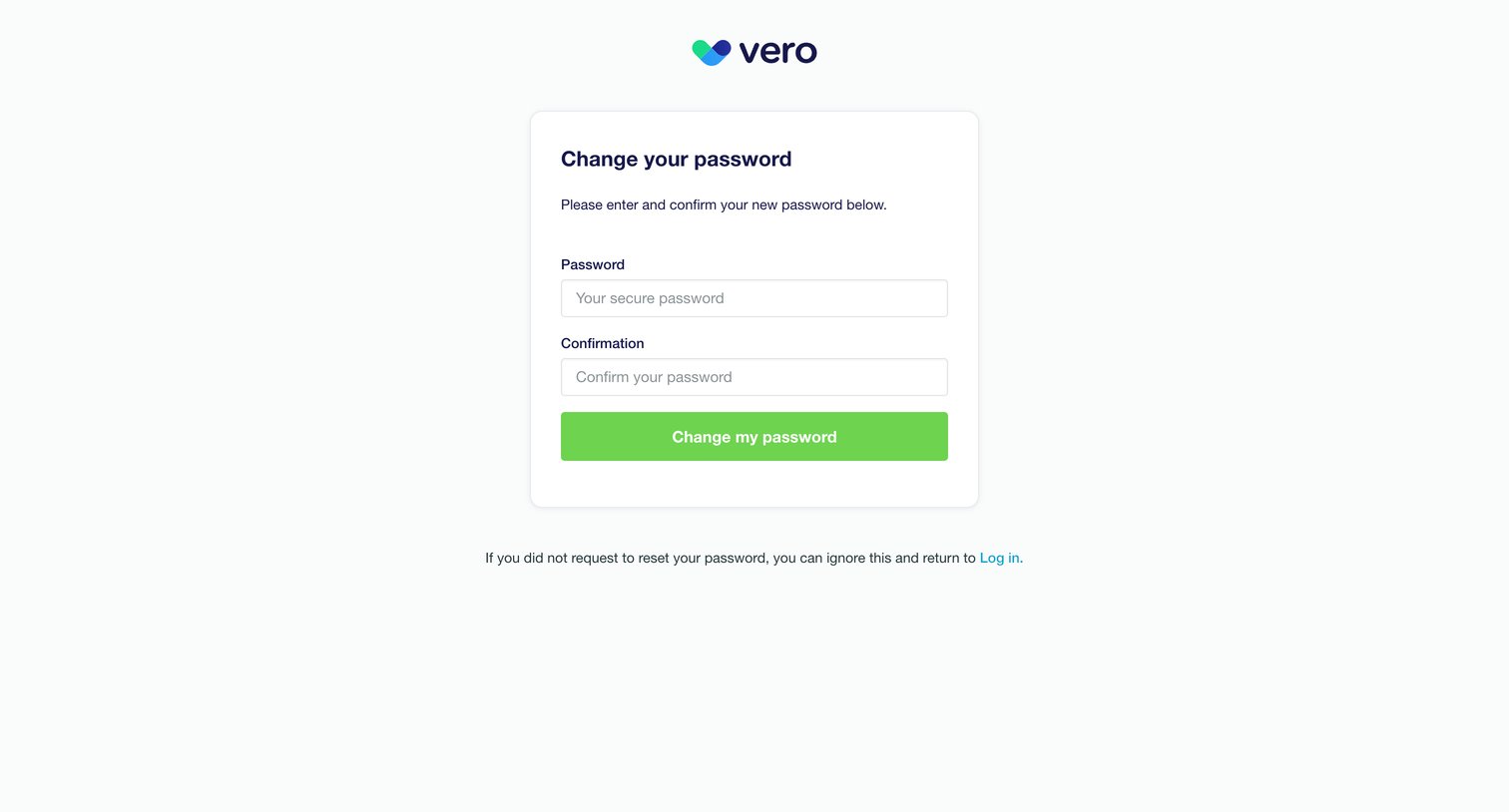
Password recovery screen where the user enters and confirms their new password to regain account access.
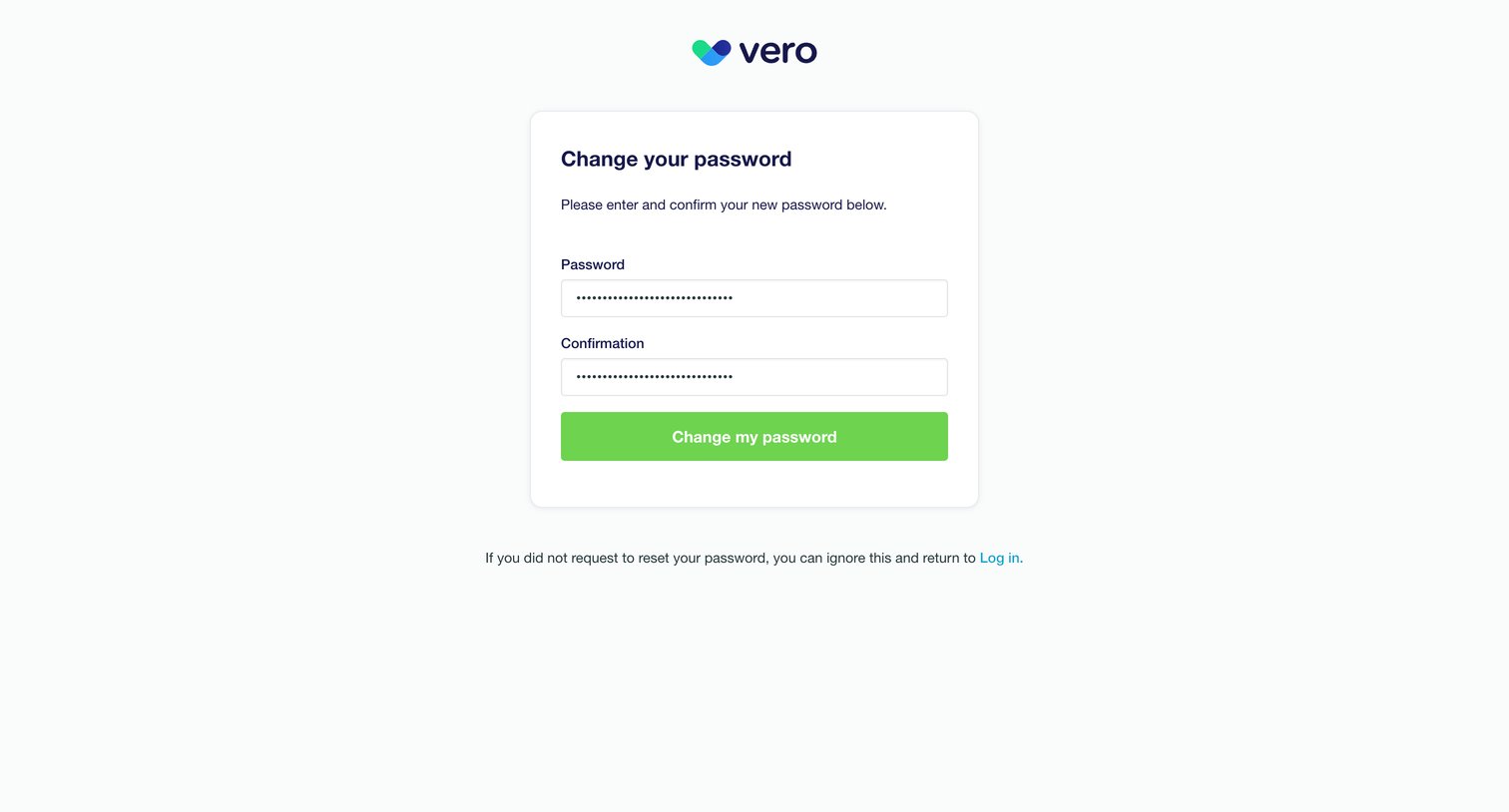
Password recovery screen where the user enters and confirms their new password to regain account access.
Explore the full SaaS screen library
Upgrade to unlock the full library.
Trusted by the best teams







