Undock product screens examples
Browse Undock screen design examples. Preview the interface screenshots and explore related UI patterns. Make time – anywhere you type
Explore the examples
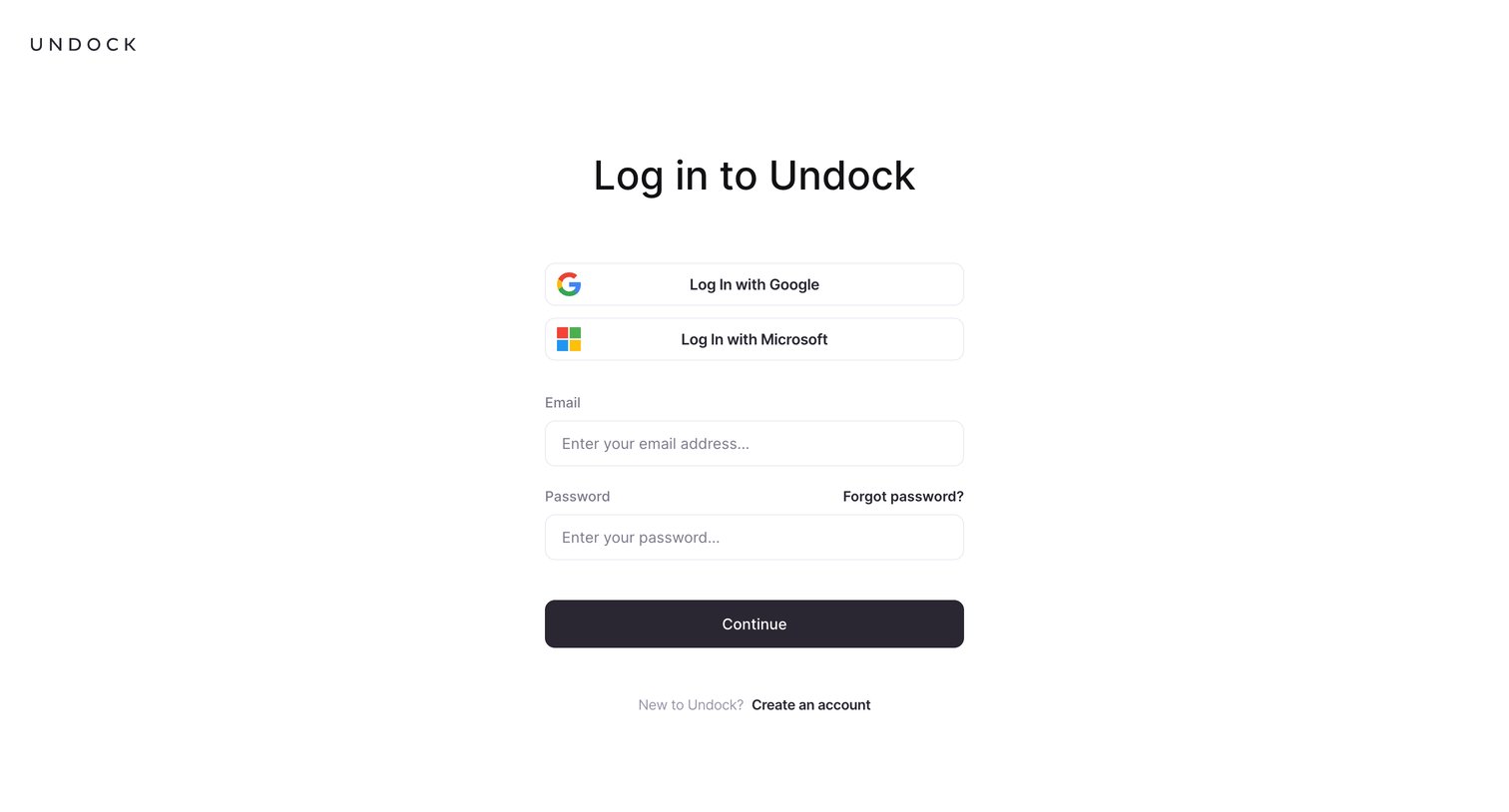
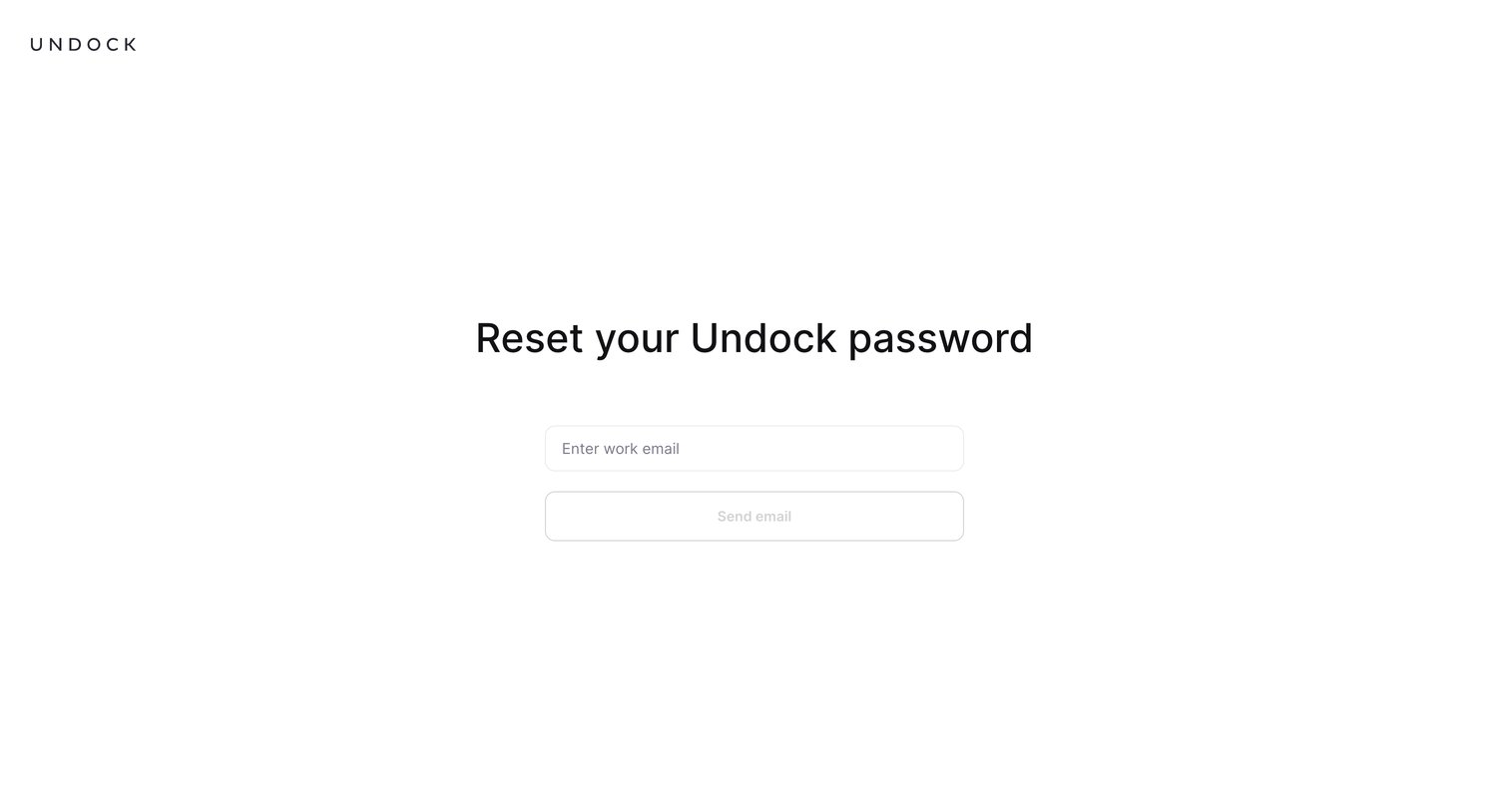

Password recovery screen where the user enters their work email to receive a reset link.
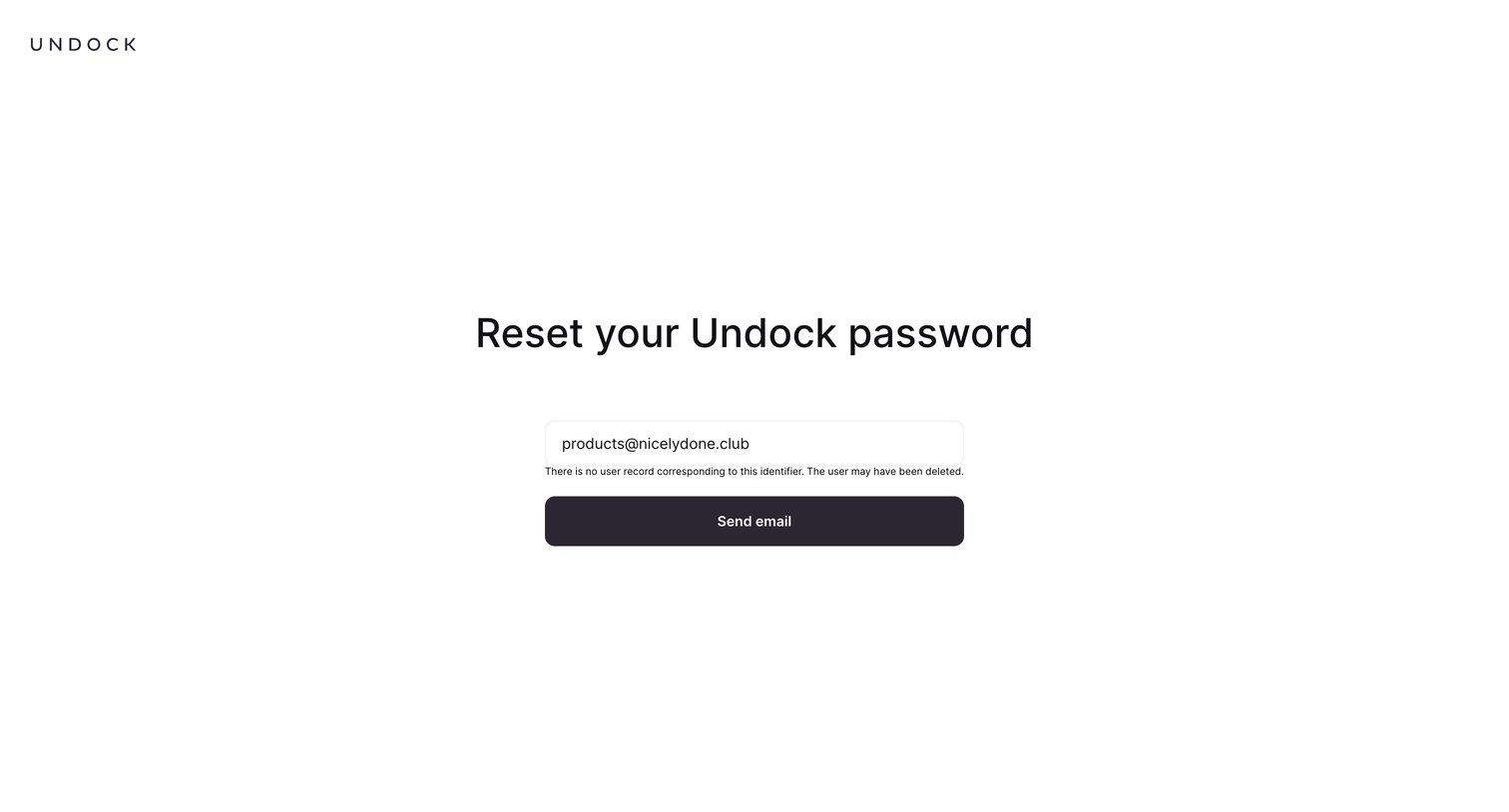
Password recovery screen where the user sees an error message indicating no account exists for the entered email address.
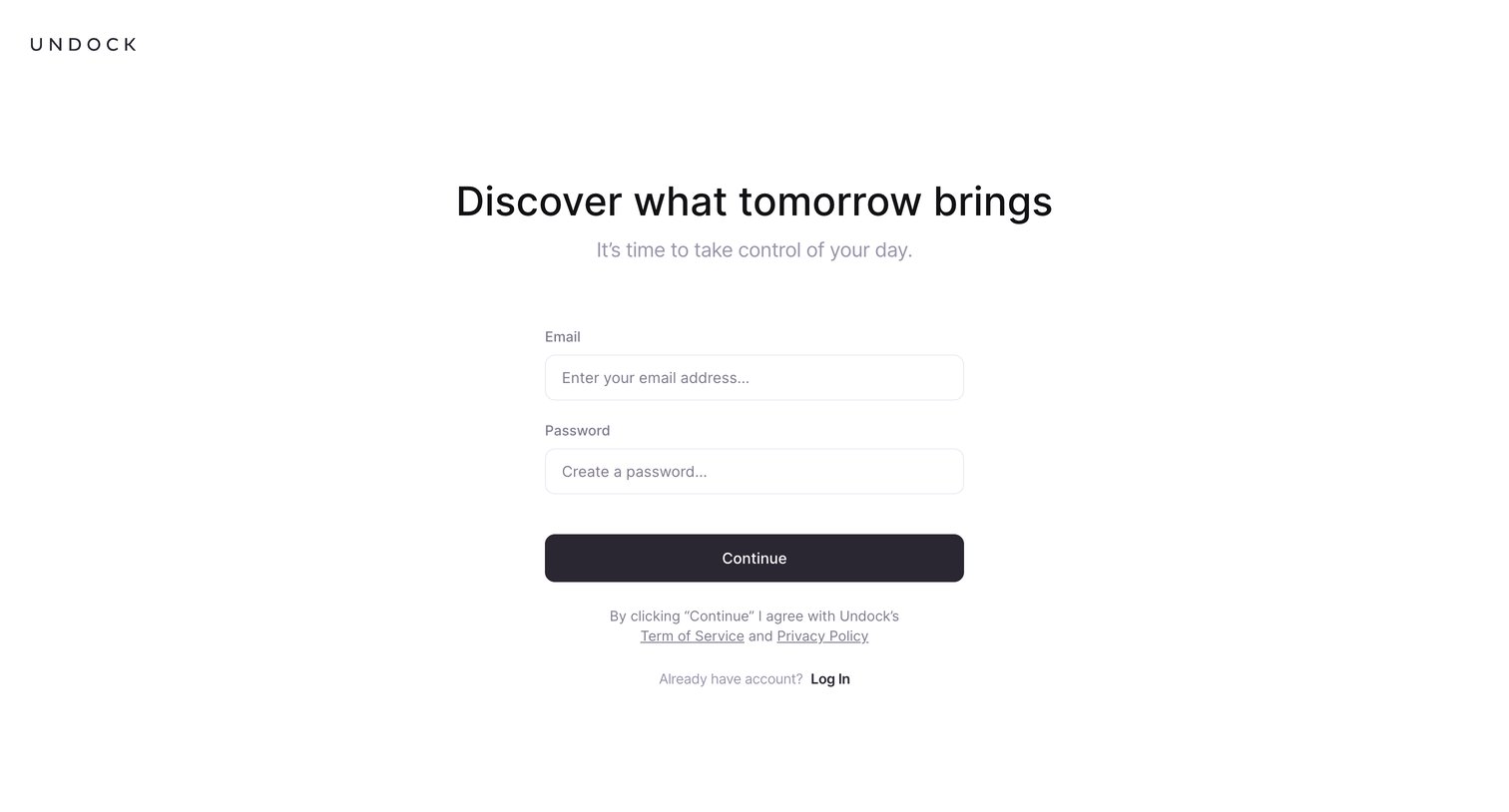
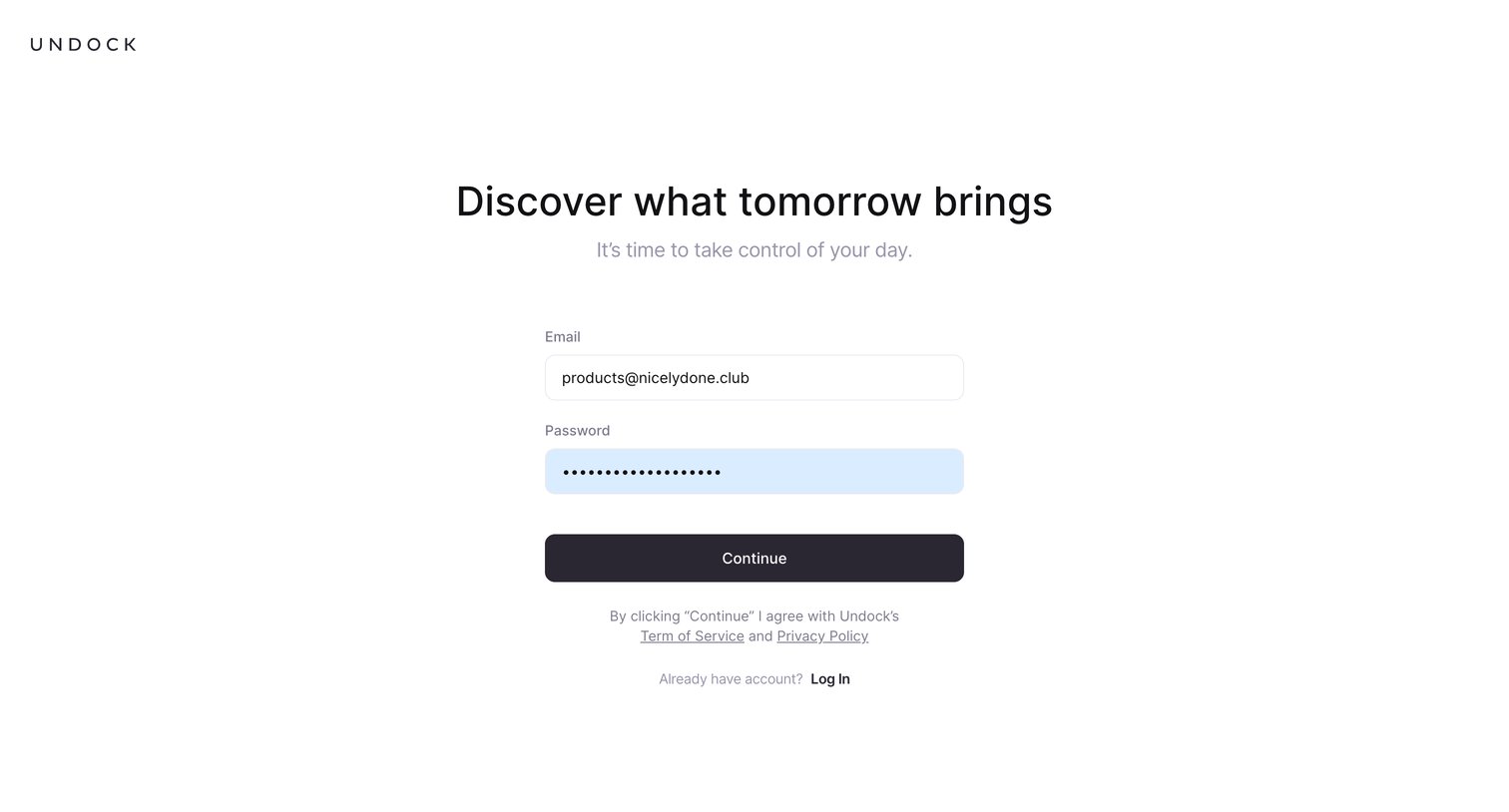
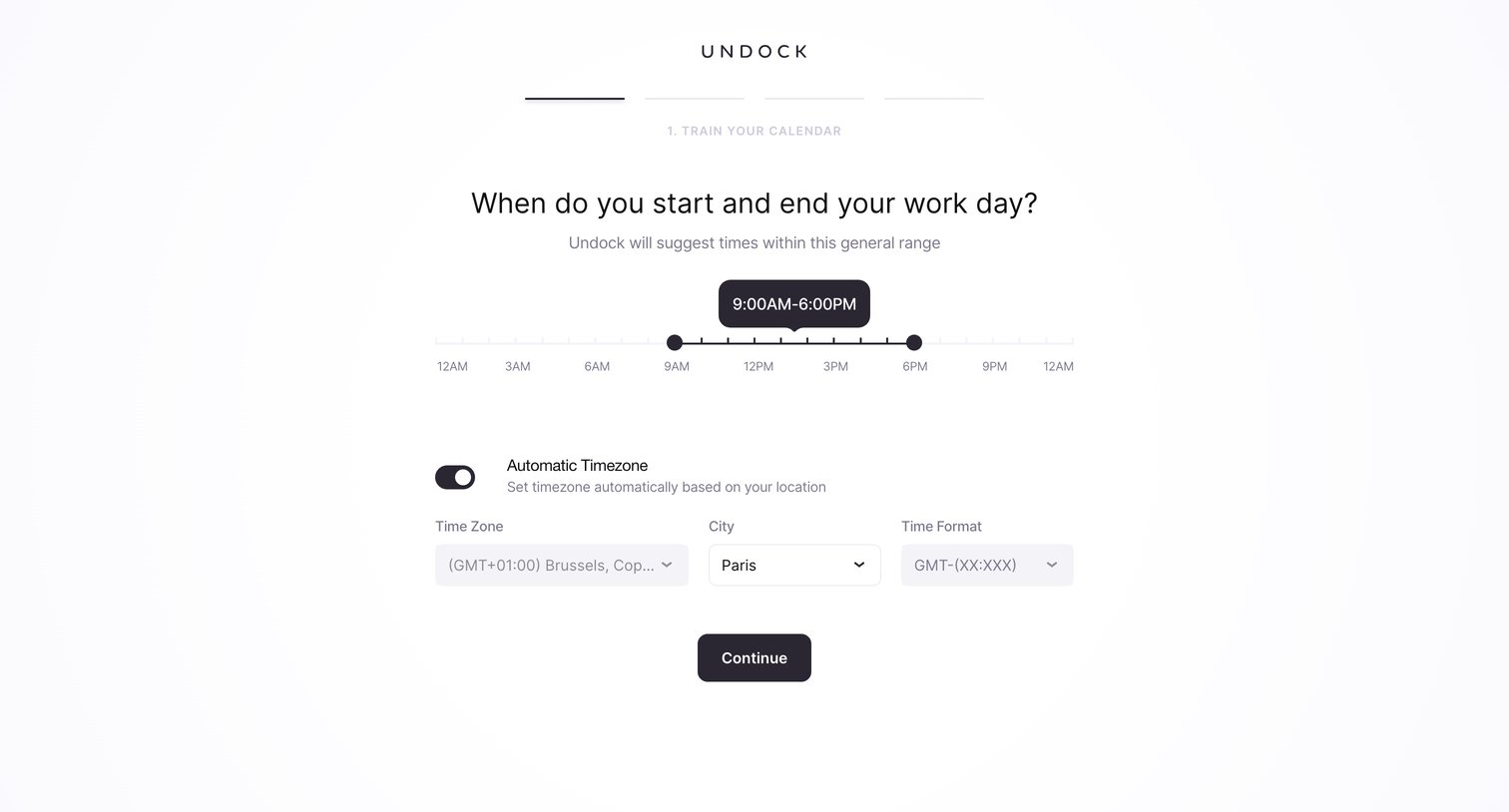
Onboarding step where the user sets their daily work hours using a range slider and configures their automatic timezone preferences.
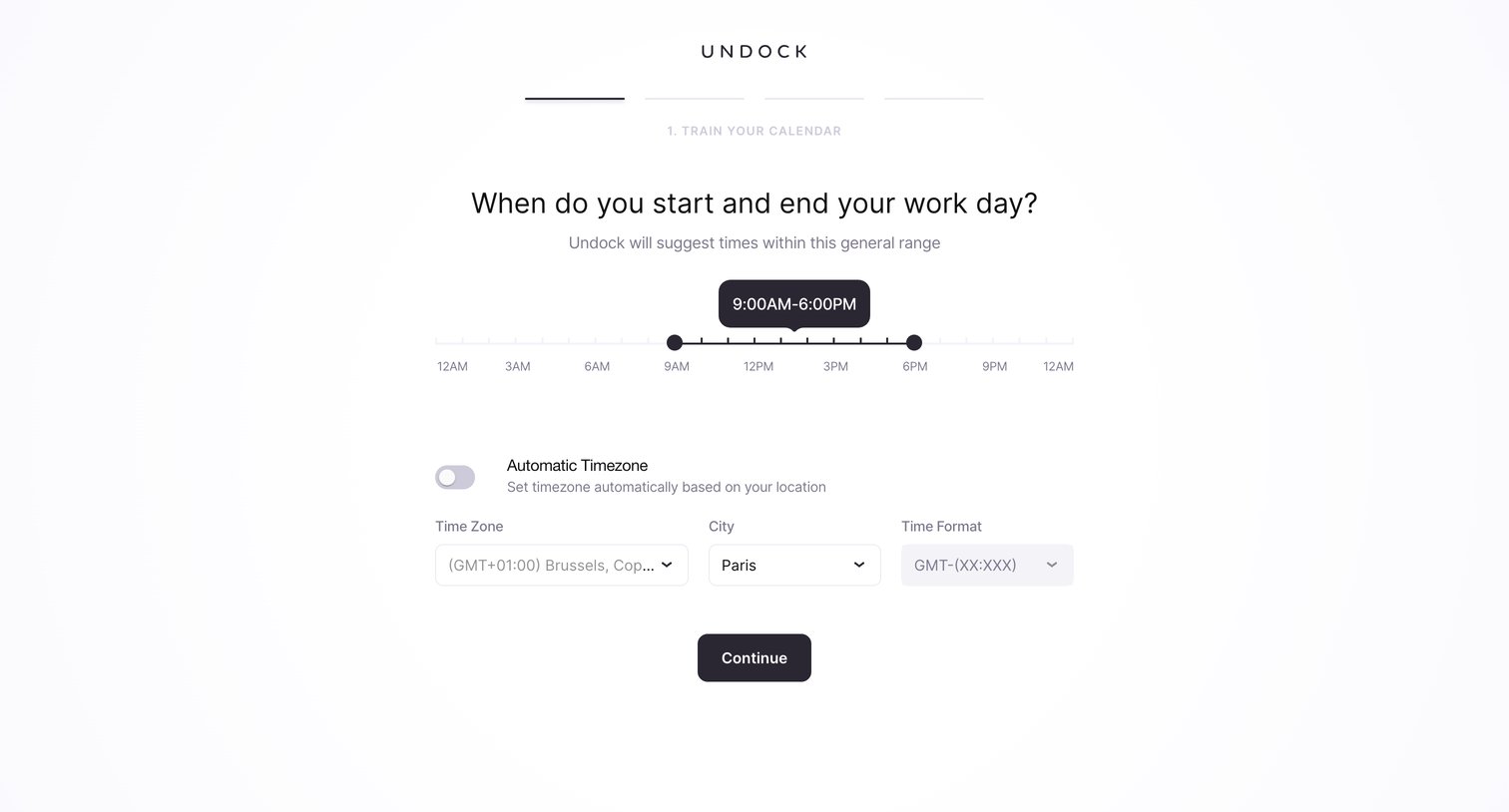
Onboarding step where the user sets their daily work hours via a range slider and configures their timezone and time format.
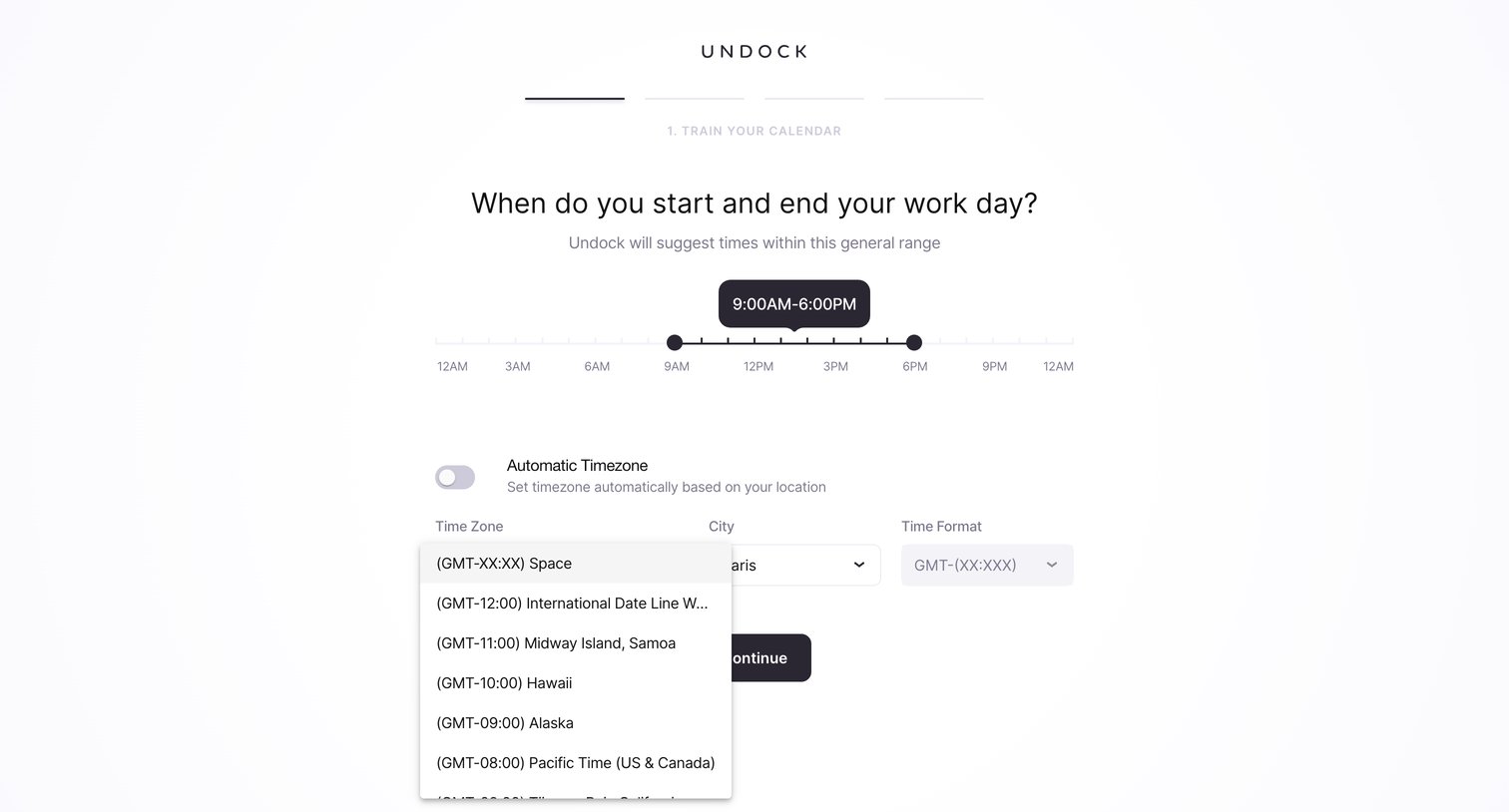
Onboarding step where the user sets their daily work hours via a range slider and configures their timezone preferences.
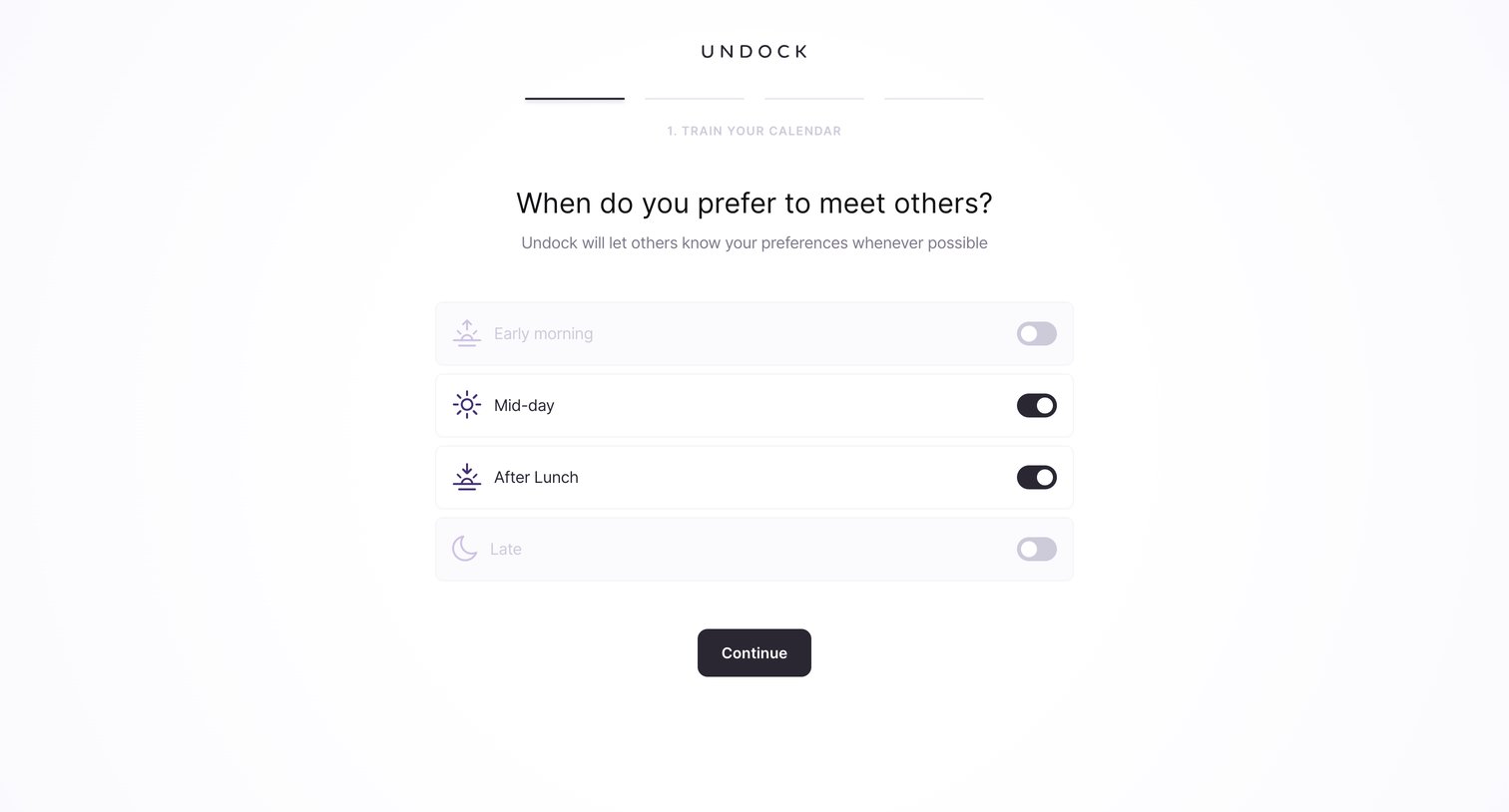
Onboarding step where the user sets their preferred meeting times for early morning, mid-day, after lunch, or late using toggle switches.
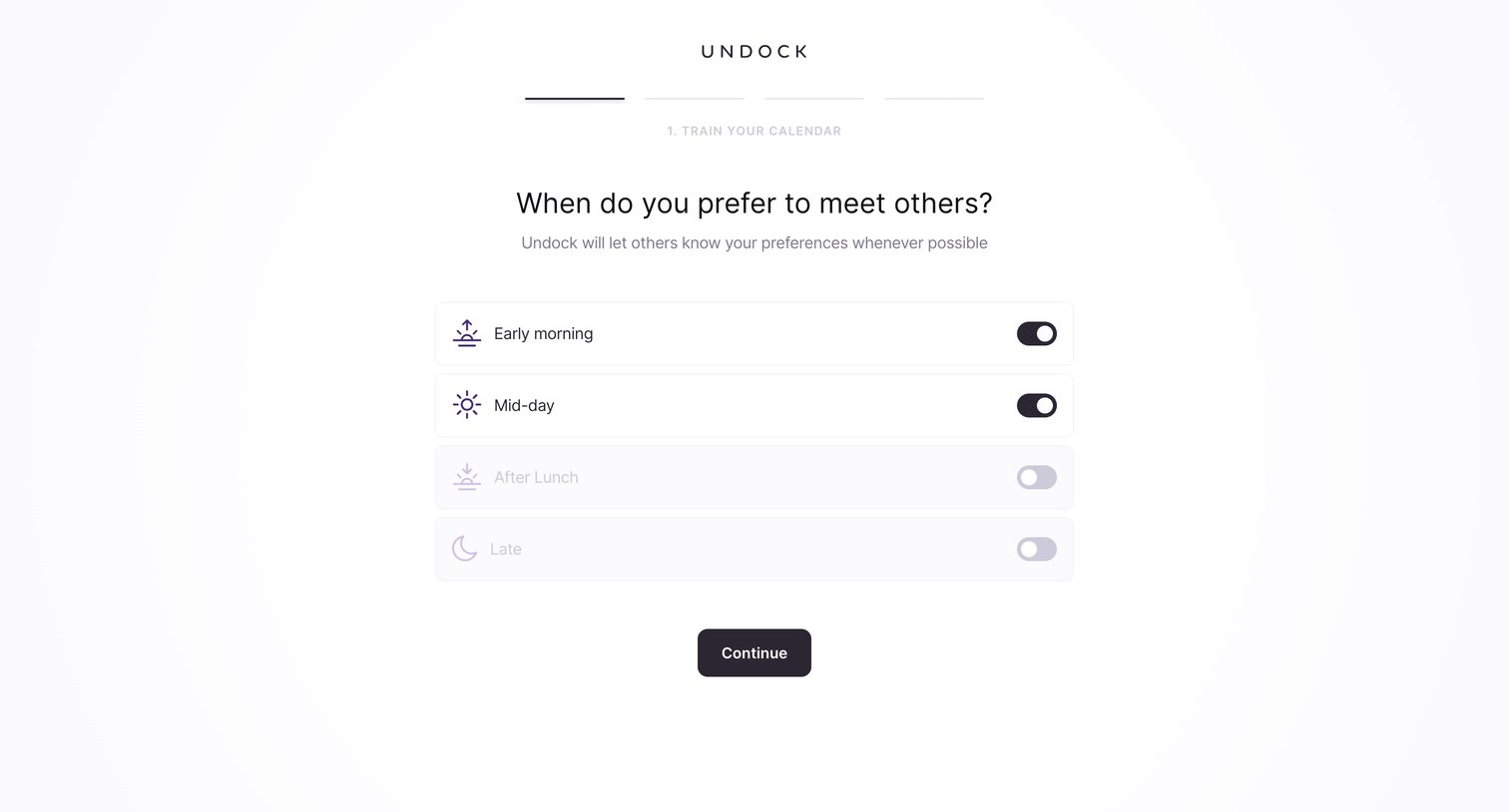
Onboarding step where the user sets their preferred meeting times for early morning, mid-day, after lunch, or late.
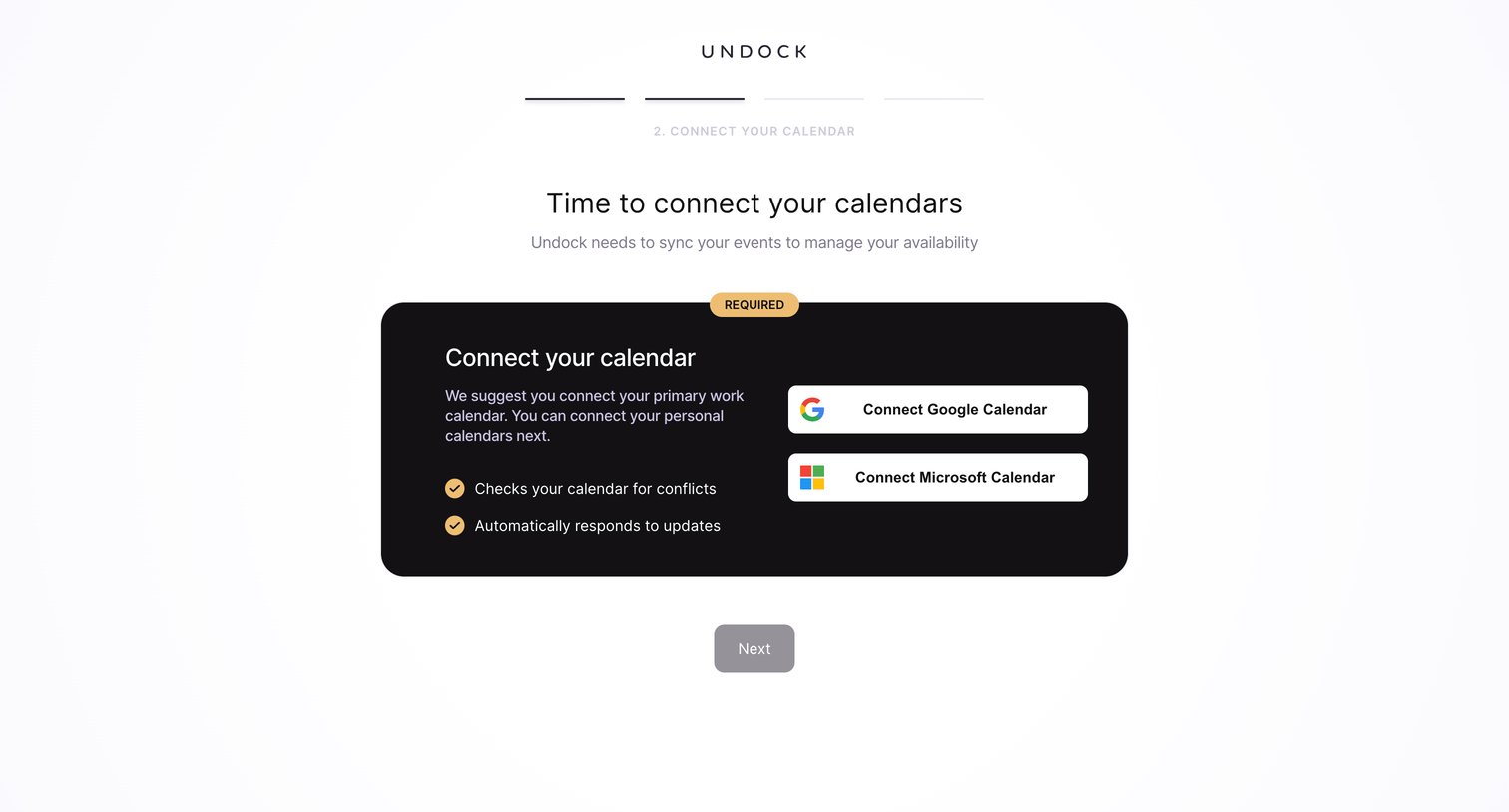
Onboarding step where the user connects their Google or Microsoft calendar to sync events and manage availability.
Explore the full SaaS screen library
Upgrade to unlock the full library.
Trusted by the best teams







