Surfe design examples
Explore Surfe UI design examples. CRM with LinkedIn
Product screens
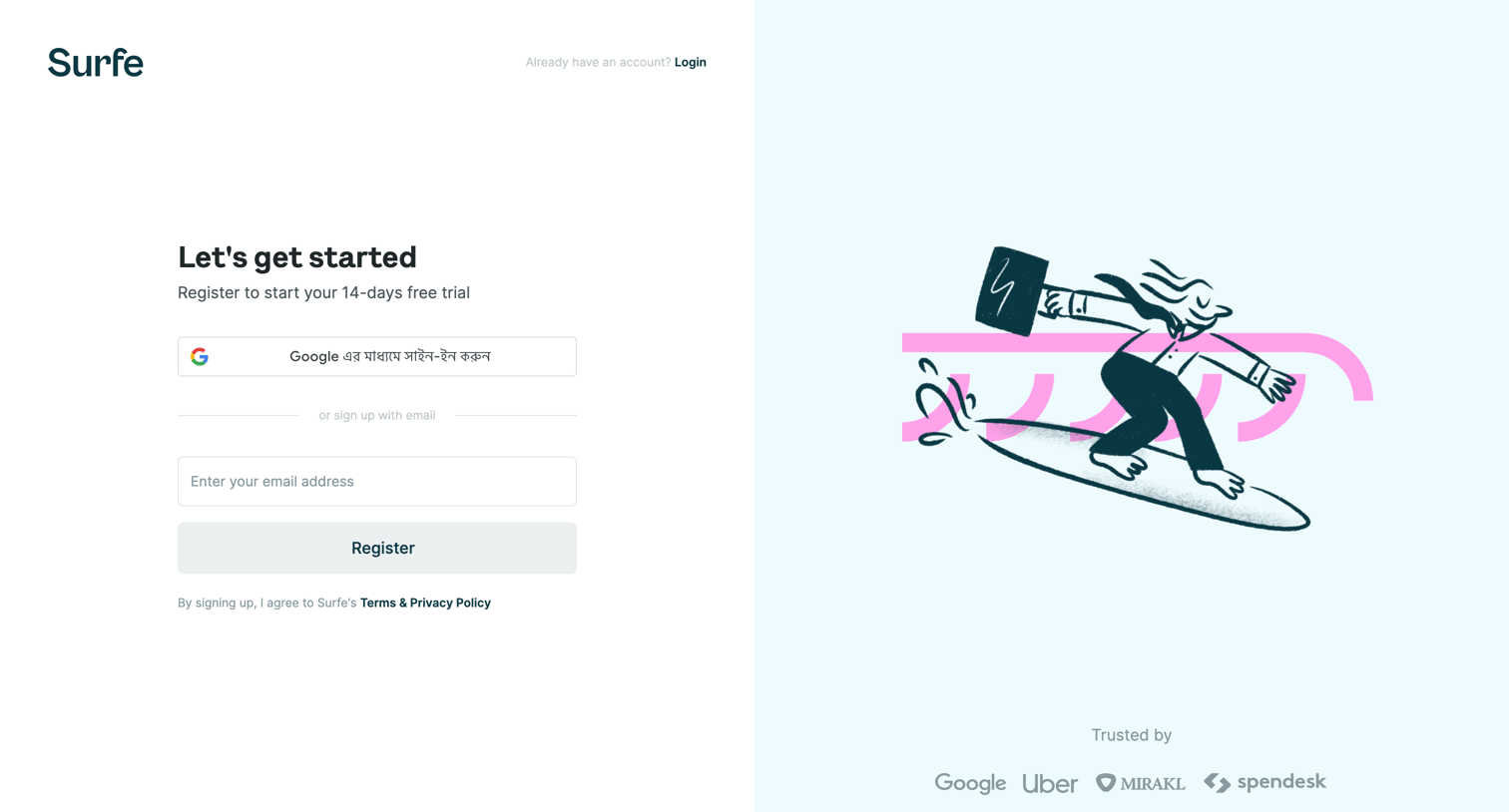

Signup screen where the user registers for a 14-day free trial via Google or email, alongside an illustration and a social proof logo wall.
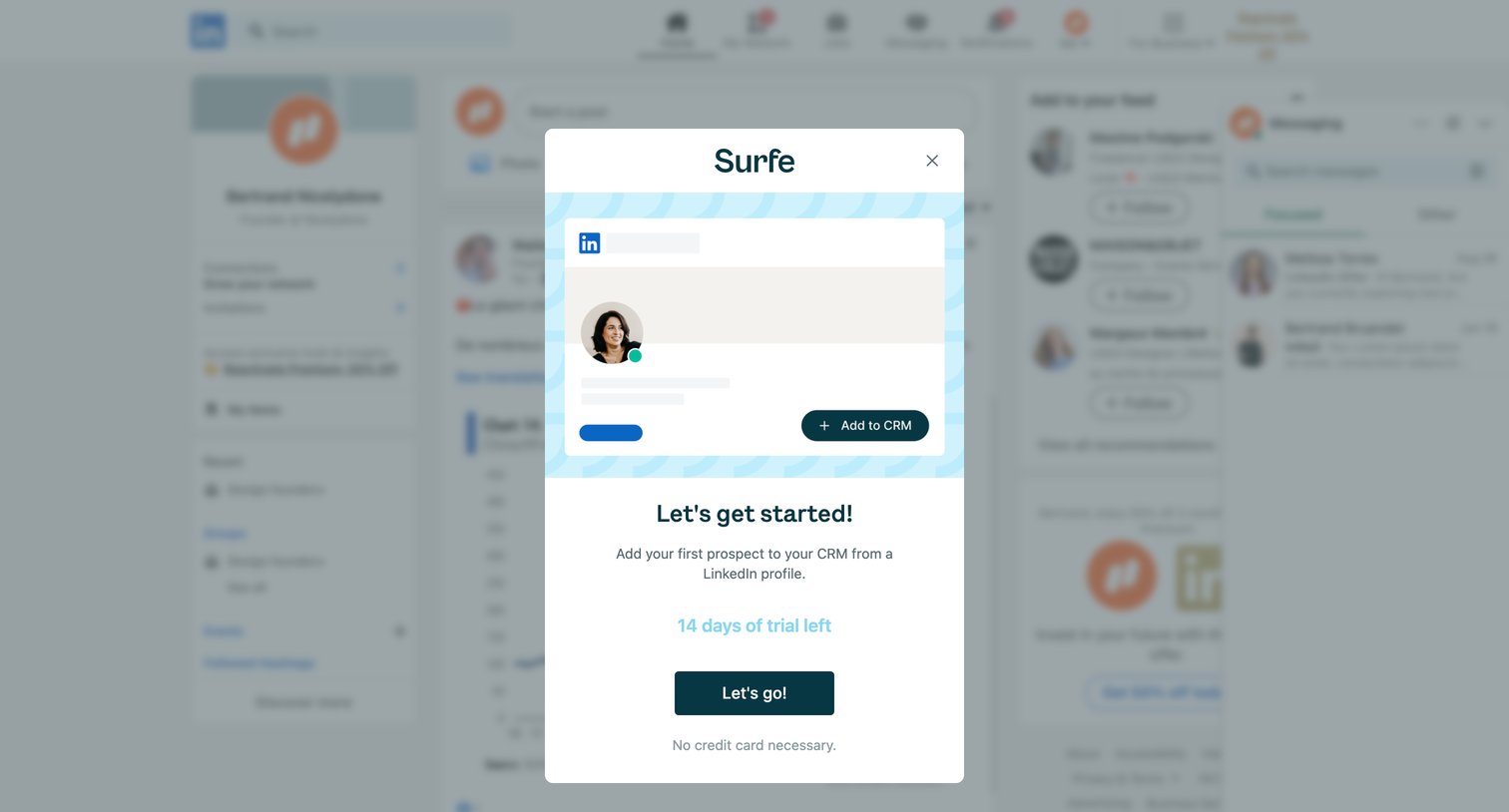
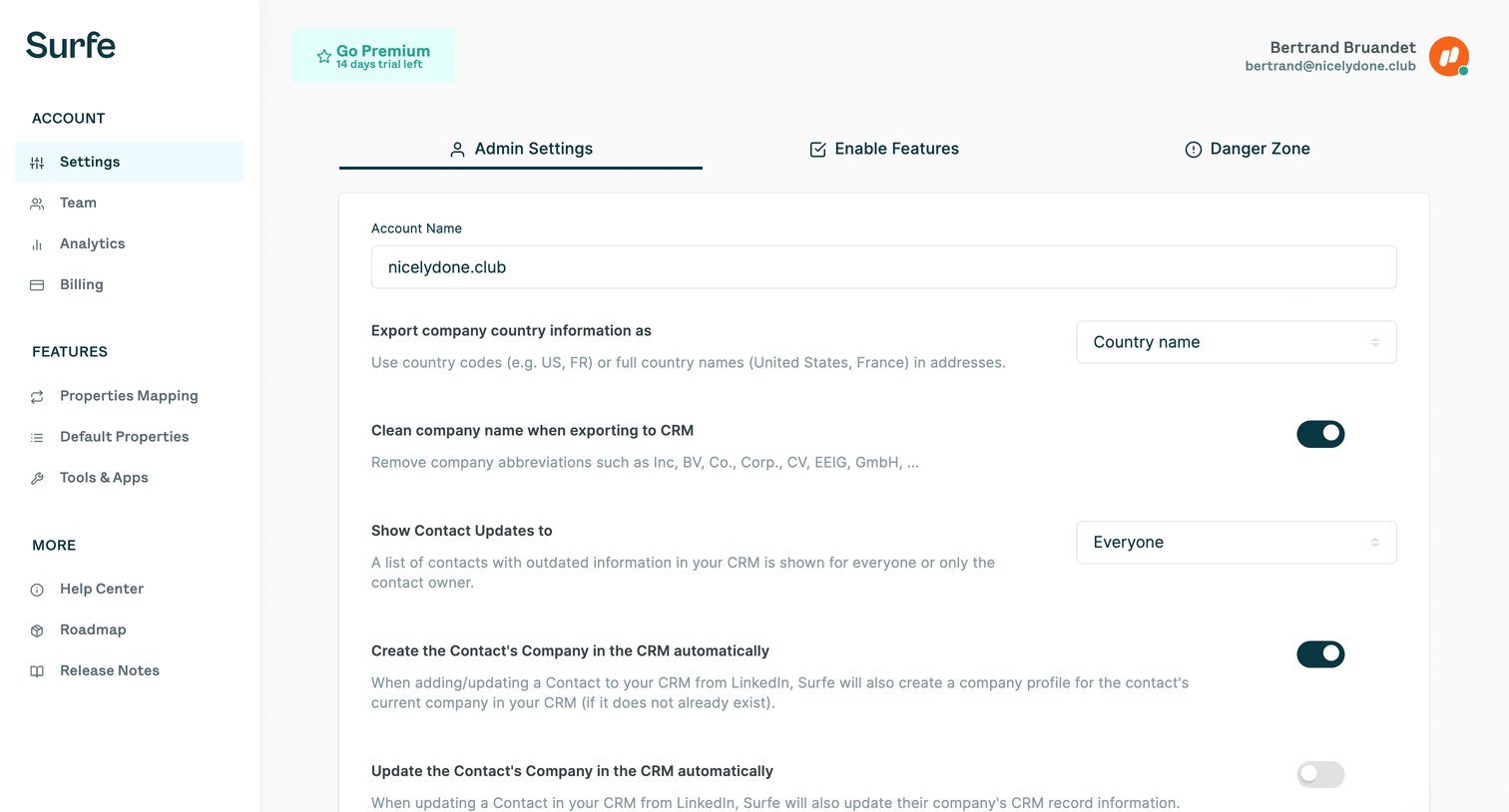
Settings page where an admin configures CRM export rules, data enrichment triggers, and GDPR compliance for the workspace.
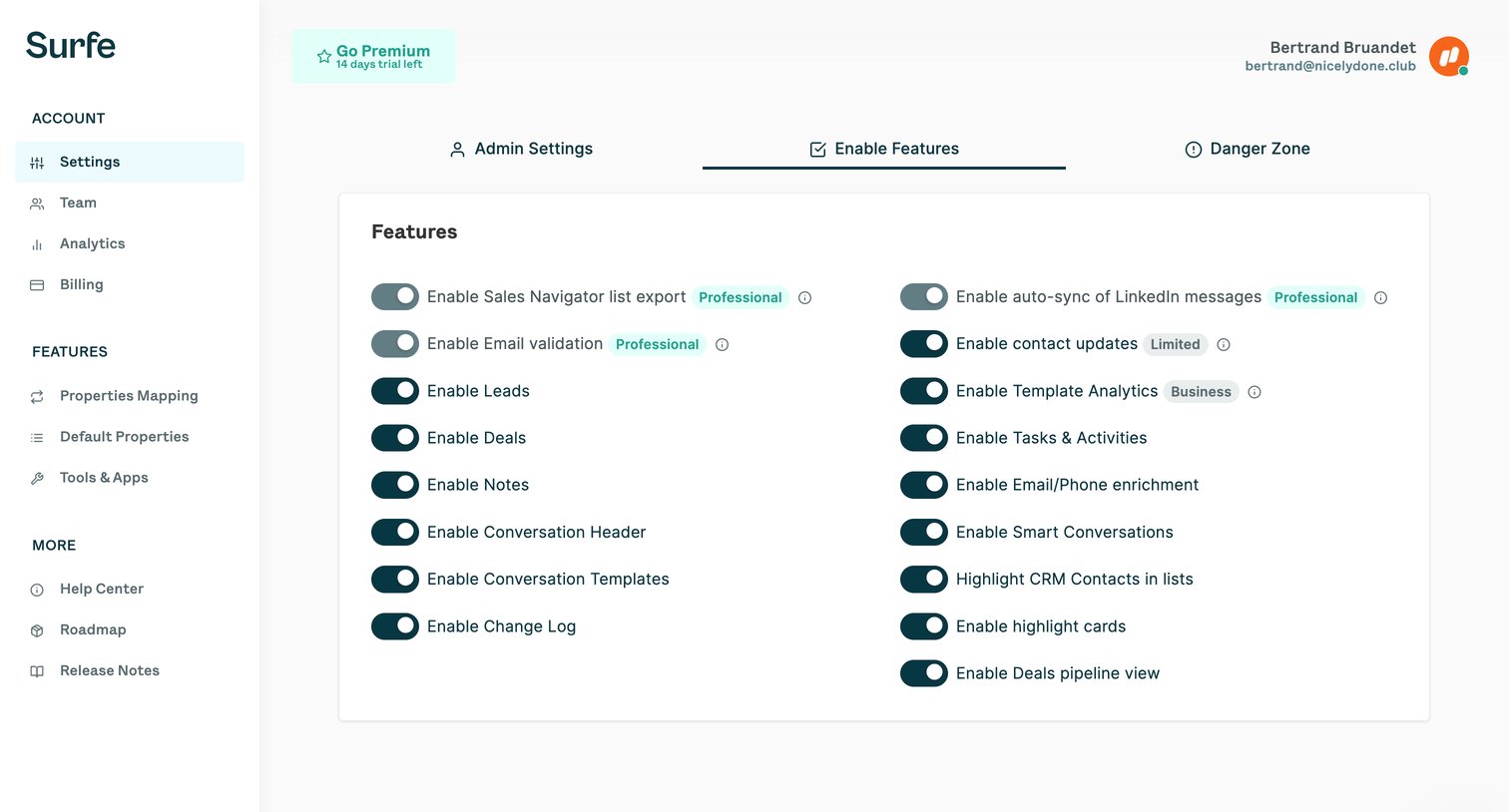
Settings page where the user toggles various workspace features on or off, with premium features indicated by plan badges.
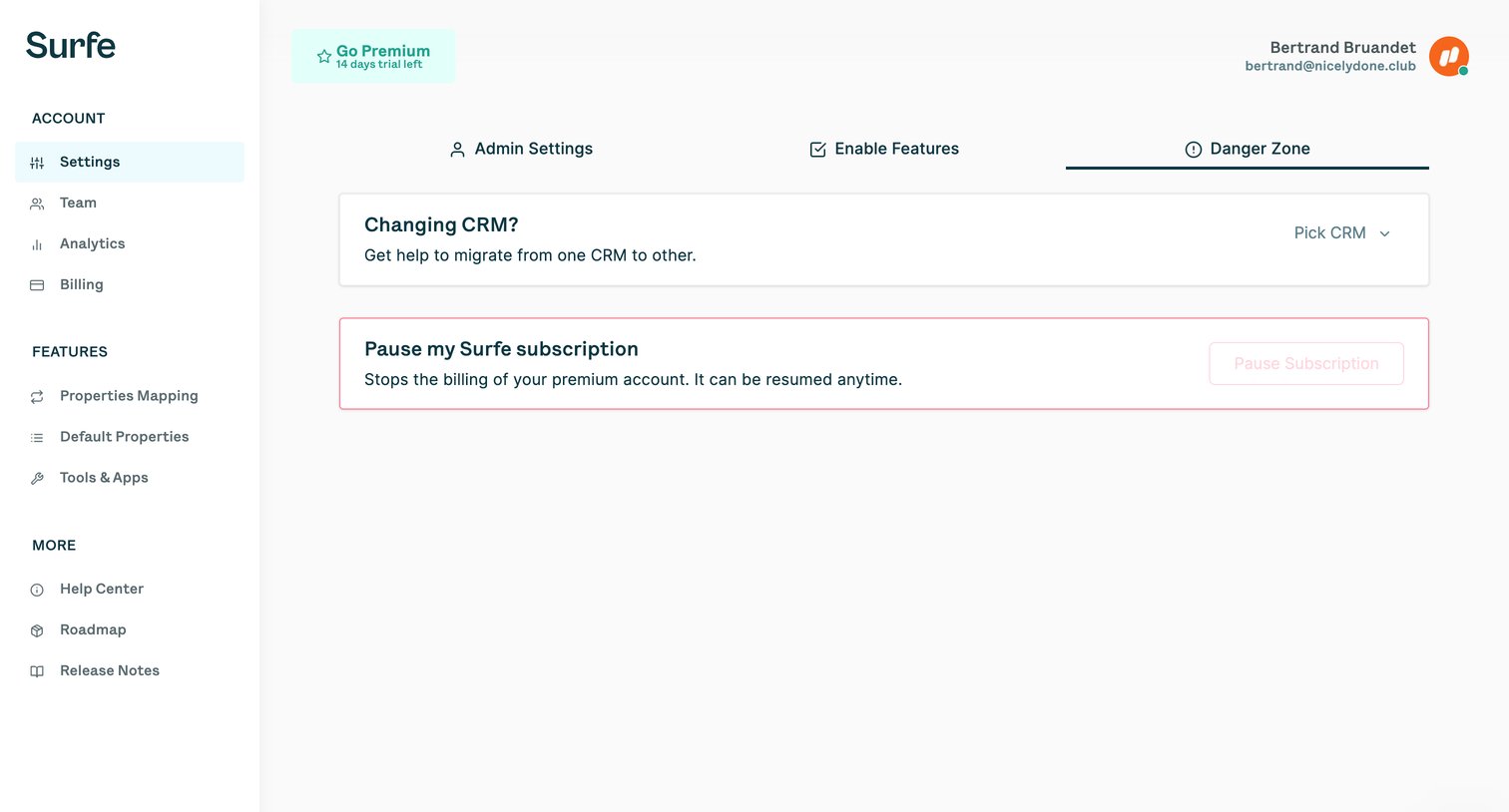
Settings page where the user can migrate their CRM or pause their Surfe subscription.
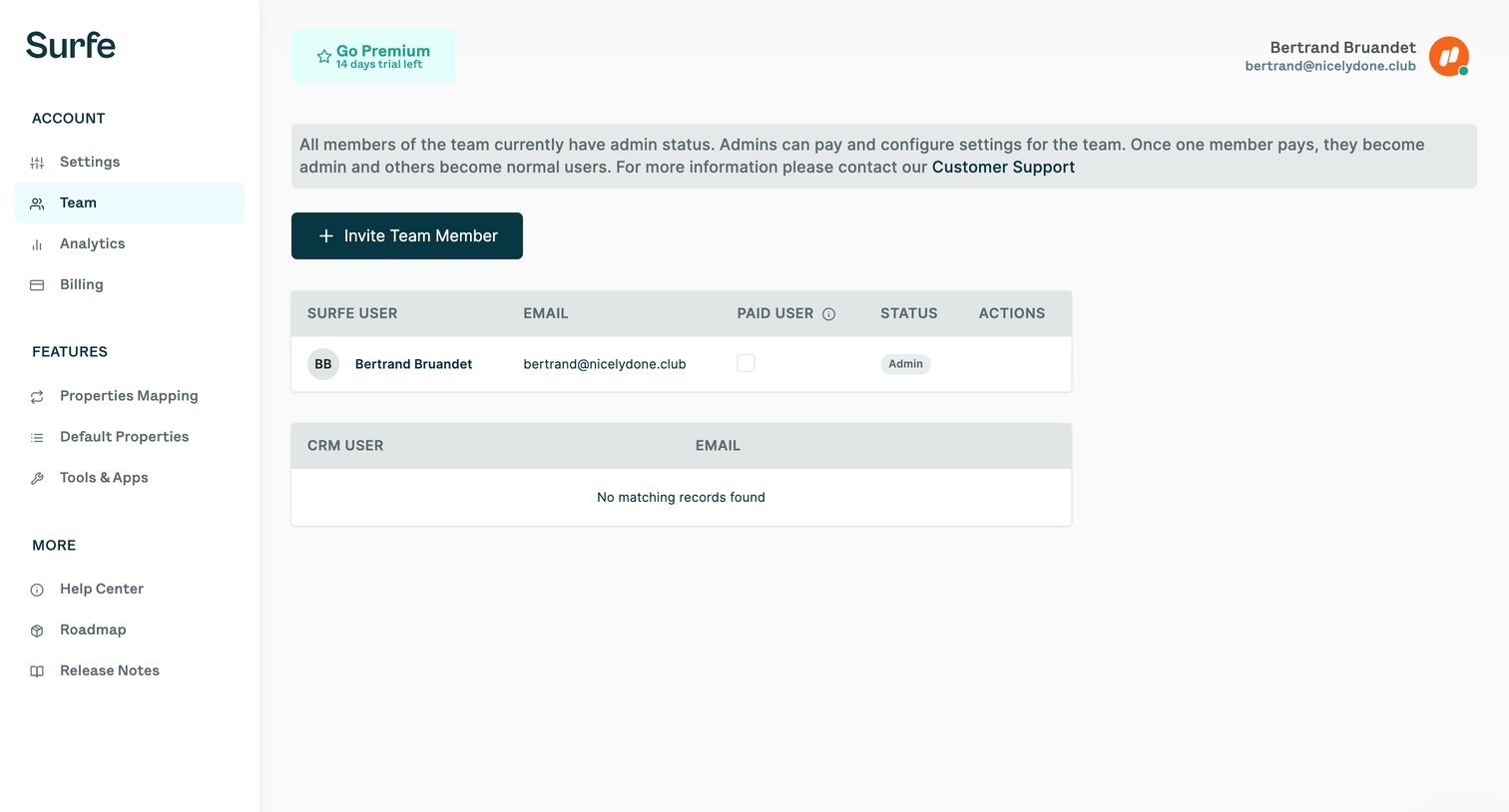
Settings page where the user manages team members, invites new users, and views their admin and paid status.
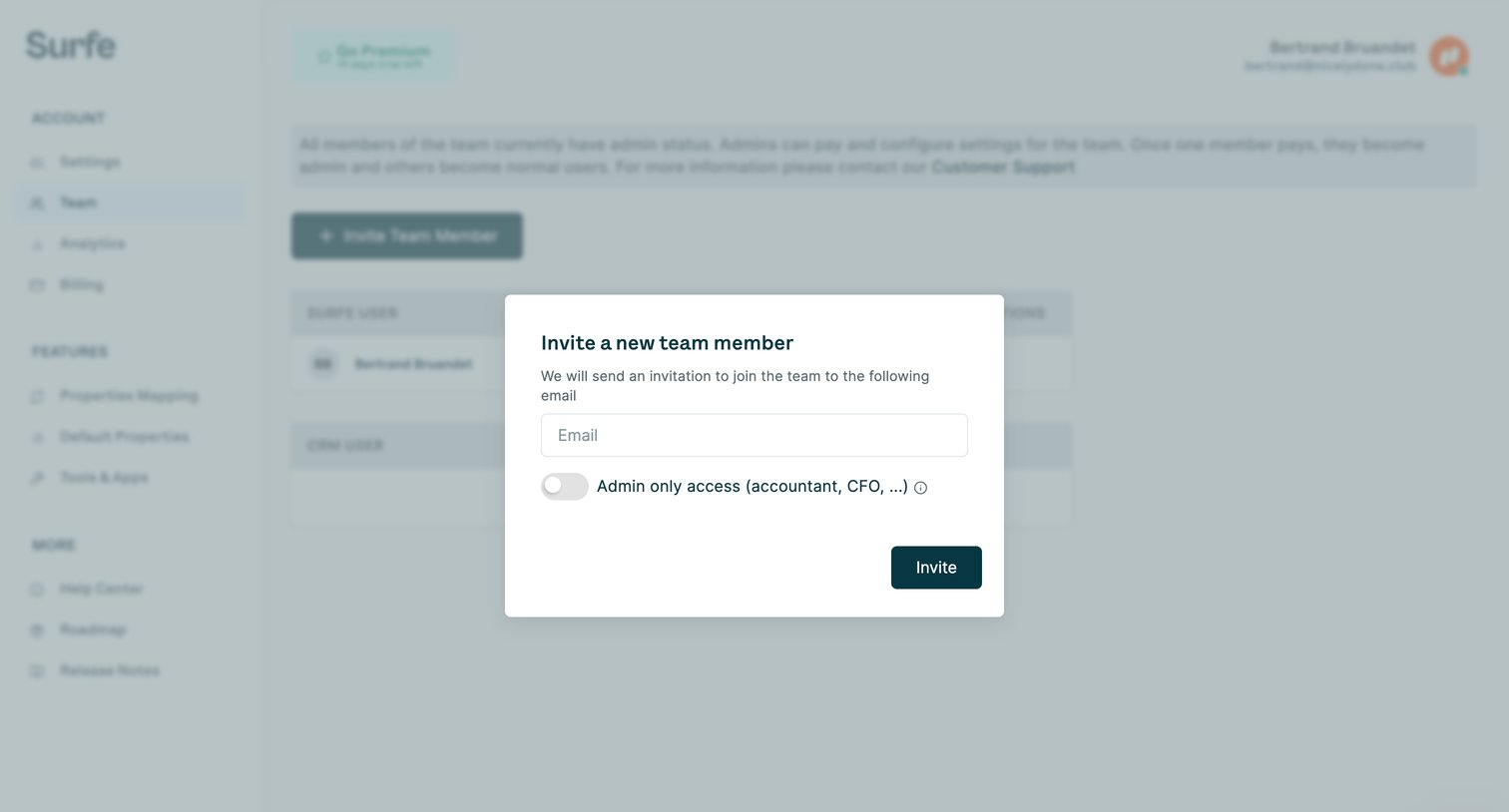
Settings page where the user invites a new team member by email and can toggle admin-only access.
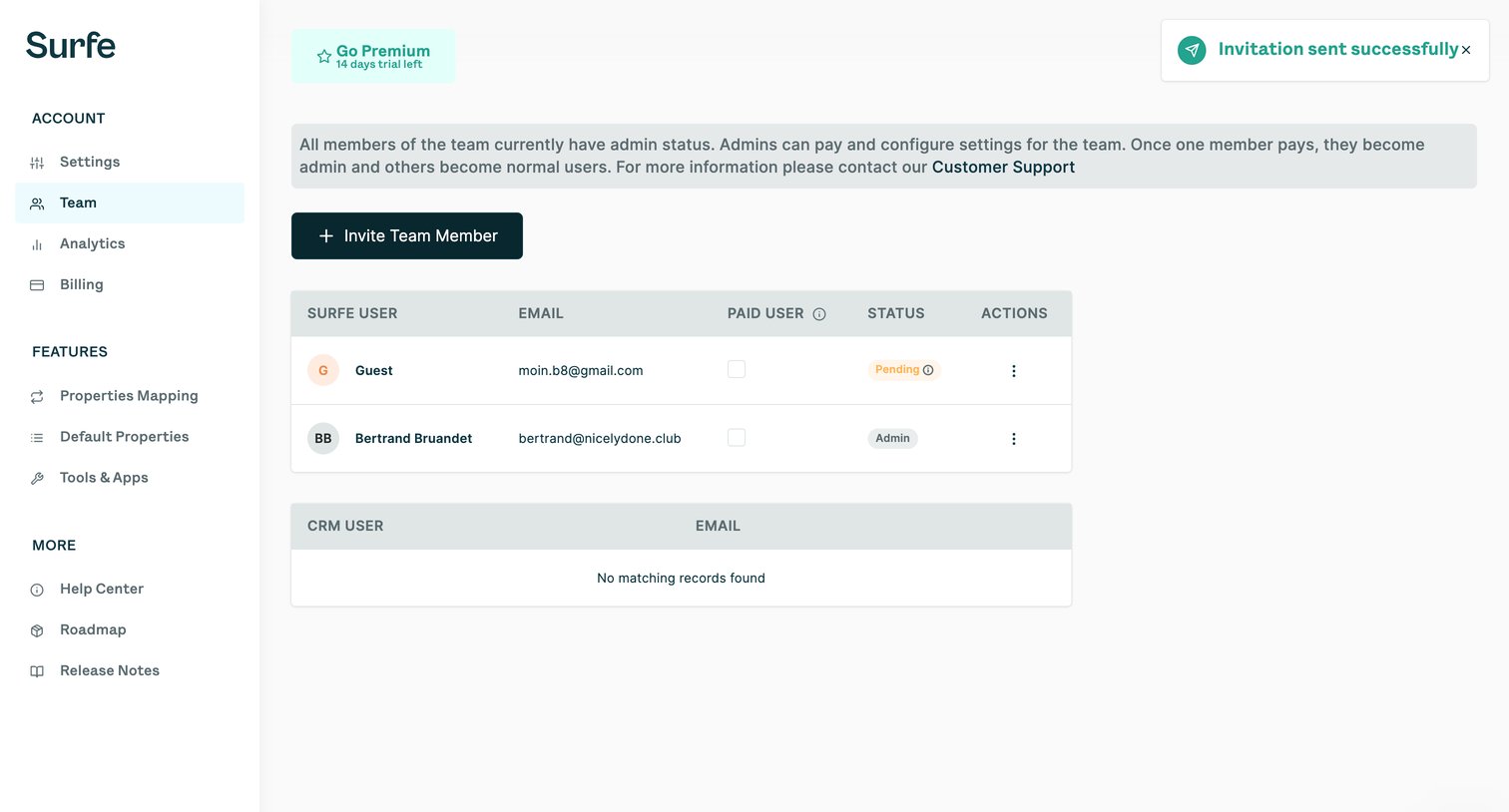
Settings page where the user manages team members, invites new colleagues, and monitors CRM user records.
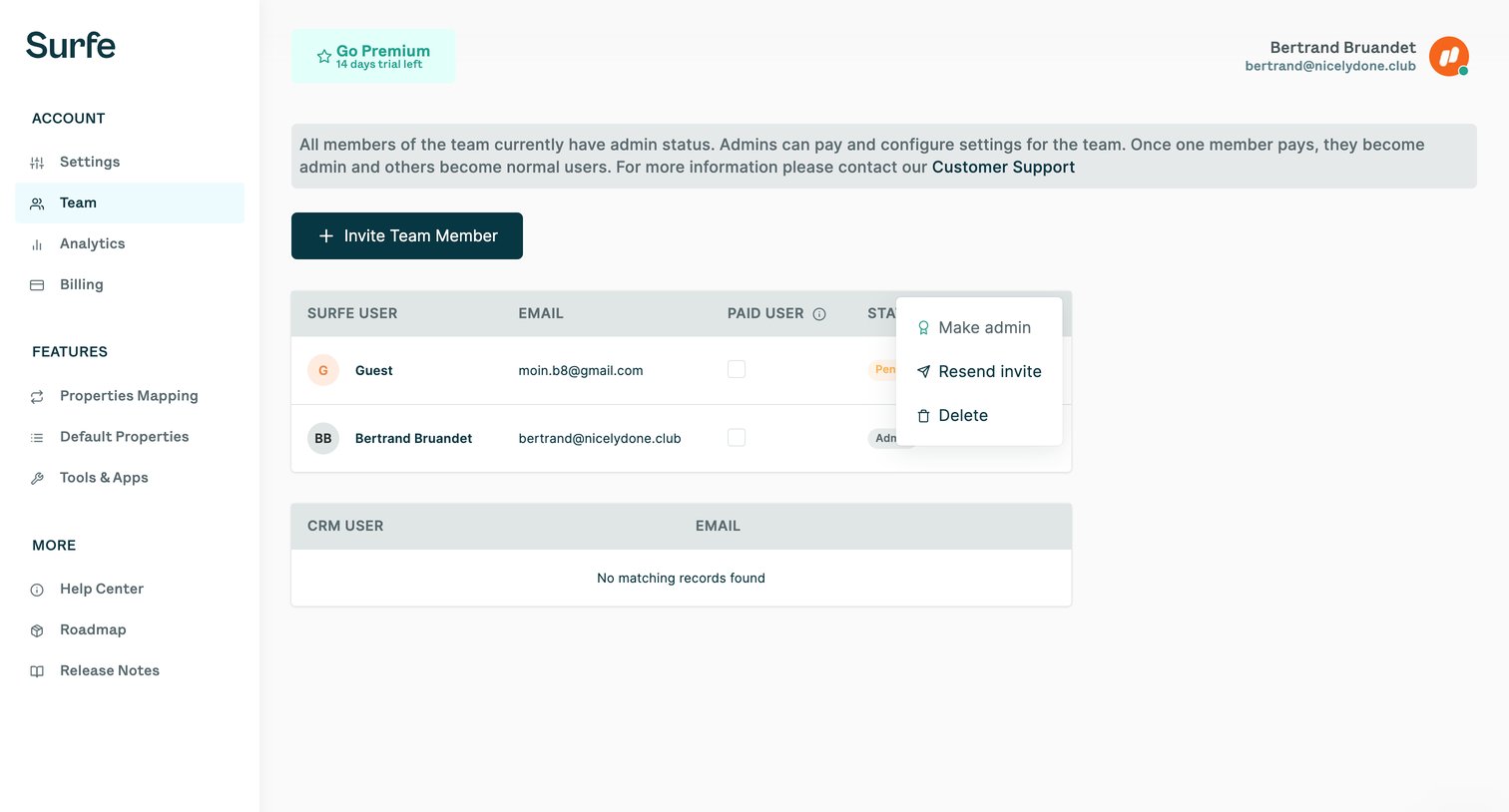
Settings page where the user manages team members, invites new users, and configures admin roles.
Browse the full SaaS app library
Explore real SaaS apps with their product screens, marketing screens, flows, and components.
Trusted by the best teams







