Supernotes product screens examples
Browse Supernotes screen design examples. Preview the interface screenshots and explore related UI patterns. The best collaborative note-taking app
Explore the examples


Signup page where the user creates a new account by providing their name, email, username, and password.
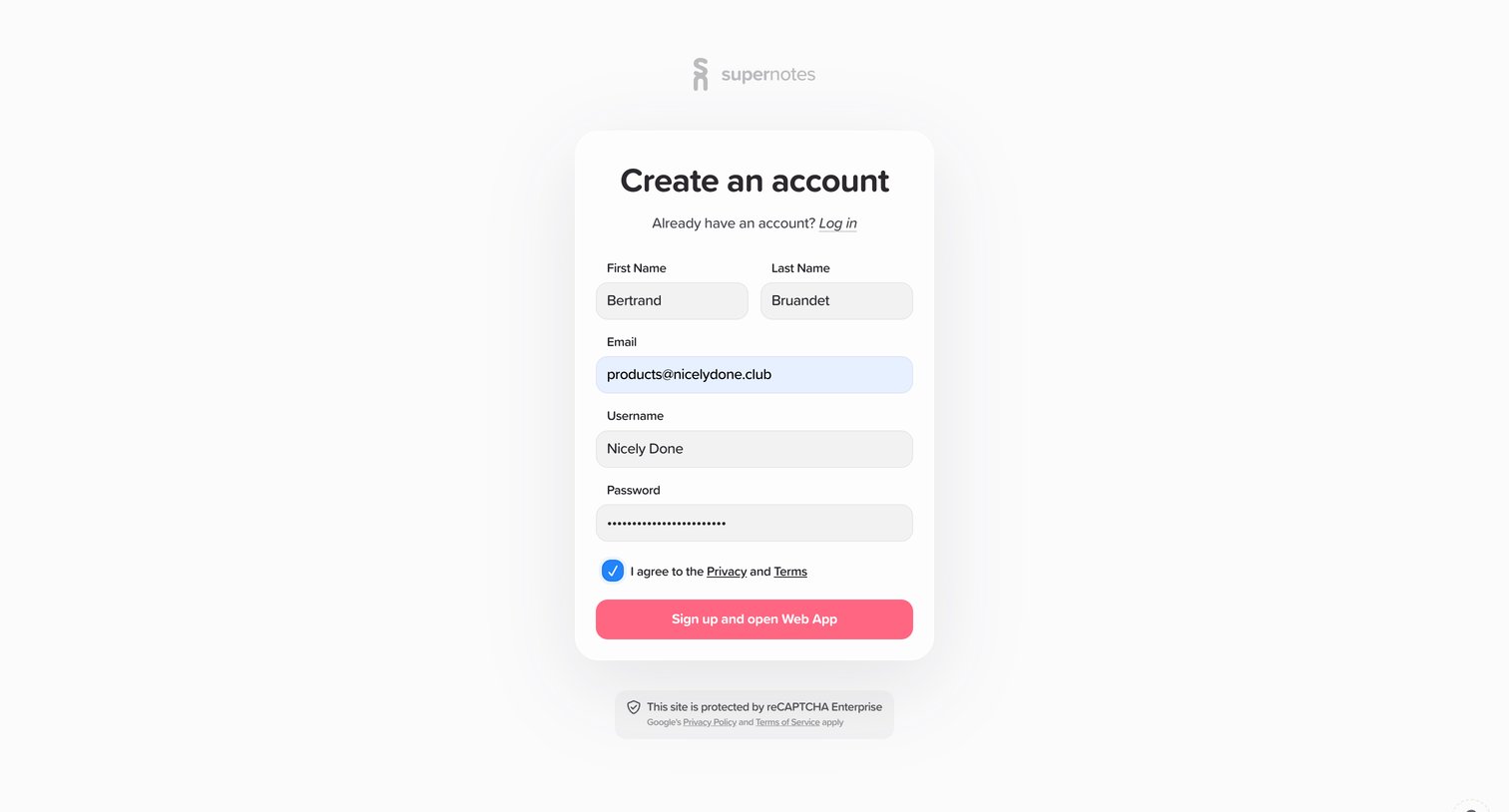
Signup page where the user creates an account by providing their name, email, username, and password.
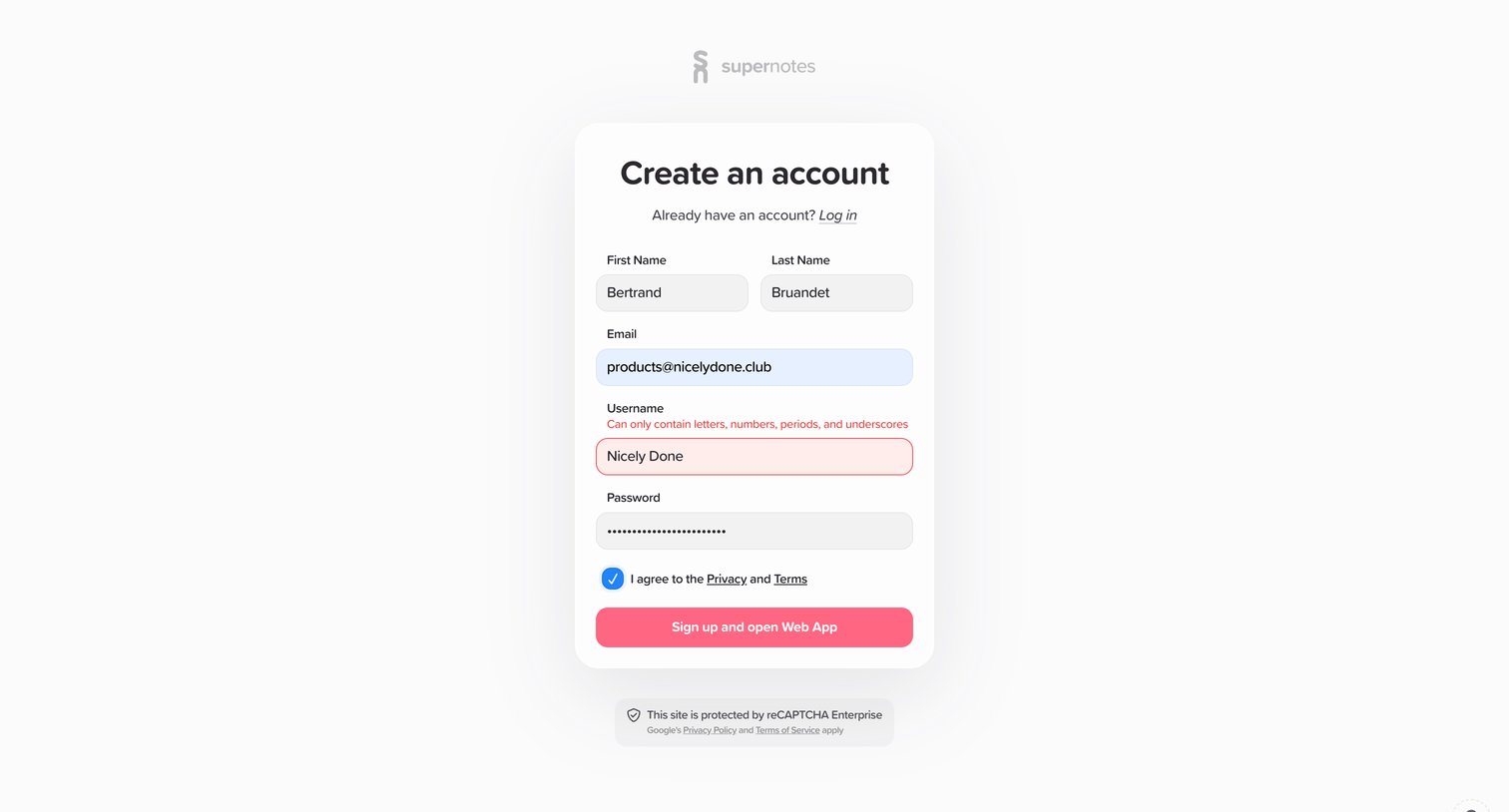
Signup screen where the user enters their name, email, username, and password to create a new account, currently showing a validation error on the username field.
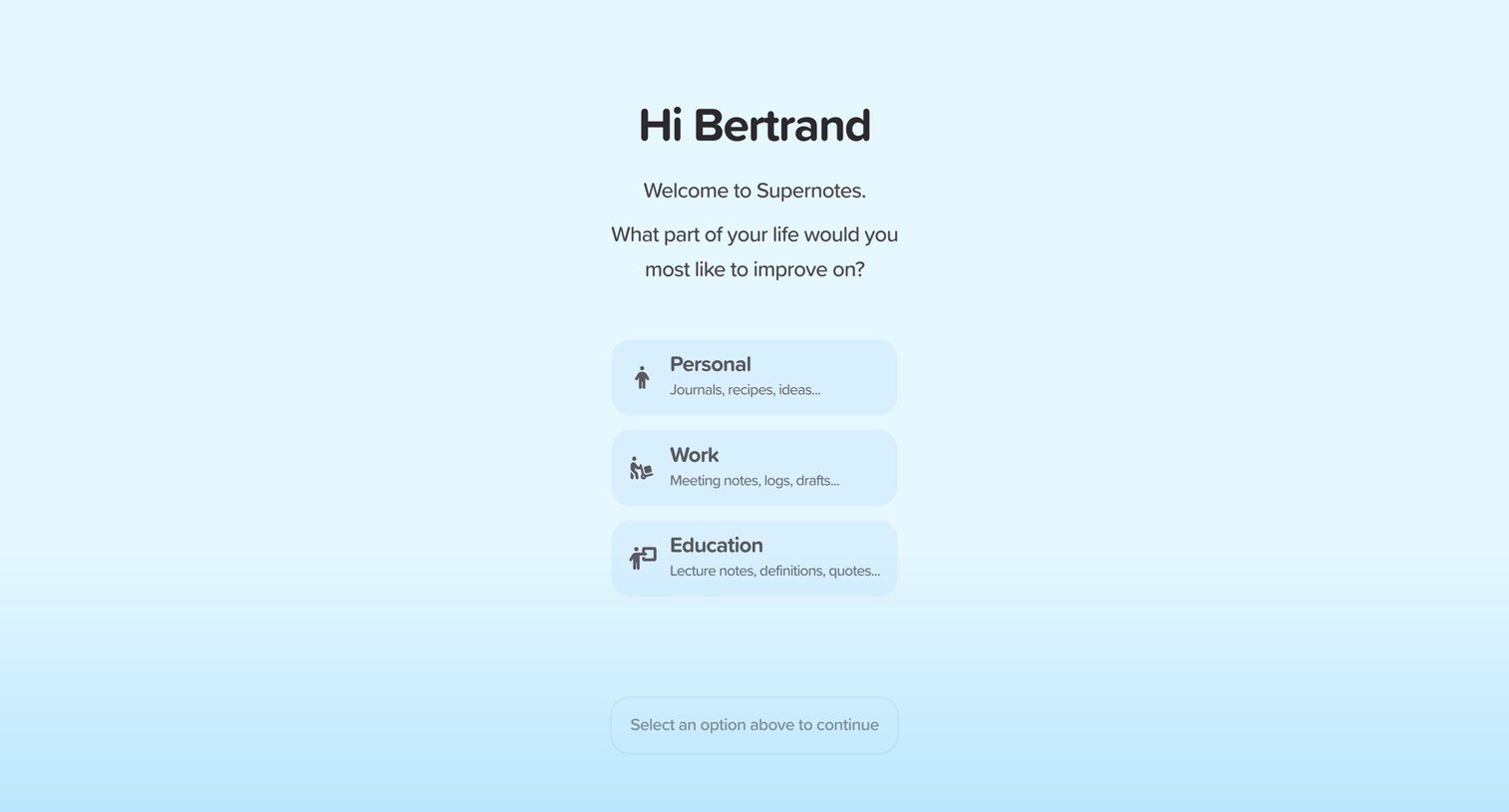
Onboarding step where the user selects their primary use case from personal, work, or education options.
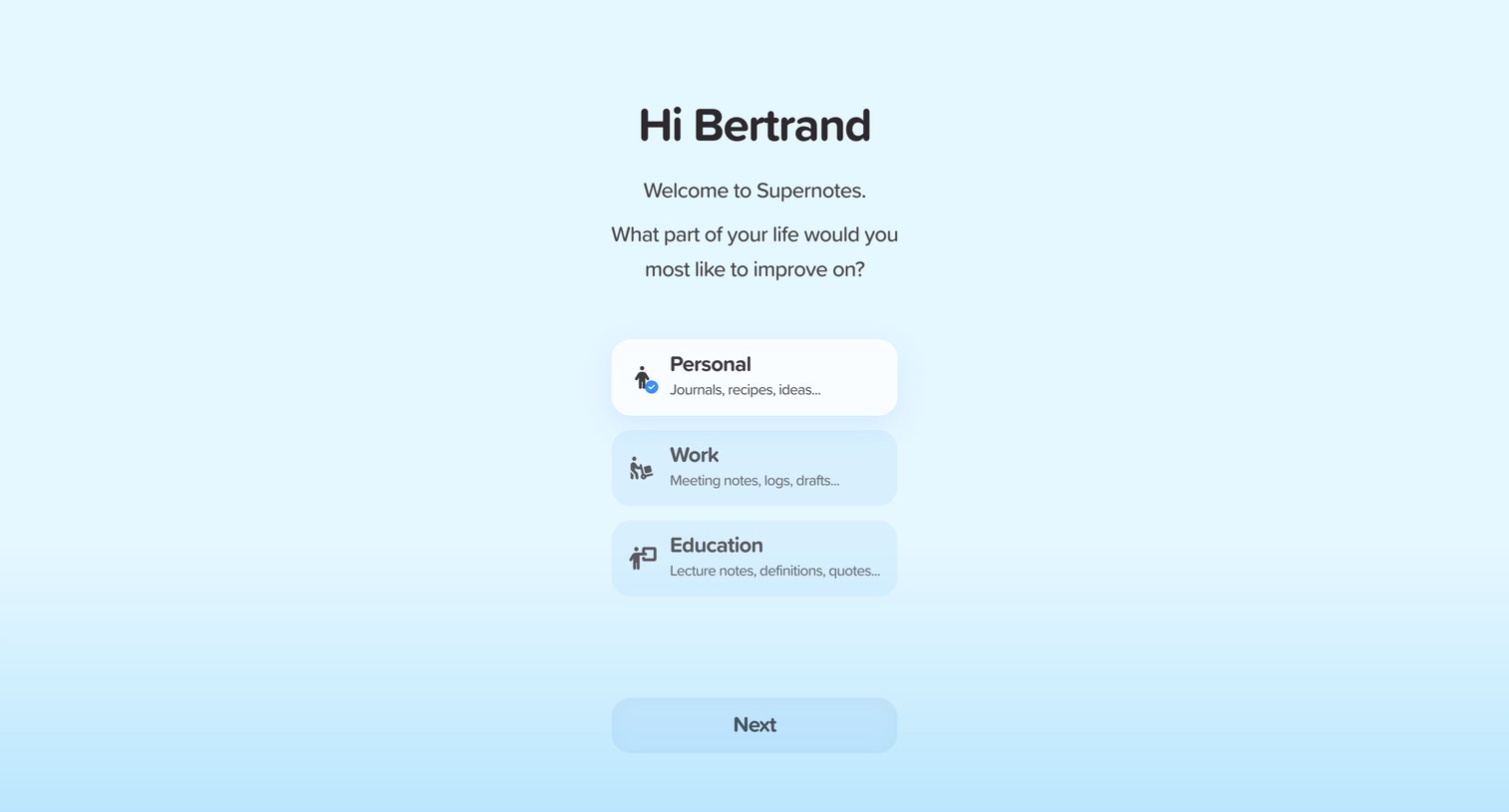
Onboarding step where the user selects their primary use case between personal, work, or education to tailor the experience.
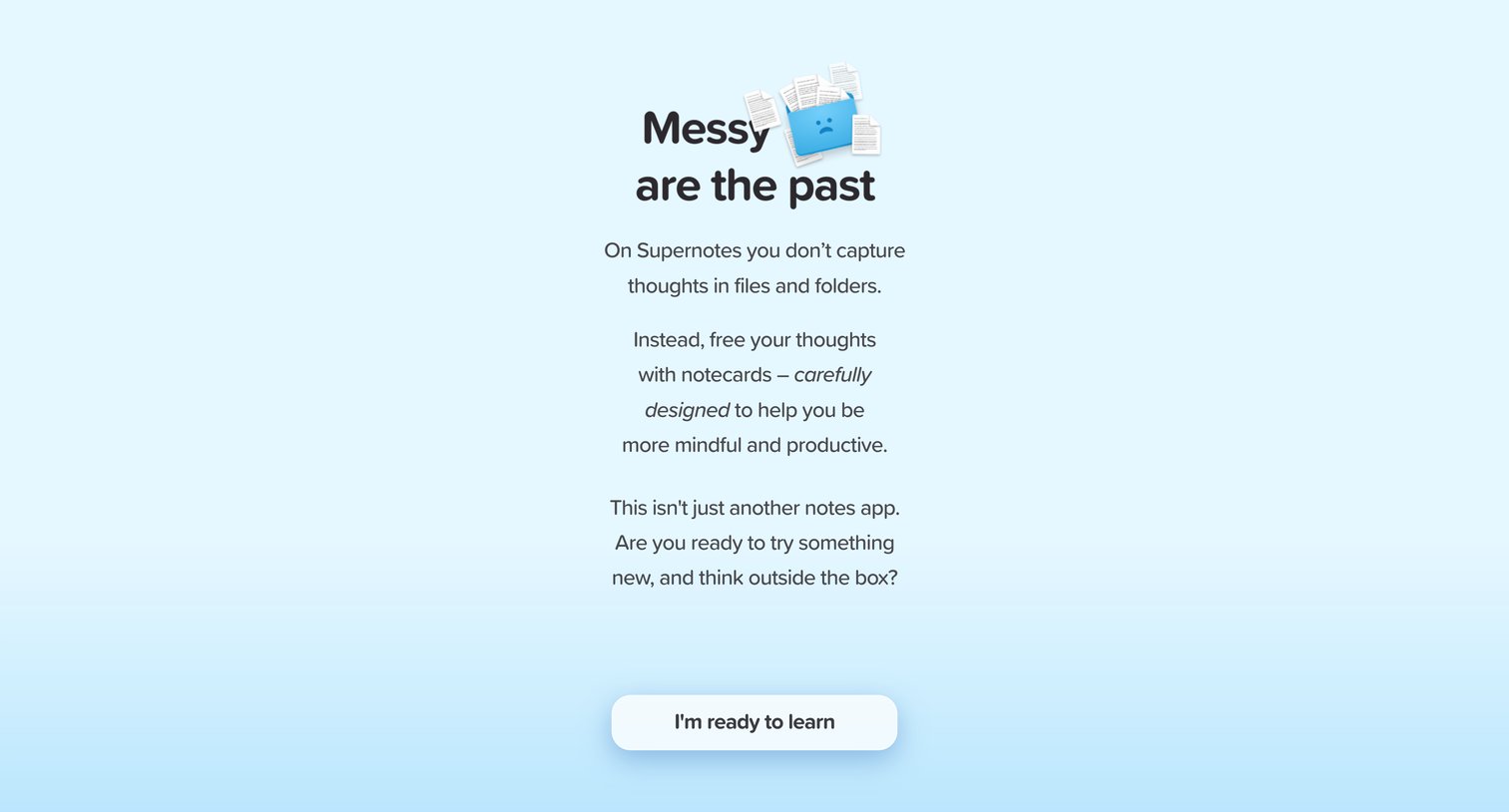
Onboarding step where the user is introduced to the app's core concept of using notecards instead of traditional files and folders.
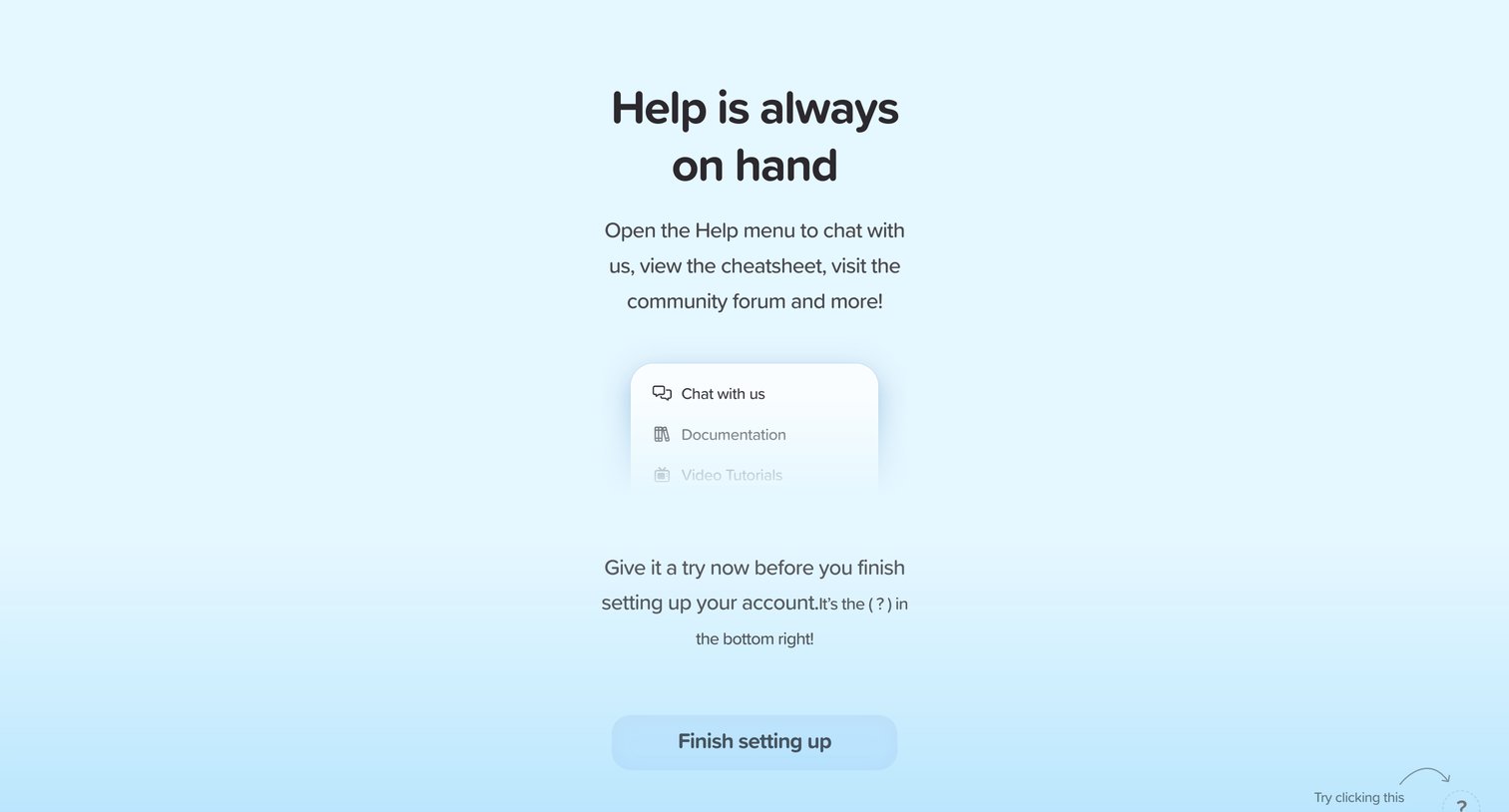
Onboarding step where the user is introduced to the floating help menu via a coach mark before finishing account setup.
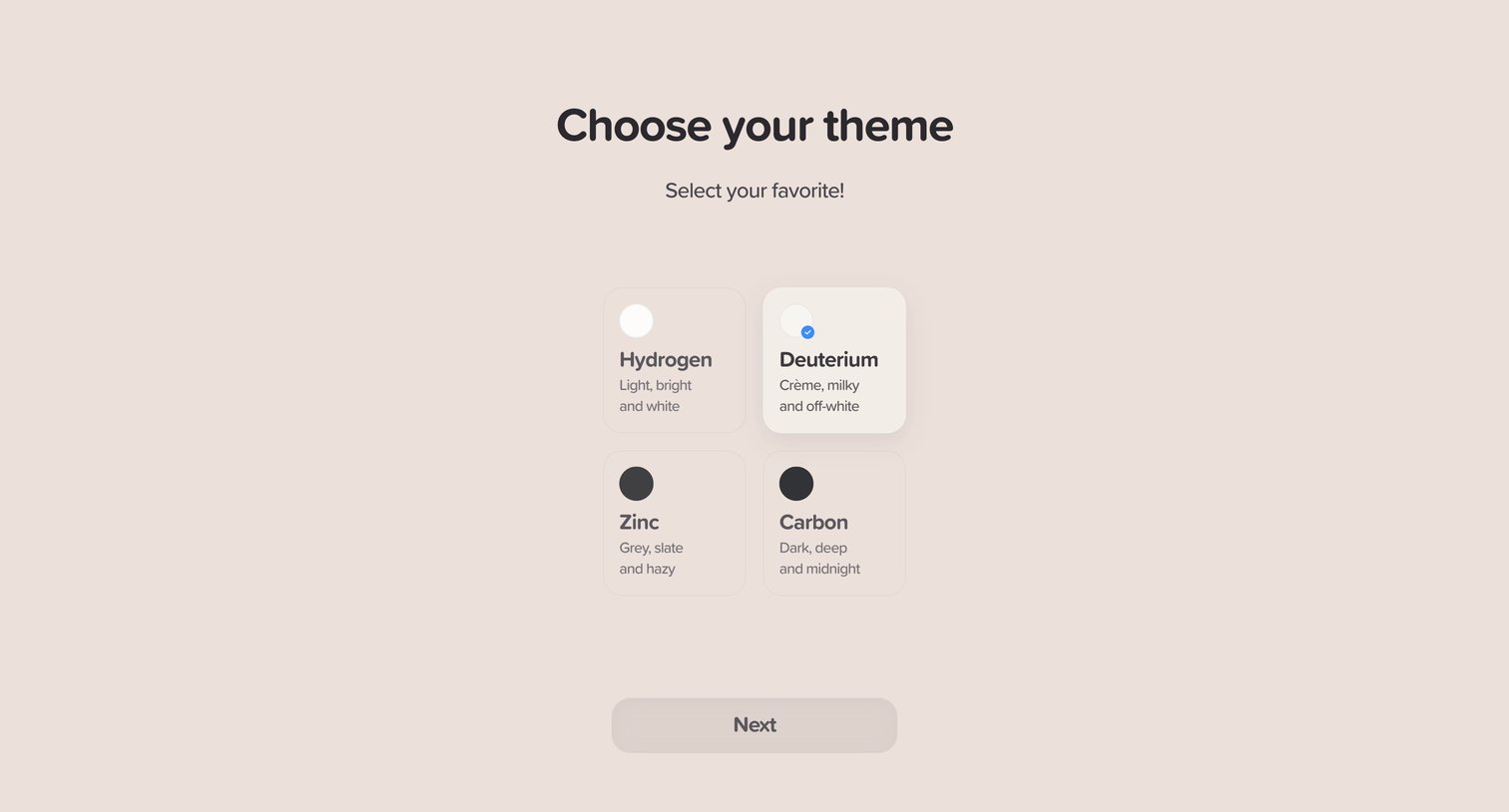
Onboarding step where the user selects their preferred app theme from four options before proceeding.
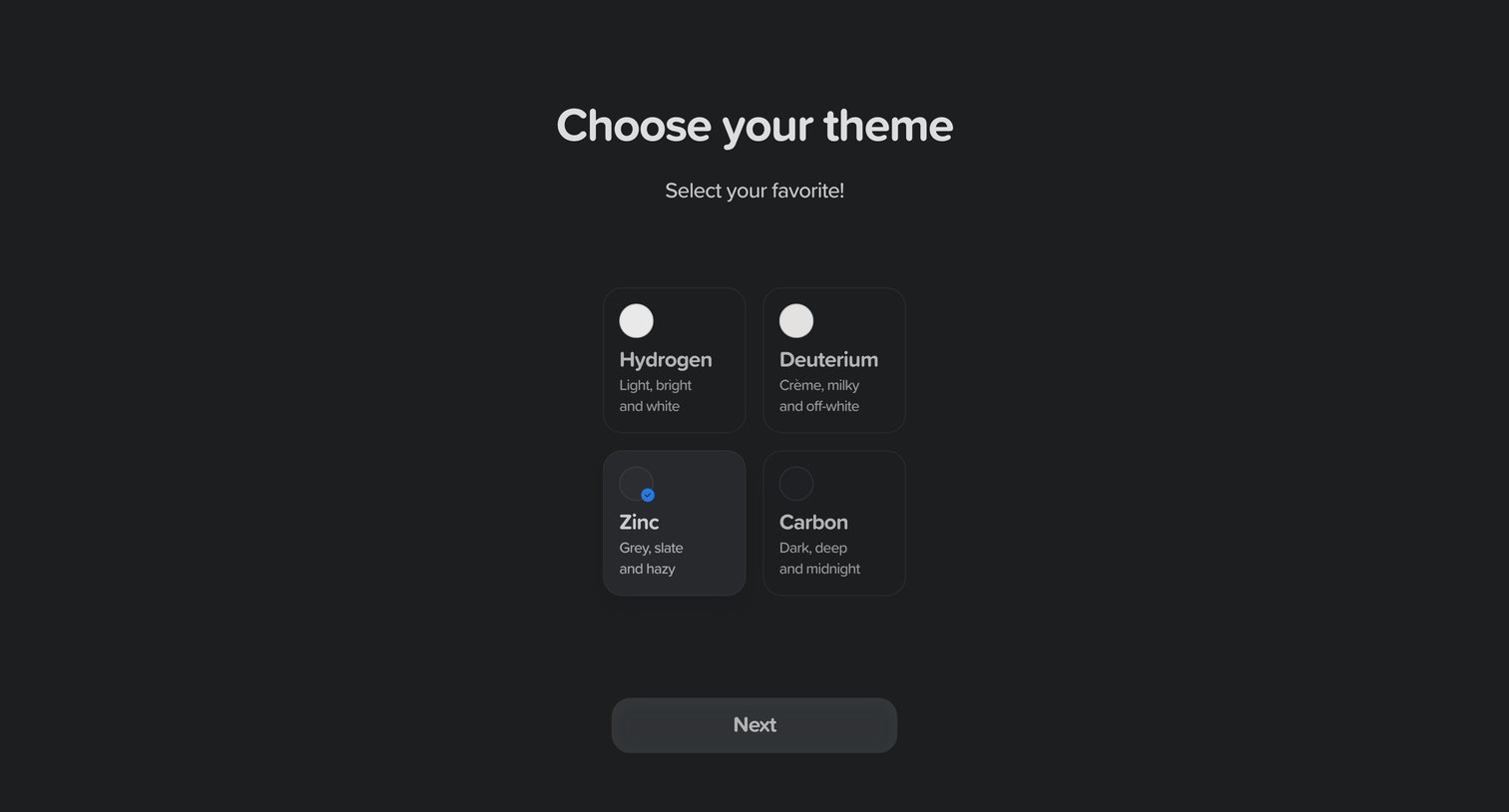
Onboarding step where the user customizes their workspace by choosing between Hydrogen, Deuterium, Zinc, and Carbon themes.
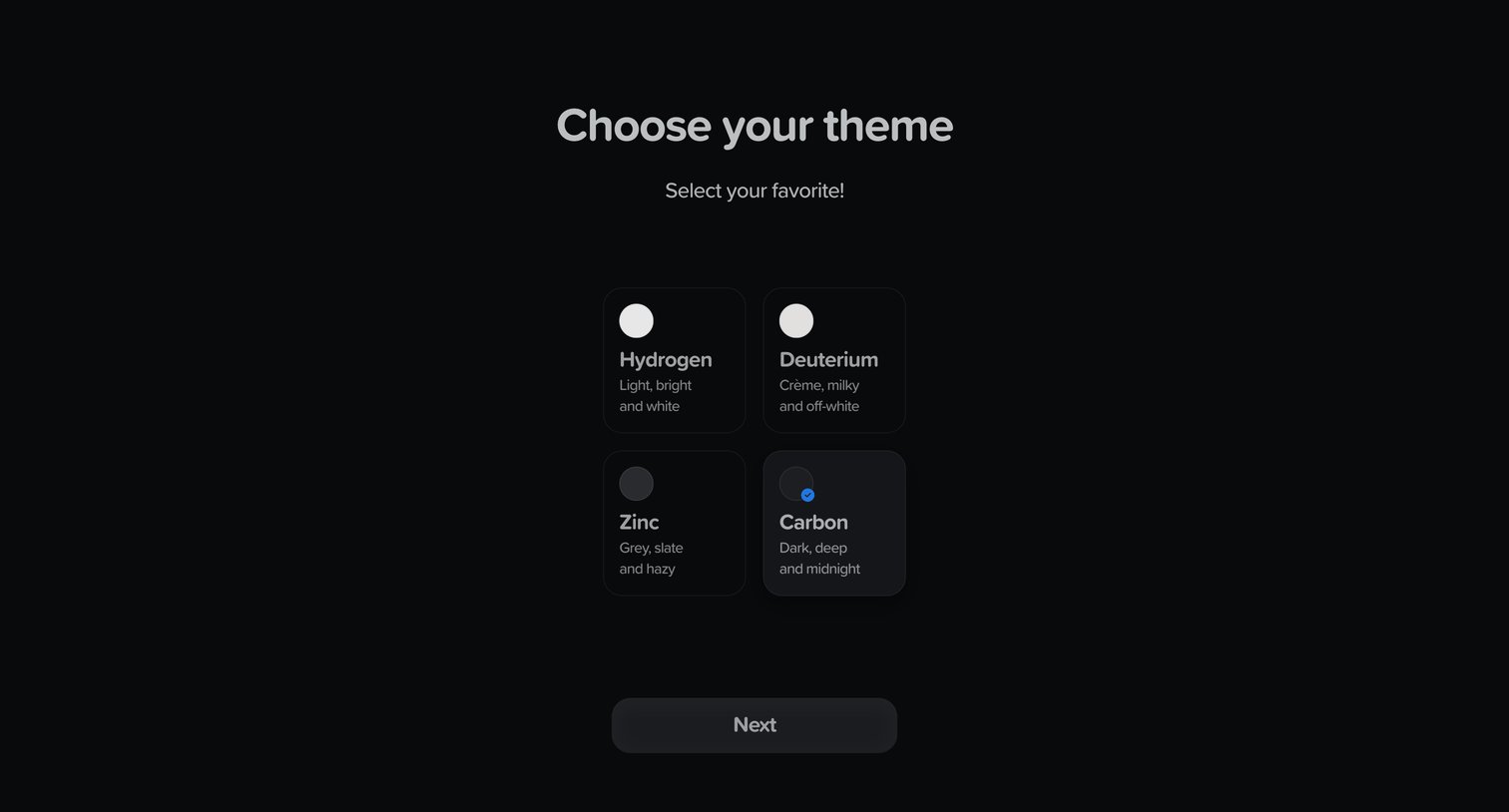
Onboarding step where the user chooses their preferred app appearance from four theme options like Hydrogen and Carbon.
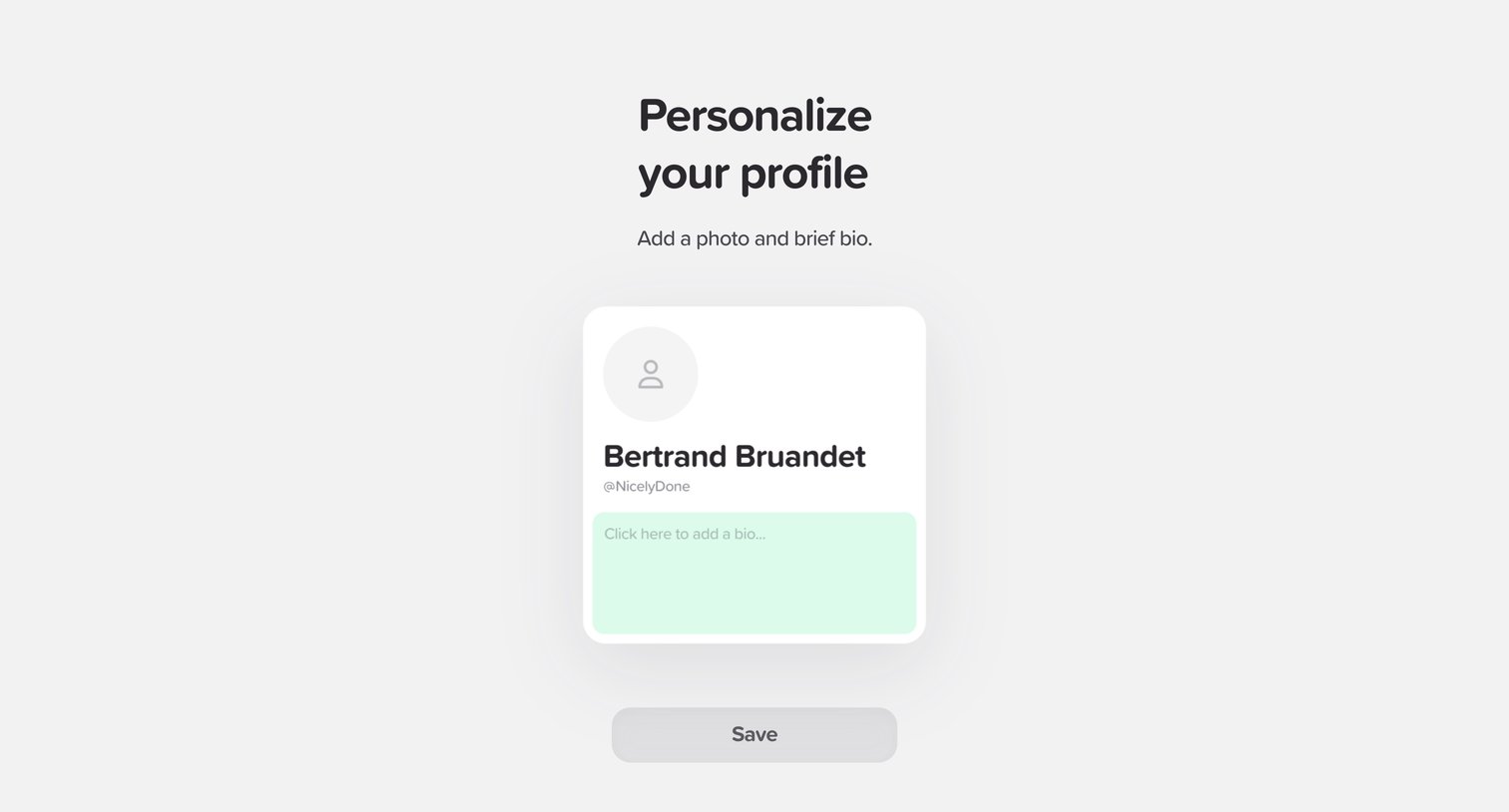
Onboarding step where the user personalizes their profile by adding a photo and a brief bio before saving.
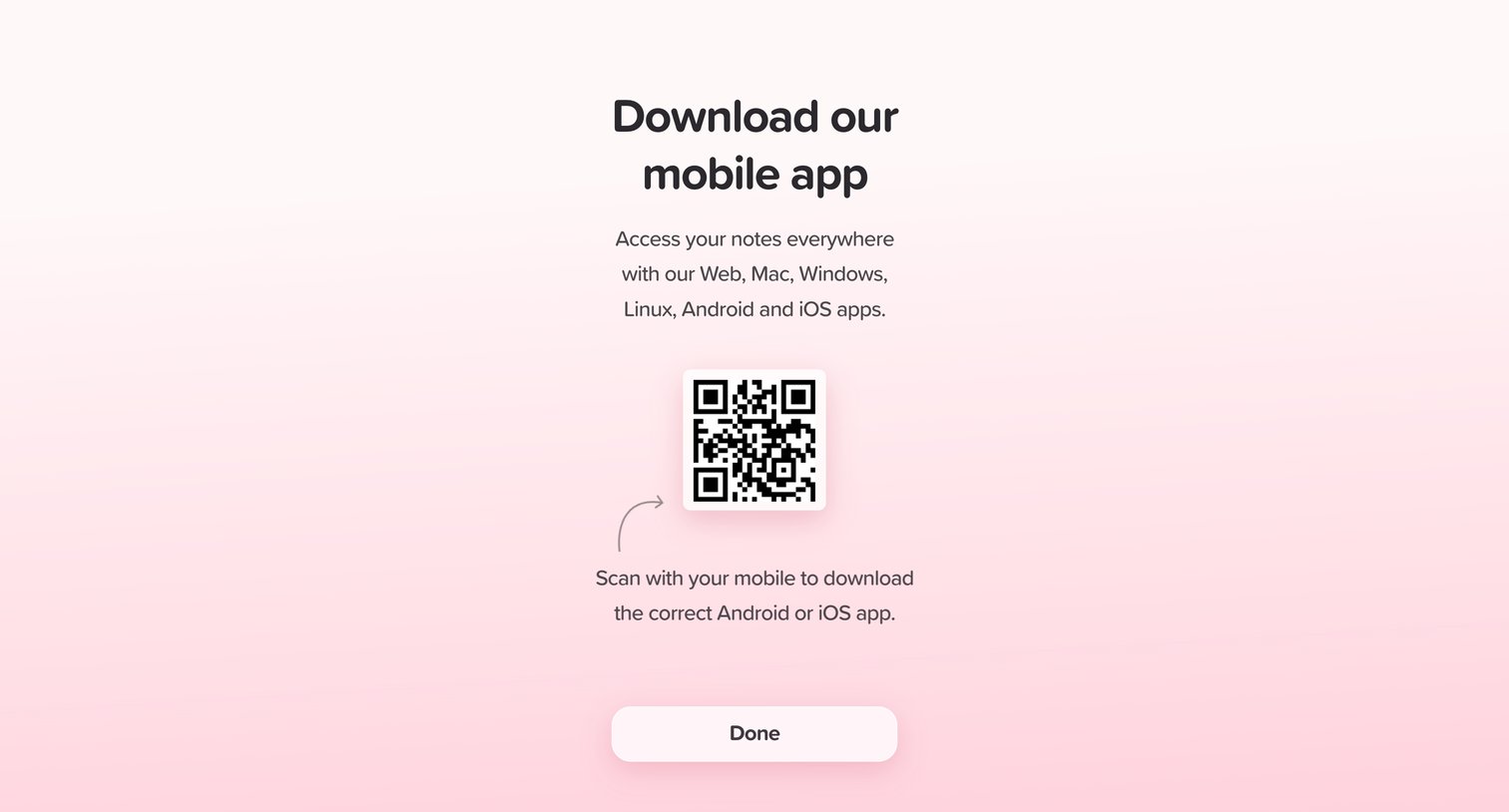
Onboarding step where the user is prompted to scan a QR code to download the companion mobile app.
Explore the full SaaS screen library
Upgrade to unlock the full library.
Trusted by the best teams







