Skip to content

Supabase UI components examples

Browse Supabase UI component design examples. Preview individual interface elements and explore related component categories. The Open Source Firebase Alternative

Explore the examples

Supabase — Alert component
Supabase logo
Supabase

A success alert displaying a newly generated access token. It includes a success icon, a confirmation message, a warning to save the token, and a read-only input field containing the token with a copy button.

Supabase — Theme settings component
Supabase logo
Supabase

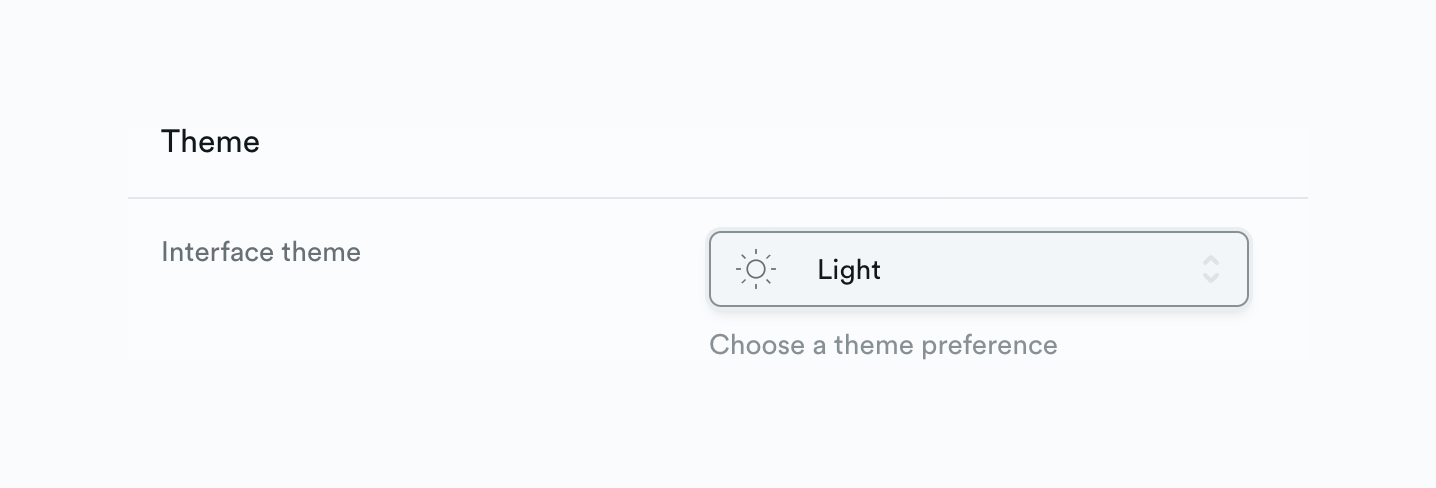
A settings section for selecting the interface theme, featuring a section title, a label, a select dropdown with an icon, and helper text.
Supabase — Theme settings component
Supabase logo
Supabase

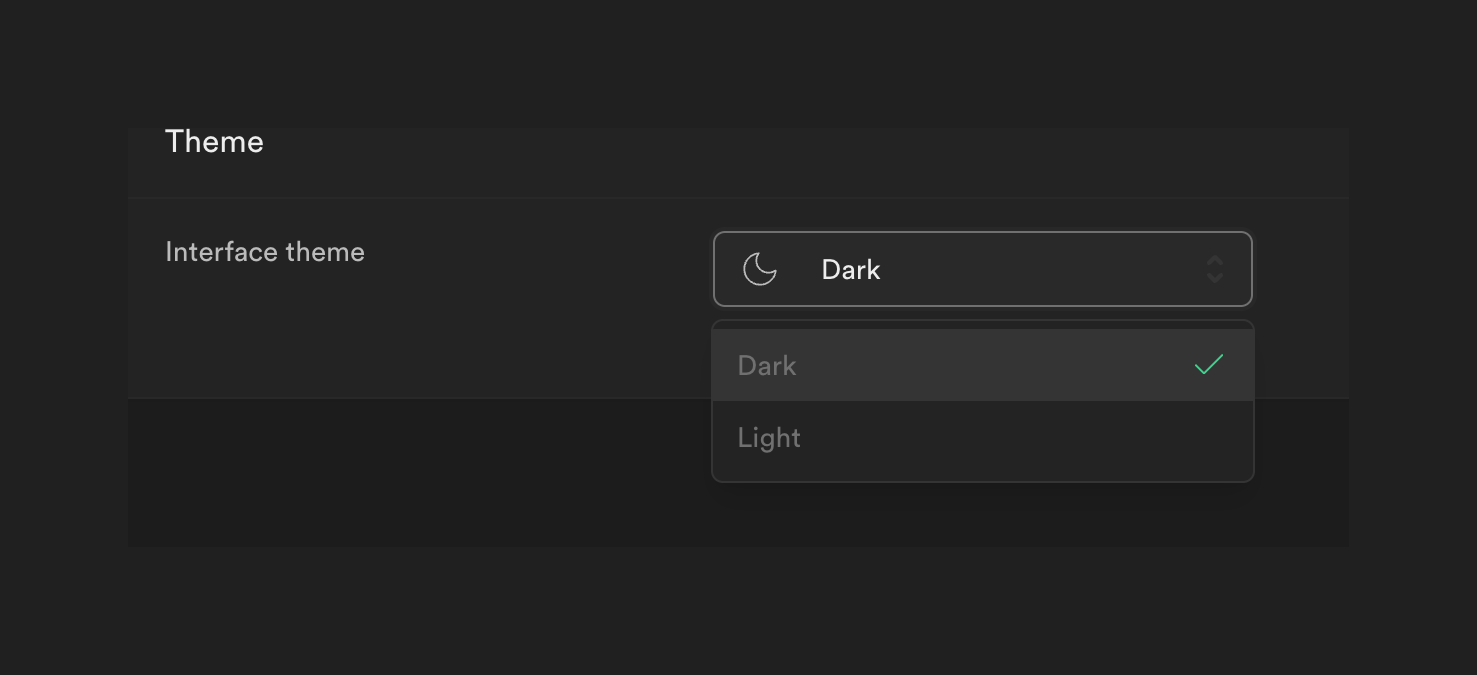
A settings section for selecting the interface theme. It shows an open dropdown menu with 'Dark' currently selected.
Supabase — Theme settings component
Supabase logo
Supabase

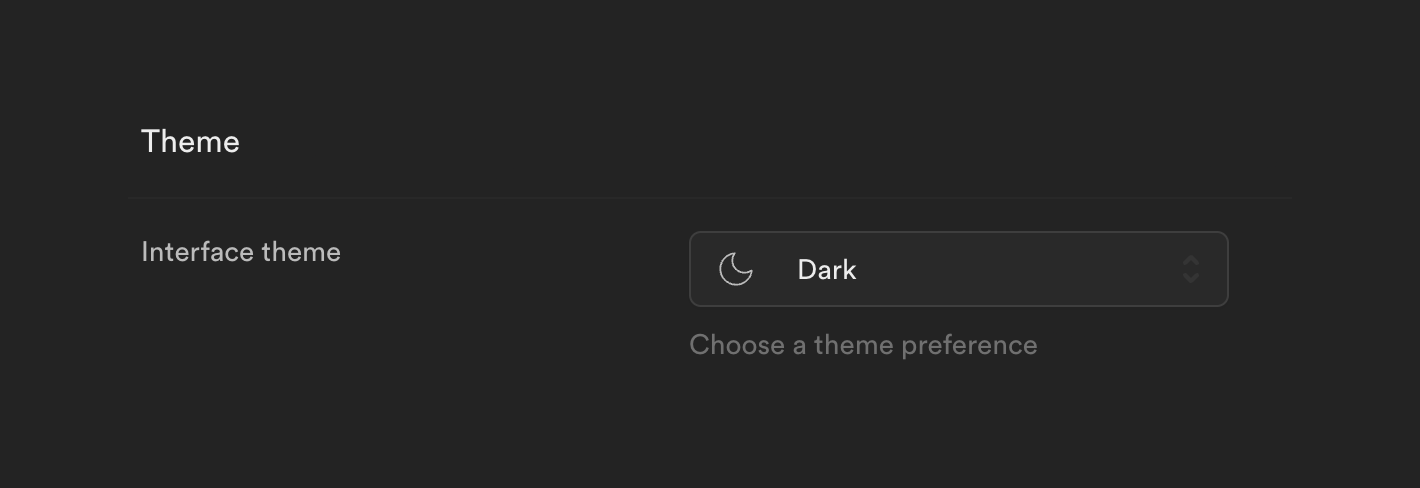
A settings section for selecting the interface theme, featuring a dropdown menu currently set to 'Dark'.
Supabase — Badge component
Supabase logo
Supabase

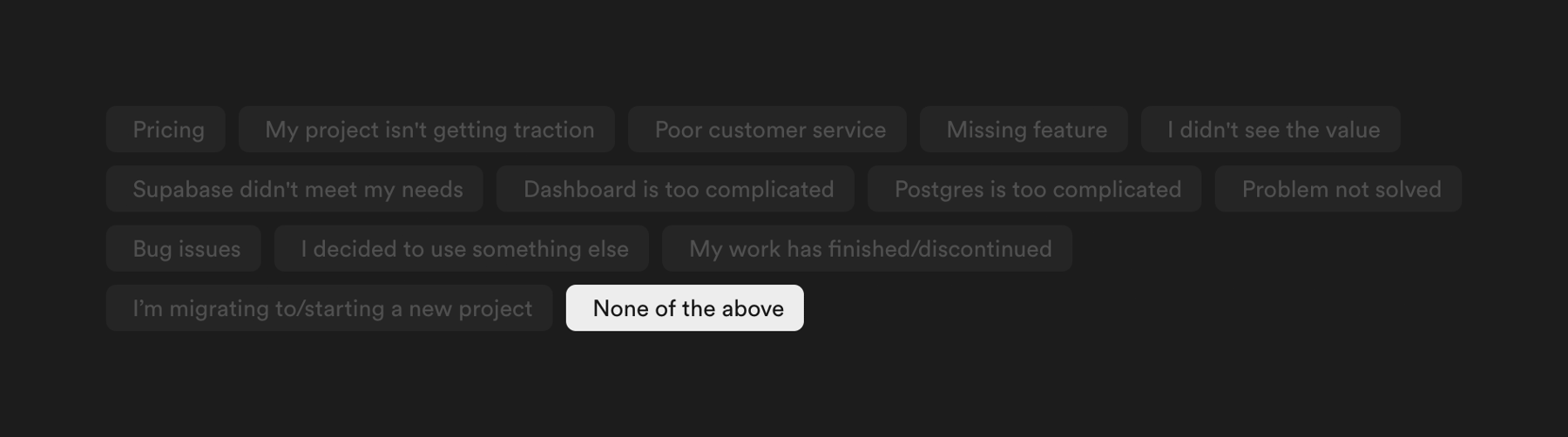
A group of selectable chips used to gather feedback on why a user is downgrading their plan. One chip is currently selected.

Supabase — Table component
Supabase logo
Supabase

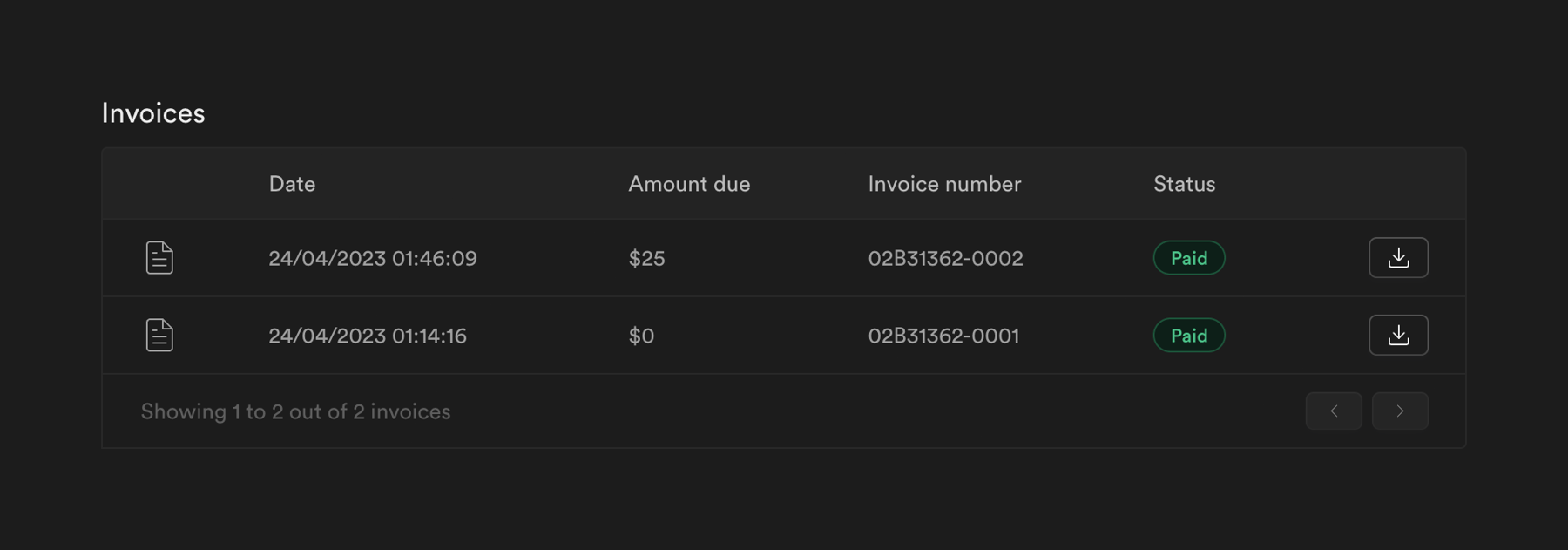
A data table displaying a list of invoices with columns for date, amount due, invoice number, and status. Each row includes a download button and a status badge. The table includes a footer with pagination controls.

Supabase — Charts component
Supabase logo
Supabase

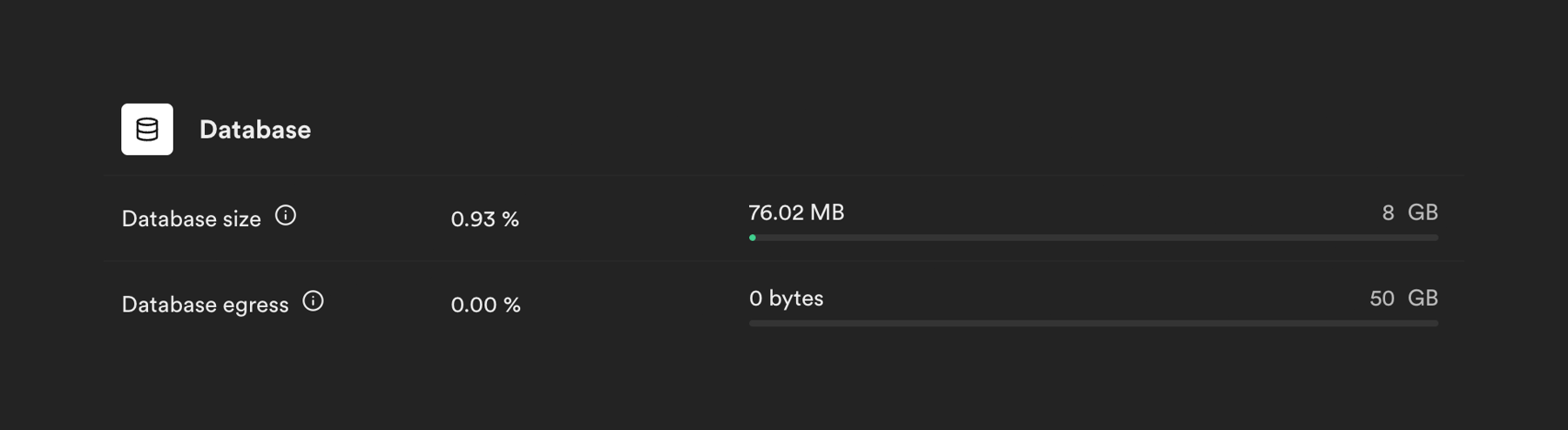
A list displaying database usage metrics with progress bars indicating consumption against limits.

Supabase — Upgrade your plan component
Supabase logo
Supabase

An inline banner informing the user of a plan limitation and prompting them to upgrade to a higher tier for increased limits.

Supabase — Input tag component
Supabase logo
Supabase

A multi-select dropdown input field displaying selected options as removable tags.

Supabase — Sorting & filtering component
Supabase logo
Supabase

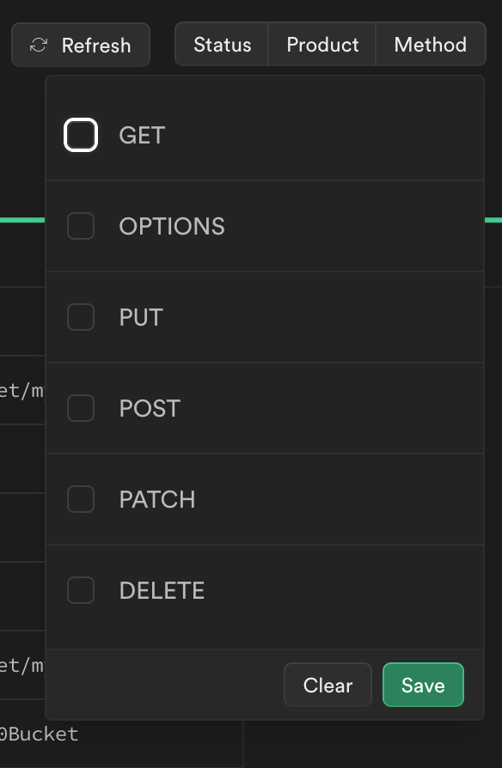
A dropdown menu for filtering by HTTP method, featuring a list of checkboxes and action buttons to clear or save the selection.
Supabase — Charts component
Supabase logo
Supabase

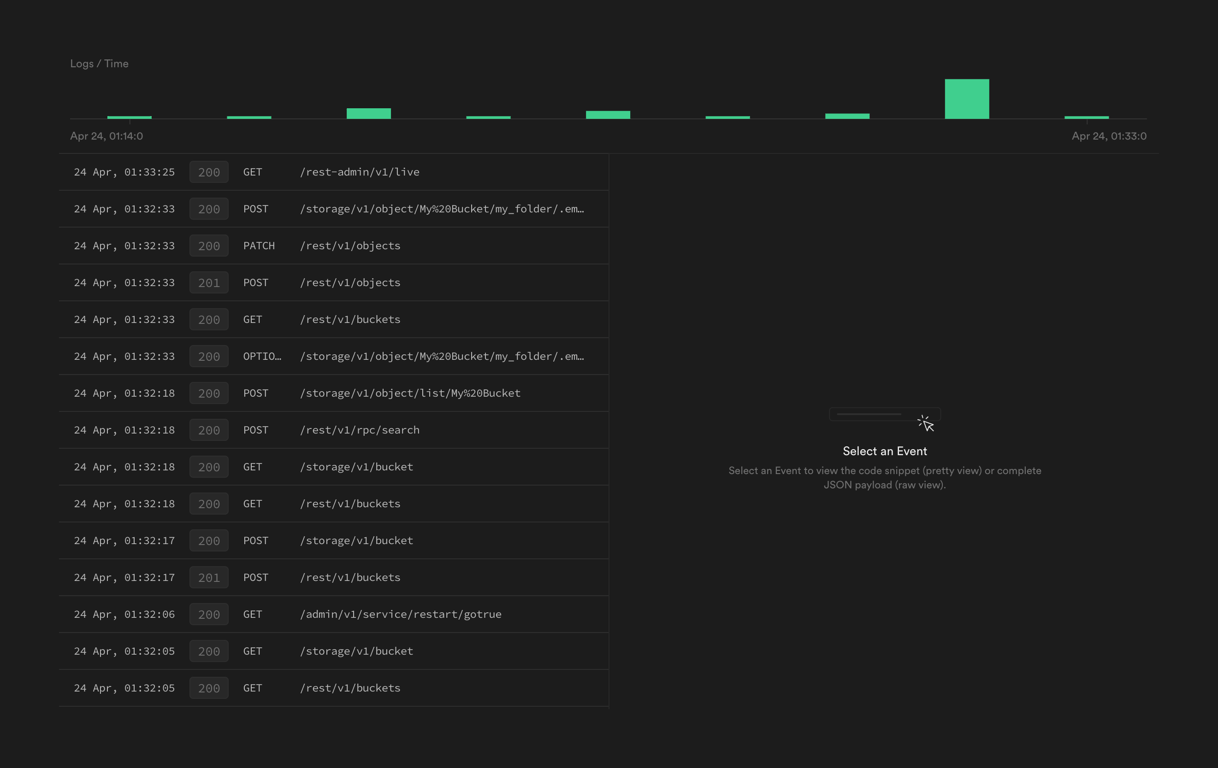
A log visualization interface with a modal

Supabase — Button group component
Supabase logo
Supabase

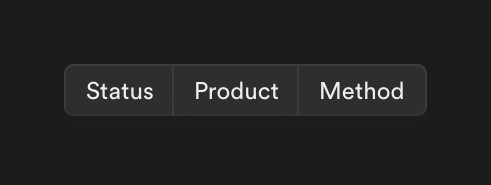
A segmented control or toggle group with three options: Status, Product, and Method, used for filtering or grouping data.

Browse the full component library

Browse the full UI component library.

Trusted by the best teams