Skip to content

Supabase design examples

Explore Supabase UI design examples. The Open Source Firebase Alternative

Product screens
Supabase screen
Supabase logo
Supabase

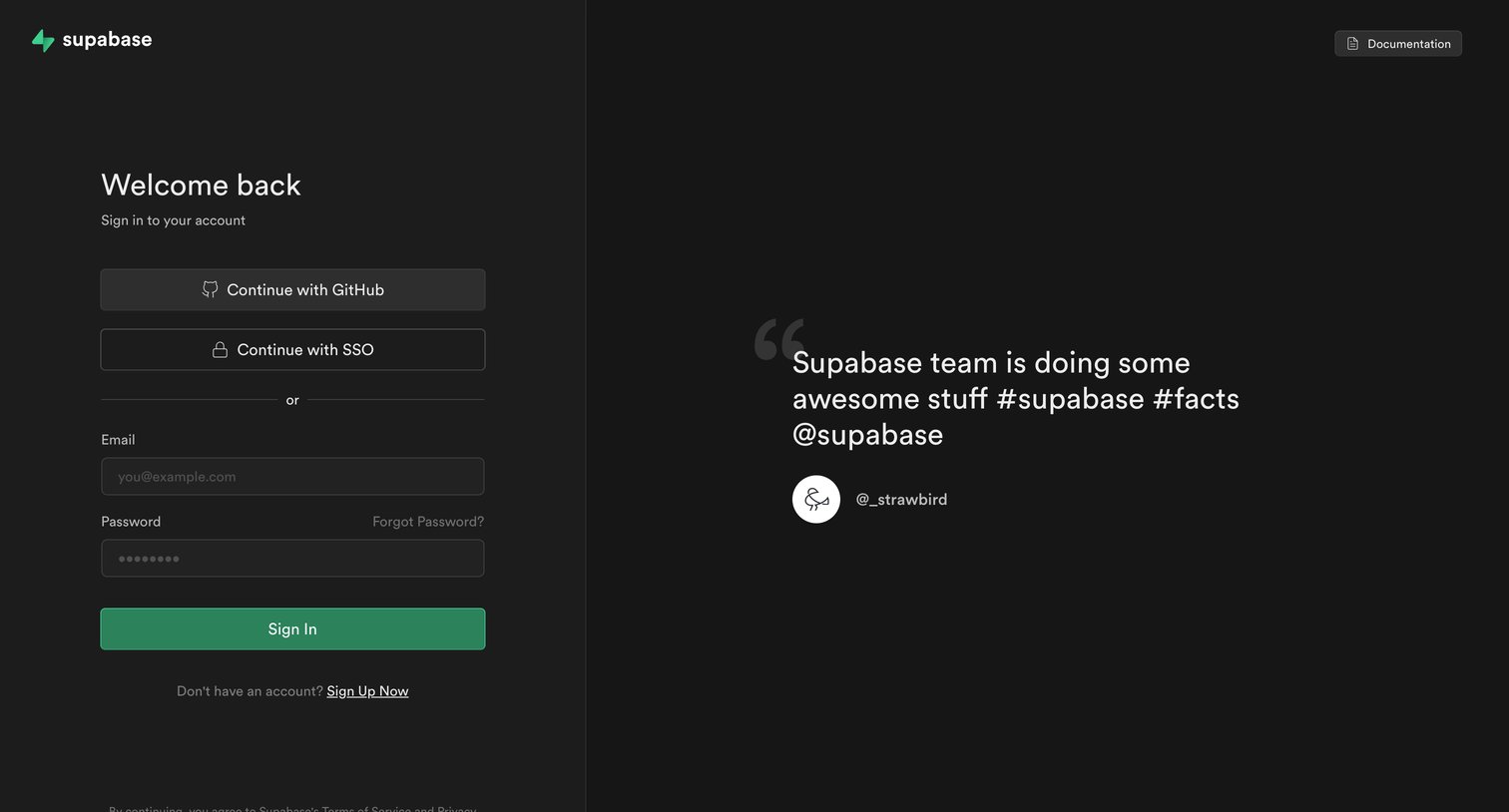
Sign-in screen where the user authenticates with GitHub, SSO, or email, featuring a developer quote about the product.
Supabase screen
Supabase logo
Supabase

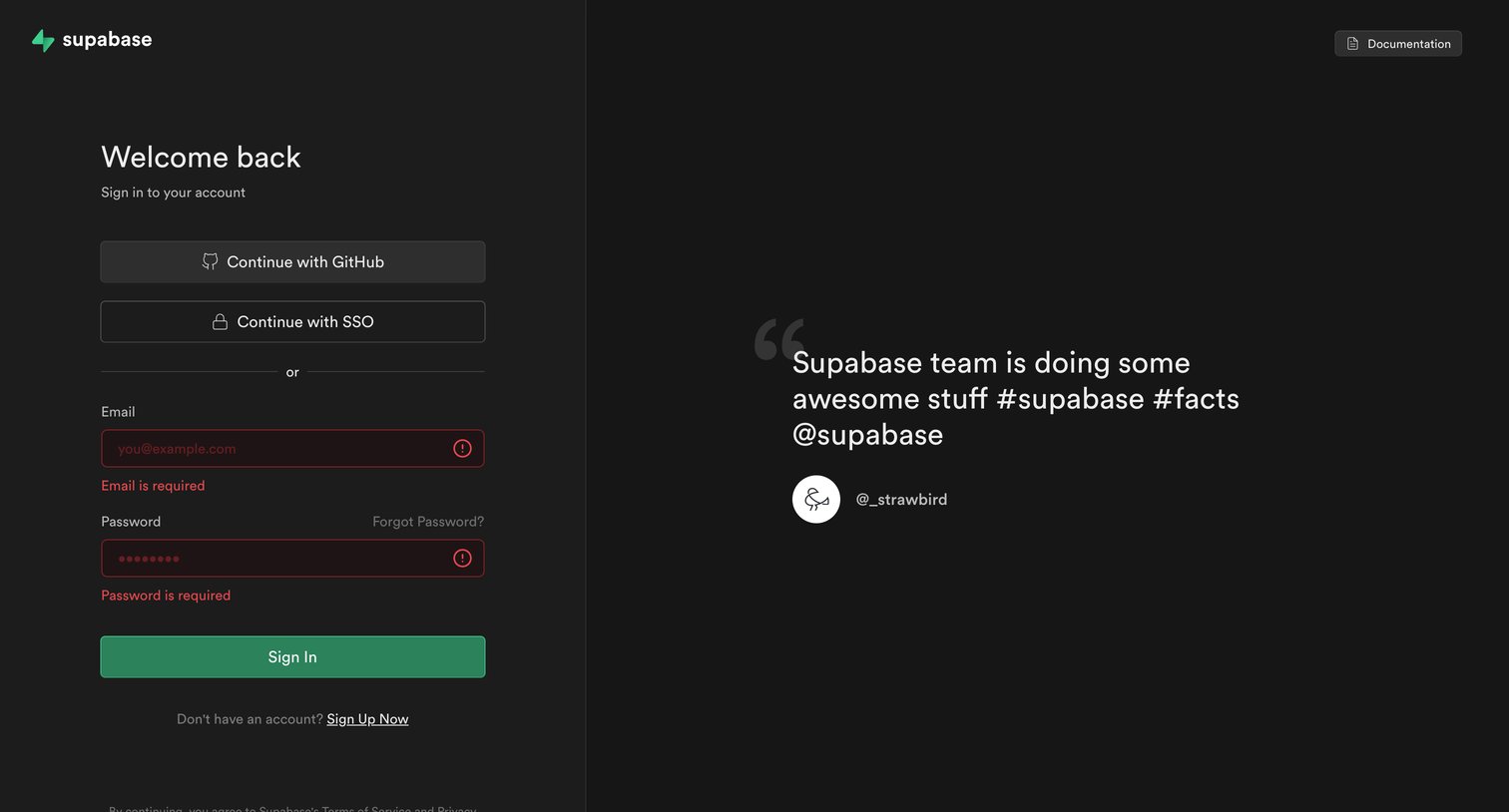
Sign-in screen where the user attempts to authenticate with email and password but encounters validation errors.

Supabase screen
Supabase logo
Supabase

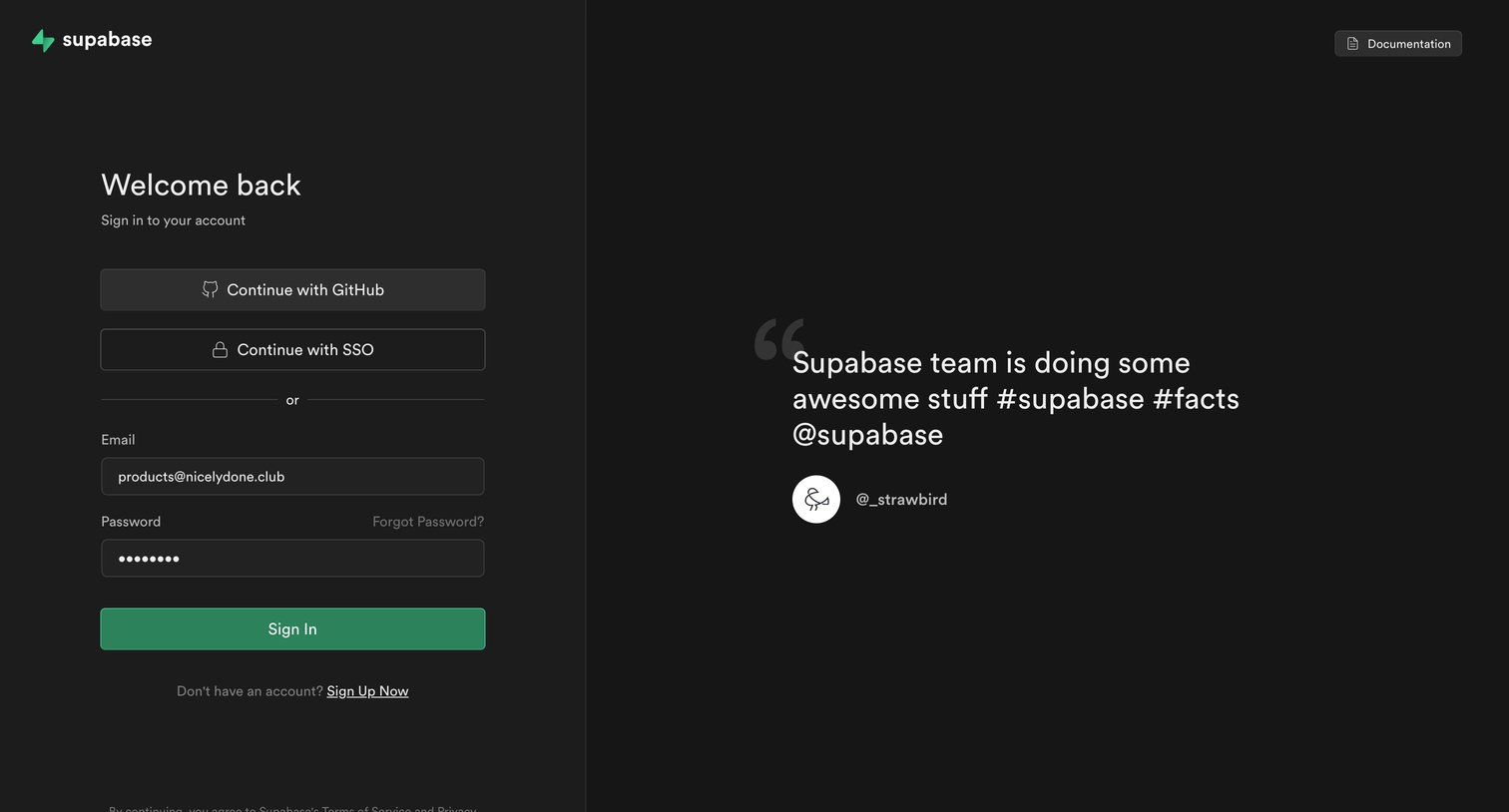
Sign-in screen where the user authenticates with GitHub, SSO, or email and password, featuring a customer testimonial on the side.
Supabase screen
Supabase logo
Supabase

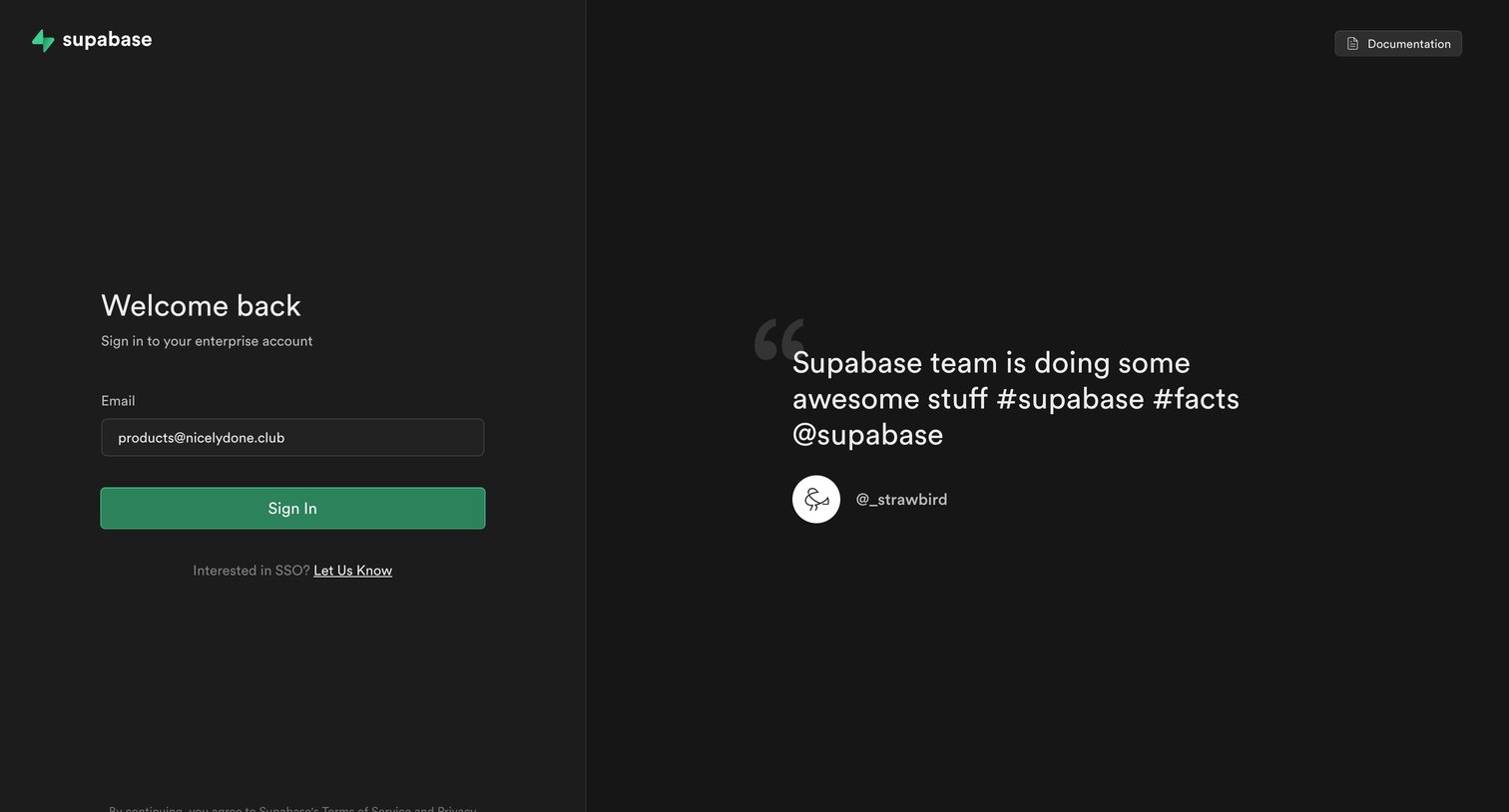
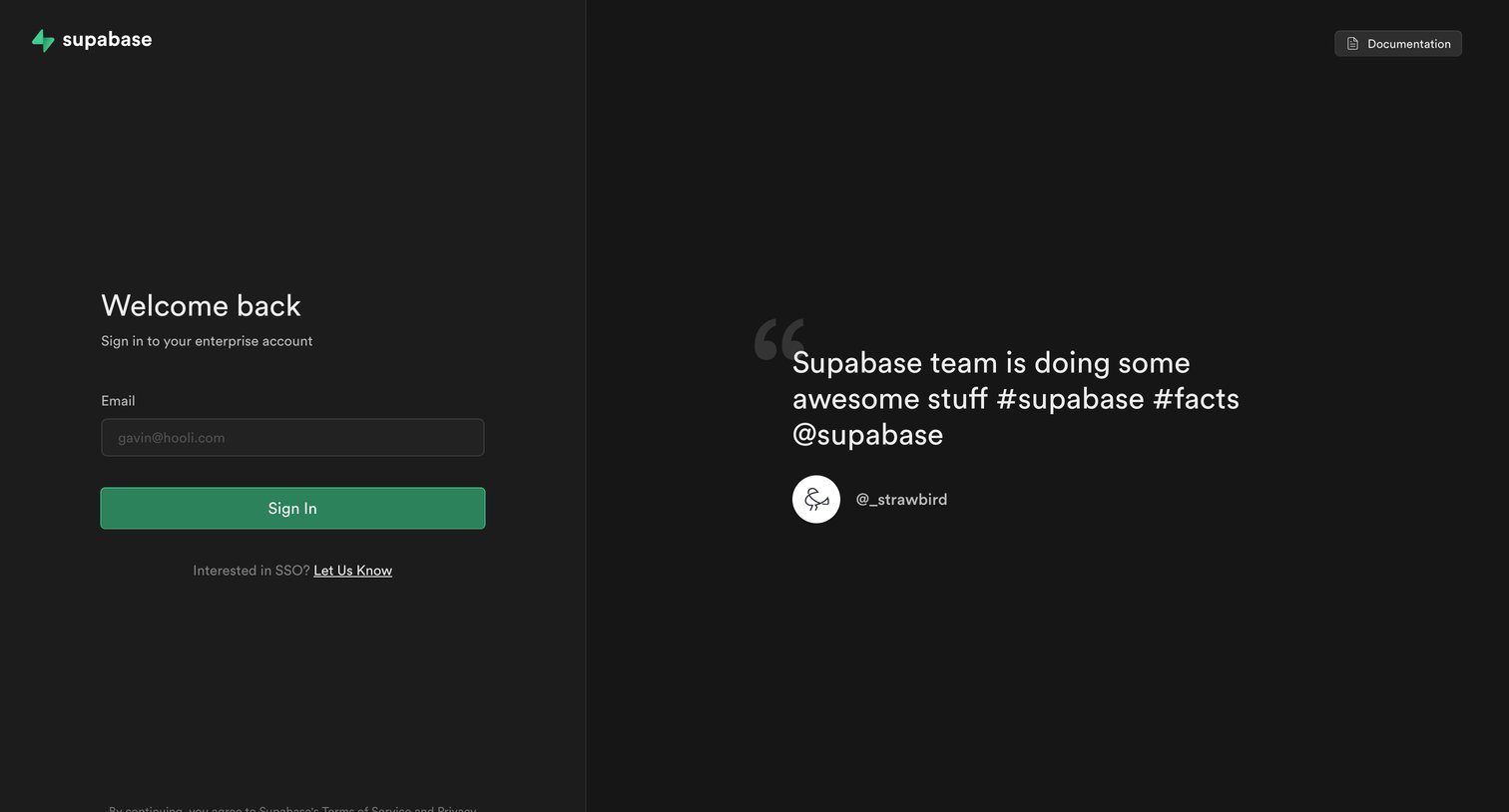
Sign-in screen where the user authenticates to their enterprise account via SSO using their email, featuring a prominent customer testimonial.

Supabase screen
Supabase logo
Supabase

Sign-in screen where the user enters their email to access their enterprise account via SSO, currently displaying a validation error.

Supabase screen
Supabase logo
Supabase

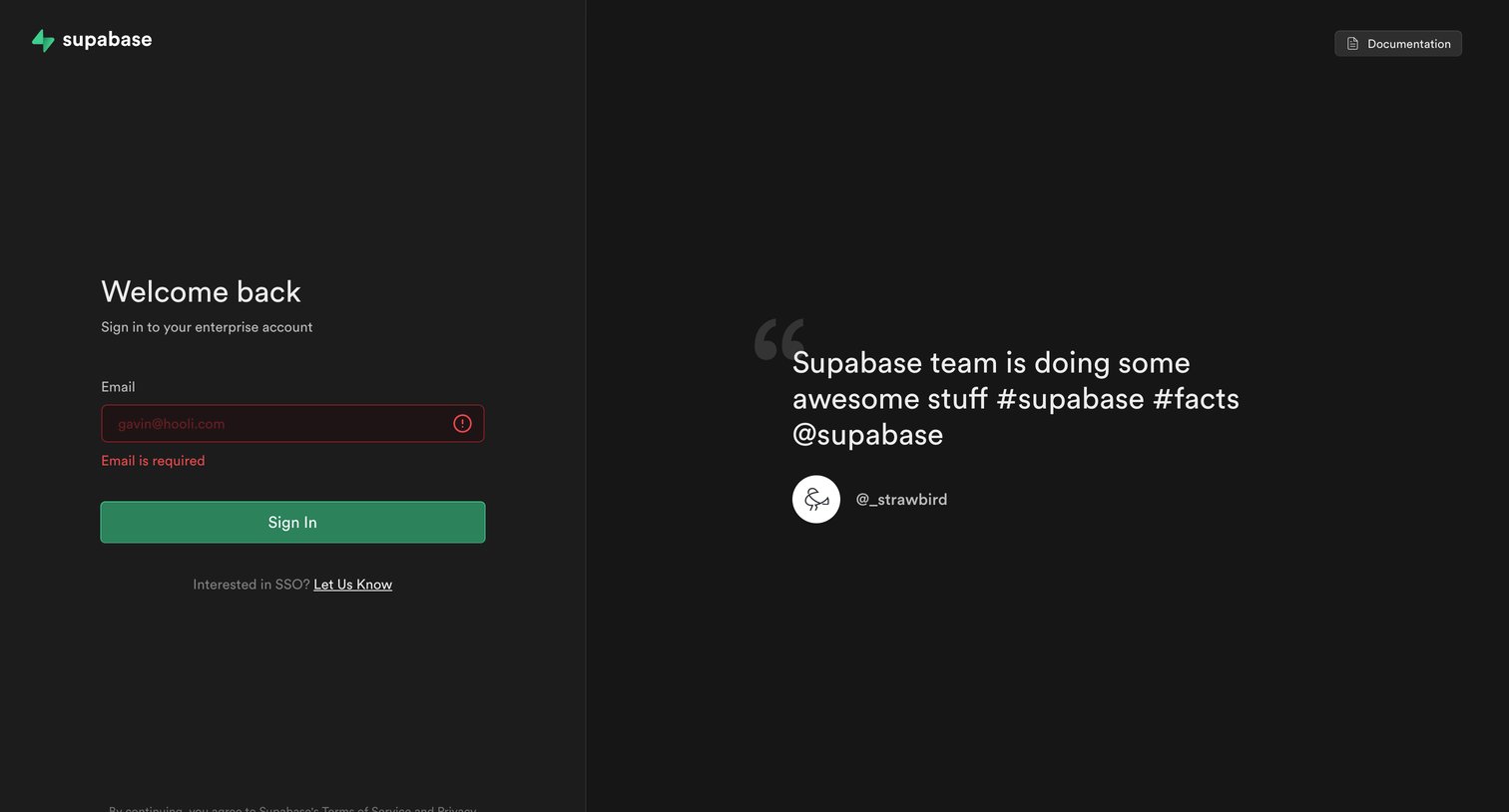
Sign-in screen where the user authenticates to their enterprise account using an email address, accompanied by a customer testimonial.

Supabase screen
Supabase logo
Supabase

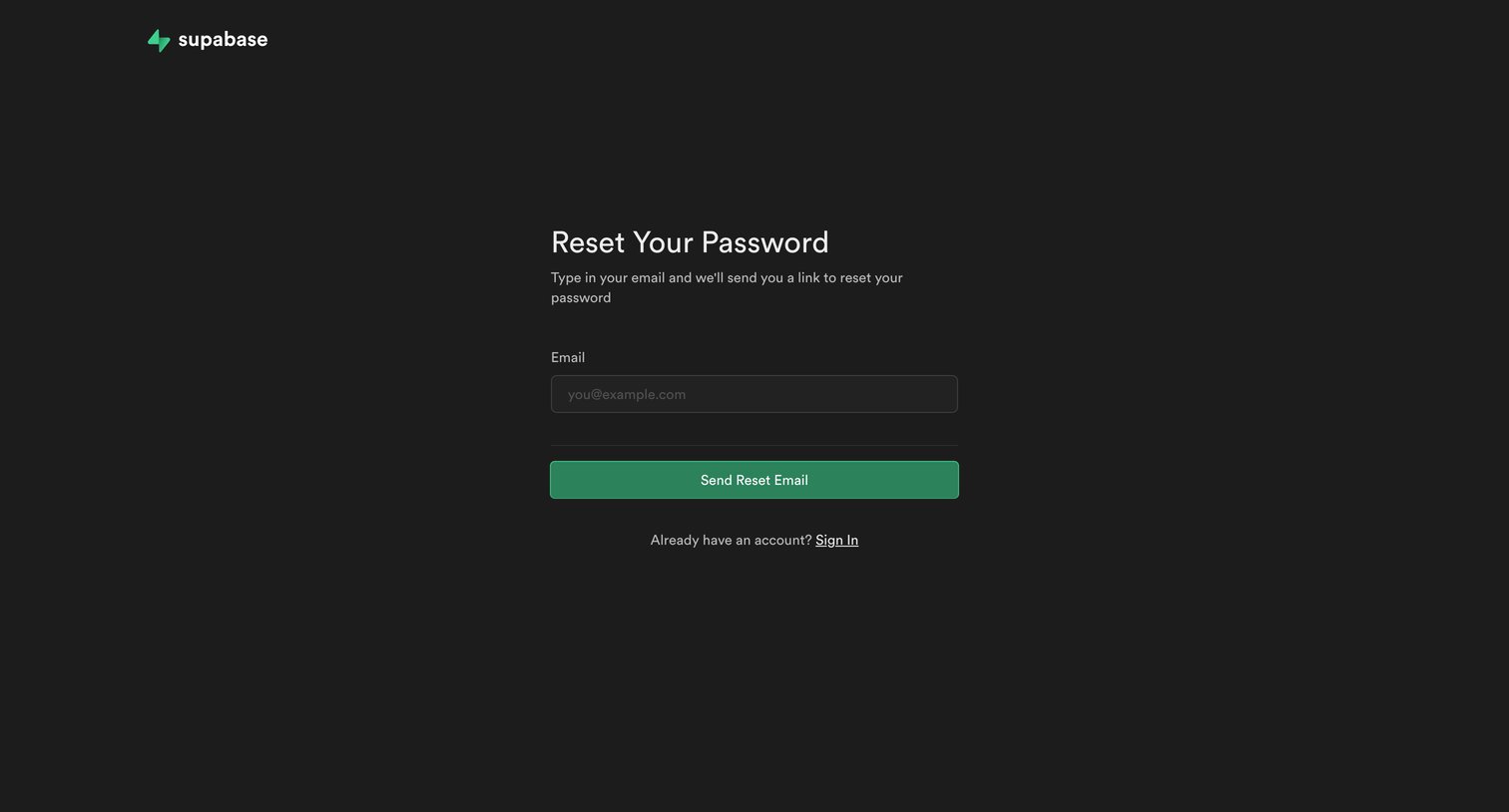
Password recovery screen where the user enters their email address to receive a reset link.
Supabase screen
Supabase logo
Supabase

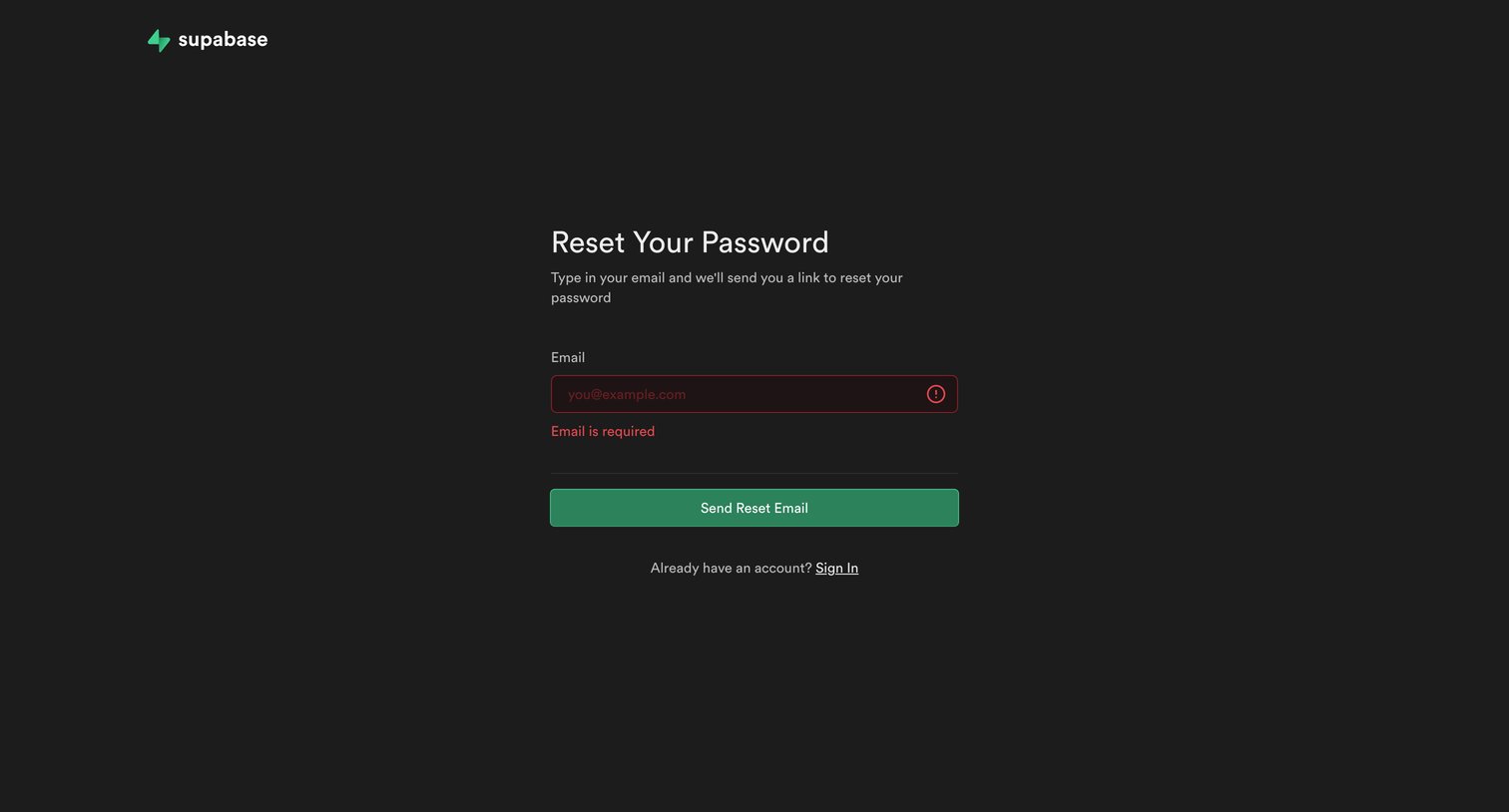
Password recovery screen where the user is prompted to enter their email, currently showing a validation error for an empty required field.
Supabase screen
Supabase logo
Supabase

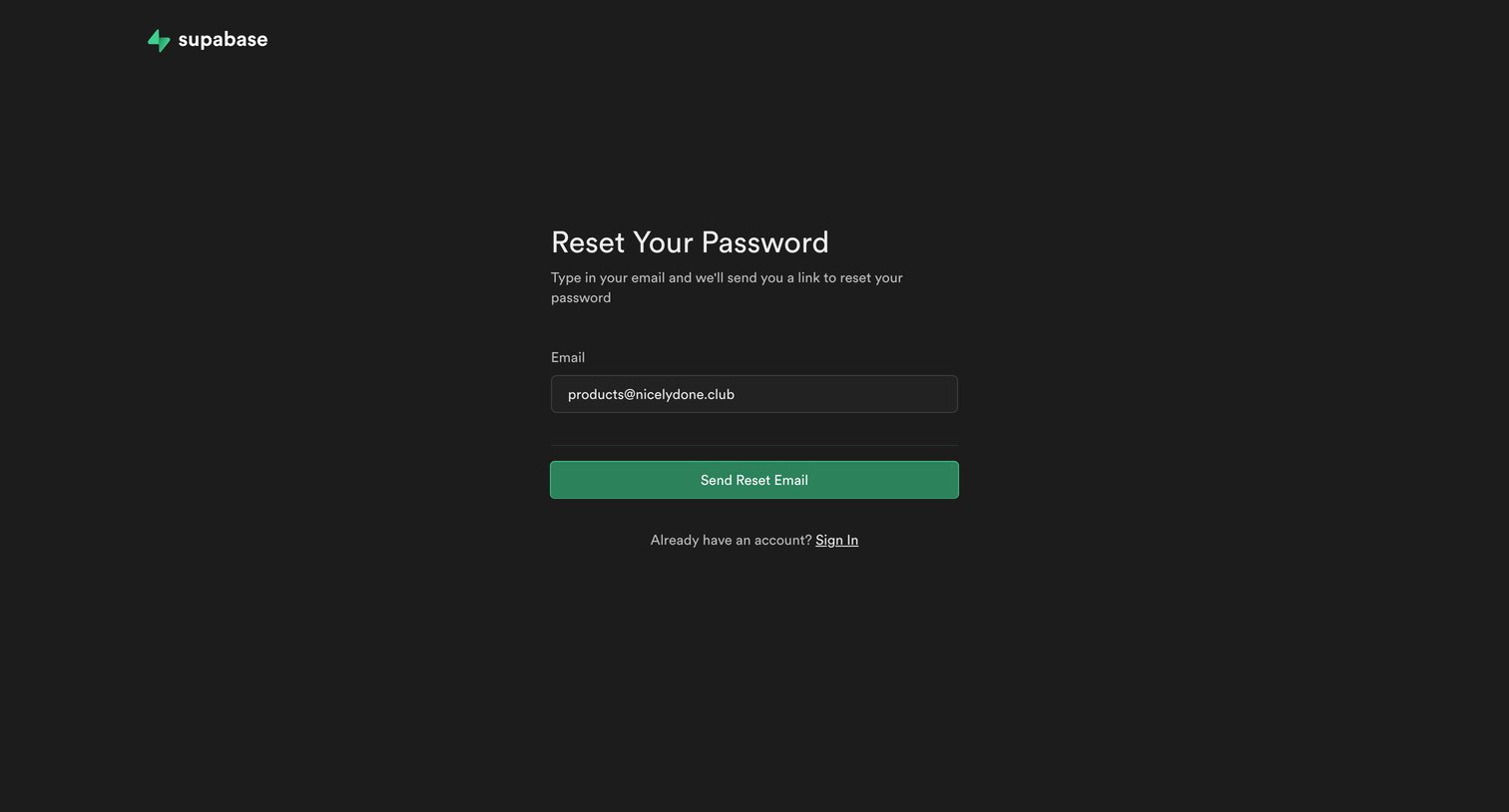
Password recovery screen where the user enters their email address to receive a reset link.
Supabase screen
Supabase logo
Supabase

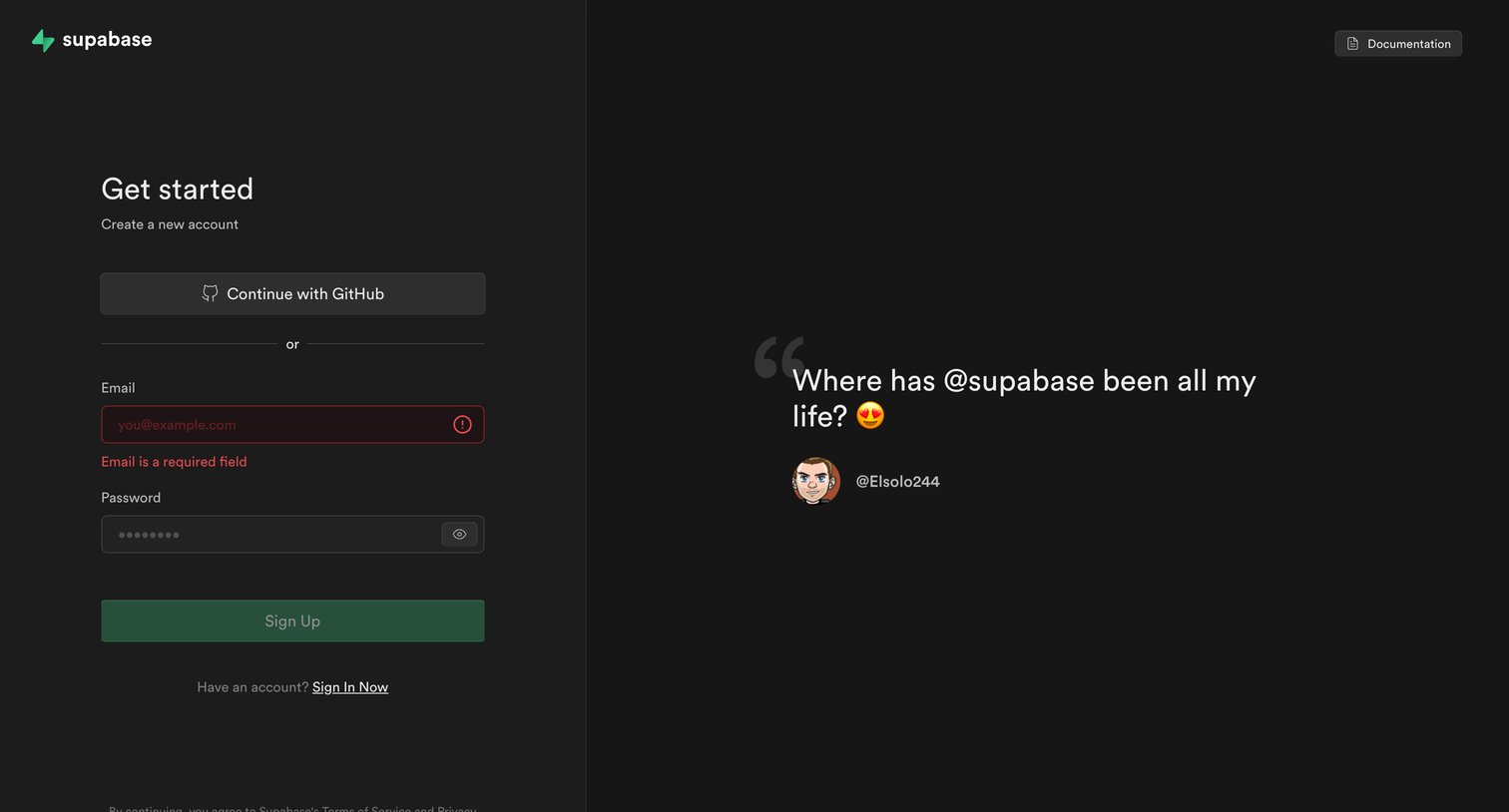
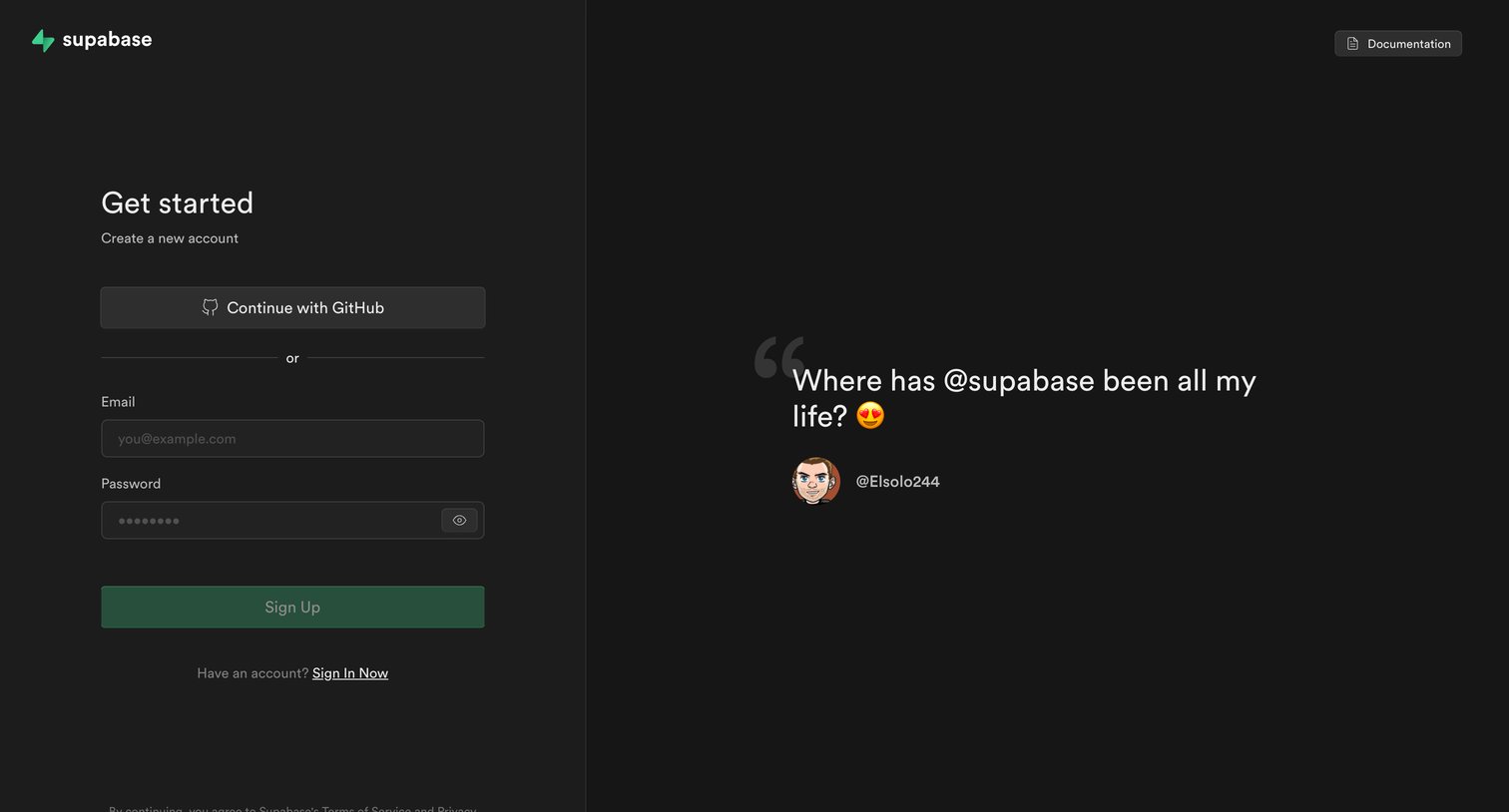
Sign-up screen where the user creates a new account using email and password or GitHub OAuth, featuring a prominent customer testimonial on the right.

Supabase screen
Supabase logo
Supabase

Sign-up screen where the user creates a new account using GitHub or an email and password, featuring a prominent customer testimonial alongside the form.

Supabase screen
Supabase logo
Supabase

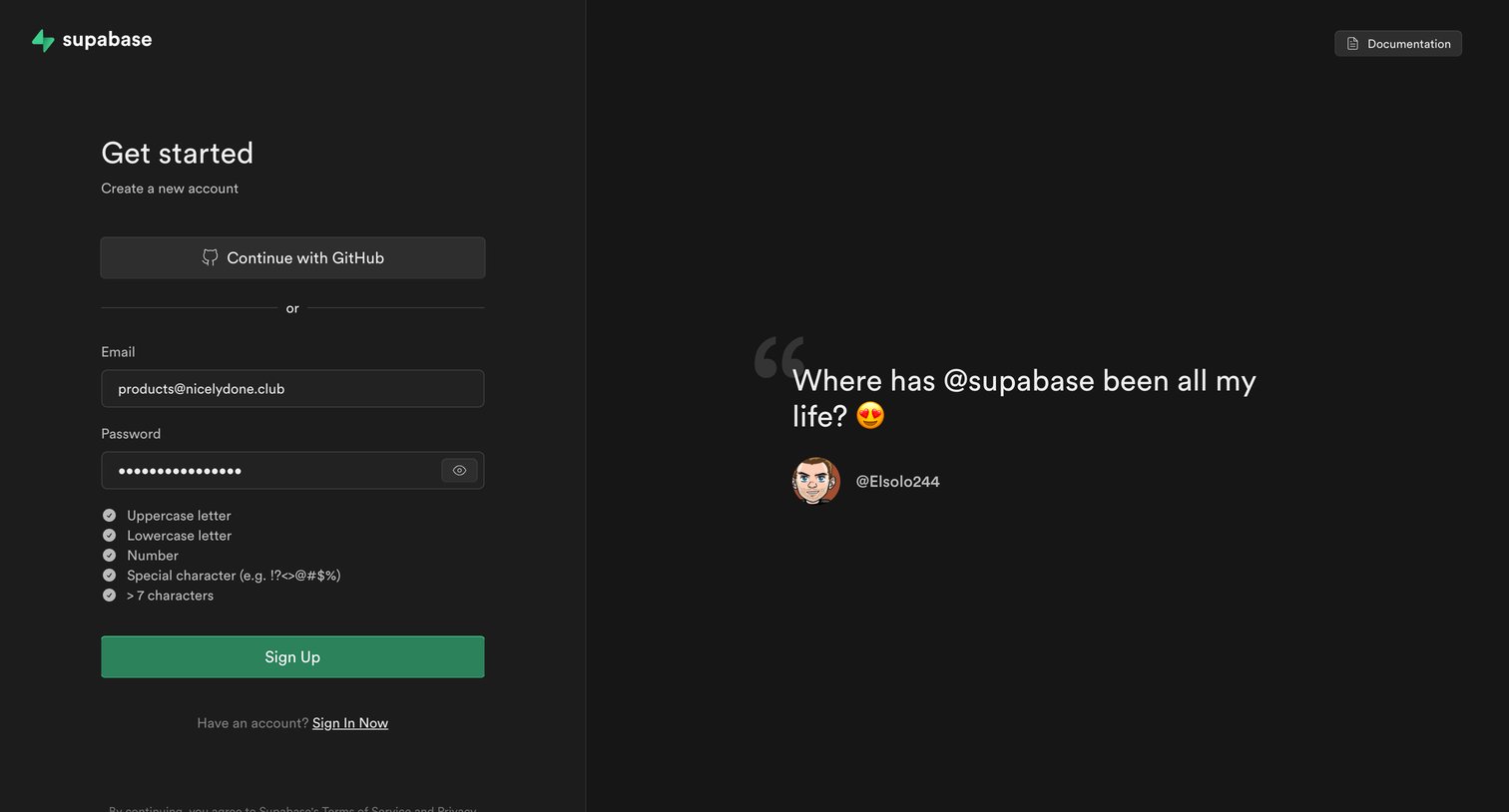
Signup screen where the user creates a new account using email and password or via GitHub, featuring a customer testimonial.

Browse the full SaaS app library

Explore real SaaS apps with their product screens, marketing screens, flows, and components.

Trusted by the best teams