Supabase user flows examples
Explore Supabase user flow examples. Preview the opening screens and steps for each task. The Open Source Firebase Alternative
Preview these flows

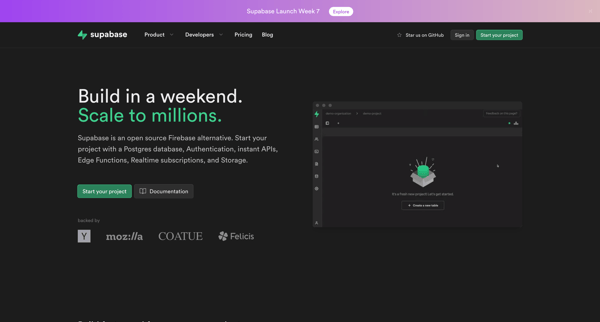


This user flow guides a new user through the process of creating an account on Supabase, from landing on the homepage to setting up a new project.
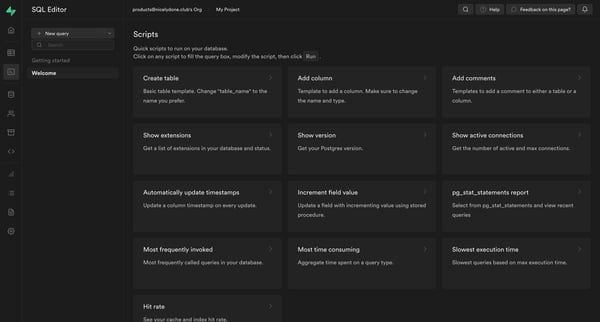
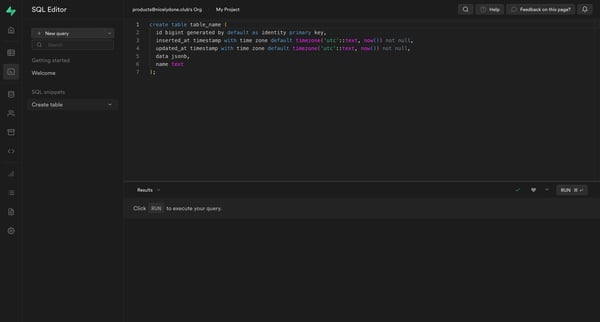
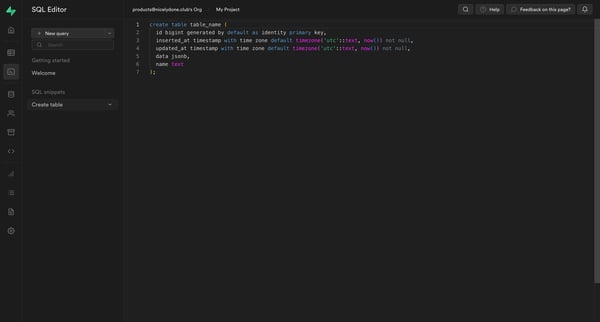
This flow enables users to create, edit, and manage SQL database tables, facilitate code snippets, execute queries, and download results, catering to database administration and development t
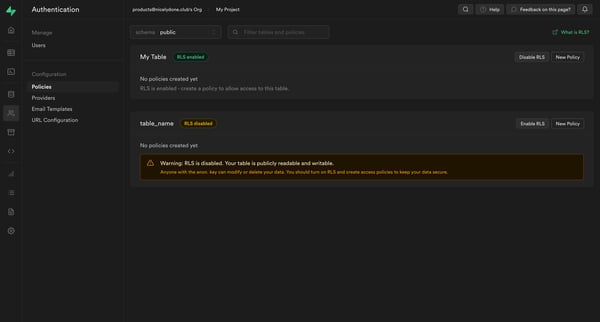
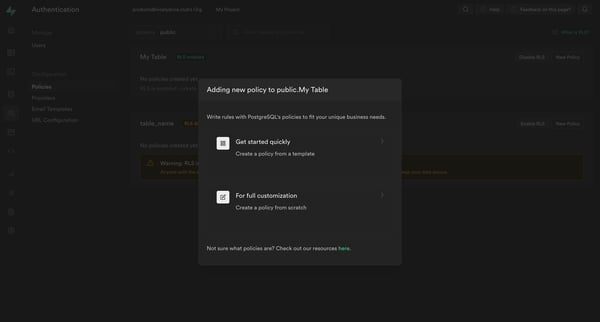
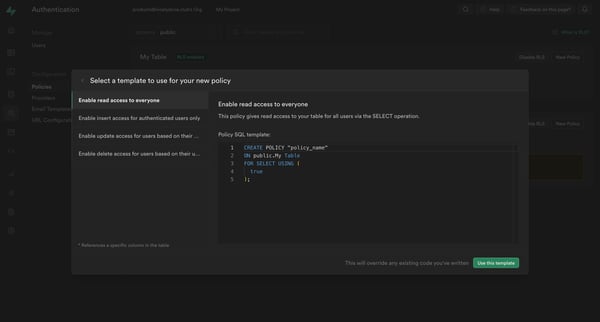
This flow facilitates the creation and management of Row-Level Security (RLS) policies for a table within Supabase, guiding the user from identifying a lack of policies through to the creatio
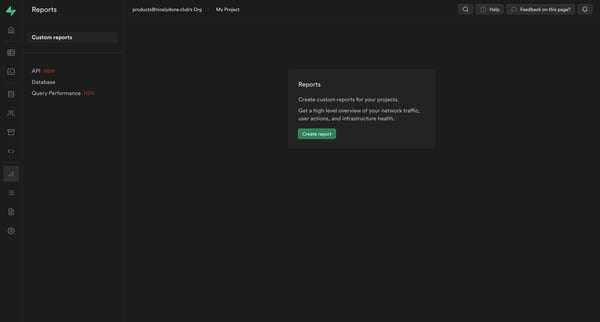
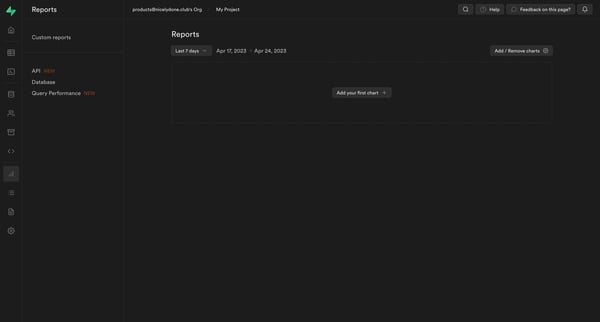
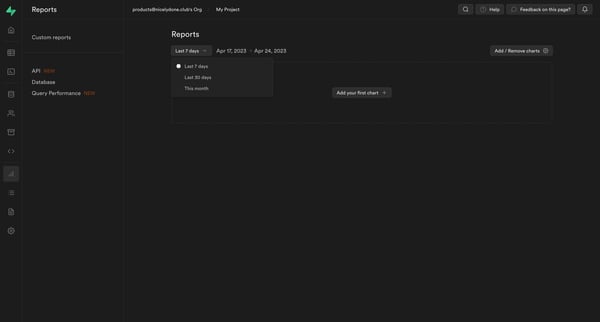
This flow guides users through the process of creating custom reports, from initial project overview to specific API usage analysis and dashboard customization.
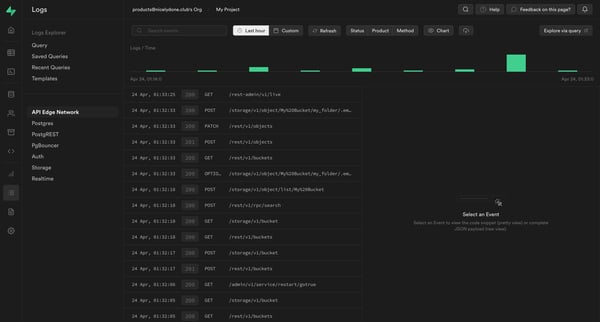
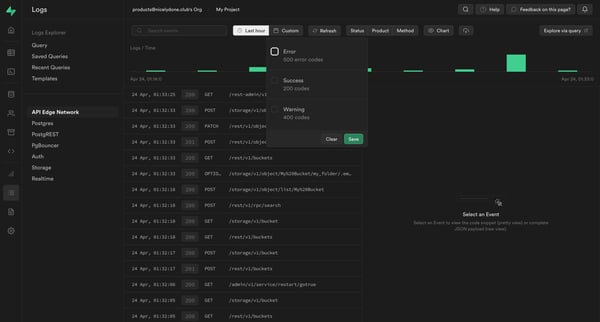
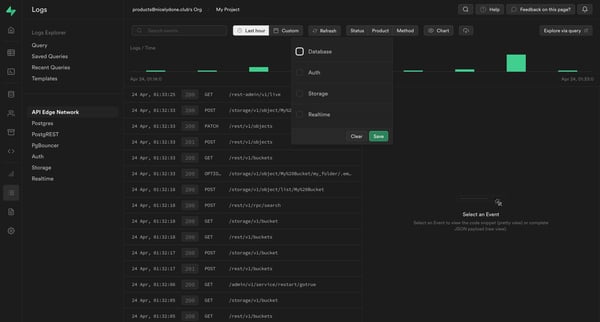
This user flow enables the user to navigate through logs, apply filters and sorting options, change settings, and view different event details within a logging and event management interface.
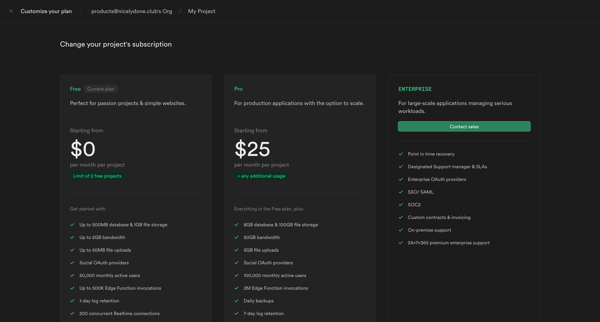
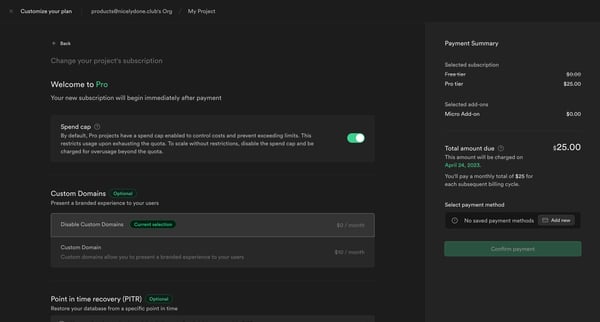
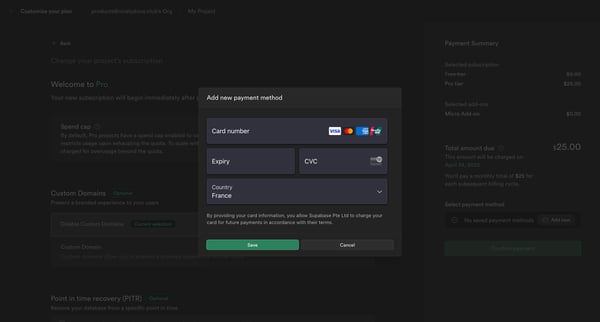
This flow guides a user through upgrading their project's subscription plan on Supabase, including customization options, payment setup, and confirmation.
Explore the full SaaS flow library
Browse the full SaaS flow library.
Trusted by the best teams







