Skip to content

Setapp design examples

Explore Setapp UI design examples. The best apps for Mac in one suite

Product screens
Setapp - Setapp | Personal User Account screen
Setapp logo
Setapp

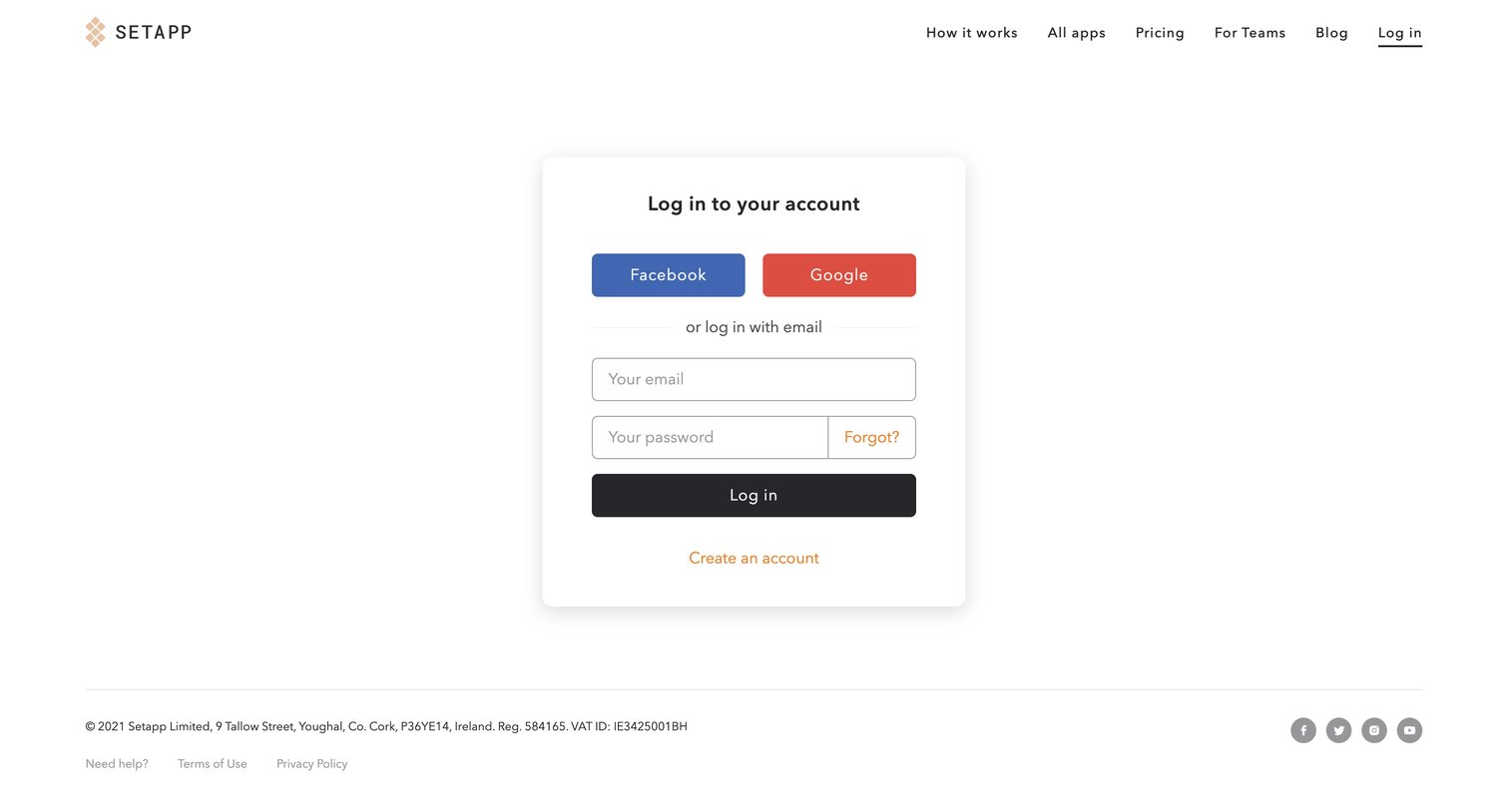
Sign-in screen where the user authenticates with Facebook, Google, or email and password.

Setapp - Setapp | Personal User Account screen
Setapp logo
Setapp

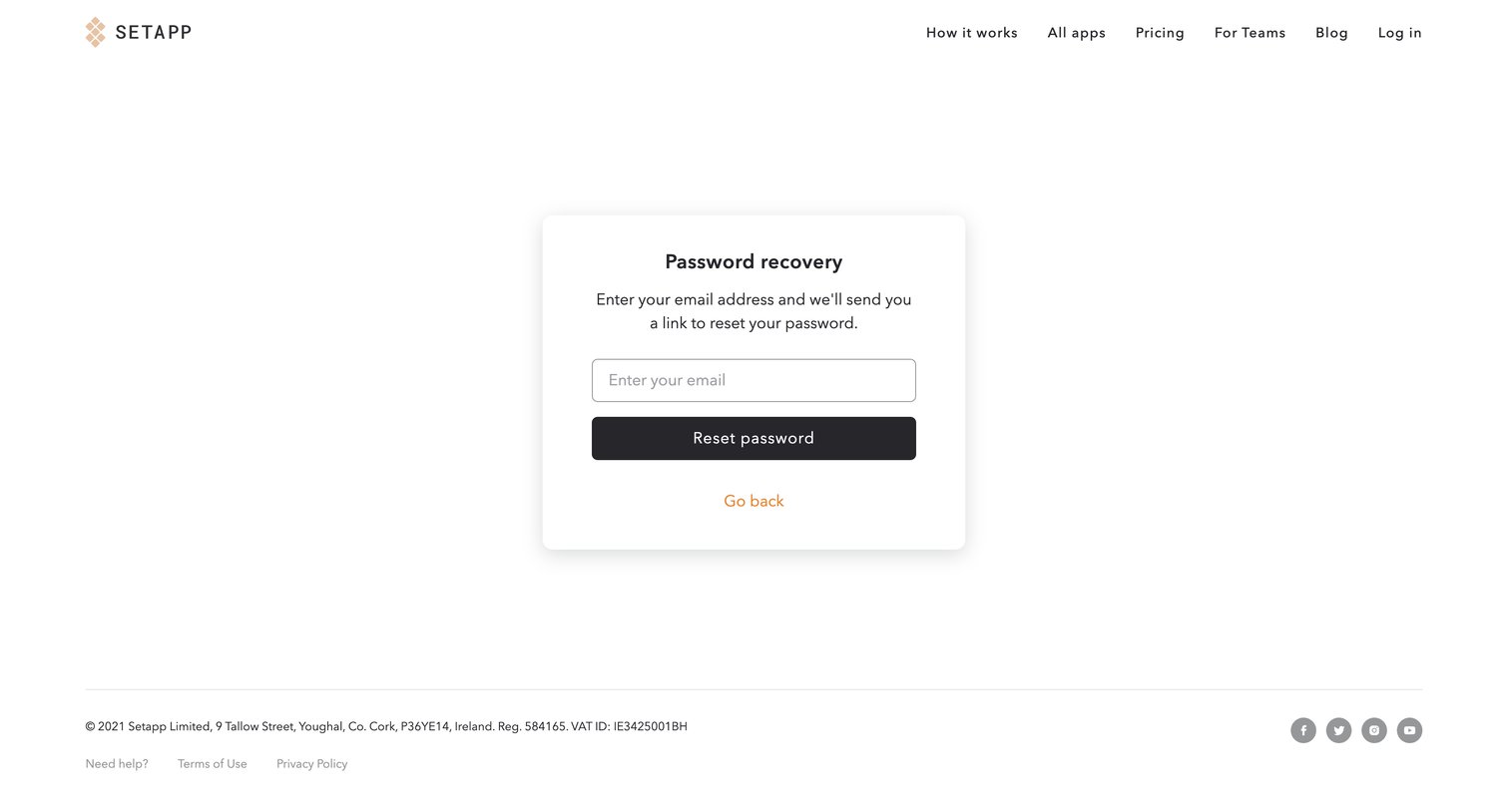
Password recovery screen where the user enters their email address to receive a reset link.
Setapp - Setapp | Personal User Account screen
Setapp logo
Setapp

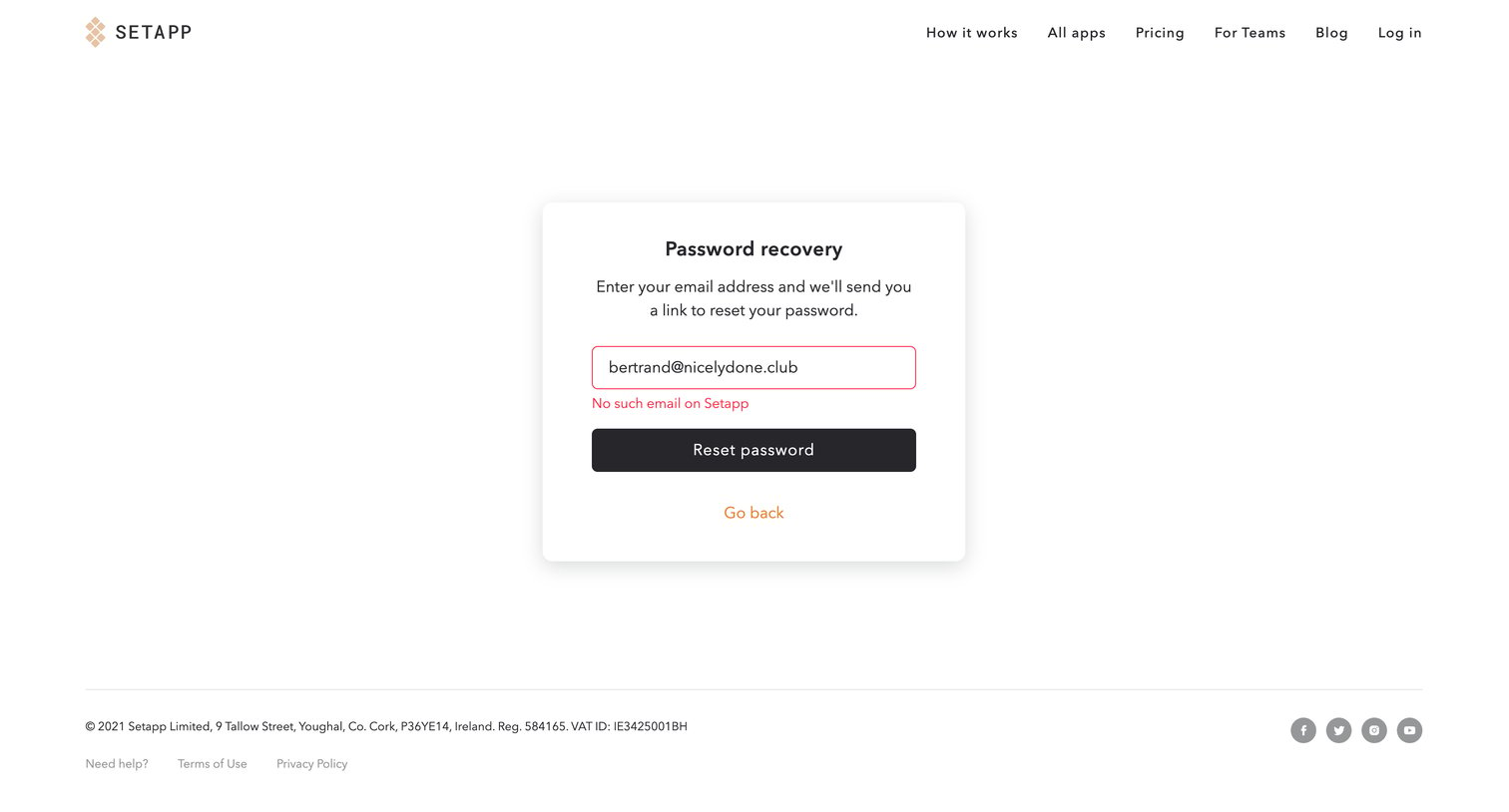
Password recovery screen where the user enters their email address to receive a reset link, currently displaying an inline error for an unrecognized email.
Setapp - Setapp | Personal User Account screen
Setapp logo
Setapp

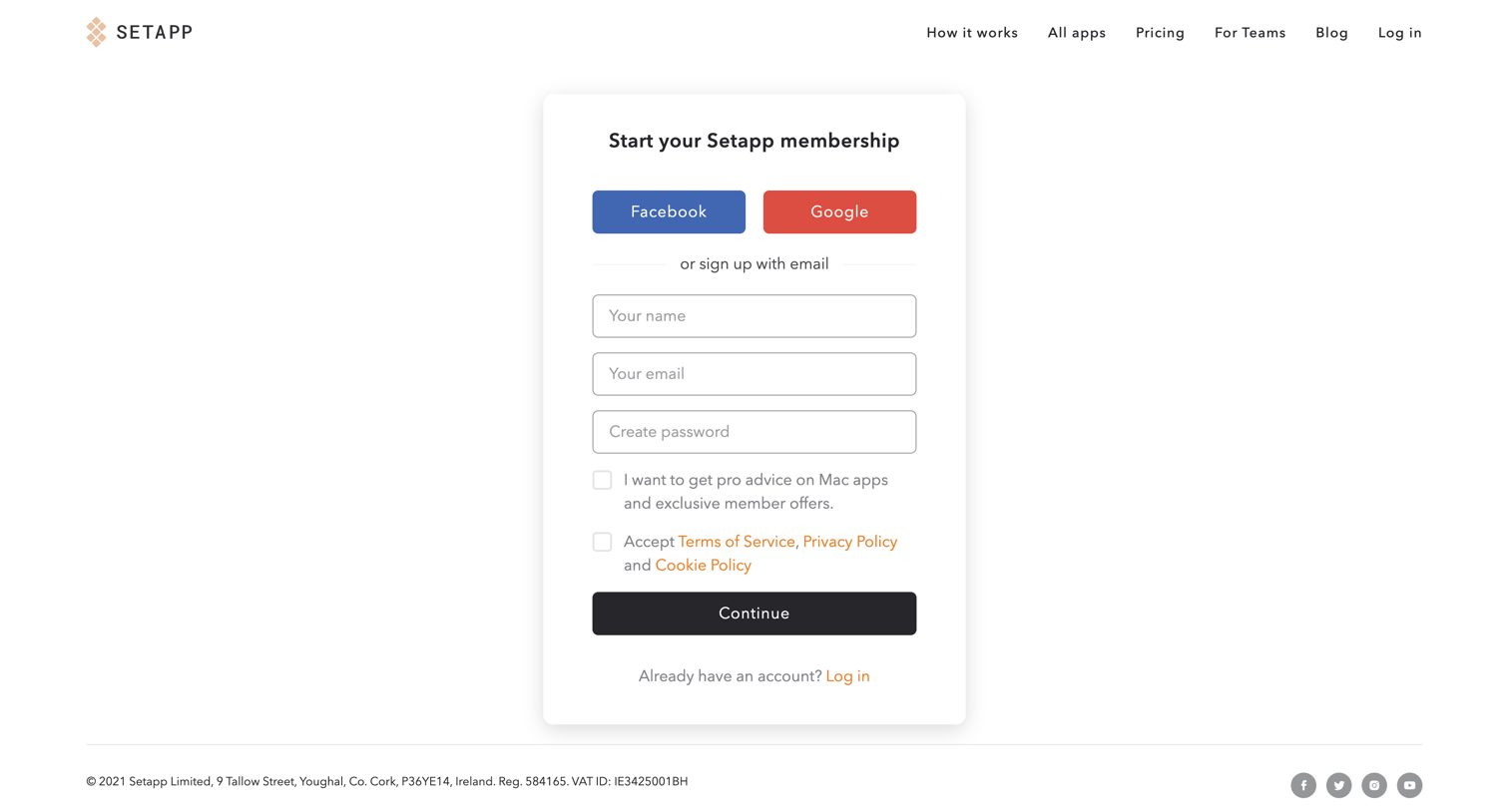
Signup page where the user creates a Setapp membership using Facebook, Google, or an email and password.

Setapp - Setapp | Personal User Account screen
Setapp logo
Setapp

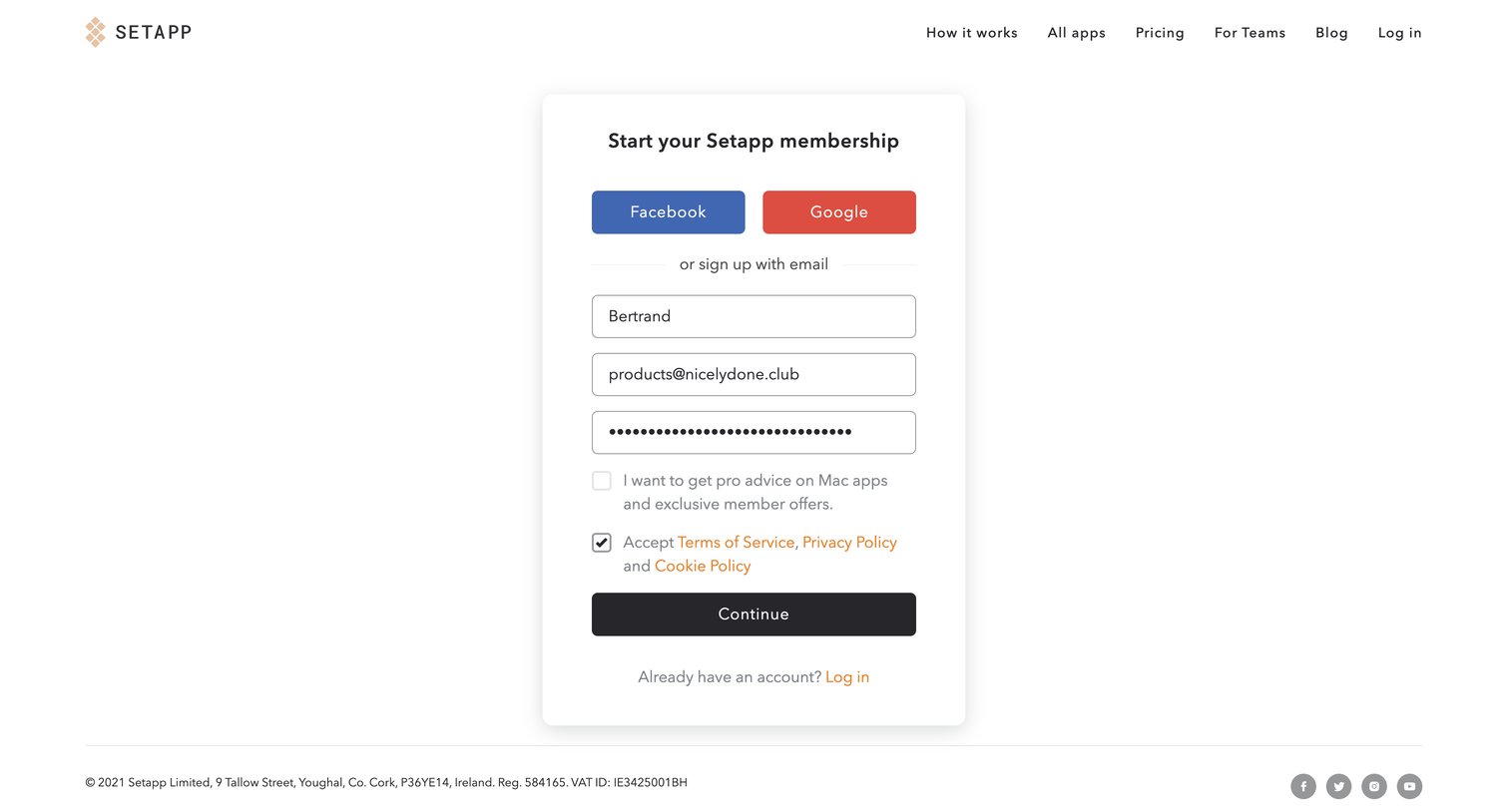
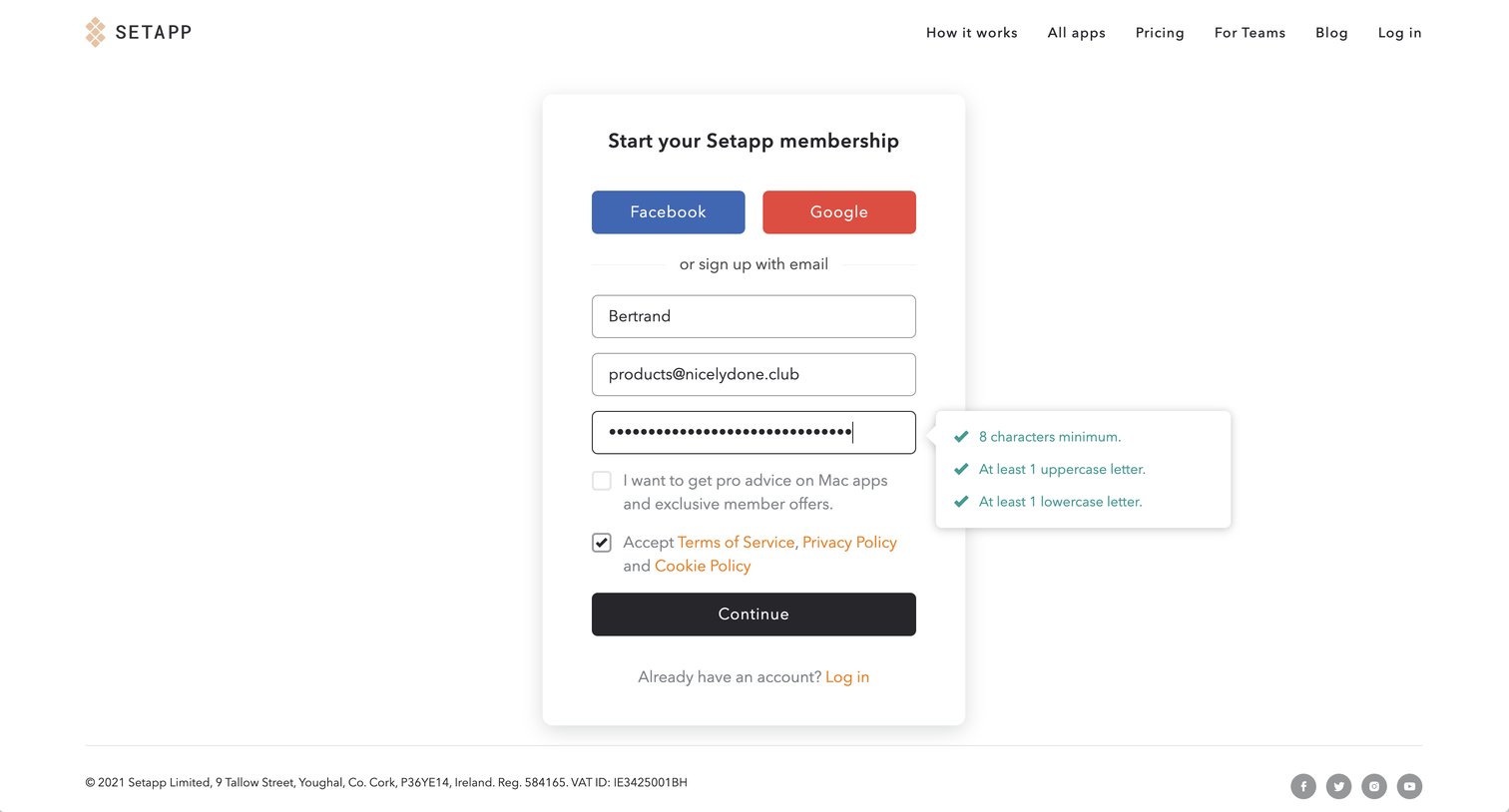
Signup page where the user enters their name, email, and password with real-time validation, or authenticates via Facebook or Google.

Setapp - Setapp | Personal User Account screen
Setapp logo
Setapp

Signup screen where the user creates a Setapp membership using Facebook, Google, or an email and password.

Setapp - Setapp | Personal User Account screen
Setapp logo
Setapp

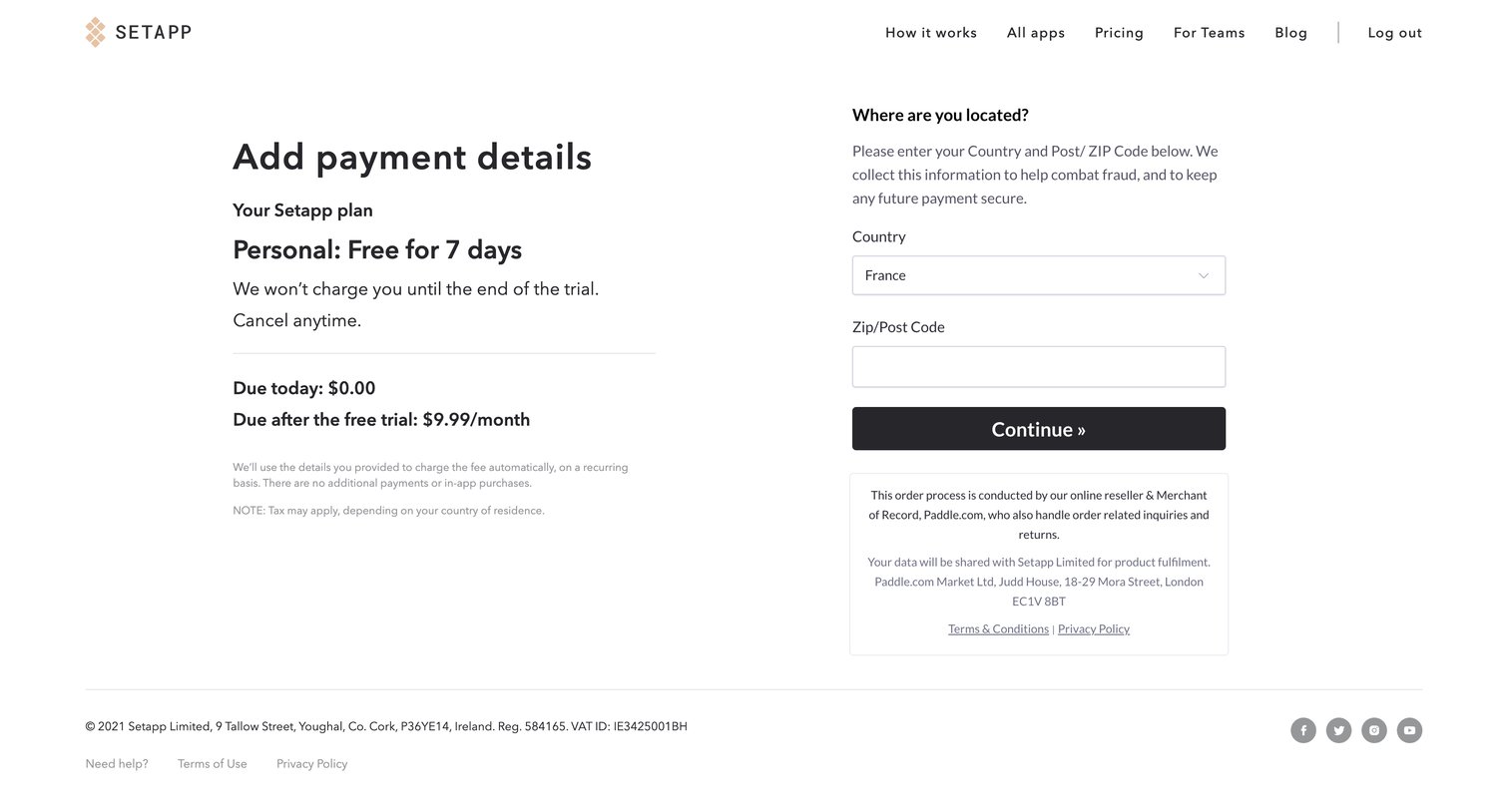
Checkout screen where the user enters their country and zip code to start a 7-day free trial.

Setapp - Setapp | Personal User Account screen
Setapp logo
Setapp

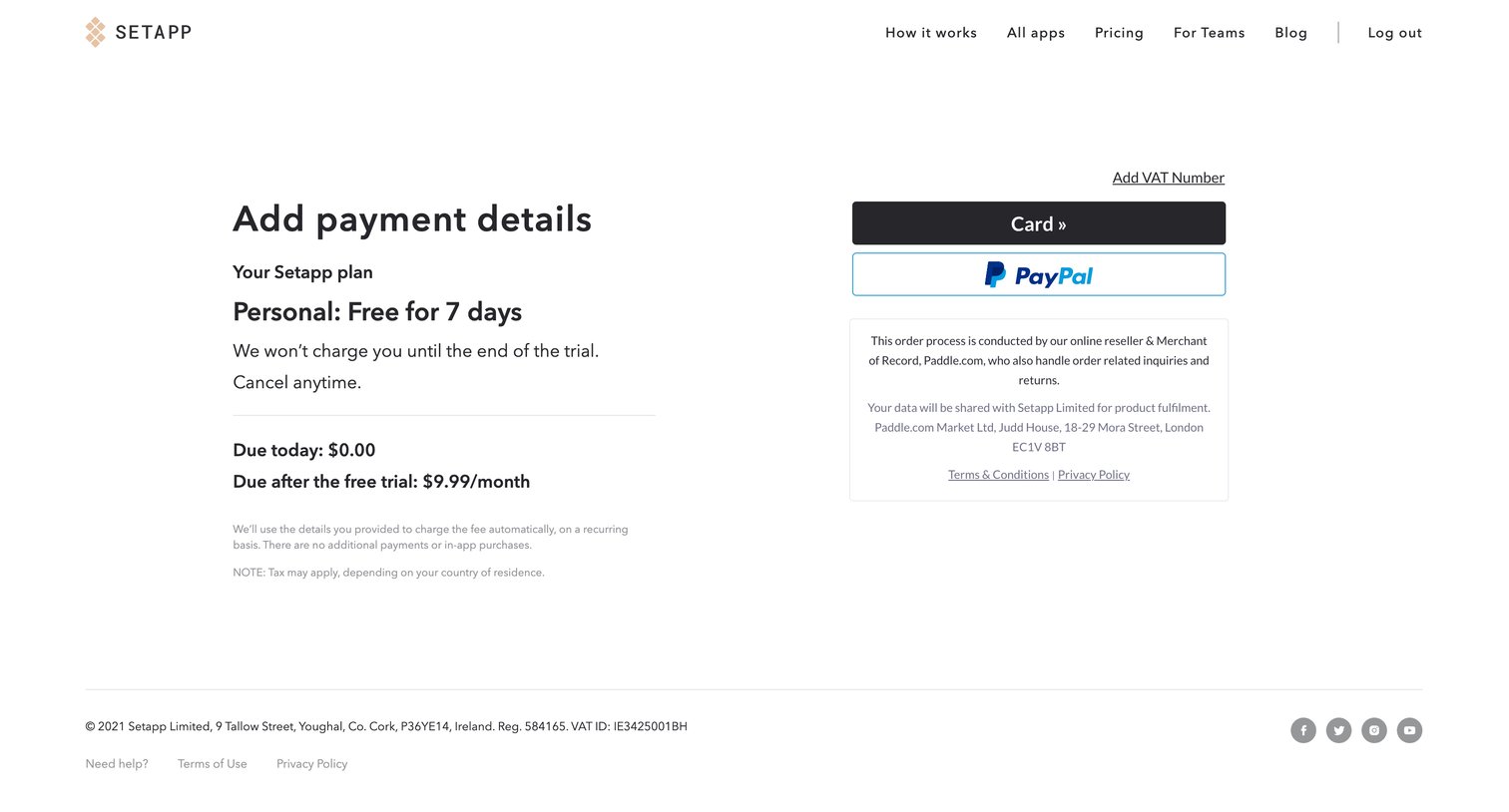
Checkout screen where the user selects between Card and PayPal to activate a 7-day free trial for a personal plan.

Setapp - Setapp | Personal User Account screen
Setapp logo
Setapp

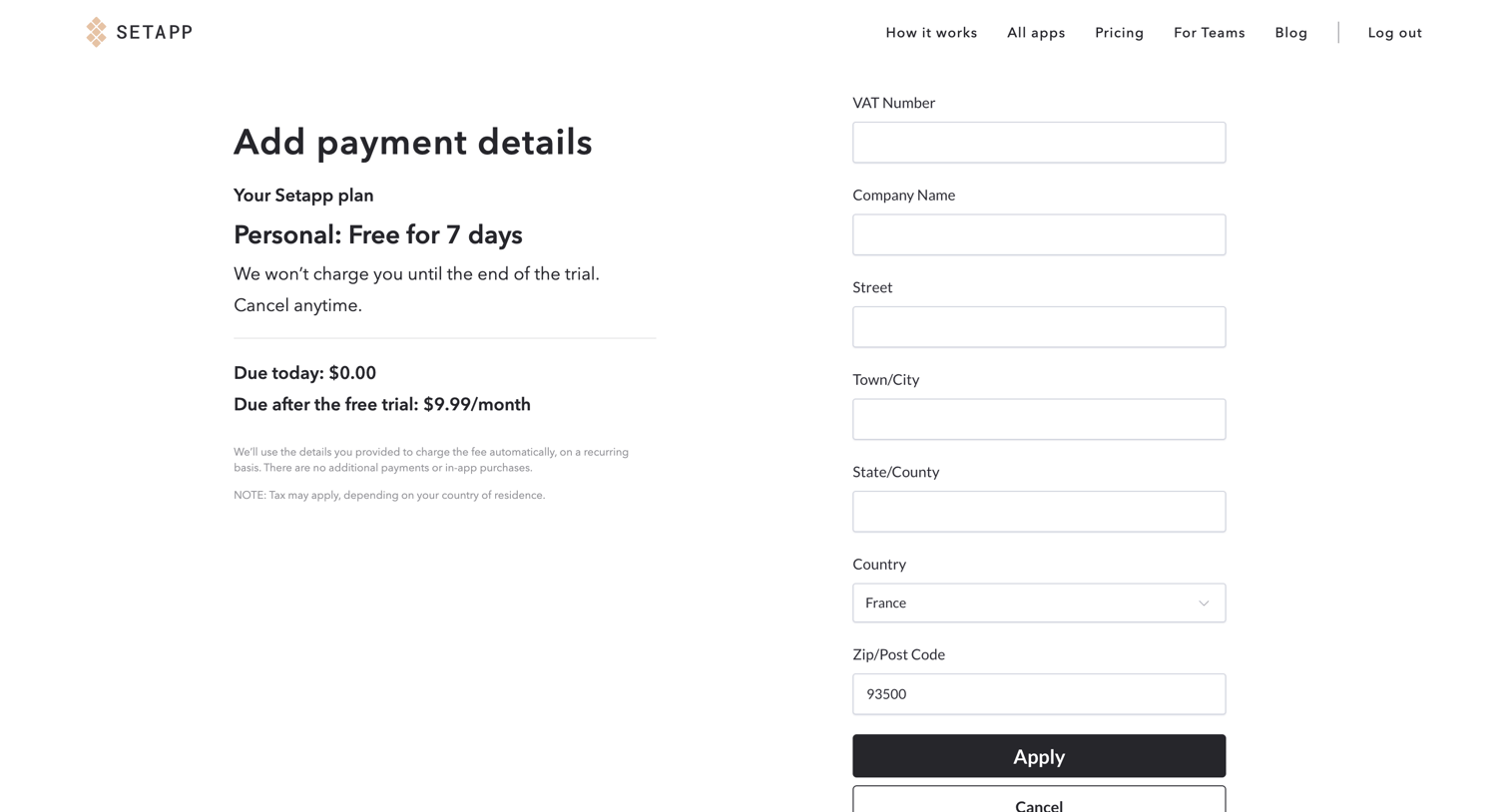
Checkout screen where the user enters their billing address to activate a 7-day free trial of the Personal plan.
Setapp - Setapp | Personal User Account screen
Setapp logo
Setapp

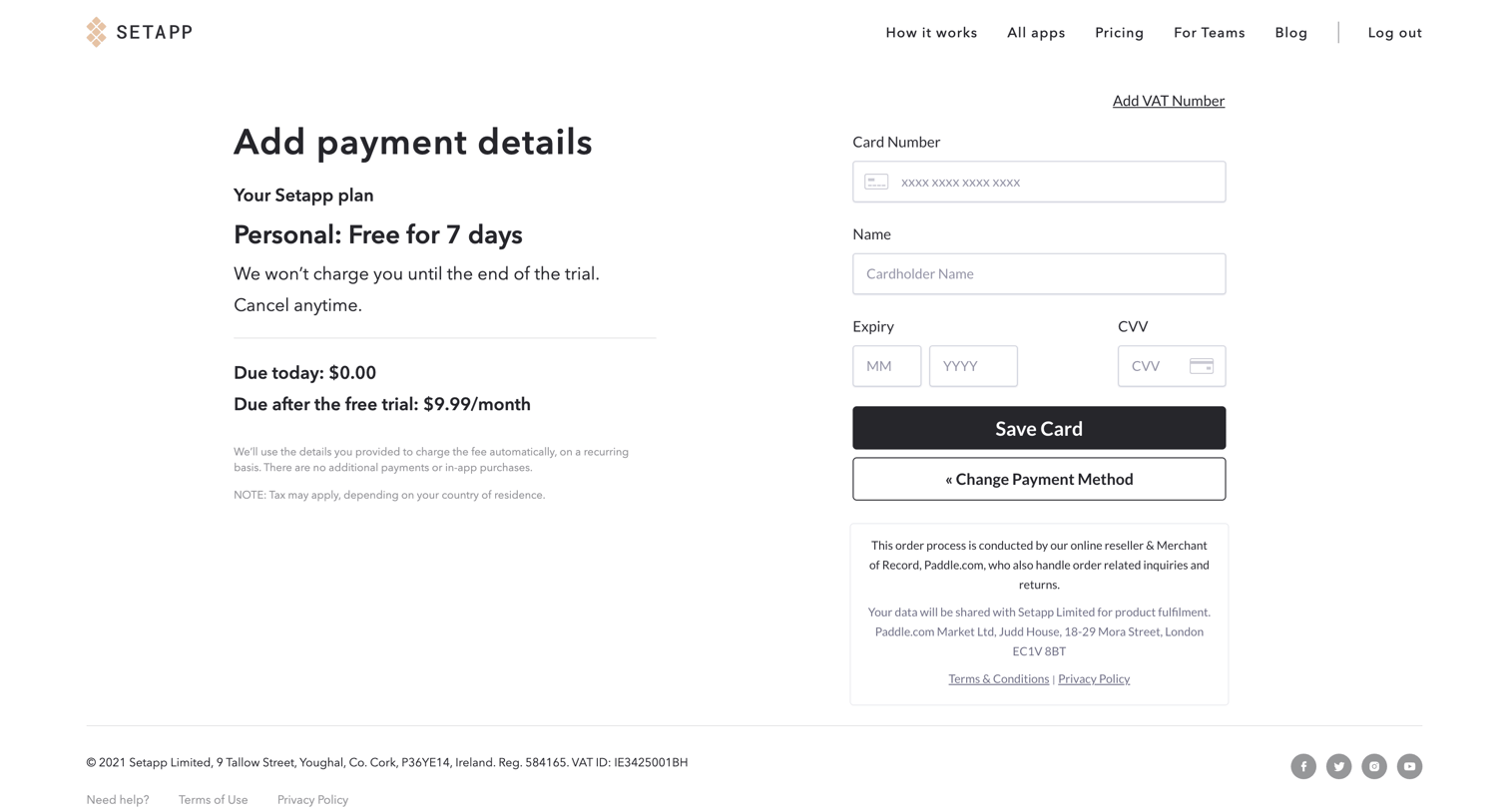
Checkout screen where the user enters their credit card details to begin a 7-day free trial.
Setapp - Setapp | Personal User Account screen
Setapp logo
Setapp

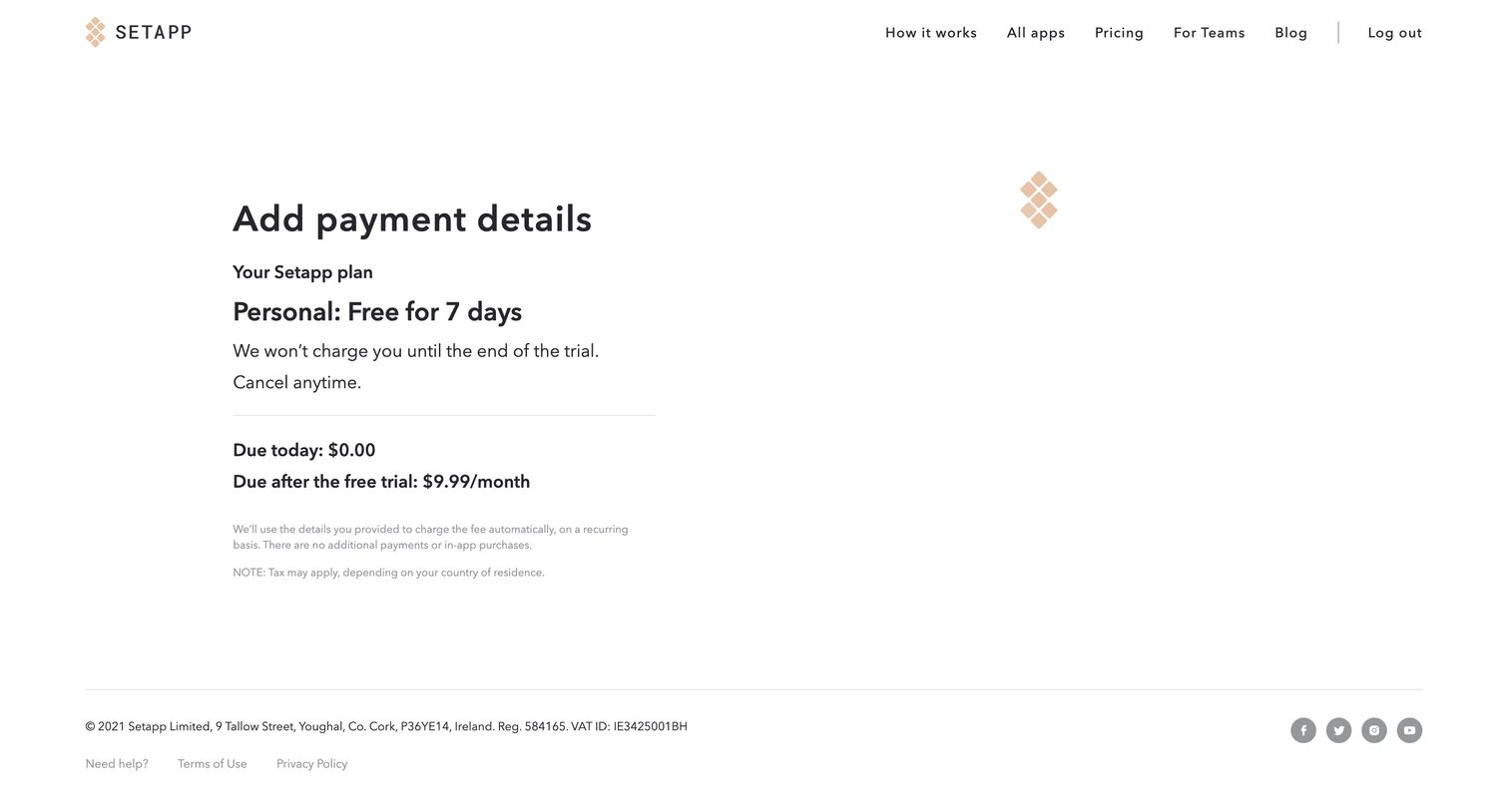
Trial activation screen where the user reviews their personal plan details and trial terms before adding payment information.

Setapp - Setapp | Personal User Account screen
Setapp logo
Setapp

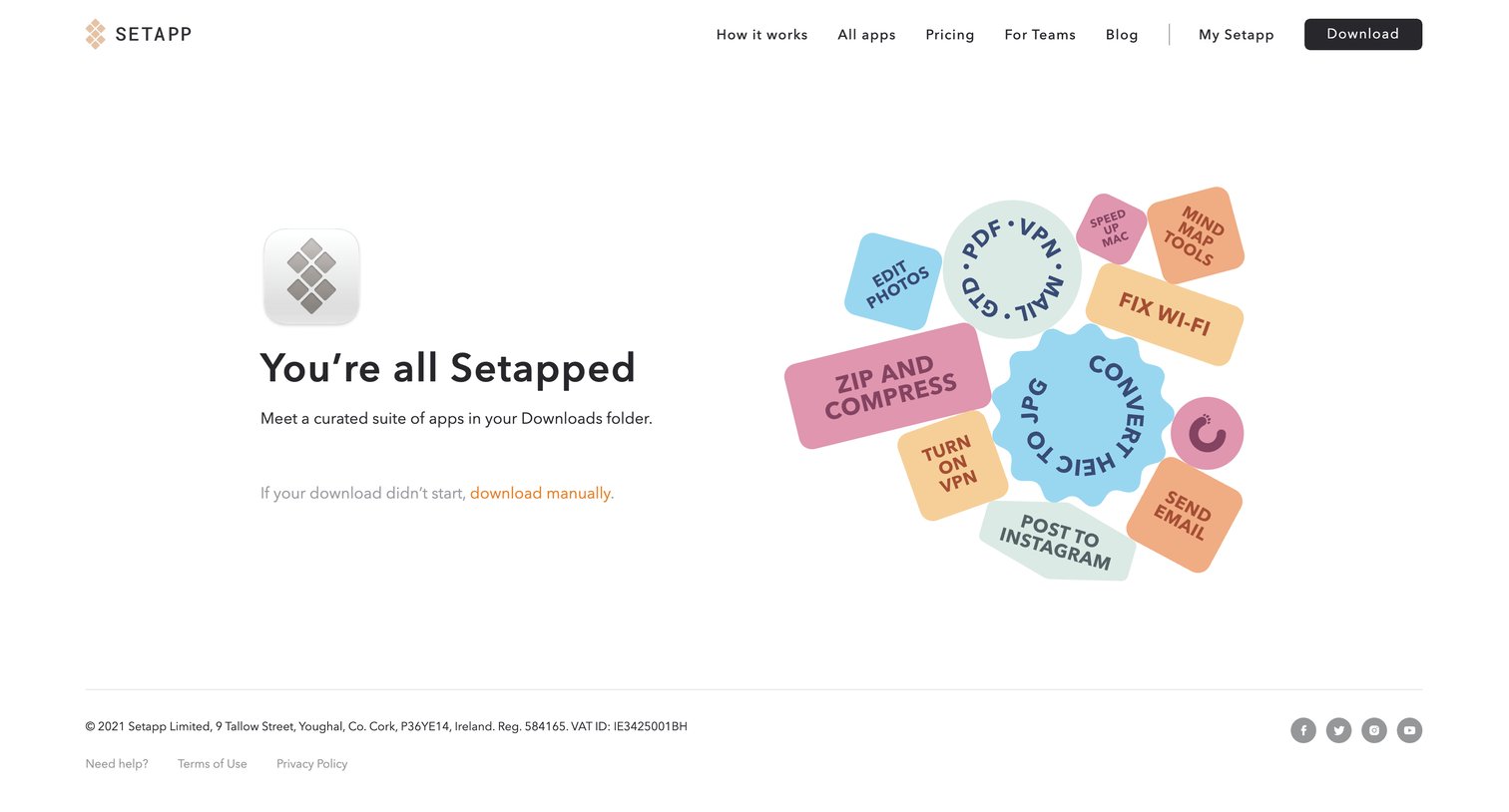
Application download page where the user is prompted to manually download the app if the automatic download didn't start after a successful registration.

Browse the full SaaS app library

Explore real SaaS apps with their product screens, marketing screens, flows, and components.

Trusted by the best teams

More from Setapp