Skip to content

Robin product screens examples

Browse Robin screen design examples. Preview the interface screenshots and explore related UI patterns. A better way to manage your meeting rooms

Explore the examples
Robin - Sign in - Robin screen
Robin logo
Robin

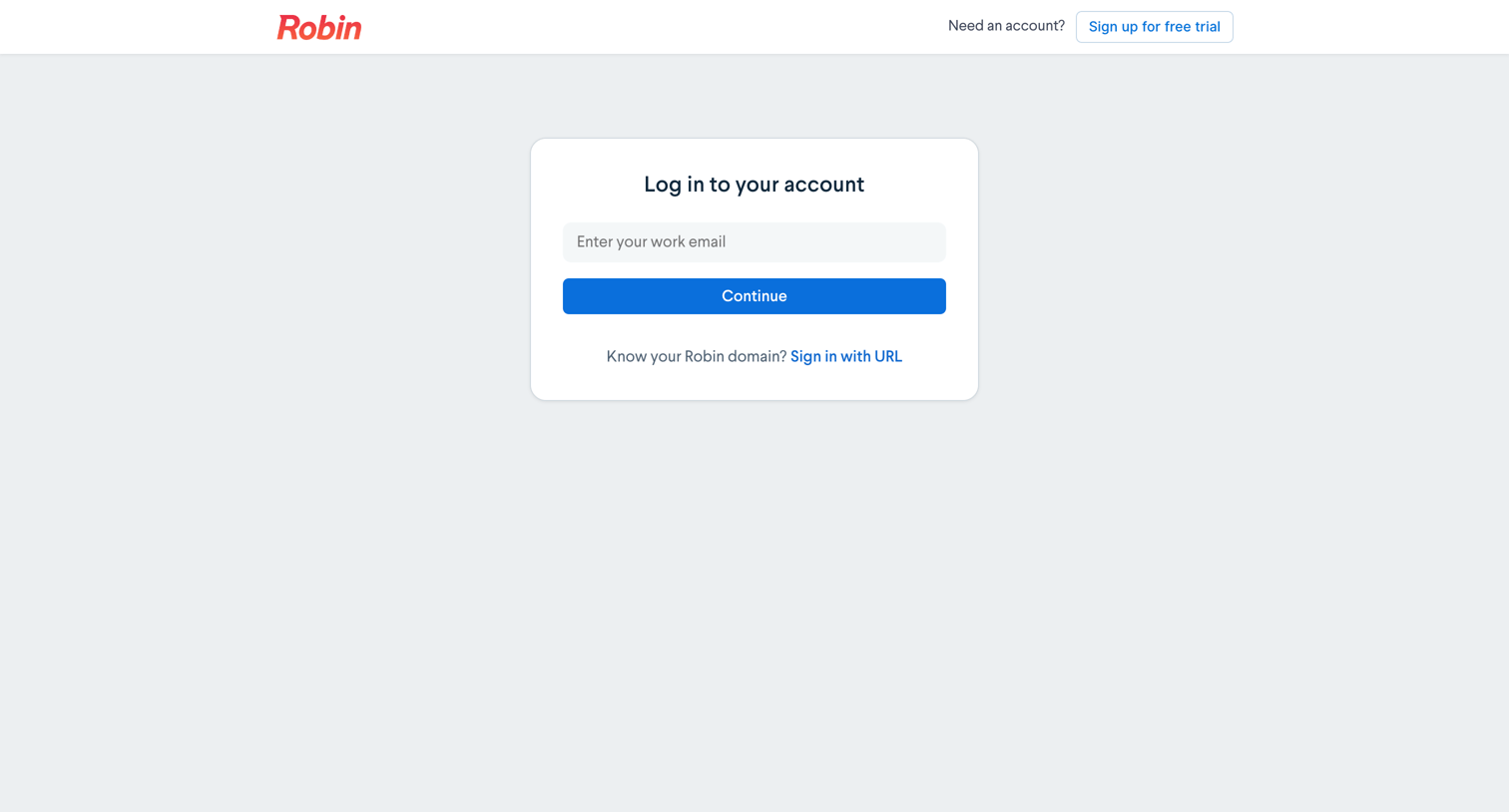
Sign-in screen where the user enters their work email to continue or opts to sign in with a custom workspace URL.

Robin - Sign in - Robin screen
Robin logo
Robin

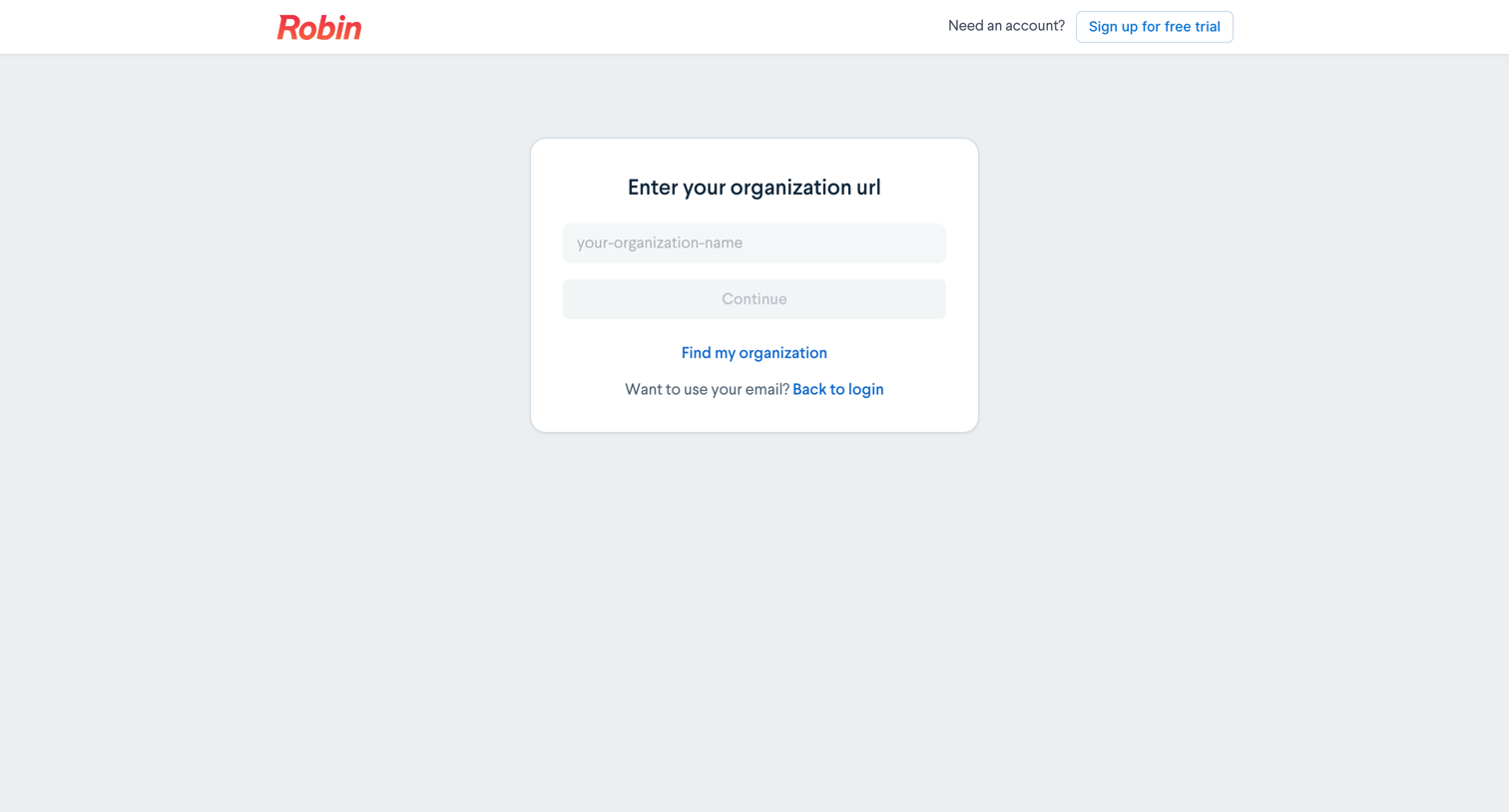
Sign-in screen where the user enters their organization URL to route to their specific workspace.

Robin - Sign in - Robin screen
Robin logo
Robin

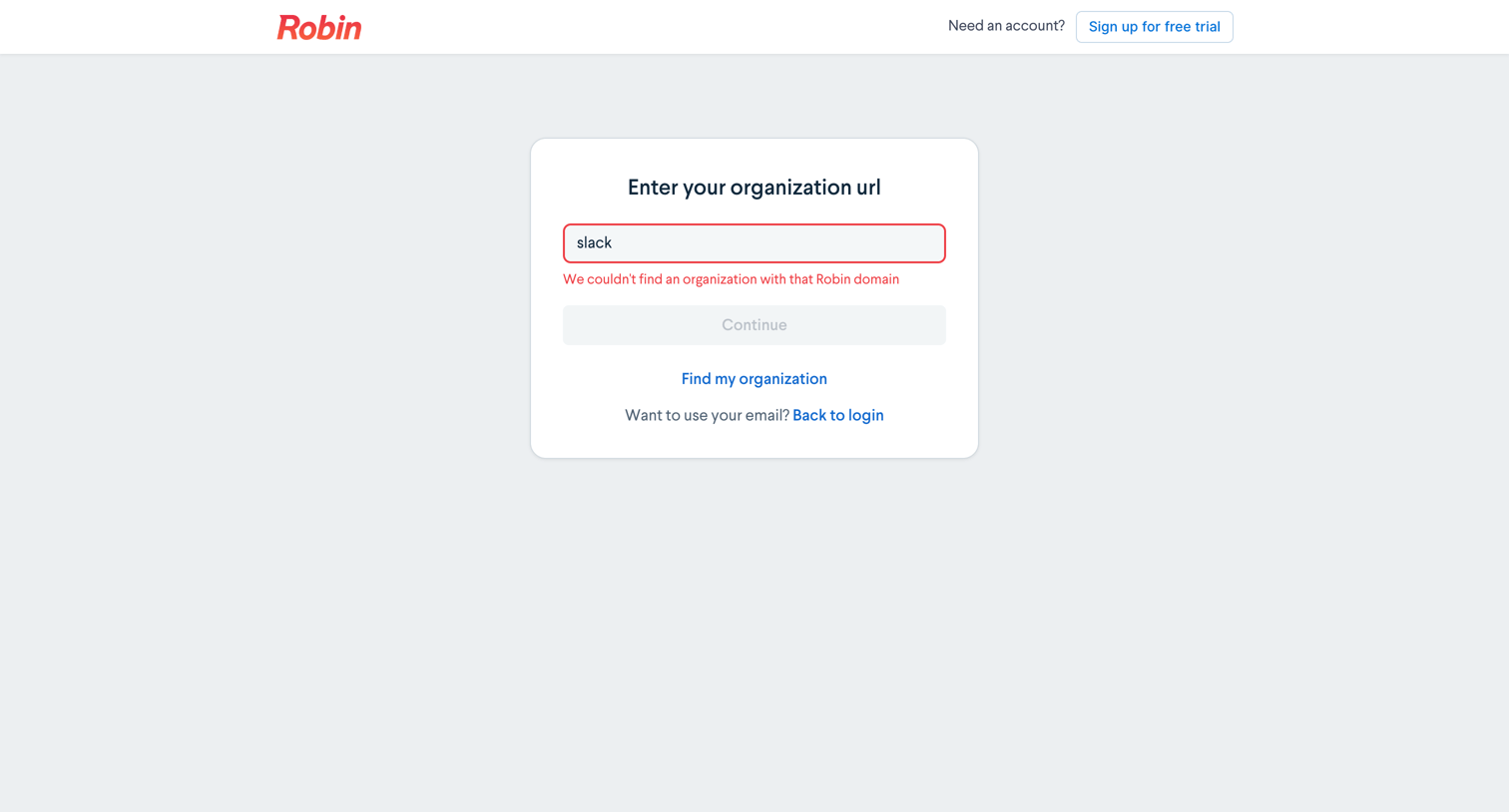
Sign-in screen where the user enters their organization URL to access their workspace, currently showing a validation error for an unrecognized domain.

Robin - Schedule a Demo of Robin screen
Robin logo
Robin

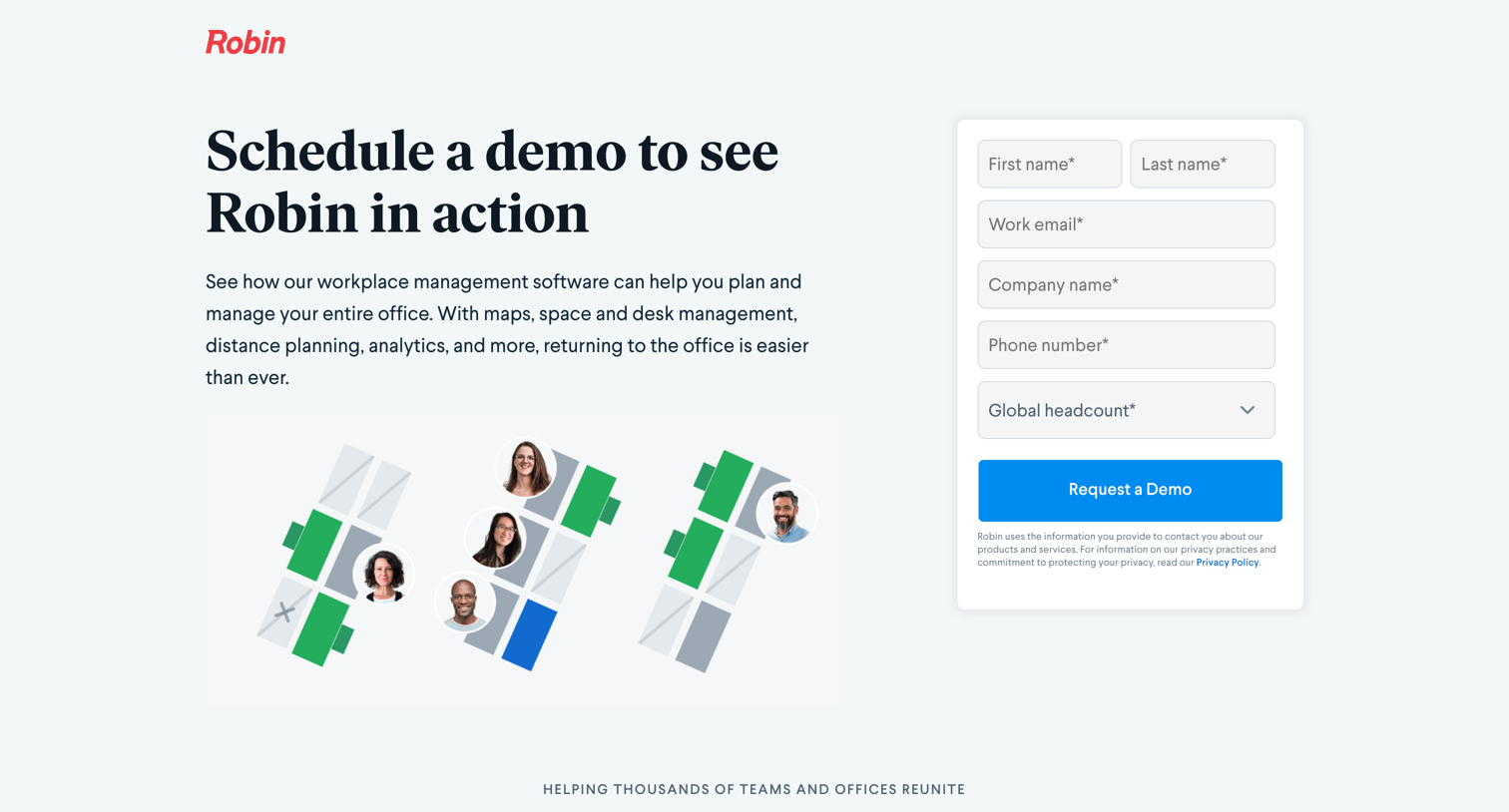
Marketing page where prospective customers can request a demo by filling out a lead generation form with their contact and company details.

Robin - Start your free Robin trial screen
Robin logo
Robin

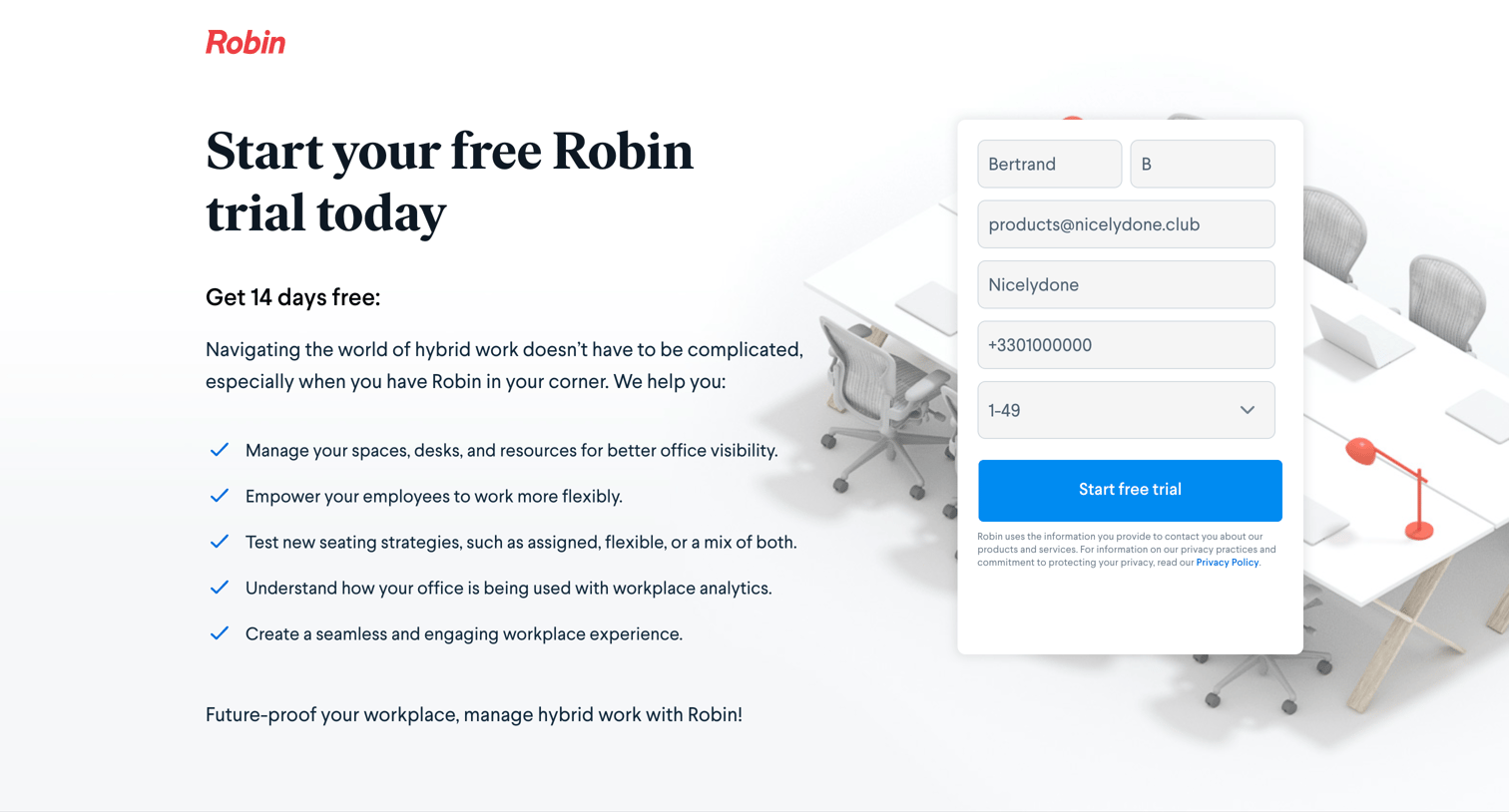
Landing page where the user can start a 14-day free trial by providing their contact details and company headcount.

Robin - Start your free Robin trial screen
Robin logo
Robin

Landing page where the user can start a 14-day free trial of Robin by filling out a lead capture form with their contact and company details.

Robin - Register - Robin screen
Robin logo
Robin

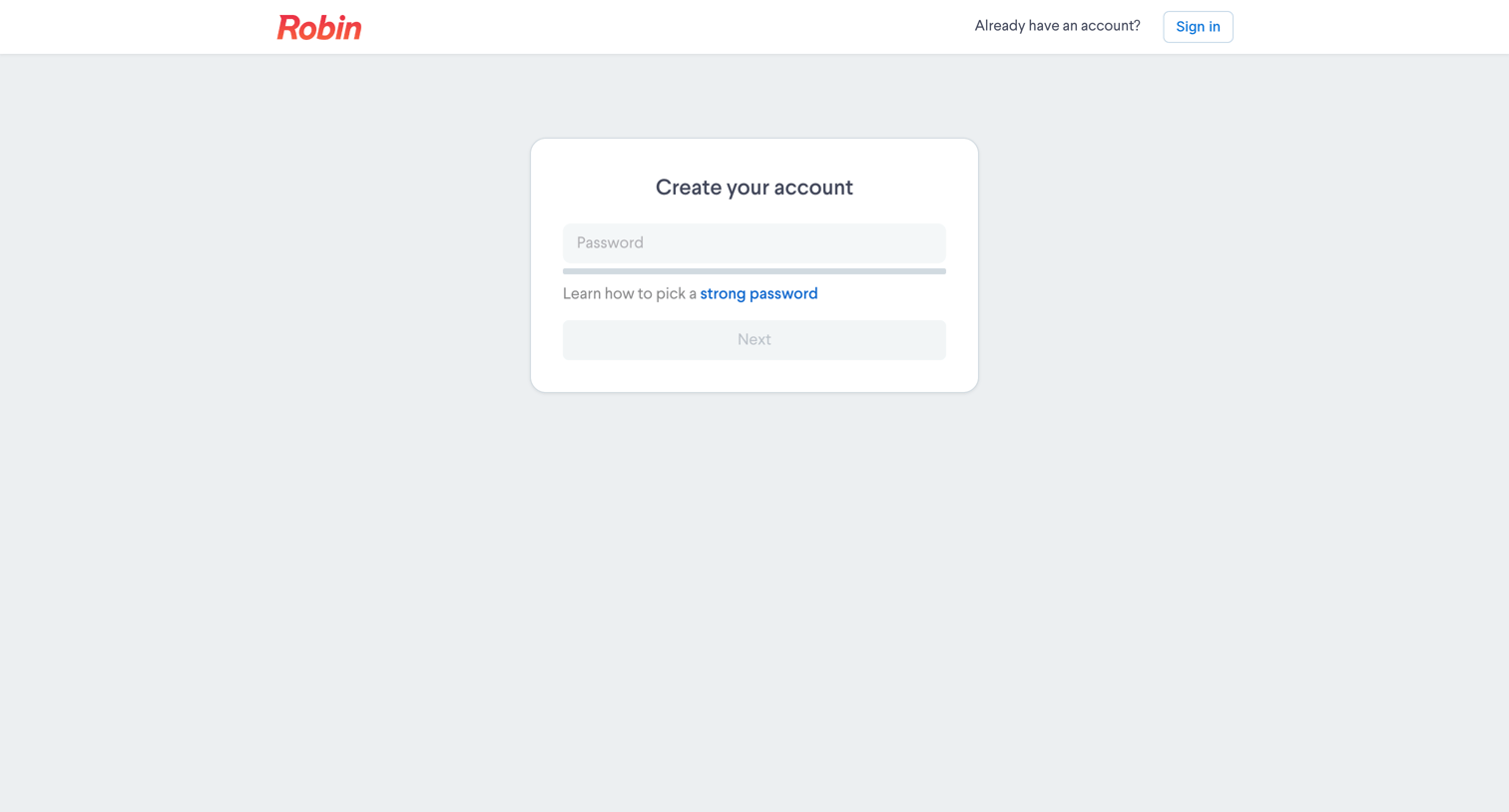
Signup step where the user creates a password for their new account.

Robin - Register - Robin screen
Robin logo
Robin

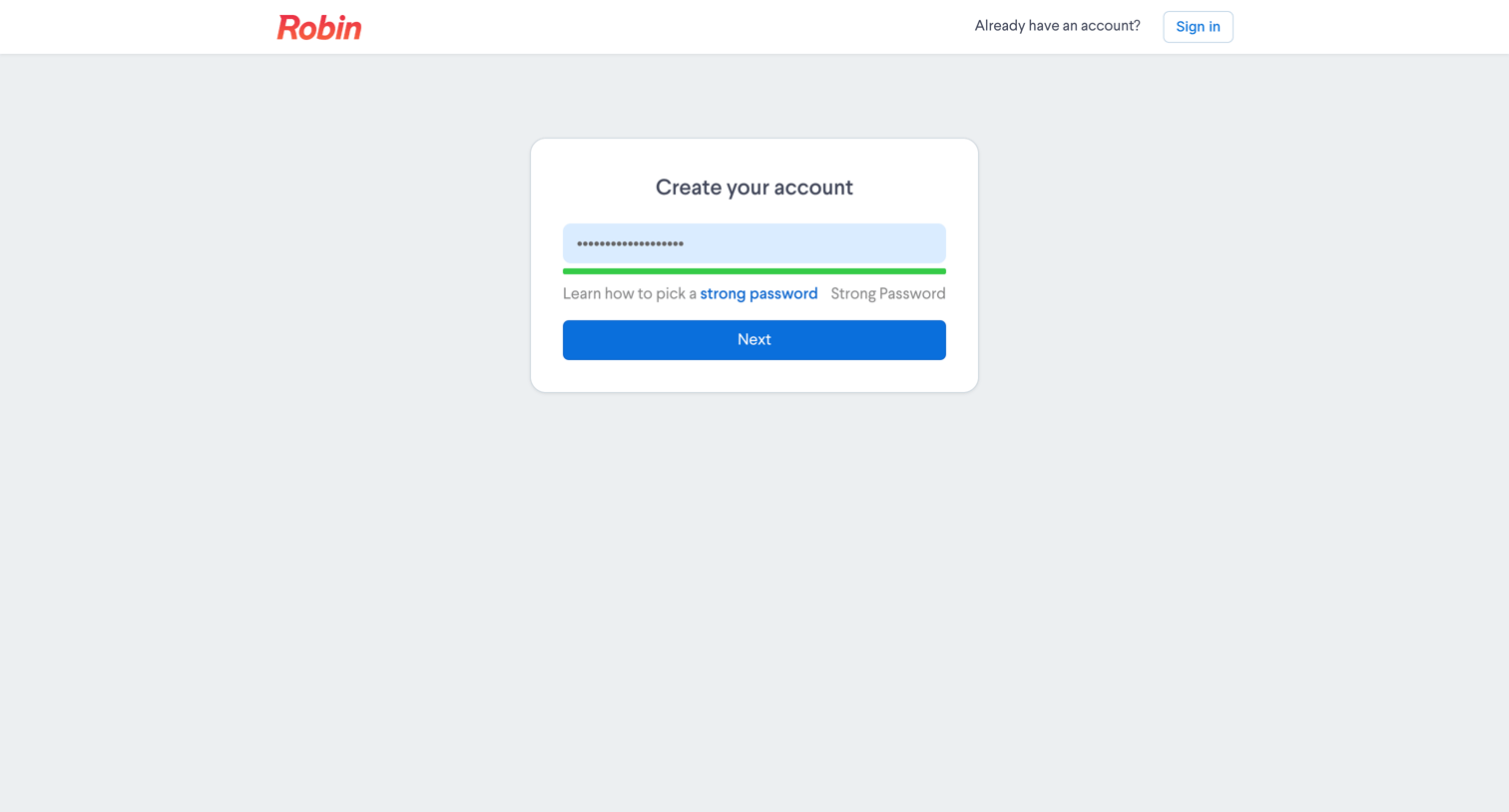
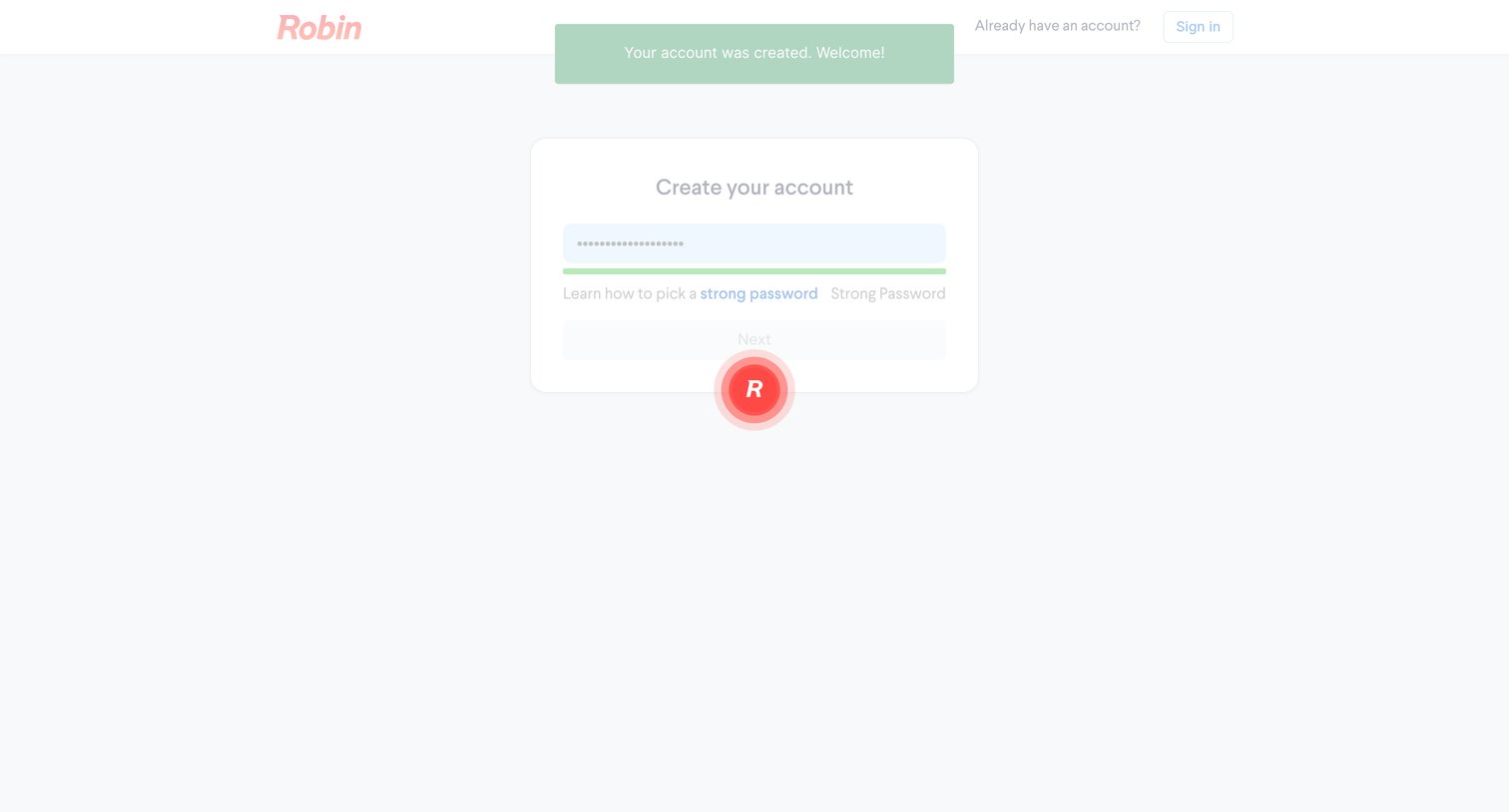
Signup screen where the user enters a password and sees a visual strength meter indicating a strong password before proceeding to the next step.
Robin - Register - Robin screen
Robin logo
Robin

Signup step where the user sets a strong password after their account has been successfully created.
Robin - Create an organization - Robin screen
Robin logo
Robin

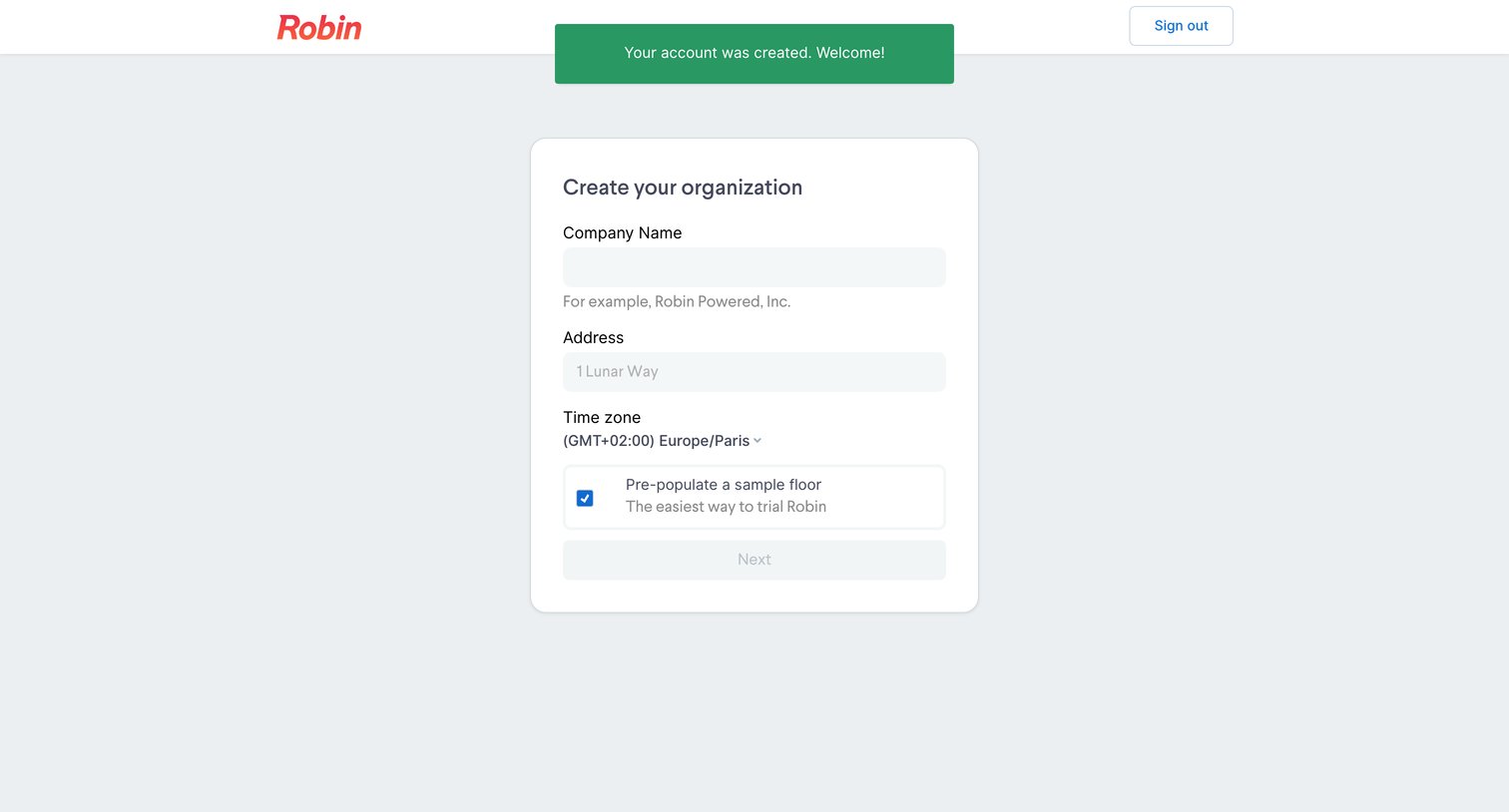
Onboarding step where the user creates their organization by entering a company name, address, and time zone, with an option to pre-populate sample data.
Robin - Create an organization - Robin screen
Robin logo
Robin

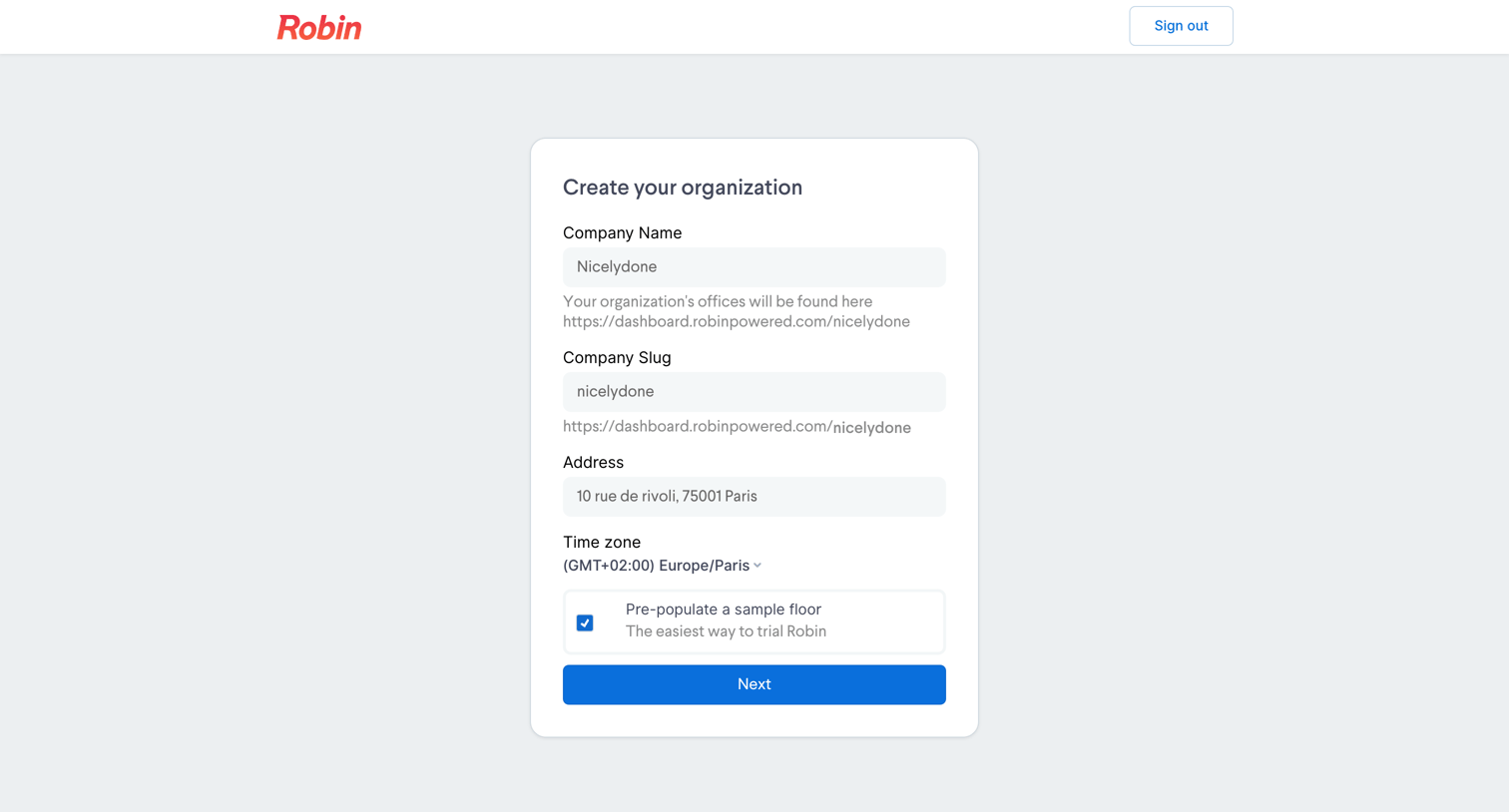
Onboarding step where the user creates their organization by providing a company name, slug, address, and timezone, with an option to pre-populate a sample floor.
Robin - Create an organization - Robin screen
Robin logo
Robin

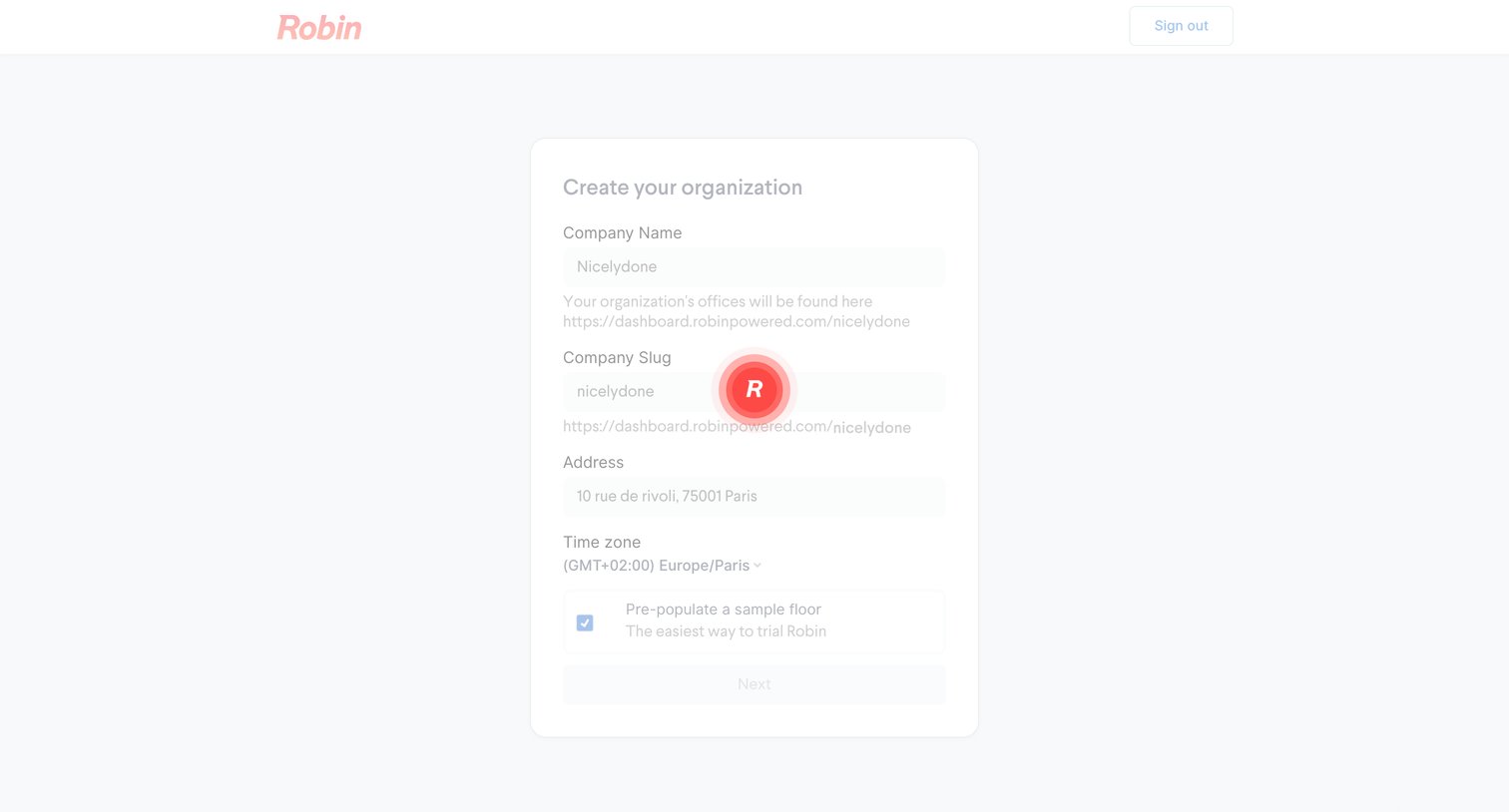
Onboarding step where the user creates their organization by providing a company name, slug, address, and timezone.

Explore the full SaaS screen library

Upgrade to unlock the full library.

Trusted by the best teams