Persona product screens examples
Browse Persona screen design examples. Preview the interface screenshots and explore related UI patterns. All the world’s a stage
Explore the examples
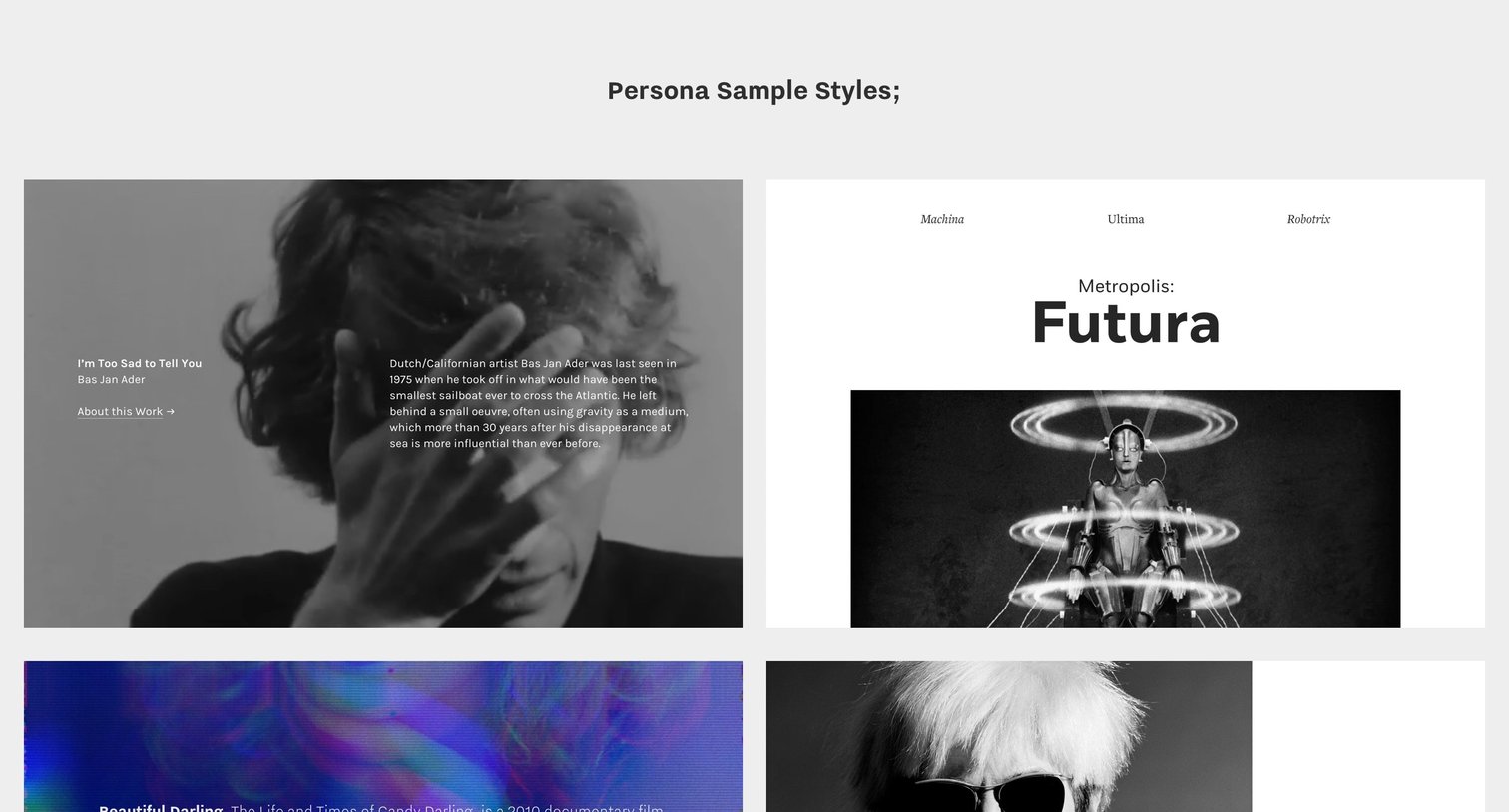

Demo page showcasing a gallery of 32 distinct visual persona cards, exploring different typography, color palettes, and layout treatments for image and text combinations.
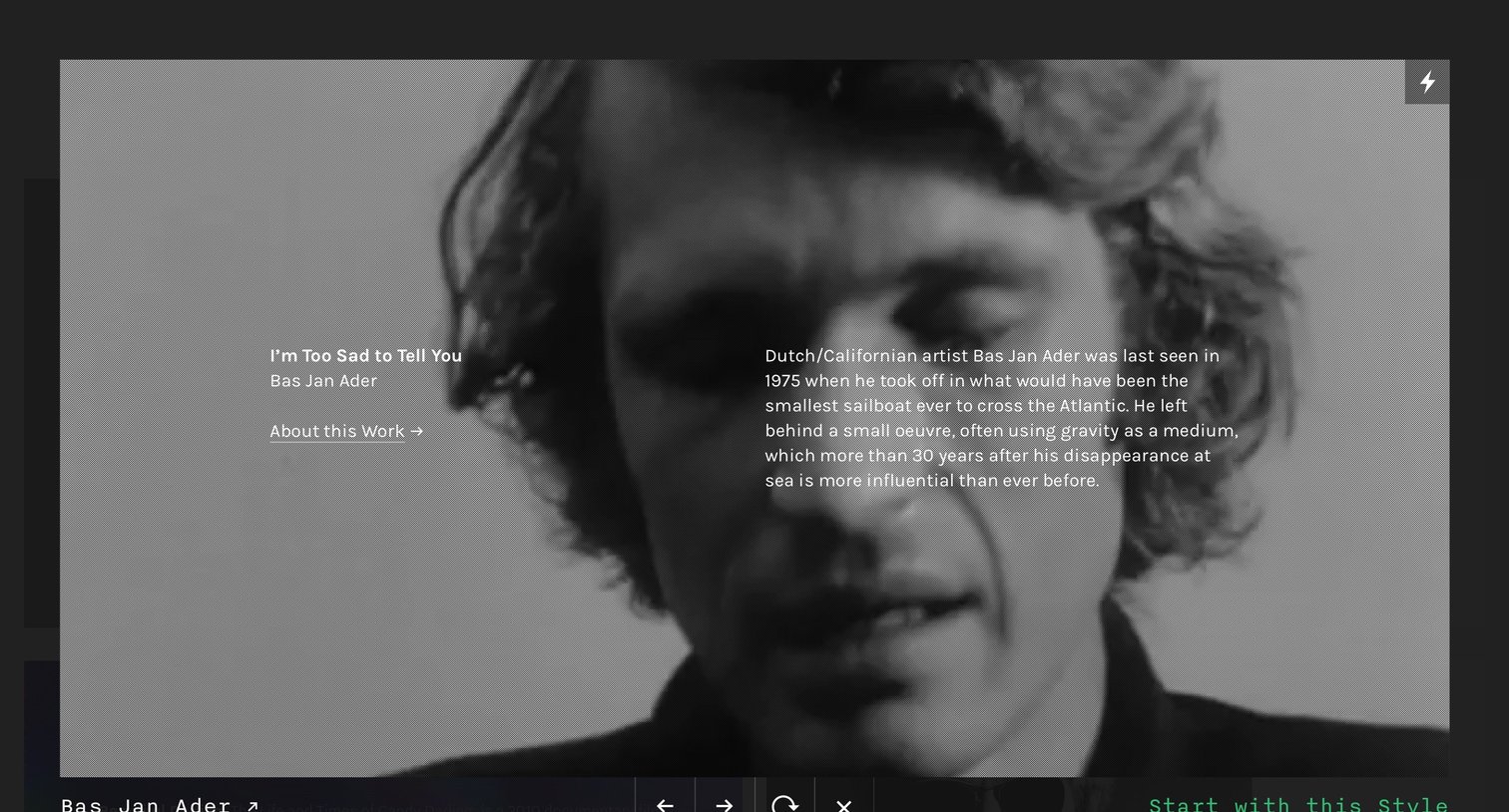
Creation flow step where the user previews the 'Bas Jan Ader' visual style template and can choose to start a new project with it.
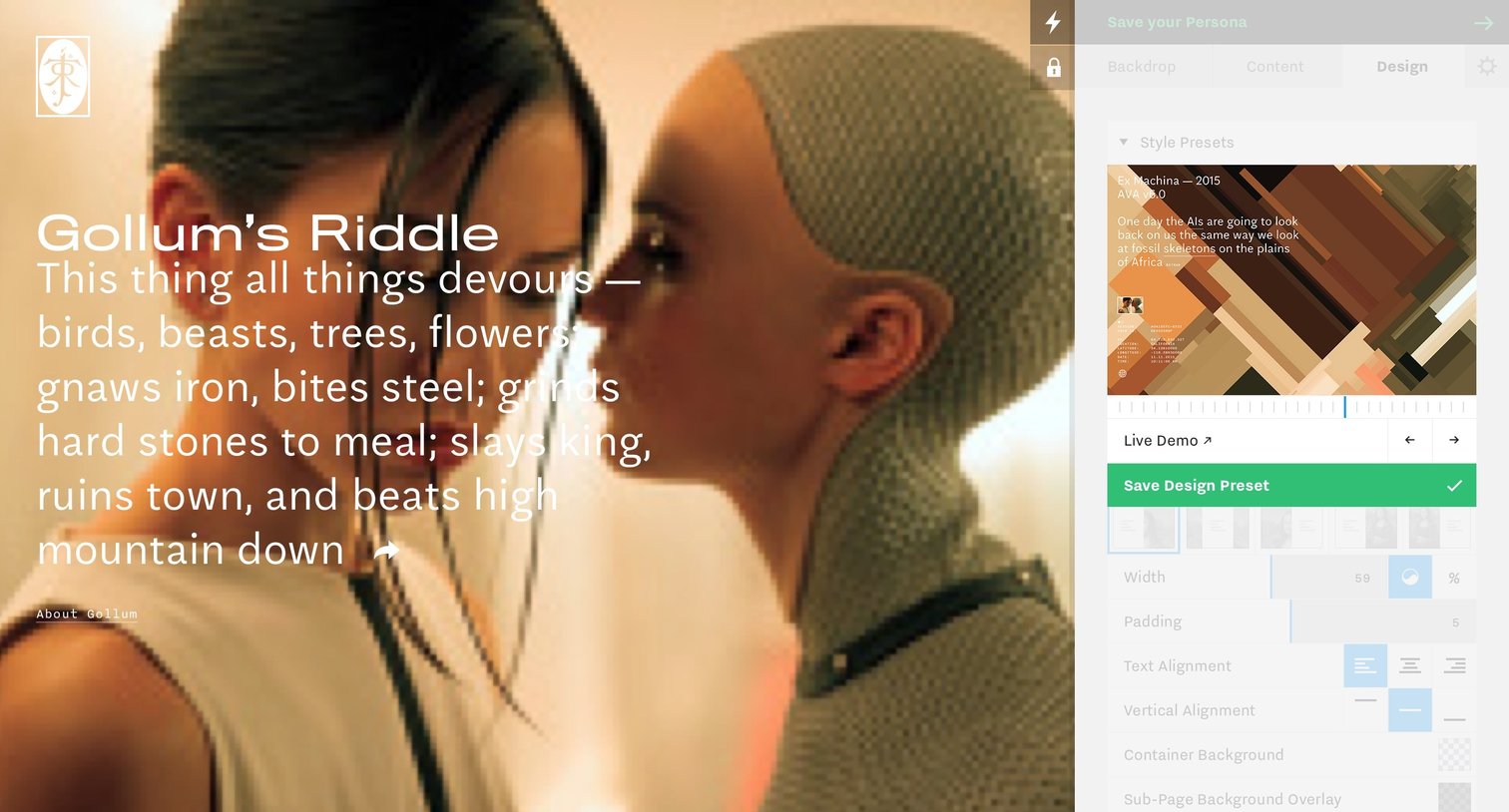
Design editor where the user customizes the visual style of a persona page, adjusting width, padding, and alignment via a right-hand properties sidebar.
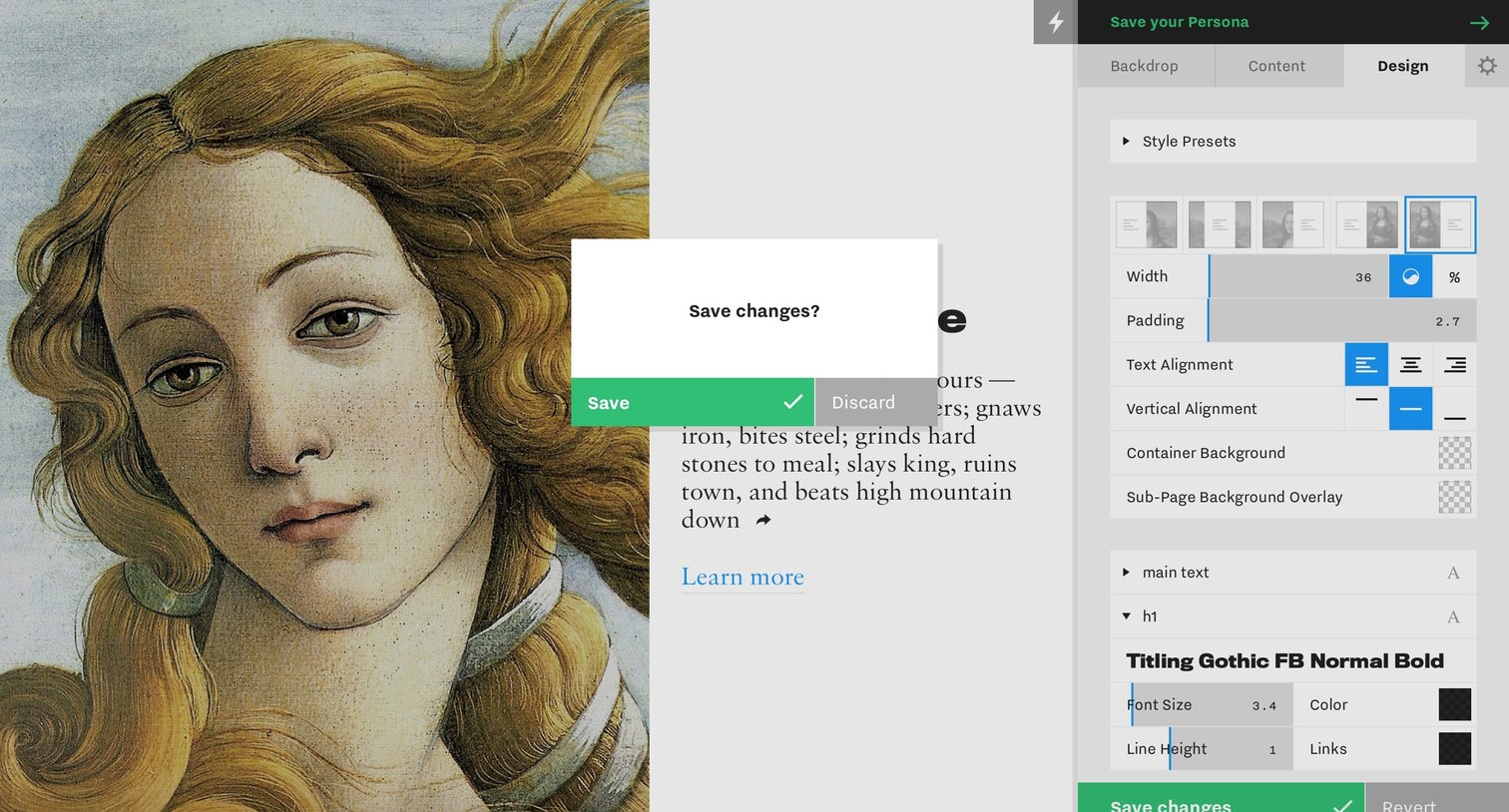
Design editor where the user is prompted to save or discard changes made to the typography and layout settings before proceeding.
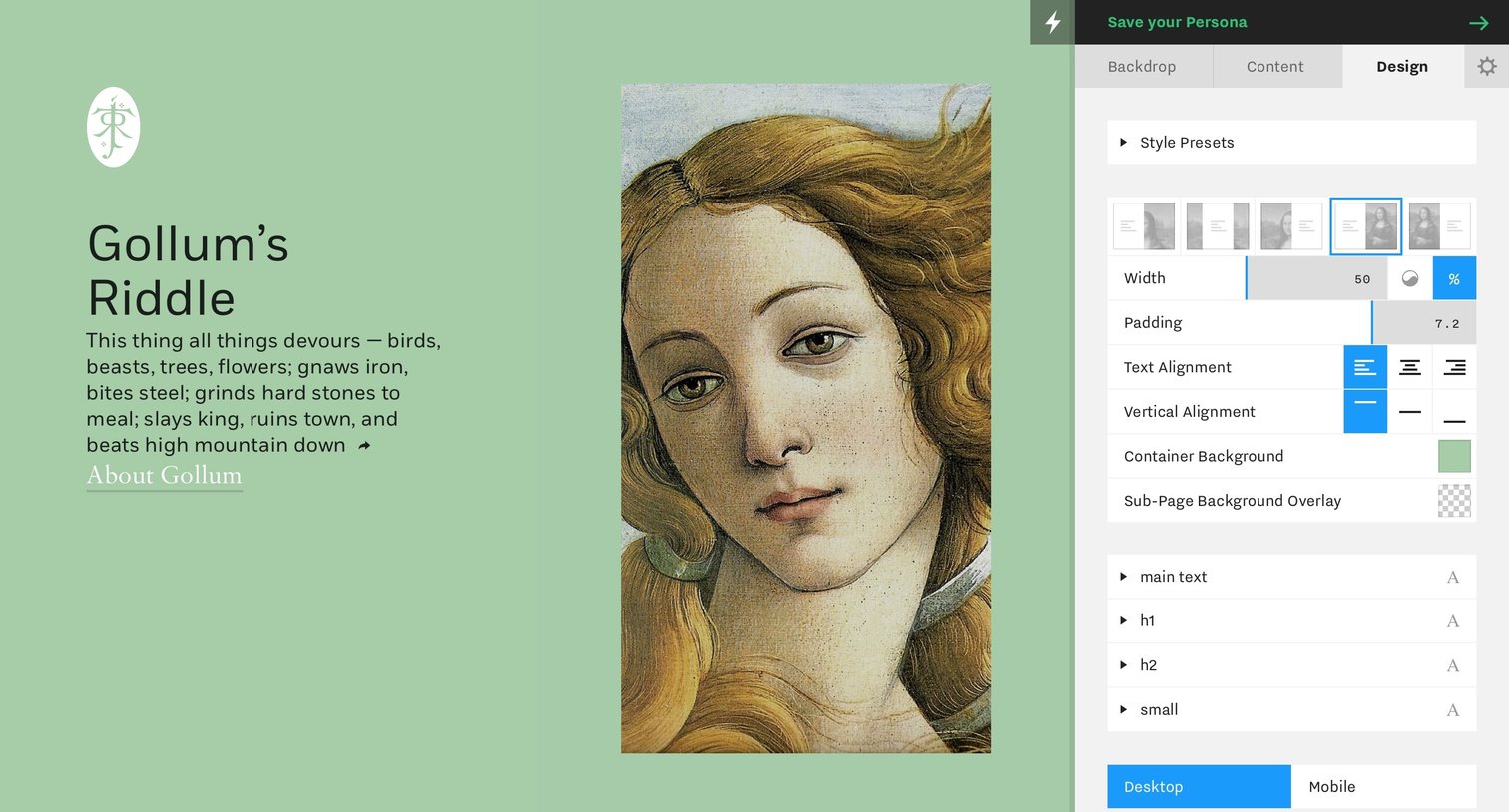
Design editor where the user customizes the layout, padding, alignment, and typography of a persona profile page.
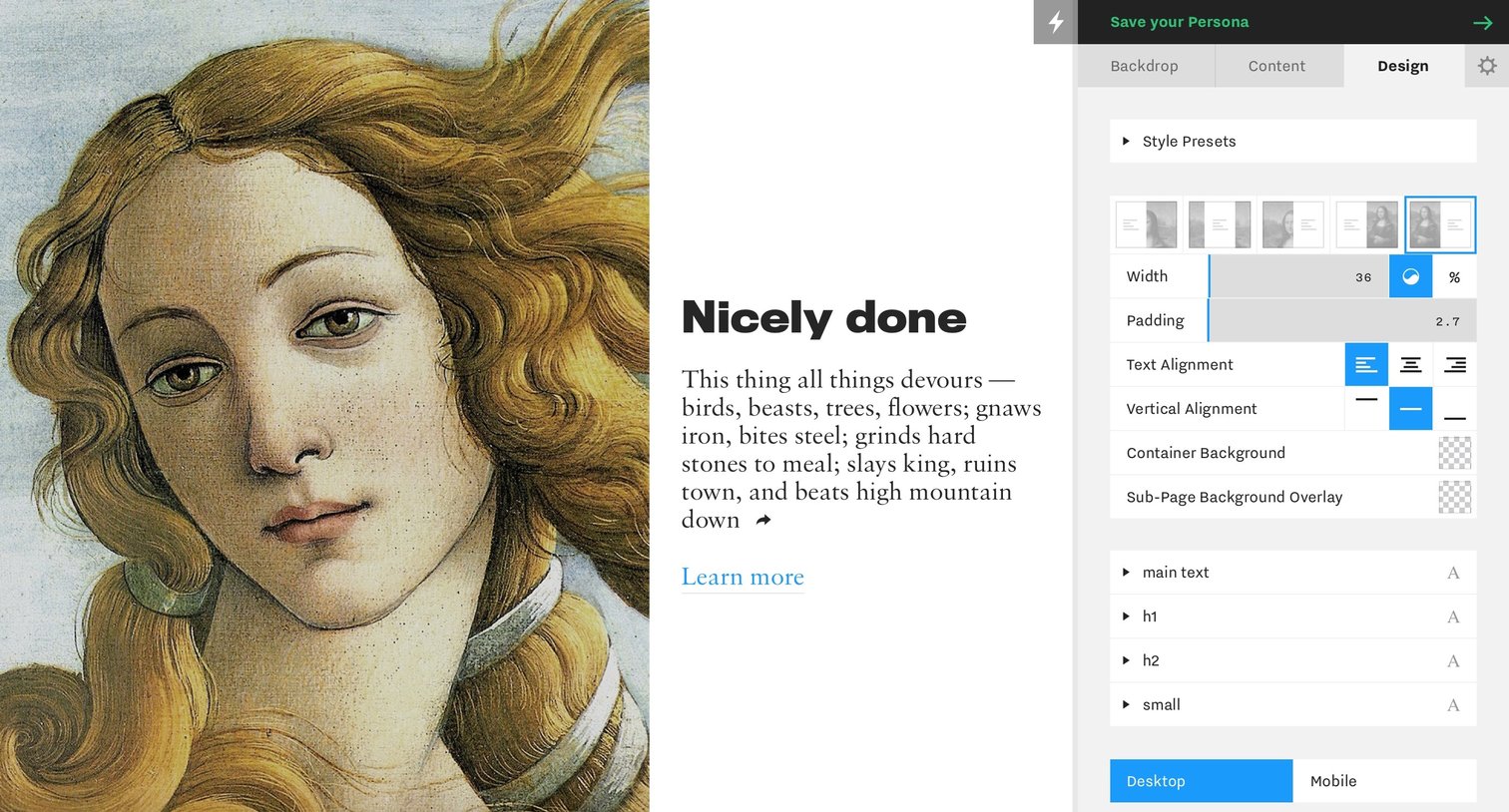
Design editor where the user configures the layout, alignment, and text styles for a persona page via a right-side inspector panel.
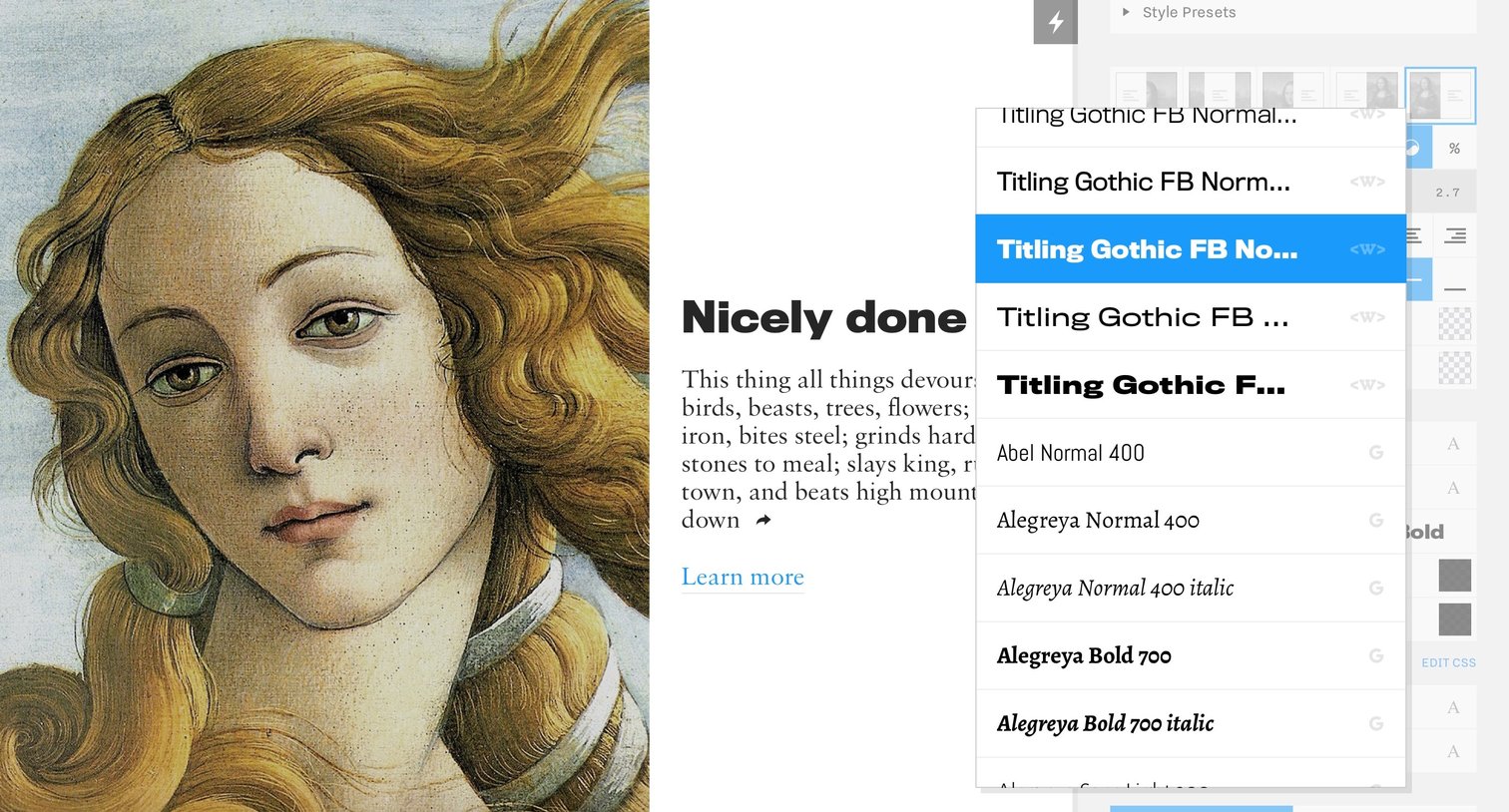
Design editor where the user is selecting a font family from an open dropdown menu in the typography inspector panel.
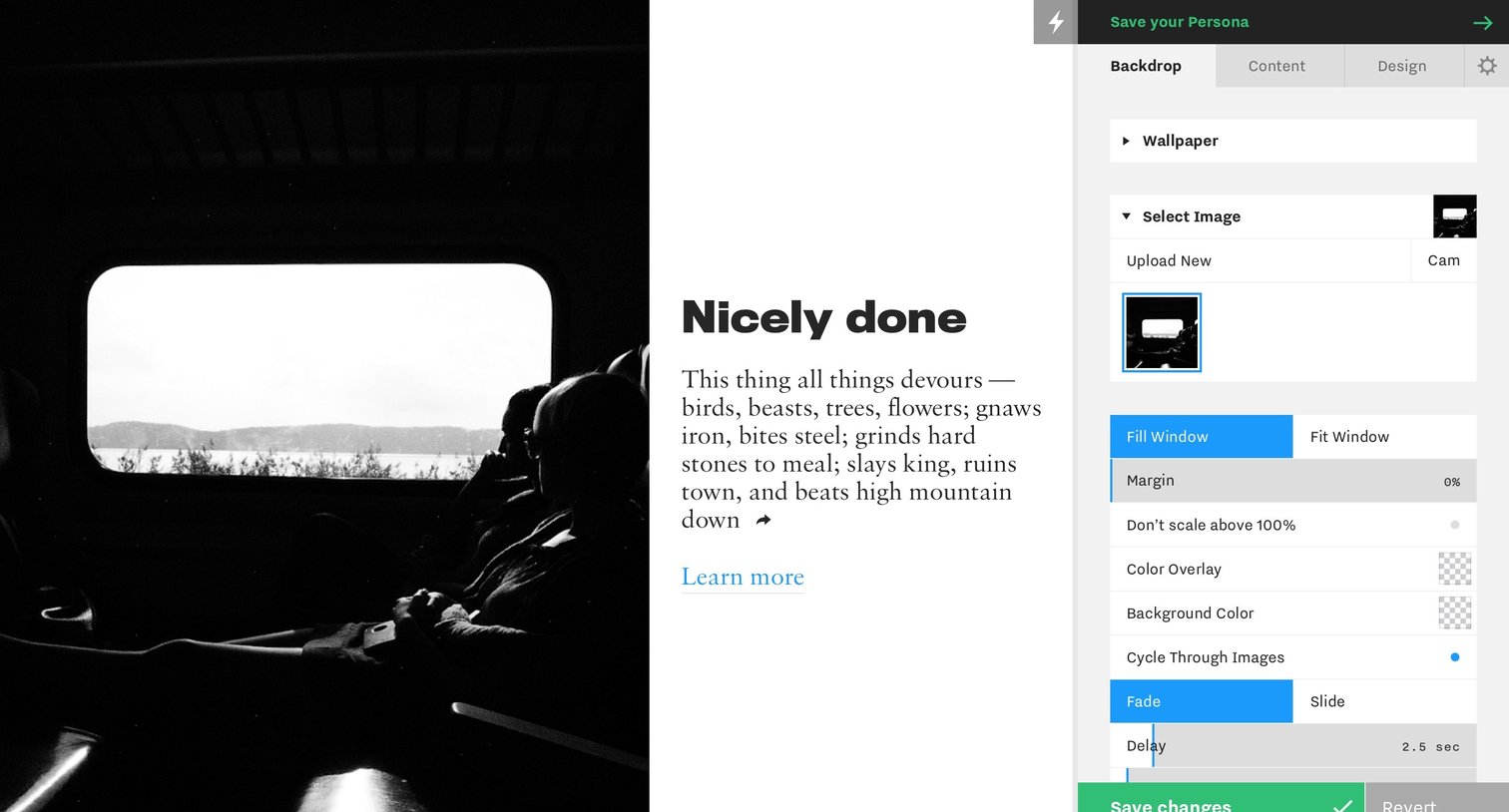
Design editor where the user customizes the backdrop of their persona, configuring image selection, scaling, color overlays, and transition effects in a right-hand sidebar.
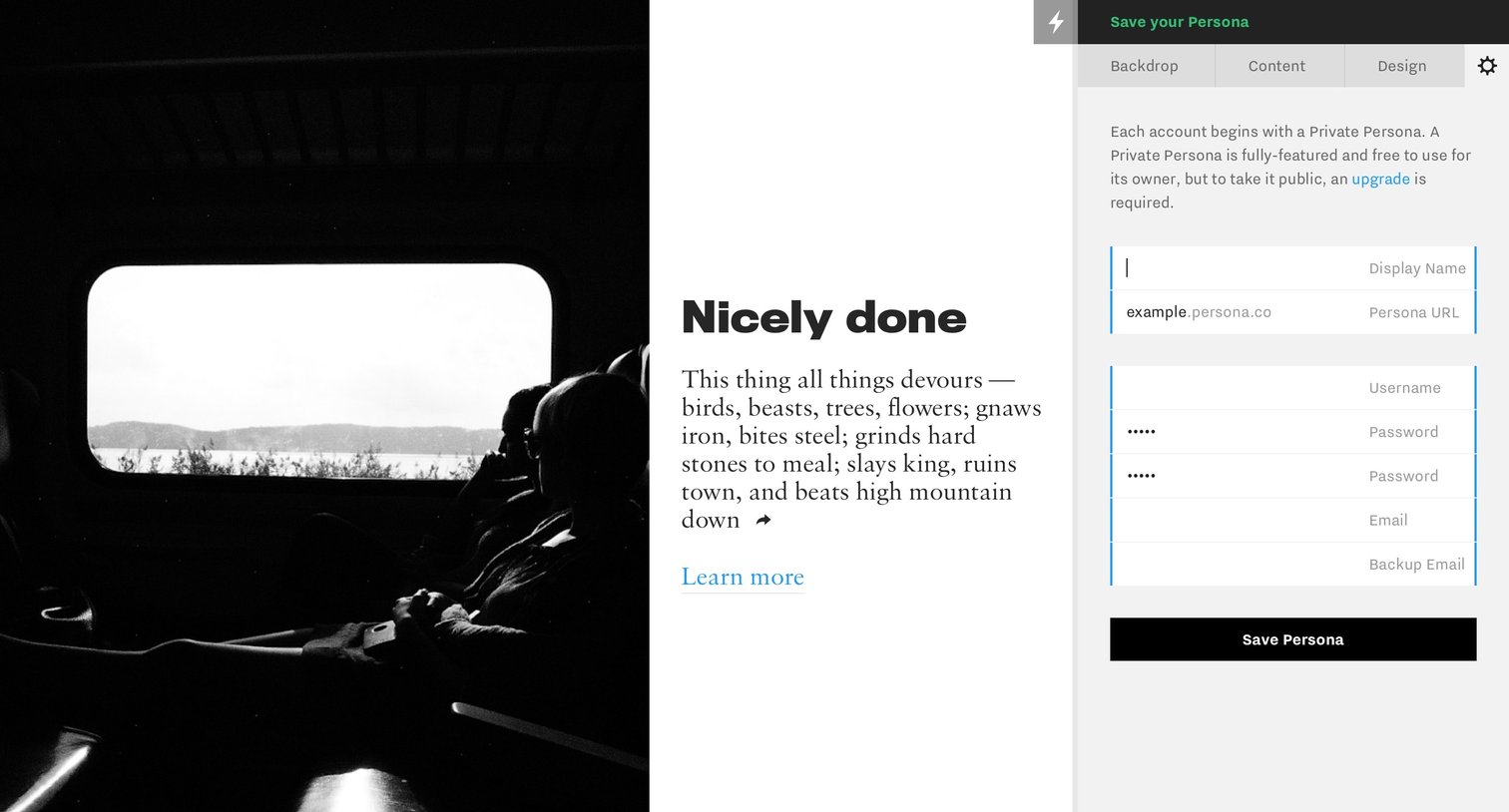
Account creation Onboarding Settings Form Account management Account settings
Explore the full SaaS screen library
Upgrade to unlock the full library.
Trusted by the best teams







