Midday product screens examples
Browse Midday screen design examples. Preview the interface screenshots and explore related UI patterns. Run your business
Explore the examples

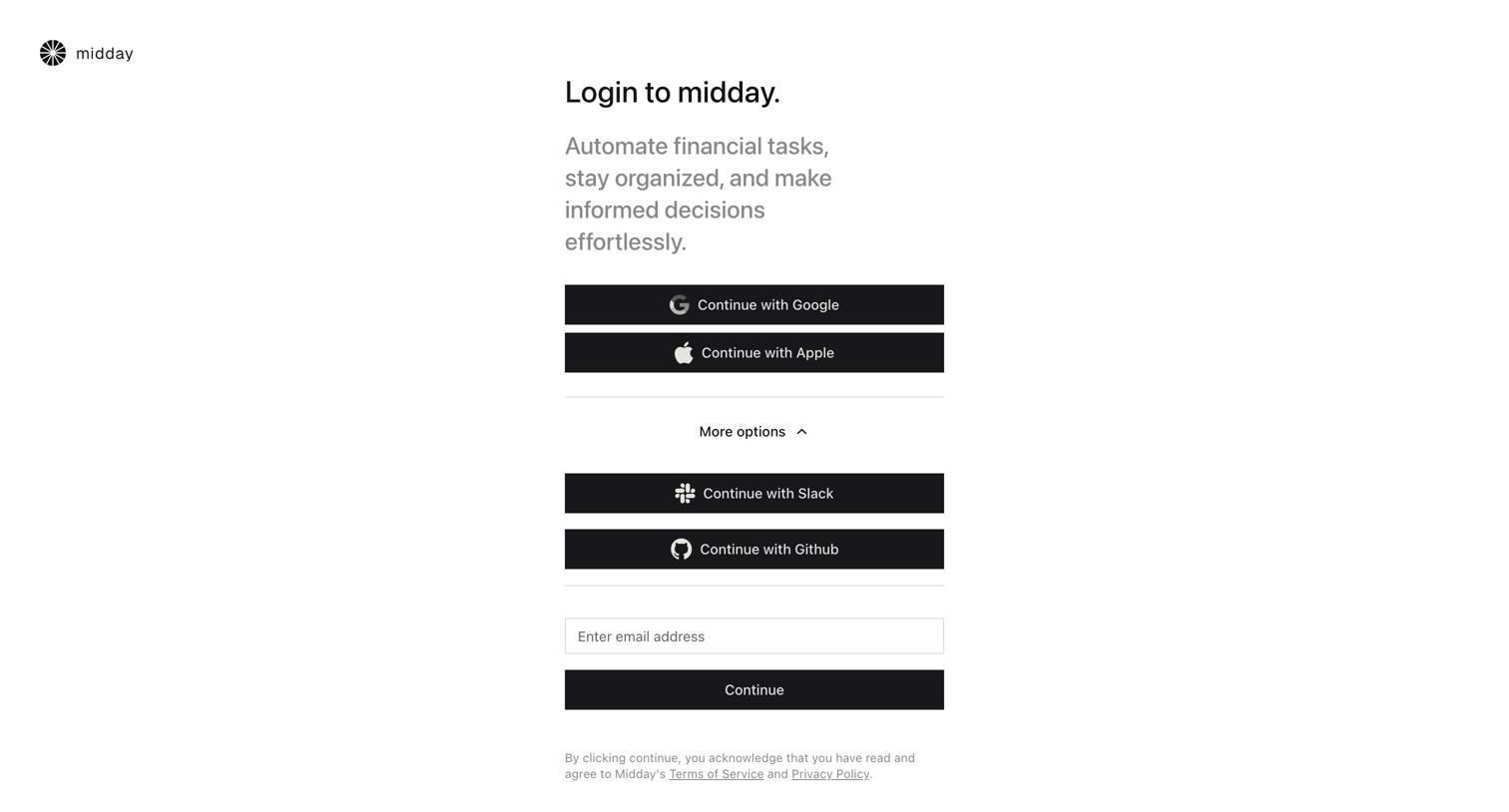
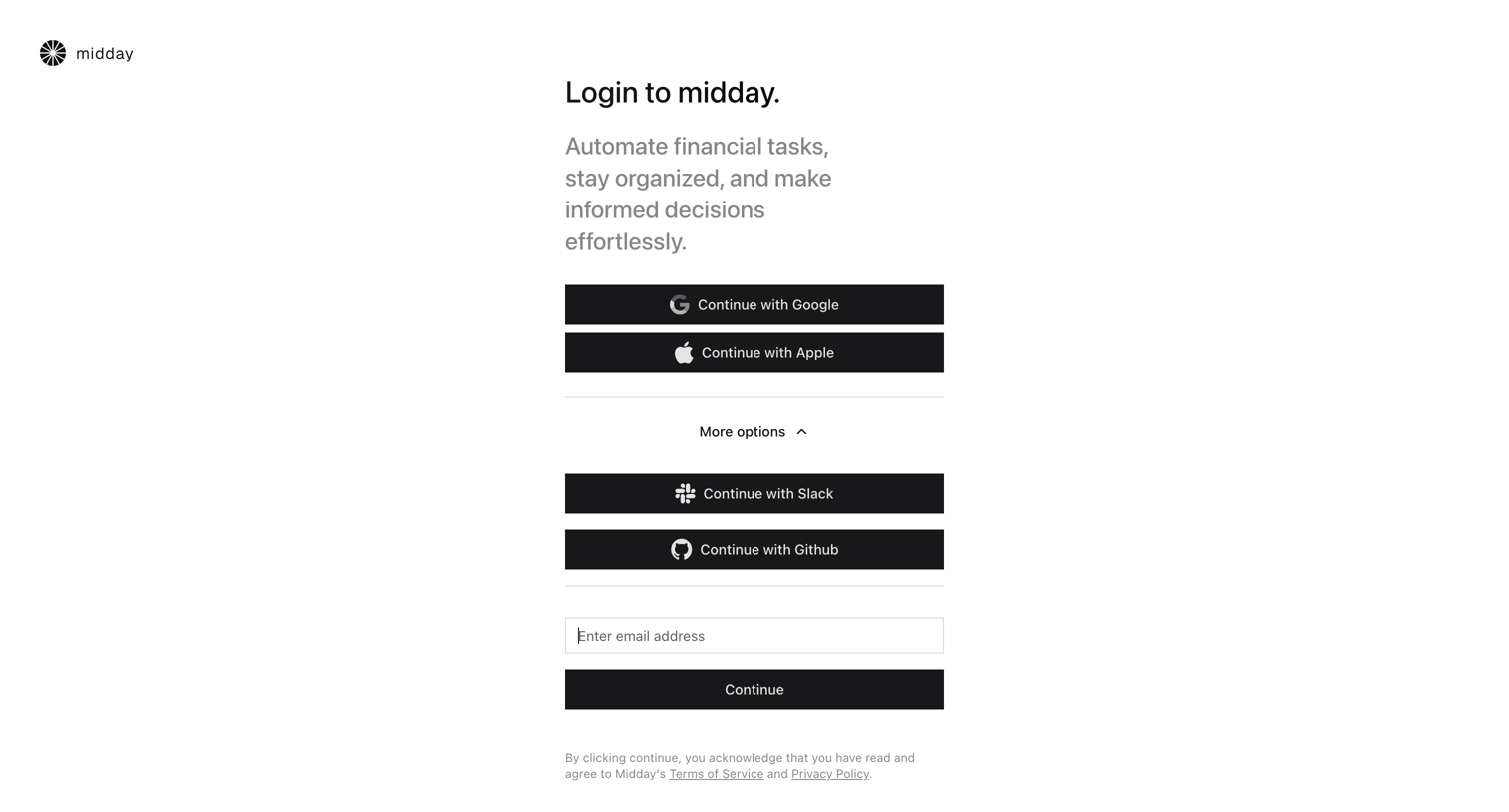
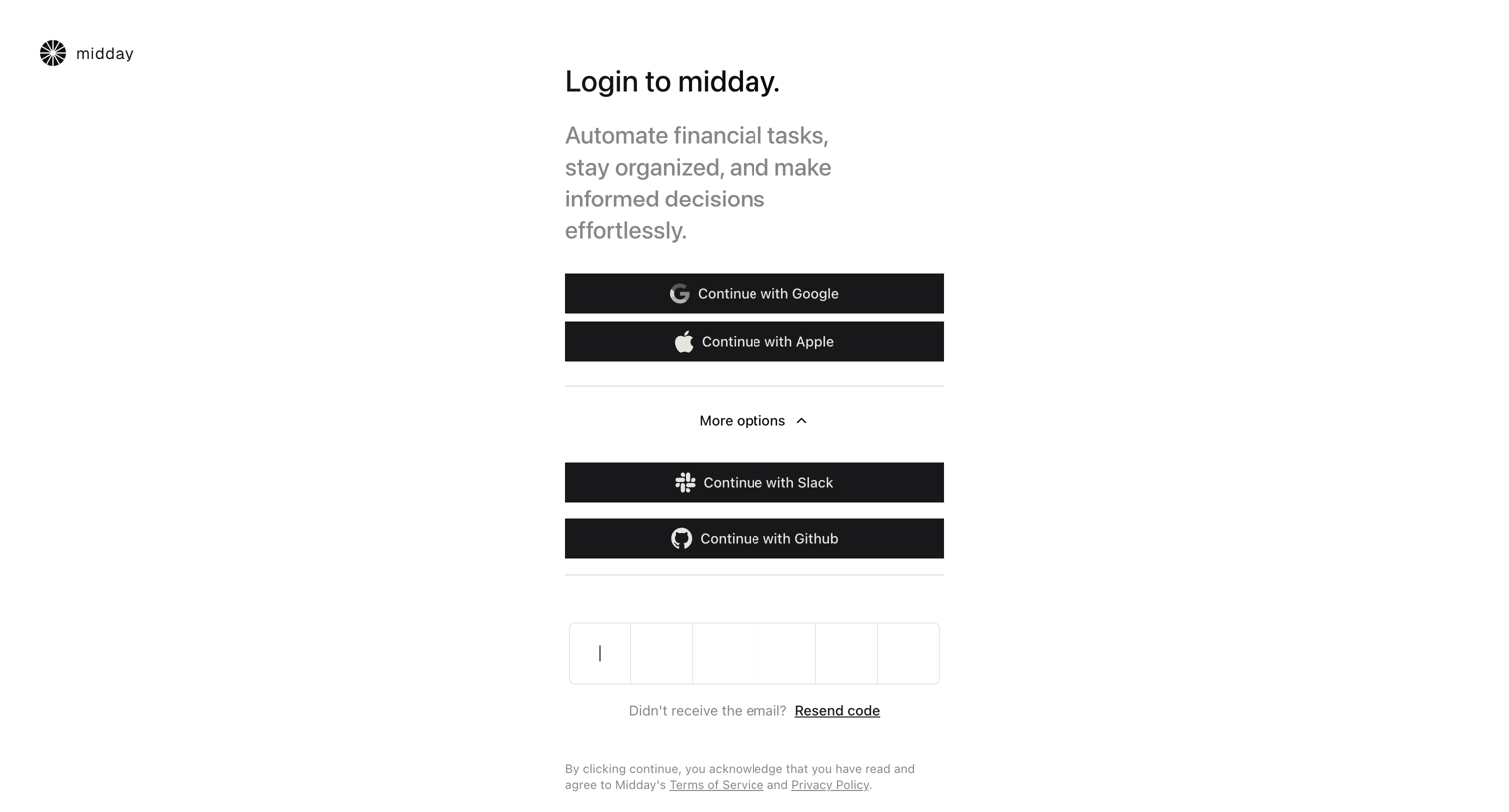
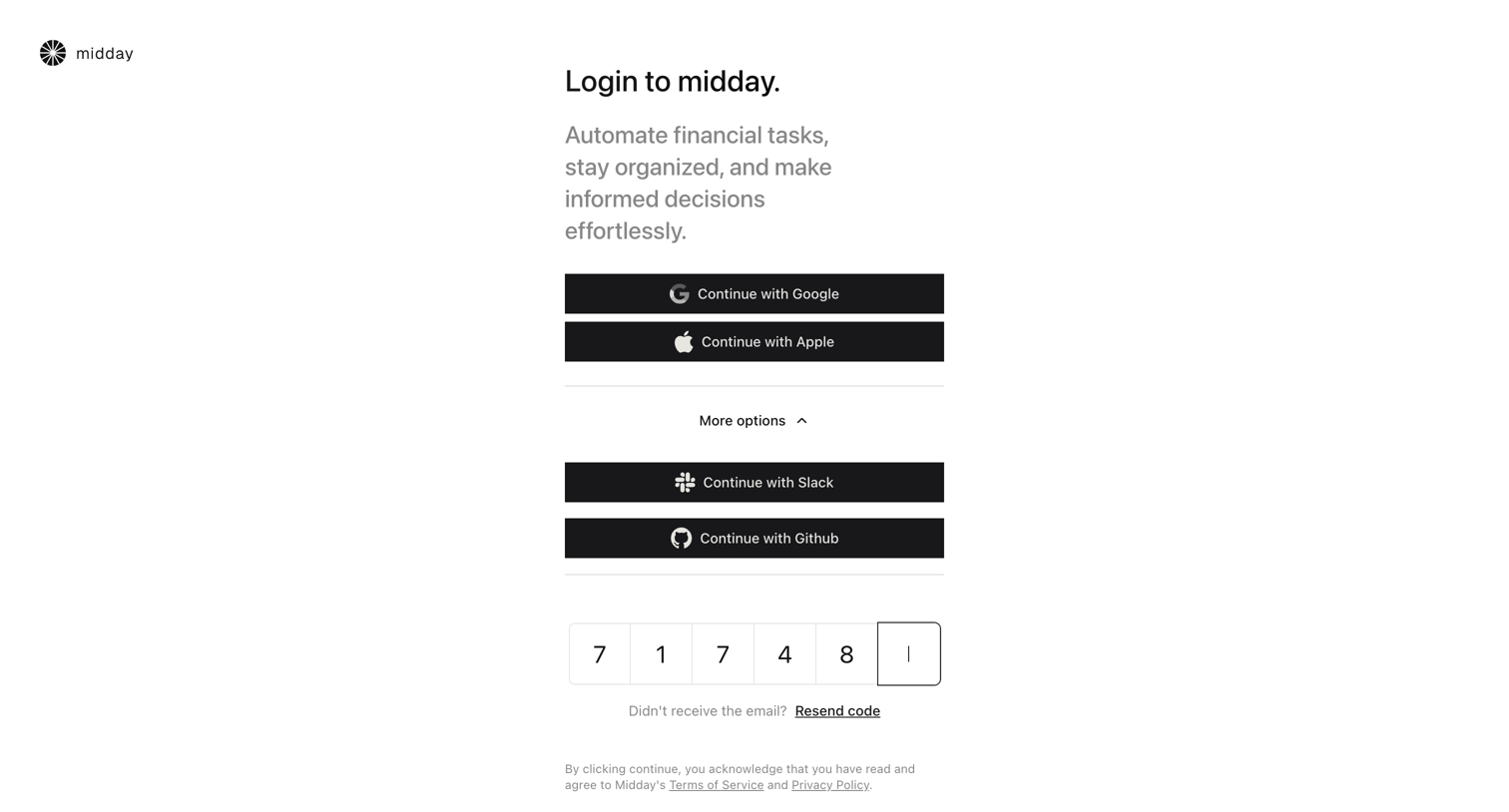

Sign-in screen where the user authenticates via Google, Apple, Slack, Github, or by entering a 6-digit email verification code.
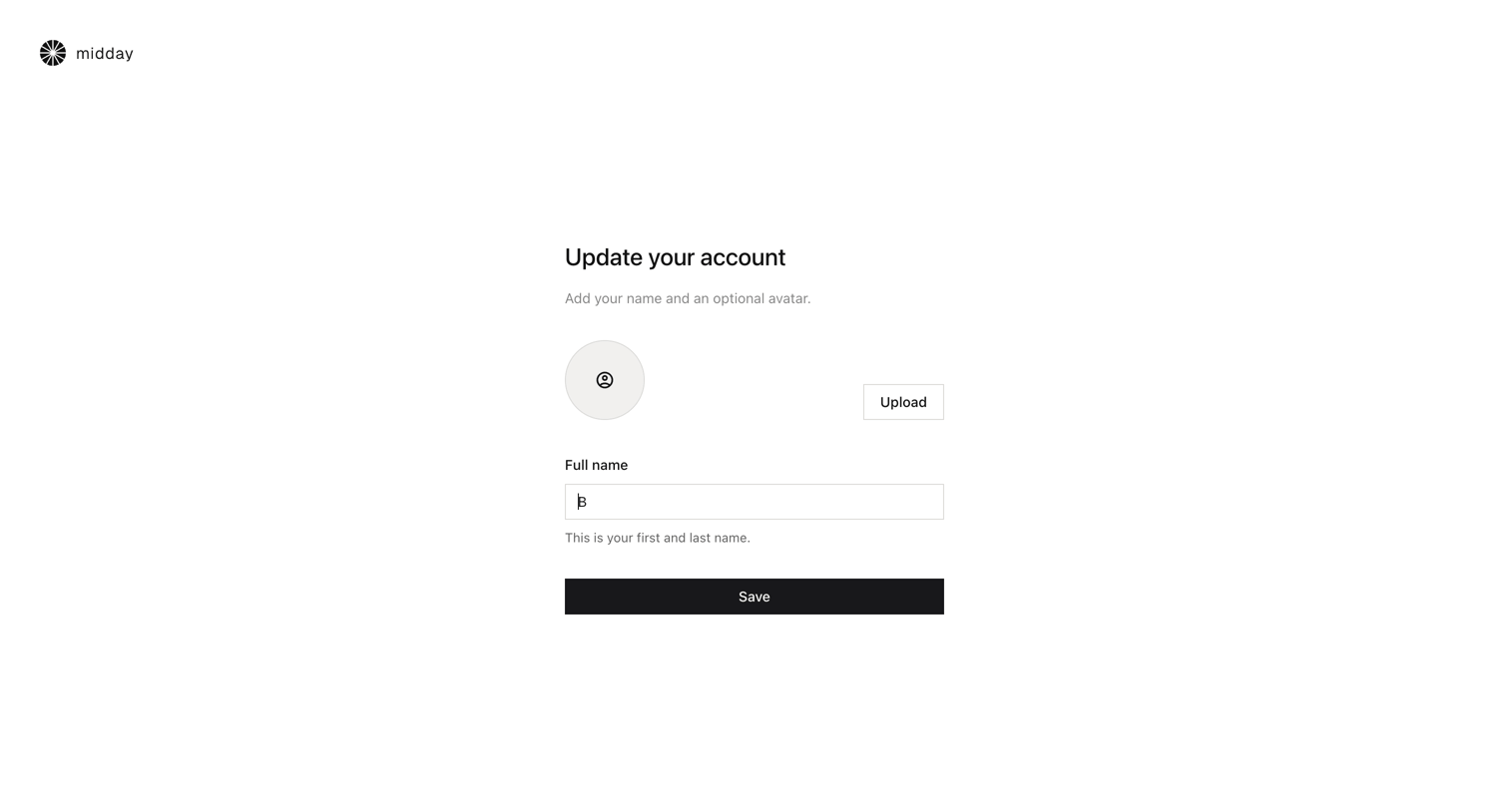
Onboarding step where the user updates their account by adding their full name and an optional avatar.
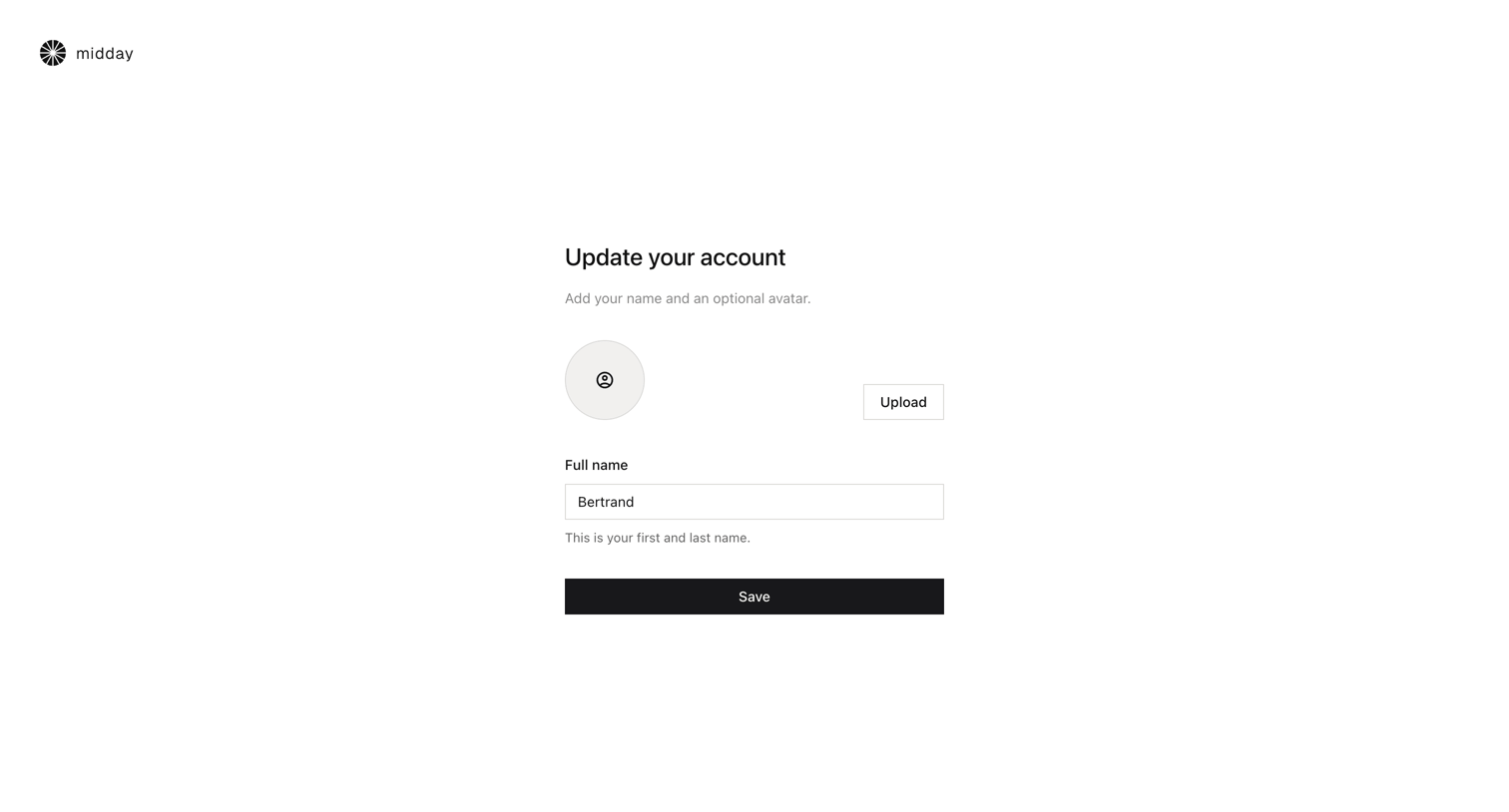
Onboarding step where the user updates their account by providing a full name and an optional avatar.
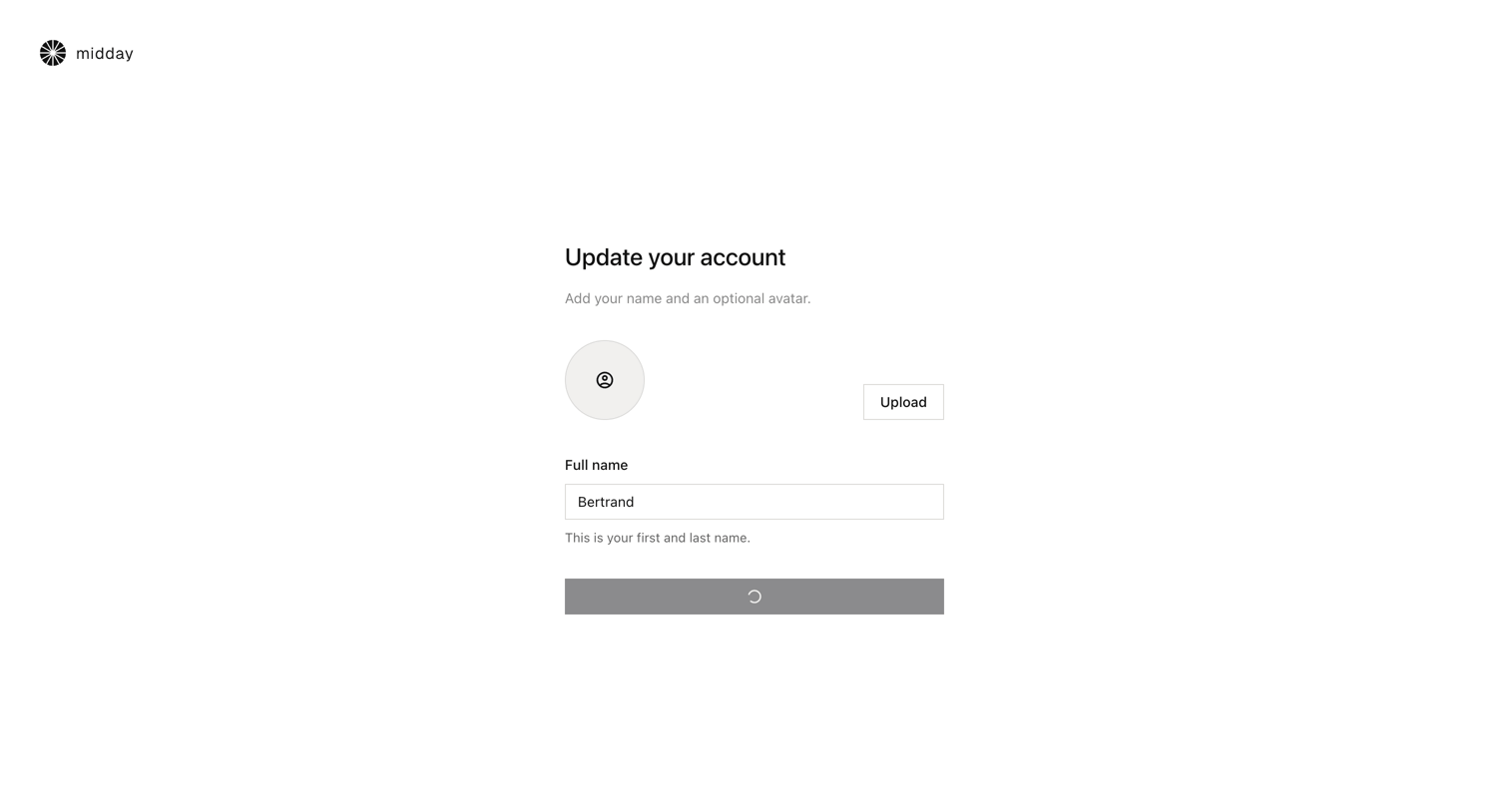
Onboarding step where the user updates their account by providing a full name and an optional avatar, currently showing a loading state upon submission.
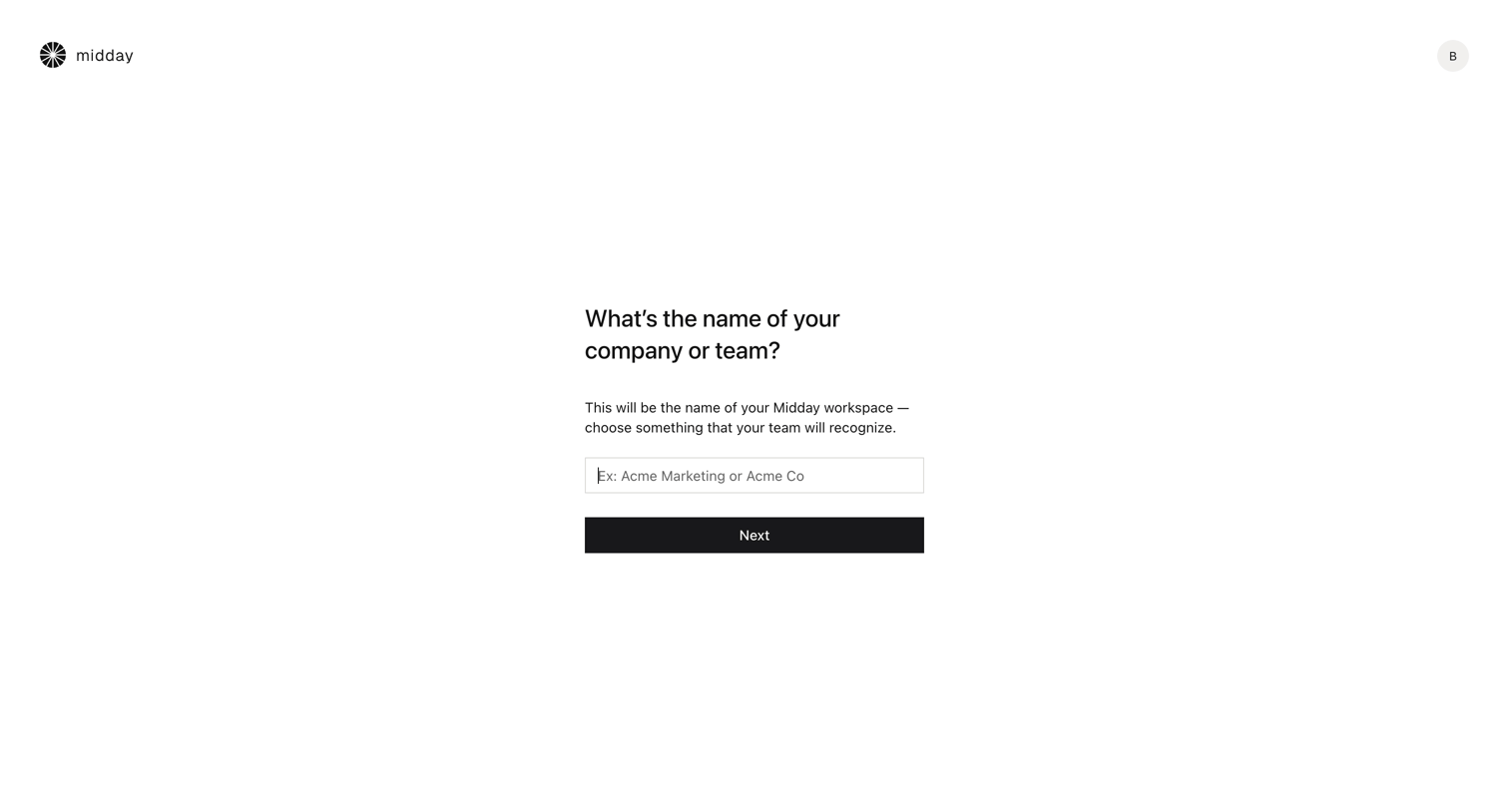
Onboarding step where the user names their new company or team workspace.
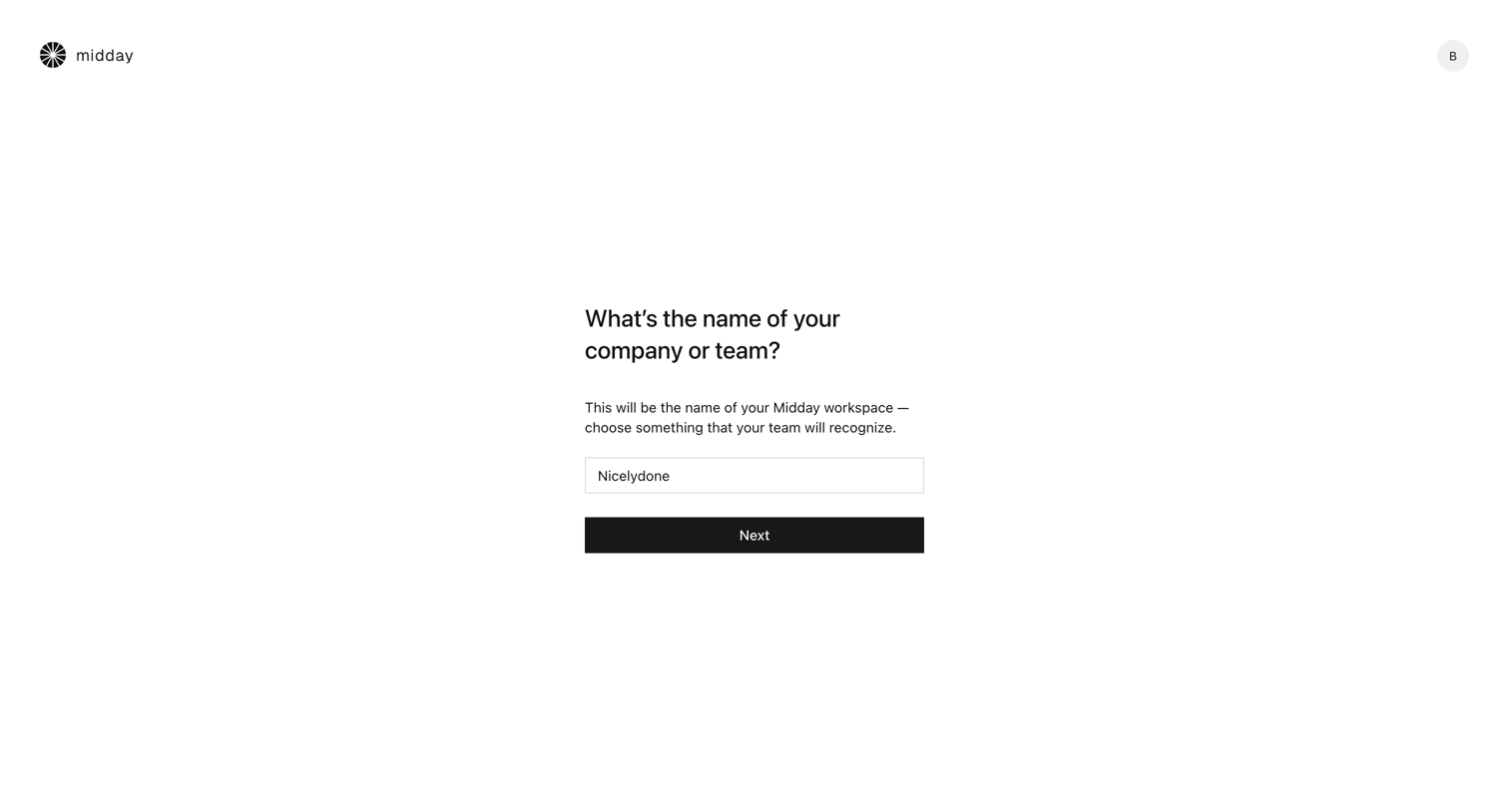
Onboarding step where the user names their new company or team workspace.
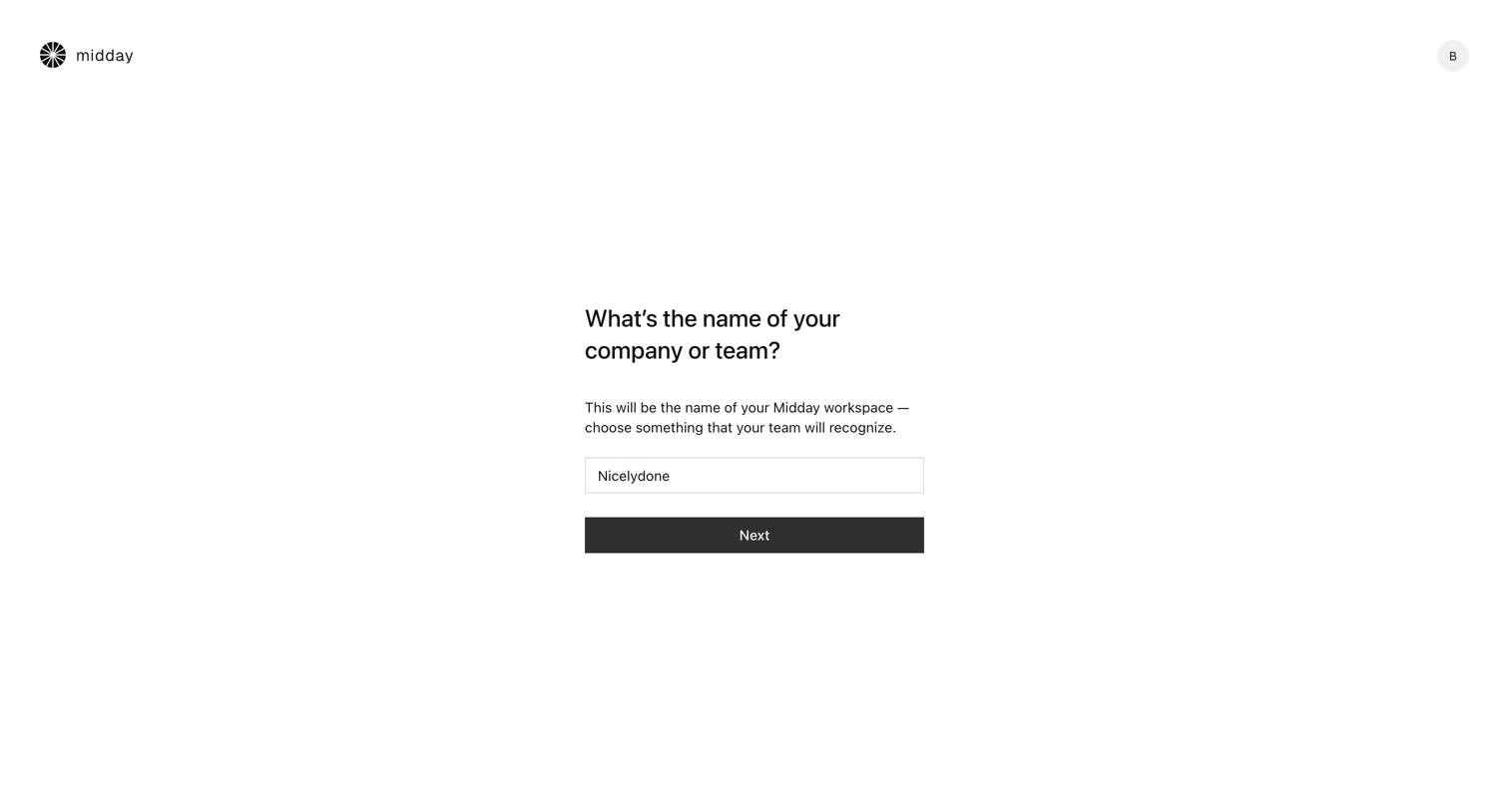
Onboarding step where the user names their company or team to create their Midday workspace.
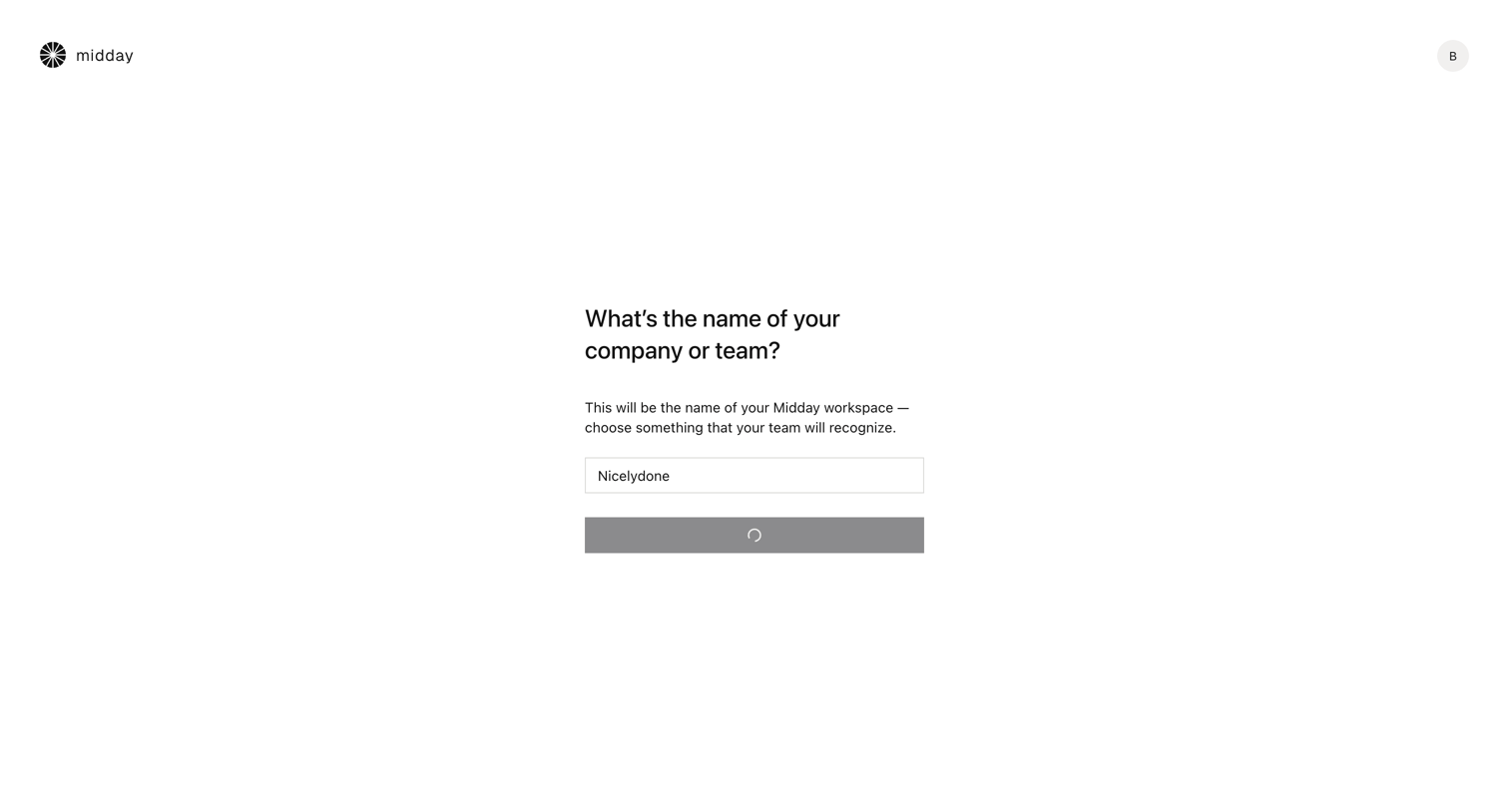
Onboarding step where the user names their company or team to create a new workspace.
Explore the full SaaS screen library
Upgrade to unlock the full library.
Trusted by the best teams







