Skip to content

Mercury design examples

Explore Mercury UI design examples. Banking for startups

Product screens

Mercury - Log In | Mercury screen
Mercury logo
Mercury

Sign-in screen where the user authenticates with their email and password or navigates to open a new account.

Mercury - Forgot Password | Mercury screen
Mercury logo
Mercury

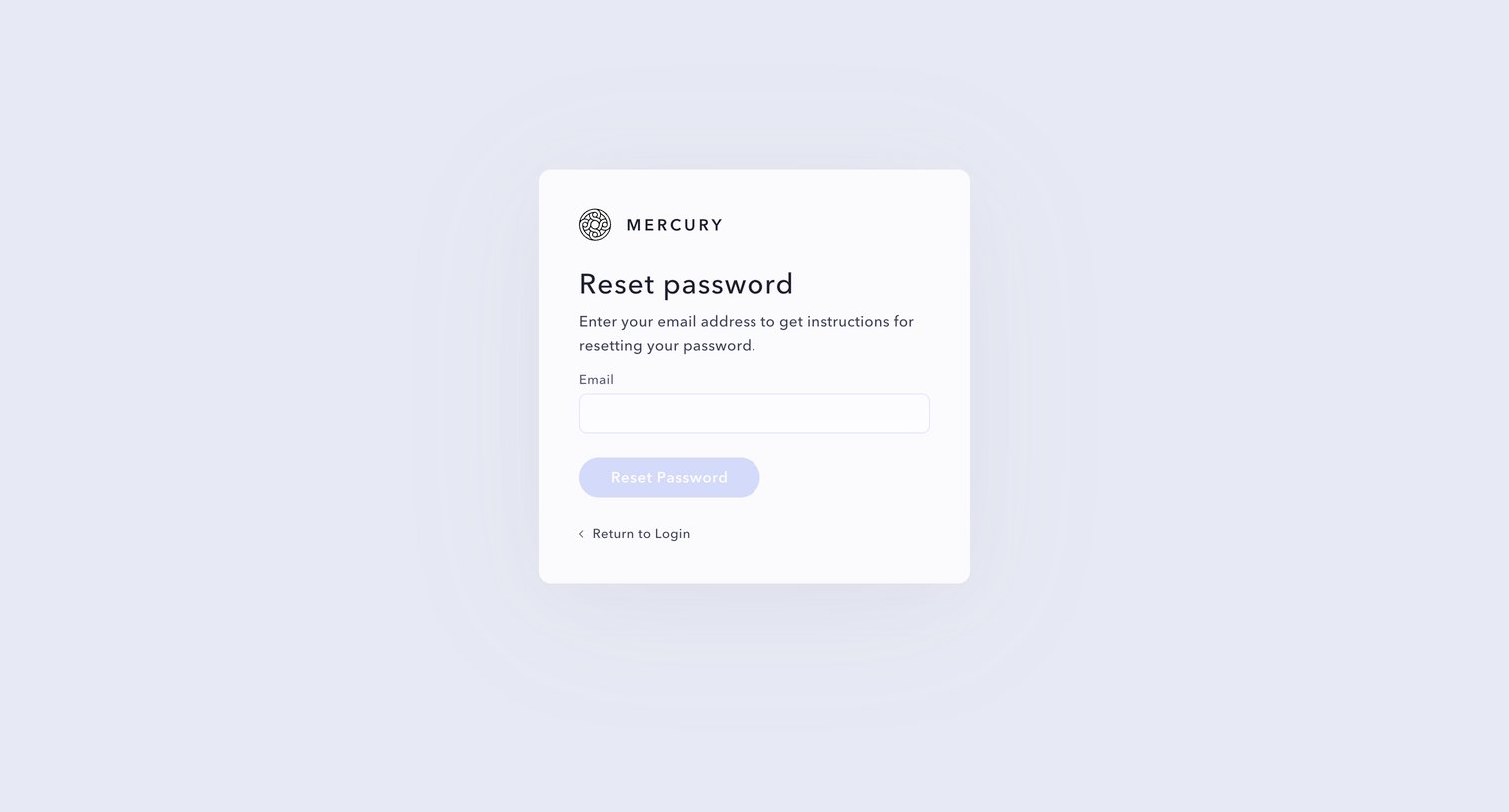
Password recovery screen where the user enters their email address to receive reset instructions.
Mercury - Forgot Password | Mercury screen
Mercury logo
Mercury

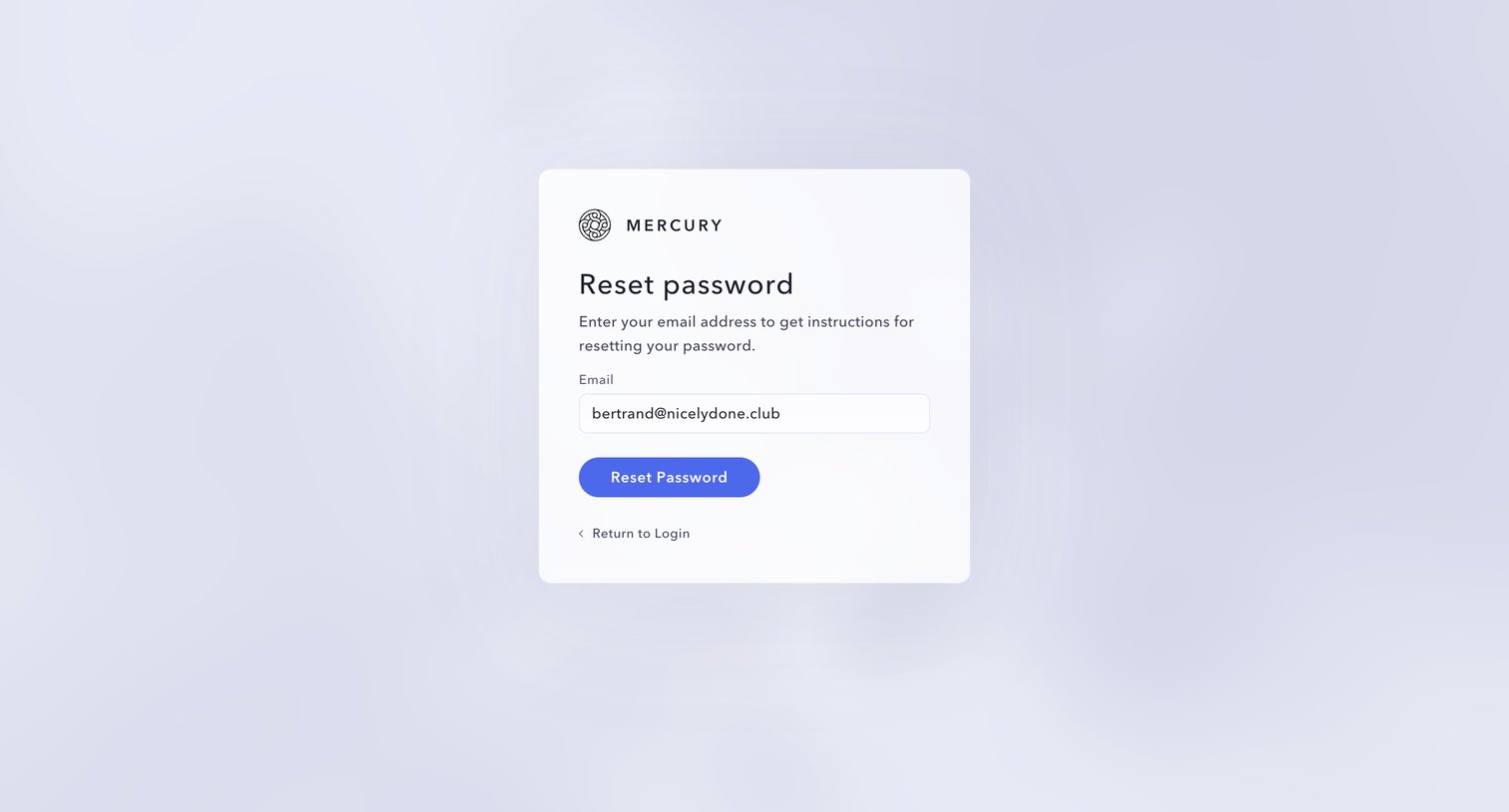
Password recovery screen where the user submits their pre-filled email address to receive reset instructions.
Mercury - Forgot Password | Mercury screen
Mercury logo
Mercury

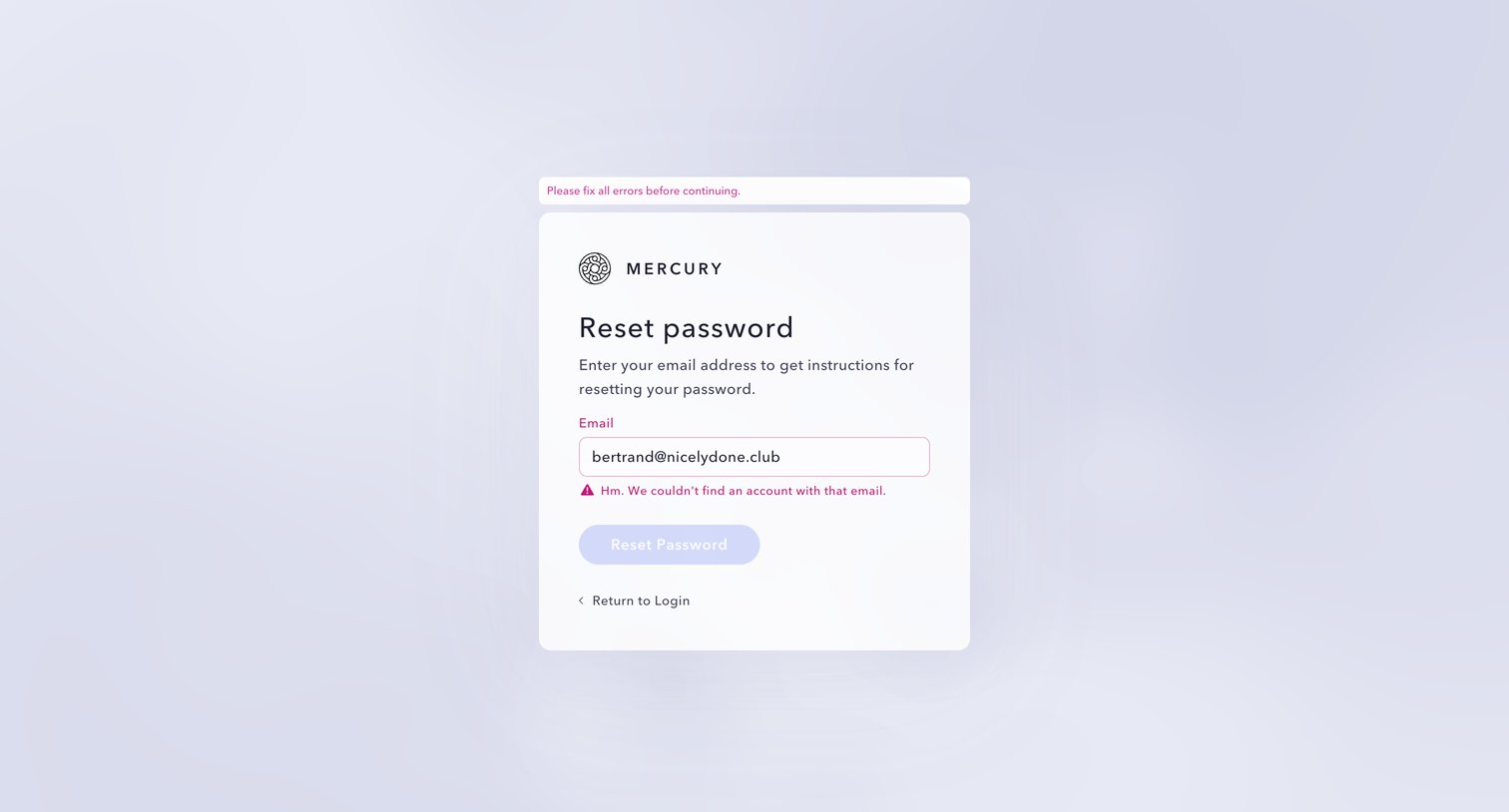
Password recovery screen showing an error state because the entered email address does not match an existing account.
Mercury - Sign Up | Get Started  Mercury screen
Mercury logo
Mercury

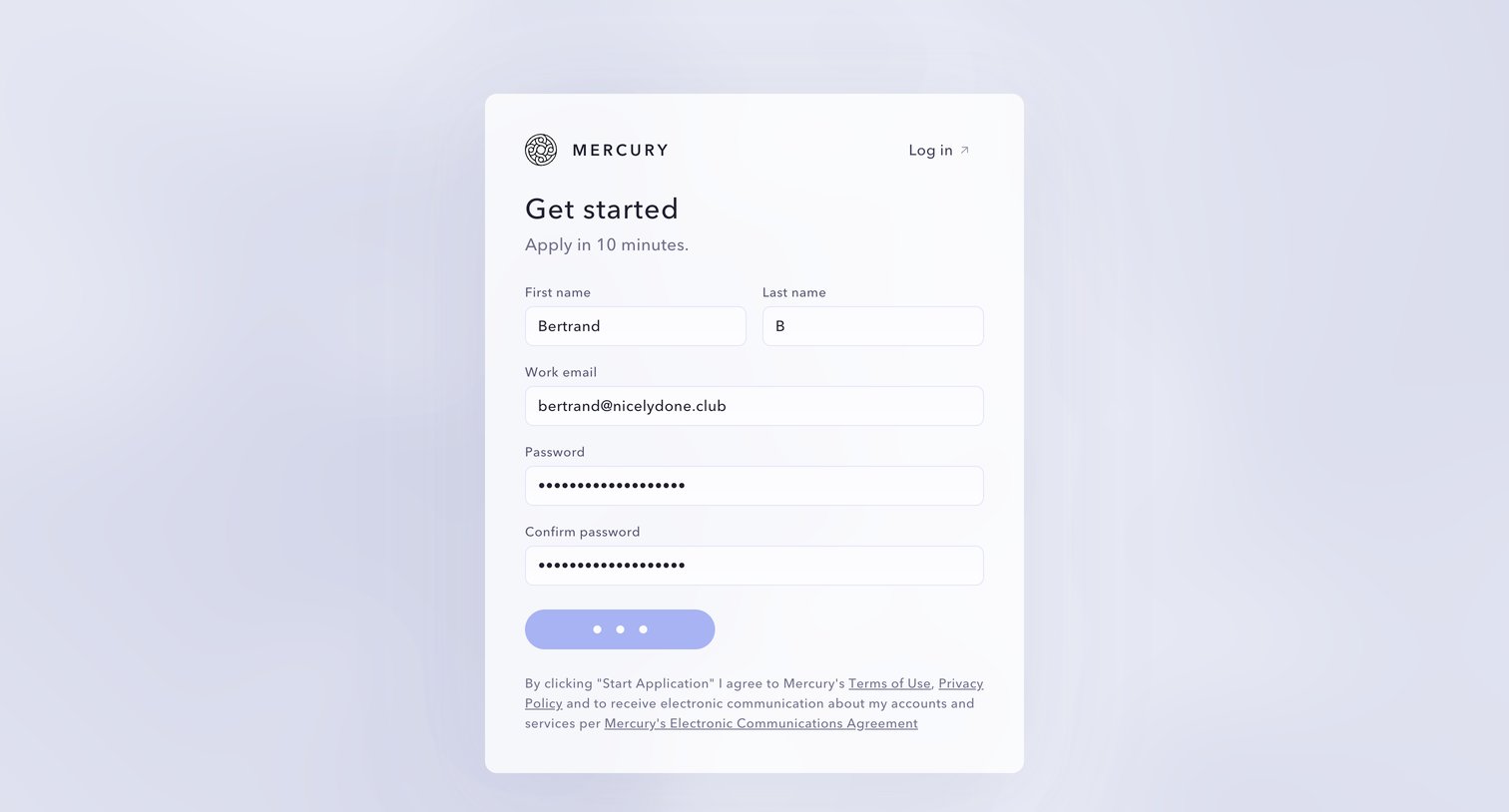
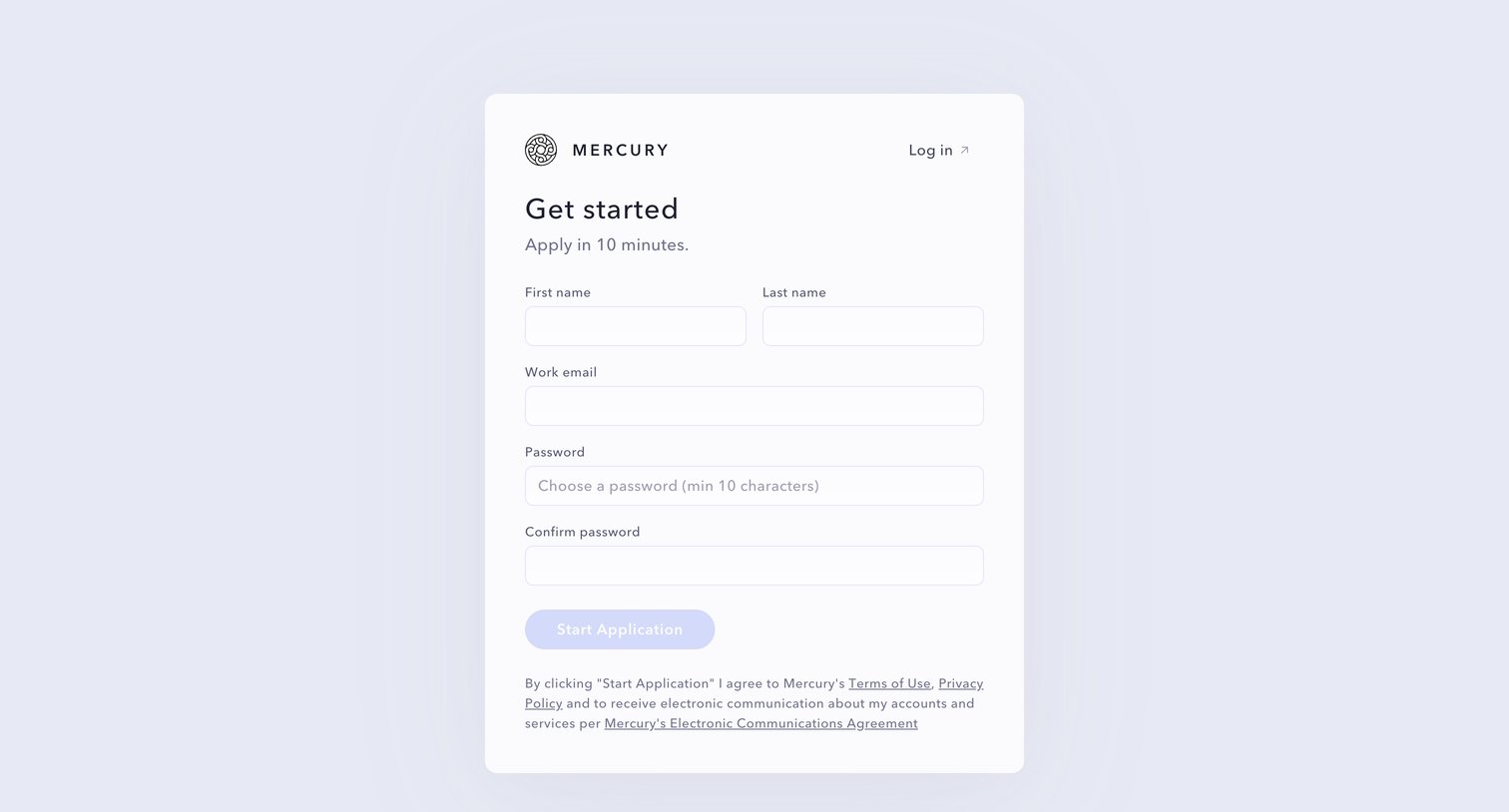
Signup page where the user begins their Mercury application by providing their name, work email, and setting a password.

Mercury - Sign Up | Get Started  Mercury screen
Mercury logo
Mercury

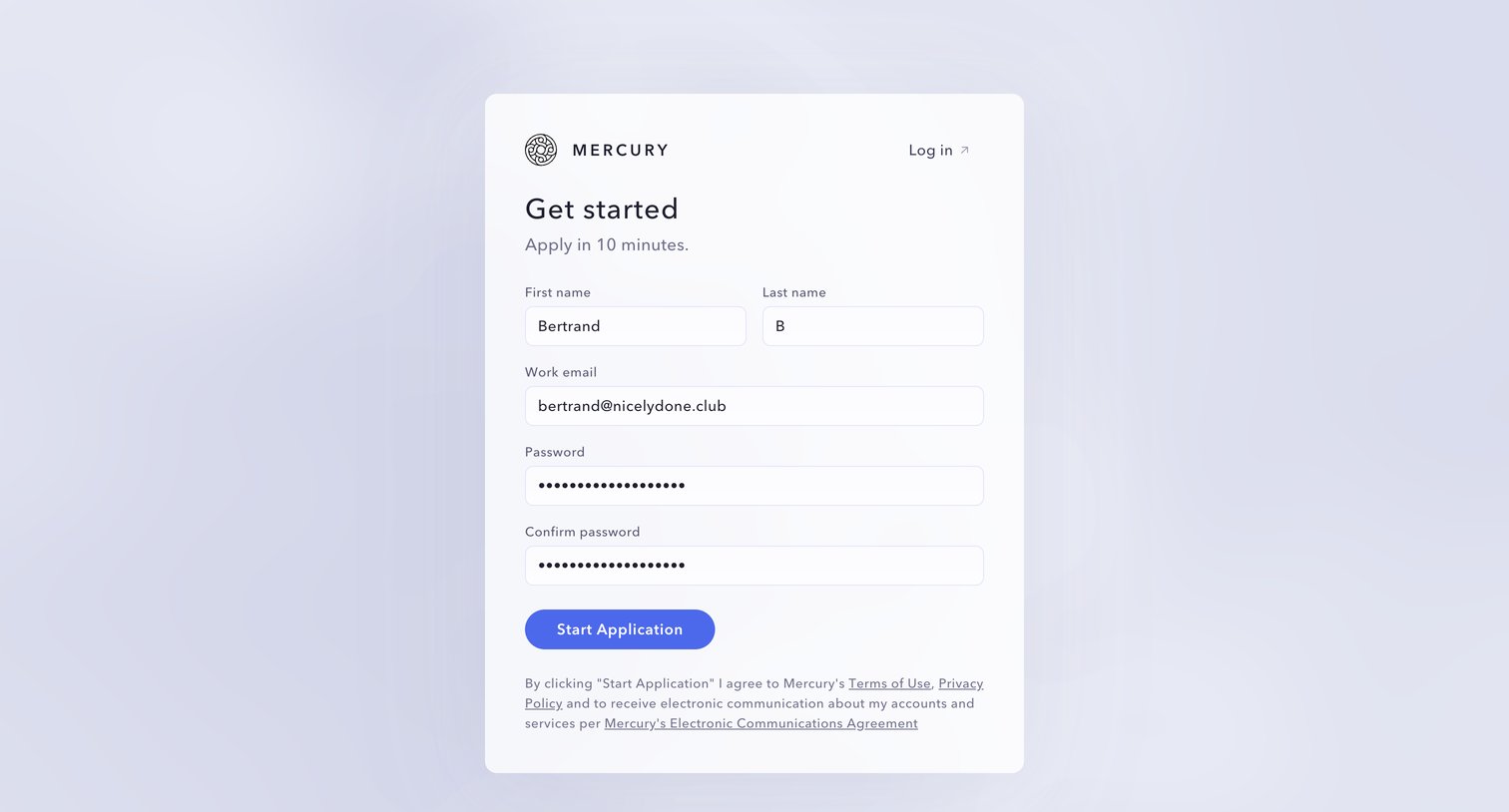
Signup page where the user starts a business account application by entering their name, work email, and password.

Mercury - Sign Up | Get Started  Mercury screen
Mercury logo
Mercury

Signup screen where the user enters their name, work email, and password to apply for a Mercury account.

Mercury - Mercury | Banking for startups screen
Mercury logo
Mercury

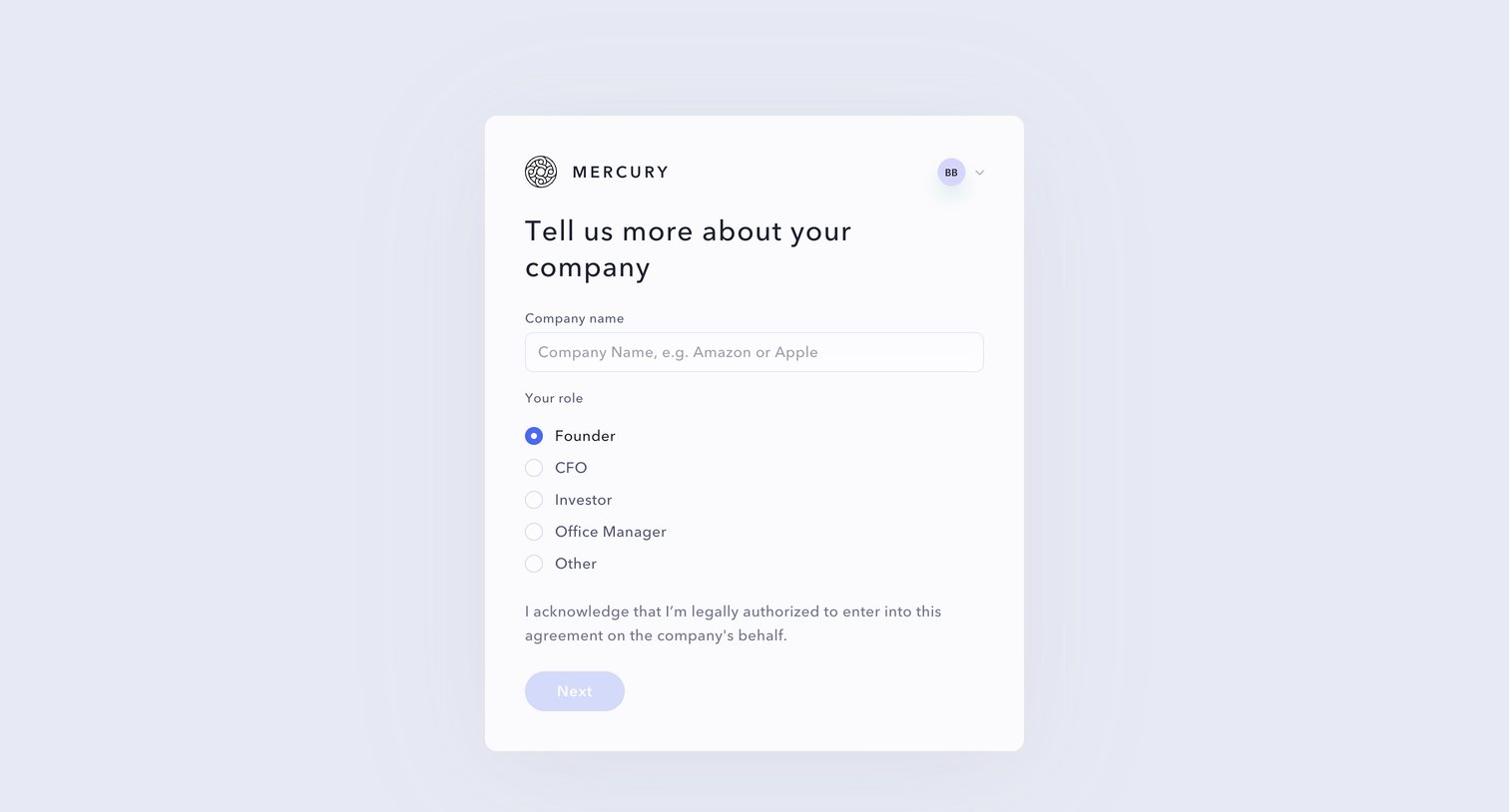
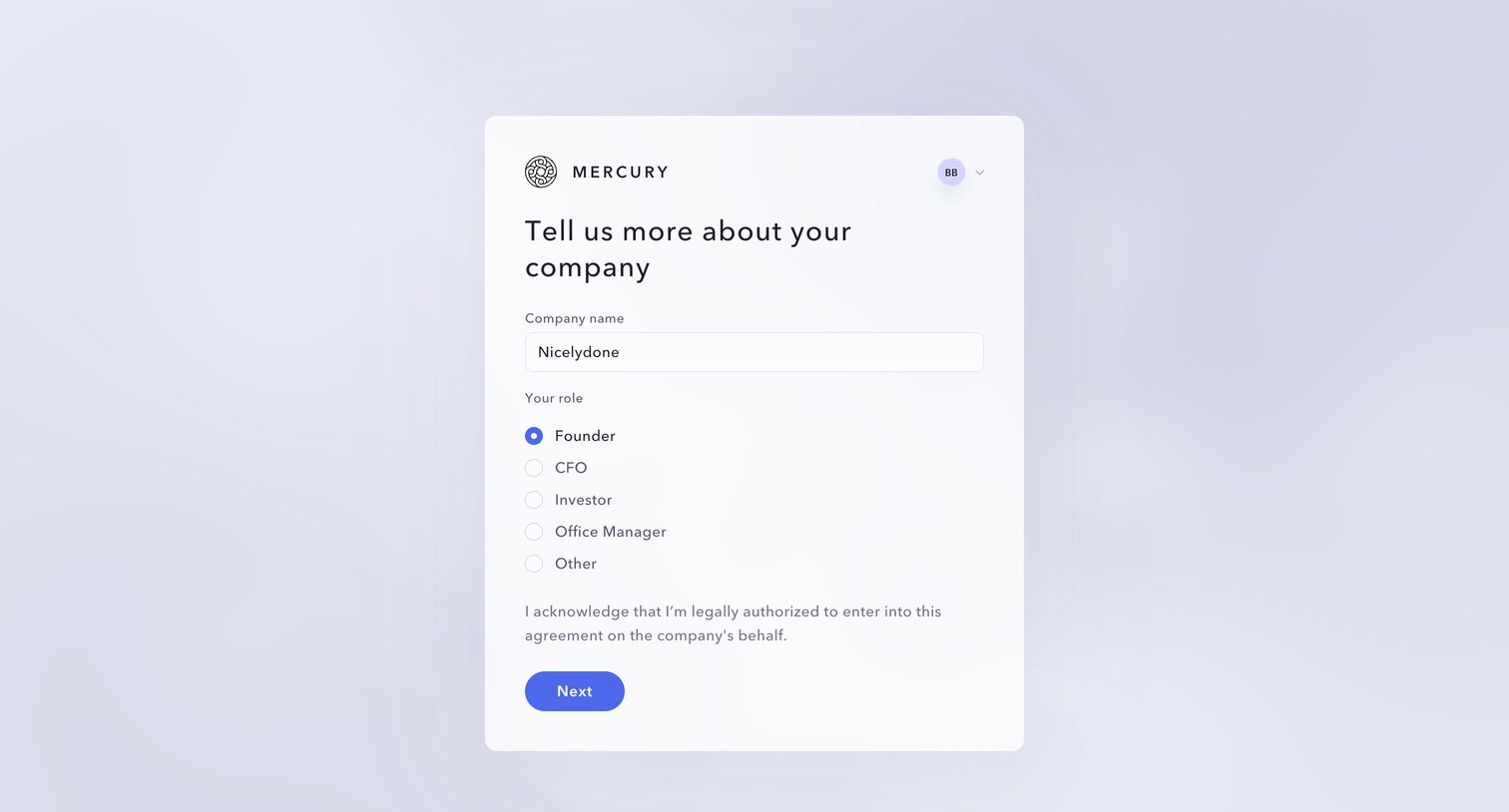
Onboarding step where the user provides their company name and selects their role, such as Founder or CFO, to continue setting up their account.
Mercury - Mercury | Banking for startups screen
Mercury logo
Mercury

Onboarding step where the user provides their company name and selects their role within the organization to continue account setup.
Mercury - Mercury | Banking for startups screen
Mercury logo
Mercury

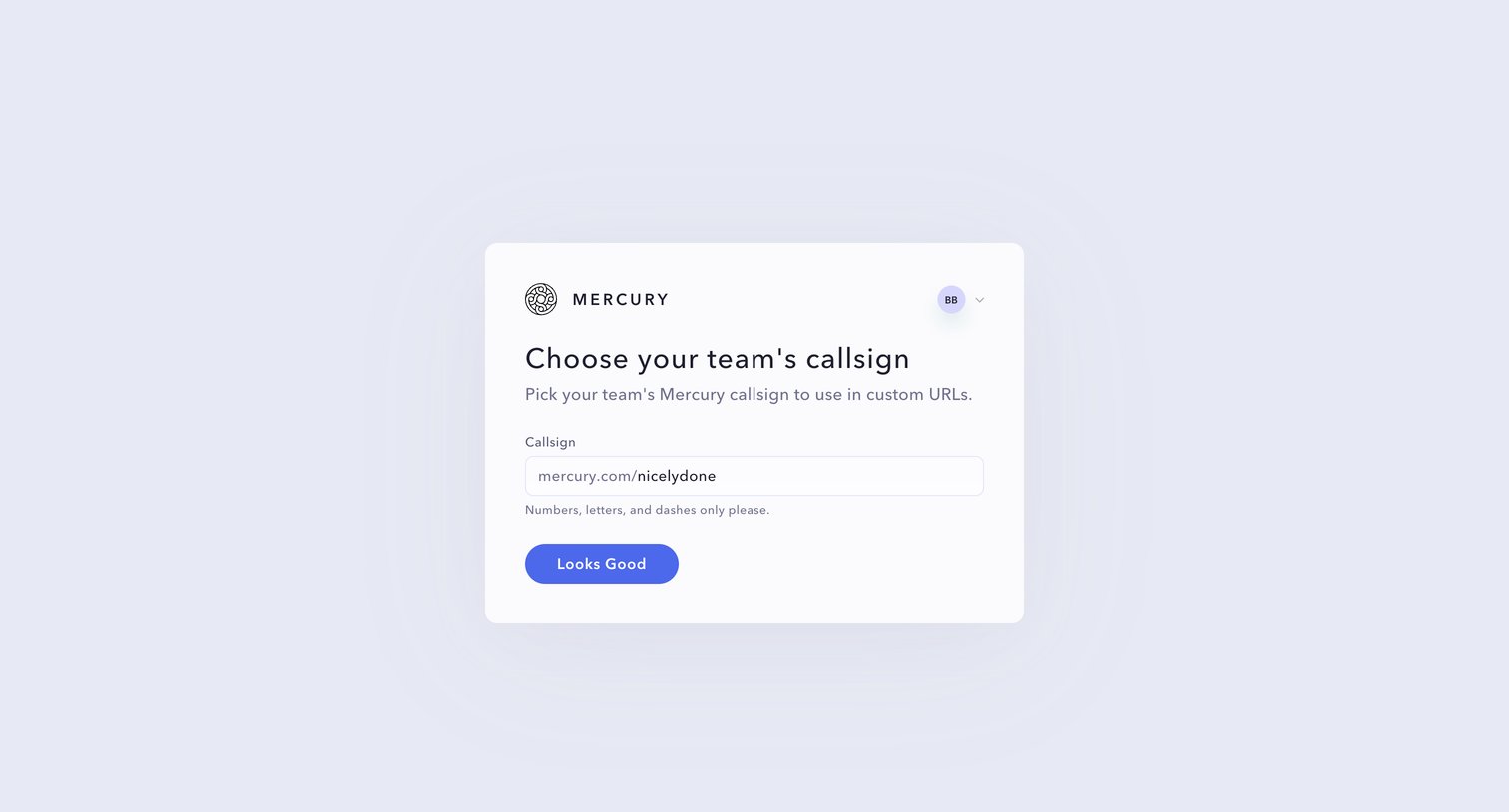
Onboarding step where the user chooses their team's Mercury callsign for custom URLs.
Mercury - Mercury | Banking for startups screen
Mercury logo
Mercury

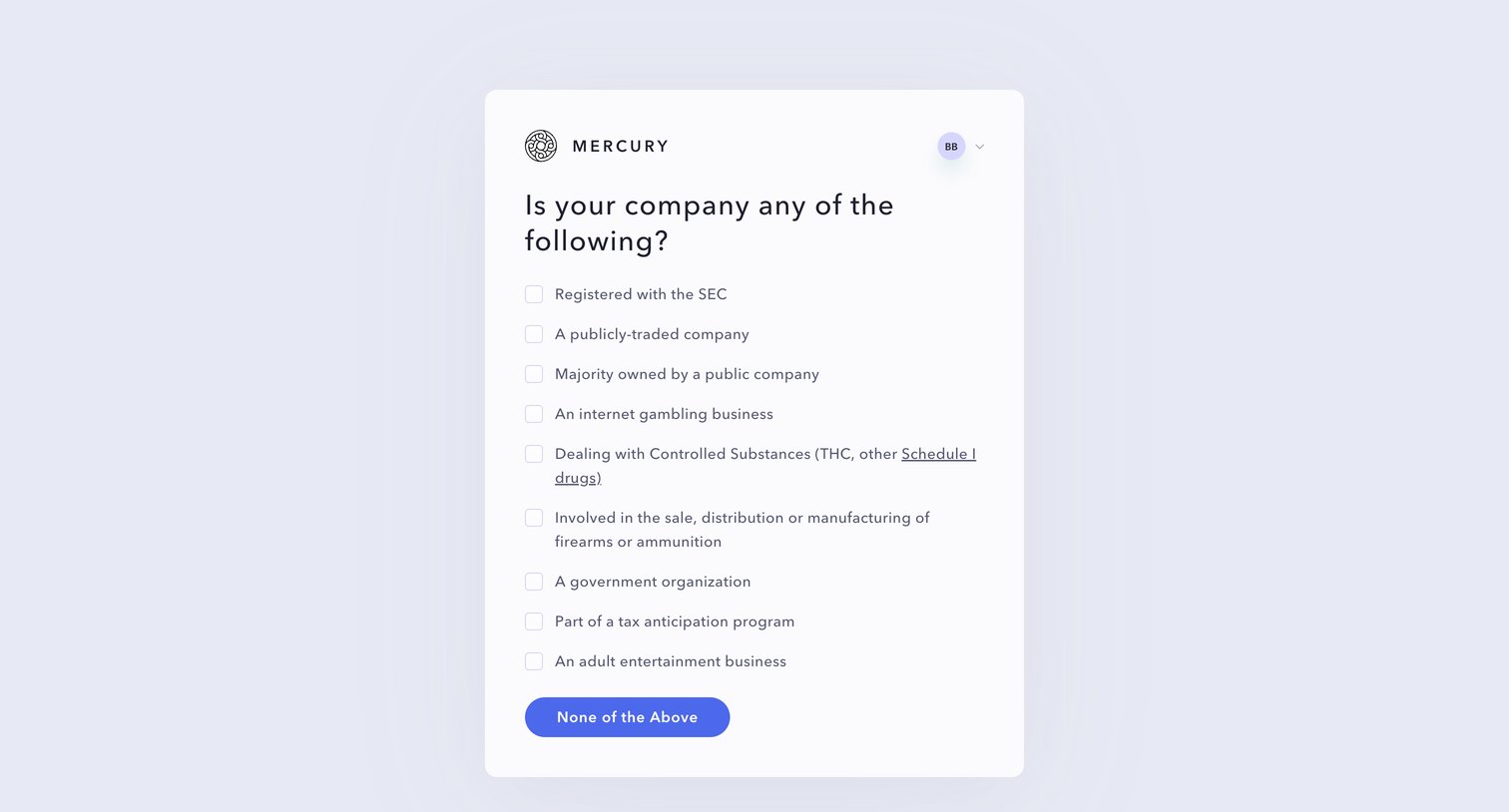
Onboarding step where the user indicates if their company falls into specific regulated categories like gambling, firearms, or adult entertainment.
Mercury - Mercury | Banking for startups screen
Mercury logo
Mercury

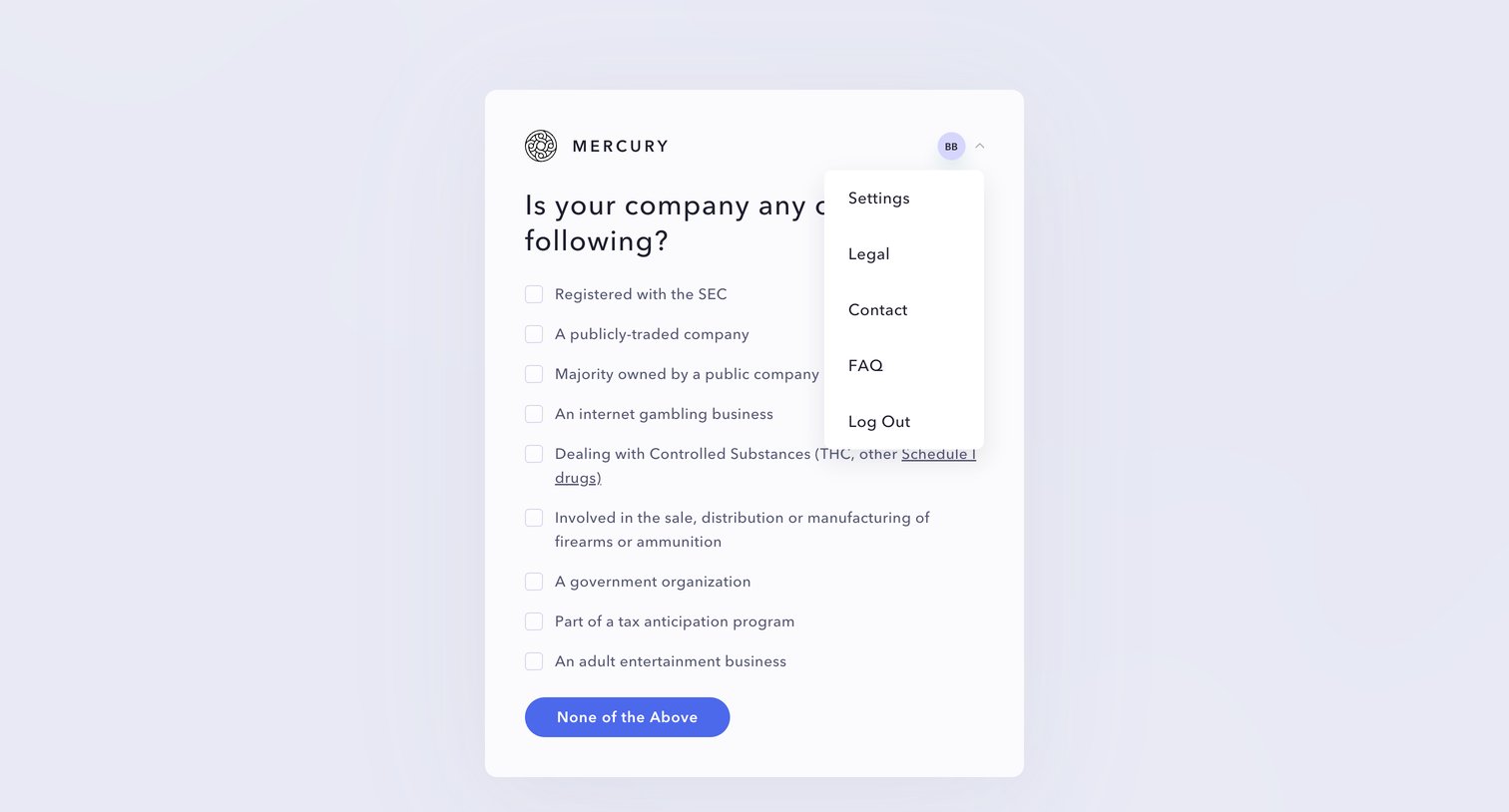
Onboarding step where the user indicates if their company falls into restricted categories like gambling, firearms, or adult entertainment.

Browse the full SaaS app library

Explore real SaaS apps with their product screens, marketing screens, flows, and components.

Trusted by the best teams