Mercury user flows examples
Explore Mercury user flow examples. Preview the opening screens and steps for each task. Banking for startups
Preview these flows

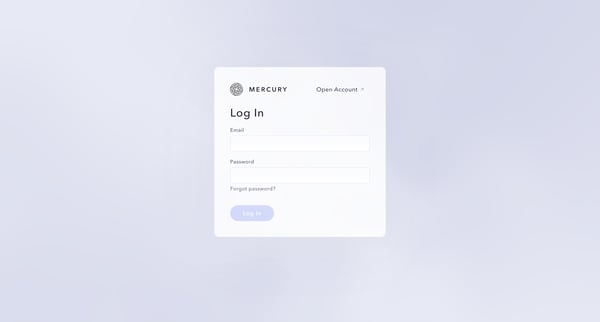
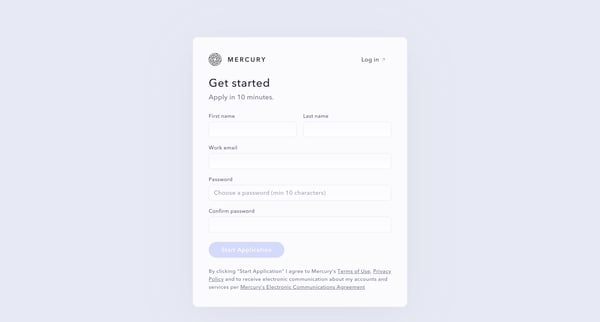
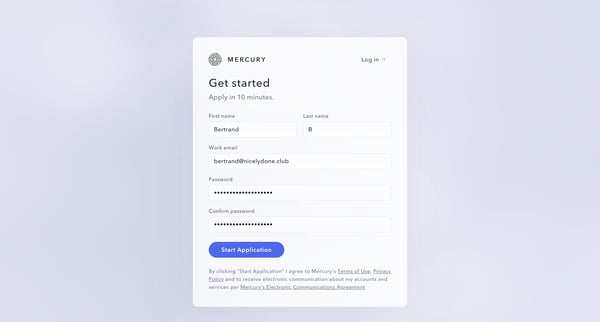
This flow guides a new user through the process of creating an account with Mercury, detailing personal, company information, and compliance with legal requirements to open a bank account.
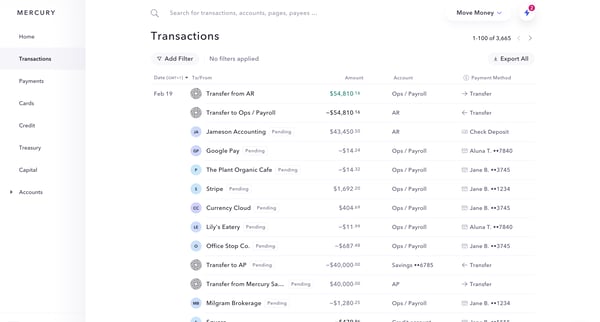
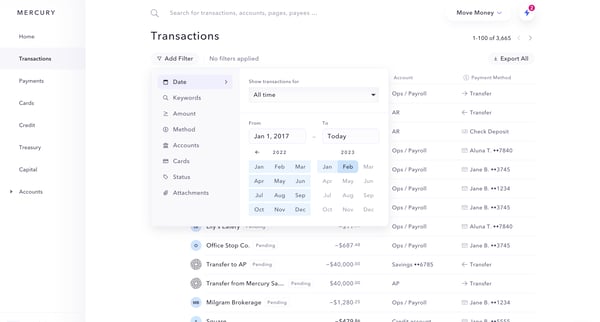
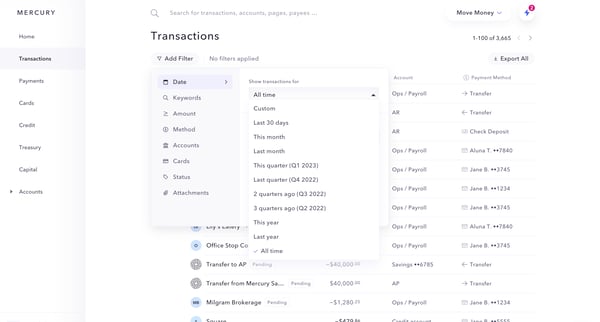
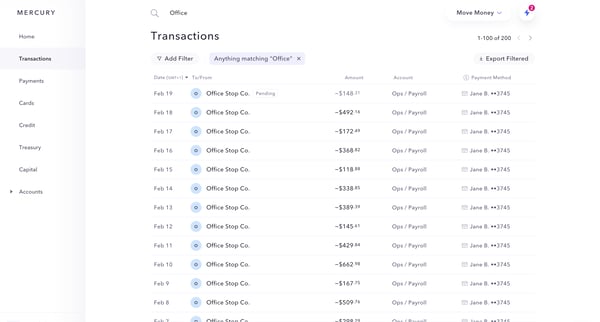
This user flow enables the user to filter and sort transaction details based on various criteria such as date range, transaction type, and specific monetary values, ultimately refining the se
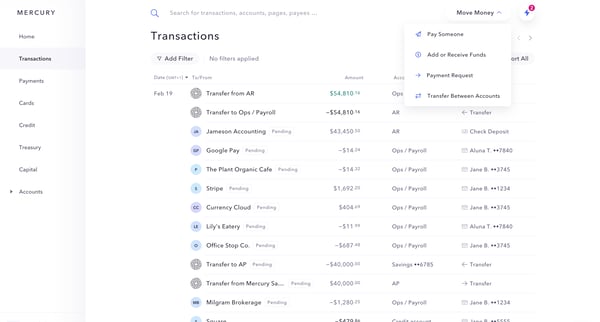
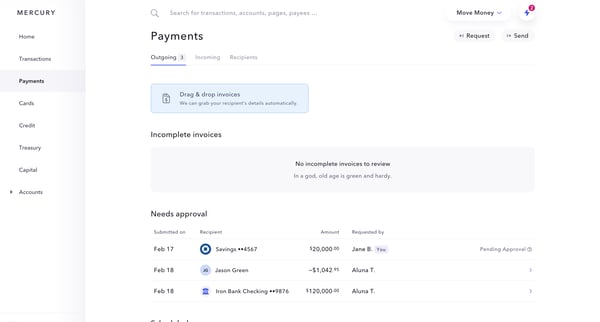
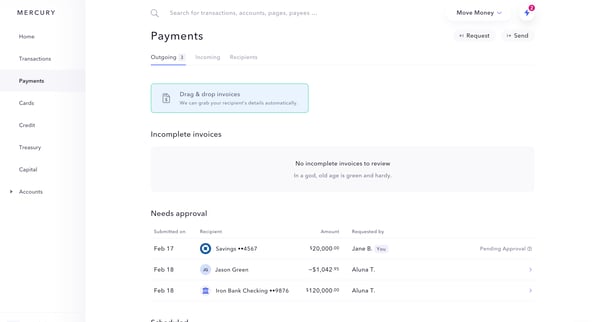
This sequence guides users through initiating and completing a payment to a recipient, including reviewing and sending payment details, adding recipient information, and finalizing the transa
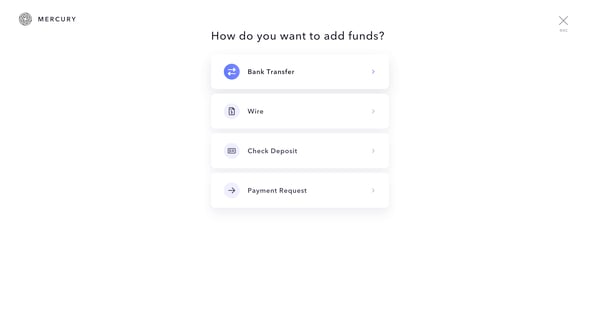
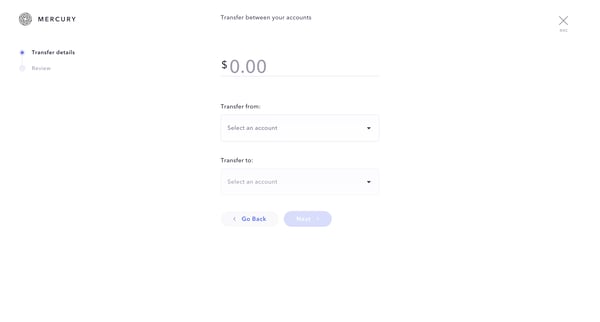
This flow guides the user through transferring funds from one account to another within the Mercury banking platform.
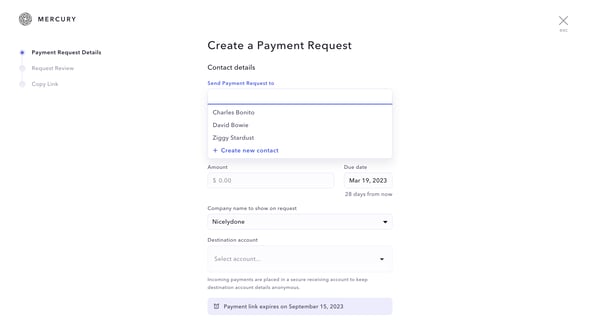
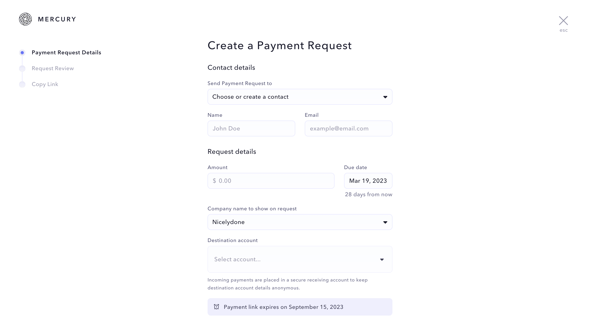
This flow guides the user through creating and sending a payment request, from browsing transactions to successfully emailing the request link.
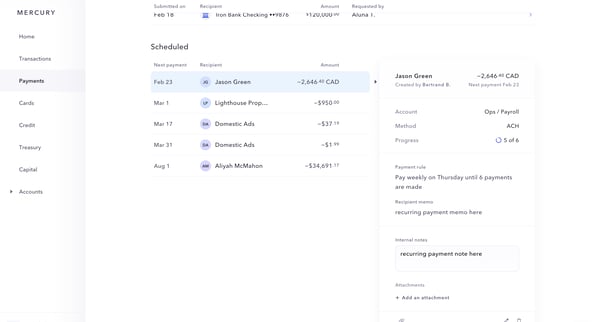
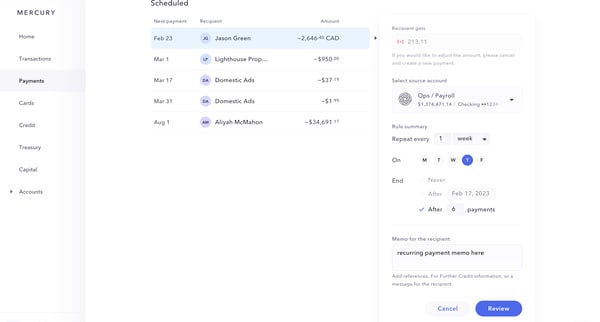
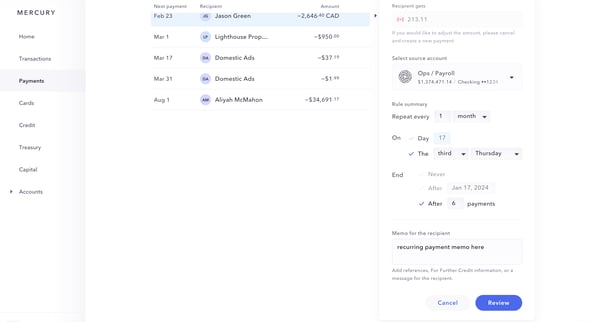
This flow outlines the process of modifying and reviewing a scheduled payment, including steps for adjusting payment details, reviewing the changes, and finalizing the updated payment schedul
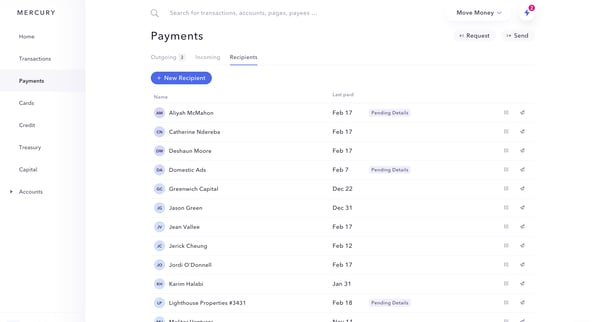
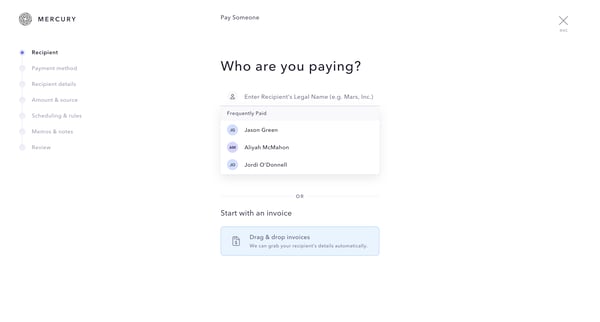
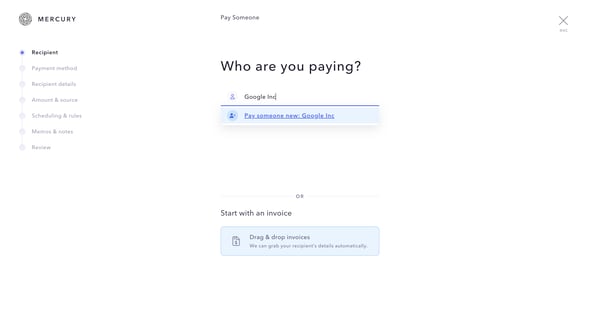
This flow guides a user through the process of setting up a recurring ACH payment to a recipient, in this case, Google Inc, including selecting the payment method, scheduling, and reviewing d
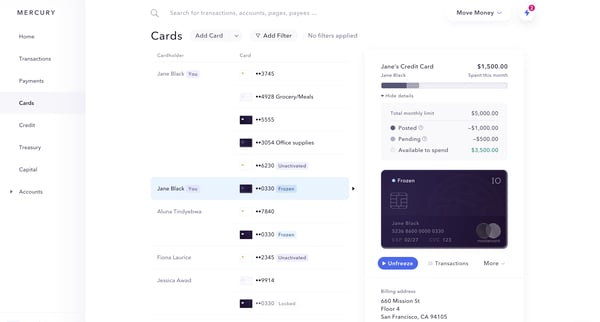
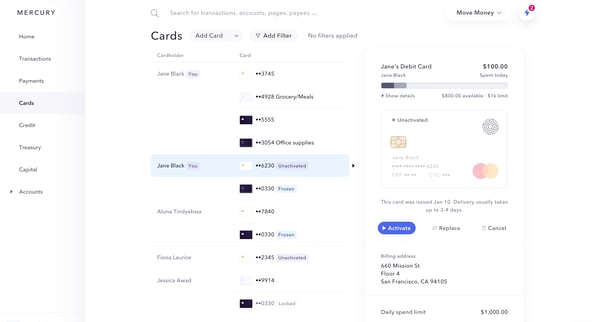
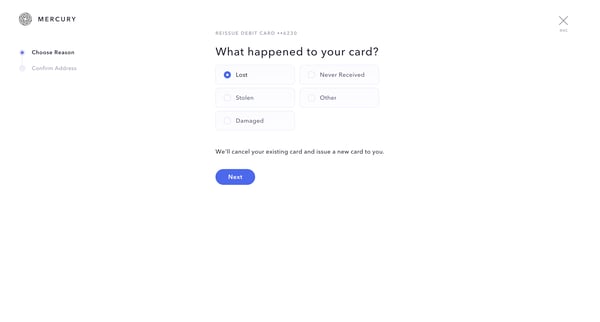
This flow guides a user through the process of deactivating a lost or damaged debit card and requesting a new one, including selecting the reason for reissue, confirming the shipping address,
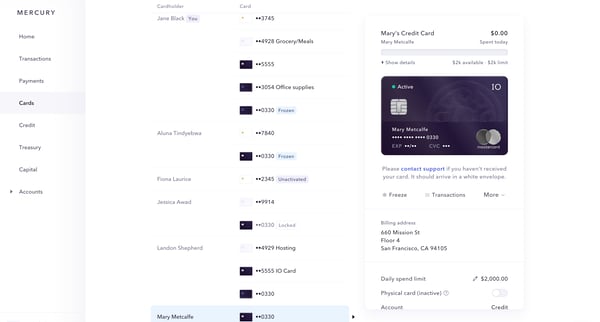
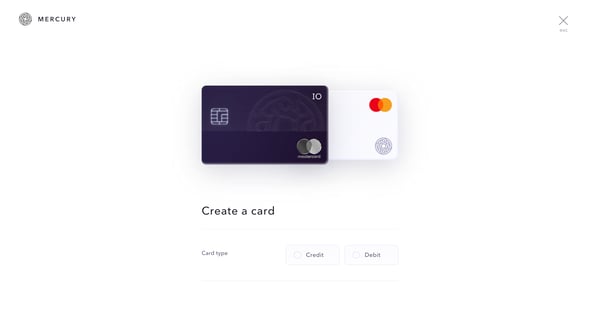
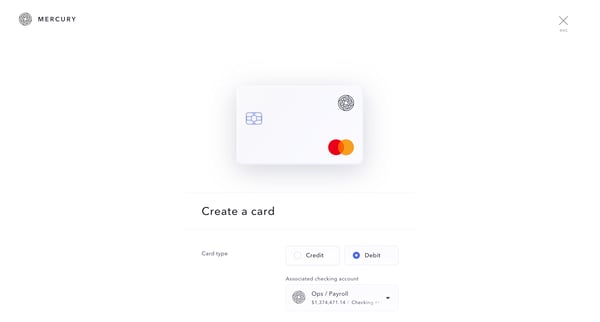
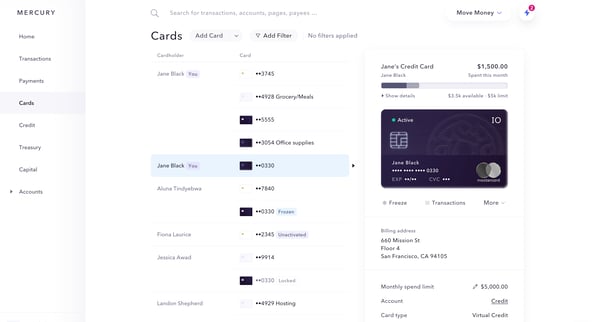
This flow facilitates the process of creating and activating a new card for a user, starting from specifying card details to confirming its activation.
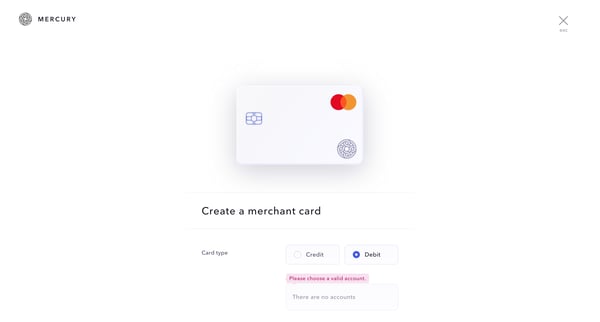
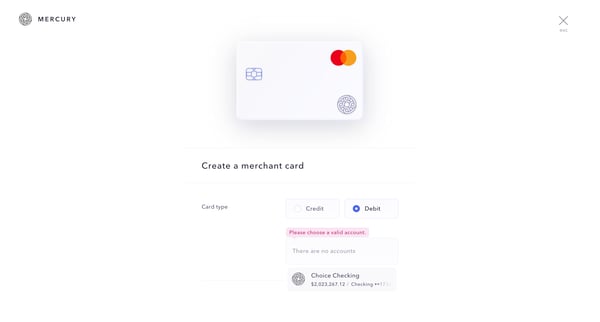
This flow guides a user through the process of creating a merchant-specific debit card, including selecting accounts, setting limits, and activation.
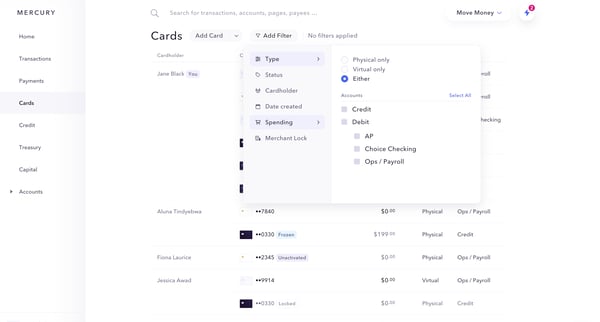
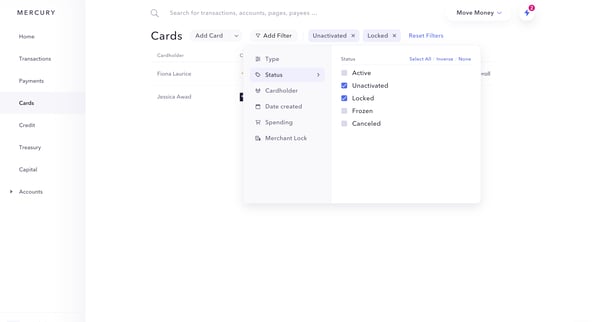
This flow enables users to filter and sort their card transactions based on various parameters such as card status, type, spending, and merchant, aimed at customizing the display of transacti
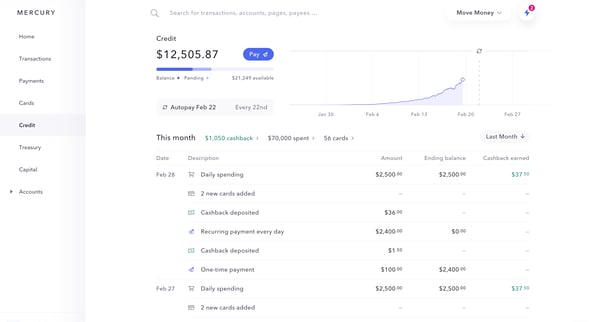
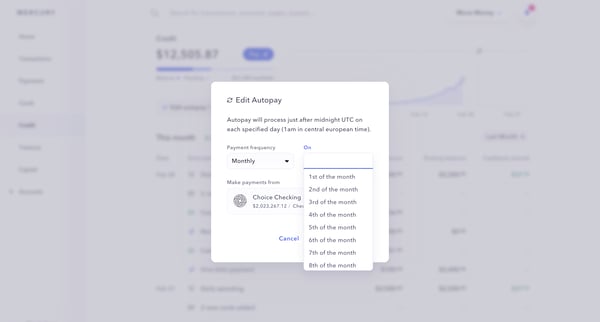
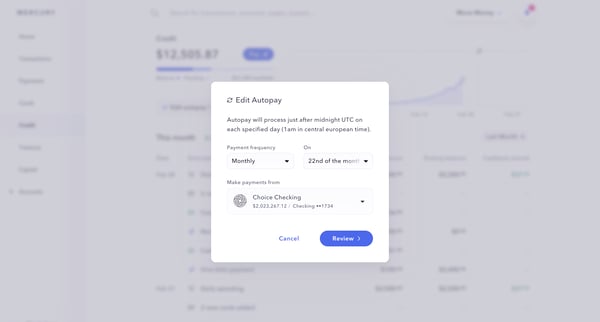
This user flow enables a user to modify the autopay settings for their account, including changing the payment date and confirming the new settings.
Explore the full SaaS flow library
Browse the full SaaS flow library.
Trusted by the best teams







