Luma product screens examples
Browse Luma screen design examples. Preview the interface screenshots and explore related UI patterns. Delightful events start here.
Explore the examples

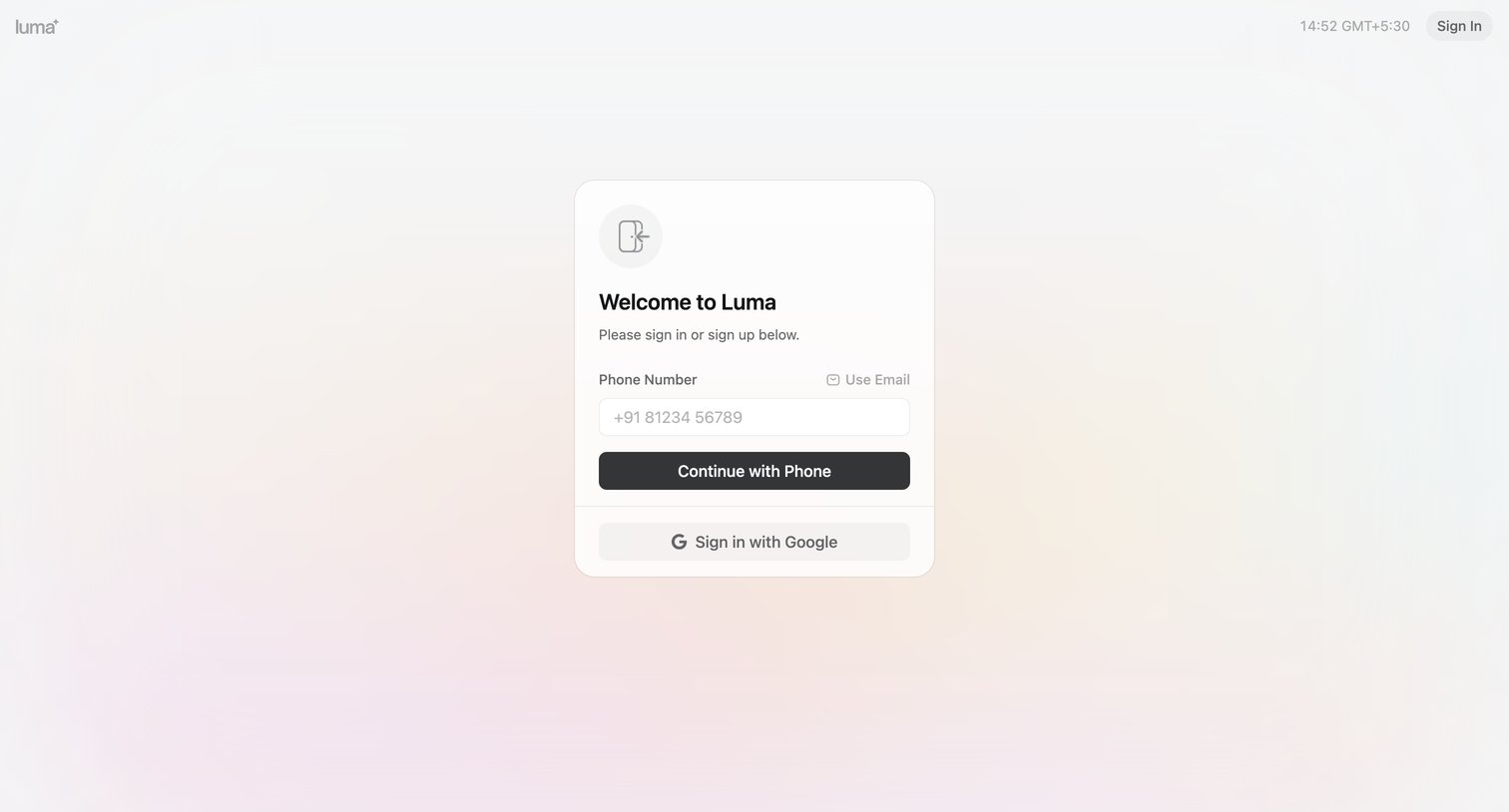
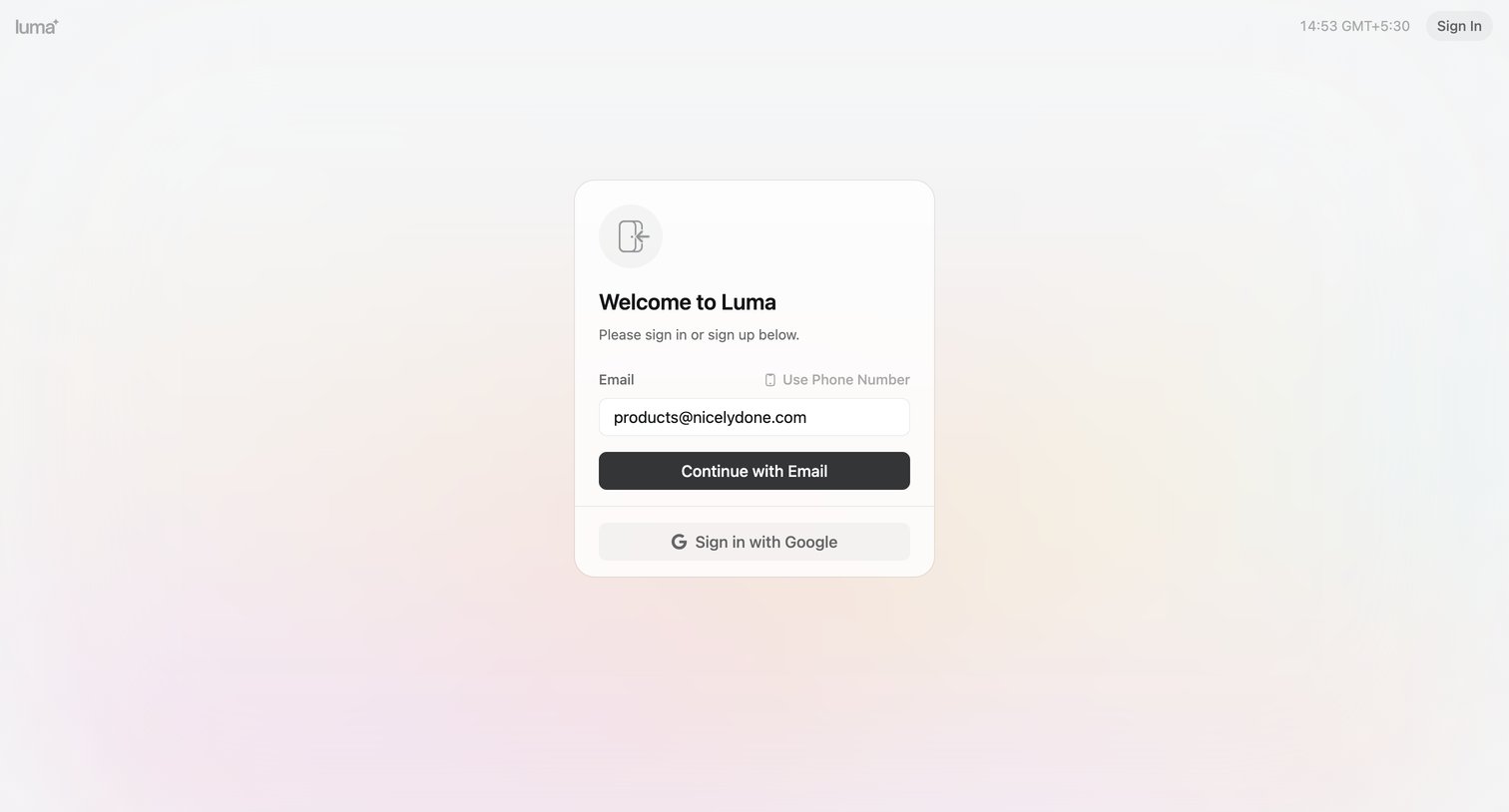
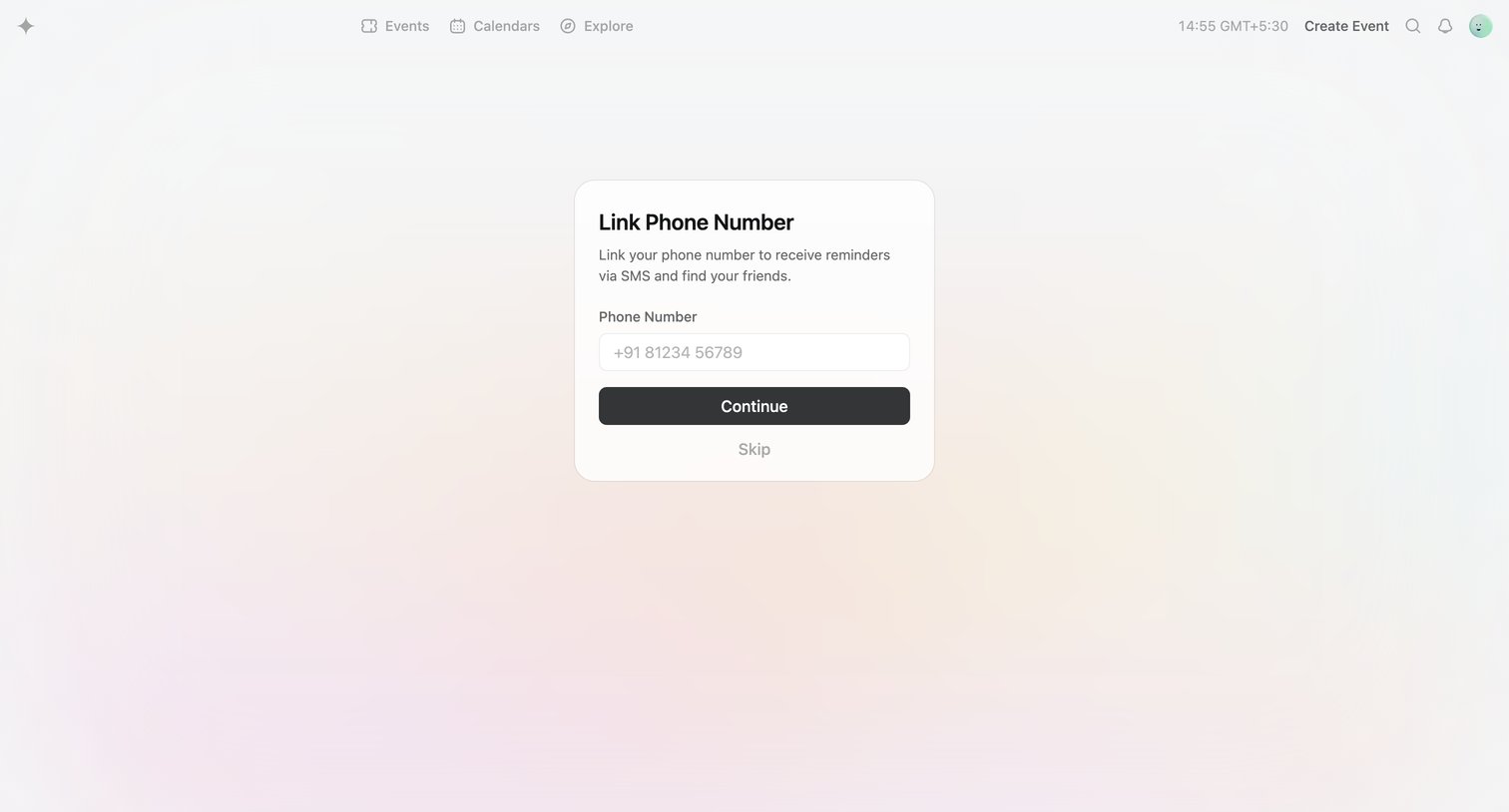

Onboarding step where the user is prompted to link their phone number to receive SMS reminders and find friends, with an option to skip.
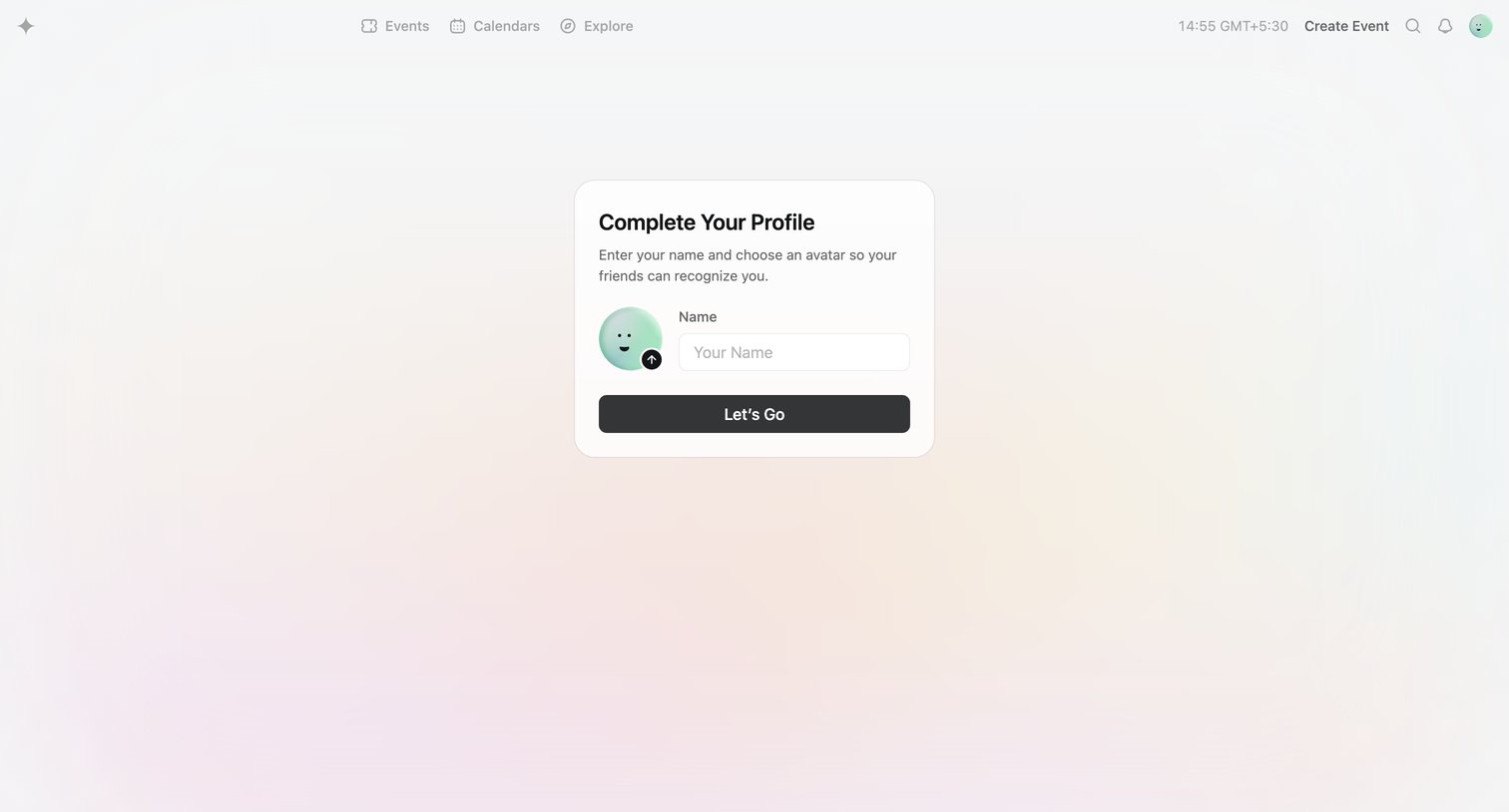
Onboarding step where the user enters their name and uploads an avatar to complete their profile before accessing the app.
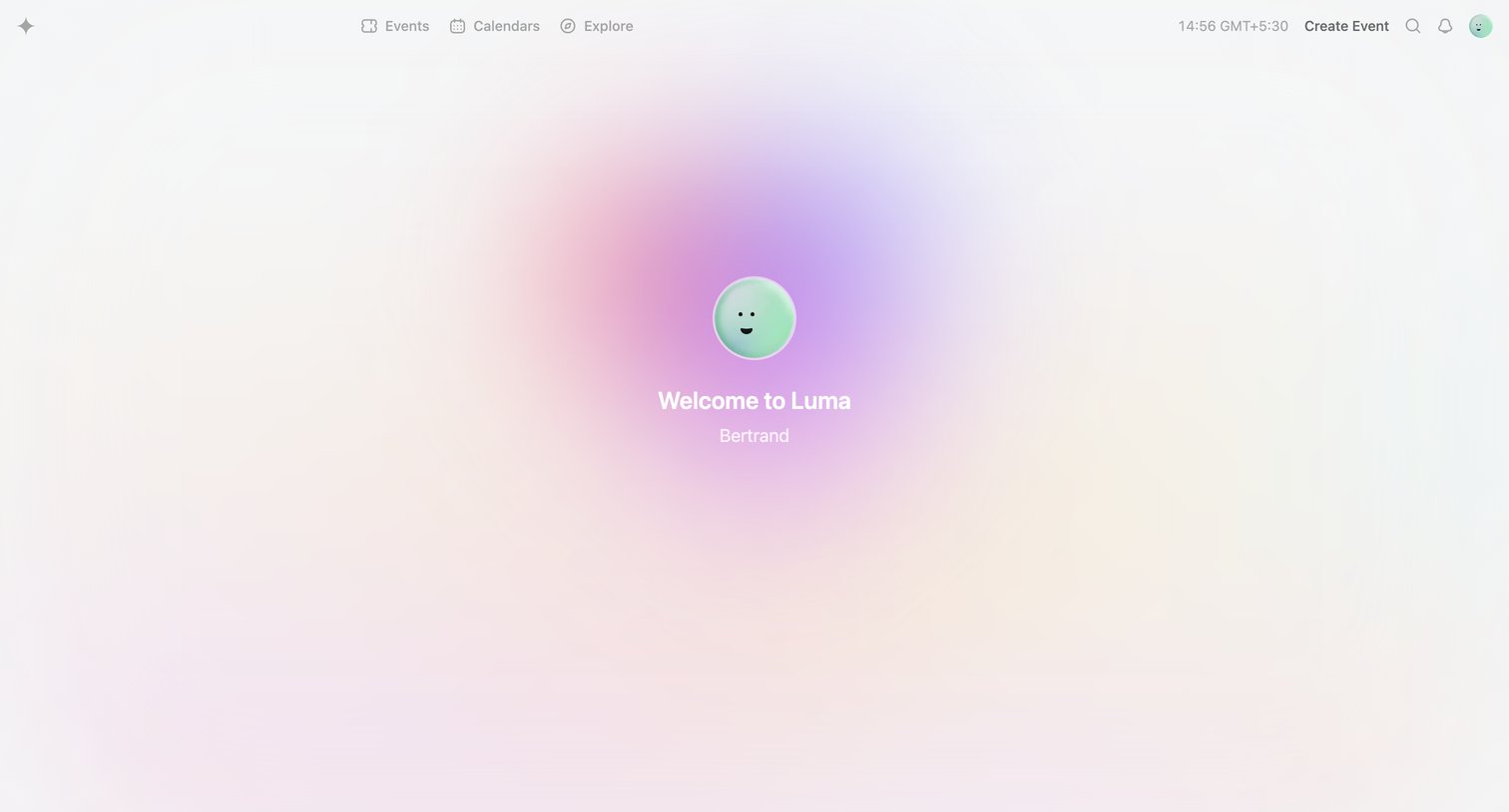
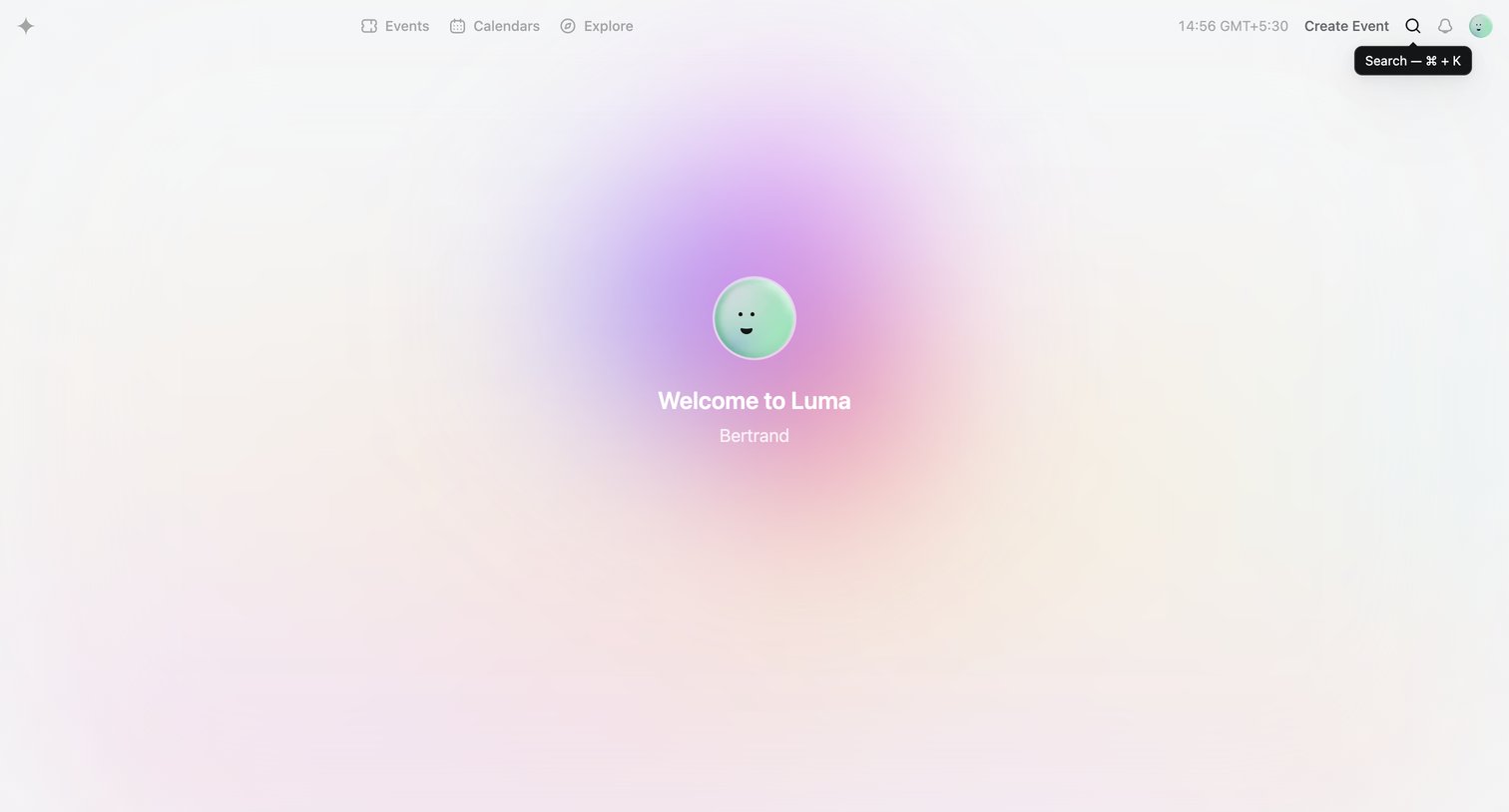
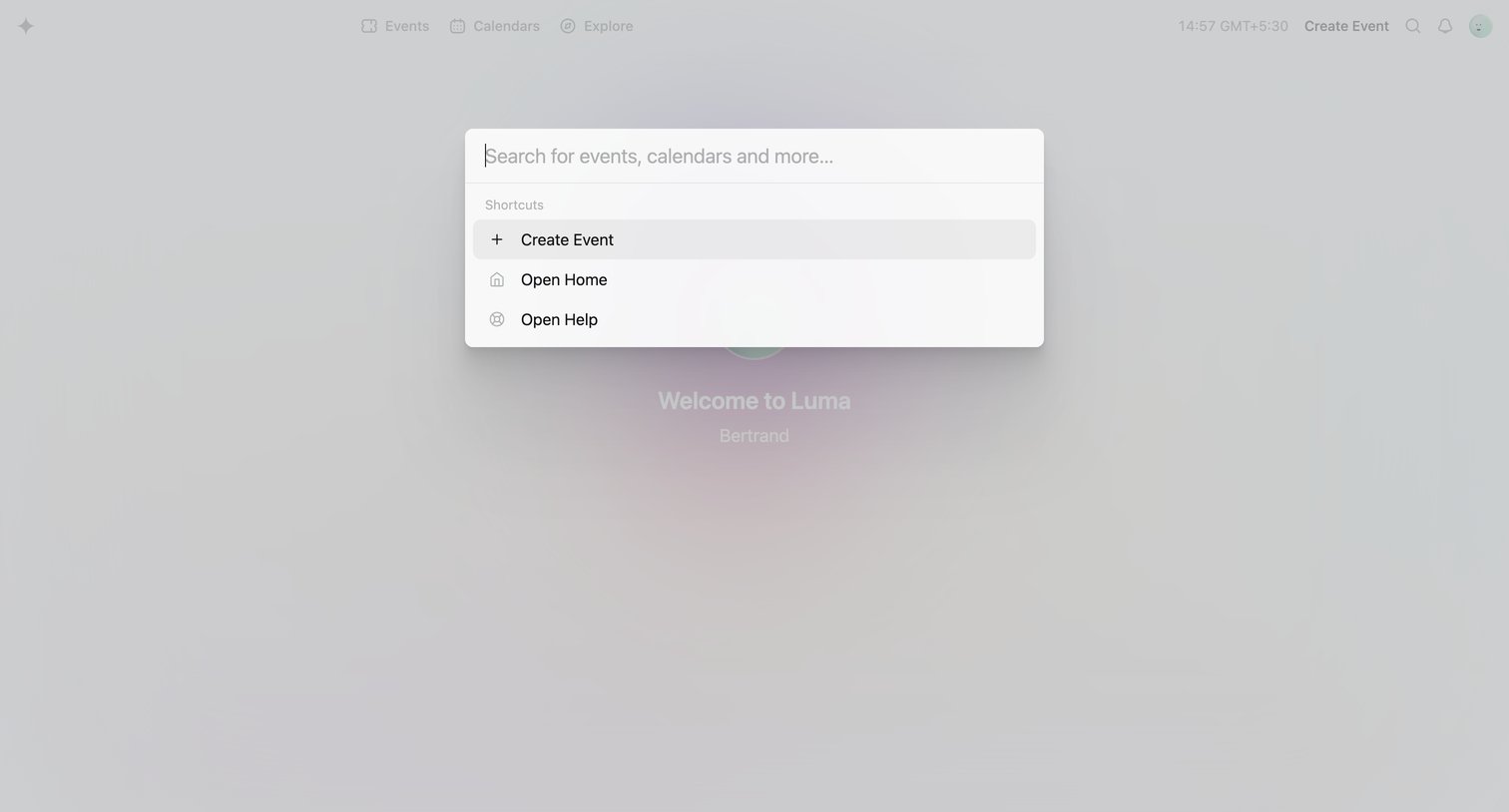
Search overlay where the user can search for events and calendars or jump to quick shortcuts like creating an event or opening help.
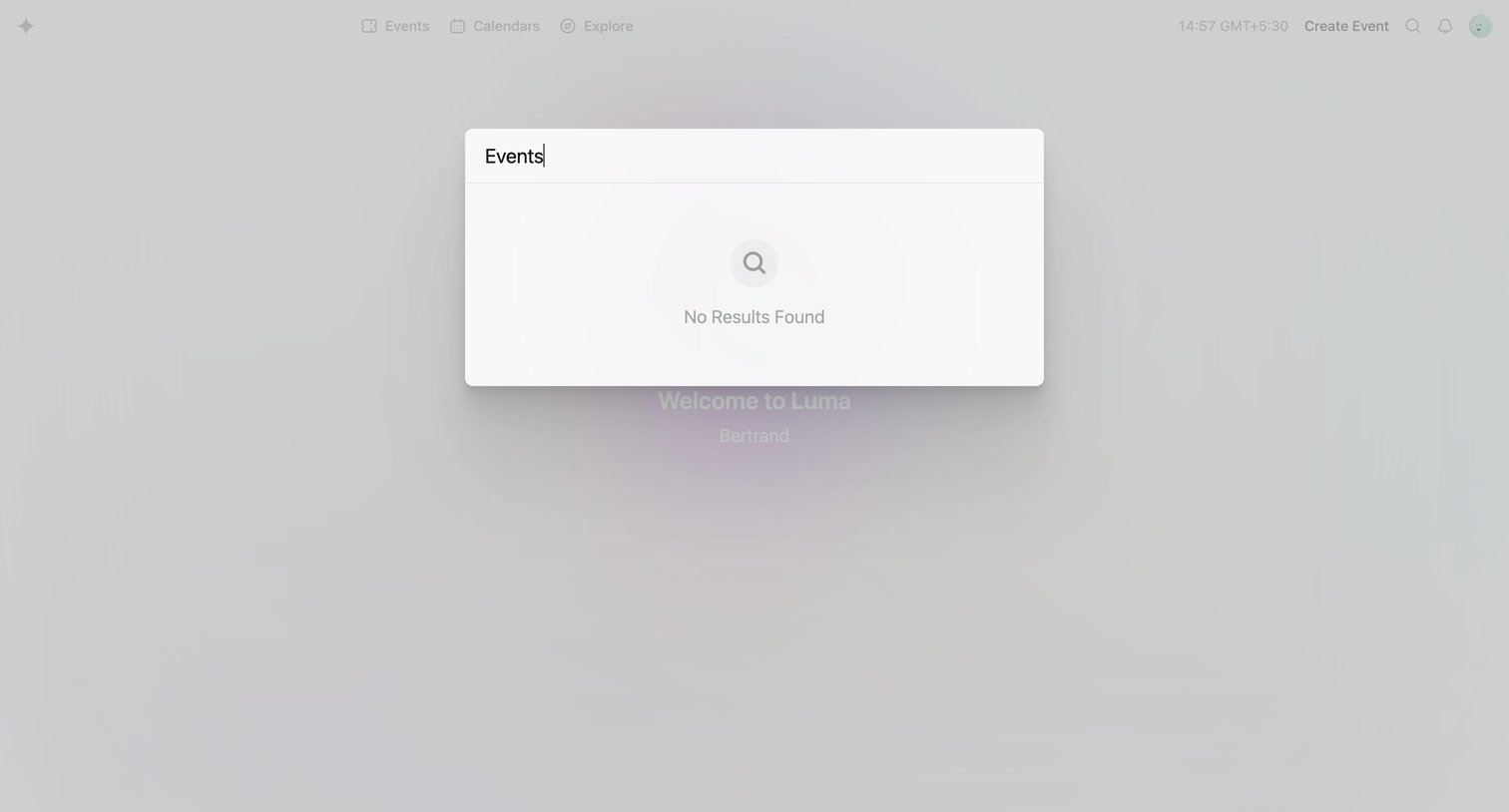
Search overlay where the user is looking for events but encounters a no-results empty state.
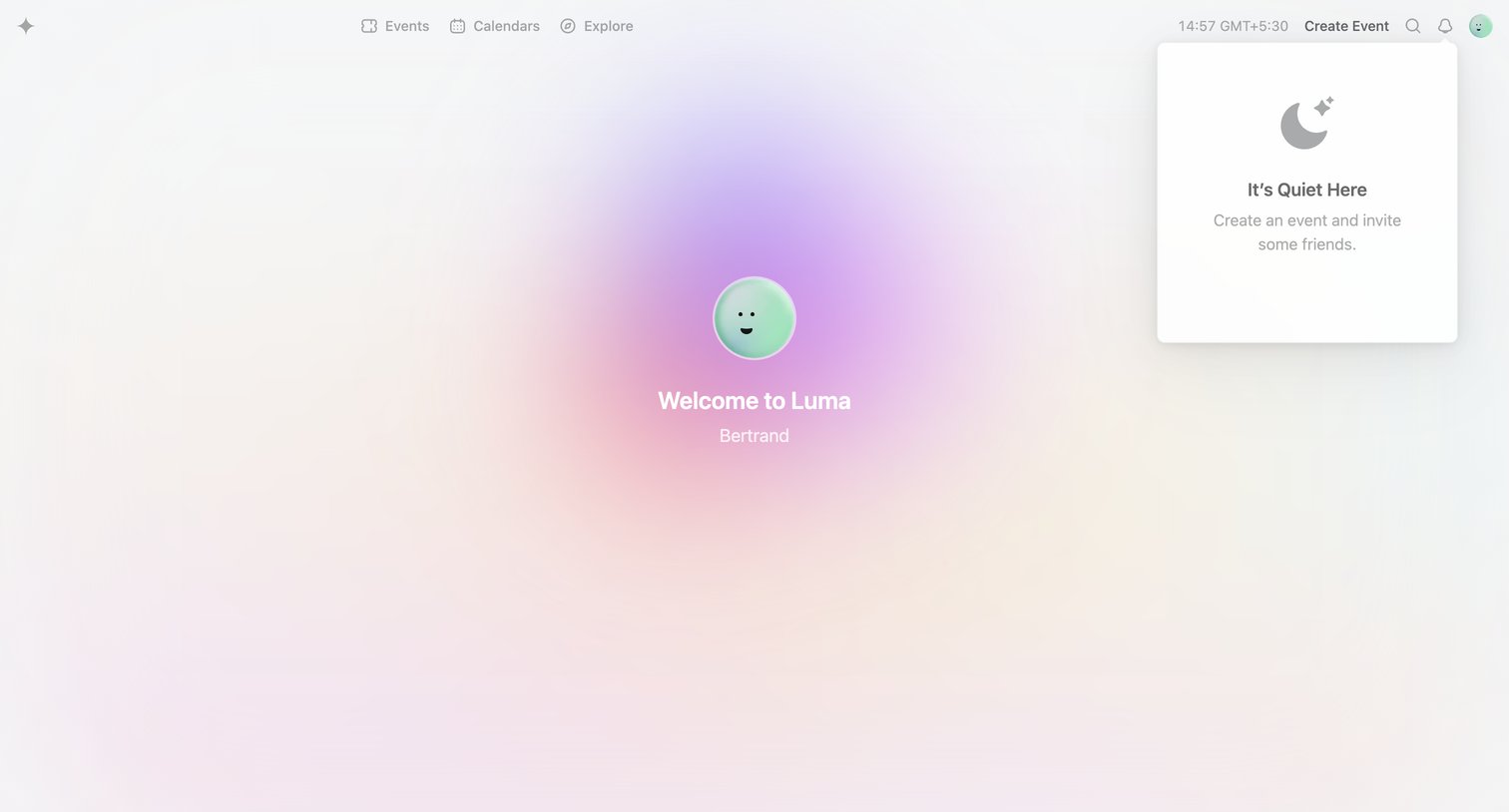
App home screen welcoming the user with an empty state card prompting them to create their first event.
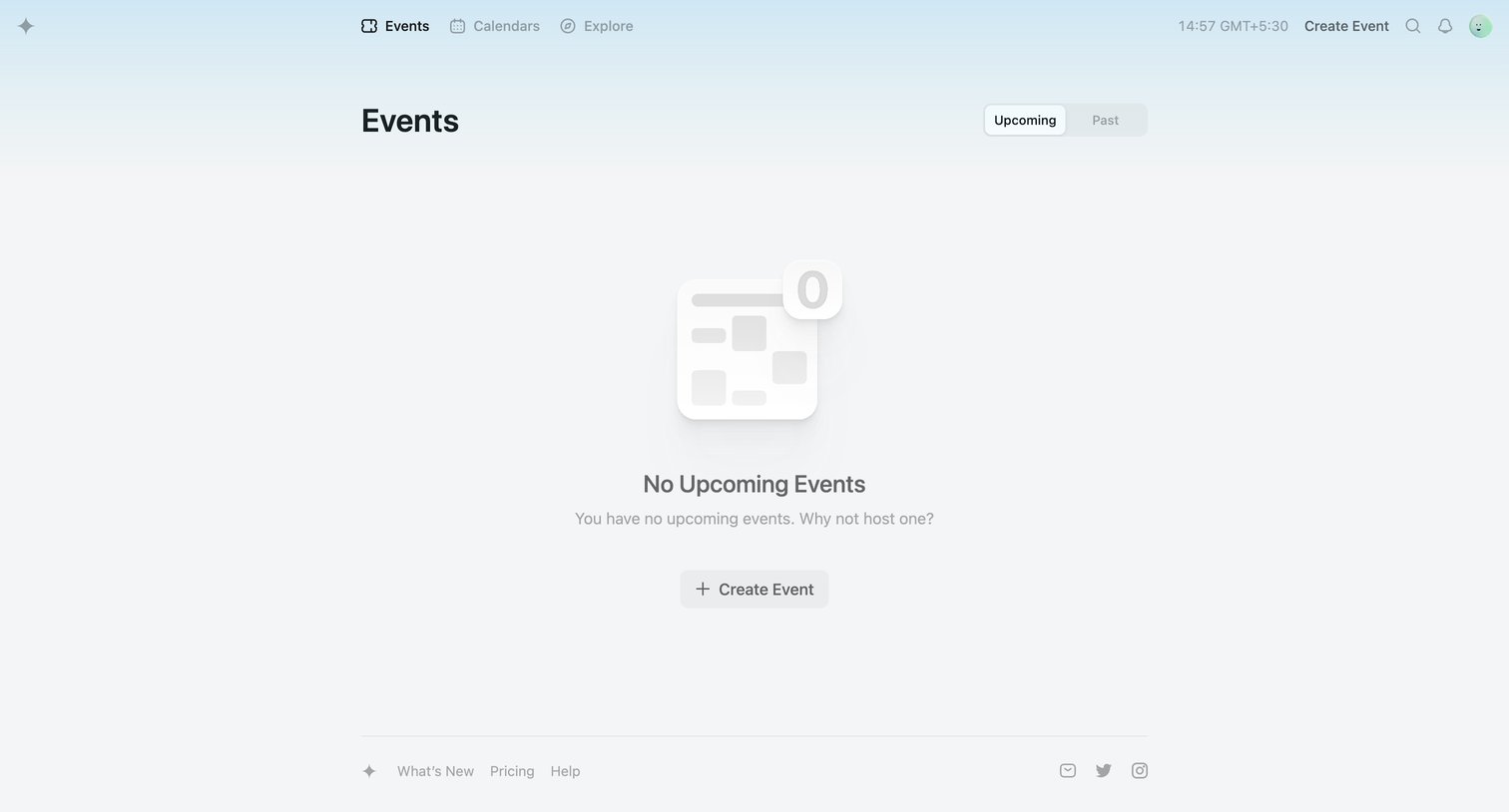
Home page where the user sees an empty state for upcoming events with a primary prompt to create their first one.
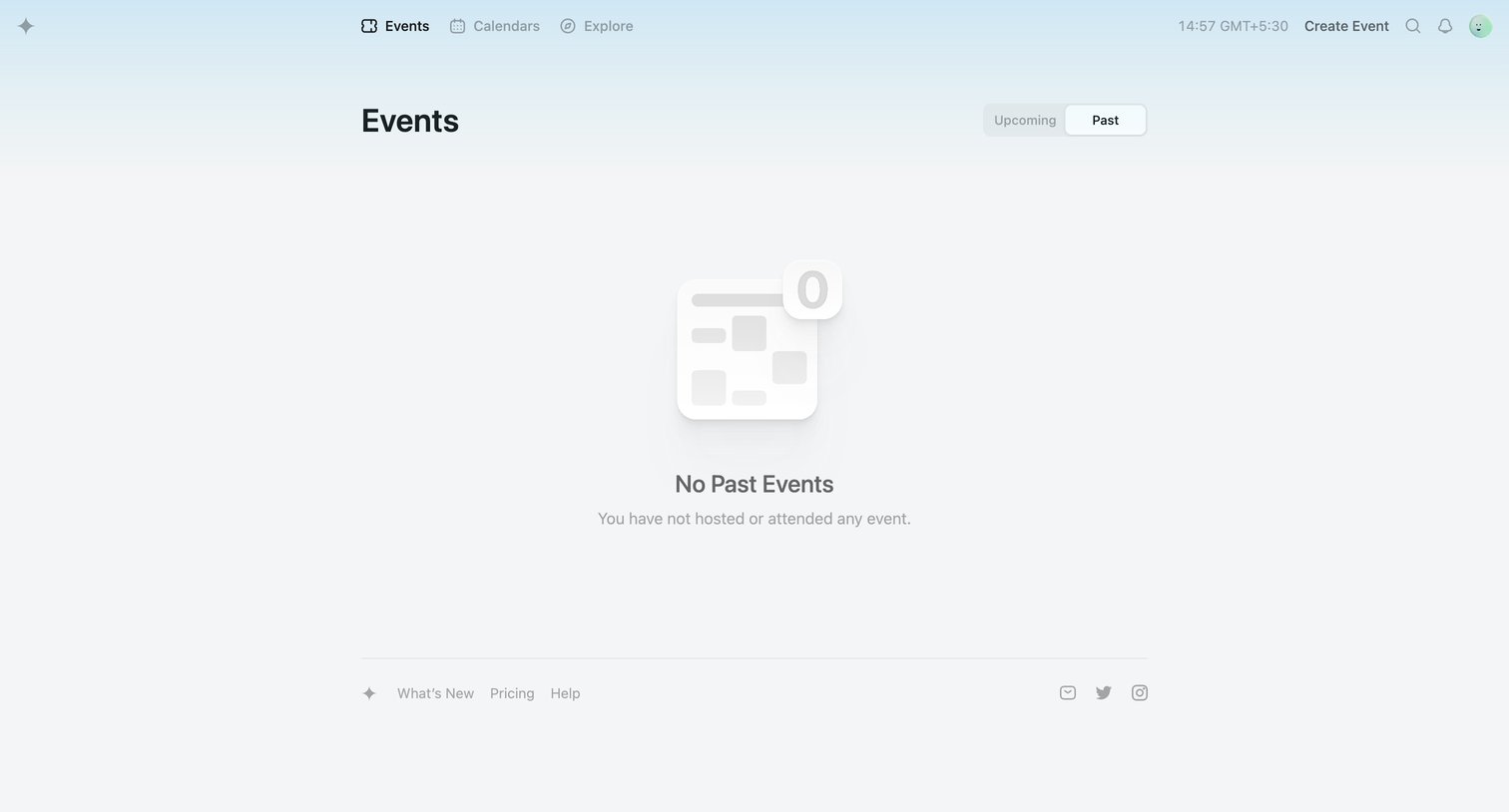
List view showing an empty state for past events the user has hosted or attended.
Explore the full SaaS screen library
Upgrade to unlock the full library.
Trusted by the best teams







