Luma user flows examples
Explore Luma user flow examples. Preview the opening screens and steps for each task. Delightful events start here.
Preview these flows

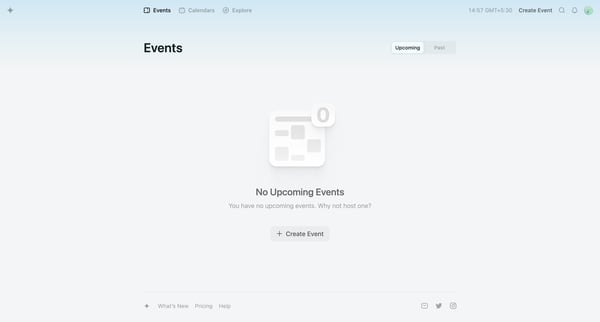
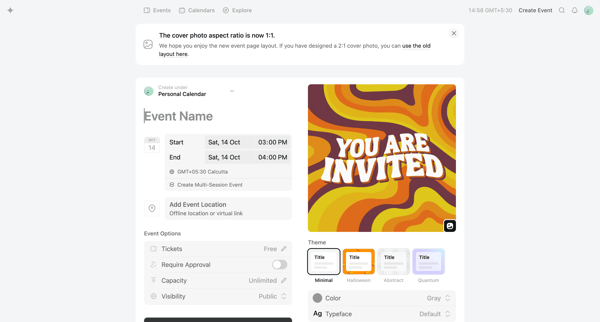
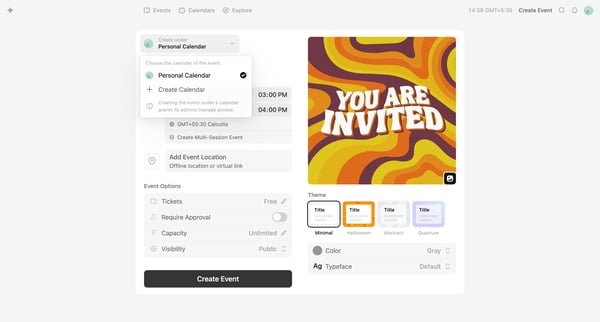
This flow guides the user through the process of creating and setting up an event, from initiation to finalization, including setting event details, selecting calendar options, adding session
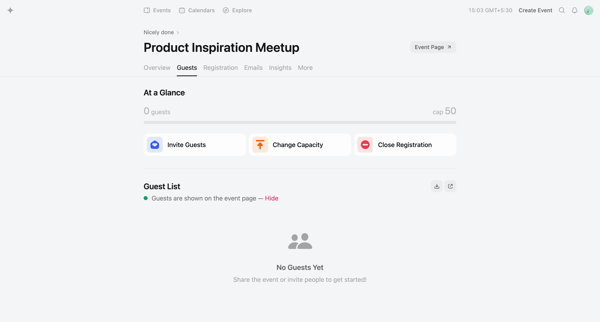
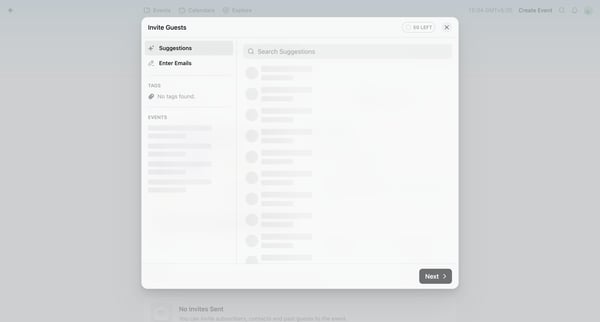
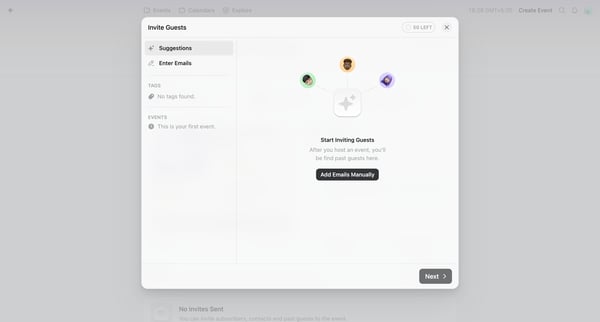
This user flow enables an organizer to invite contacts to an event by entering their emails, sending personalized invites, and tracking the invitation success.
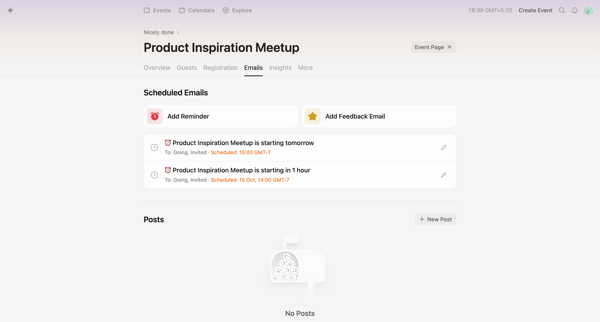
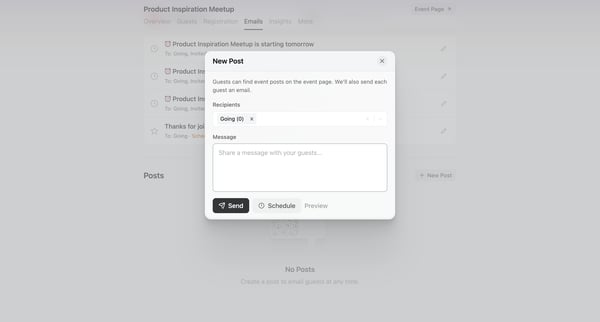
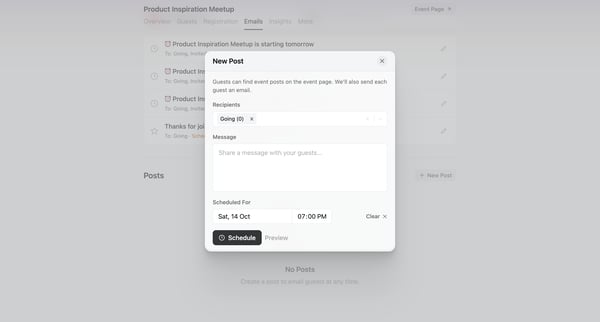
This user flow facilitates the creation and scheduling of posts for event guests, enhancing communication and engagement prior to the event.
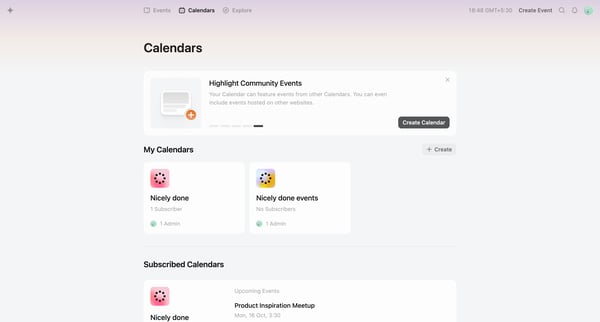
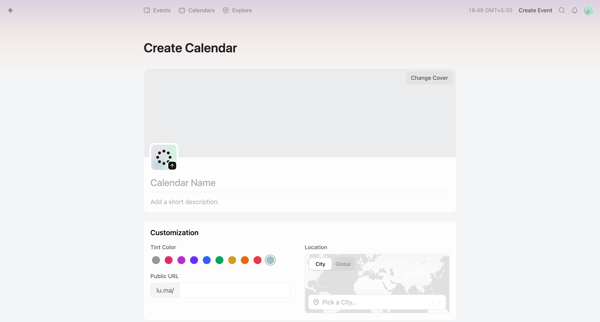
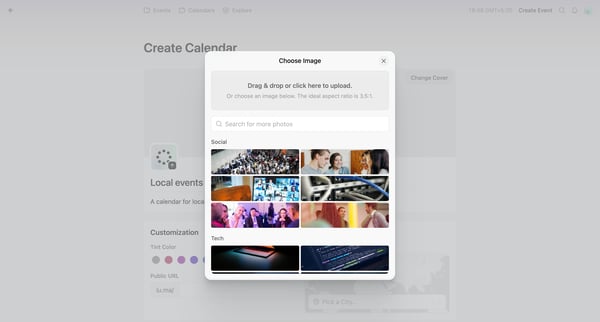
This flow allows a user to create and customize a new calendar, and navigate to its empty state awaiting event addition.
Explore the full SaaS flow library
Browse the full SaaS flow library.
Trusted by the best teams







