Google Mail product screens examples
Browse Google Mail screen design examples. Preview the interface screenshots and explore related UI patterns. Free, Private & Secure Email
Explore the examples
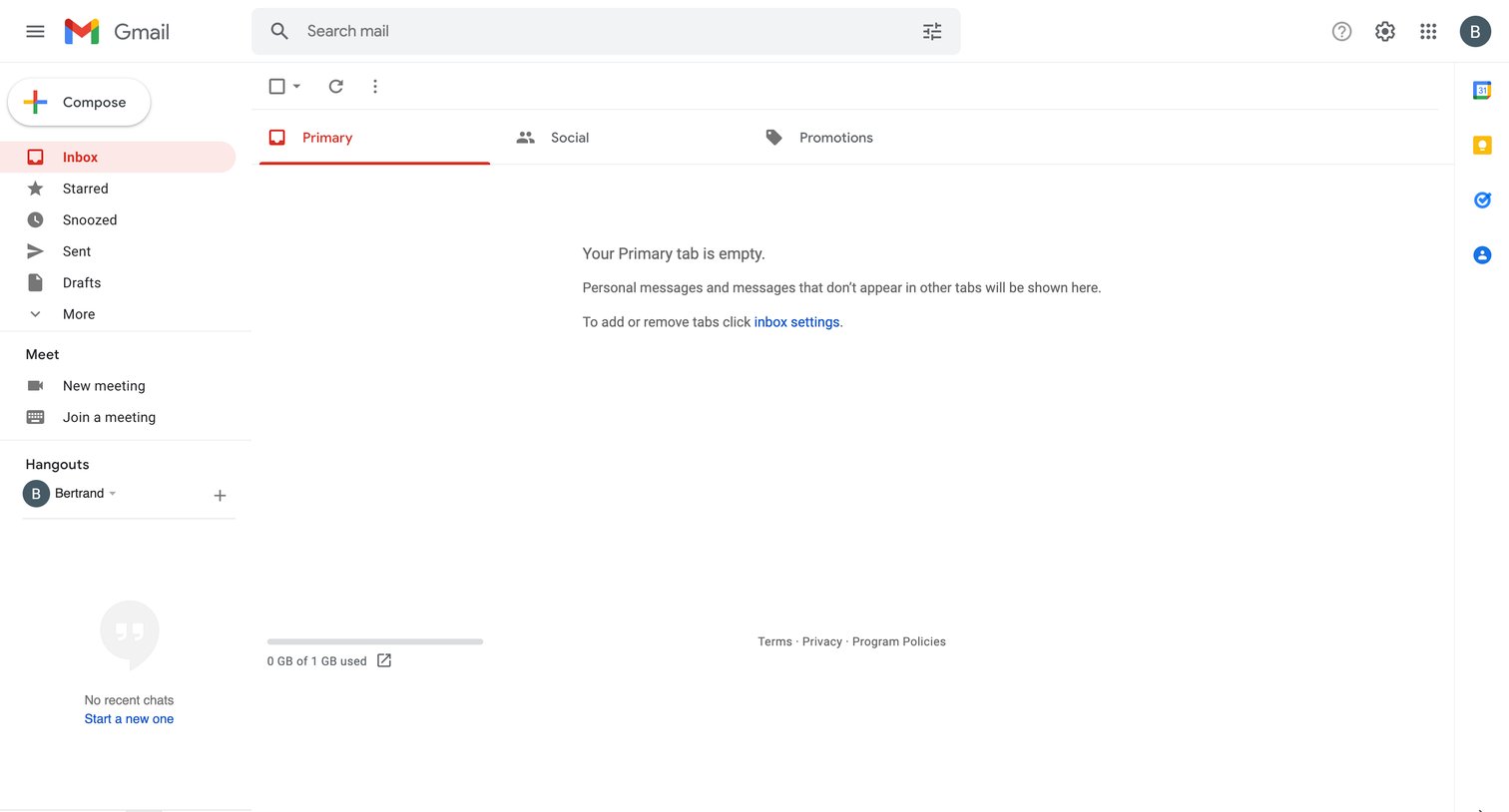

Email inbox where the user's Primary tab is empty, showing a left sidebar for navigation and a top search bar.
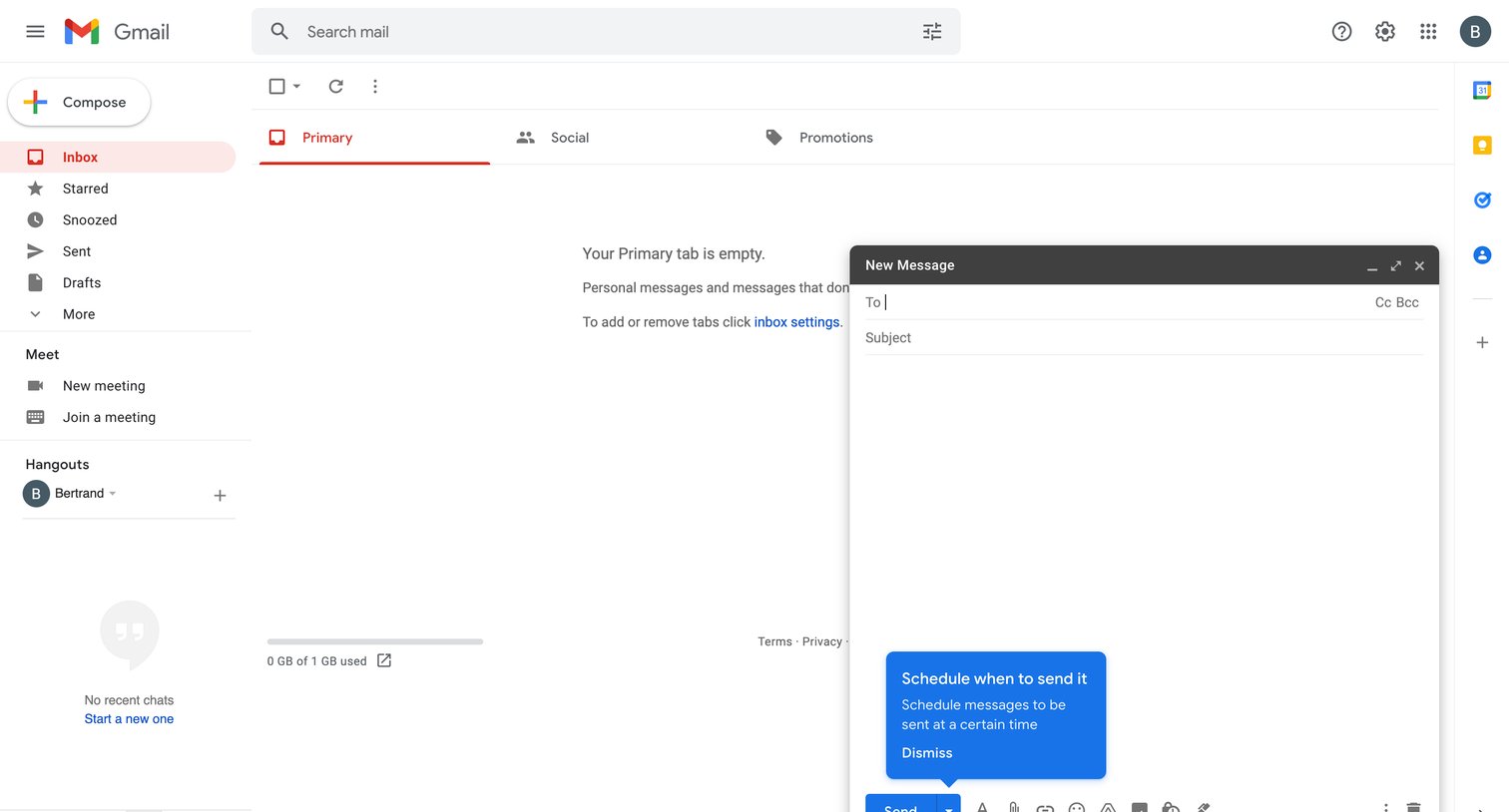
Email inbox where the primary tab is empty and a new message composer is open with an onboarding popover explaining the schedule send feature.
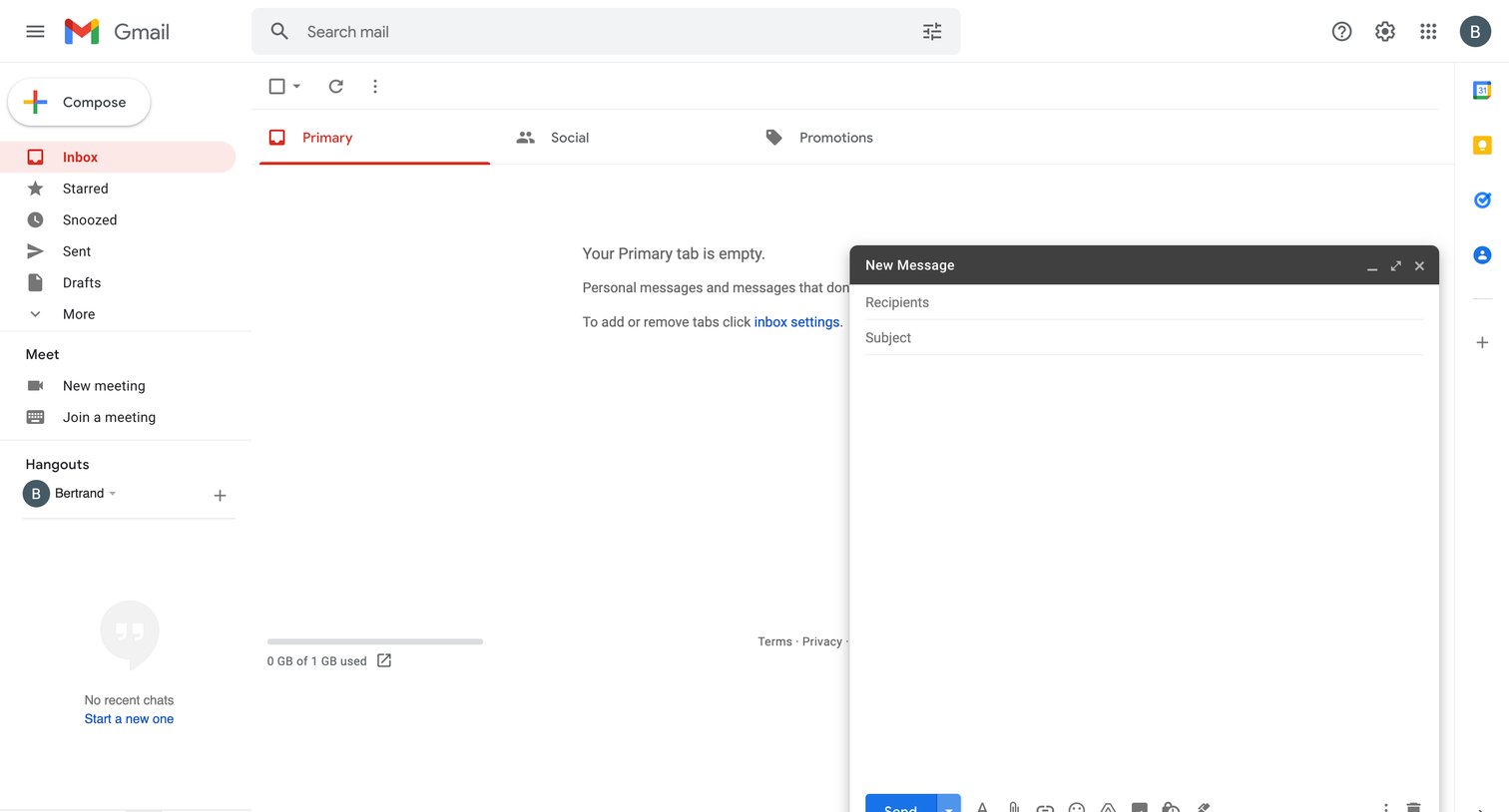
An empty email inbox view with a new message composer floating in the bottom right corner.
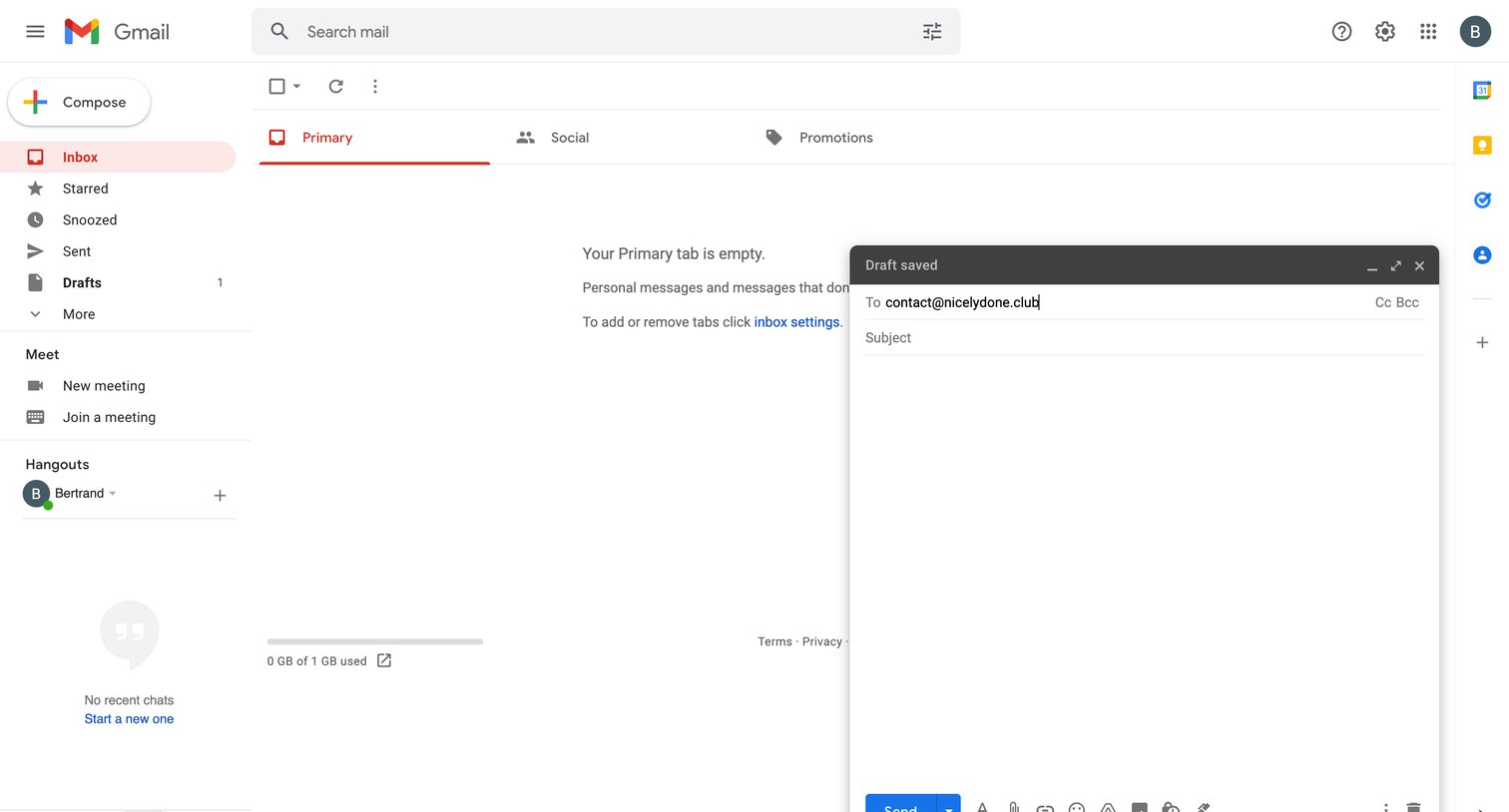
Email inbox where the user is drafting a new message to a contact while the primary tab is empty.
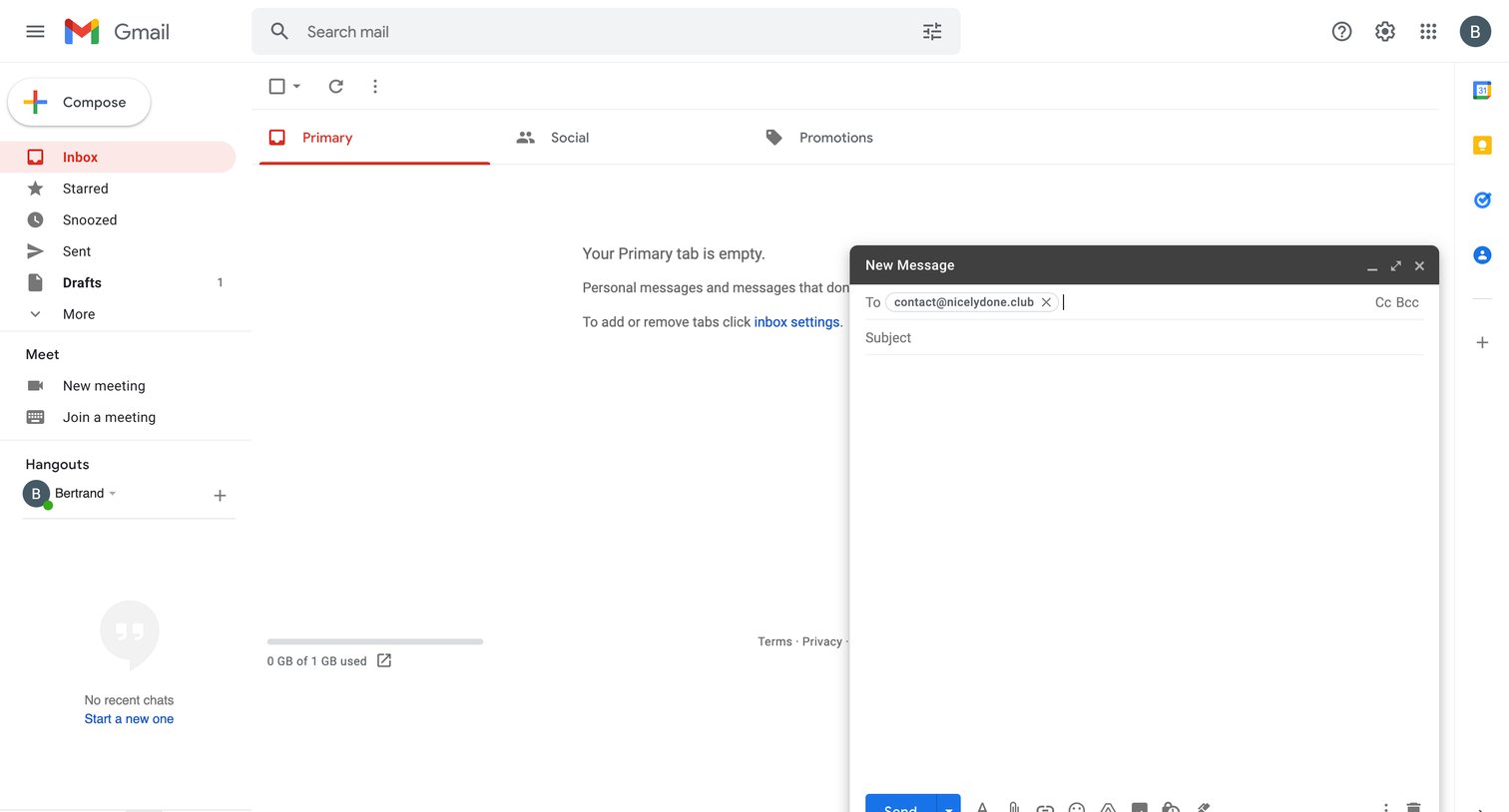
Email inbox showing an empty primary tab with a floating new message composer open in the bottom right corner.
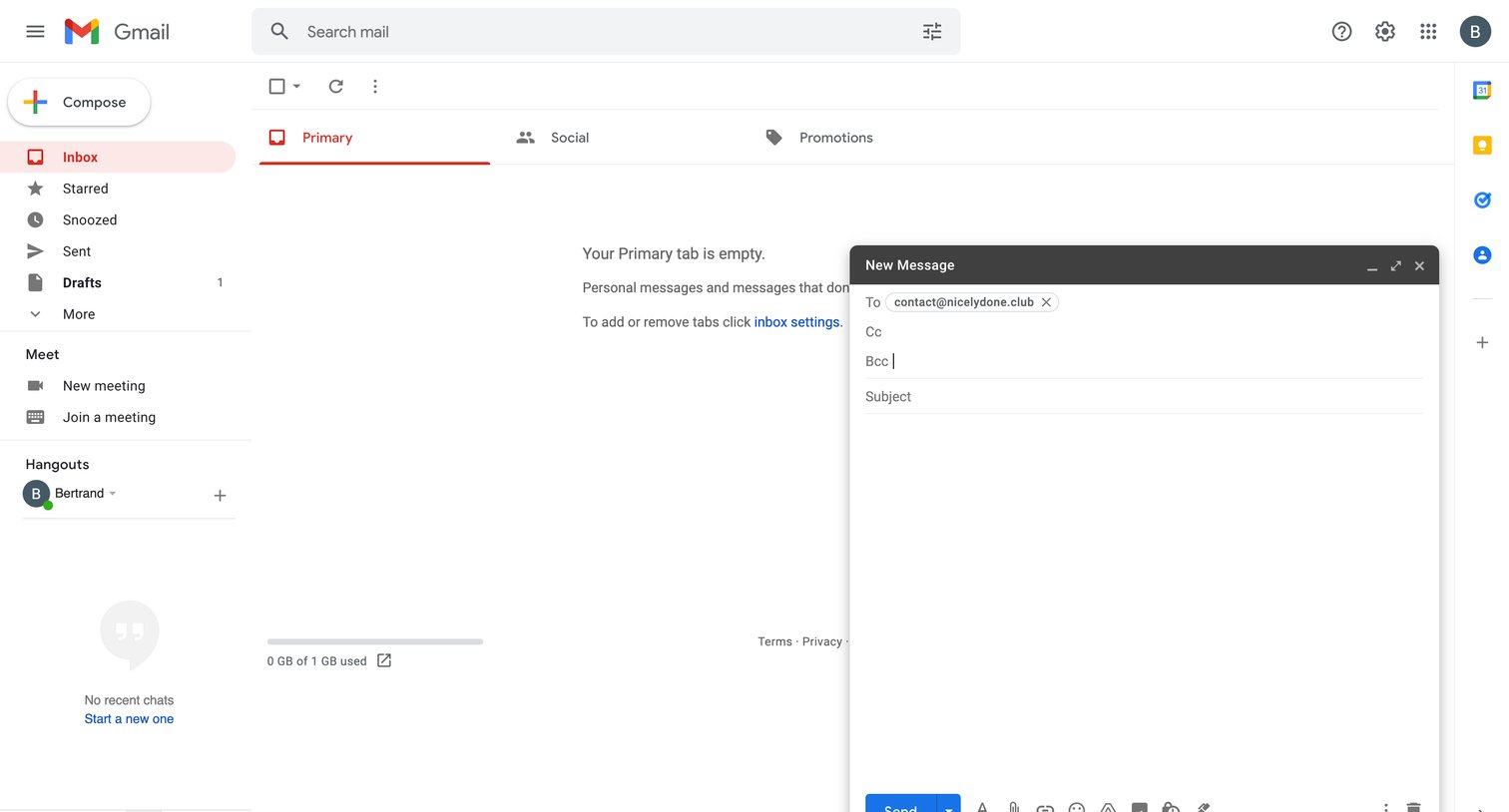
Email inbox where the user is drafting a new message over an empty primary tab.
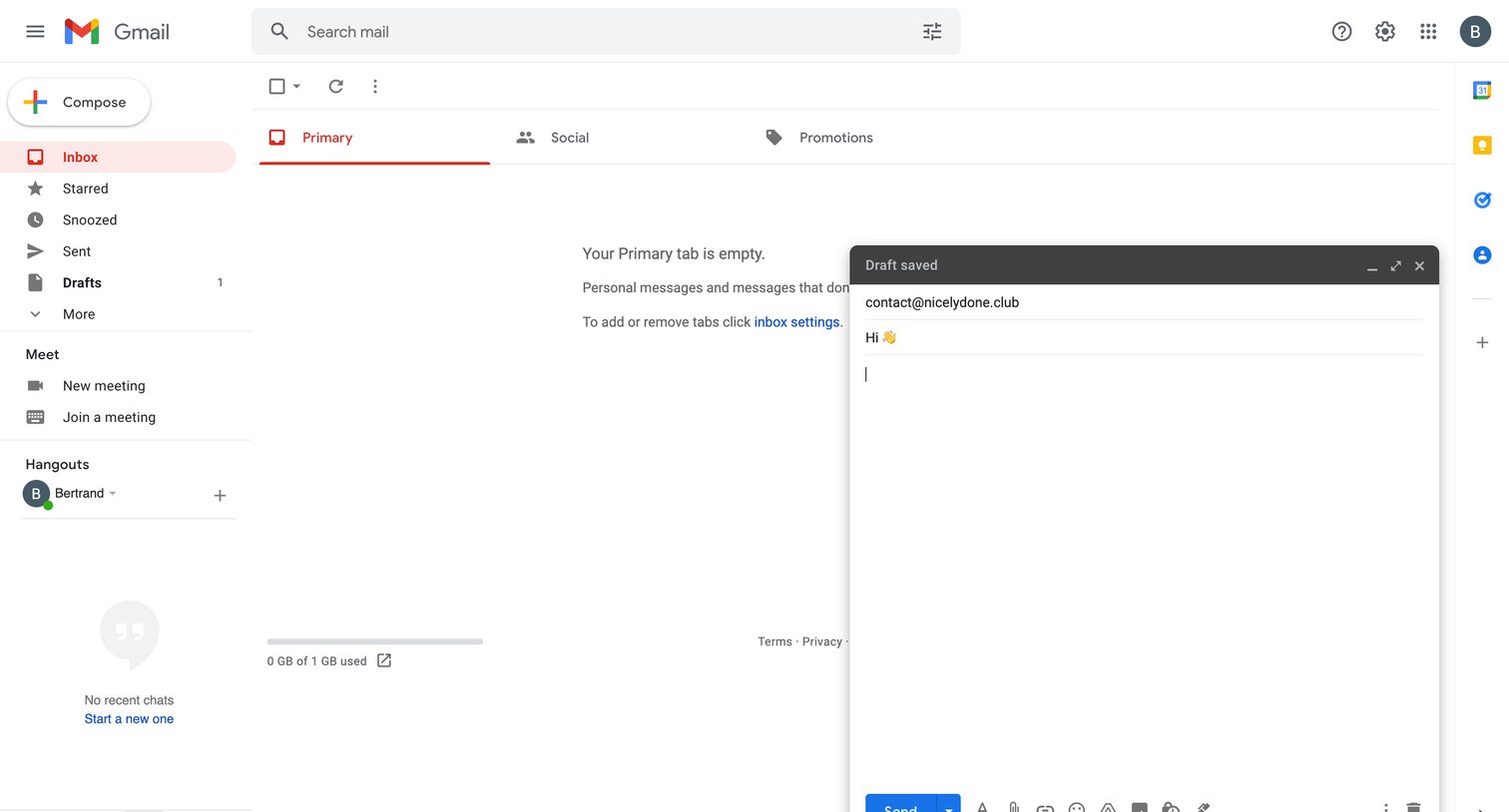
Email inbox where the user is drafting a new message in a floating composer over an empty primary tab.
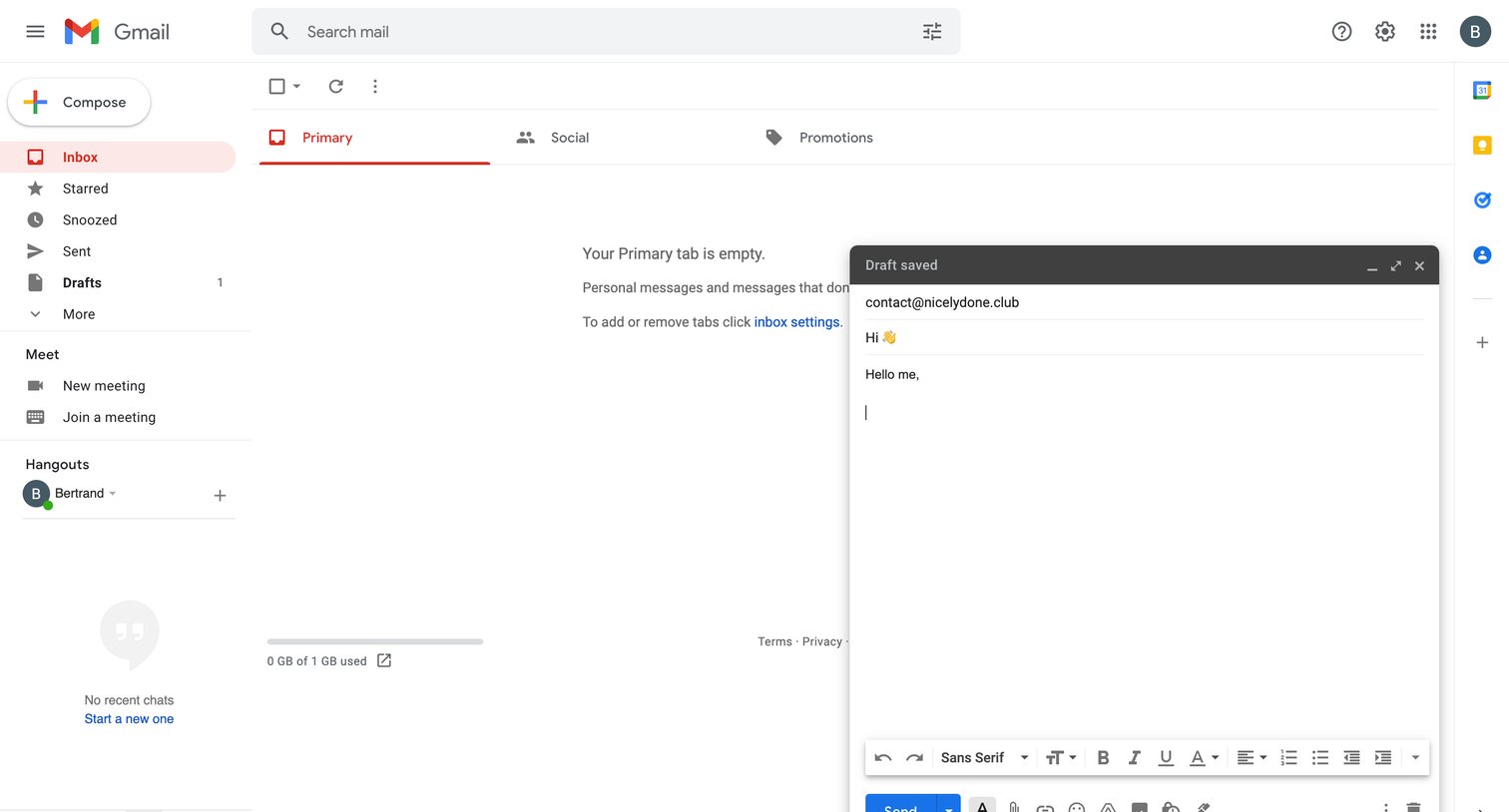
Email inbox where the user is drafting a new message while the primary tab is empty.
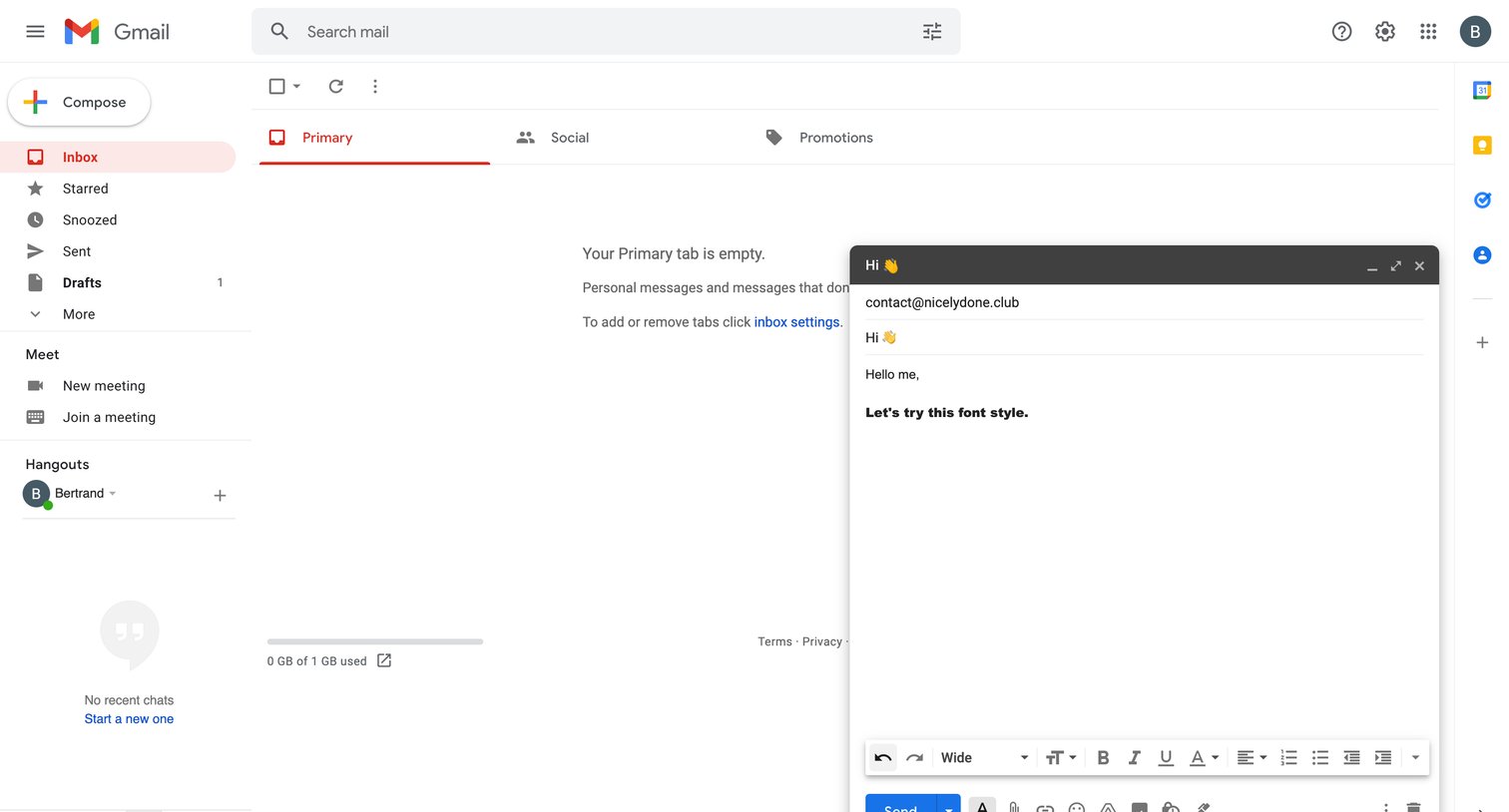
Email inbox showing an empty primary tab with a floating rich-text compose window open for drafting a new message.
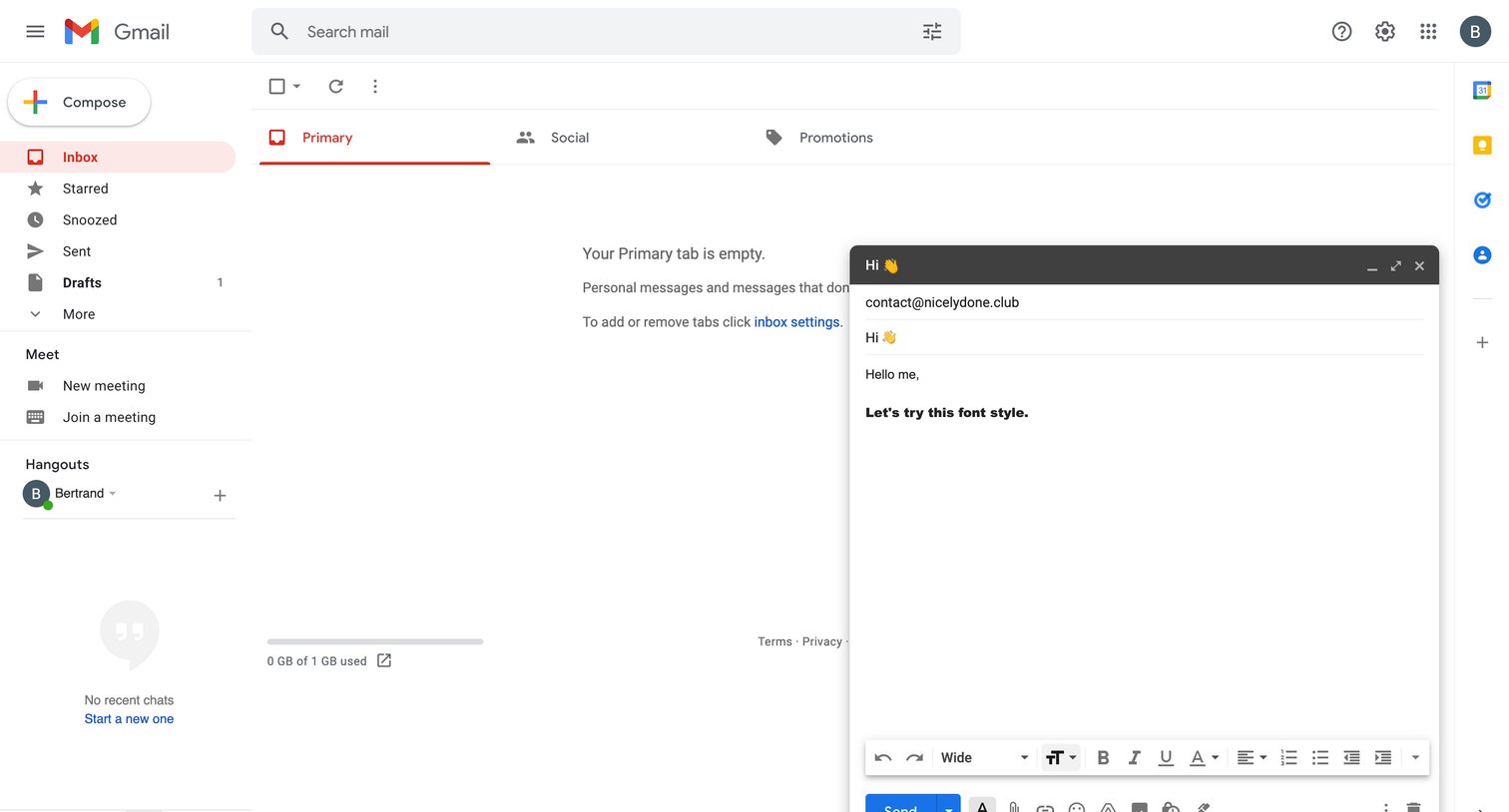
Email inbox where the user is drafting a new message in a floating composer window over an empty primary tab.
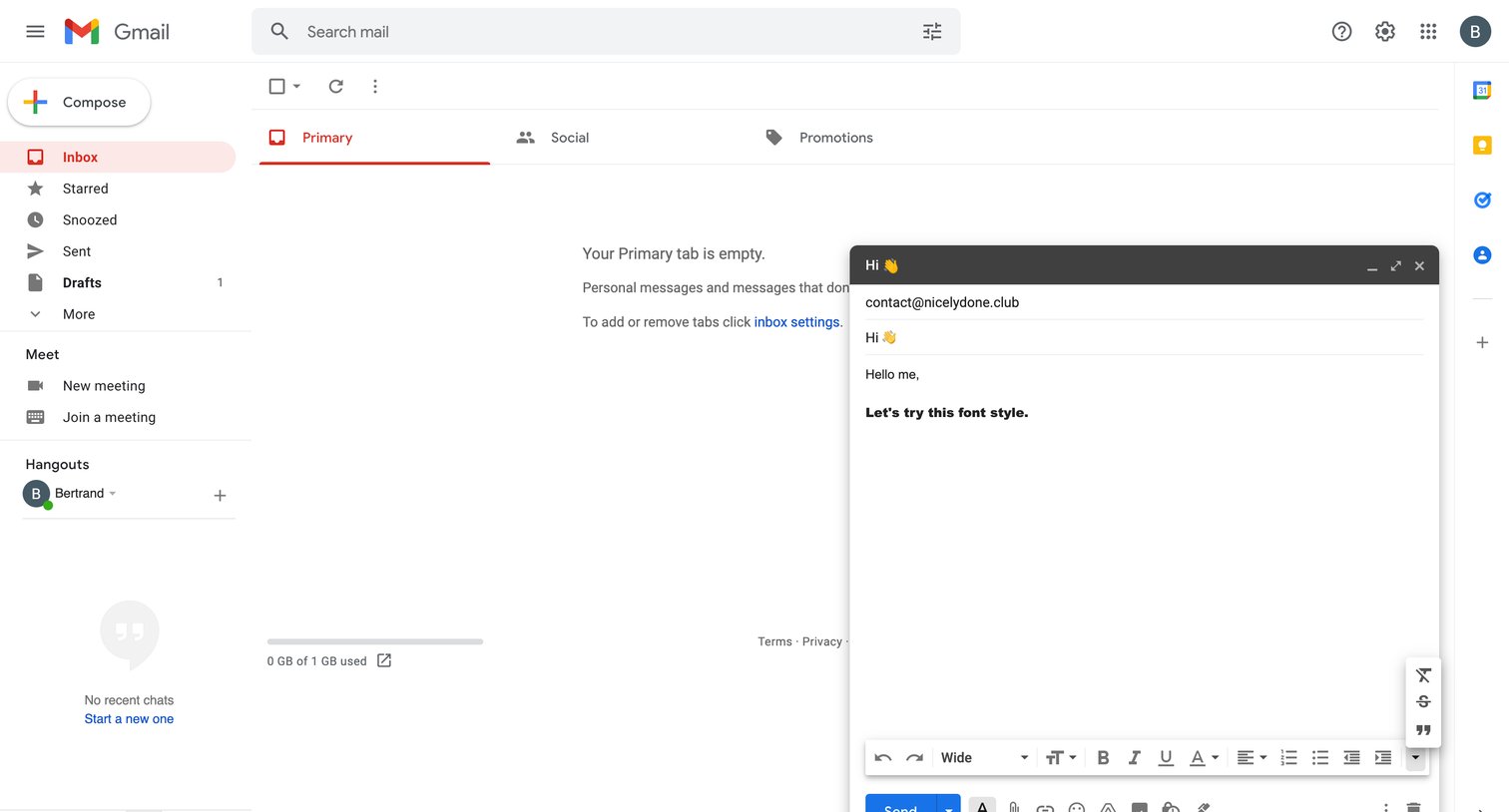
Inbox view showing an empty Primary tab while the user drafts a new message in a floating email composer.
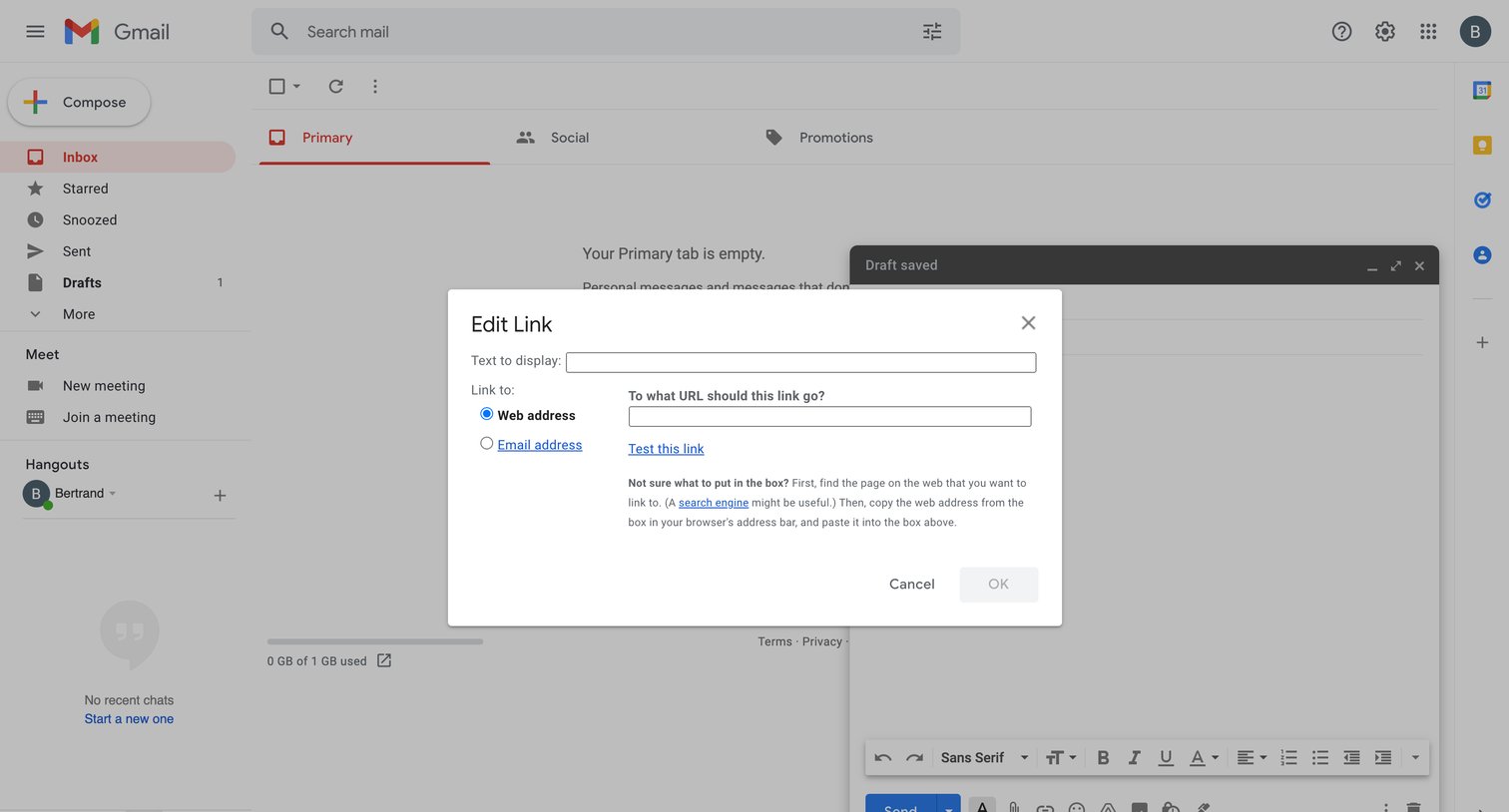
Inbox view where the user is adding a hyperlink to an email draft via an edit link modal.
Explore the full SaaS screen library
Upgrade to unlock the full library.
Trusted by the best teams







