Google Mail user flows examples
Explore Google Mail user flow examples. Preview the opening screens and steps for each task. Free, Private & Secure Email
Preview these flows

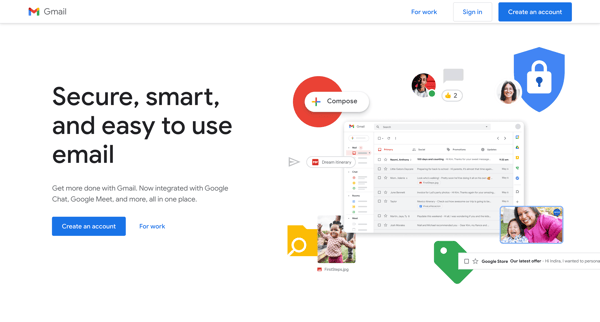
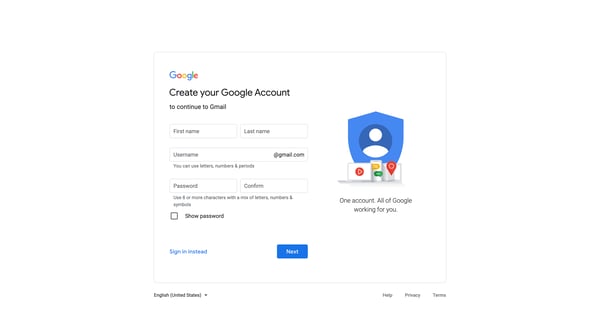
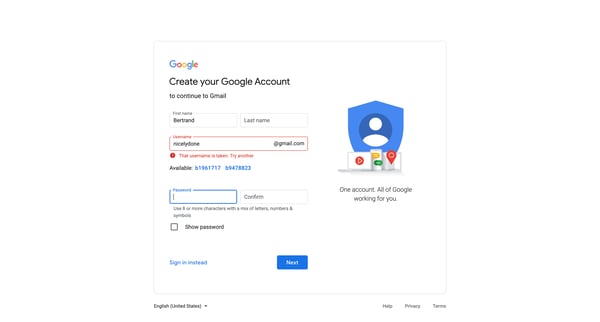
This flow guides a user through the process of setting up a new Gmail account, requiring personal information, setting preferences, and finalizing account settings for a customized email expe
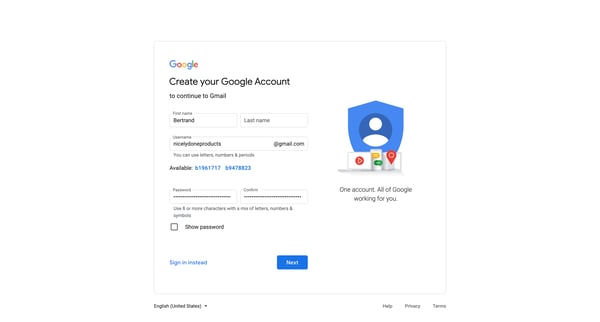
This flow guides a user through the creation of a new Google account, capturing essential information and handling errors or validations as they occur.
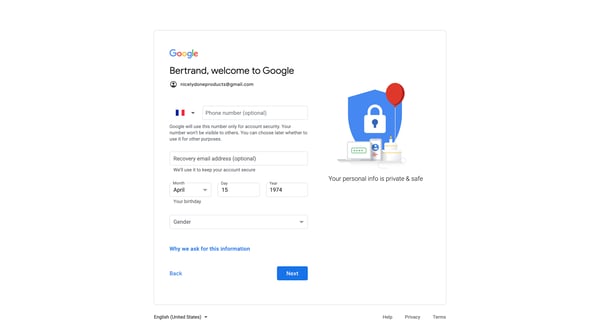
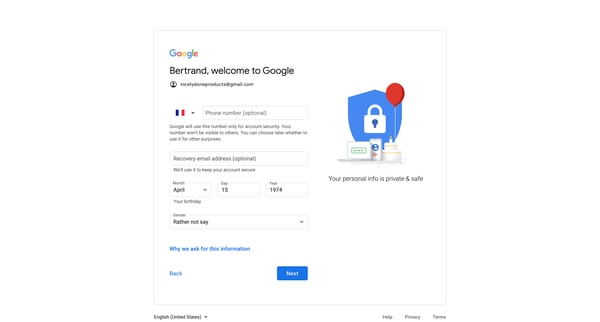
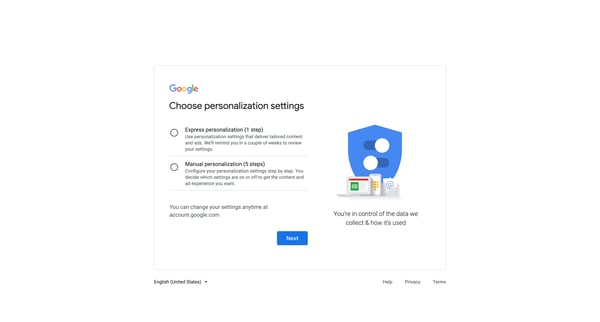
This user flow guides a new user through the process of setting up a Google Gmail account, including personal information, security options, personalization settings, privacy preferences, and
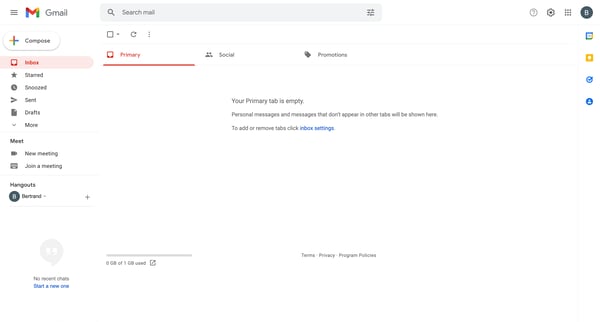
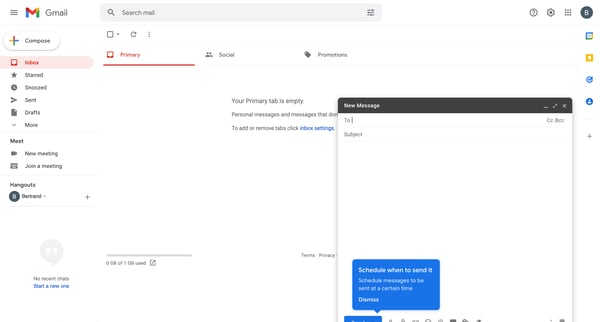
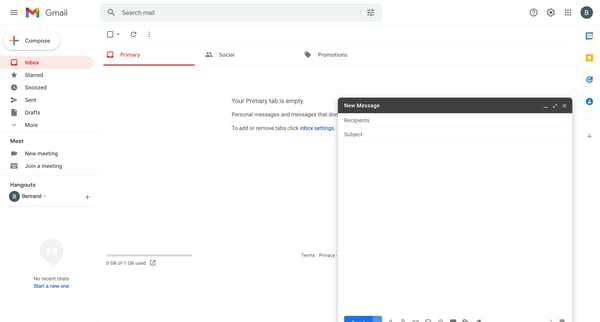
This user flow details the process of composing, editing, and sending an email in Google Gmail, including adding recipients, formatting text, inserting links and attachments, and setting spec
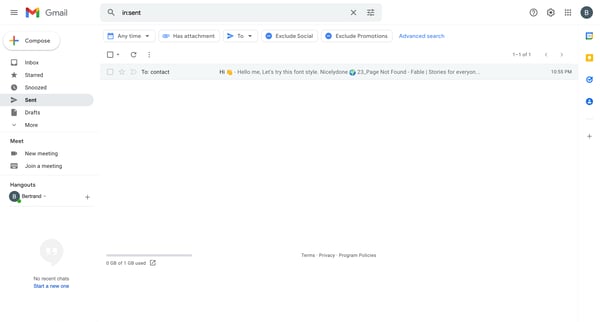
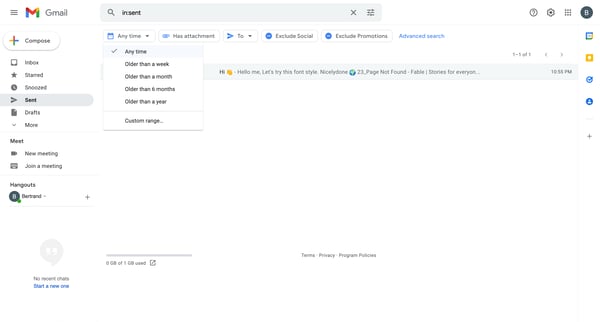
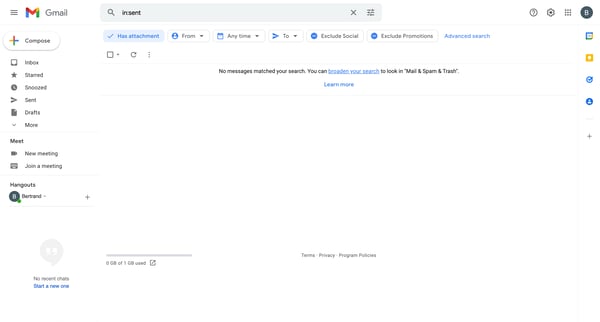
This flow allows the user to filter, sort, and search through their Gmail messages with various specific parameters to refine the message list displayed.
Explore the full SaaS flow library
Browse the full SaaS flow library.
Trusted by the best teams







