Skip to content

Duffel product screens examples

Browse Duffel screen design examples. Preview the interface screenshots and explore related UI patterns. Make travel effortless

Explore the examples
Duffel - Duffel – Sign in screen
Duffel logo
Duffel

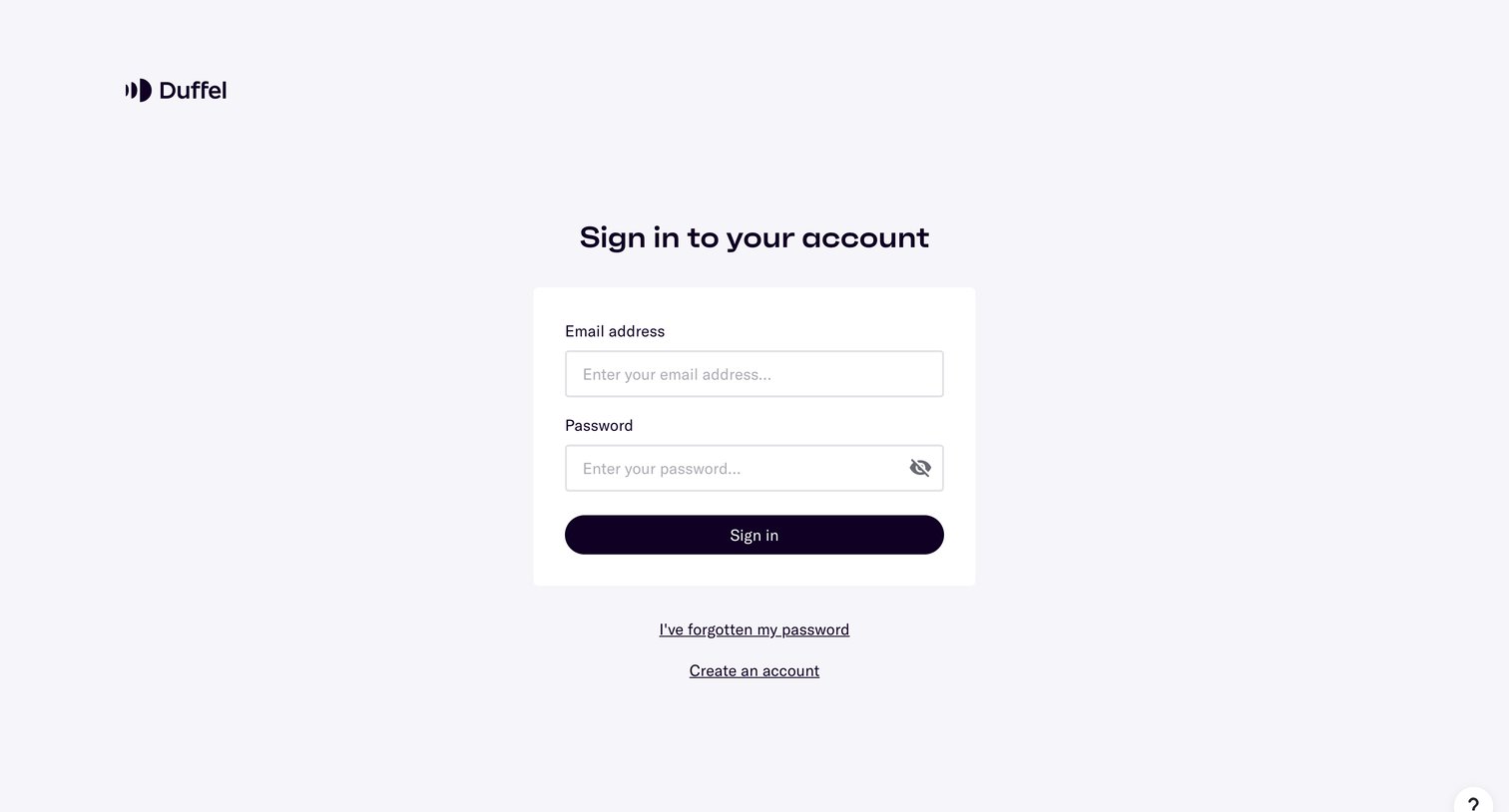
Sign-in screen where the user authenticates with their email address and password.

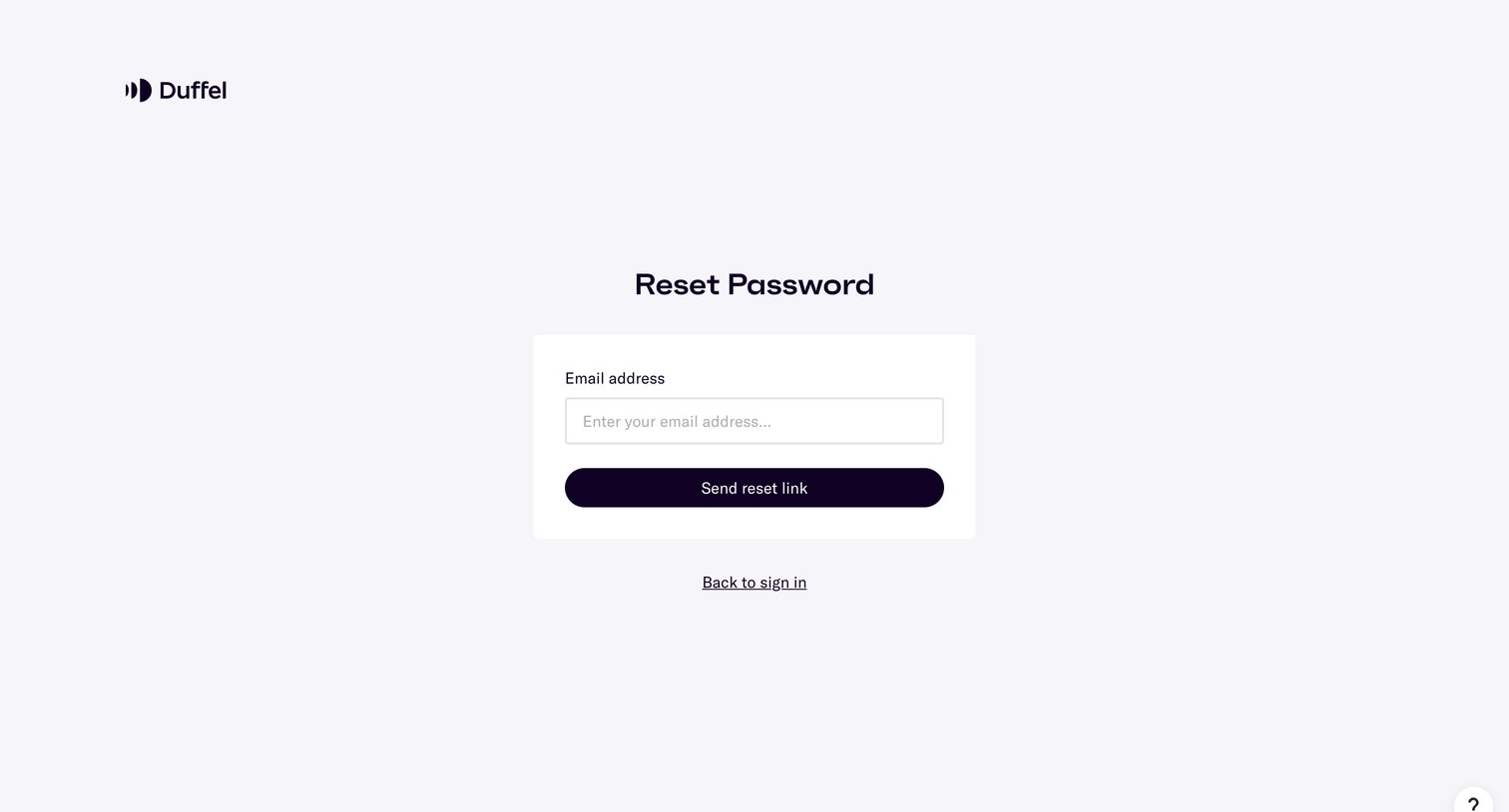
Duffel - Duffel – Reset Password screen
Duffel logo
Duffel

Password recovery screen where the user enters their email address to request a reset link.
Duffel - Duffel – Reset Password screen
Duffel logo
Duffel

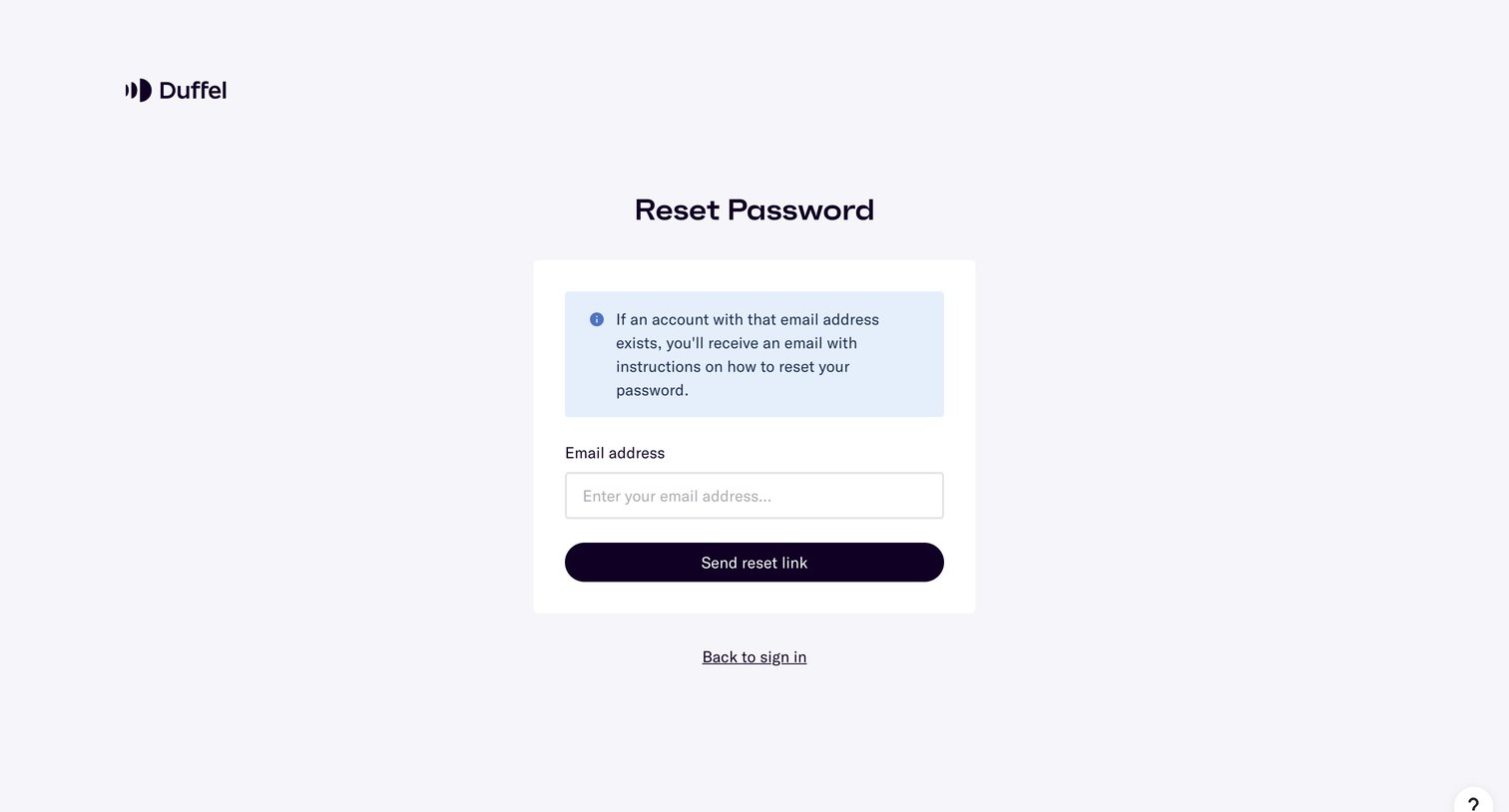
Password recovery screen where the user enters their email address to receive a reset link, featuring an informational alert explaining the process.
Duffel - httpsapp.duffel.comjoin screen
Duffel logo
Duffel

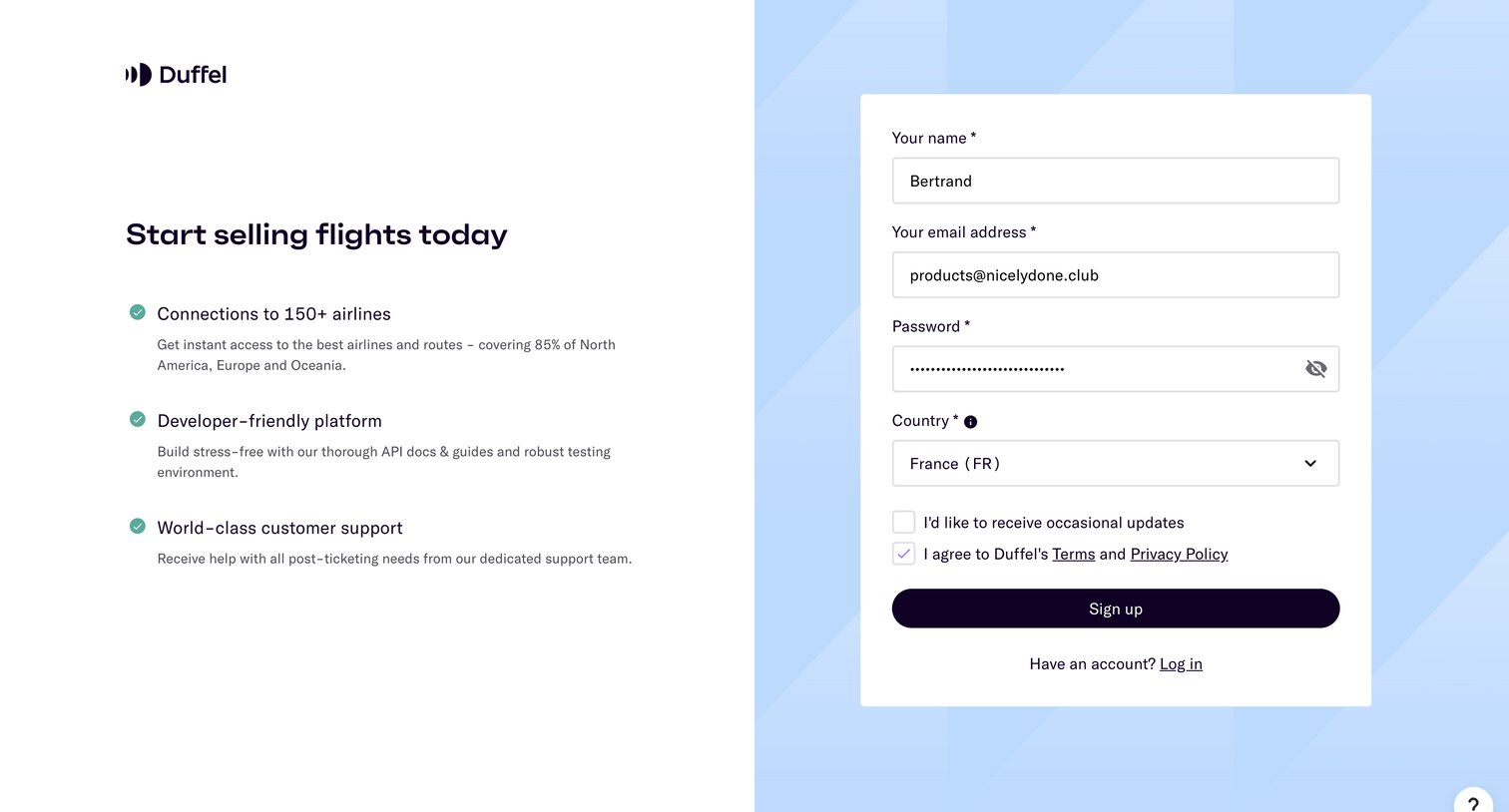
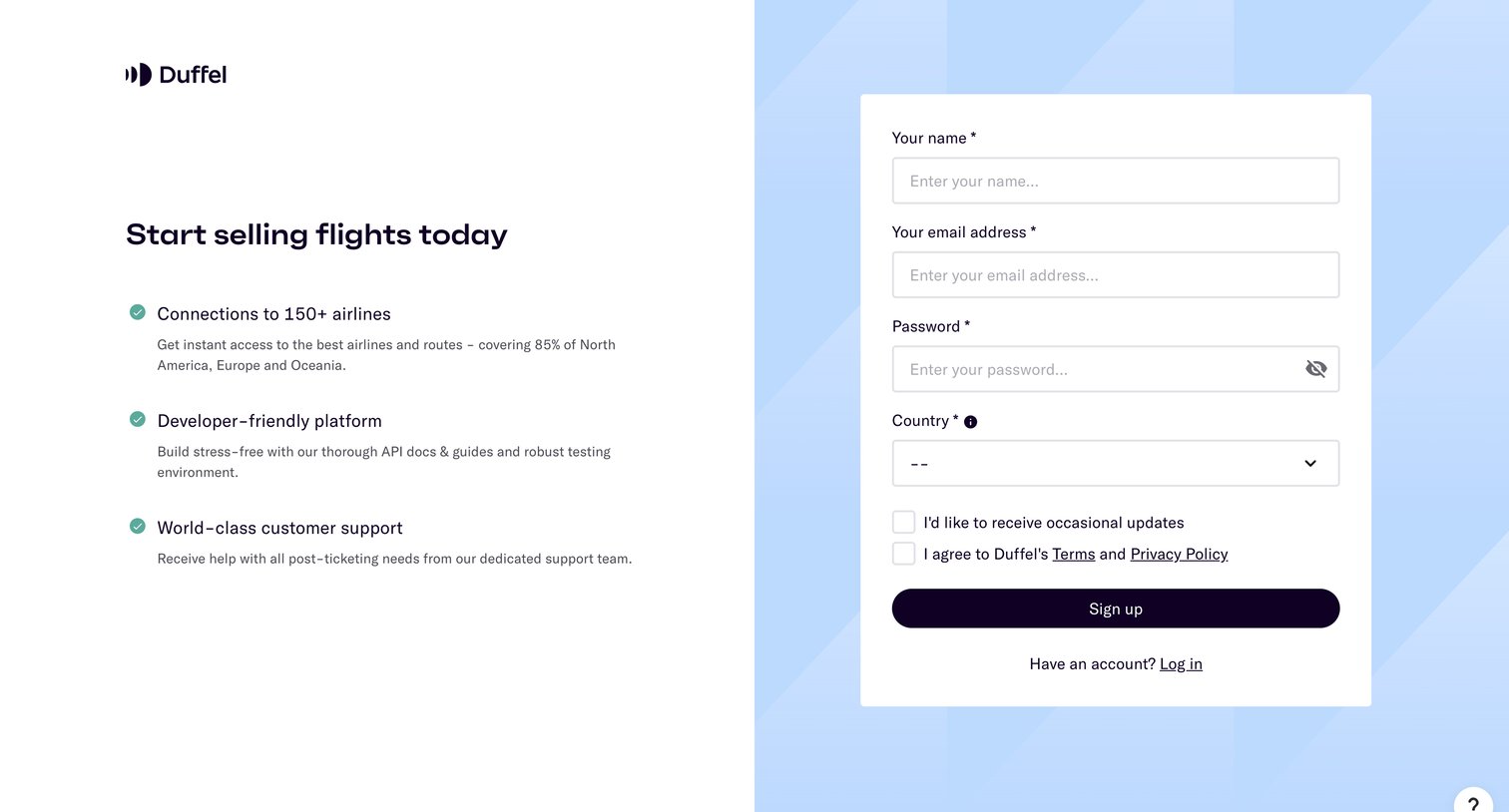
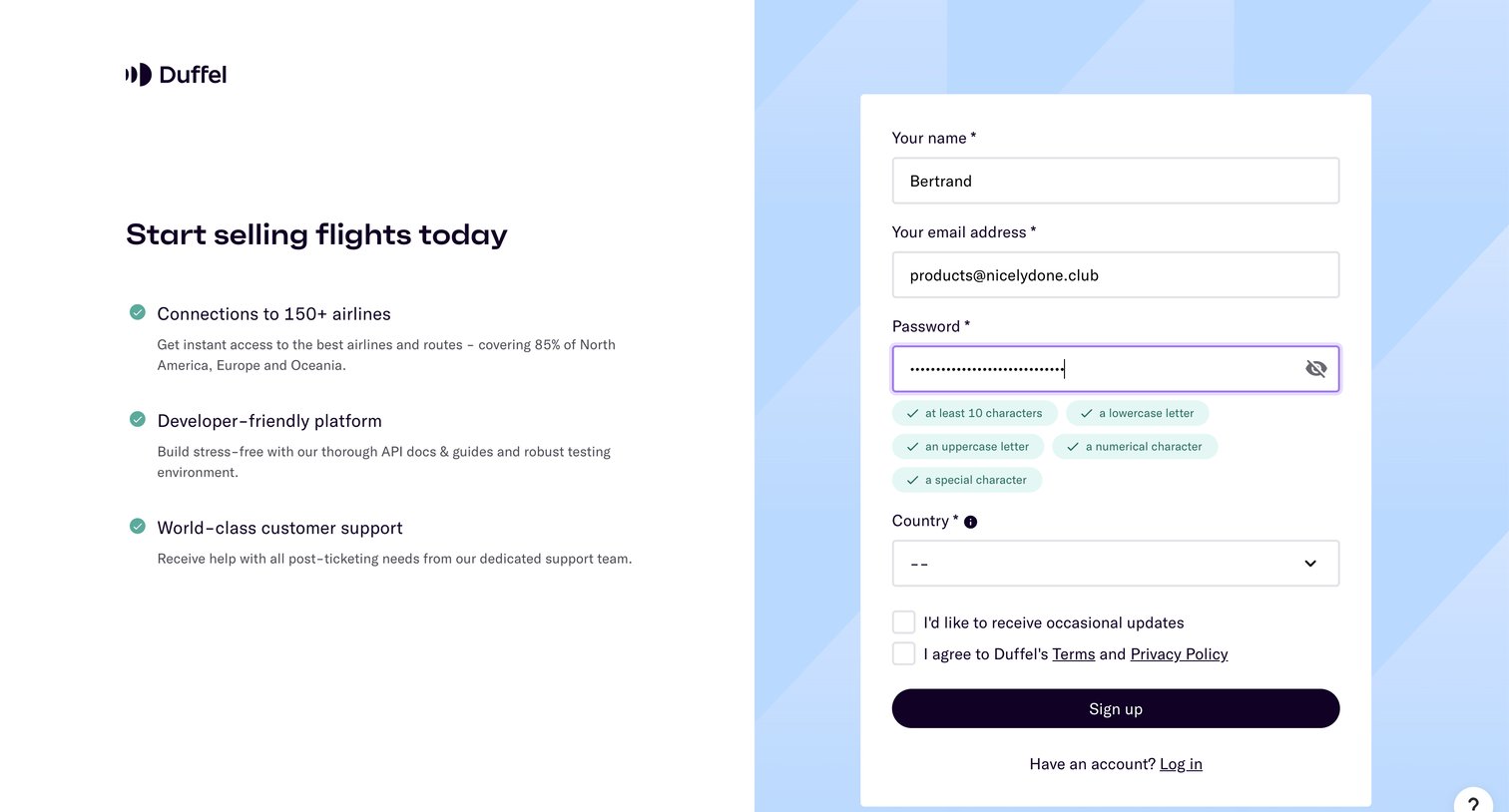
Signup page where the user creates an account by providing their name, email, password, and country, alongside value propositions for a flight-selling platform.
Duffel - httpsapp.duffel.comjoin screen
Duffel logo
Duffel

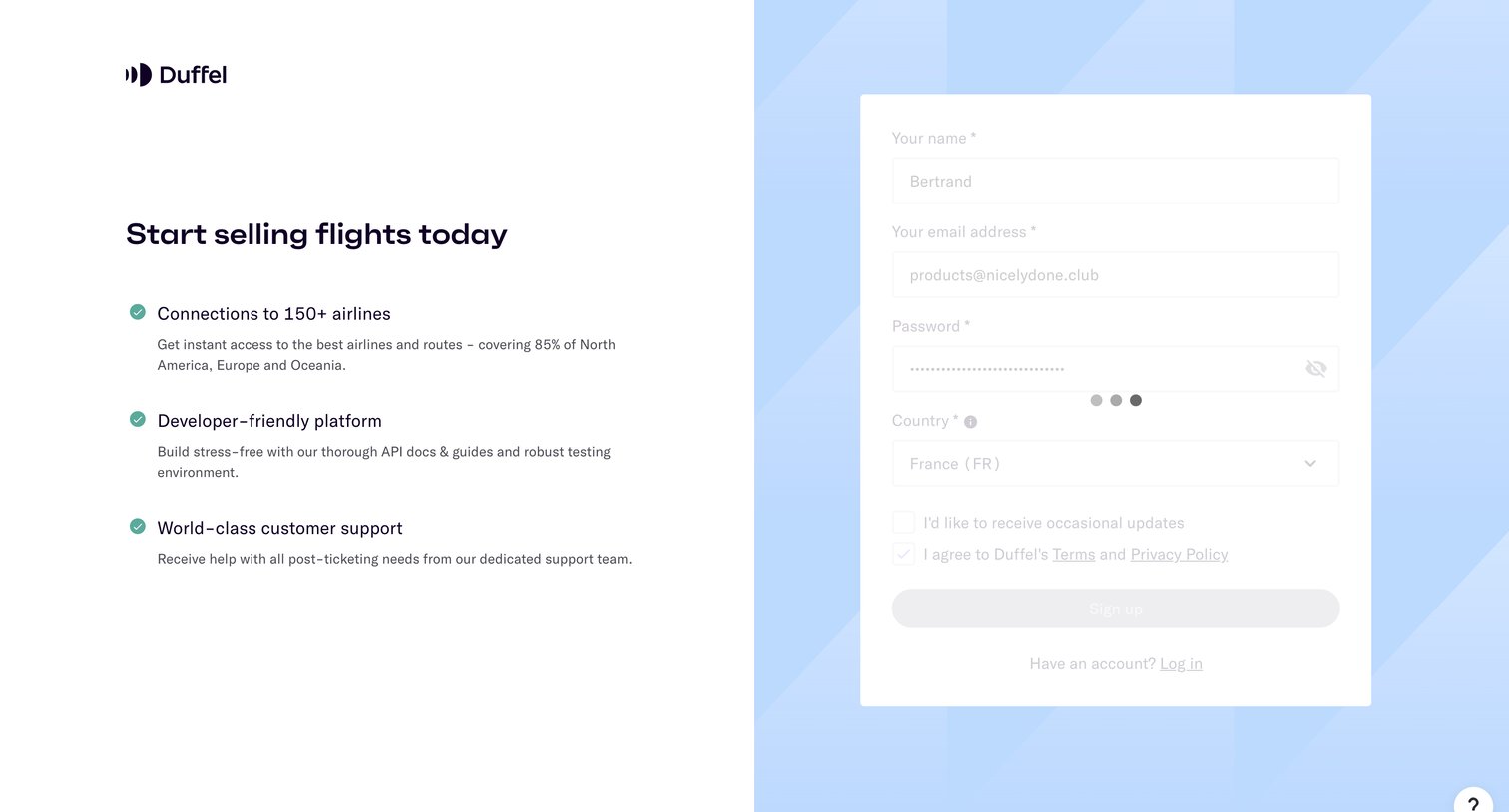
Signup page where the user creates an account by providing their name, email, password with live validation, and country to start selling flights.

Duffel - httpsapp.duffel.comjoin screen
Duffel logo
Duffel

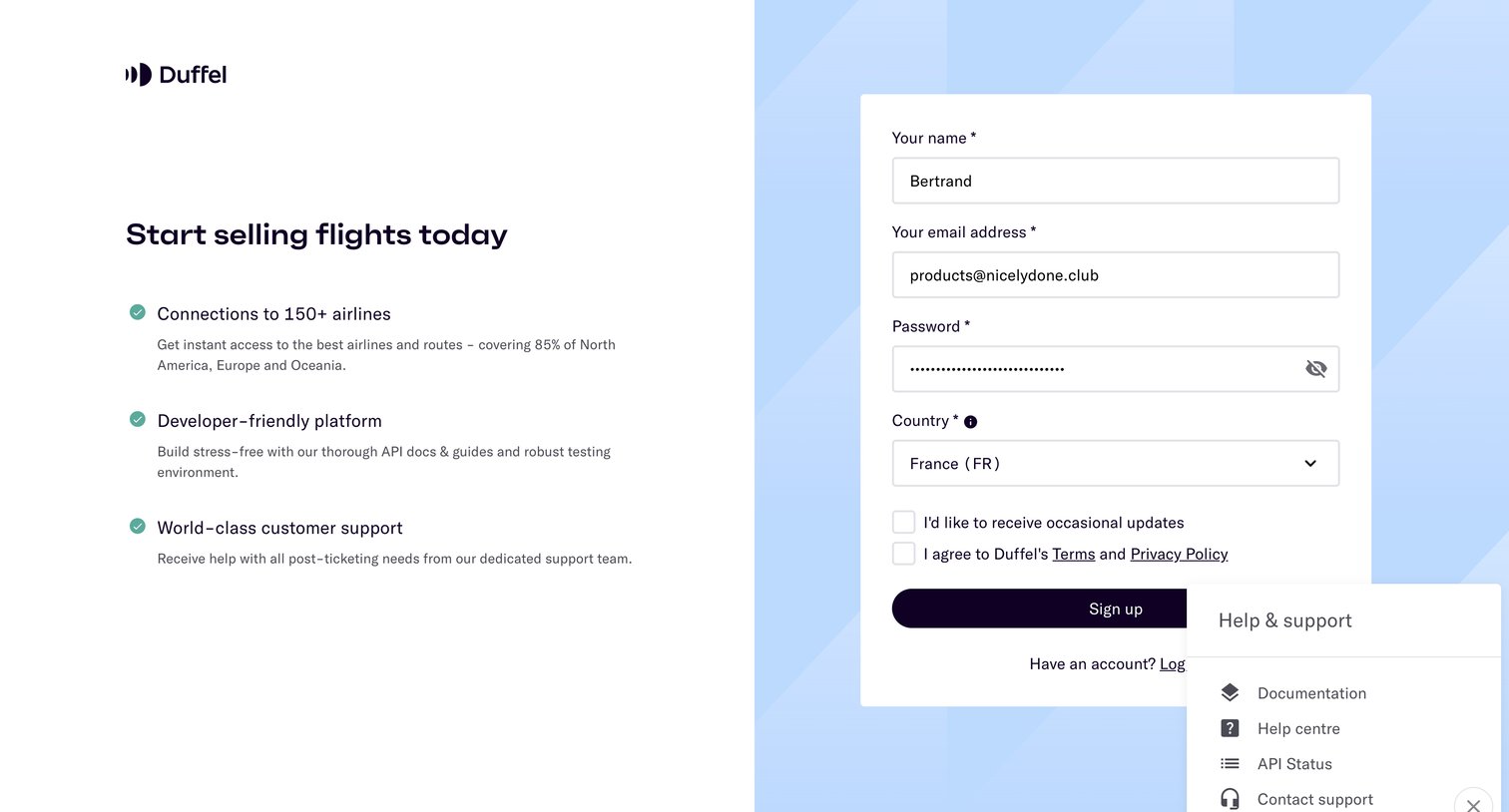
Signup page where the user creates an account to start selling flights, featuring a value proposition list and an open help and support popover.

Duffel - httpsapp.duffel.comjoin screen
Duffel logo
Duffel

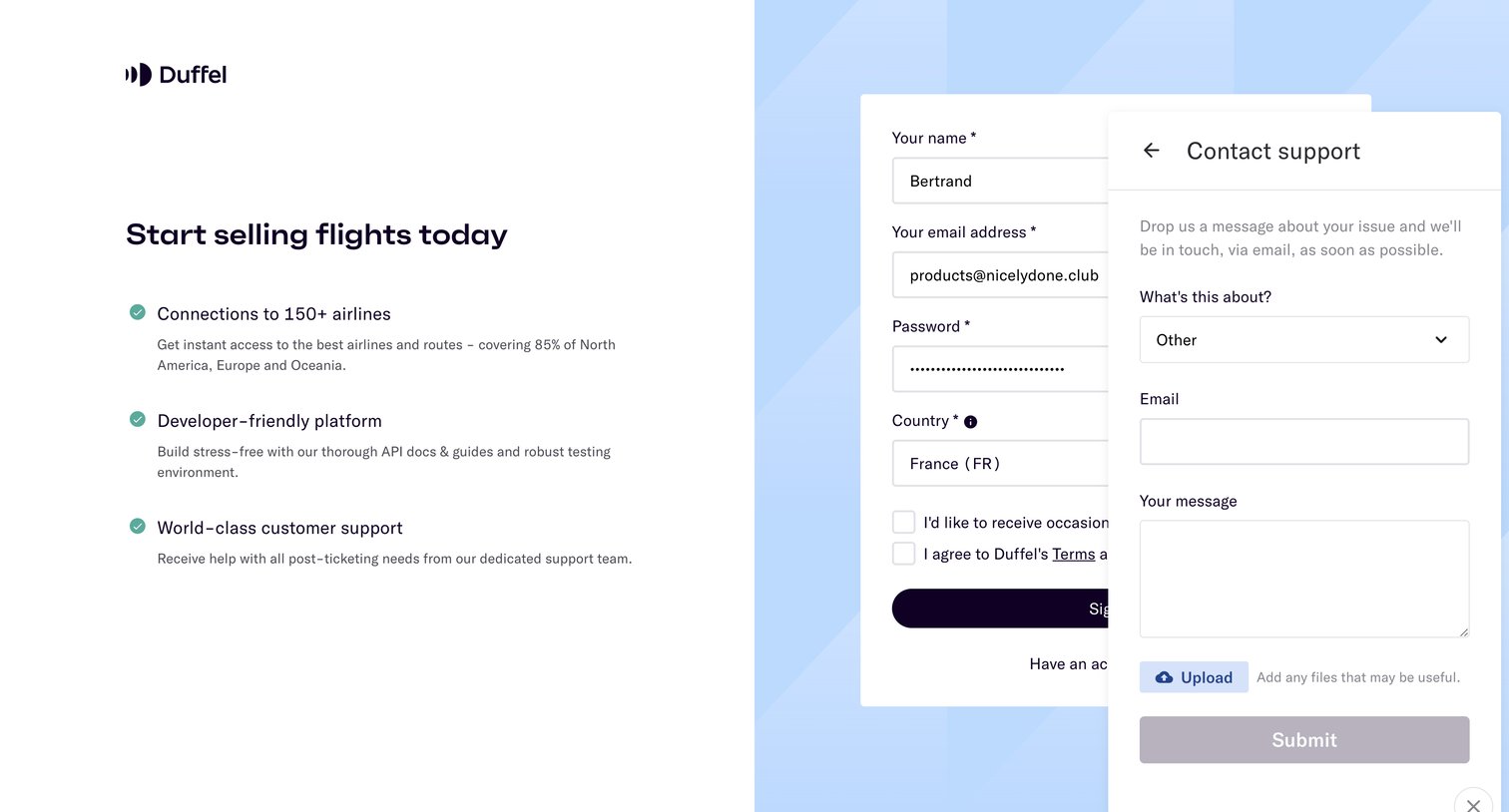
Signup screen where the user enters their personal details and country to create an account, with a floating contact support widget open to submit a message or upload files.

Duffel - httpsapp.duffel.comjoin screen
Duffel logo
Duffel

Signup page where the user creates an account by providing their name, email, password, and country alongside a list of platform benefits.

Duffel - httpsapp.duffel.comjoin screen
Duffel logo
Duffel

Signup page where the user creates an account by providing their name, email, password, and country, alongside a list of platform benefits.

Duffel - Duffel – Welcome to the test order tutorial screen
Duffel logo
Duffel

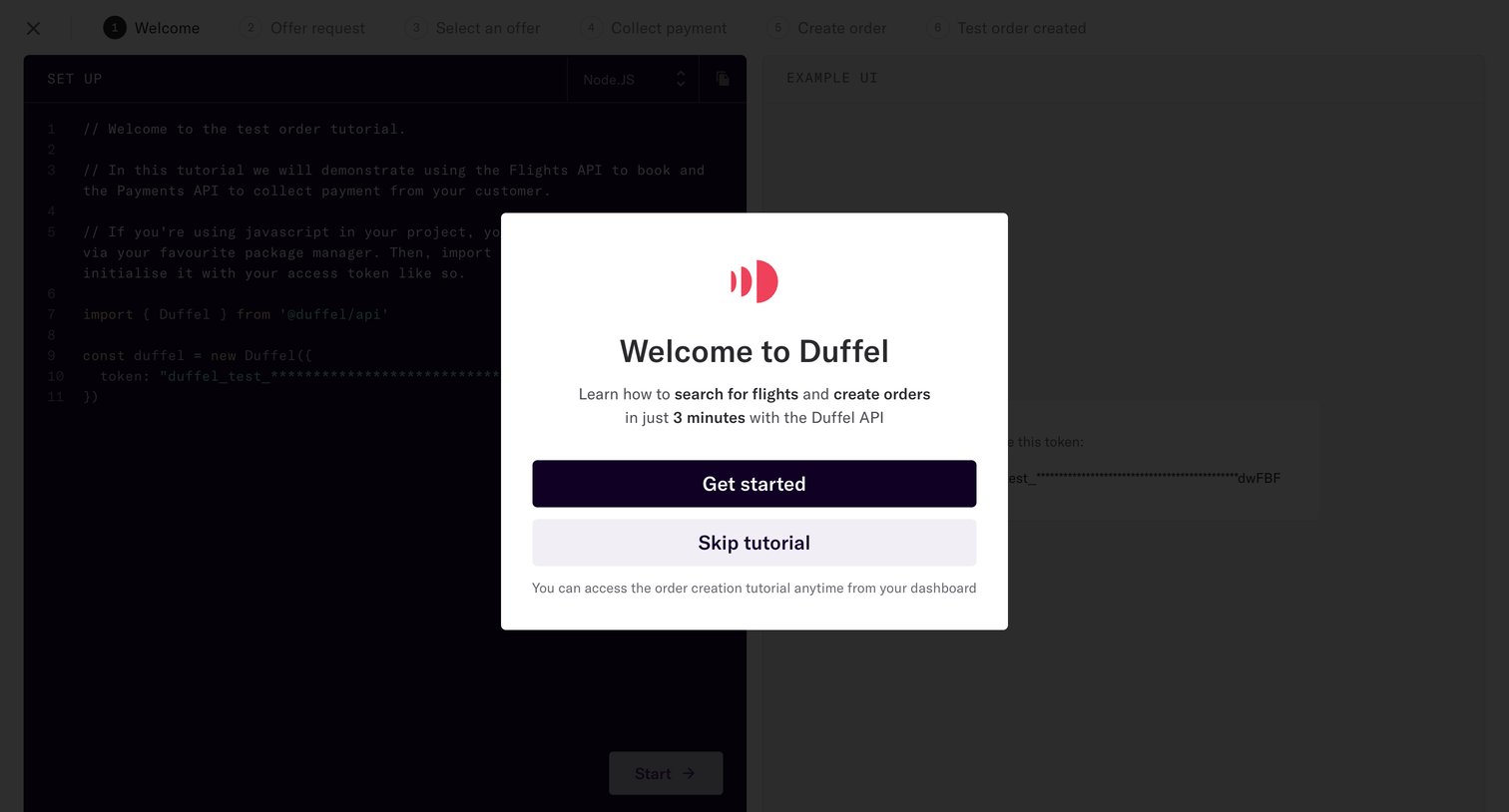
Onboarding tutorial where the user is welcomed to the Duffel API and prompted to start or skip a 3-minute guide on searching flights and creating orders.
Duffel - Duffel – Welcome to the test order tutorial screen
Duffel logo
Duffel

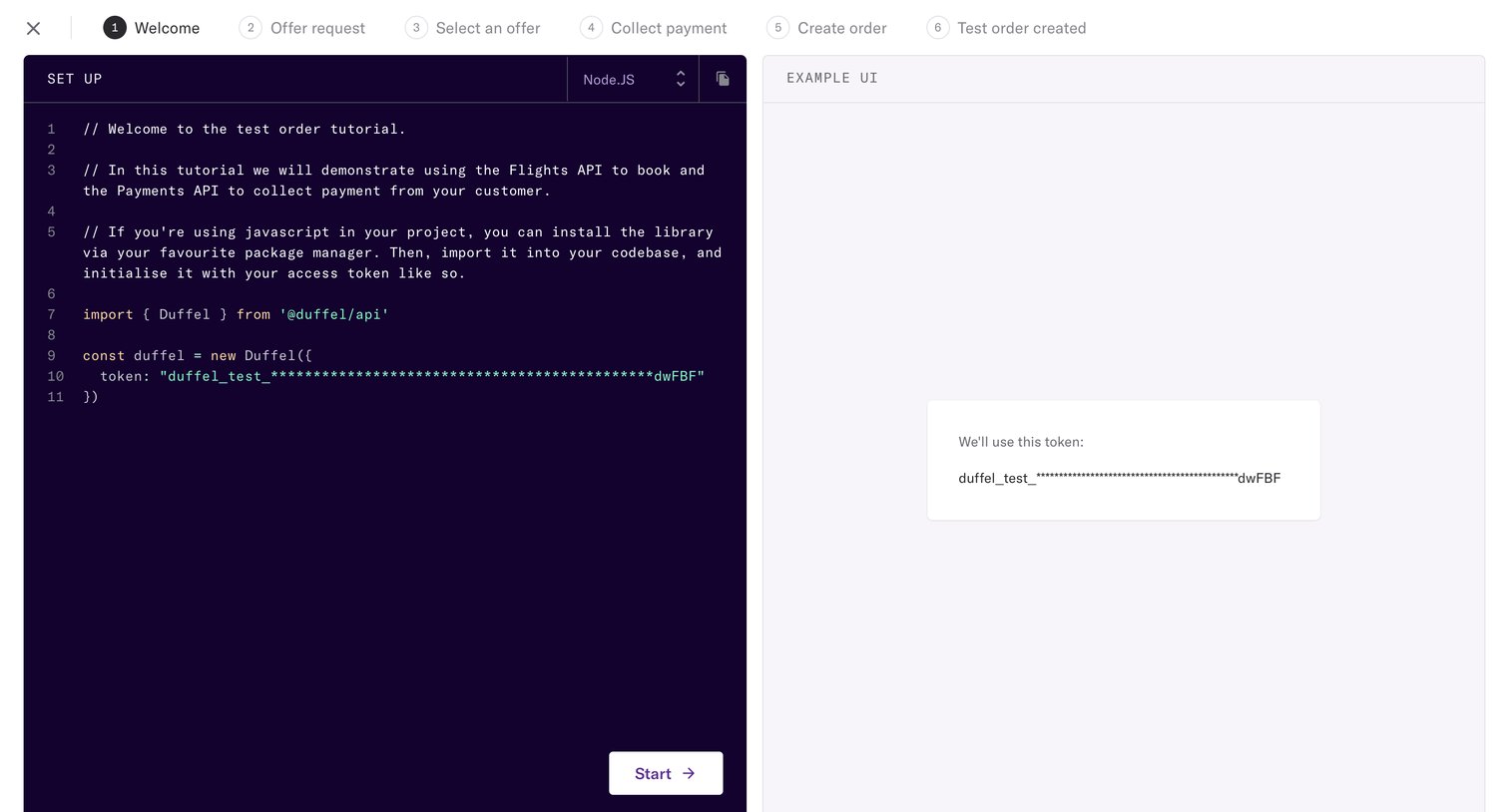
Onboarding step where the user follows an interactive tutorial to set up the Flights and Payments API using Node.js.
Duffel - Duffel – Create your offer request screen
Duffel logo
Duffel

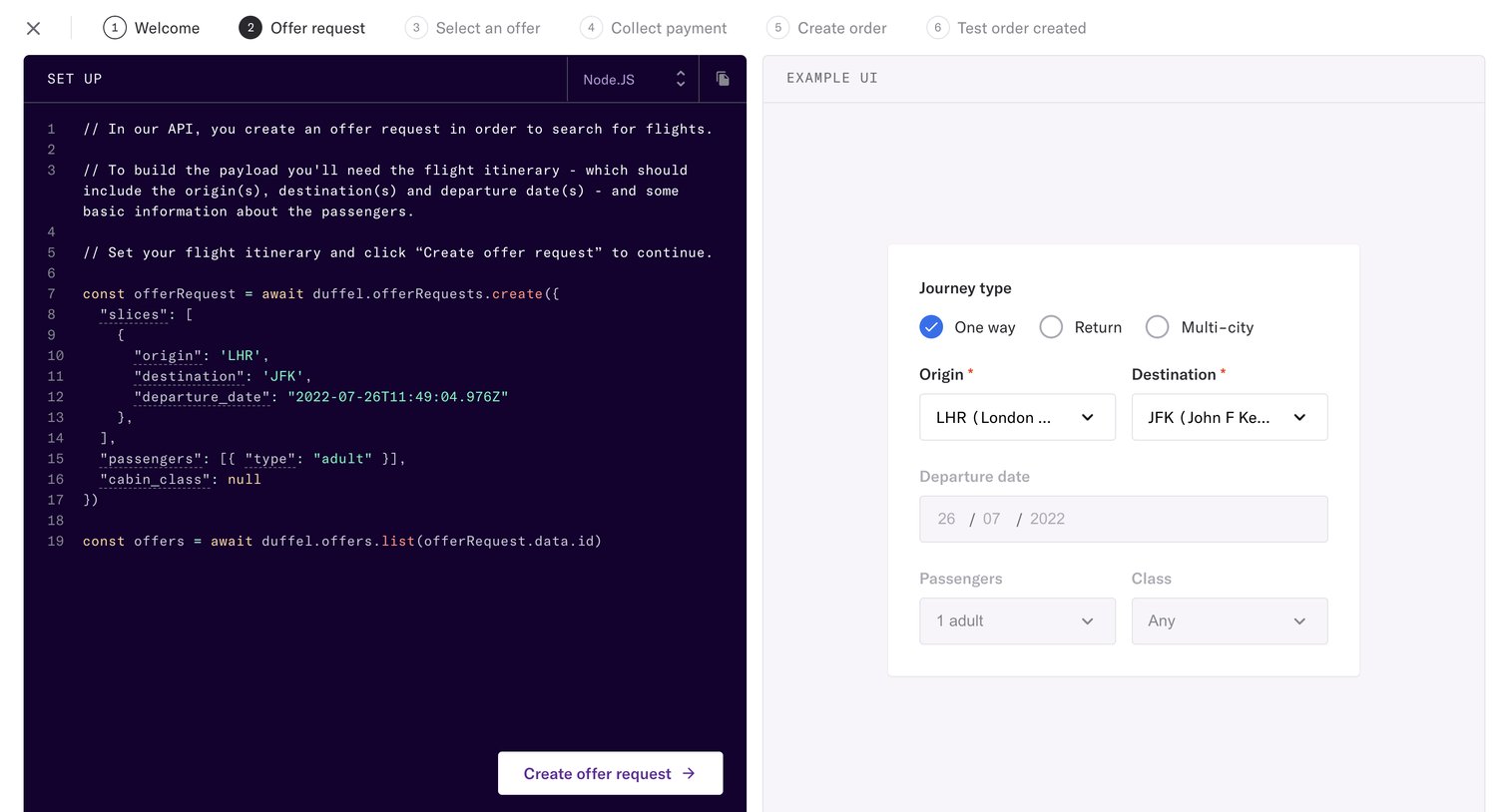
Onboarding step where the user reviews a Node.js code snippet for creating an offer request alongside an interactive example UI.

Explore the full SaaS screen library

Upgrade to unlock the full library.

Trusted by the best teams