- Examples
- SaaS app design examples
- Dropbox design examples
- Dropbox UI components examples

Dropbox UI components examples
Browse Dropbox UI component design examples. Preview individual interface elements and explore related component categories. Keep life organized and work moving — all in one place
Explore the examples

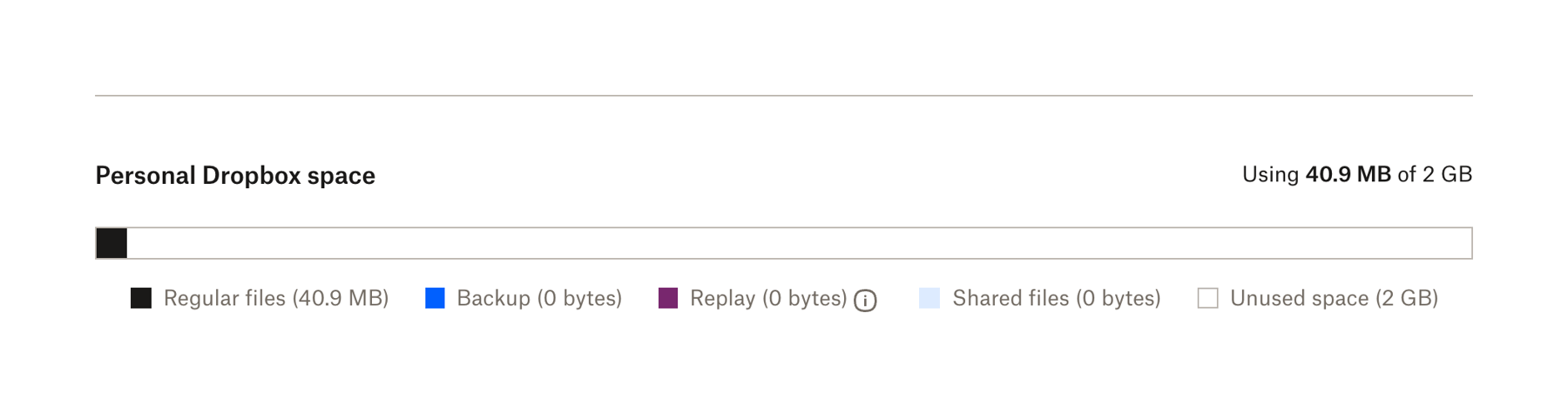
A progress bar showing storage usage broken down by file type, with a legend below.


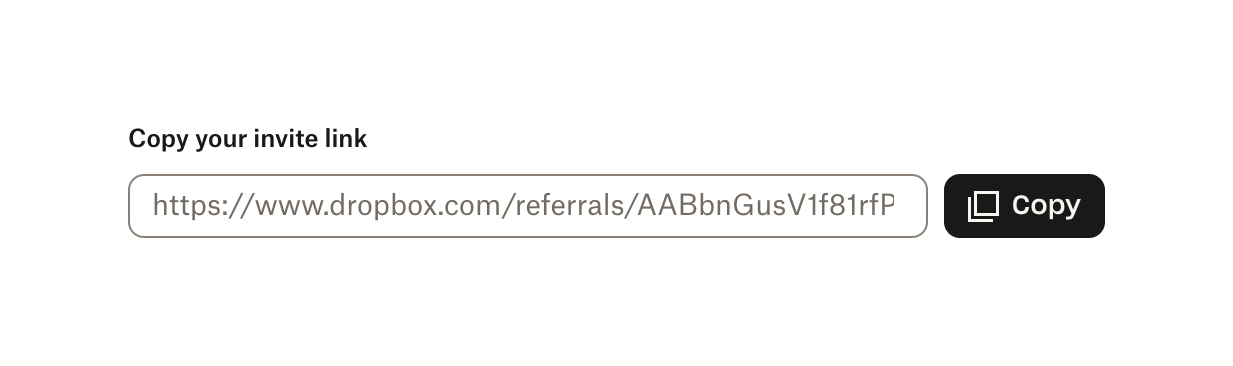
A read-only input field displaying a referral link, accompanied by a 'Copy' button.


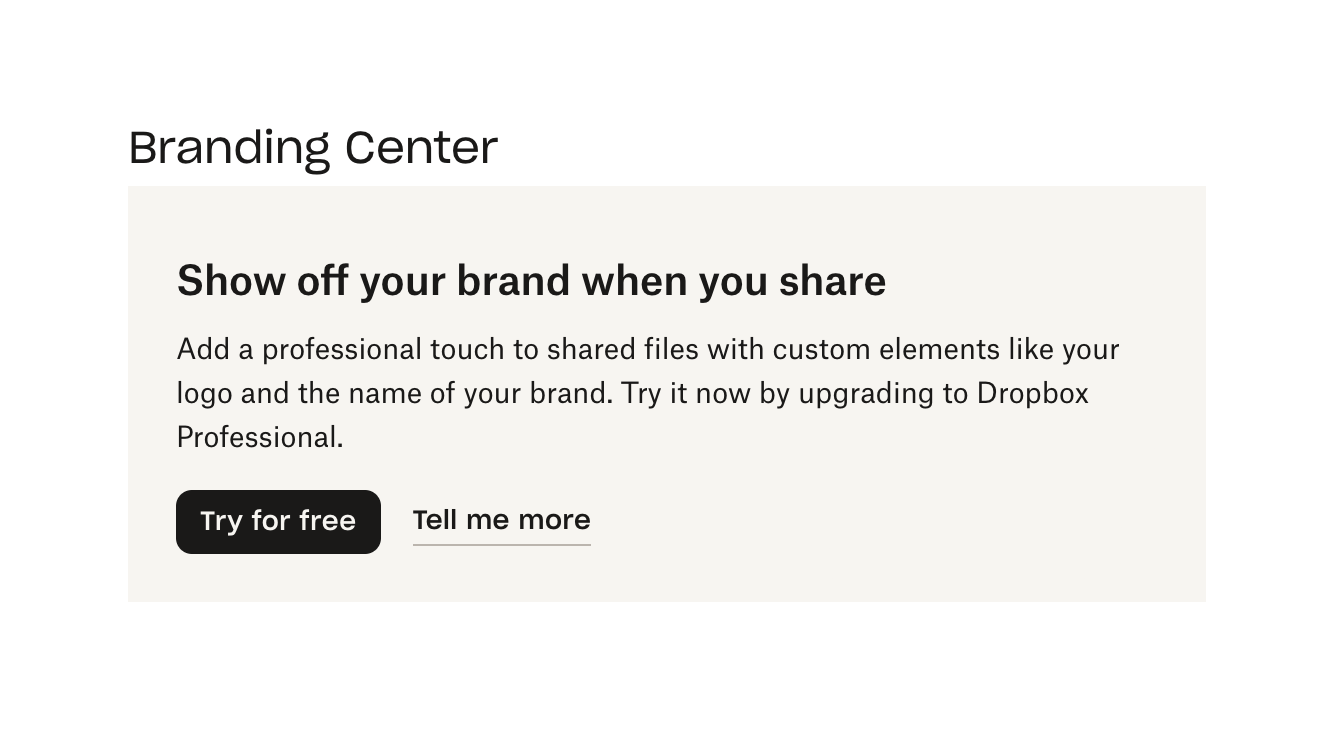
A feature gate banner prompting the user to upgrade their plan to access branding features. It includes a title, a descriptive paragraph, a primary call-to-action button to start a free trial, and a secondary link for more information.


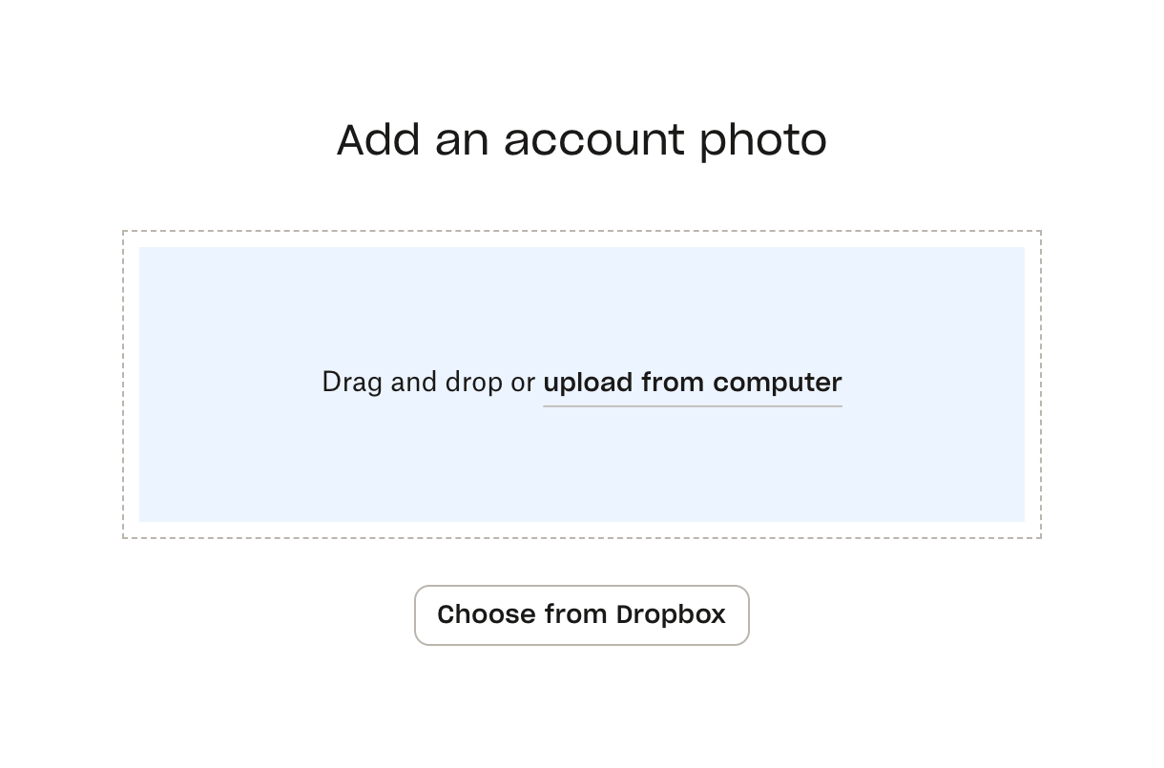
A file upload component allowing users to drag and drop a file, upload from their computer, or choose a file from Dropbox.


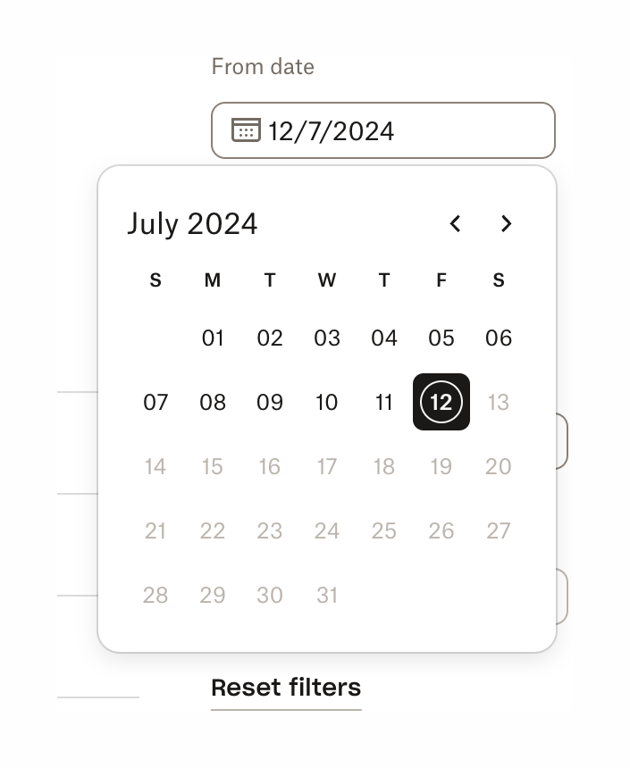
A date picker popover displaying a calendar for July 2024, with July 12th selected. It is triggered by an input field labeled 'From date'.


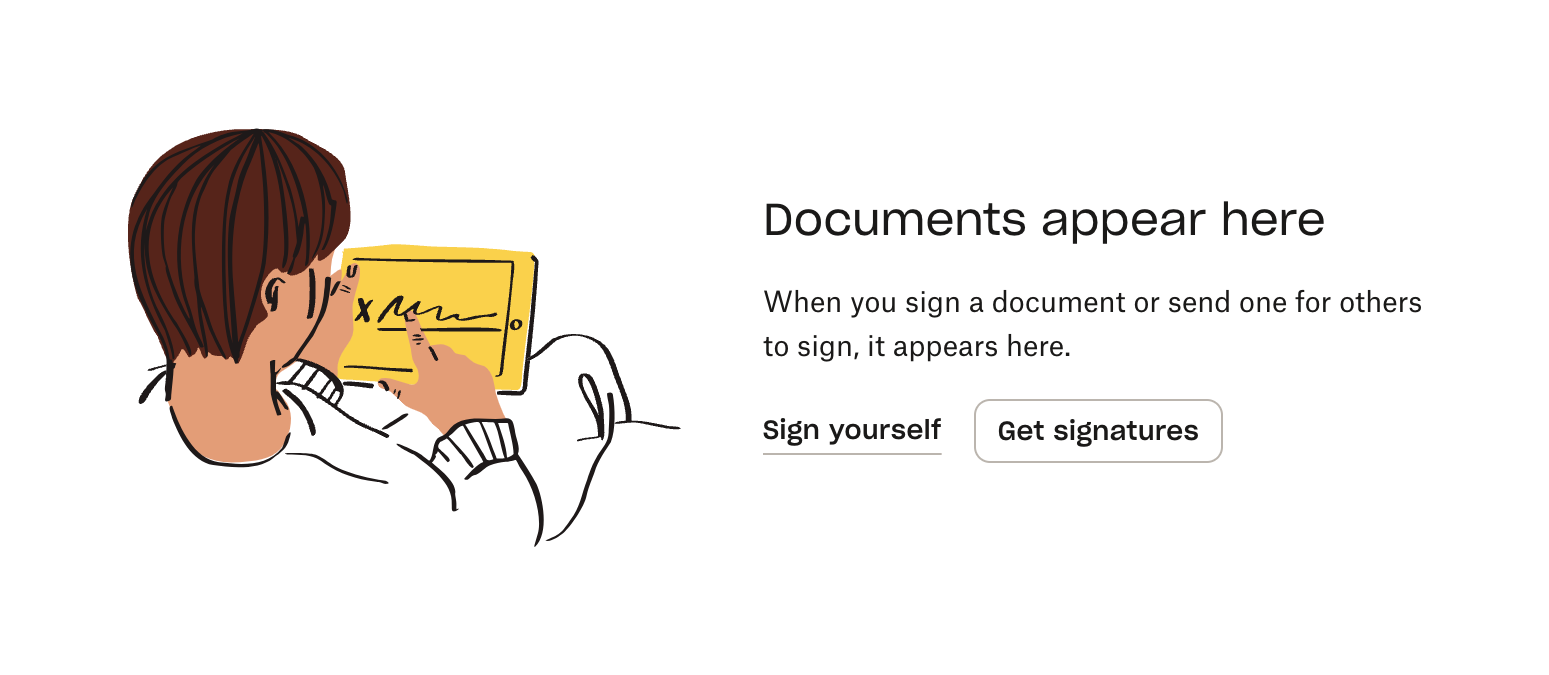
An empty state message for a signatures list, featuring an illustration, a title, a brief explanation, and two action buttons to initiate signing.
Similar components
Browse the full component library
Browse the full UI component library.