Dropbox user flows examples
Explore Dropbox user flow examples. Preview the opening screens and steps for each task. Keep life organized and work moving — all in one place
Preview these flows

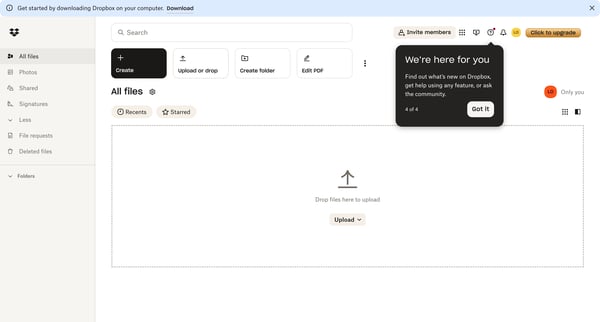
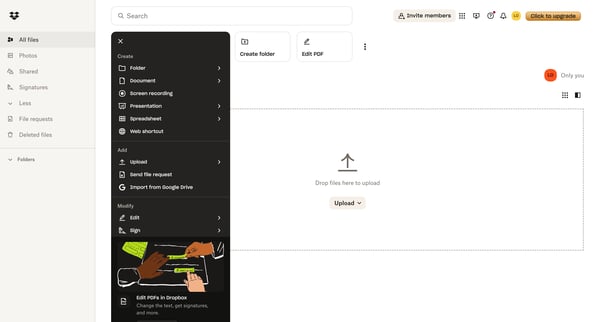
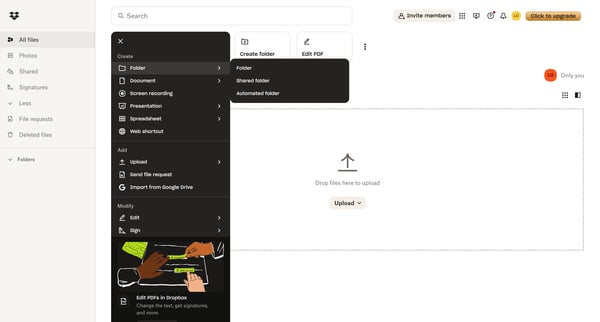
This flow guides users through the process of creating a new folder in Dropbox, from the initial home screen to the empty state of the newly created folder.
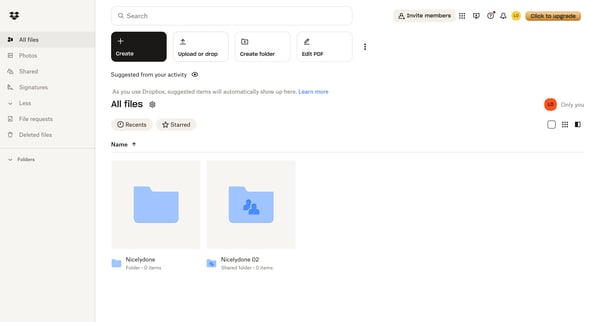
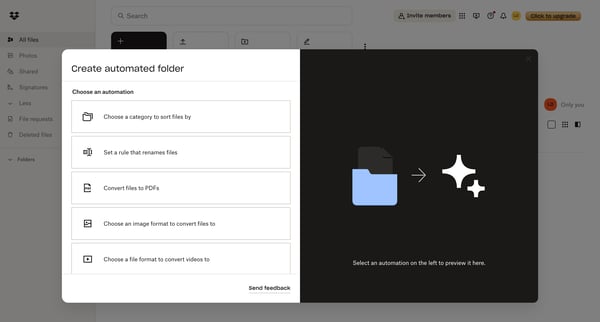
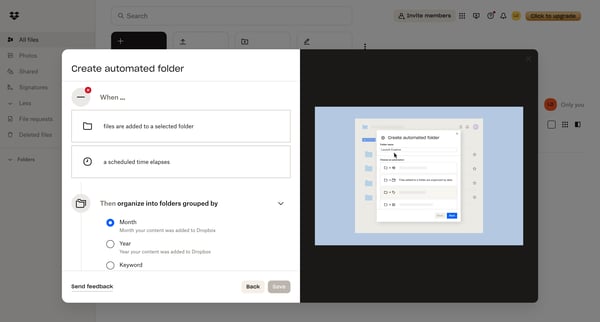
This flow guides users through creating an automated folder in Dropbox, allowing them to set up rules for organizing and converting files.
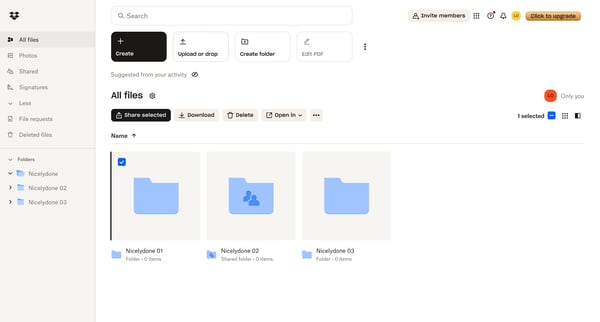
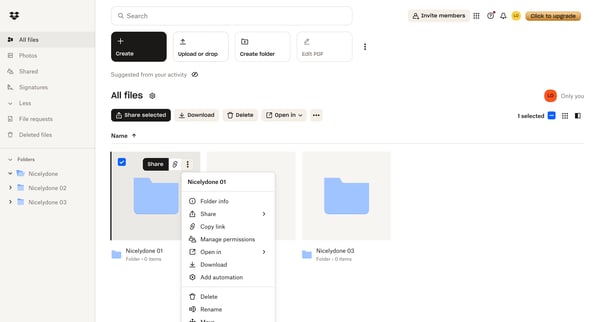
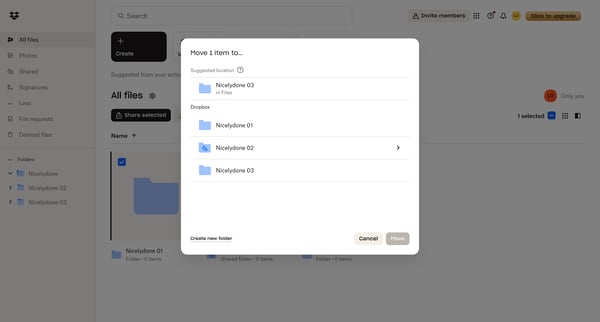
Moving a selected item from one folder to a newly created folder within Dropbox.
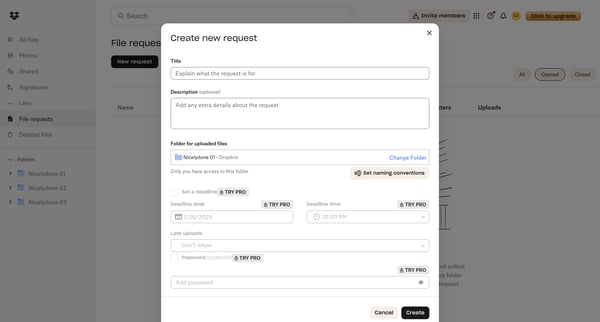
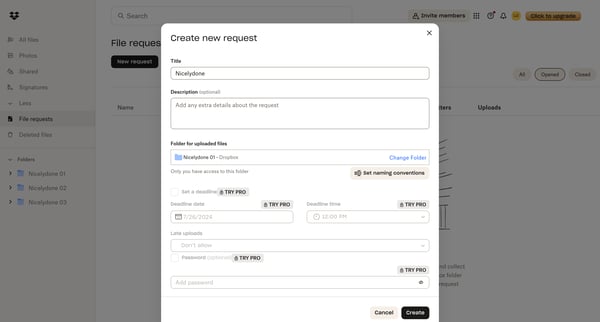
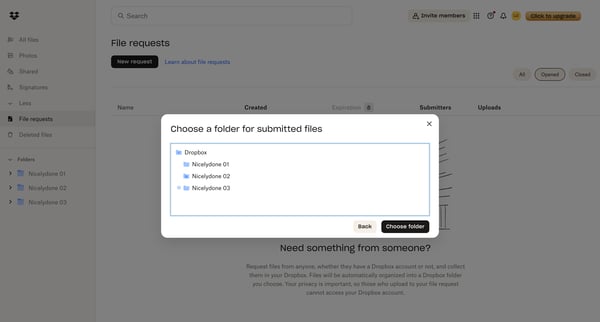
This flow enables users to create a file request, configure its settings, and share it with others.
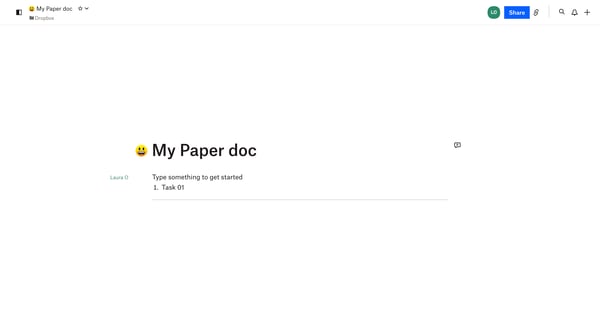
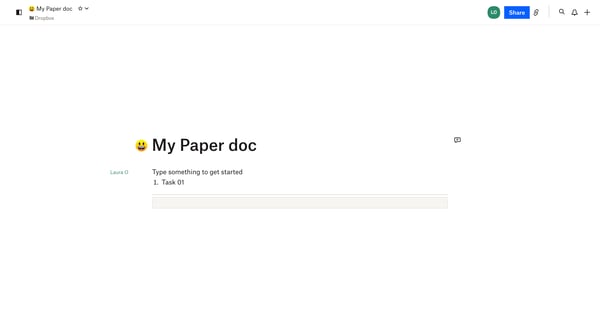
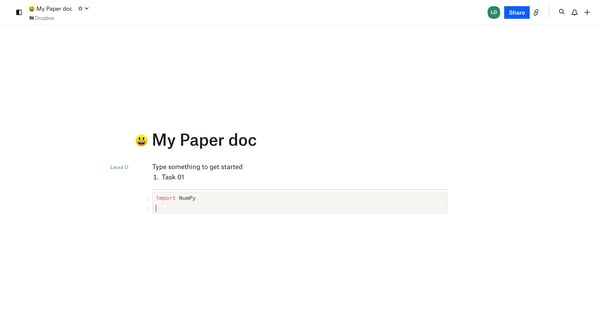
The flow guides users through creating and editing content in a Dropbox Paper document, including formatting, sharing, and accessing additional features.
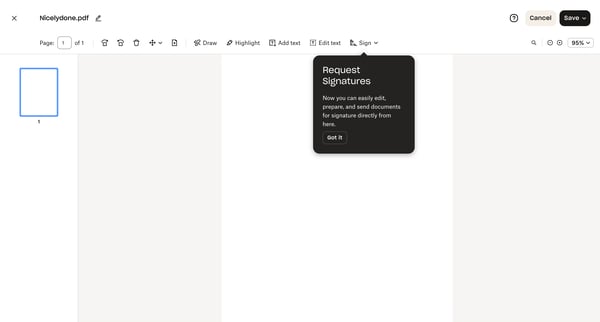
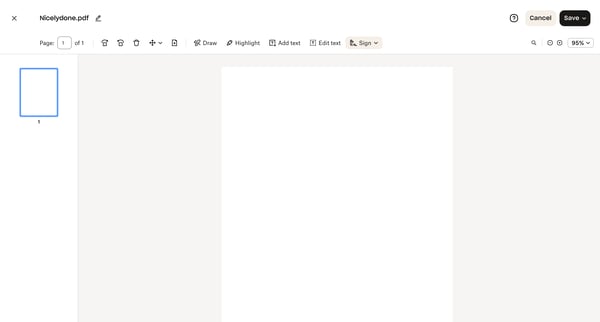
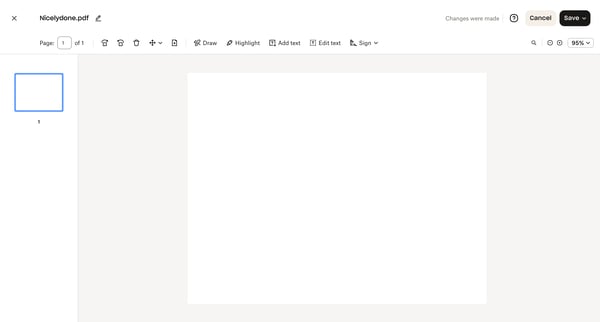
Users can edit, annotate, and prepare PDF documents for signature within the Dropbox interface.
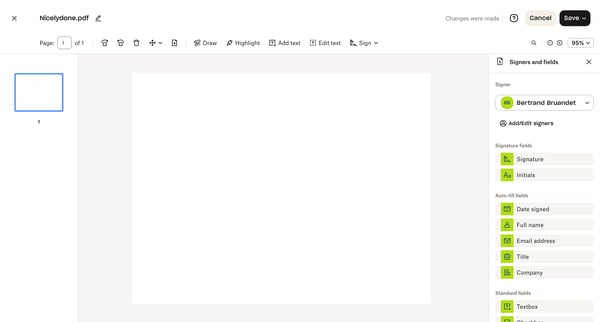
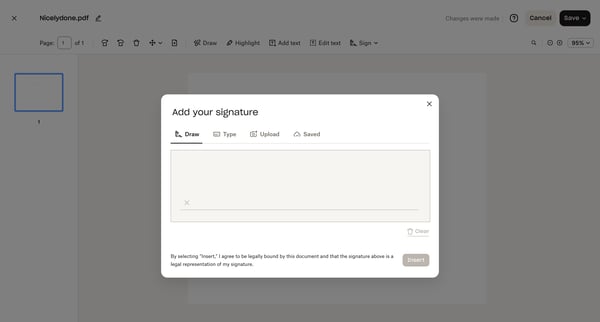
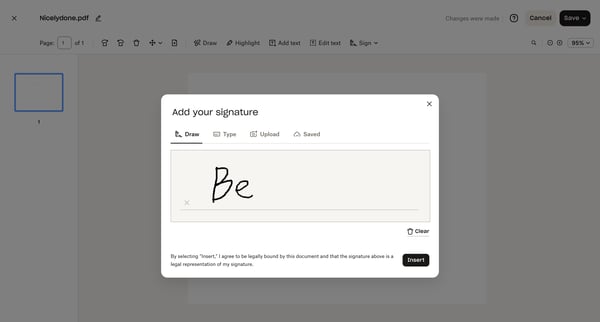
This flow allows users to add and customize their signature to a PDF document.
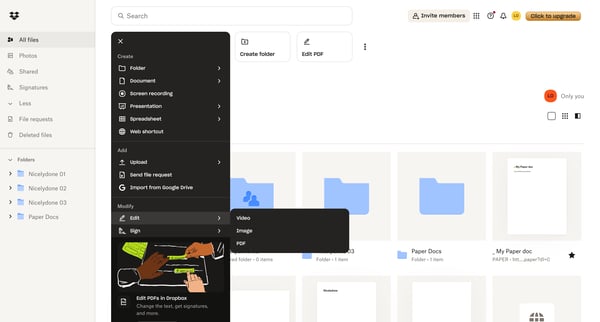
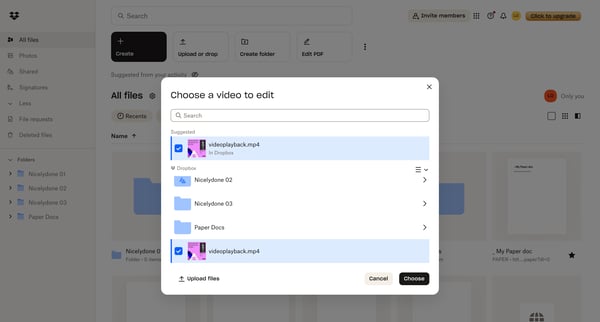
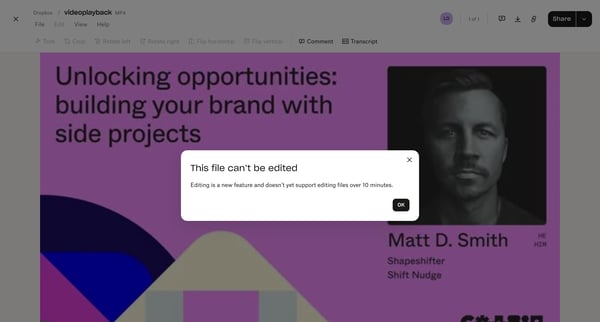
Users can select, edit, and save modifications to a video file within Dropbox.
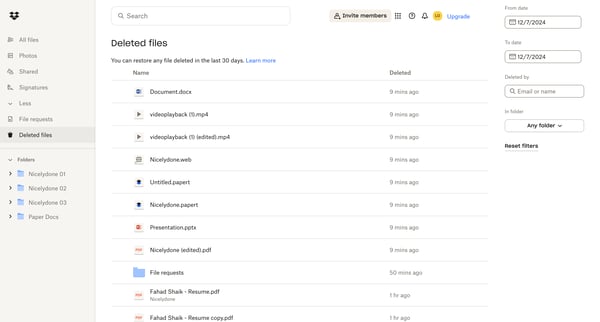
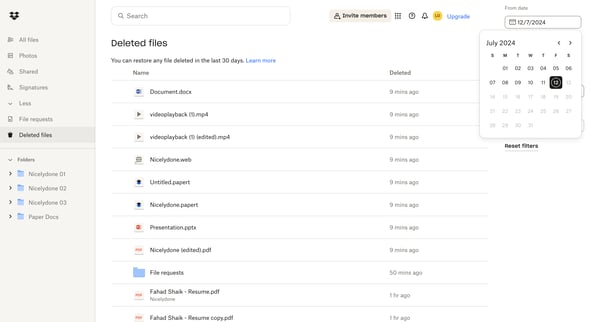
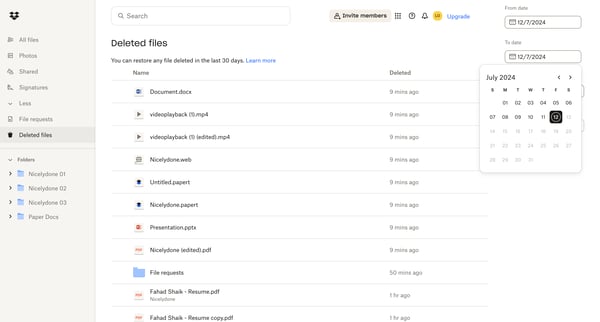
This flow allows users to filter and sort deleted files in Dropbox, enabling them to locate and potentially restore specific items.
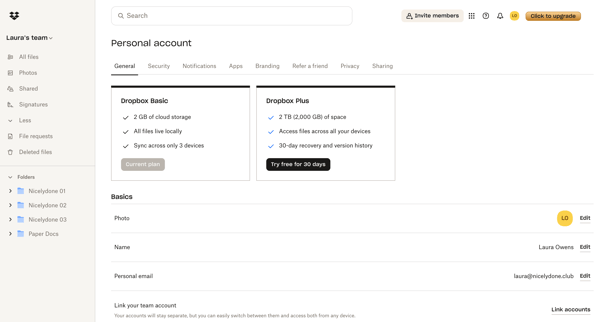
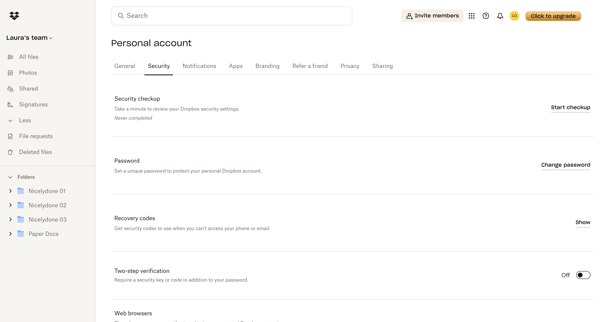
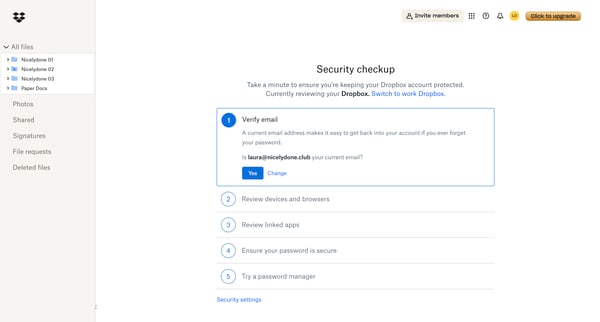
This flow guides users through a security checkup process for their Dropbox account, ensuring various security measures are in place and up-to-date.
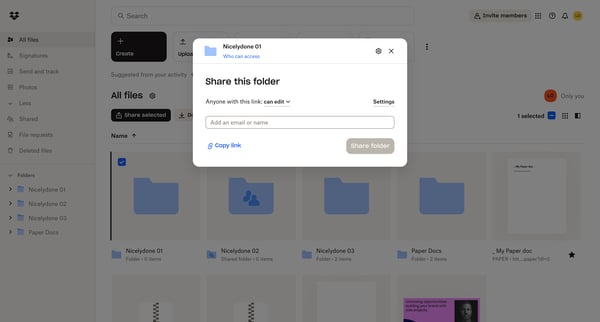
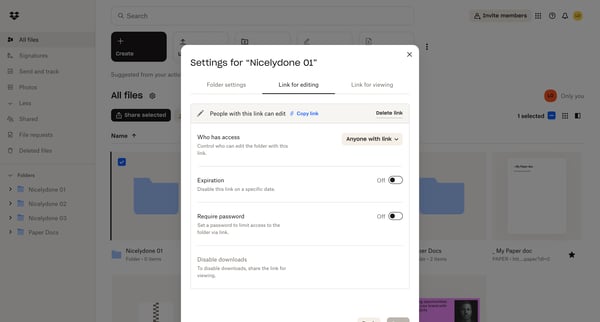
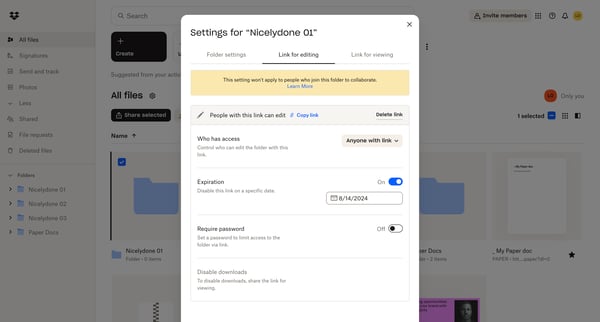
This flow enables users to share a Dropbox folder, configure access settings, and manage sharing permissions.
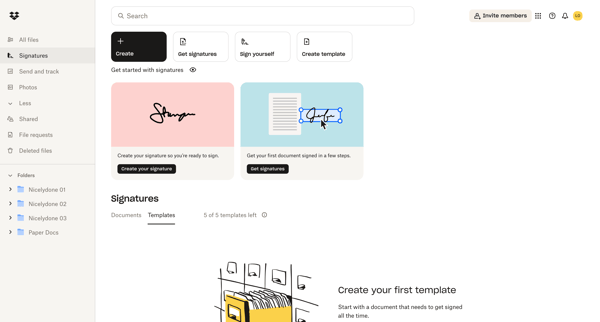
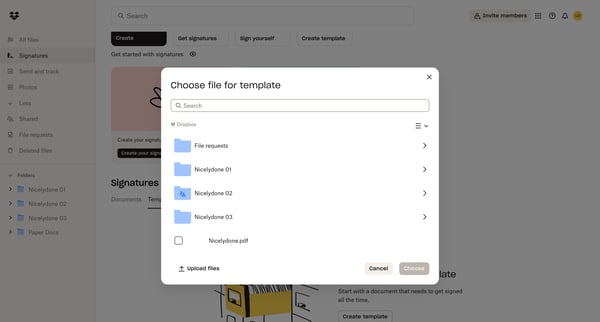
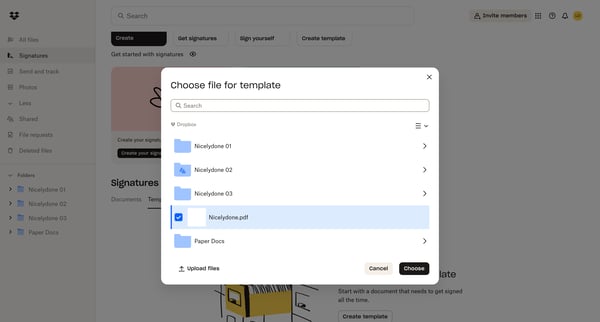
A user creates a custom signature template in Dropbox, adding signer roles, placing fields, and configuring settings for document signing.
Explore the full SaaS flow library
Browse the full SaaS flow library.
Trusted by the best teams







