Skip to content

Dropbox product screens examples

Browse Dropbox screen design examples. Preview the interface screenshots and explore related UI patterns. Keep life organized and work moving — all in one place

Explore the examples
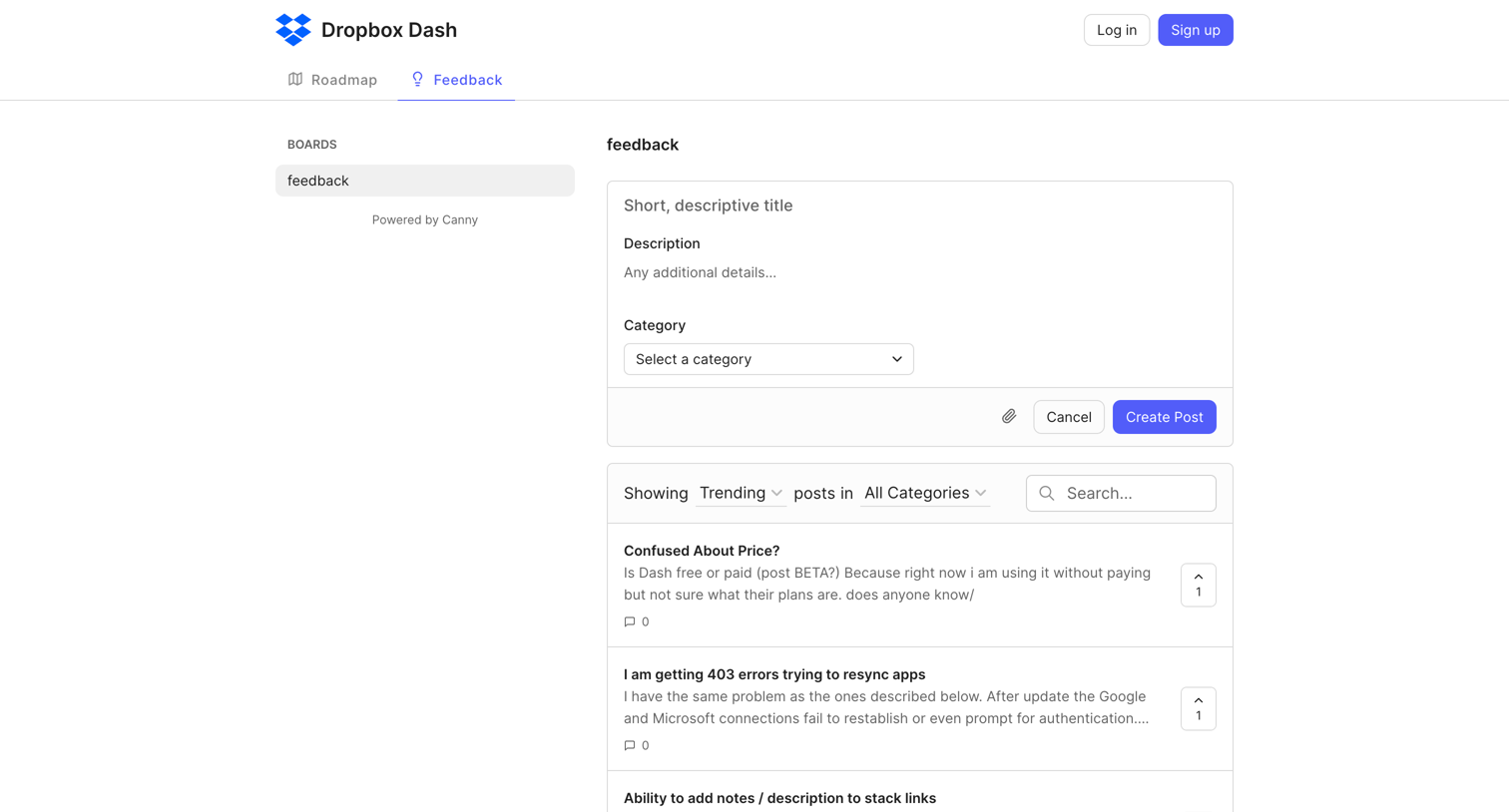
Dropbox - feedback | Dropbox Dash screen
Dropbox logo
Dropbox

List view where users can submit new feature requests, search existing feedback, and upvote ideas on a public Canny board.

Dropbox - Login - Dropbox screen
Dropbox logo
Dropbox

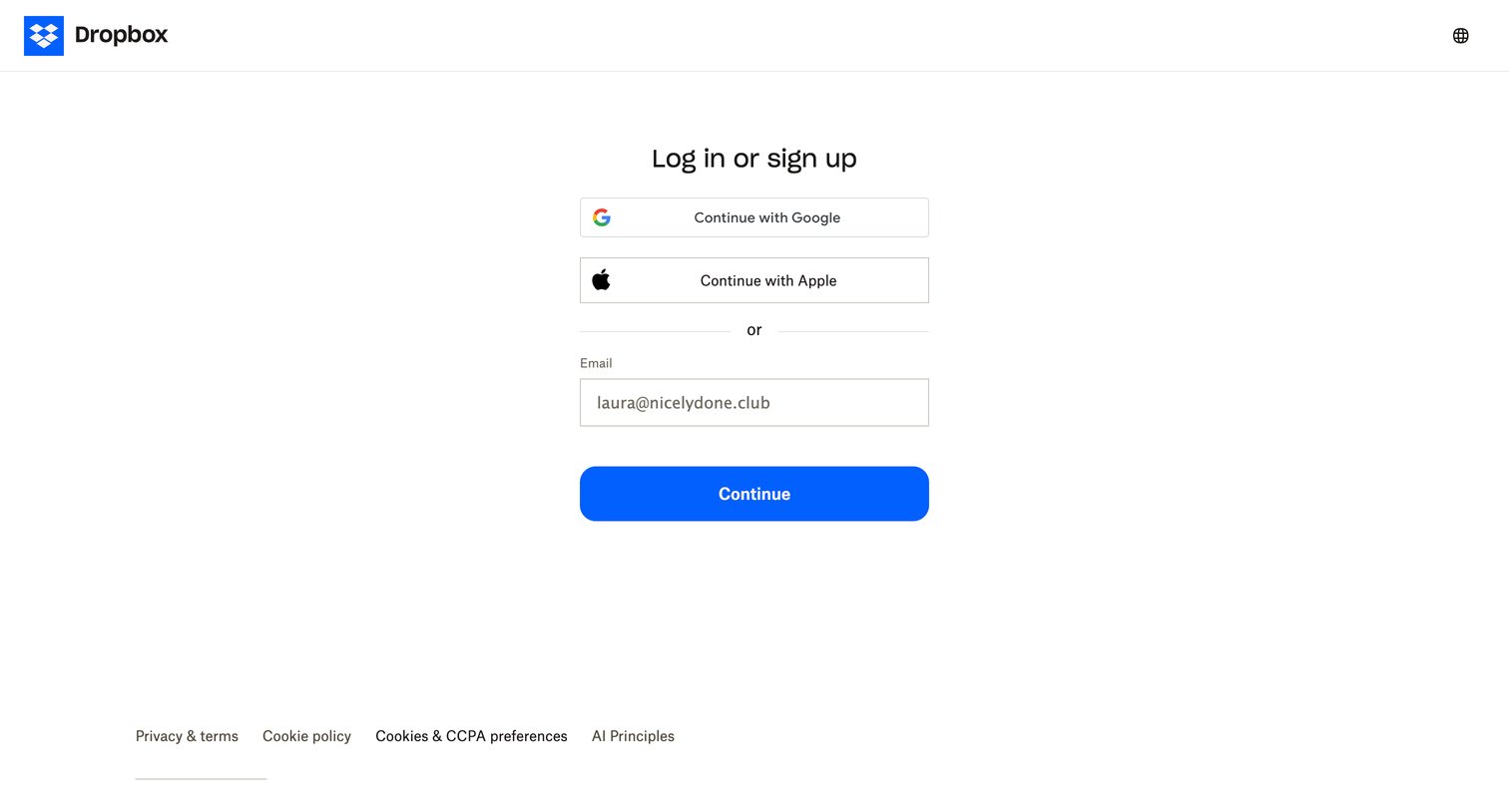
Authentication screen where the user can log in or sign up using Google, Apple, or an email address.

Dropbox - Login - Dropbox screen
Dropbox logo
Dropbox

Sign-in screen where the user authenticates with Google, Apple, or by entering their email address to continue.

Dropbox - Login - Dropbox screen
Dropbox logo
Dropbox

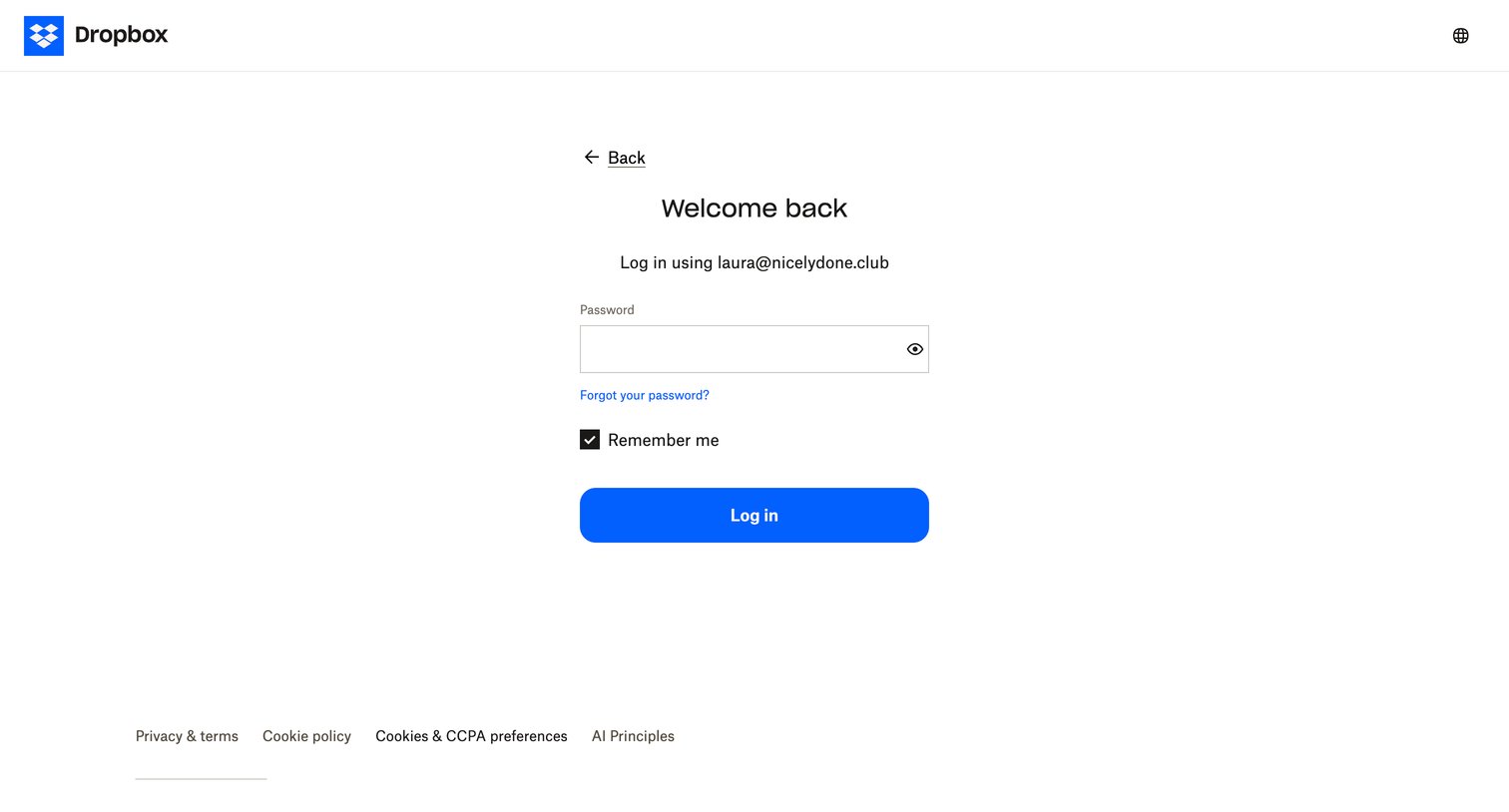
Sign-in screen where the user enters their password to authenticate a pre-filled email address.

Dropbox - Login - Dropbox screen
Dropbox logo
Dropbox

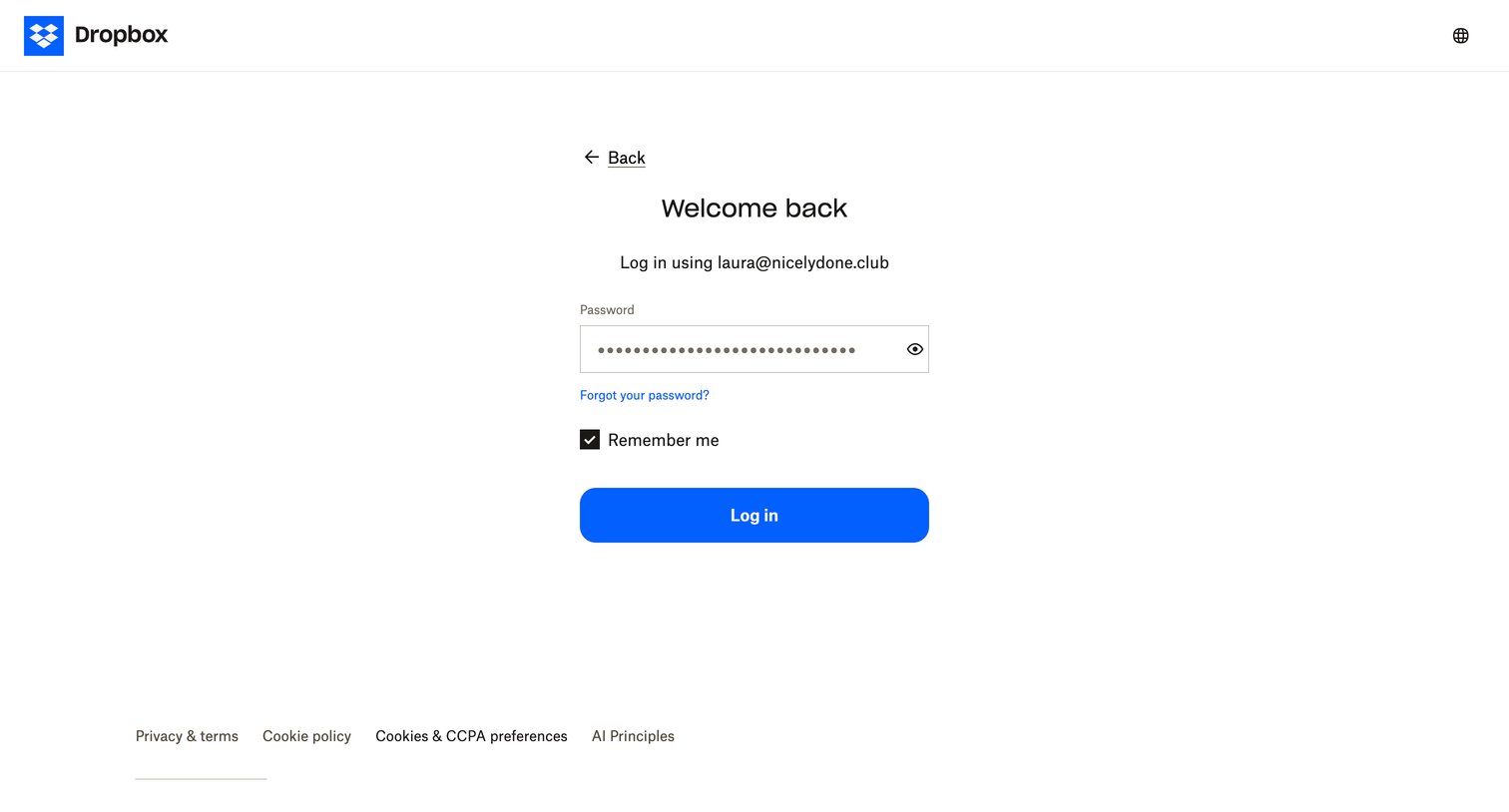
Sign-in screen where the user enters their password to authenticate, with options to remember the device or reset the password.
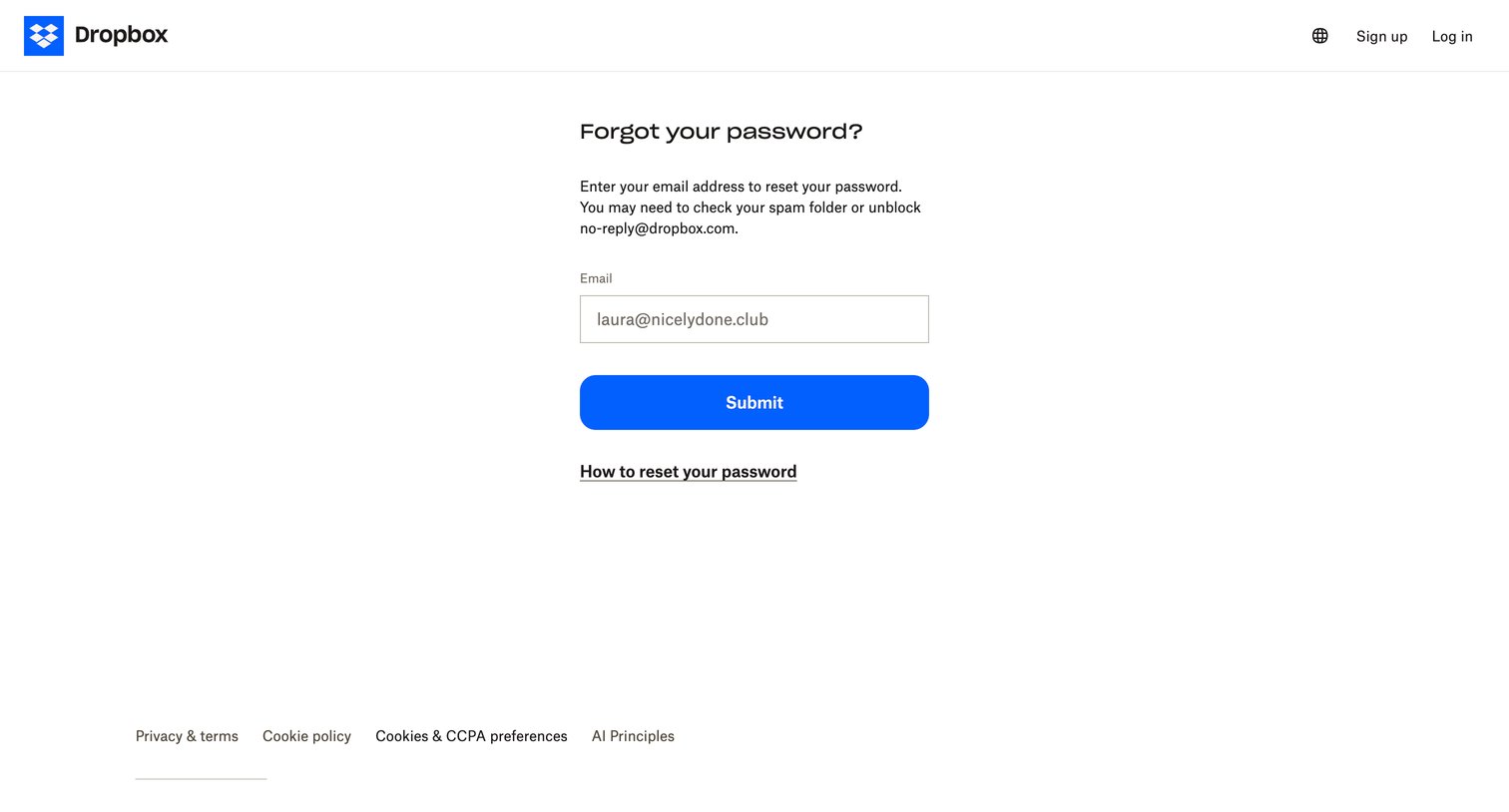
Dropbox - Dropbox - Reset your password screen
Dropbox logo
Dropbox

Password recovery screen where the user submits their email address to receive a reset link.
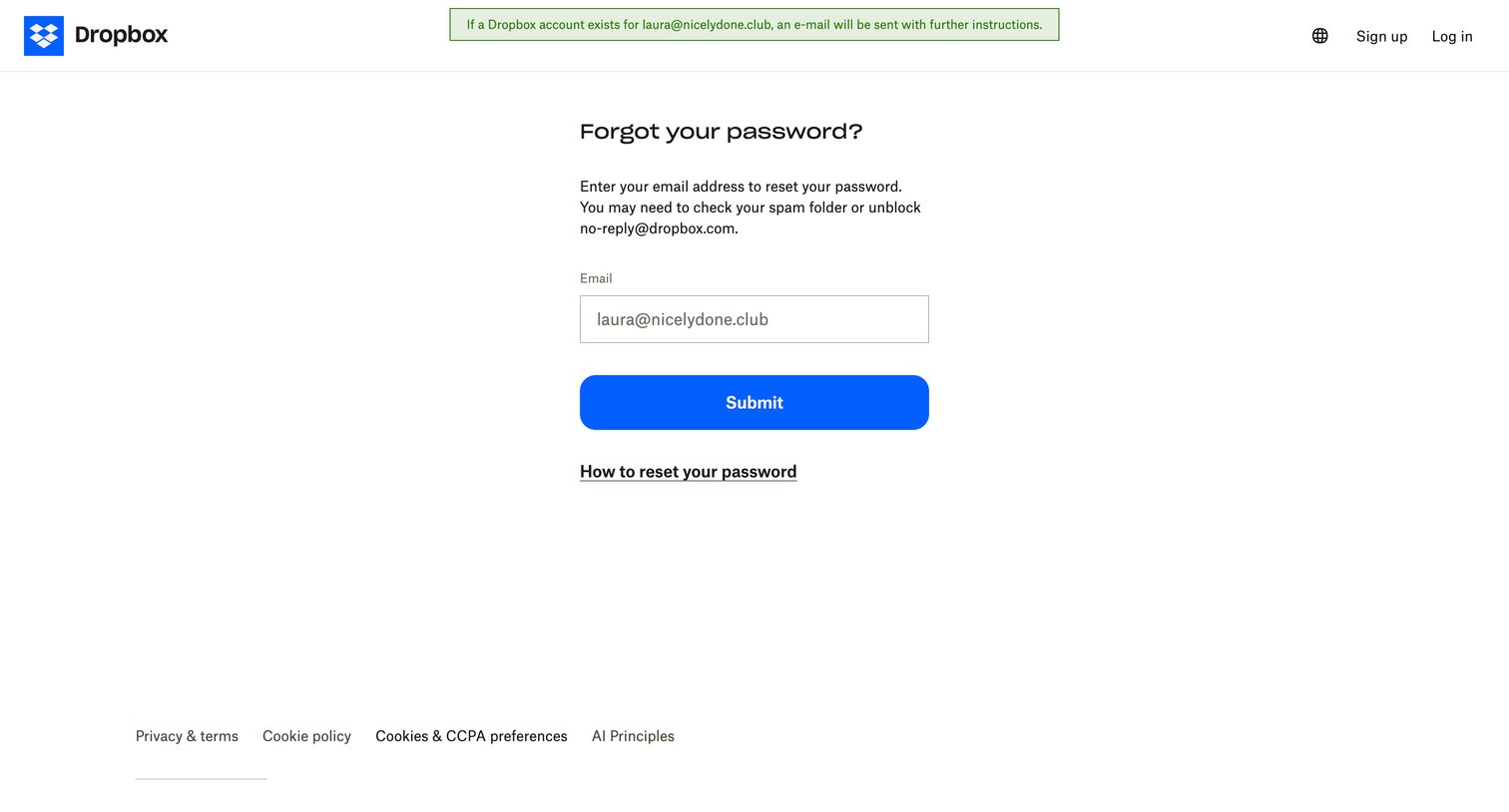
Dropbox - Dropbox - Reset your password screen
Dropbox logo
Dropbox

Password recovery screen where the user submits their email address to receive reset instructions, displaying a green success banner confirming the email was sent.
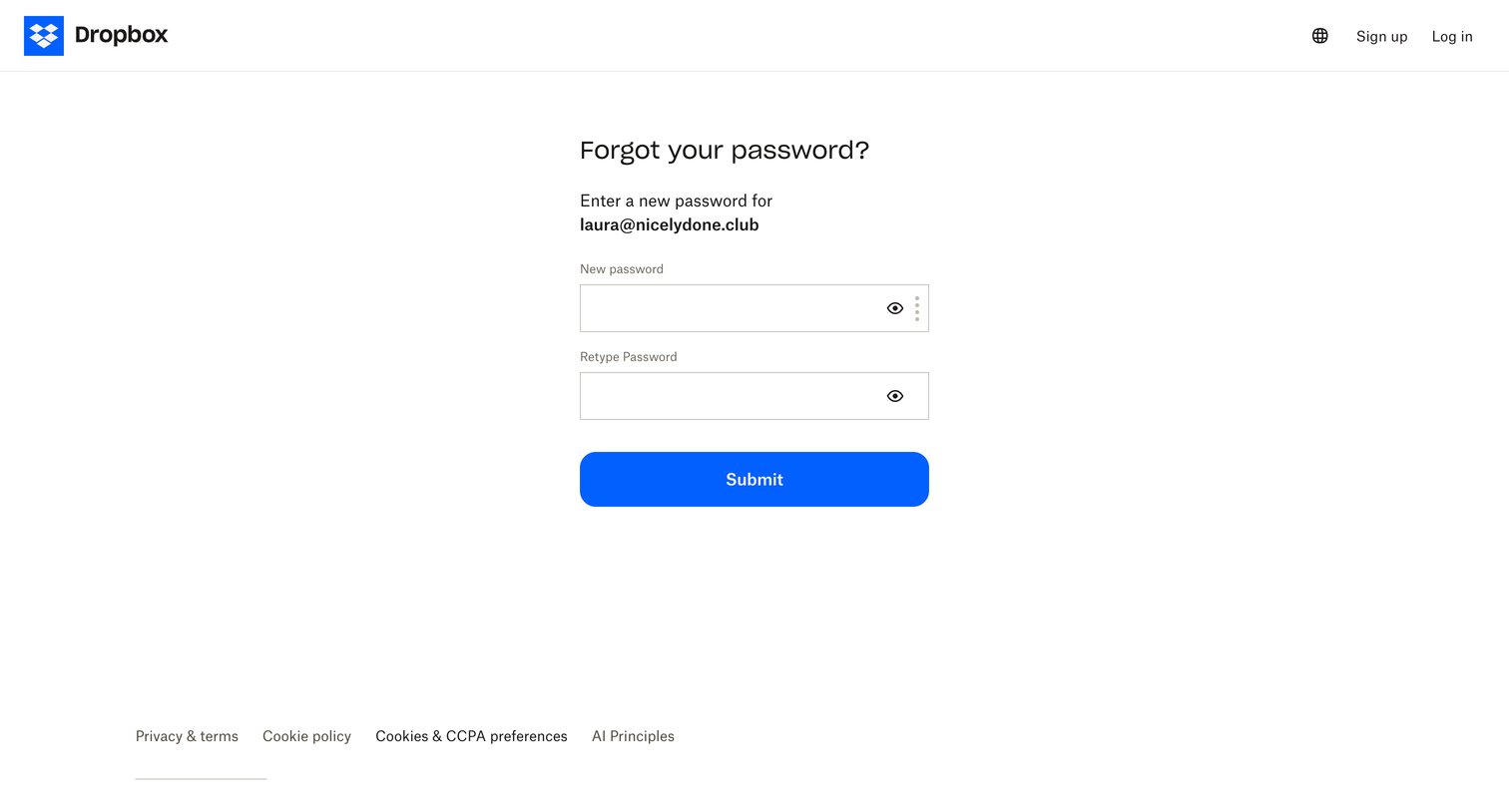
Dropbox - Dropbox - Reset your password screen
Dropbox logo
Dropbox

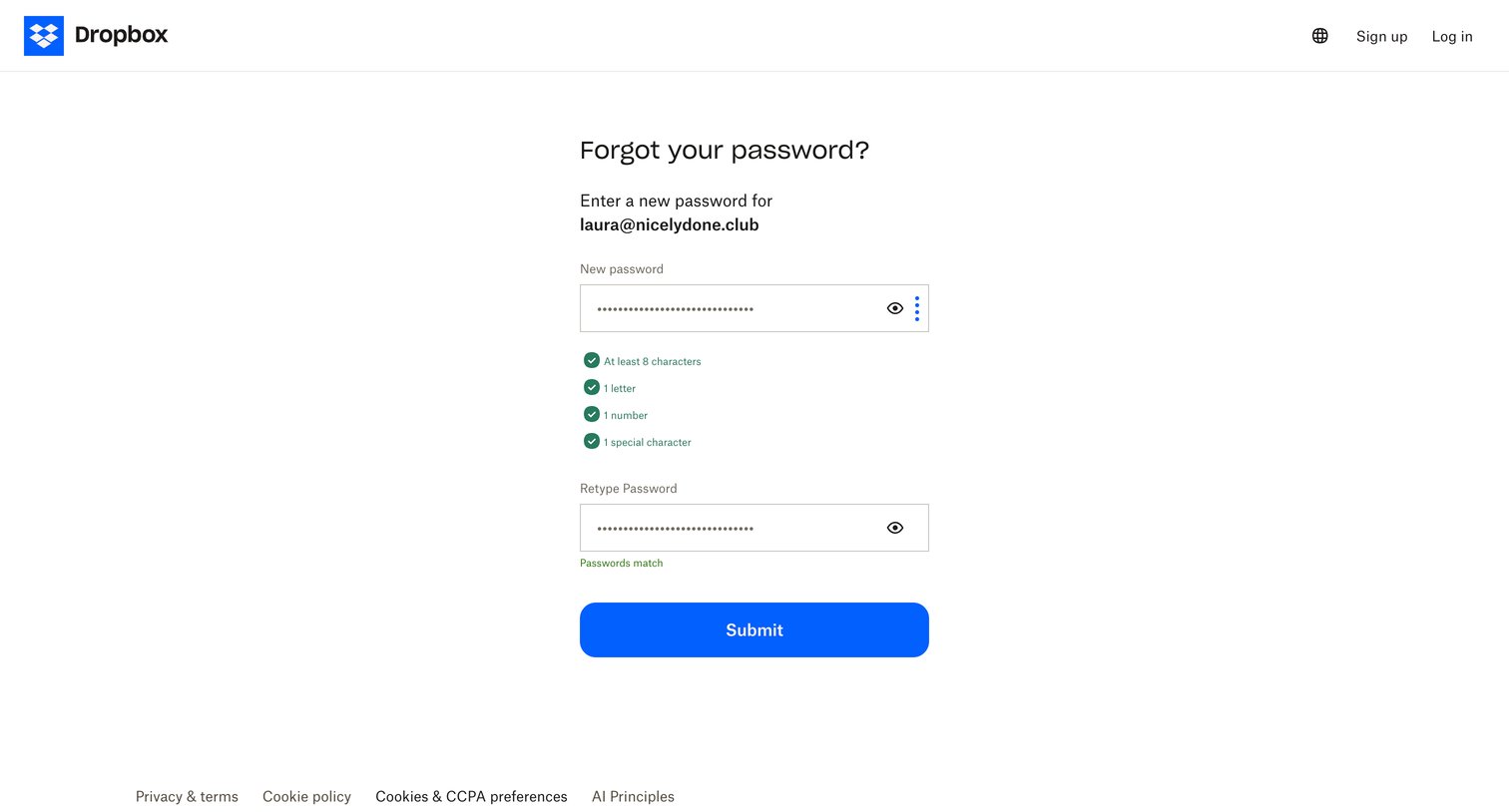
Password recovery screen where the user enters and confirms a new password for their account.
Dropbox - Dropbox - Reset your password screen
Dropbox logo
Dropbox

Password recovery screen where the user enters and confirms a new password, with inline validation for password requirements.
Dropbox - Register - Dropbox screen
Dropbox logo
Dropbox

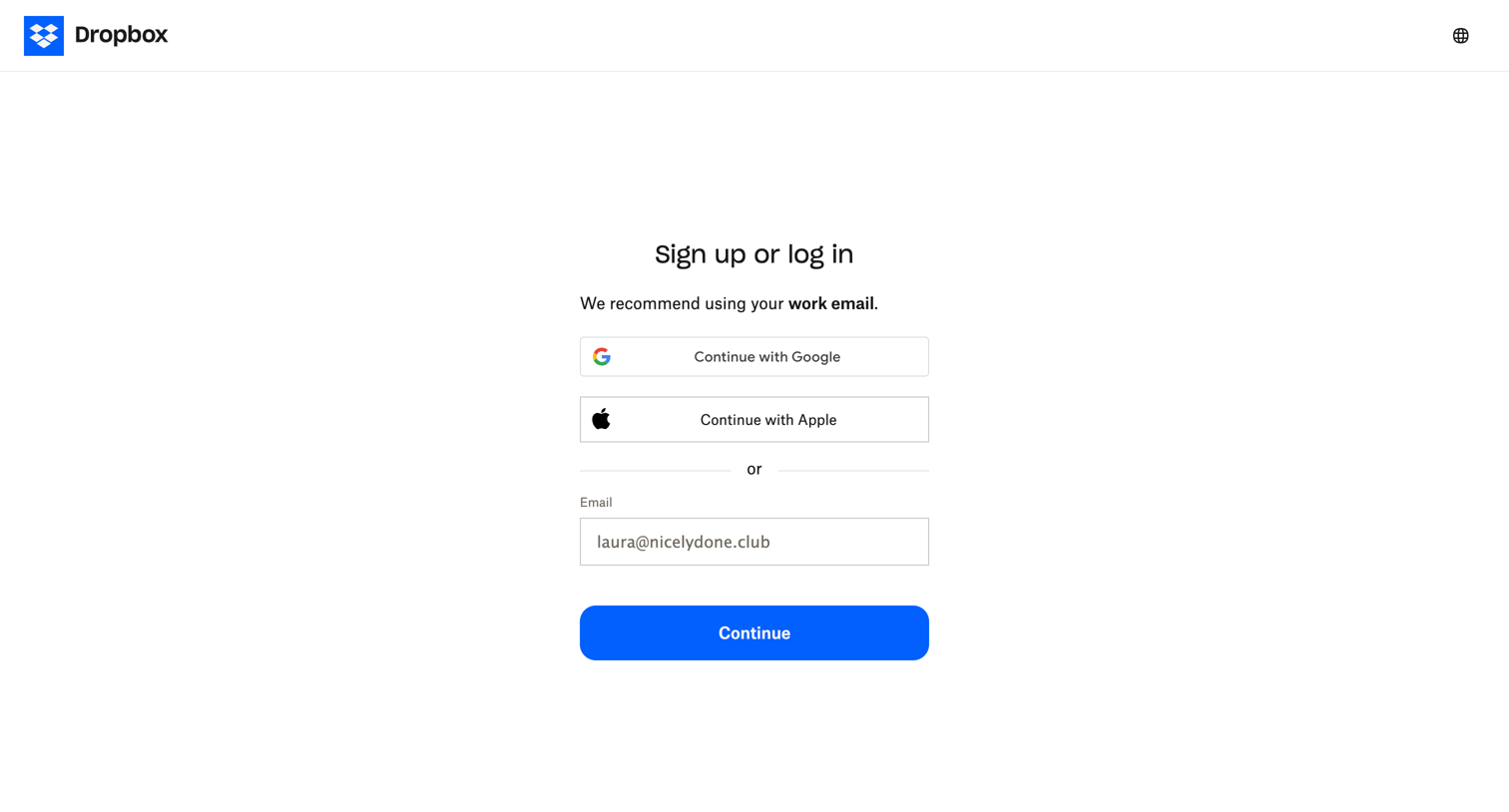
Auth screen where the user can sign up or log in using Google, Apple, or an email address.

Dropbox - Register - Dropbox screen
Dropbox logo
Dropbox

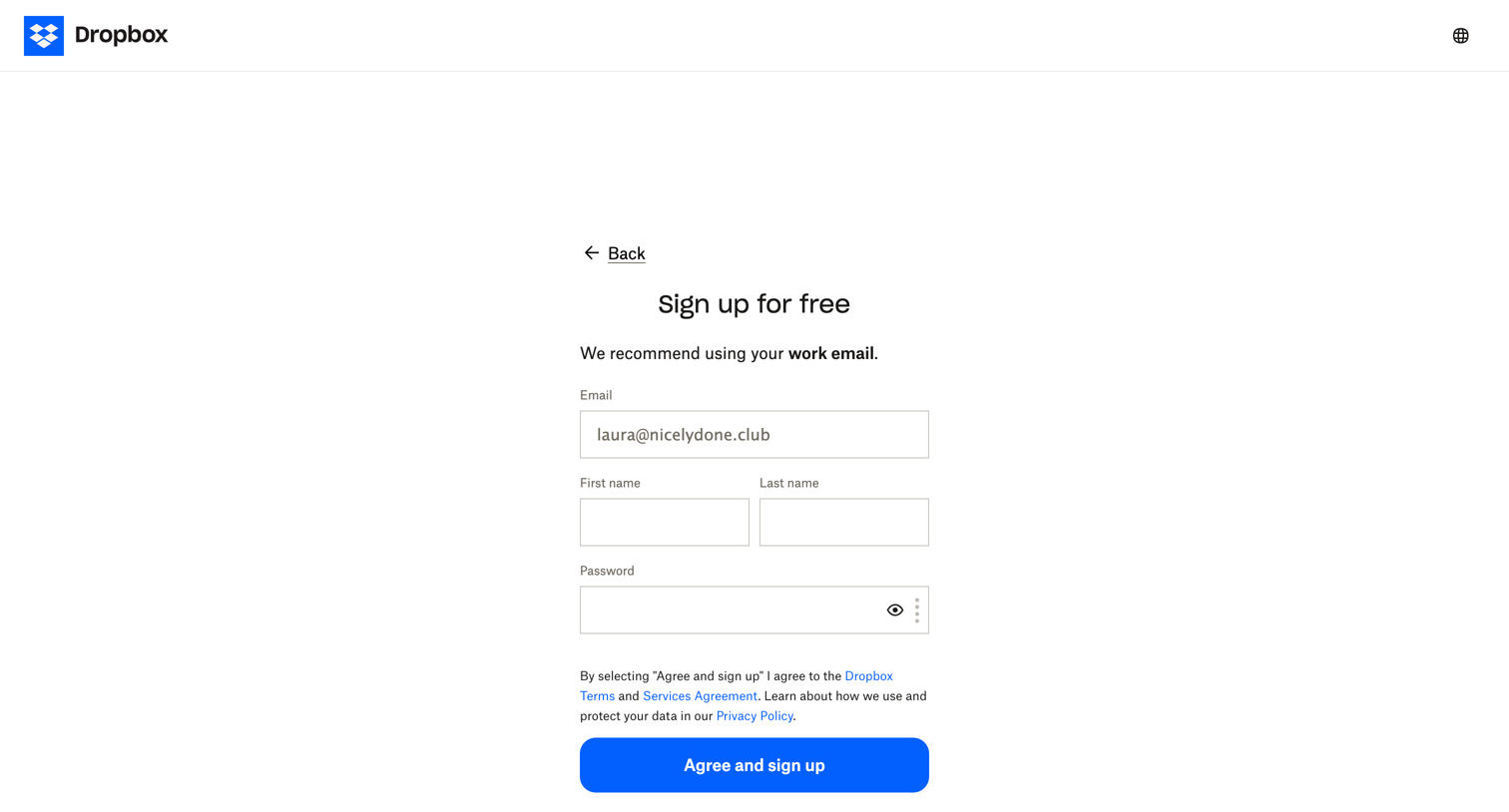
Signup screen where the user enters their email, name, and password to create a free account.

Dropbox - Register - Dropbox screen
Dropbox logo
Dropbox

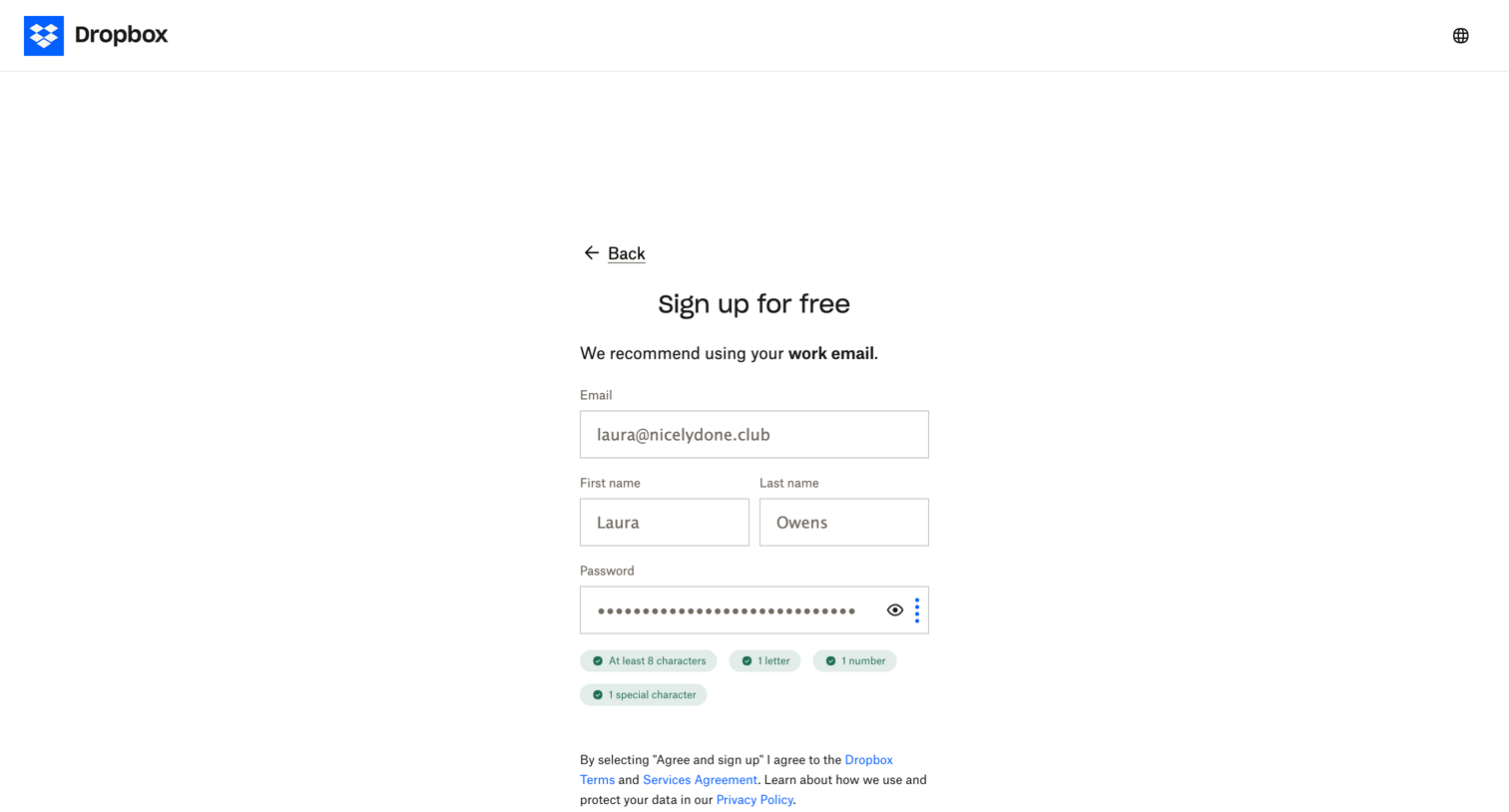
Signup page where the user enters their email, name, and password to create a free account, with inline password requirement validation visible.

Explore the full SaaS screen library

Upgrade to unlock the full library.

Trusted by the best teams