ClickUp product screens examples
Browse ClickUp screen design examples. Preview the interface screenshots and explore related UI patterns. The everything app, for work
Explore the examples
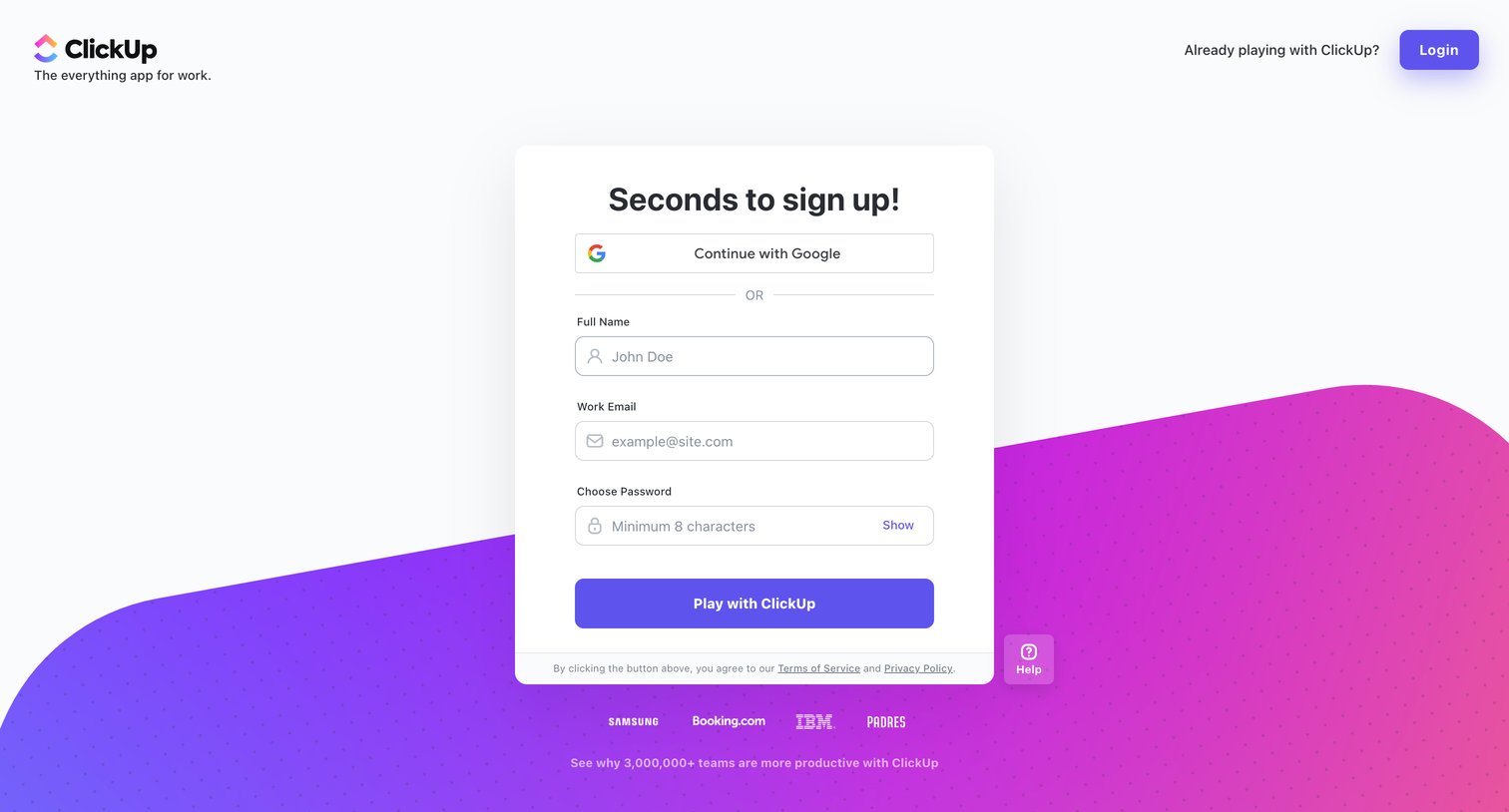

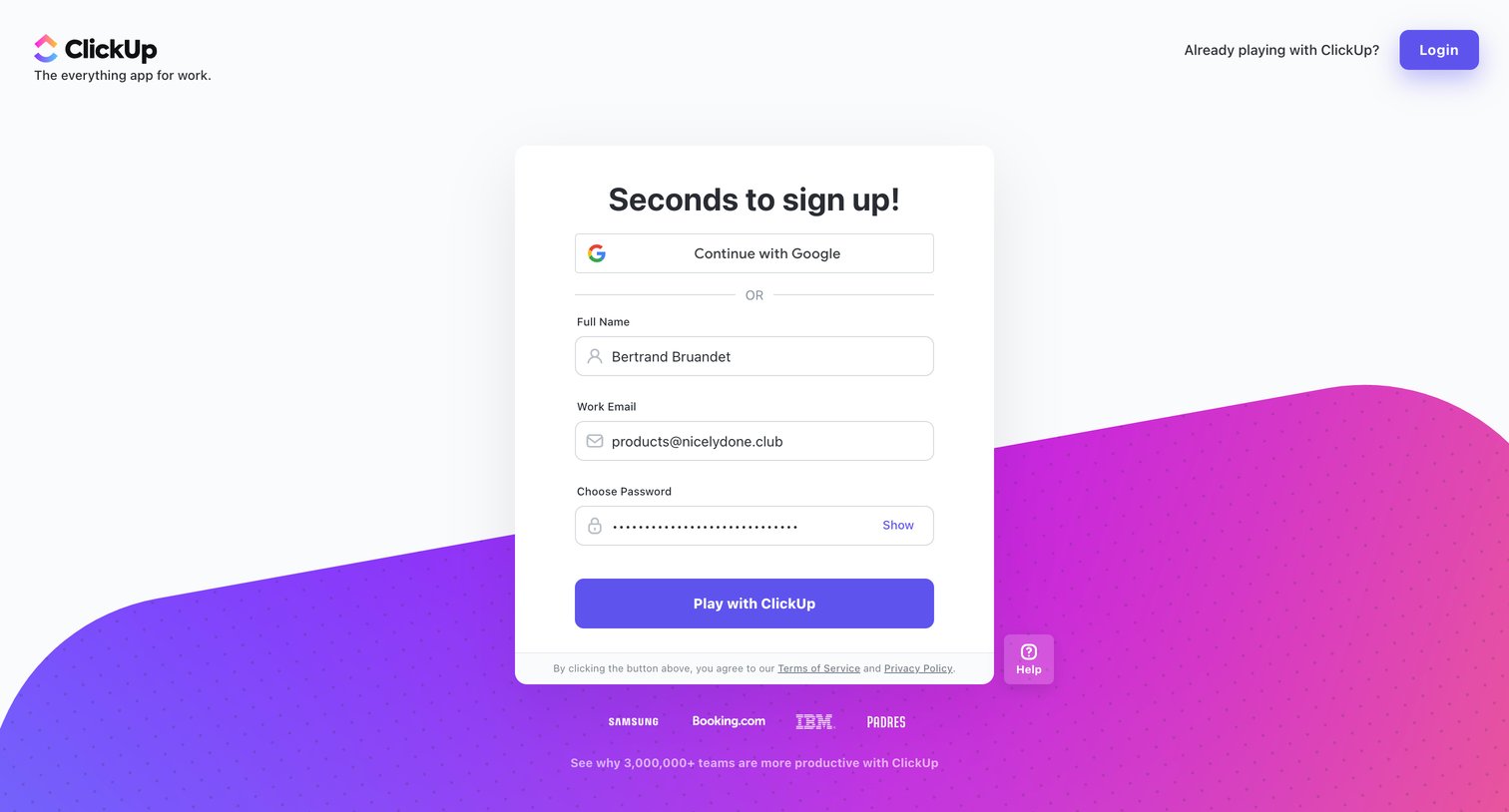
Signup screen where the user creates an account using Google or by entering their name, work email, and password.
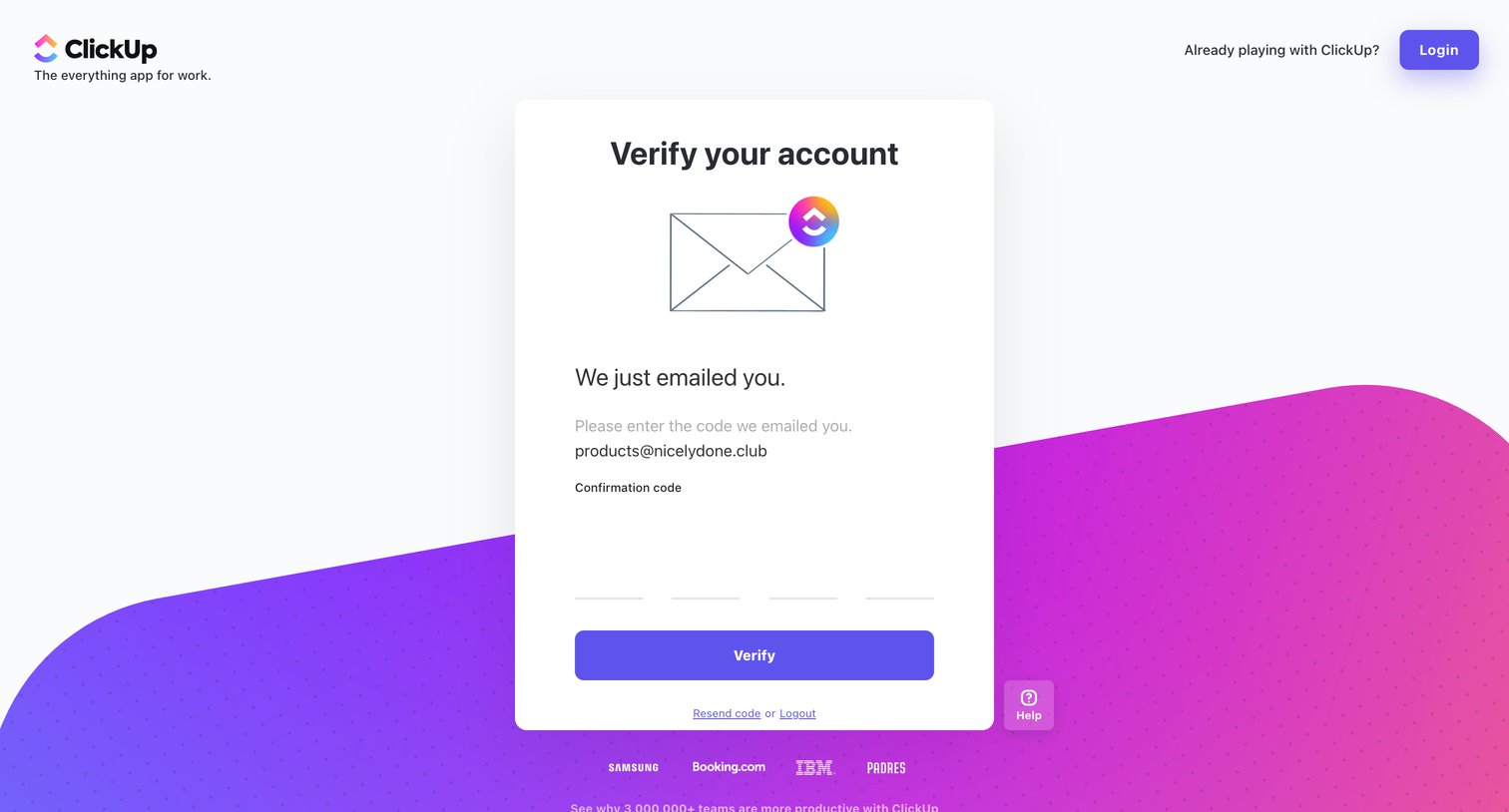
Verification screen where the user enters a 4-digit confirmation code sent to their email to activate their account.
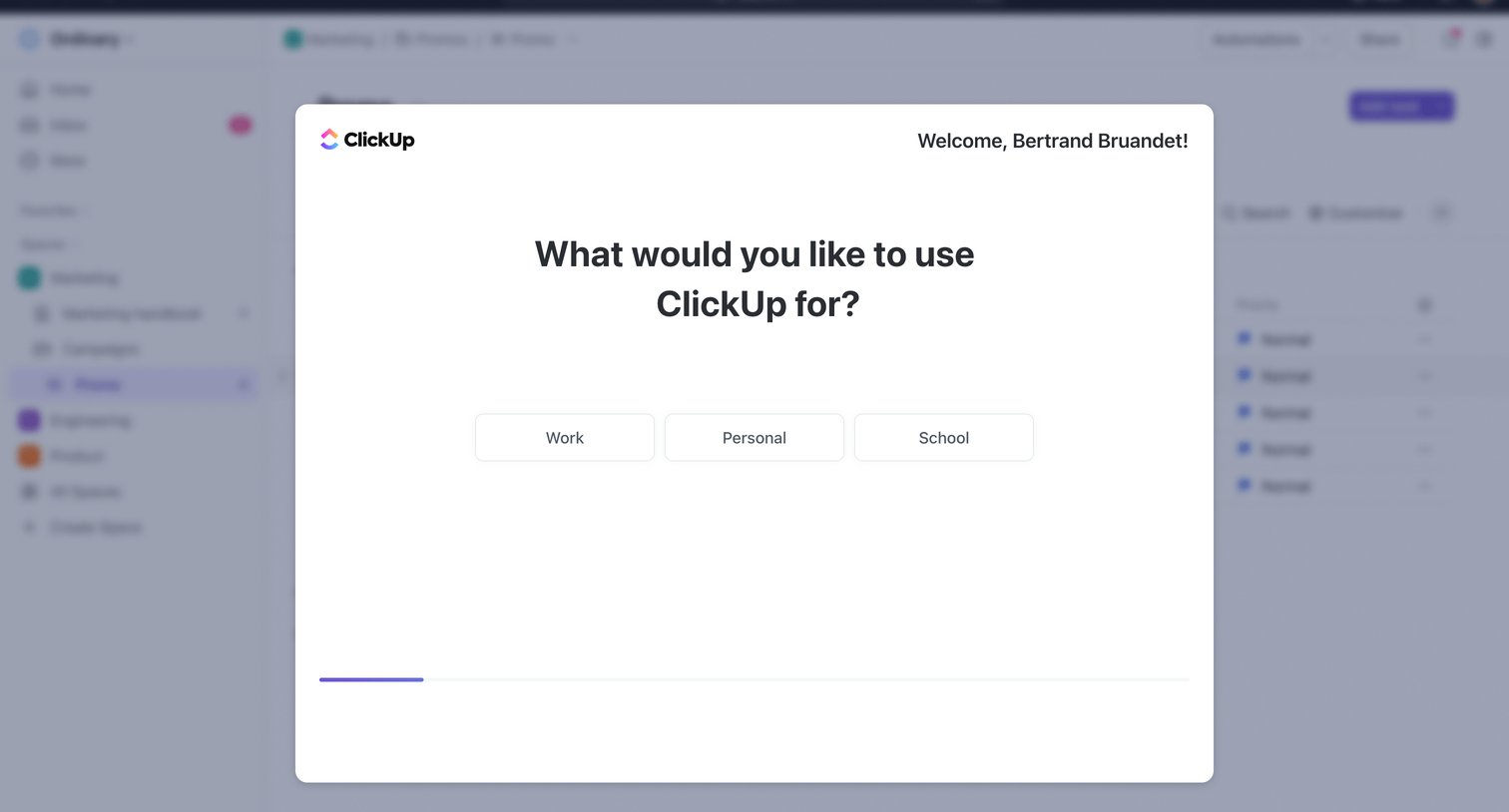
Onboarding step where the user selects their primary intent between work, personal, and school to customize their workspace.
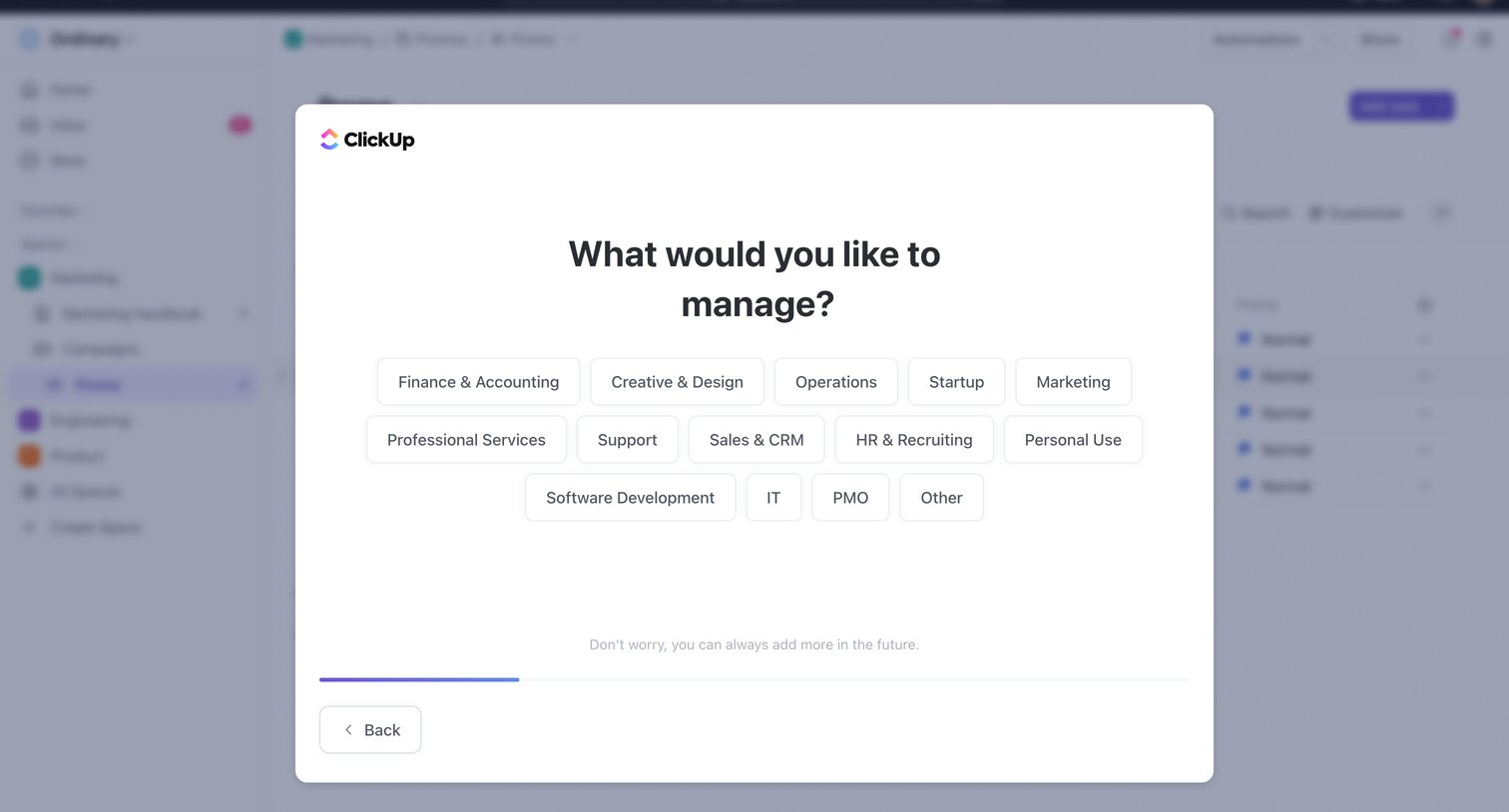
Onboarding step where the user selects their primary use case, such as Finance, Marketing, or Software Development, from a grid of options.
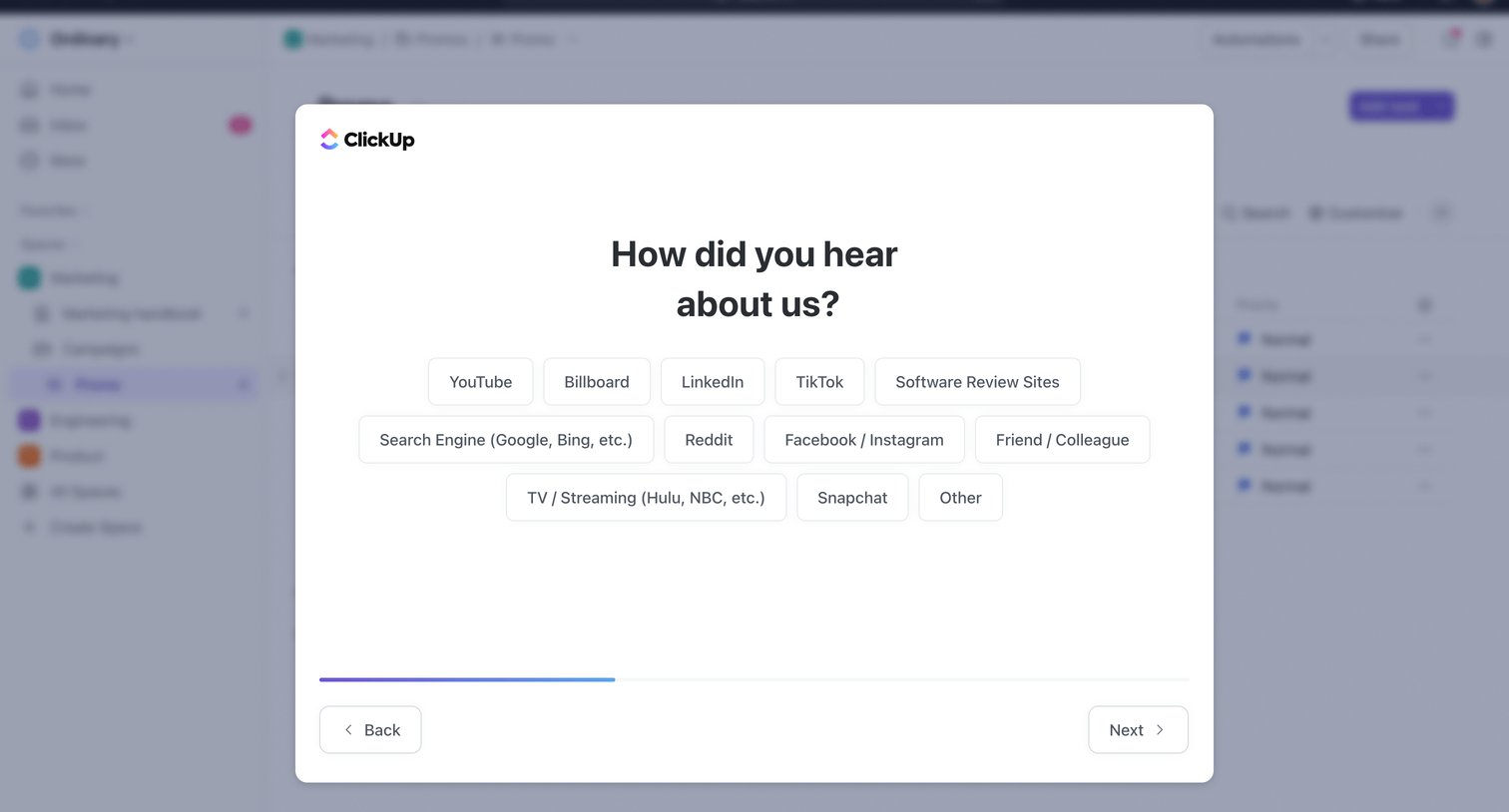
Onboarding step where the user selects how they heard about the product from a list of options like YouTube, Billboard, and LinkedIn.
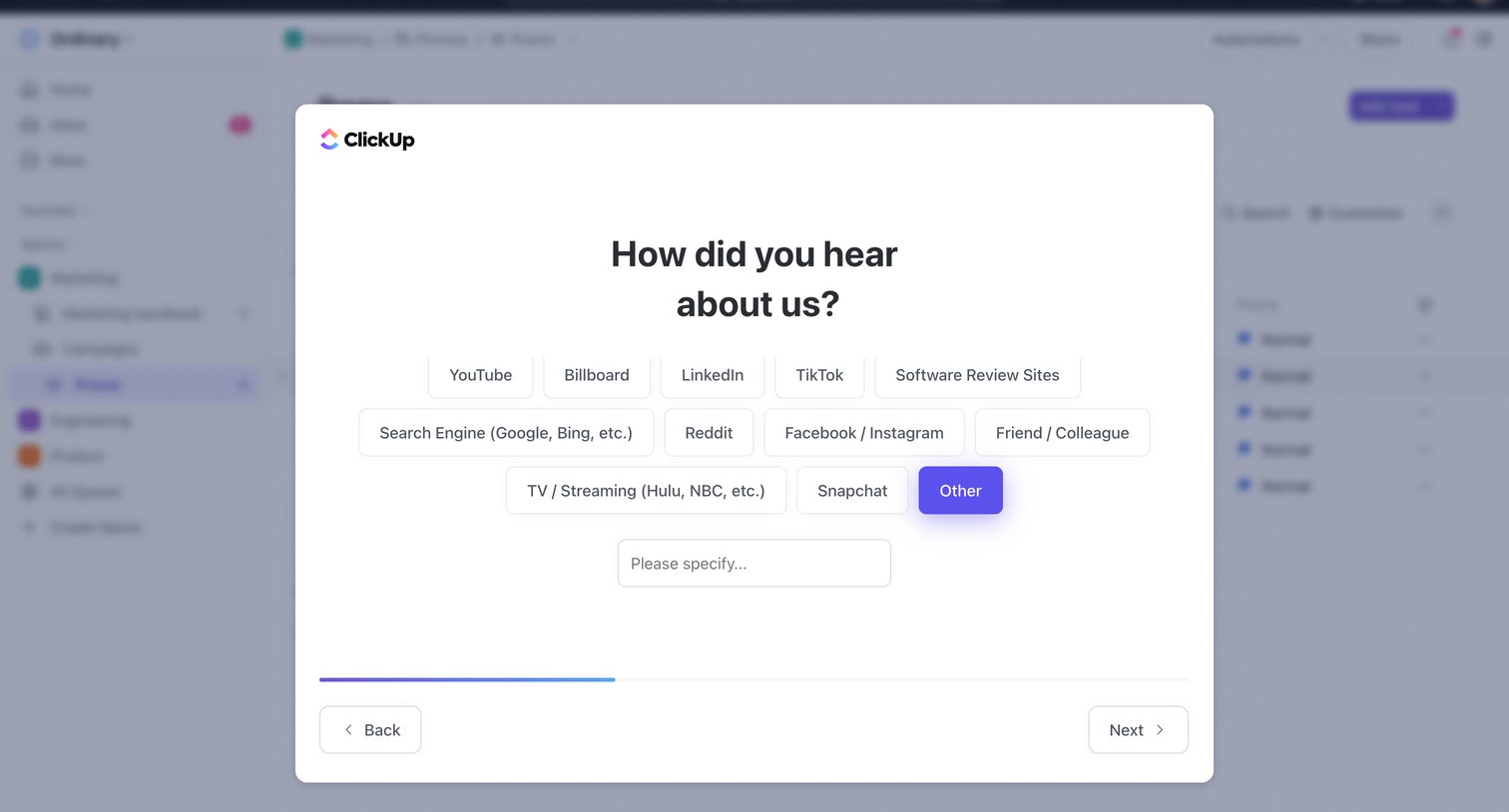
Onboarding step where the user selects how they heard about the product from a grid of pill buttons, with a text input appearing to specify 'Other'.
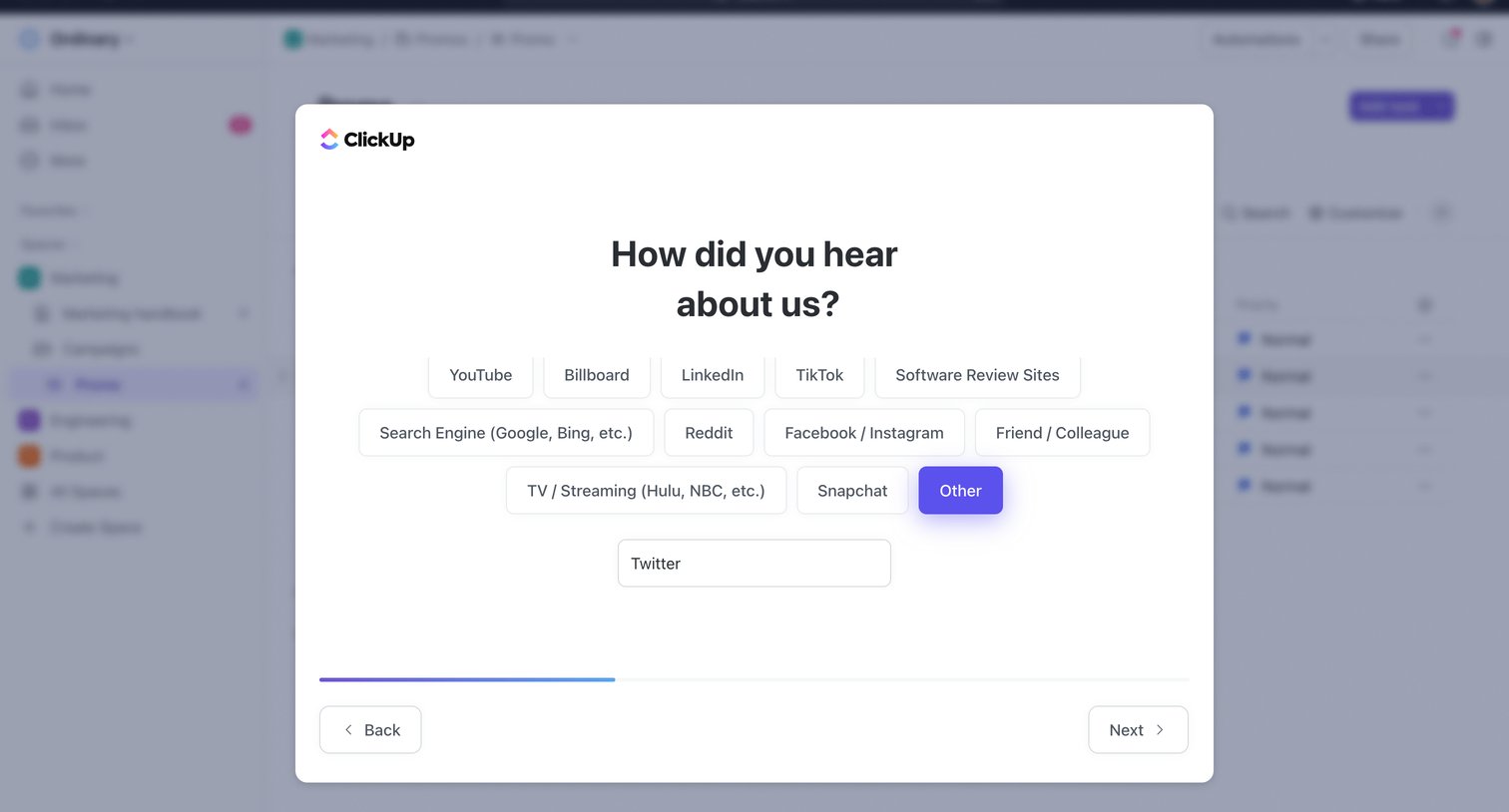
Onboarding step where the user selects how they heard about the product from a grid of pill buttons, revealing a text input for custom answers when 'Other' is chosen.
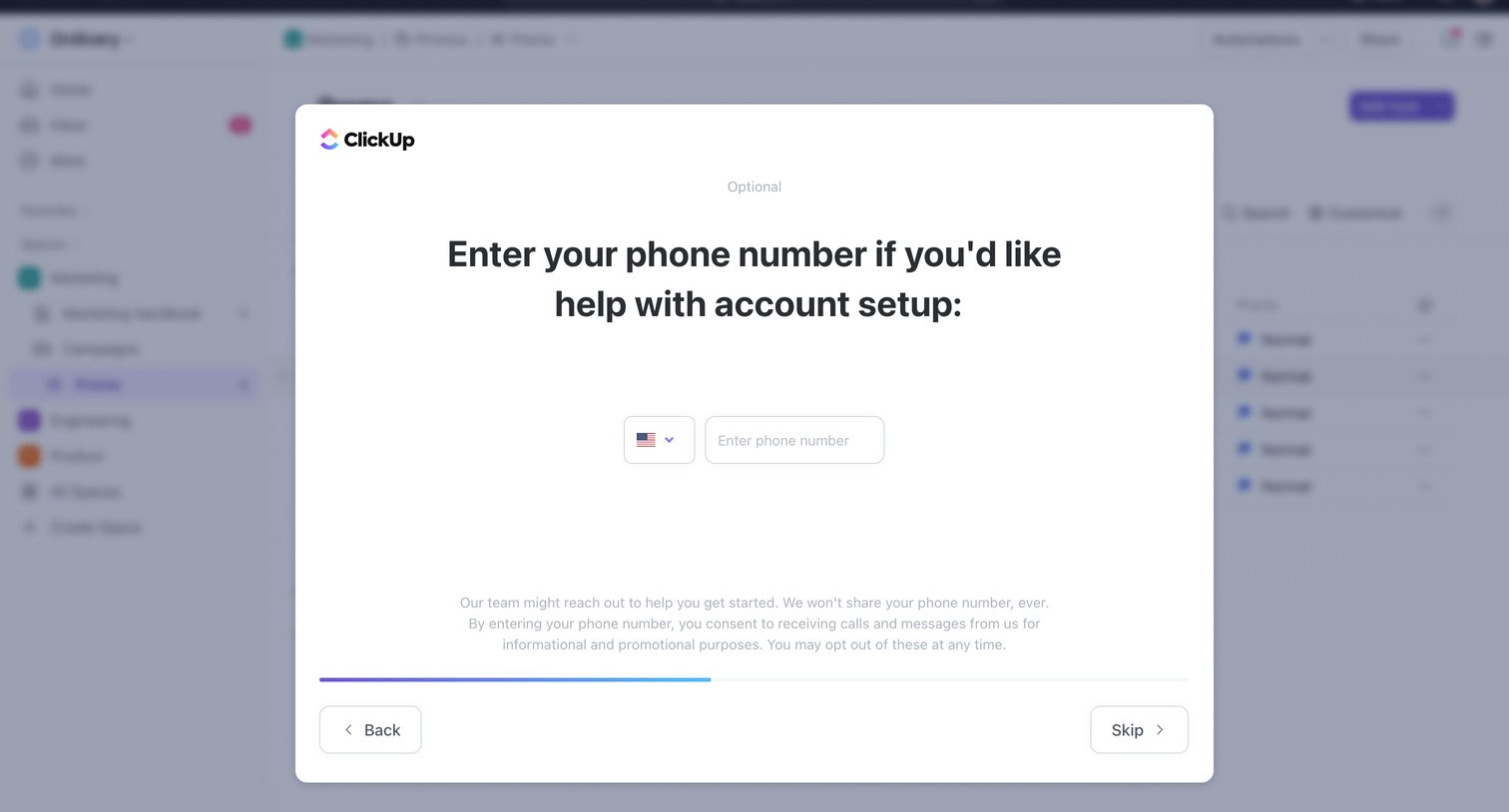
Onboarding step where the user can optionally enter their phone number for account setup help or skip the step.
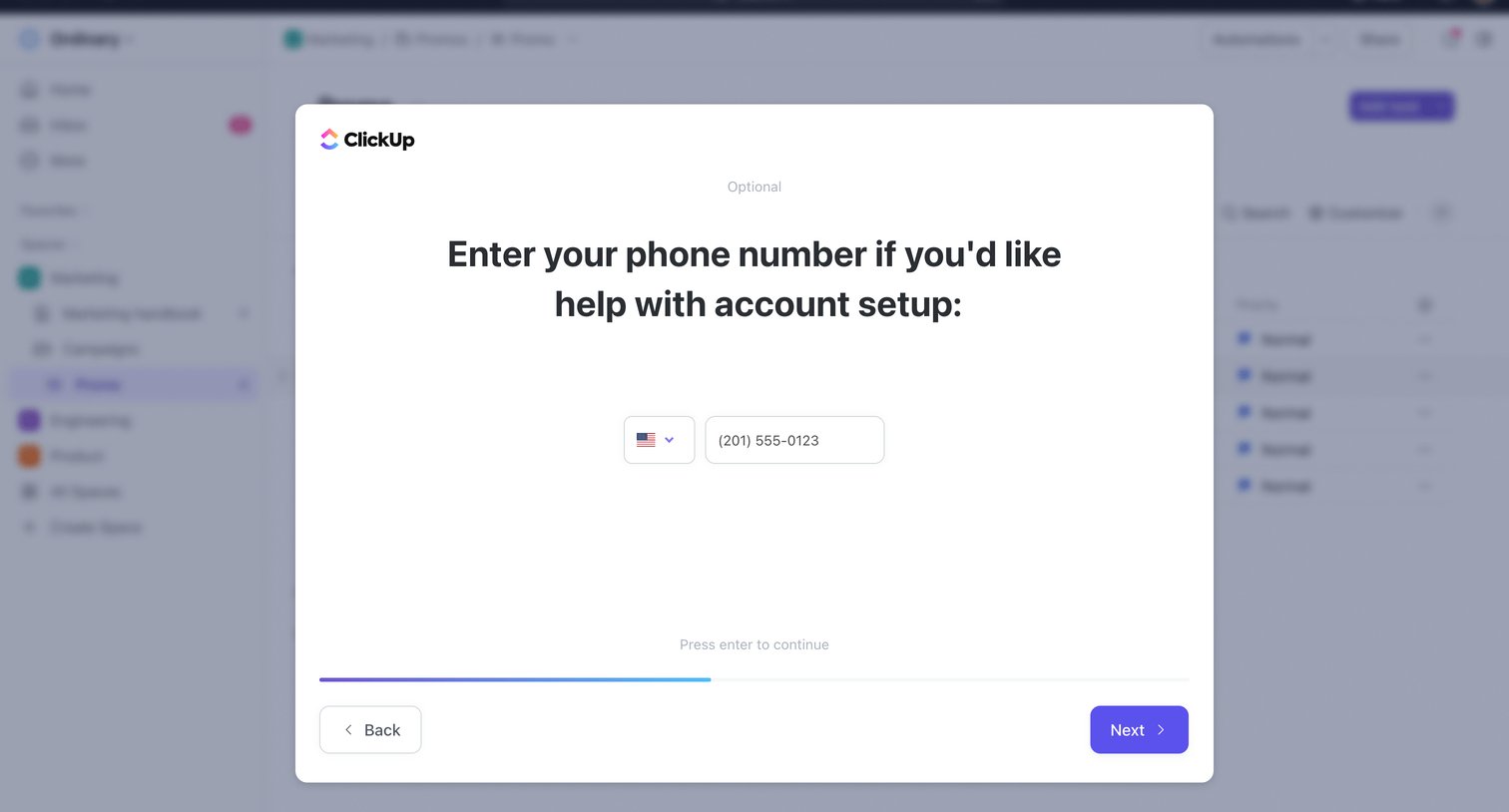
Onboarding step where the user is prompted to optionally enter their phone number for account setup assistance.
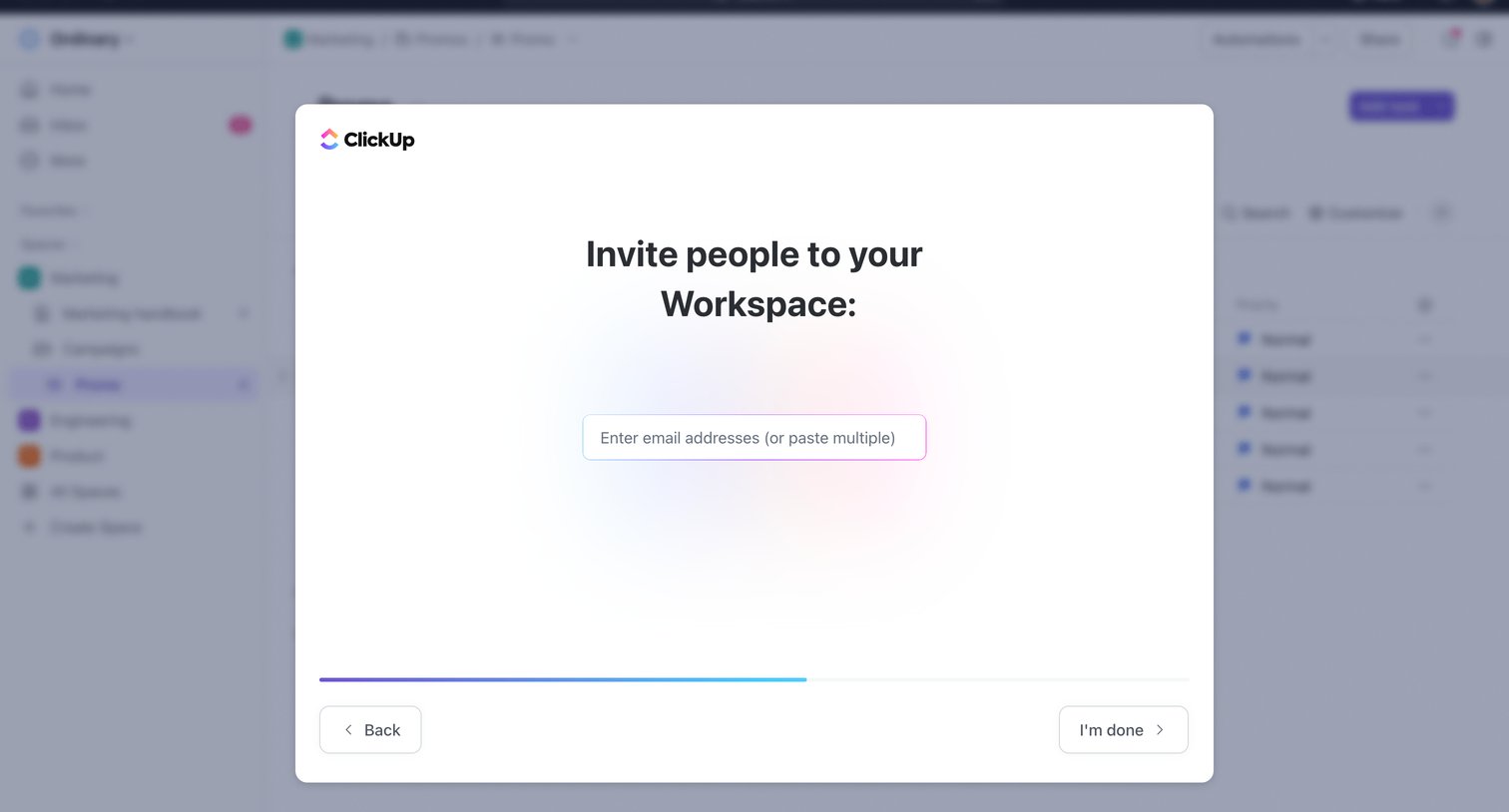
Onboarding step where the user is prompted to invite teammates to their workspace via email.
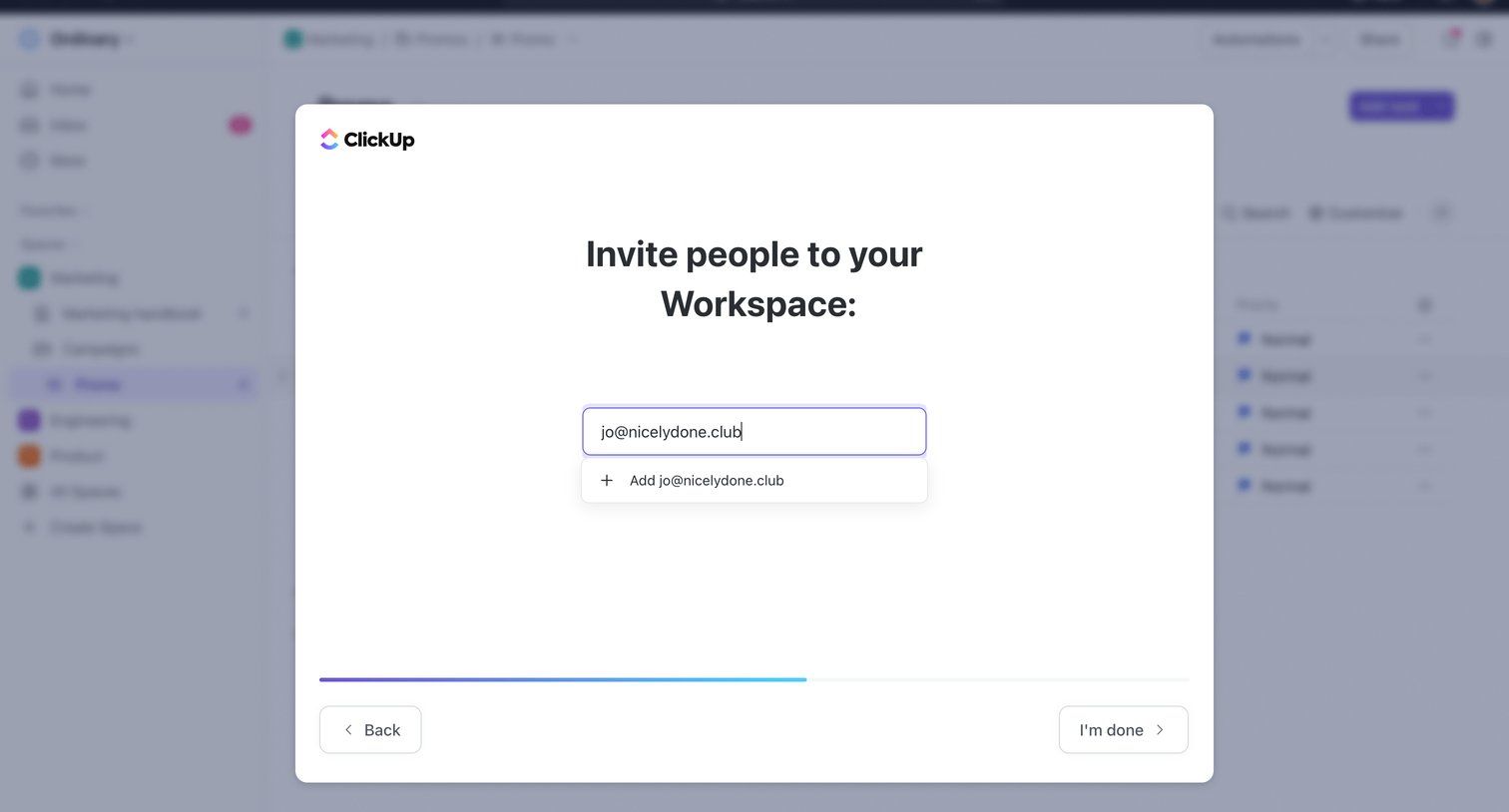
Onboarding step where the user invites teammates to their new workspace by entering email addresses.
Explore the full SaaS screen library
Upgrade to unlock the full library.
Trusted by the best teams







