Carto product screens examples
Browse Carto screen design examples. Preview the interface screenshots and explore related UI patterns. Location intelligence & gis for cloud natives
Explore the examples
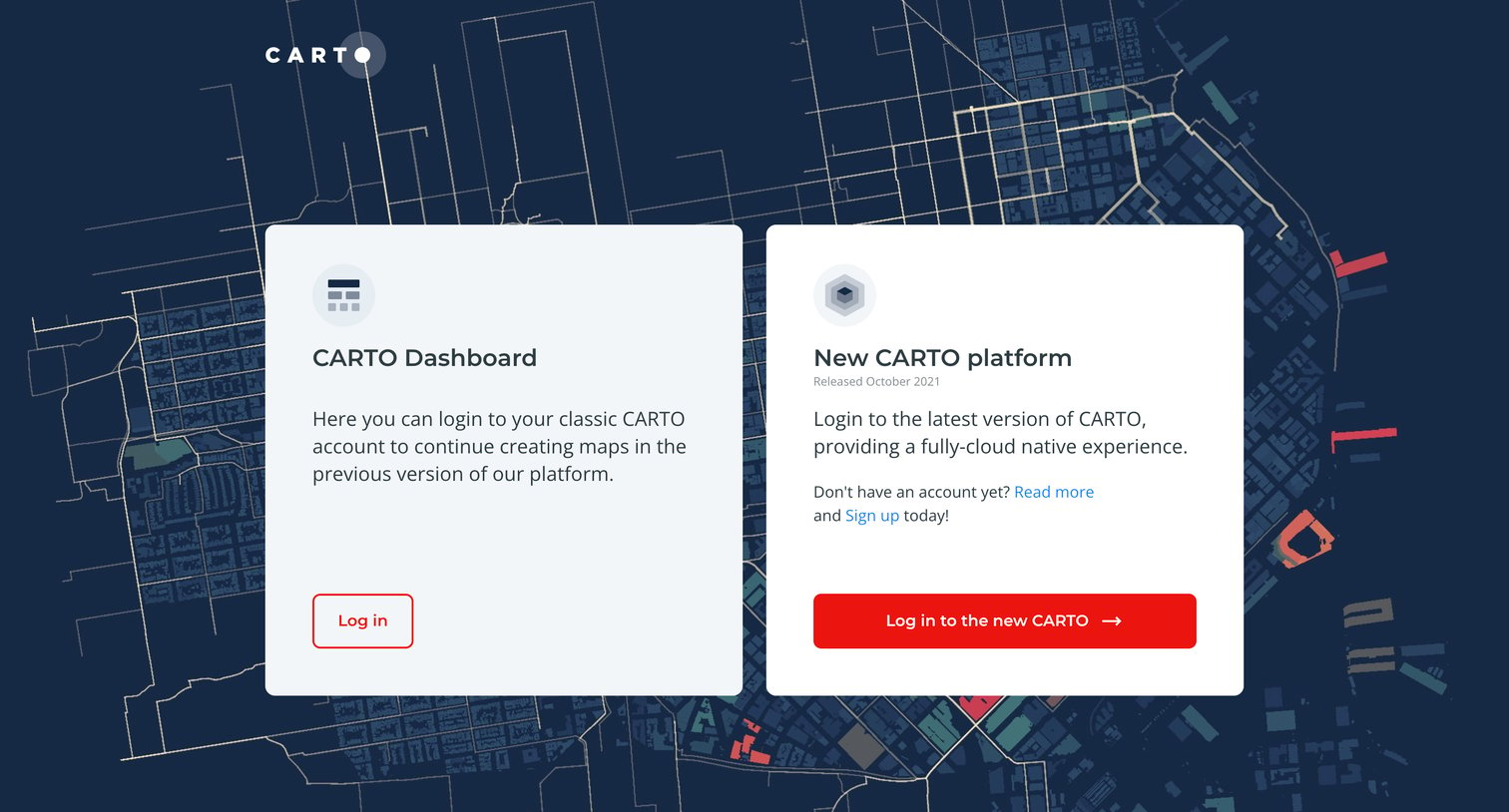

Sign-in routing screen where the user chooses between logging into the classic CARTO Dashboard or the new cloud-native CARTO platform.
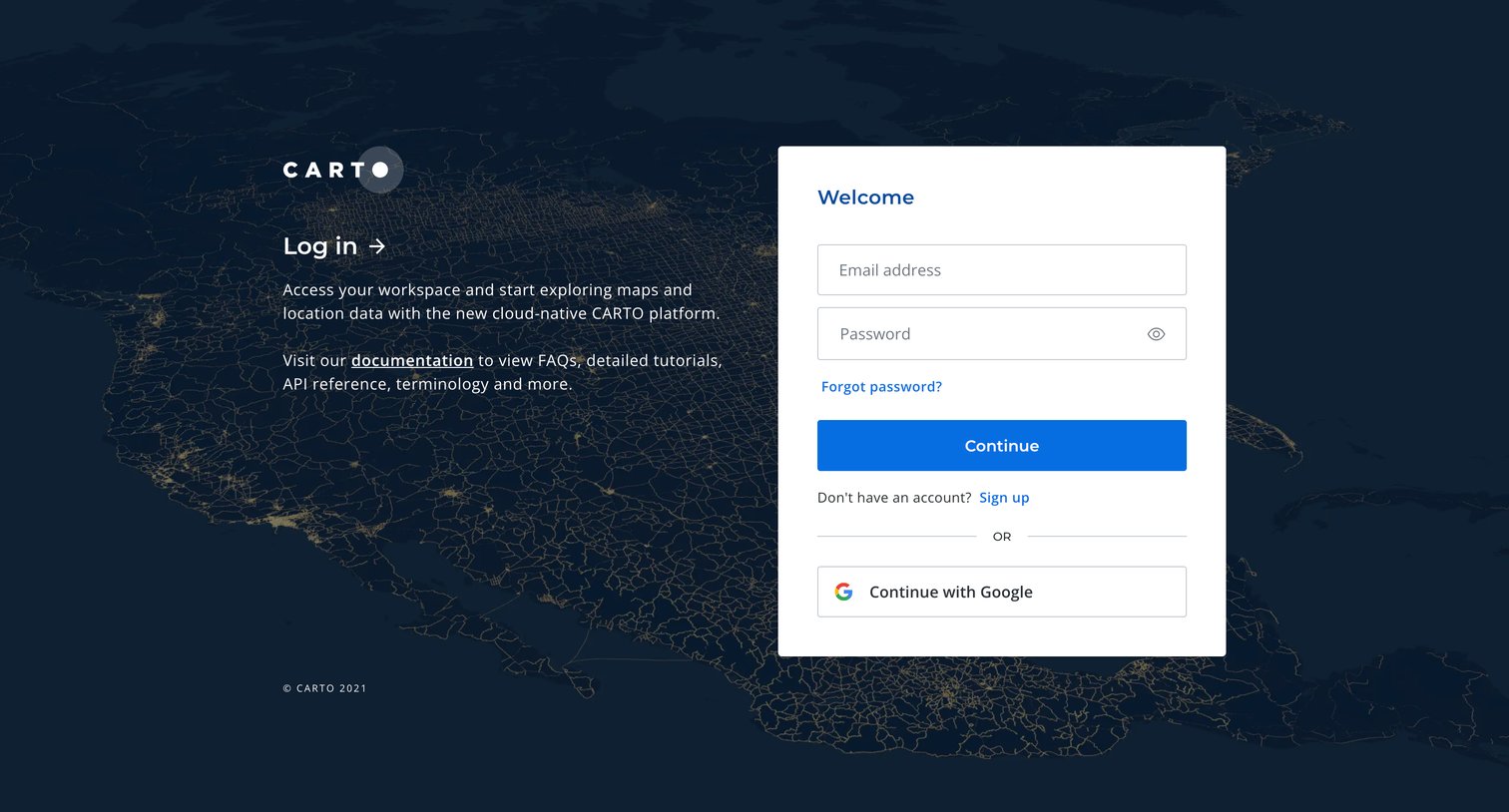
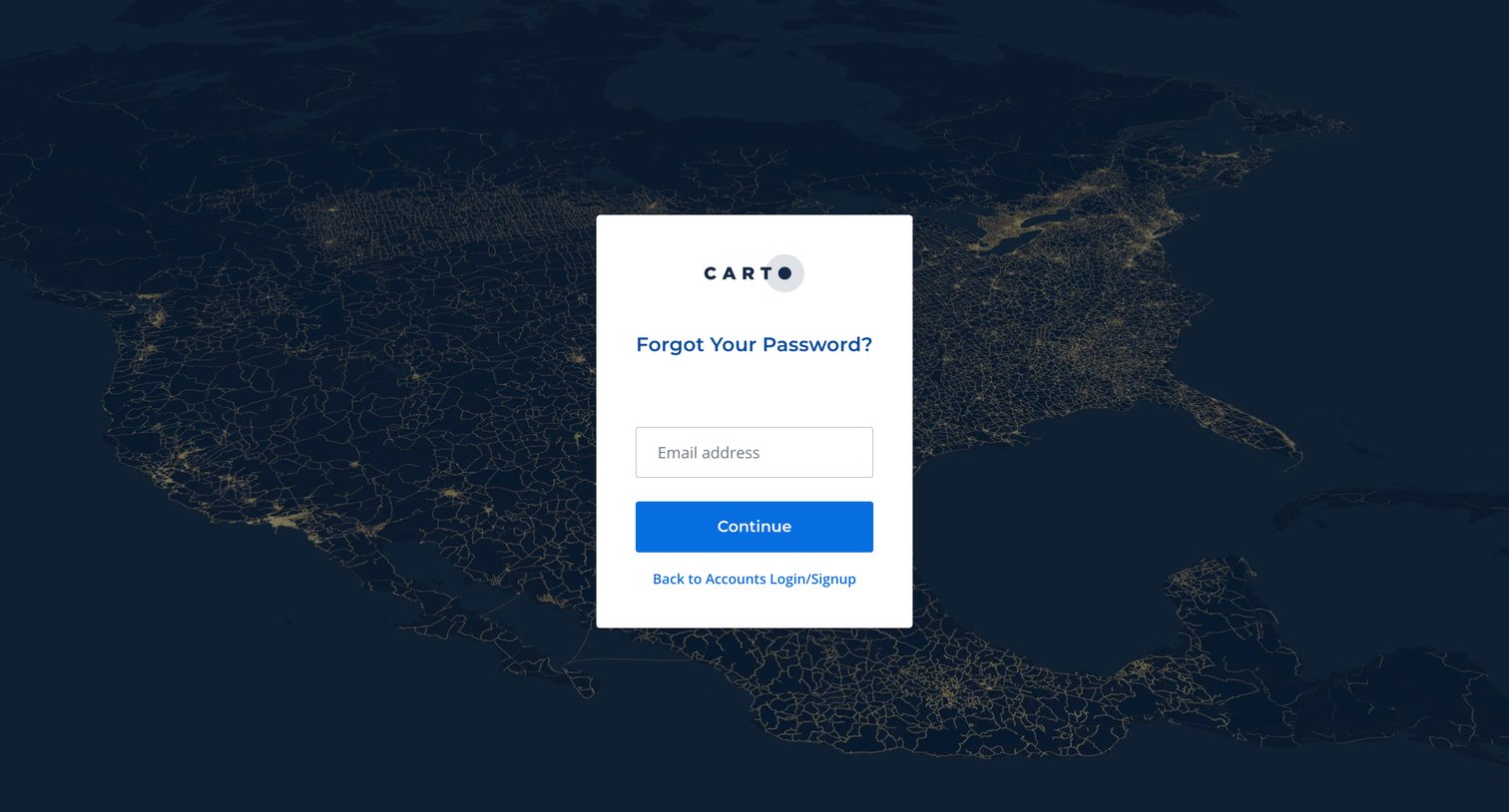
Password recovery screen where the user enters their email address to initiate a reset flow.
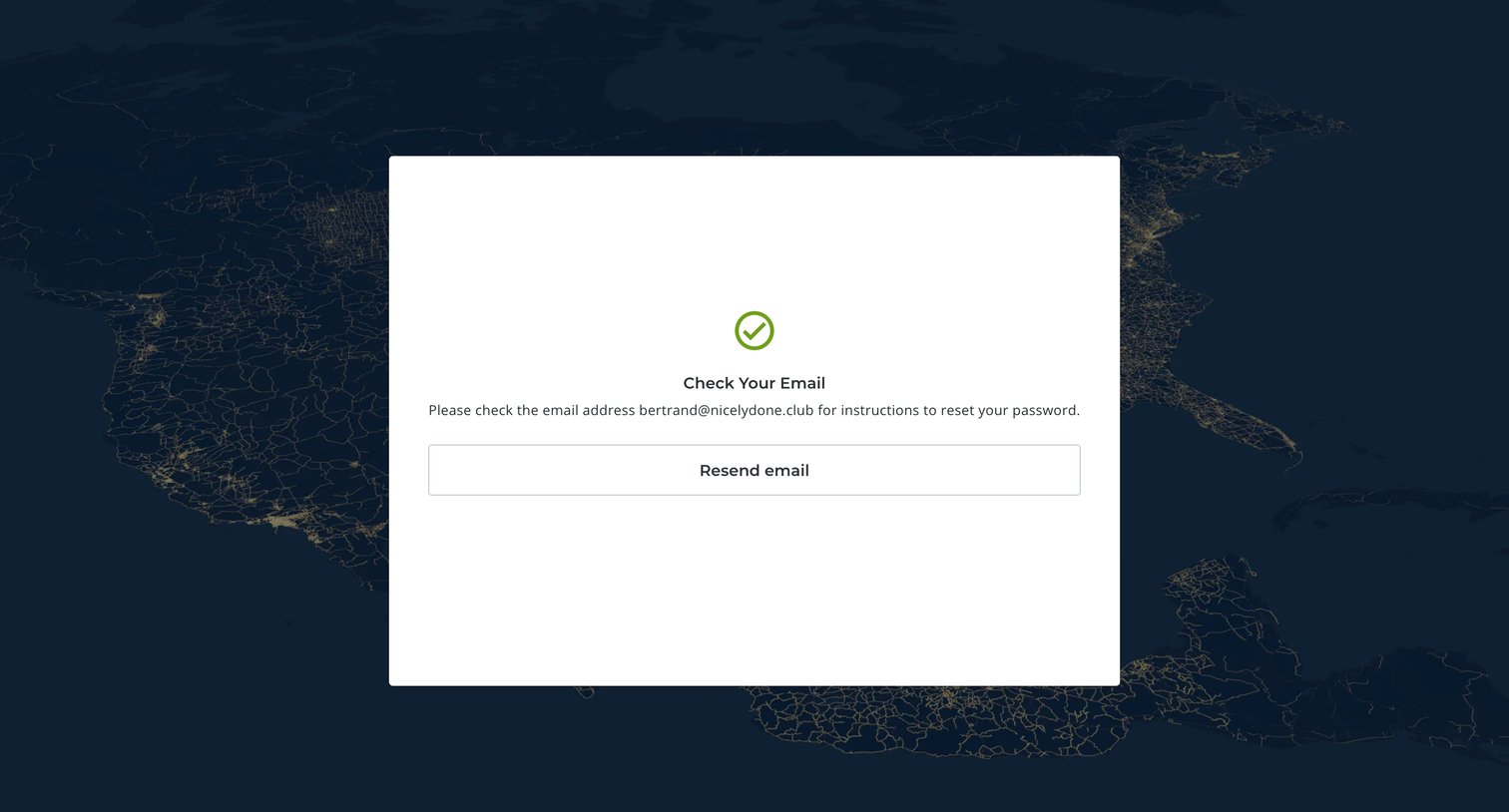
Password recovery screen confirming that instructions have been sent to the user's email address with an option to resend.
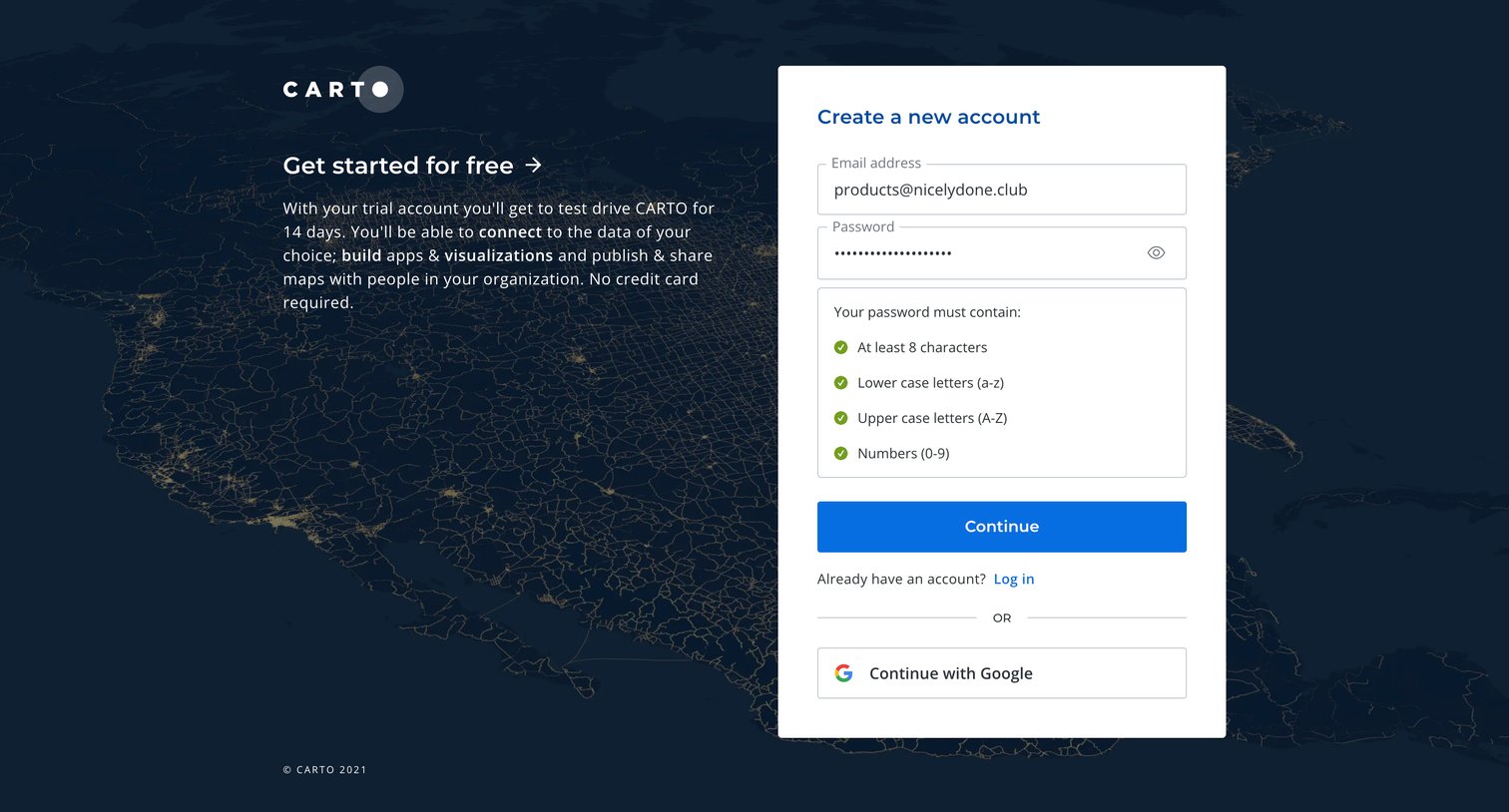
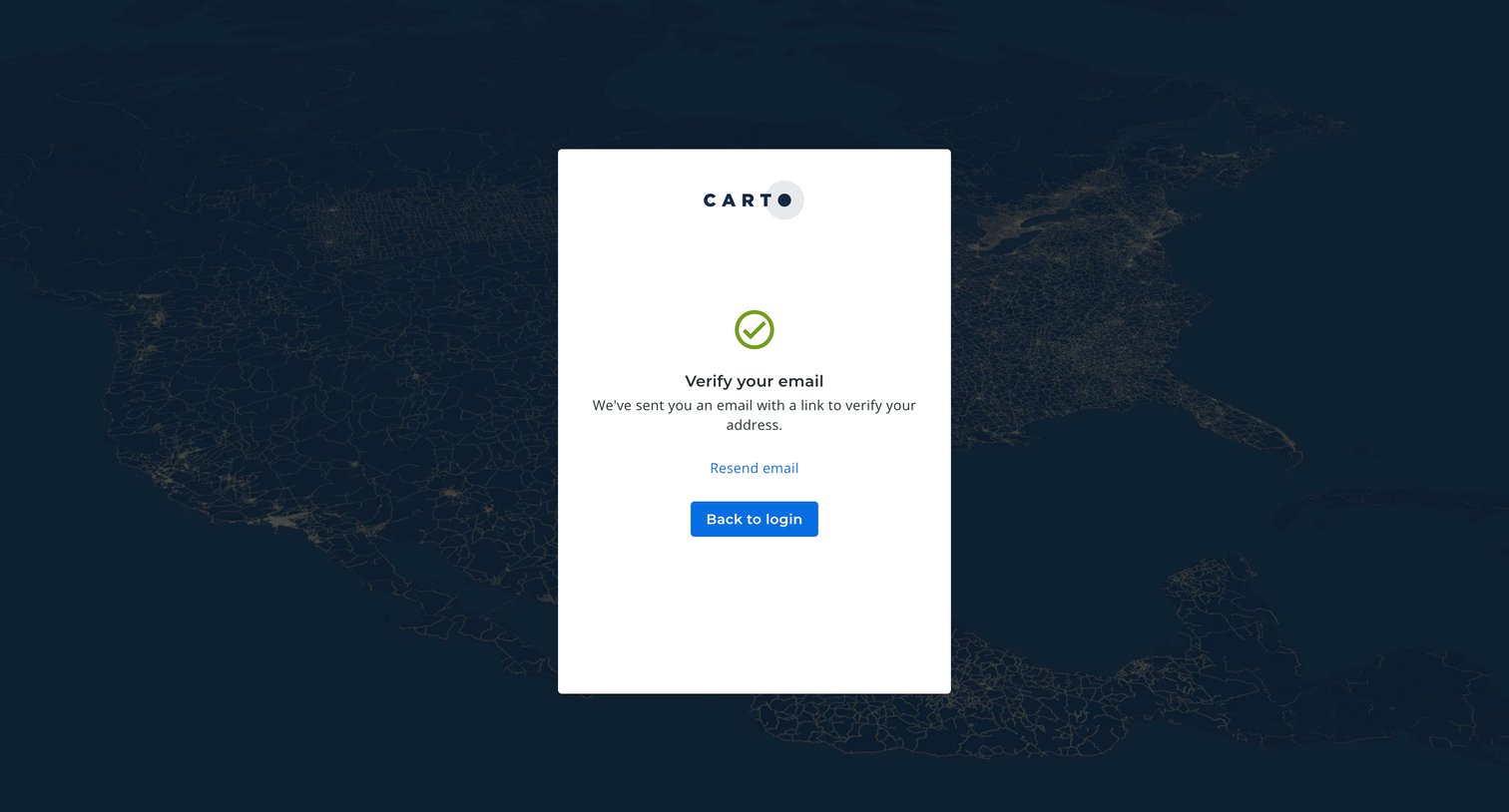
Verification screen where the user is prompted to check their inbox for a link to verify their email address, with options to resend the email or return to login.
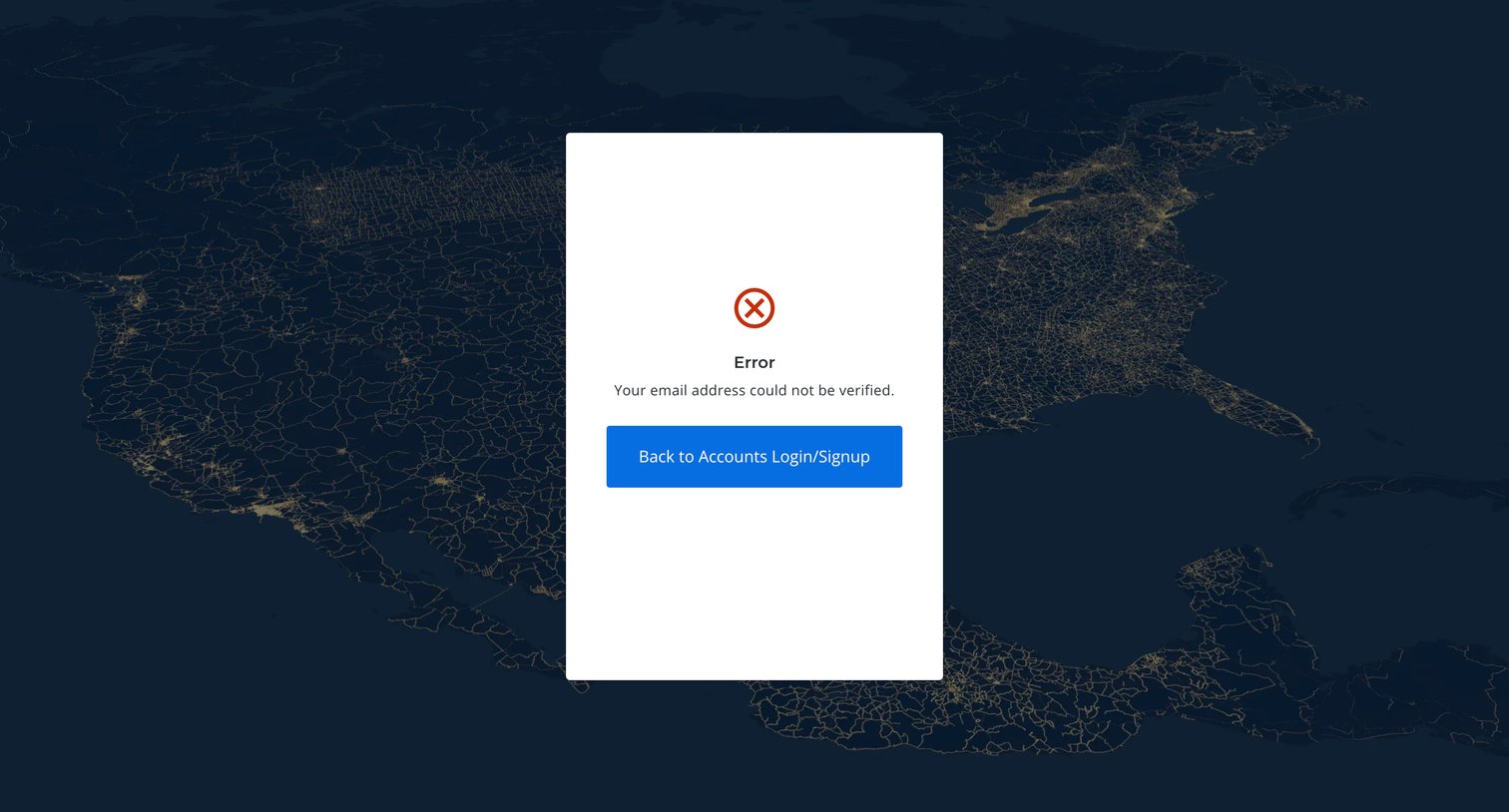
Verification screen where the user is informed that their email address could not be verified and prompted to return to login.

Onboarding step where the user names their organization, sets email domain joining rules, and selects a data warehouse region.
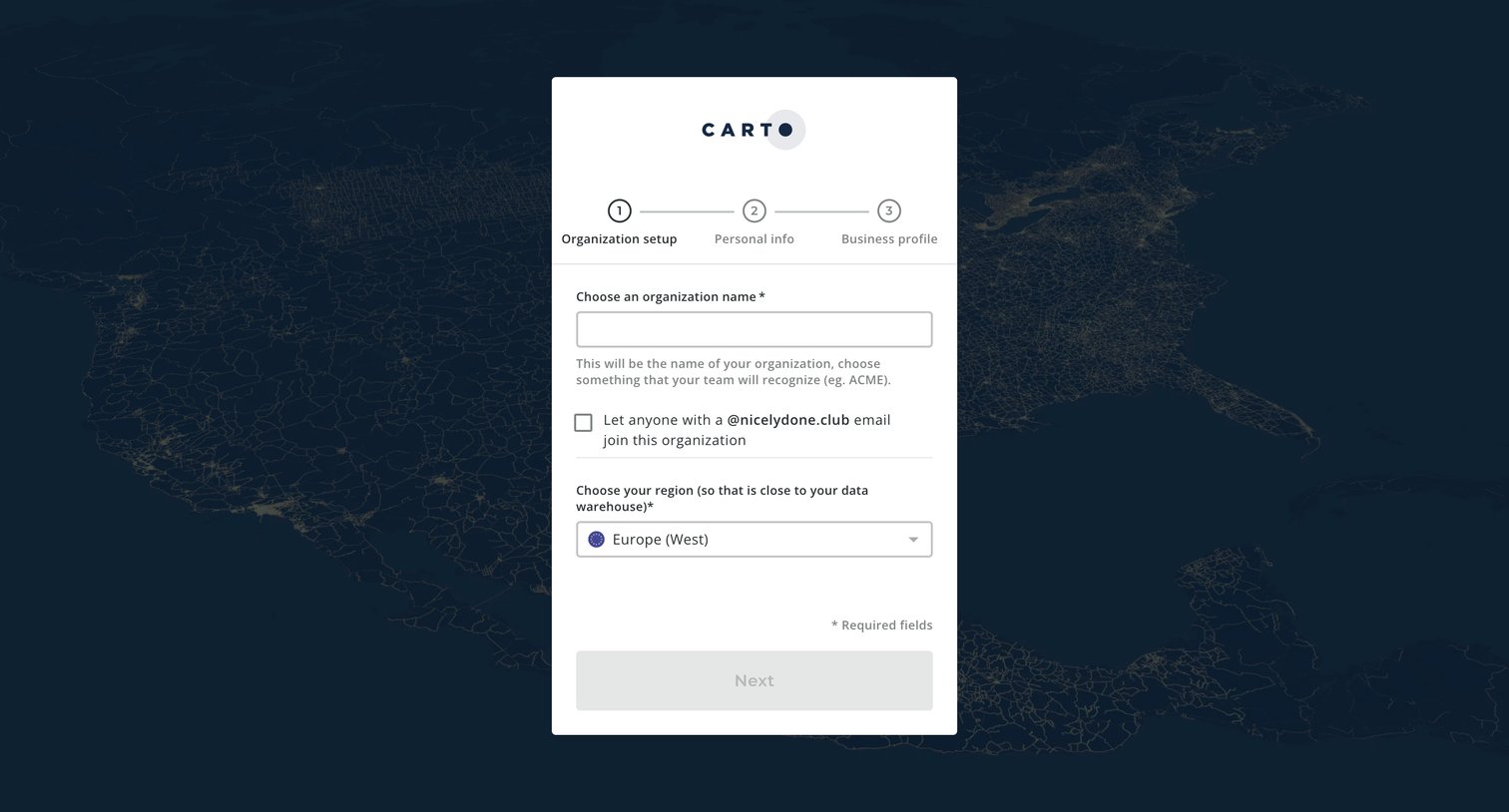
Onboarding step where the user names their organization, configures domain-based join permissions, and selects a data warehouse region.
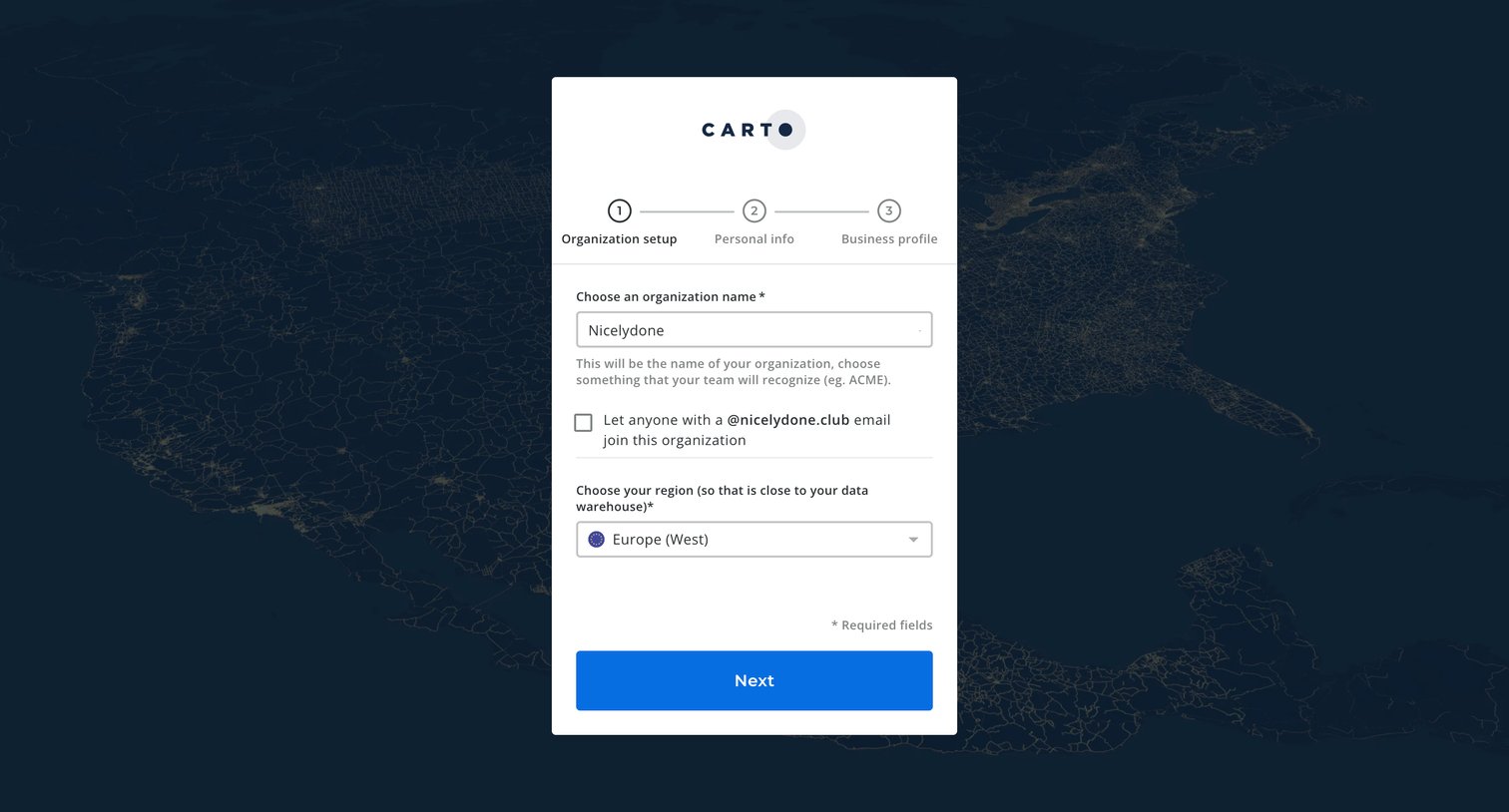
Onboarding step where the user names their organization, sets an email domain rule, and chooses a data warehouse region.
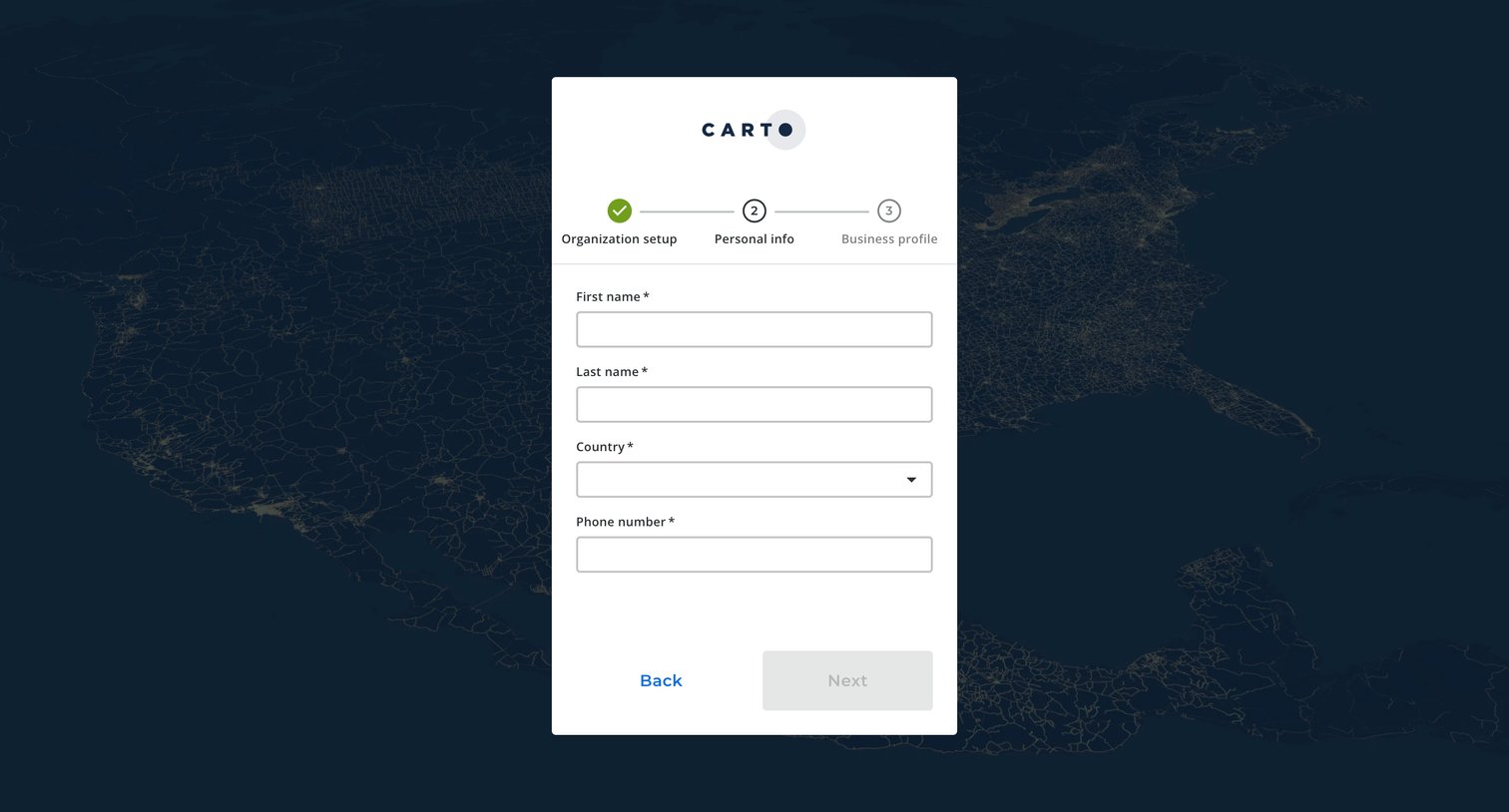
Onboarding step where the user enters their personal information, including name, country, and phone number, as part of a multi-step account setup.
Explore the full SaaS screen library
Upgrade to unlock the full library.
Trusted by the best teams







