Skip to content
Buena logo

Buena product screens examples

Browse Buena screen design examples. Preview the interface screenshots and explore related UI patterns. Property management, as it should be

Explore the examples
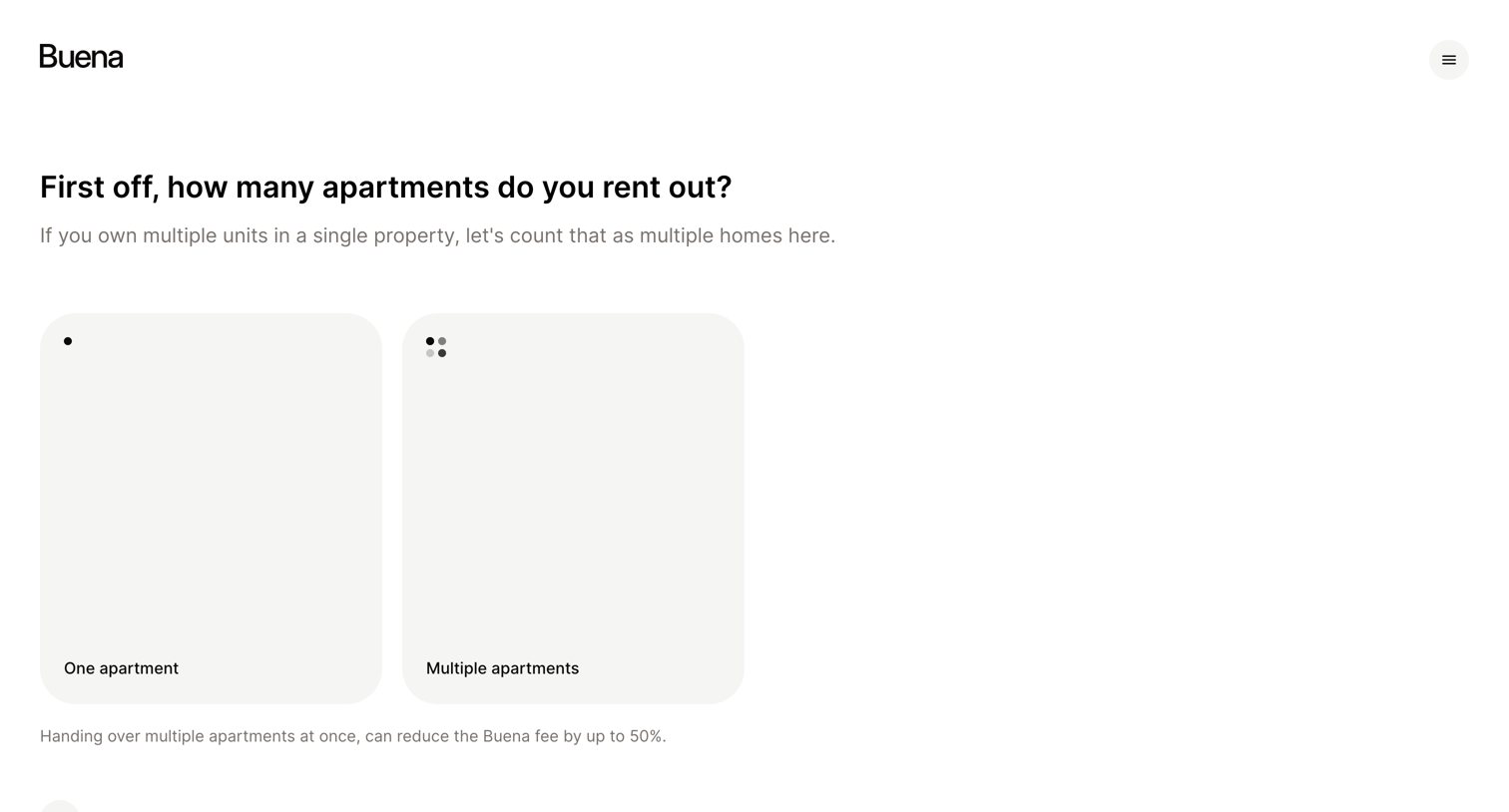
First off, how many apartments do you rent out from Buena
Buena logo
Buena

Onboarding step where the user selects whether they rent out one or multiple apartments to configure their profile.
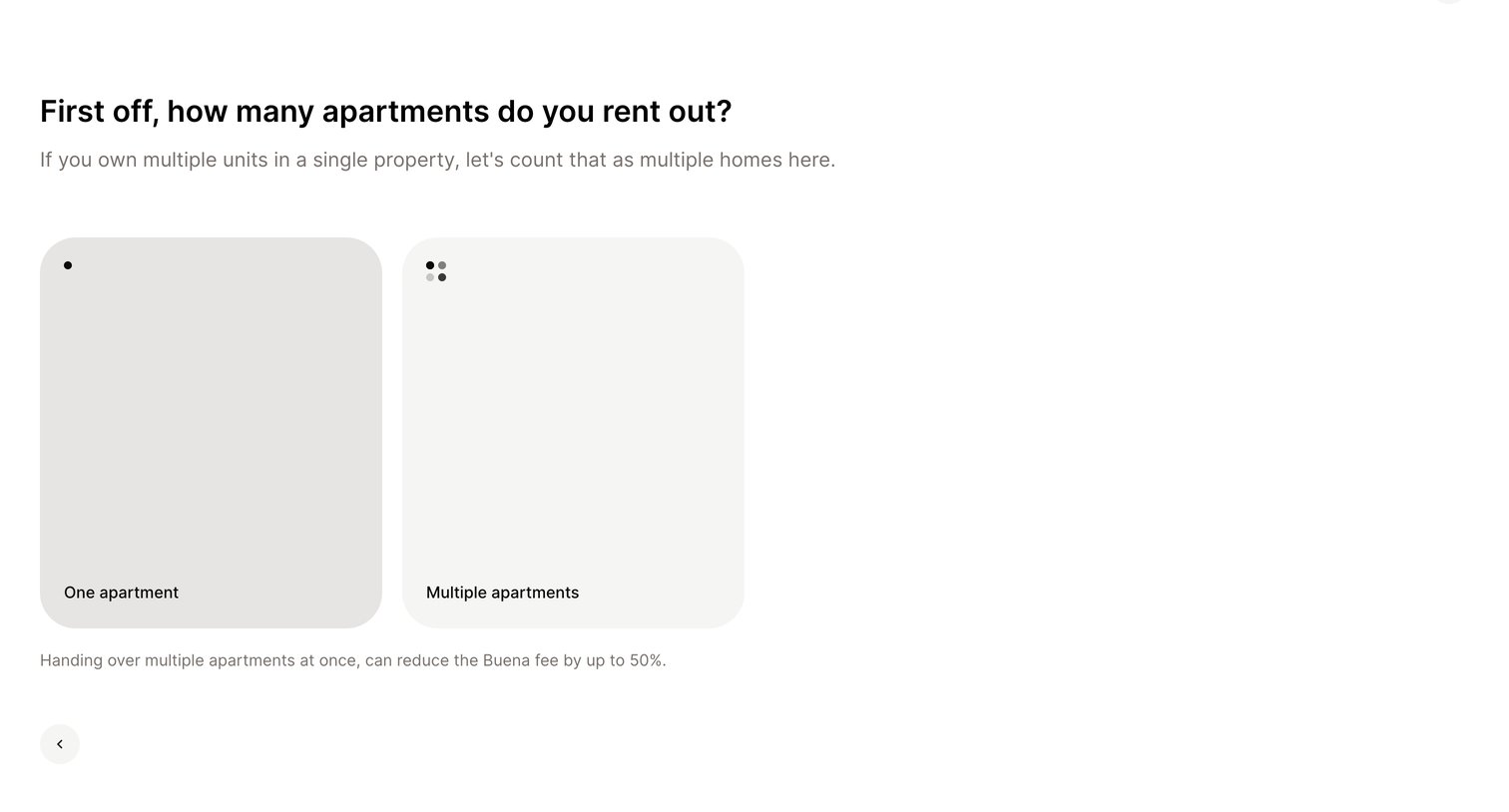
First off, how many apartments do you rent out from Buena
Buena logo
Buena

Onboarding step where the user selects whether they rent out one or multiple apartments via large clickable cards.
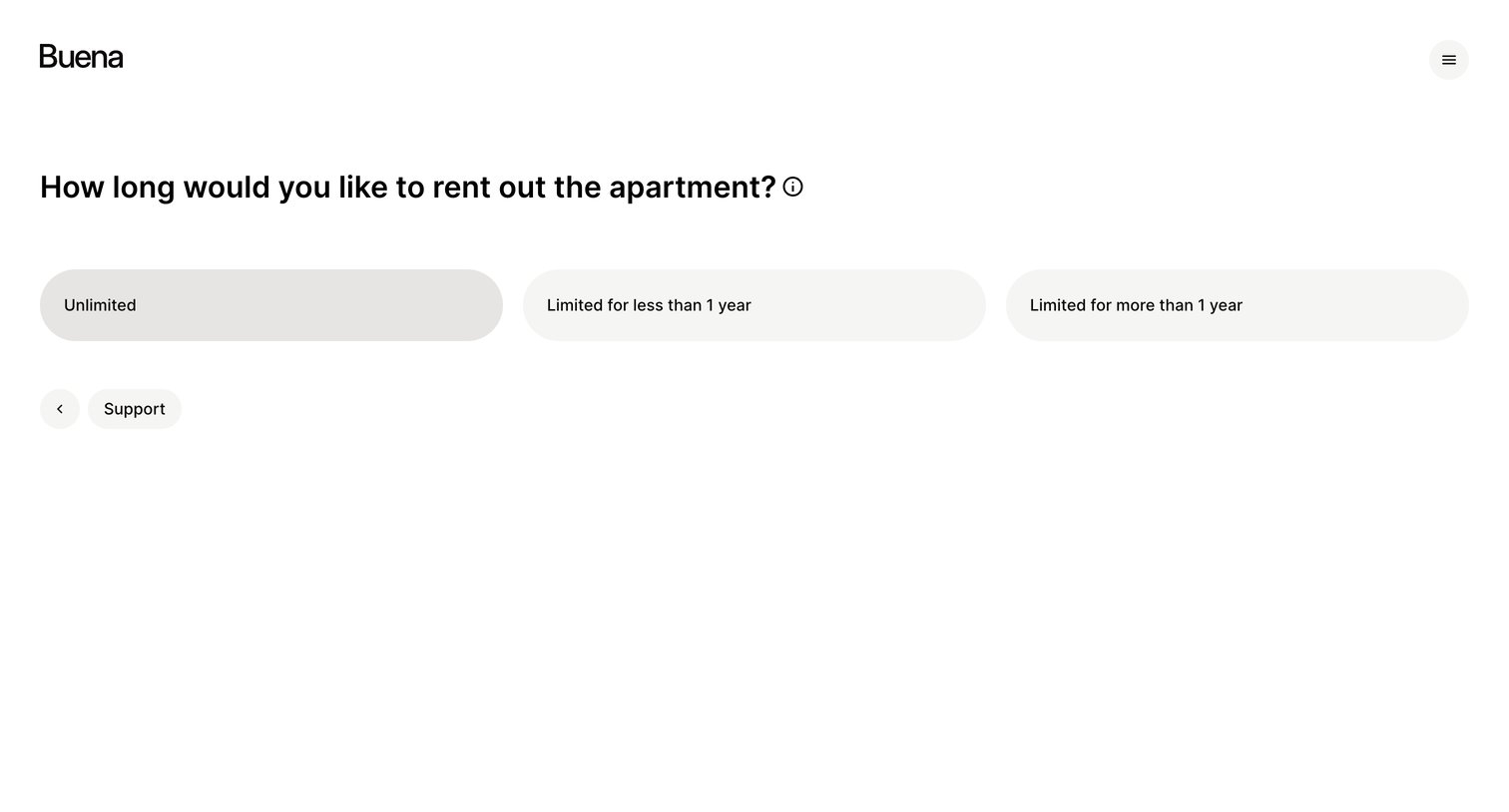
Inquiry How long would you like to rent out the apartment from Buena
Buena logo
Buena

Onboarding step where the user selects the intended rental duration for their apartment from three predefined options.

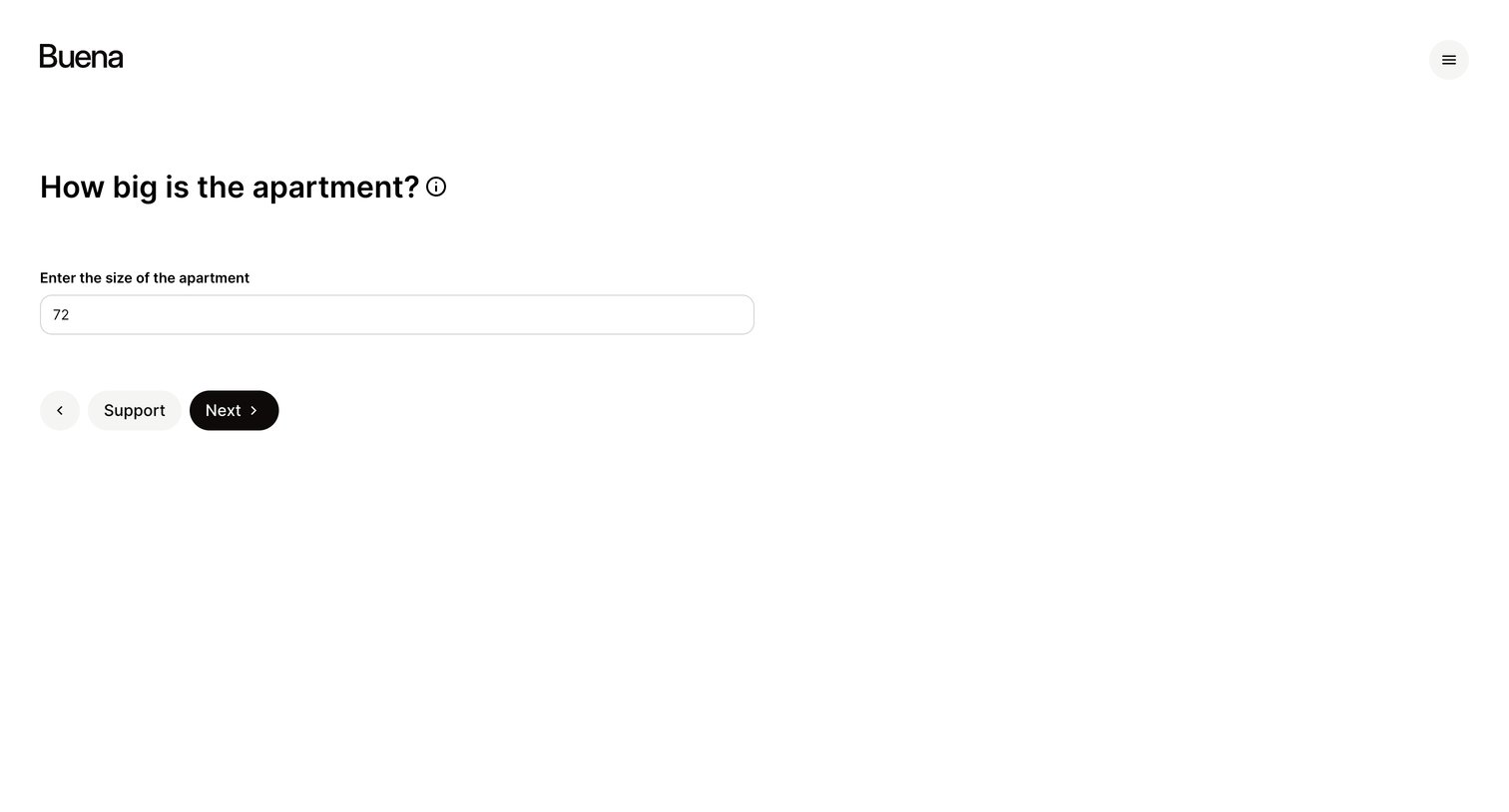
Inquiry How big is the apartment from Buena
Buena logo
Buena

Onboarding step where the user enters the size of their apartment into a single text input.

Inquiry Are you willing to unfurnish the apartment from Buena
Buena logo
Buena

Onboarding step where the user indicates if they are willing to unfurnish the apartment by selecting yes or no before proceeding.

Inquiry Please enter your email address from Buena
Buena logo
Buena

Signup screen where the user provides their email address to continue the registration process.

Inquiry What are the monthly costs for the apartment from Buena
Buena logo
Buena

Onboarding step where the user enters the monthly costs for an apartment, including cold rent, heating, and other utilities, currently showing a validation error.

Inquiry What are the monthly costs for the apartment from Buena
Buena logo
Buena

Wizard step where the user enters monthly apartment costs including cold rent, heating, and utilities to calculate the total warm rent.

Inquiry What are the monthly costs for the apartment from Buena
Buena logo
Buena

Wizard step where the user enters monthly costs for an apartment, including cold rent, heating, and parking, to calculate the total warm rent.

Offer Your offer is coming soon. from Buena
Buena logo
Buena

Detail page in a loading state where the system is generating a summary, indicated by a progress bar.

Offer When does your apartment become available from Buena
Buena logo
Buena

Onboarding step where the user selects the date their apartment becomes available for management.

Offer Close your agreement with Buena. from Buena
Buena logo
Buena

Checkout page where the user reviews the service fees, runtime, and notice period before completing payment.

Explore the full SaaS screen library

Upgrade to unlock the full library.

Trusted by the best teams