Braintrust UI components examples
Browse Braintrust UI component design examples. Preview individual interface elements and explore related component categories. Ship LLM products that work
Explore the examples
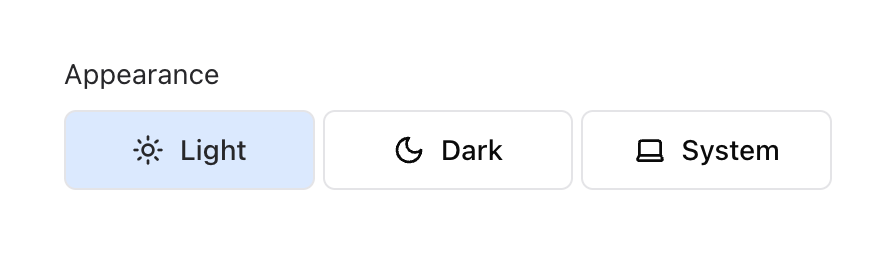

A horizontal toggle group for selecting the application's appearance theme, with options for Light, Dark, and System.
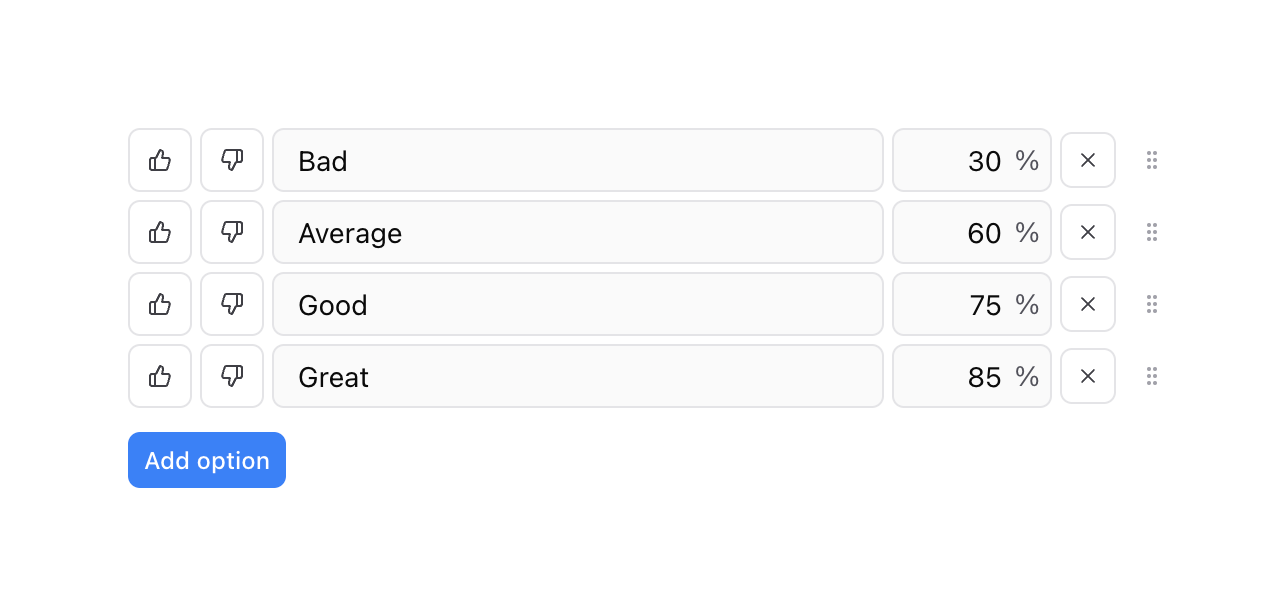
A list of configurable score options, each with thumbs up/down toggles, a text label, a percentage value, a delete button, and a drag handle. A button below allows adding new options.
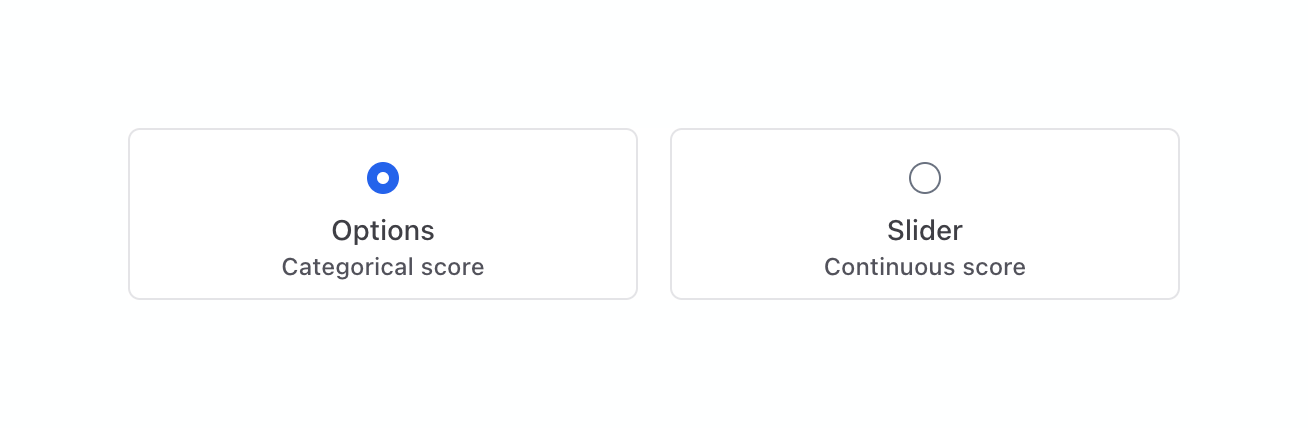
A radio group using large selectable cards instead of standard radio buttons, allowing the user to choose between 'Options' and 'Slider' score types.
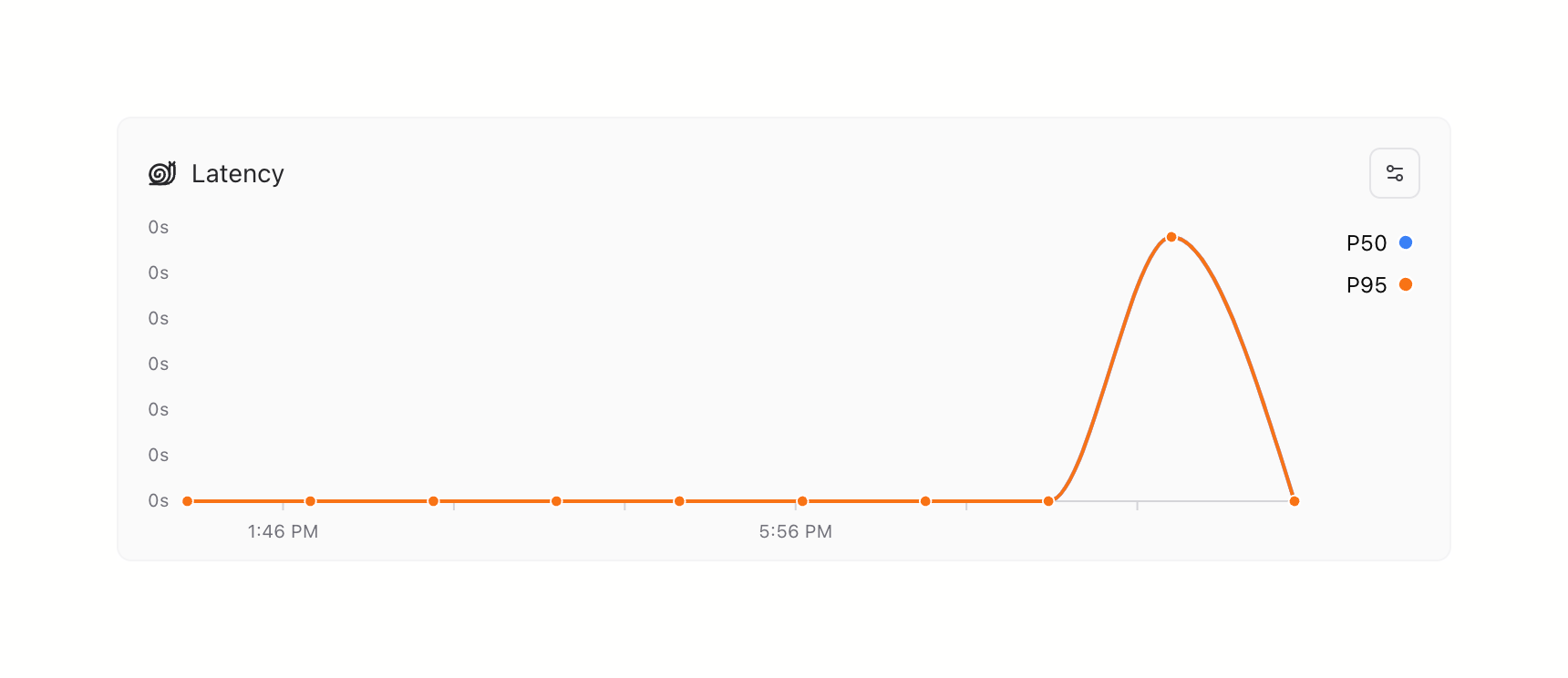
A line chart displaying latency metrics over time, featuring a single prominent spike. It includes a title with an icon, a settings button, and a legend for P50 and P95 percentiles.
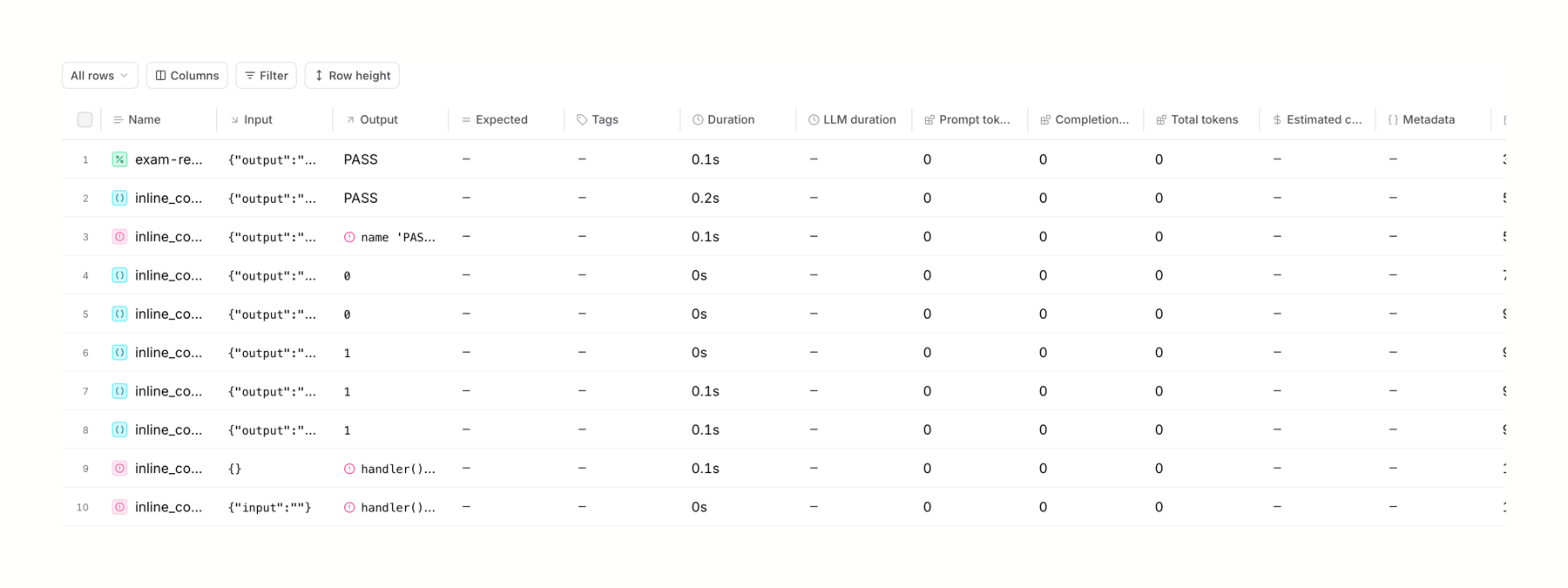
A dense data table displaying execution logs with columns for Name, Input, Output, Expected, Tags, Duration, and token usage metrics. A toolbar above the table provides controls for row selection, column visibility, filtering, and row height.
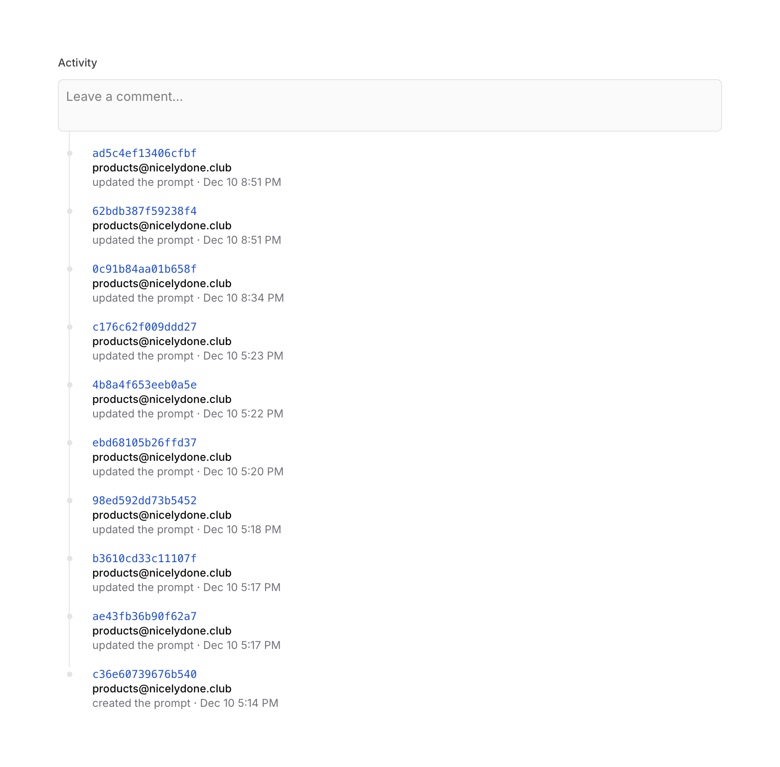
A vertical timeline showing a history of prompt updates, with a text input field at the top to leave a comment.
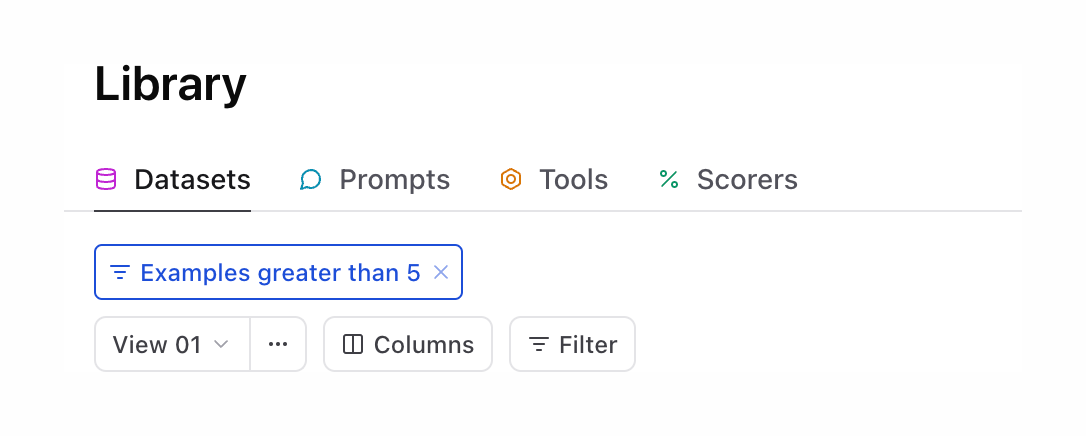
A page header with horizontal tabs for navigating library sections, followed by active filter tags and a toolbar for managing views and columns.
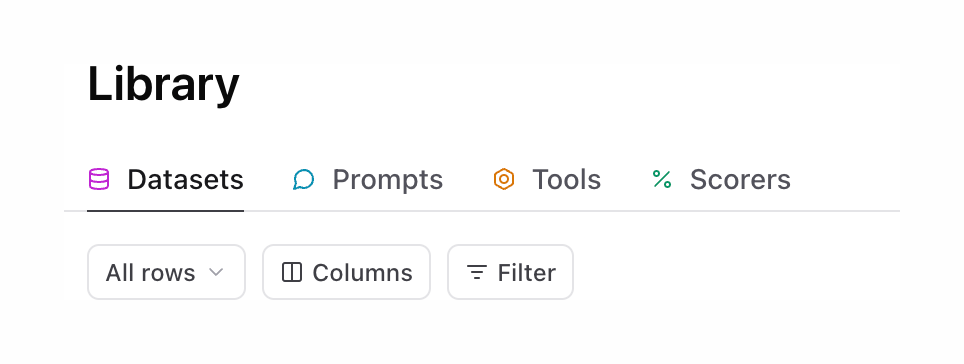
A page header for a Library section featuring a title, a row of tabs with icons for navigation, and a toolbar with filter and column controls.

A page header with a back button and title, followed by a toolbar containing an active filter tag and several utility buttons for managing table views and data.
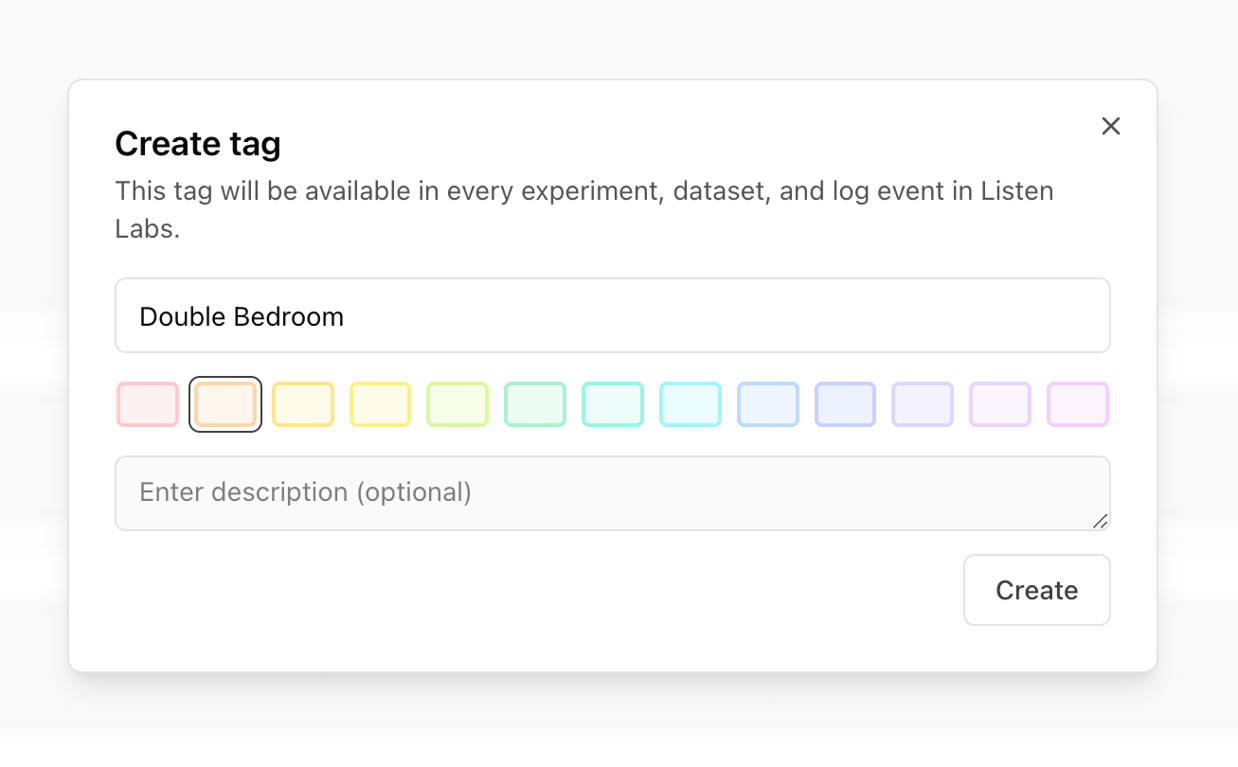
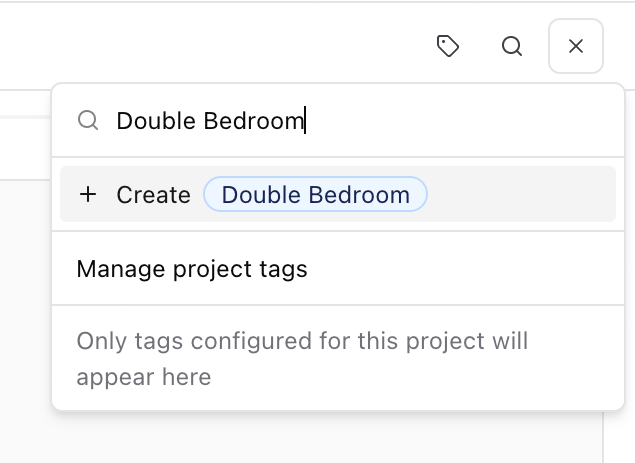
A combobox overlay allowing users to search for or create tags. The user has typed 'Double Bedroom', and the menu offers an option to create this new tag, along with a link to manage project tags and a helper text note.
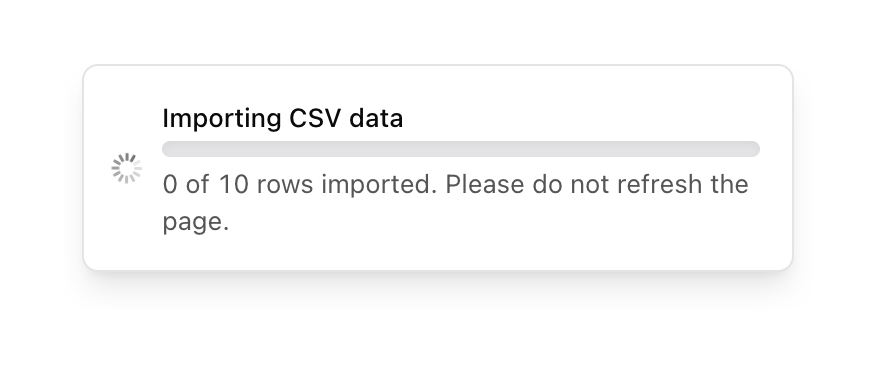
A toast notification displaying the progress of a CSV data import. It includes a loading spinner, a title, a progress bar, and a status message indicating the number of rows imported and a warning not to refresh the page.
Browse the full component library
Browse the full UI component library.
Trusted by the best teams







