Skip to content

Bonsai UI components examples

Browse Bonsai UI component design examples. Preview individual interface elements and explore related component categories. One platform to streamline your entire business

Explore the examples
Bonsai — Checkbox & radio component
Bonsai logo
Bonsai

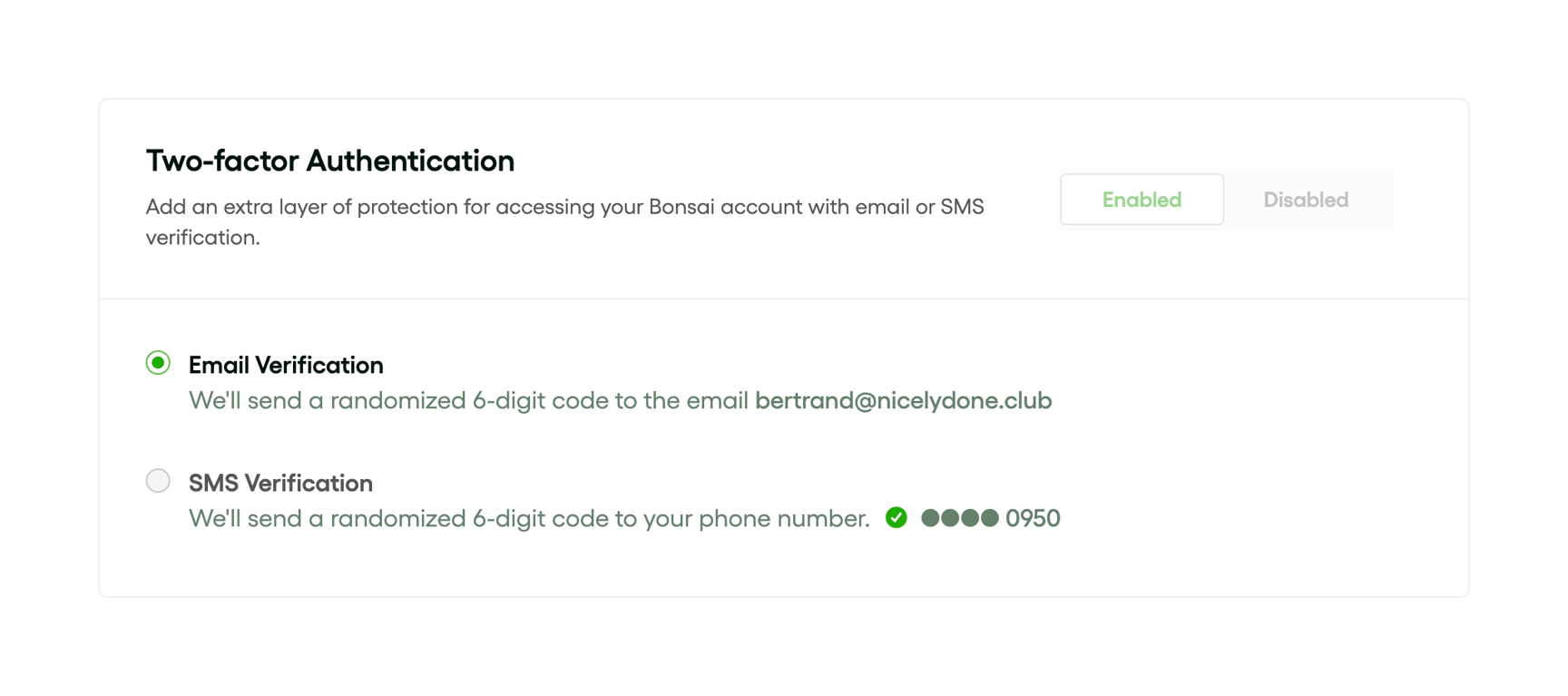
A settings card for configuring two-factor authentication. It includes a toggle group to enable or disable the feature, and a radio group to select between email or SMS verification methods.
Bonsai — Charts component
Bonsai logo
Bonsai

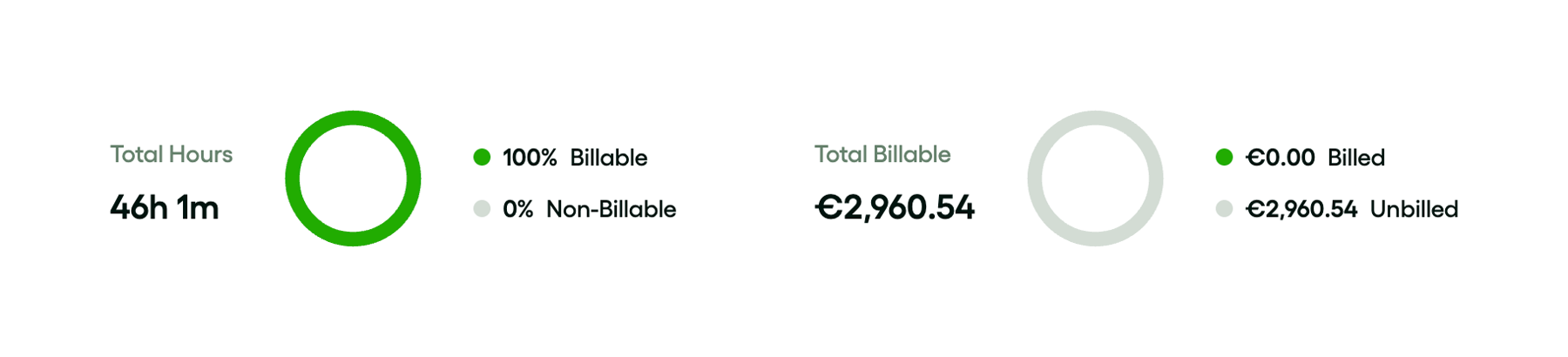
A pair of donut charts displaying key performance indicators for time tracking. The left chart shows total hours split by billable and non-billable, while the right chart shows total billable amount split by billed and unbilled.

Bonsai — Charts component
Bonsai logo
Bonsai

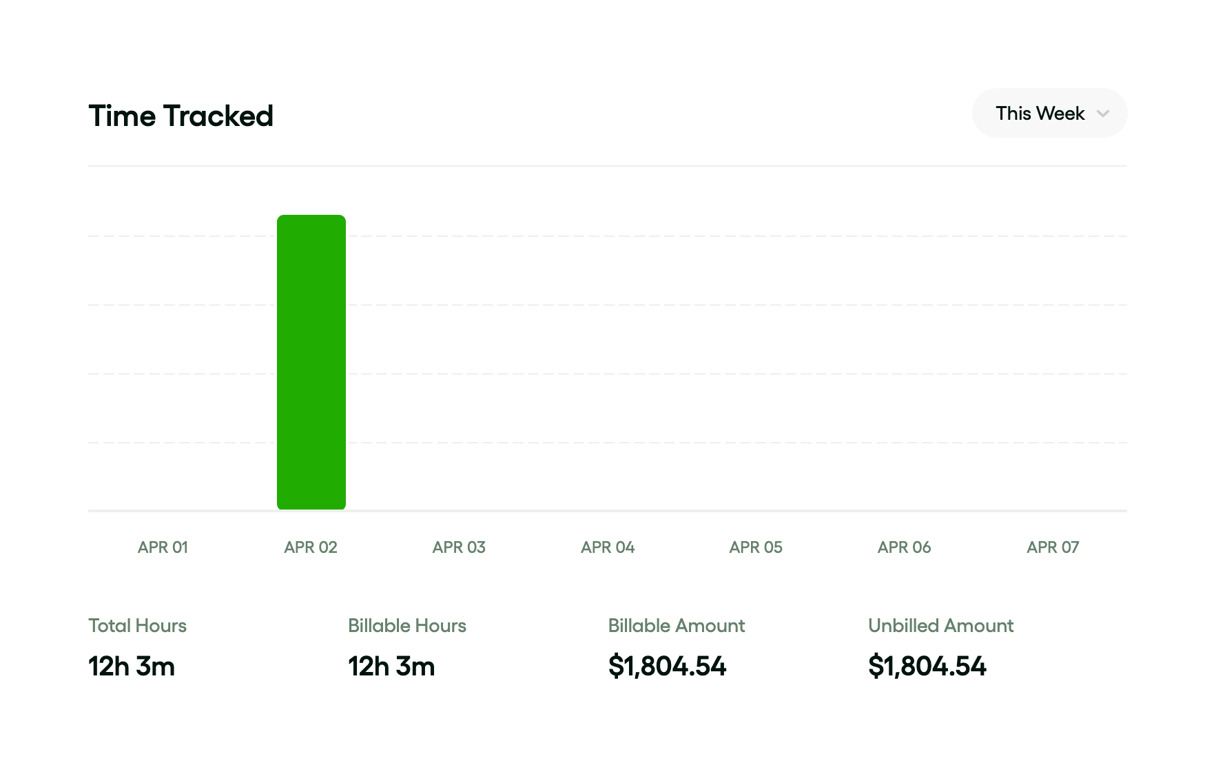
A bar chart displaying time tracked over a week, with a single green bar for April 2nd. It includes a date range selector and summary metrics below the chart.

Bonsai — Timeline & history component
Bonsai logo
Bonsai

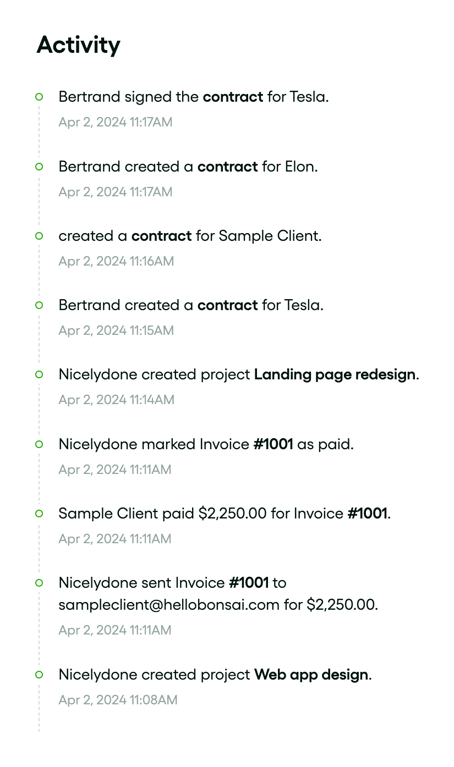
A vertical timeline displaying a chronological list of recent activities, such as contract signings, project creations, and invoice payments. Each entry includes a descriptive sentence with bolded keywords and a timestamp, connected by a dotted line with circular nodes.
Bonsai — Input code component
Bonsai logo
Bonsai

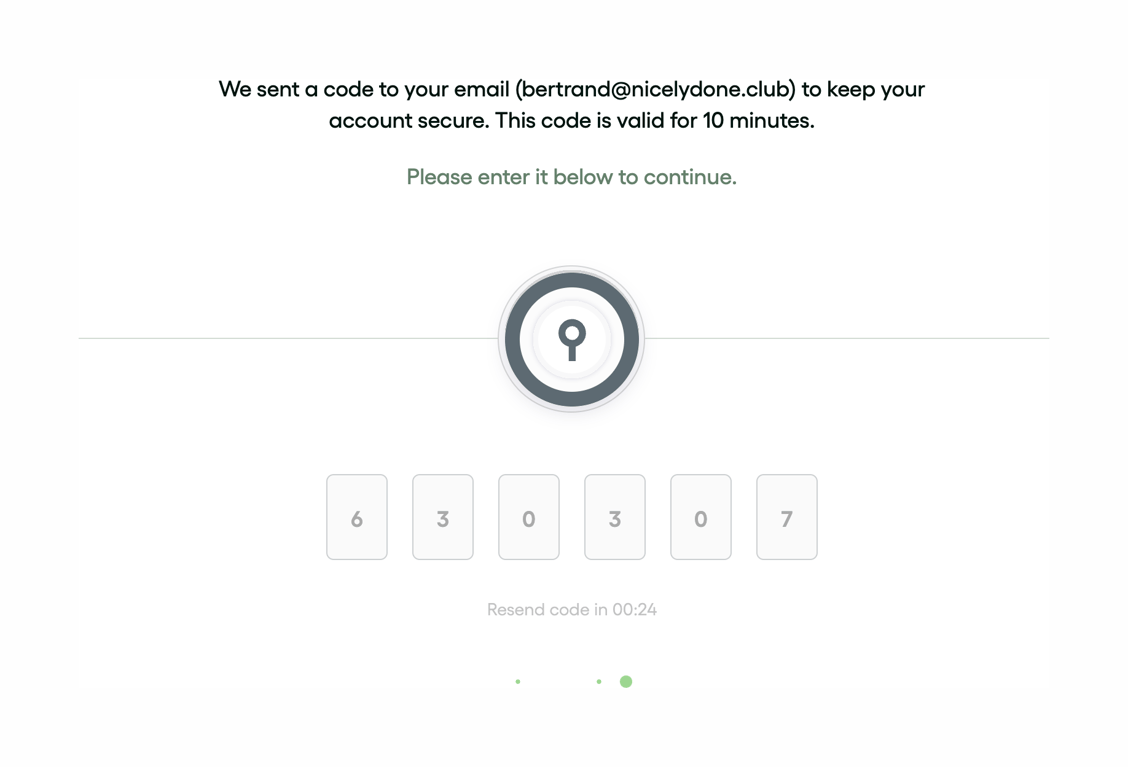
A security code verification form prompting the user to enter a 6-digit code sent to their email. It includes instructional text, a central key icon, six individual input boxes for the code, a countdown timer for resending the code, and a progress indicator at the bottom.
Bonsai — Tabs component
Bonsai logo
Bonsai

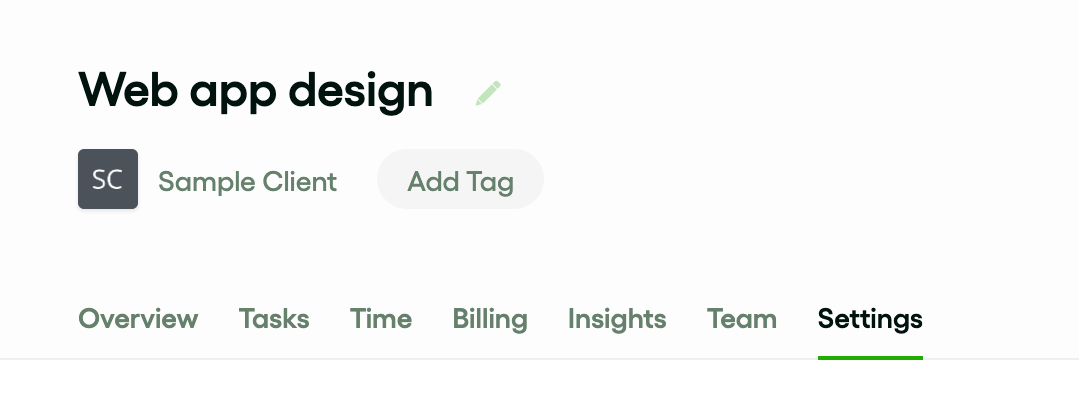
A page header displaying a project title with an edit icon, client information, an 'Add Tag' button, and a horizontal tab navigation menu.

Bonsai — Datepicker component
Bonsai logo
Bonsai

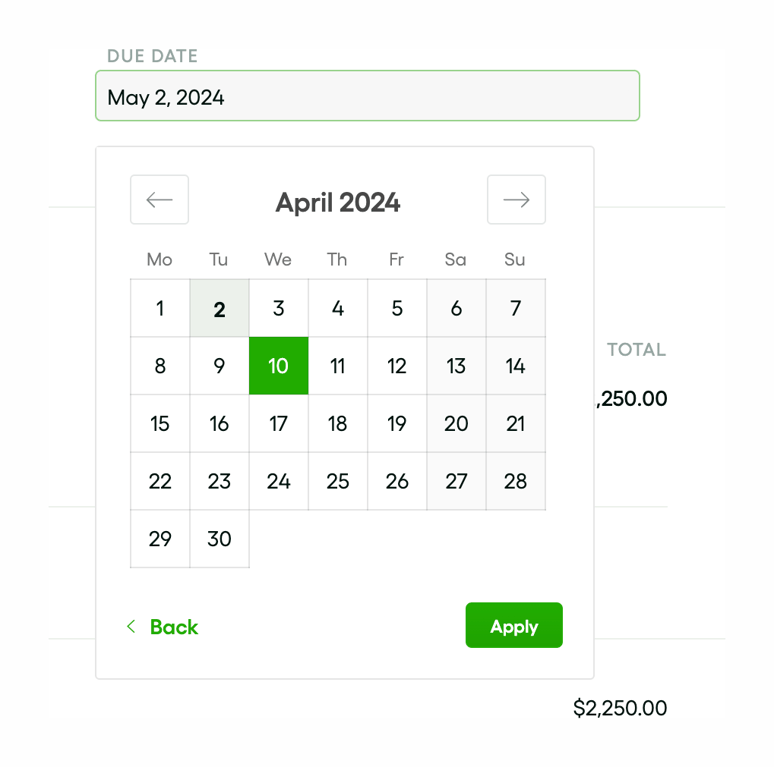
A date picker overlay triggered by an input field, allowing the user to select a due date from a calendar view.
Bonsai — Notification Toast component
Bonsai logo
Bonsai

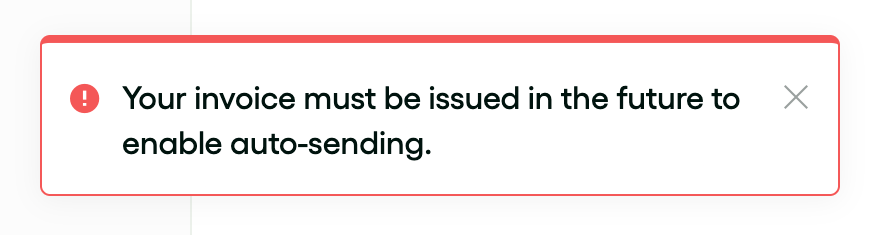
An error toast notification informing the user that an invoice must be issued in the future to enable auto-sending. It features a red border, a red error icon, and a close button.

Bonsai — Toolbox component
Bonsai logo
Bonsai

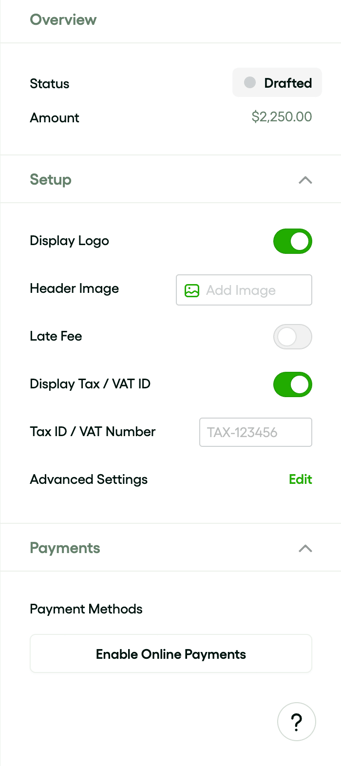
A sidebar panel containing accordion sections for Overview, Setup, and Payments, allowing users to configure invoice details like status, display options, and payment methods.

Bonsai — Button component
Bonsai logo
Bonsai

A green split button with a primary 'Send Now' action and a secondary calendar icon action.

Bonsai — Charts component
Bonsai logo
Bonsai

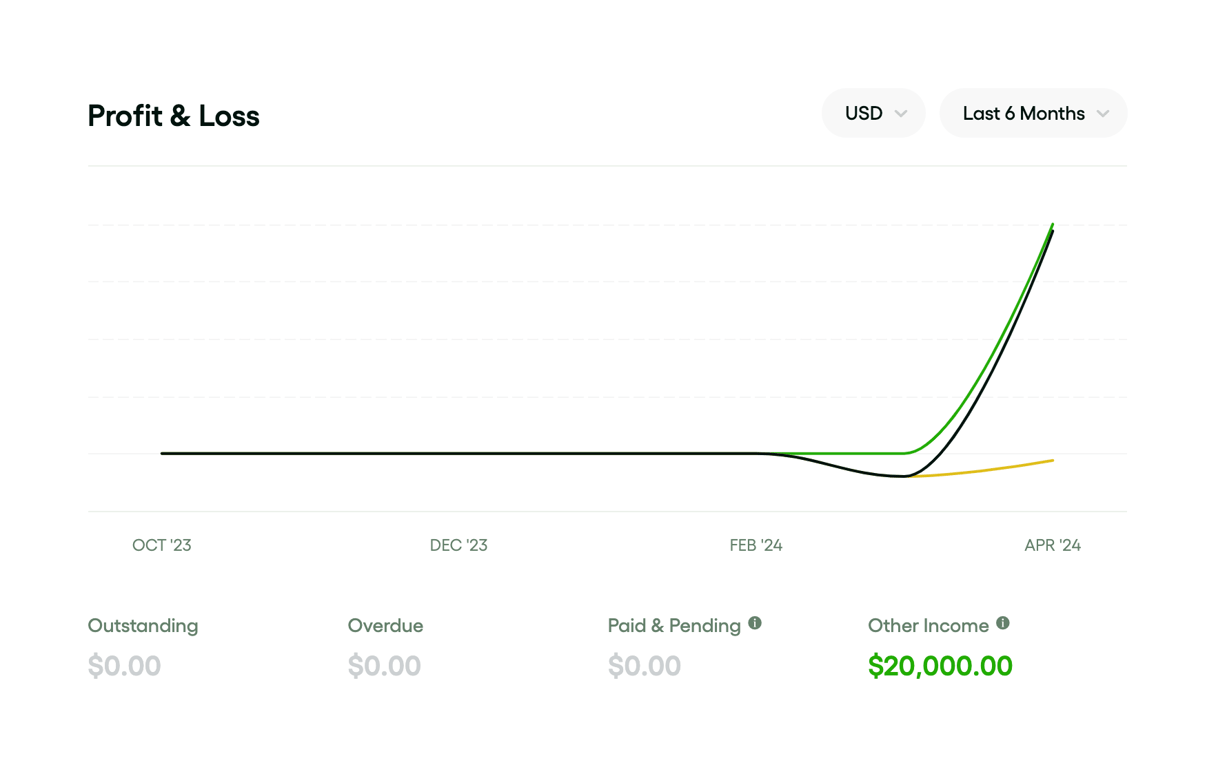
A line chart displaying profit and loss over a 6-month period, with dropdowns for currency and time range, and a summary KPI row below.

Browse the full component library

Browse the full UI component library.

Trusted by the best teams