Textarea UI examples
Textarea UI design examples from SaaS apps. See how interfaces make room for longer written responses. Explore how text areas use labels, prompts, and supporting controls within a form or composition…
Explore the examples
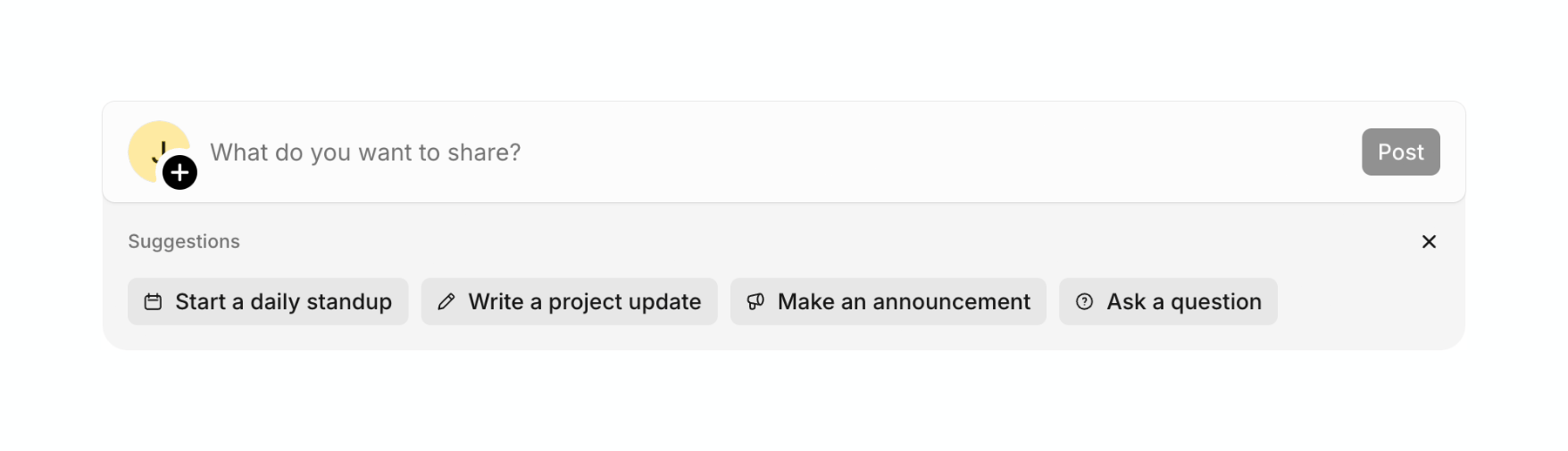

A text input field for creating a new post, featuring an avatar with an add icon, placeholder text, and a disabled Post button. Below the input is a section with suggested post templates presented as clickable chips.
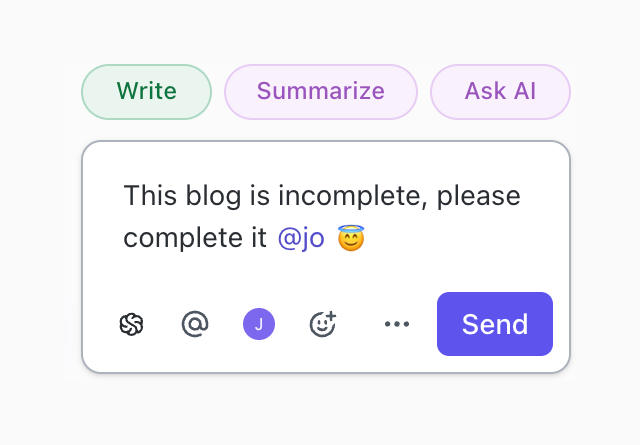

A comment composer with AI action chips above it. The composer includes a text area with a mention and an emoji, followed by a toolbar with formatting/action icons and a Send button.
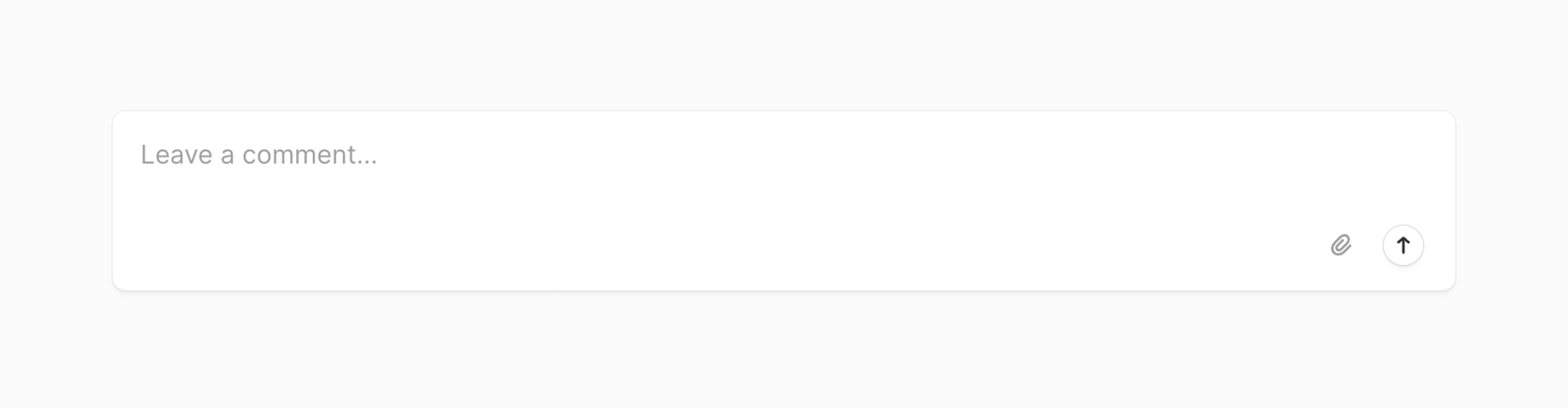

A multi-line text input field for leaving a comment, featuring an attachment icon and a submit button.
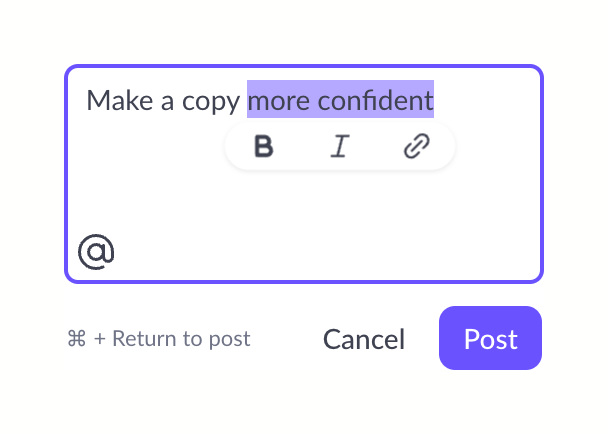

A comment composer textarea with a portion of text selected. A floating formatting toolbar appears below the selection. Action buttons and a keyboard shortcut hint are below the textarea.
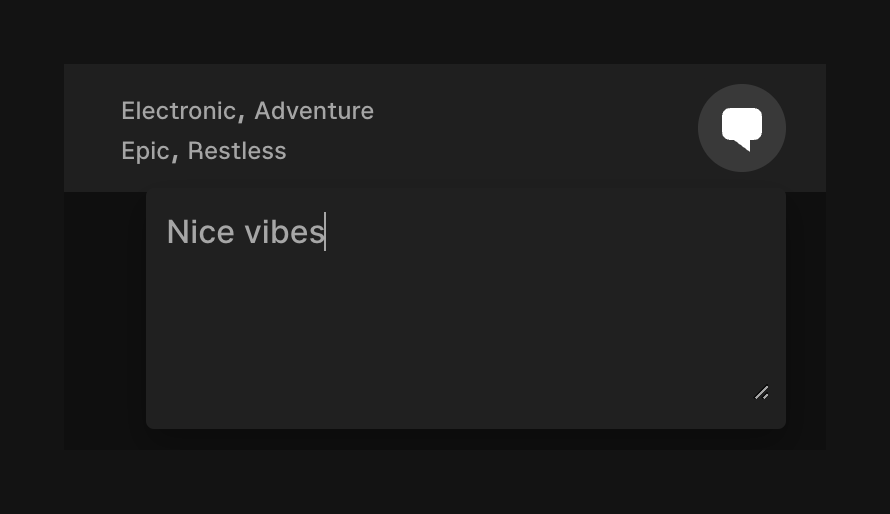

A dark-themed textarea for adding a comment, positioned below a track's genre and mood tags. The textarea is active with text entered and a blinking cursor visible.
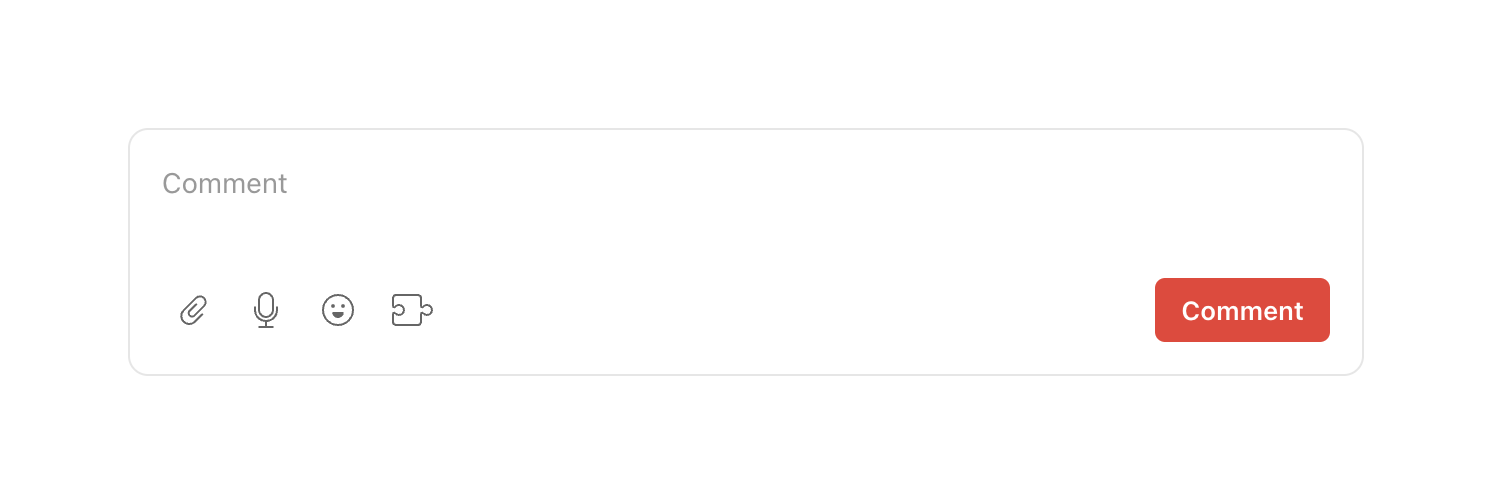

A multiline text input area for writing comments, featuring a toolbar with attachment, voice, emoji, and extension icons, along with a primary submit button.
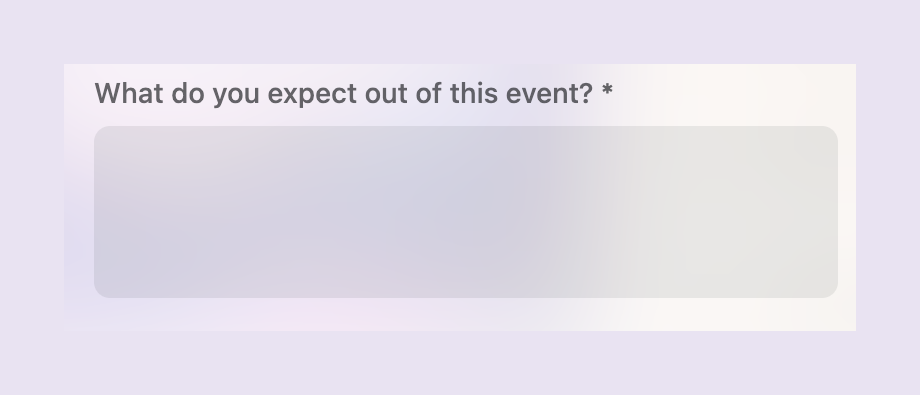

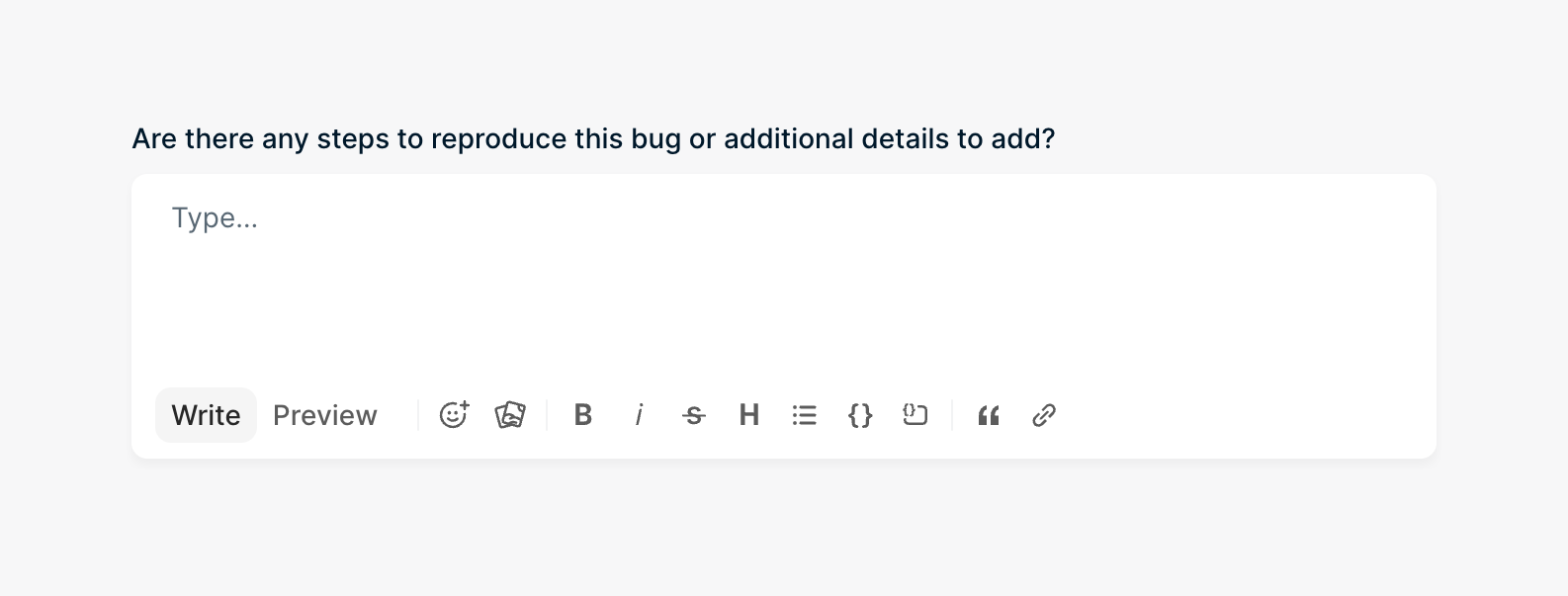

A text input field with formatting options.
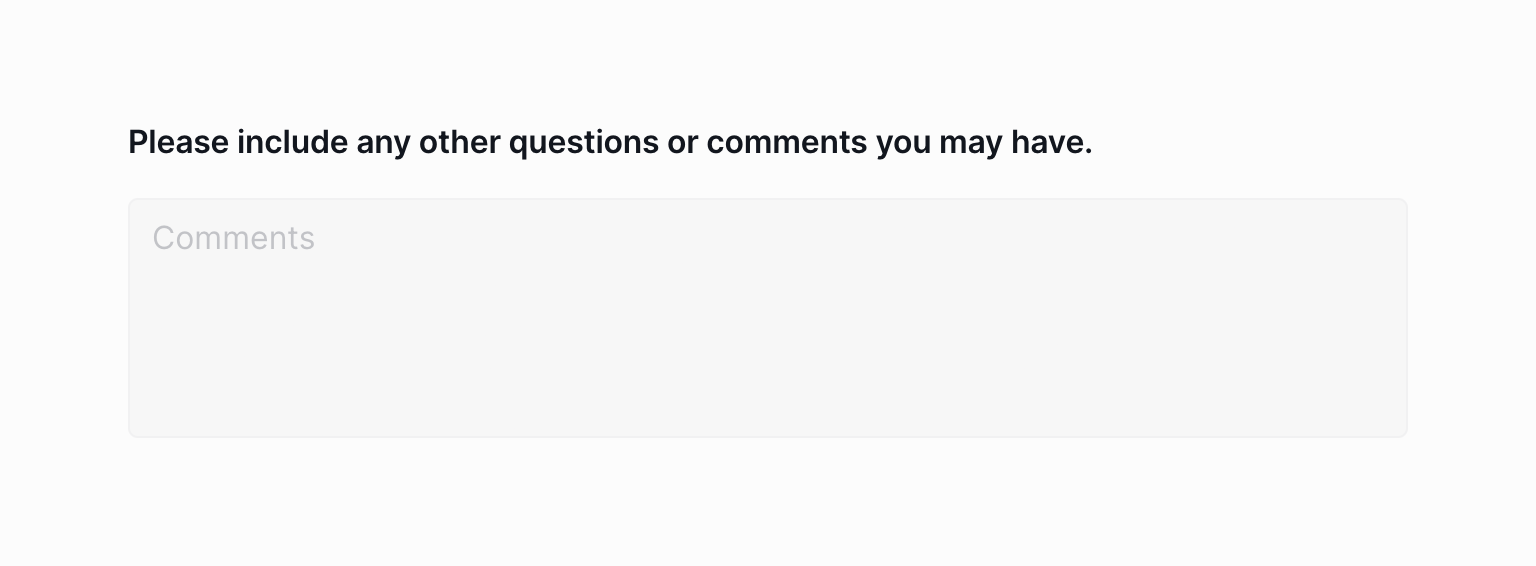

A multi-line text input field with a label asking for additional questions or comments.
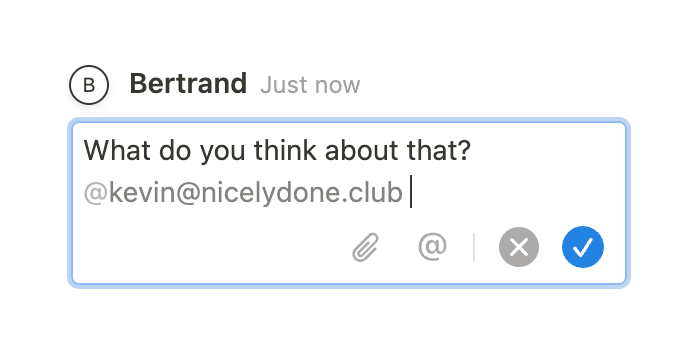

A message input field with a user mention and action icons.
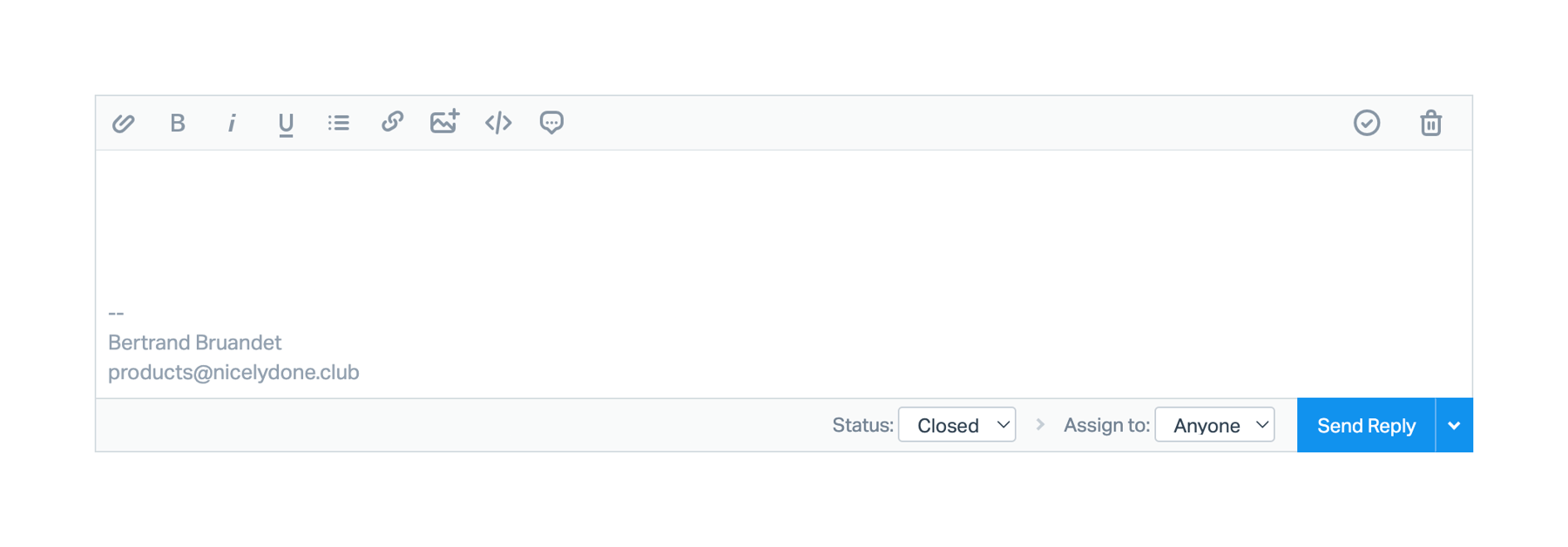

A rich text editor for drafting a reply, featuring a formatting toolbar, a text area with an email signature, and a bottom action bar with status and assignment dropdowns alongside a primary send button.
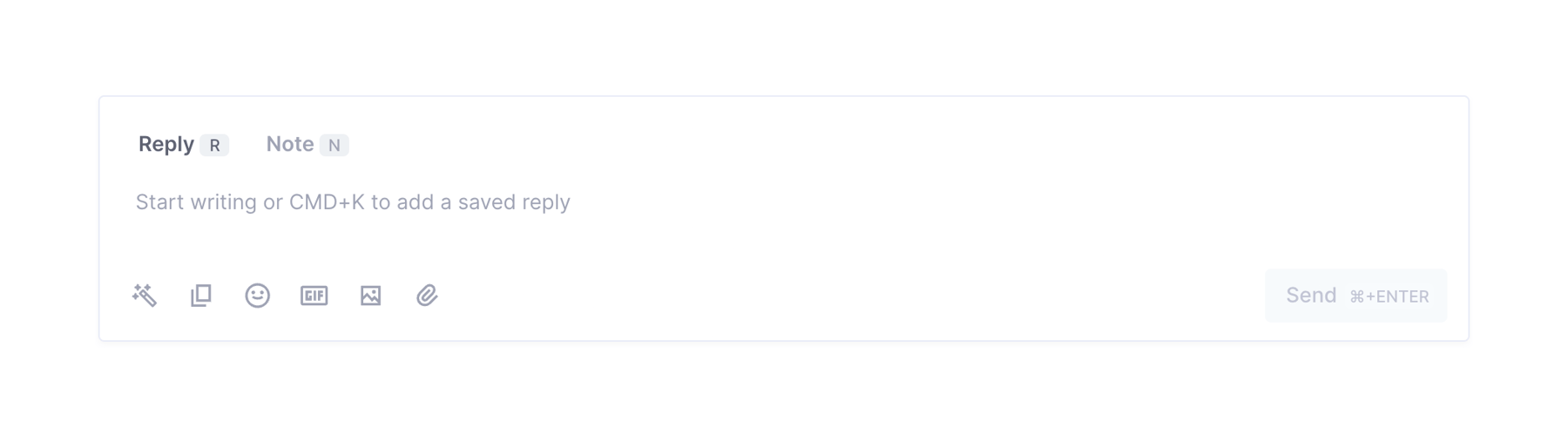

A message composer component with tabs for 'Reply' and 'Note', a text area with placeholder text, and a toolbar with formatting and attachment options, plus a 'Send' button.
Browse the full component library
See 1 more Components.
Trusted by the best teams








About Textarea
See how interfaces make room for longer written responses. Explore how text areas use labels, prompts, and supporting controls within a form or composition task.