Forgot Password screen examples
Forgot Password screen design examples from SaaS apps. See how SaaS apps guide people back into an account after a forgotten password. Explore request forms and instructions that explain what information is…
Explore the examples
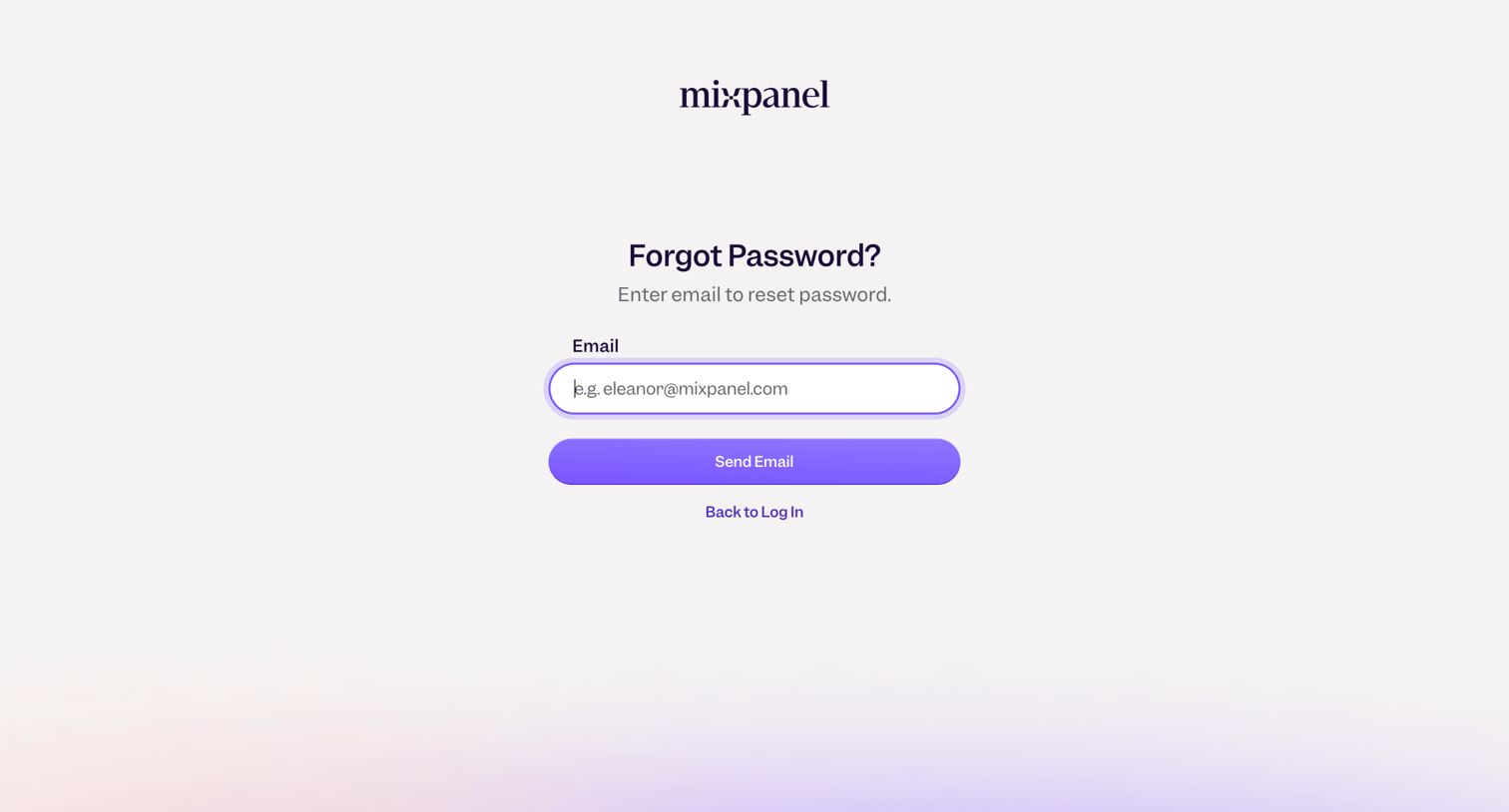

Password recovery screen where the user enters their email address to receive a reset link.
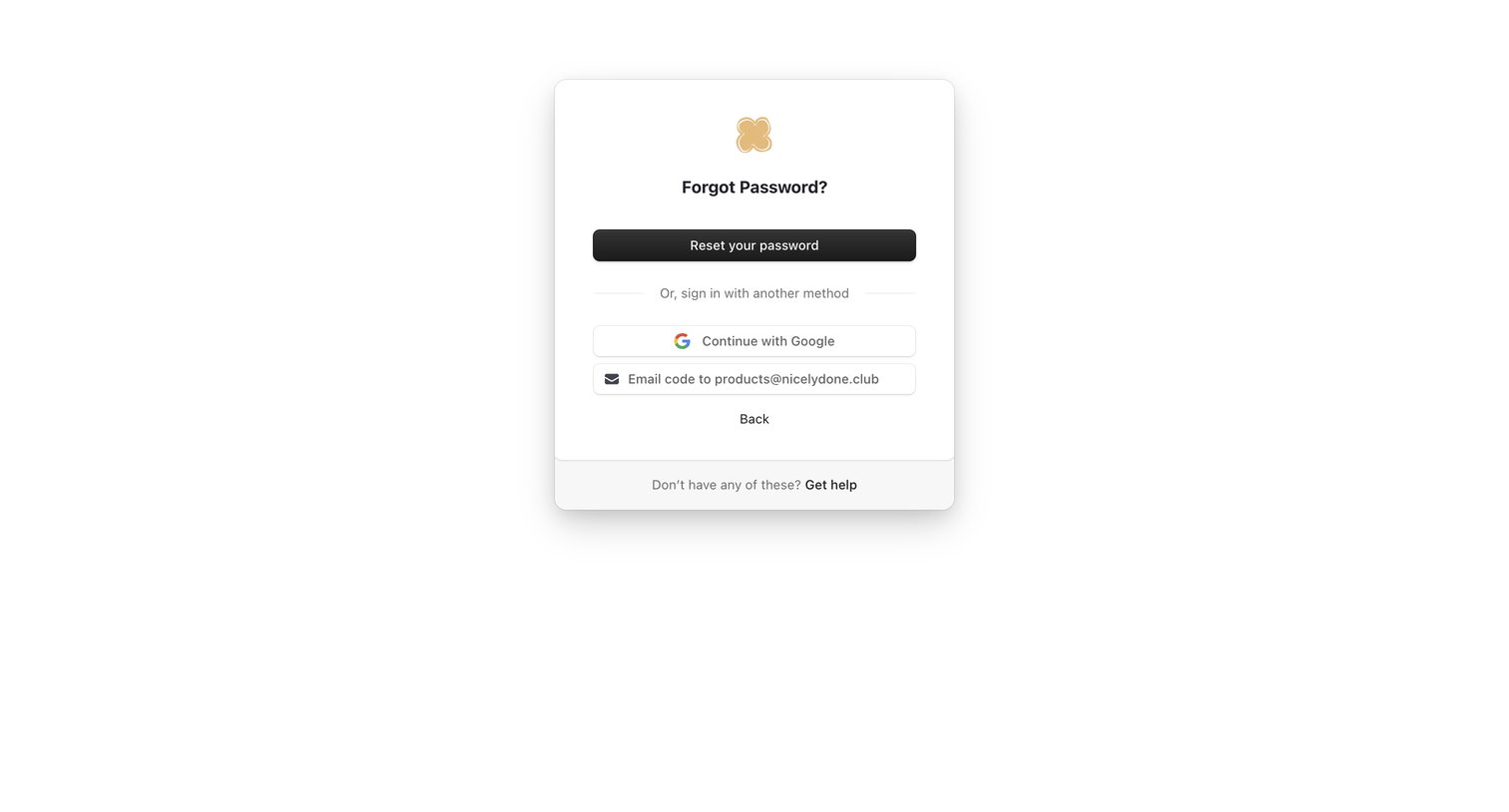

Password recovery screen where the user can choose to reset their password, sign in with Google, or request an emailed code.
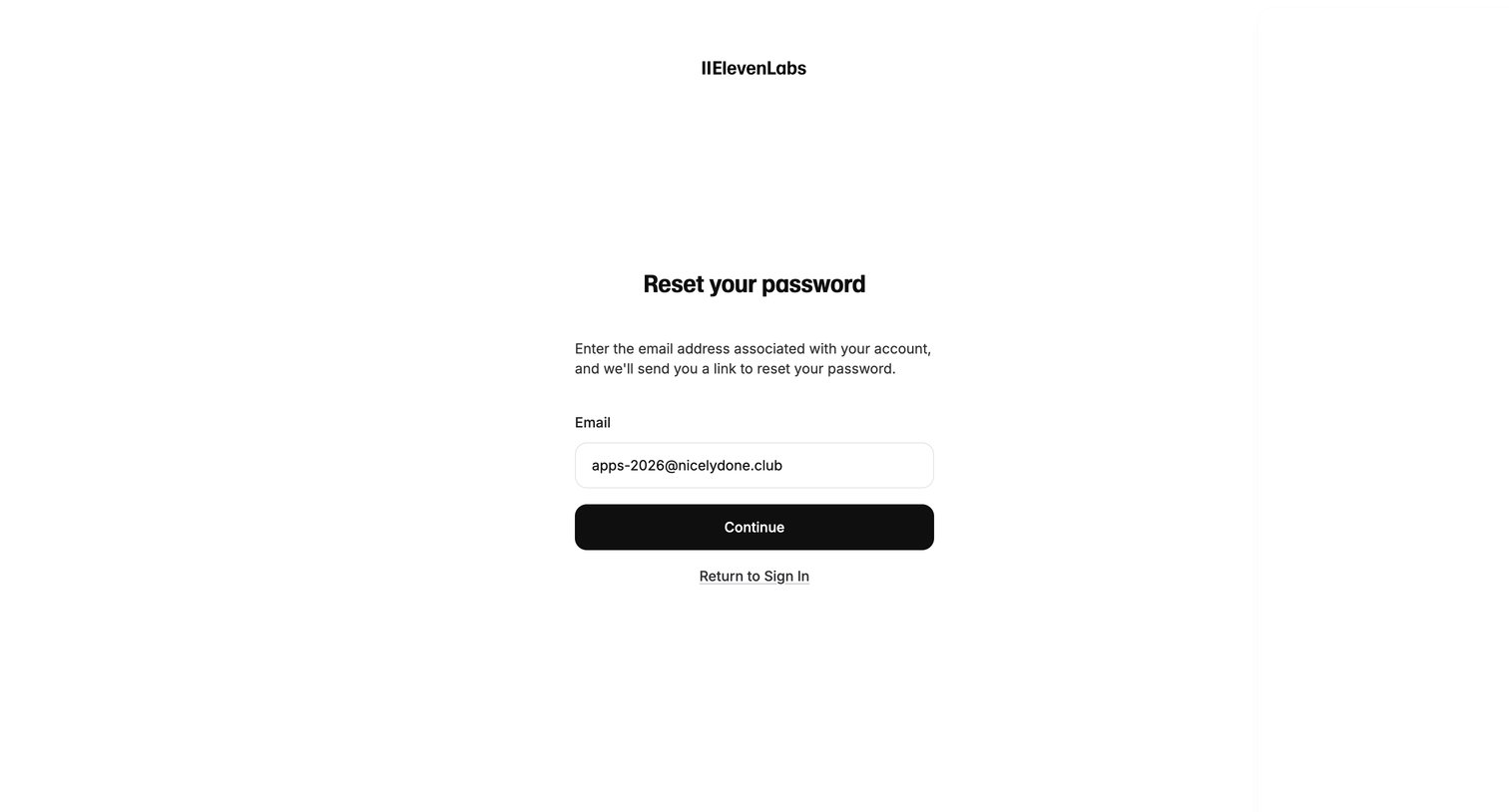

Password recovery screen where the user enters their email address to receive a reset link.
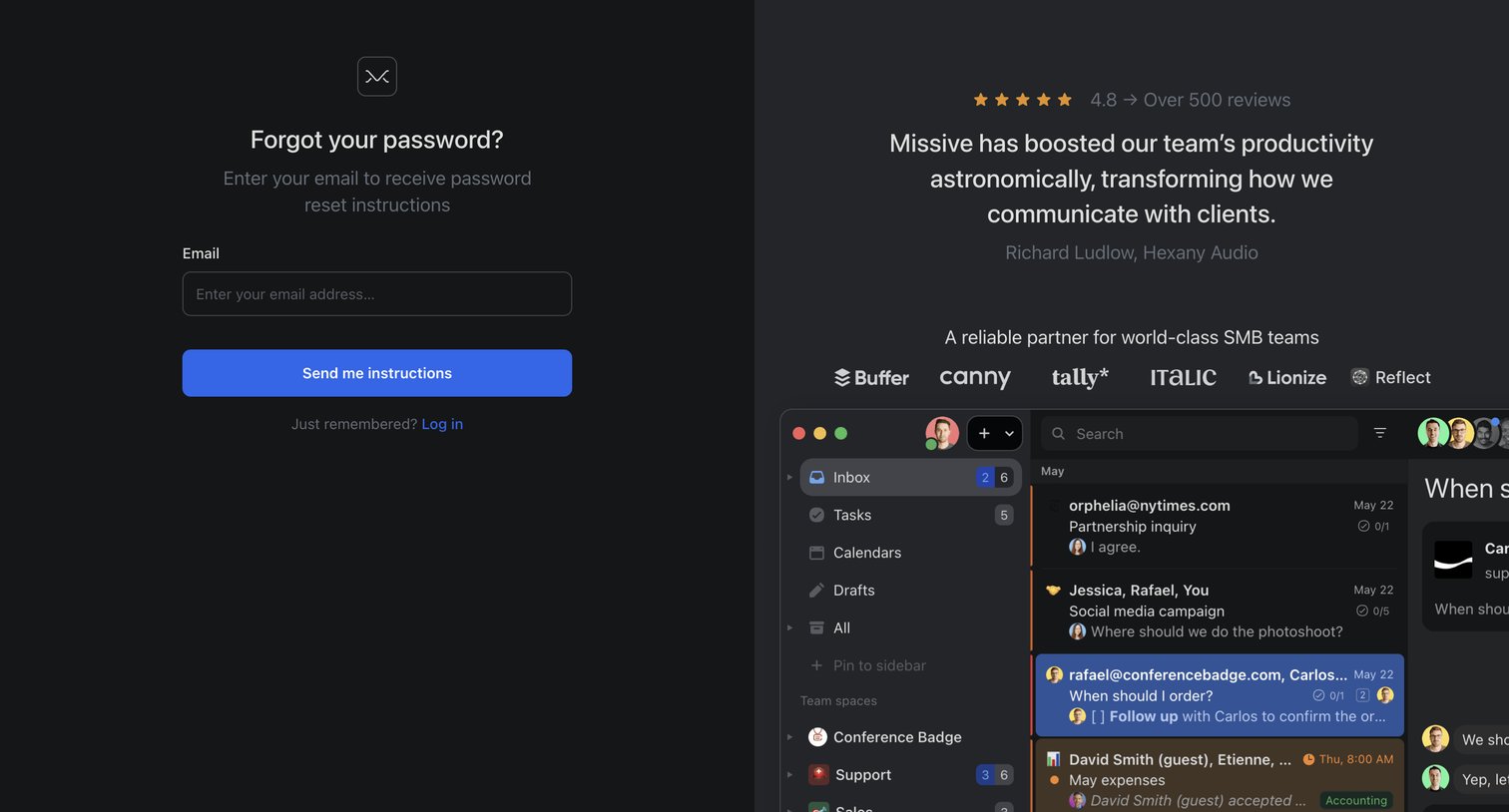

Password recovery screen where the user enters their email to receive reset instructions, alongside a testimonial from Hexany Audio and a product preview.
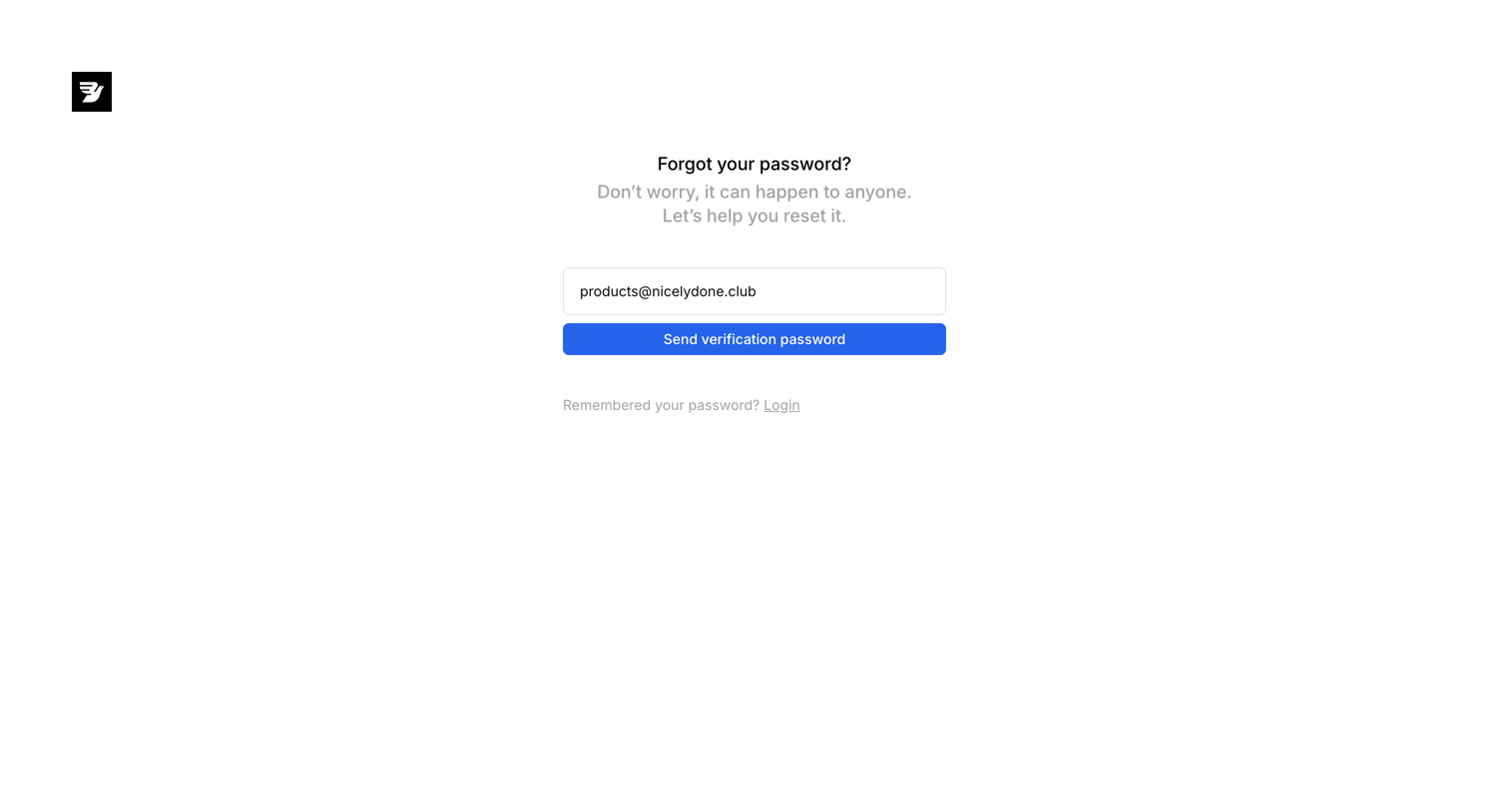

Password recovery screen where the user enters their email address to receive a verification password.
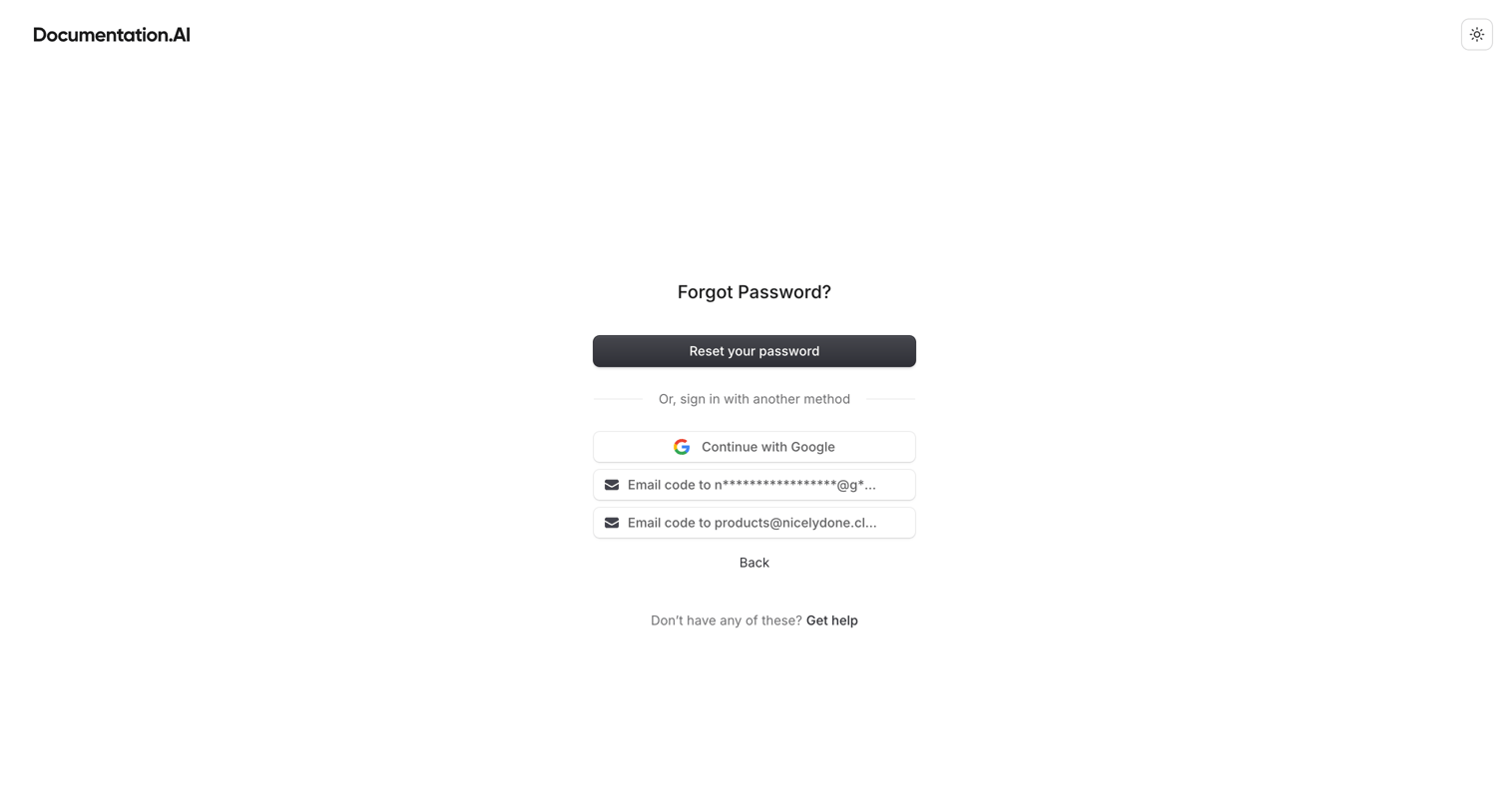

Password recovery screen where the user can choose to reset their password, continue with Google, or receive an email code to associated addresses.
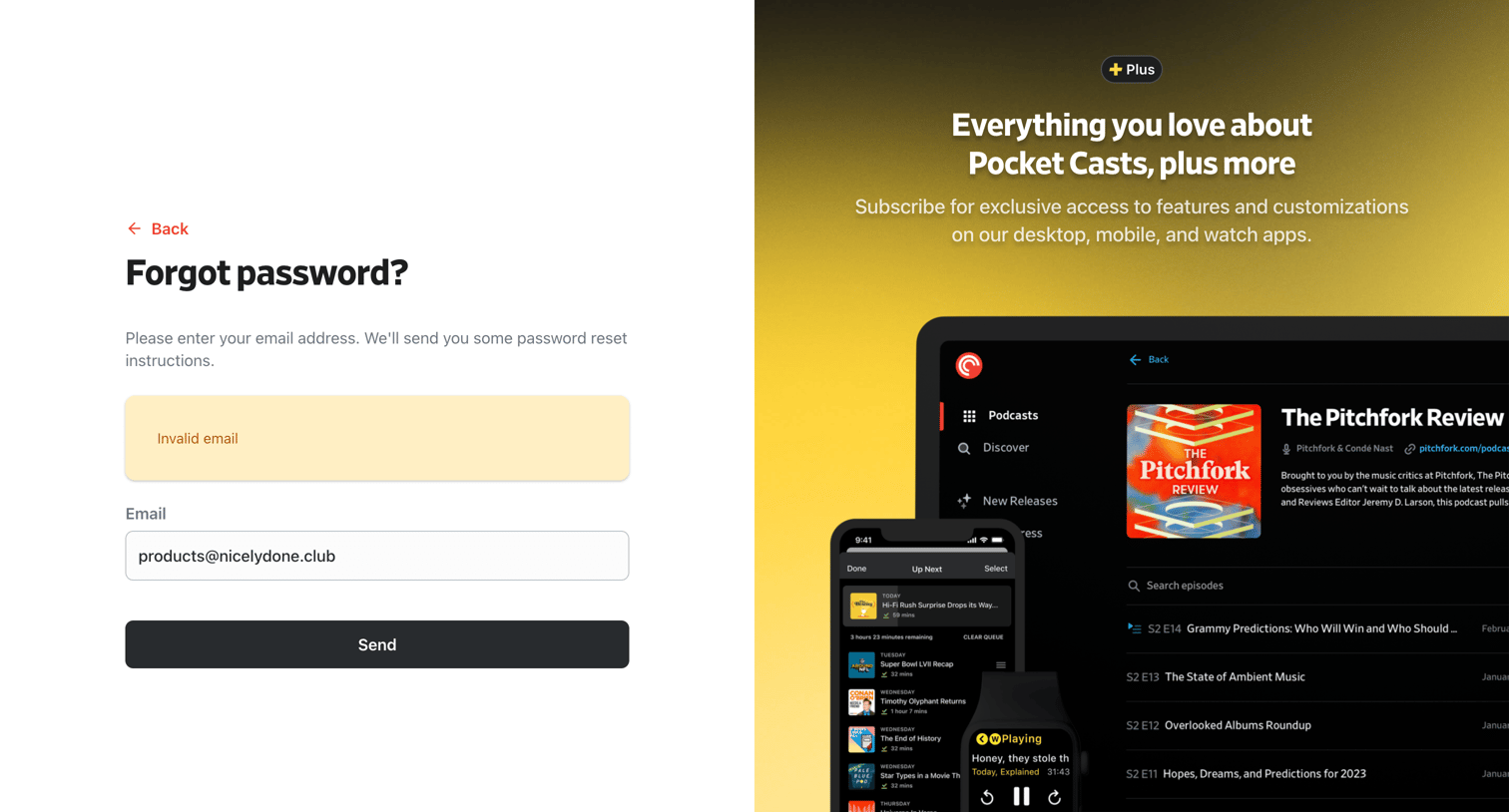

Password recovery screen where the user enters their email address to receive reset instructions, featuring a promotional panel for the Plus subscription.
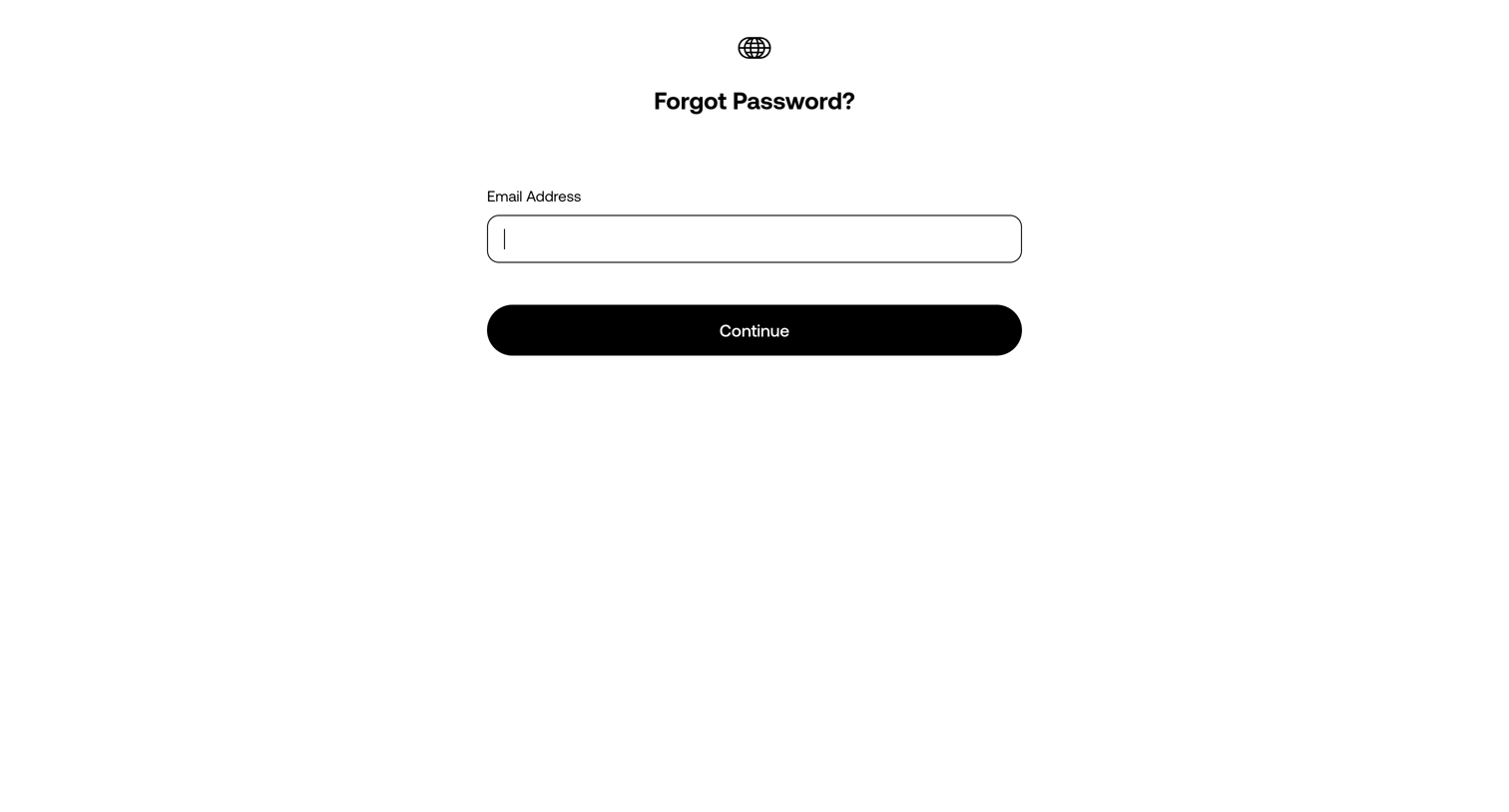

Password recovery screen where the user enters their email address to request a reset link.
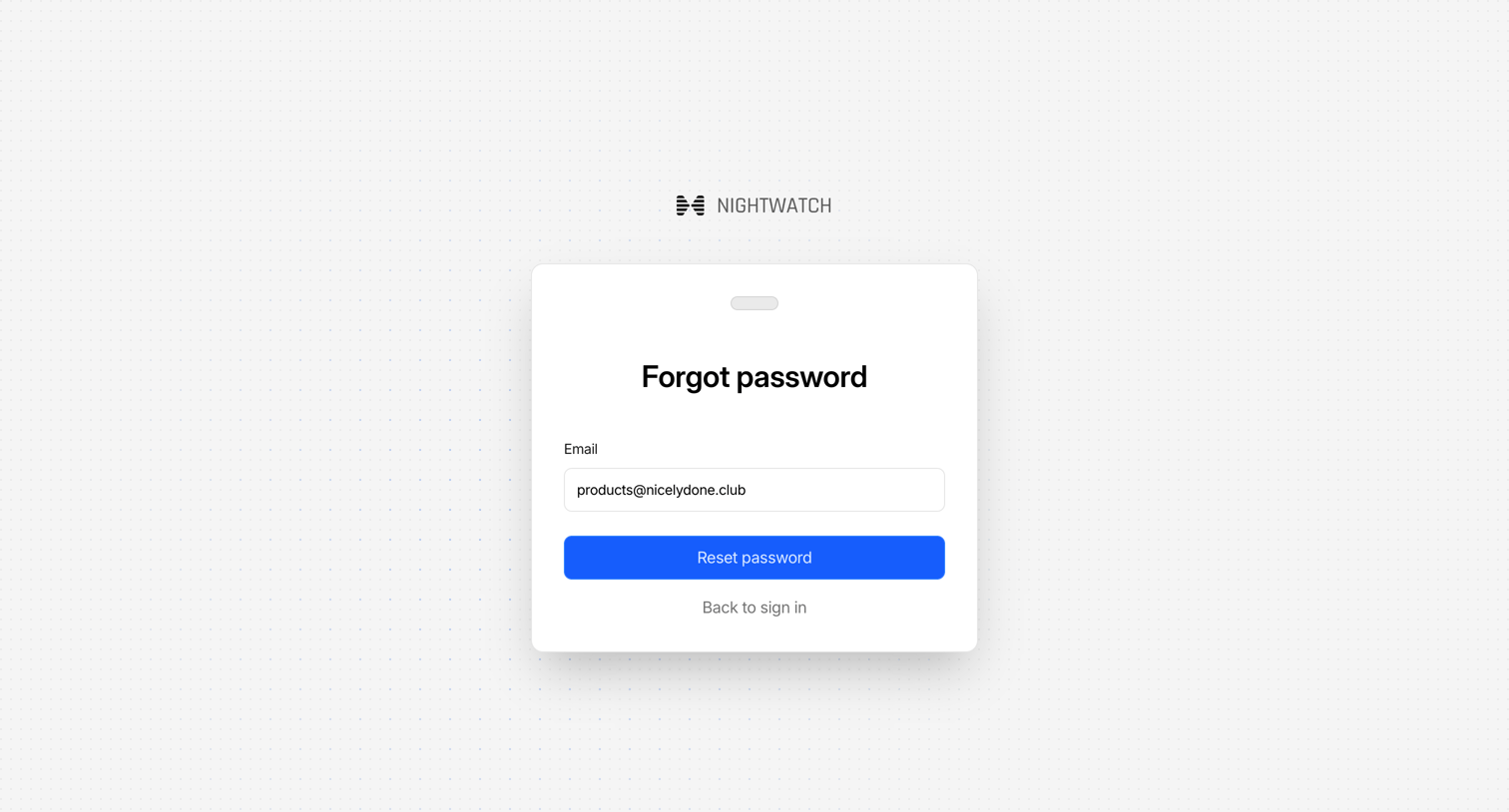

Password recovery screen where the user enters their email address to request a reset link.
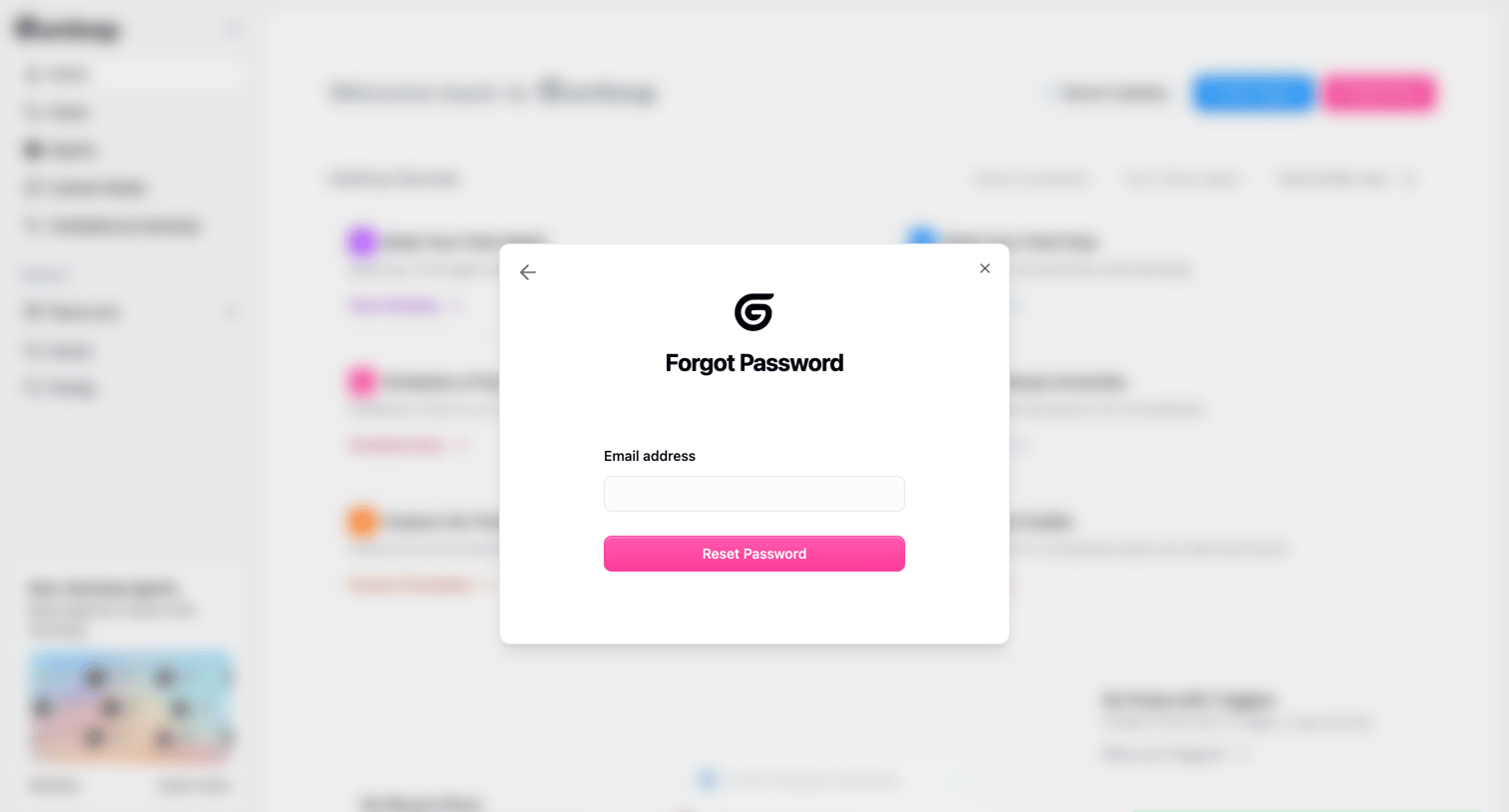

Password recovery modal over an application dashboard where the user has submitted their email address and received a success toast confirming the reset link was sent.
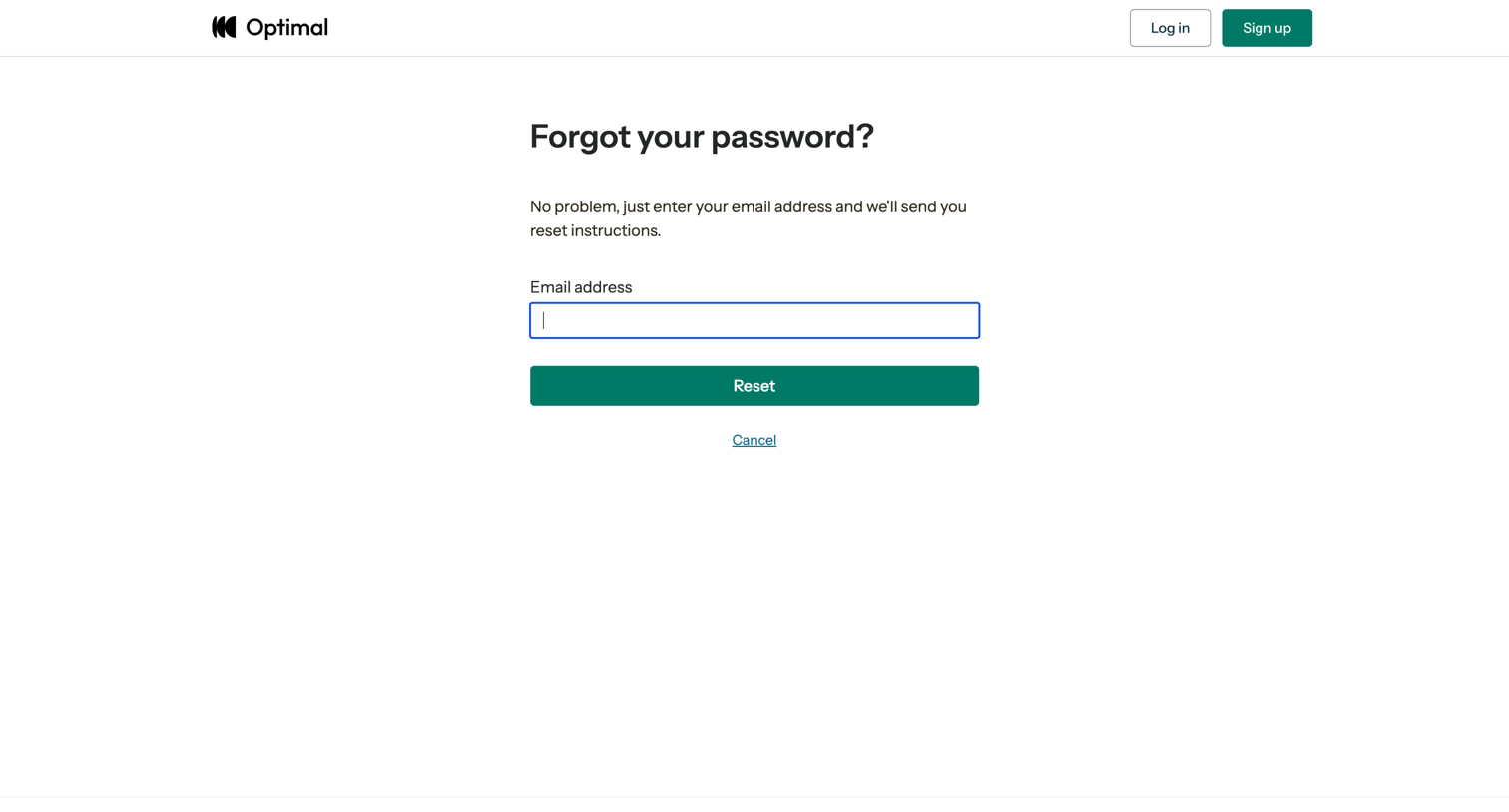

Password recovery screen where the user enters their email address to receive reset instructions.
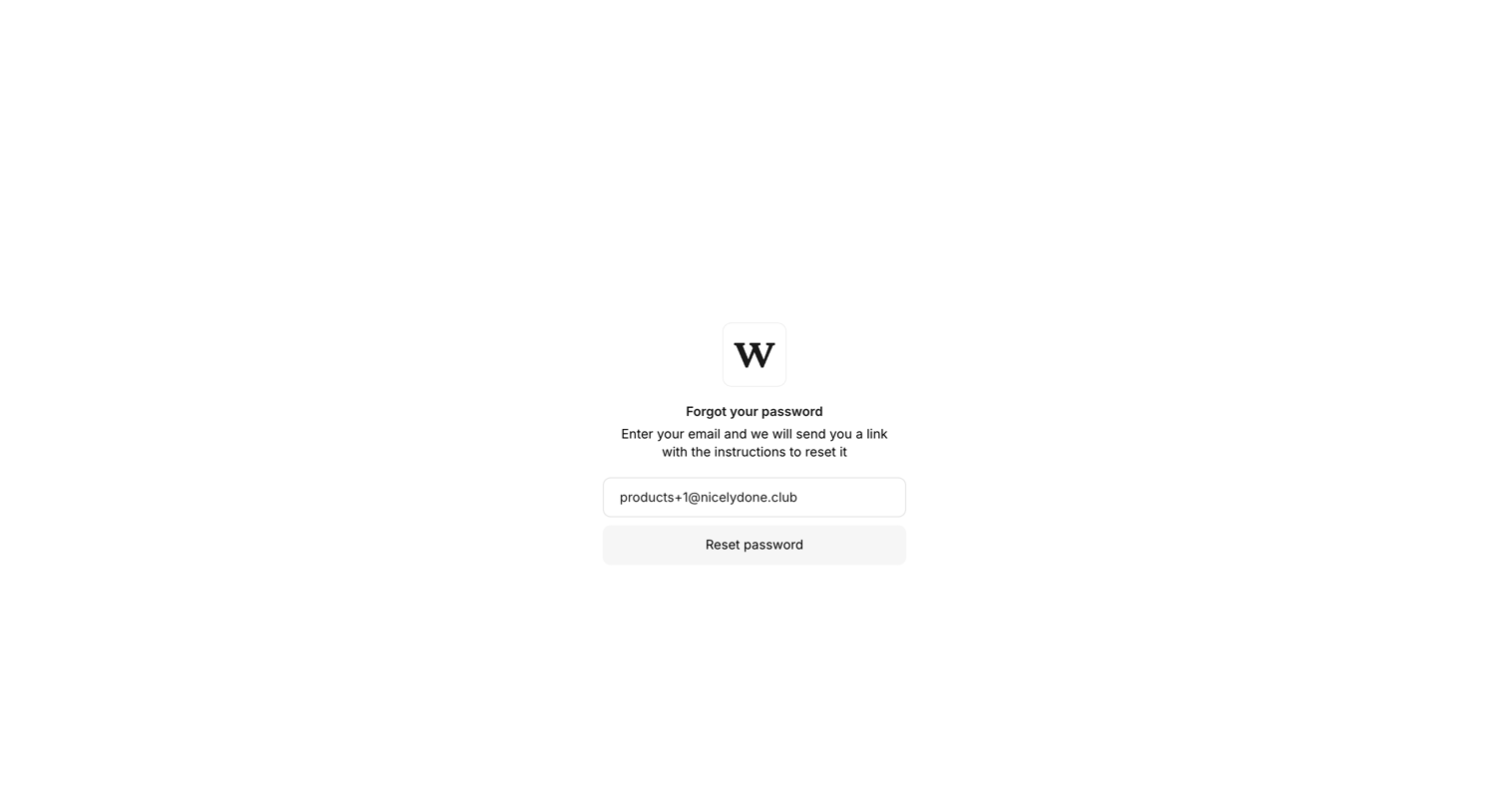

Password recovery screen where the user requests a reset link for their pre-filled email address.
Explore the full SaaS screen library
Upgrade to unlock the full library.
Trusted by the best teams








About Forgot Password
See how SaaS apps guide people back into an account after a forgotten password. Explore request forms and instructions that explain what information is needed and what happens next.