Marathon Flow Example: Creating first project
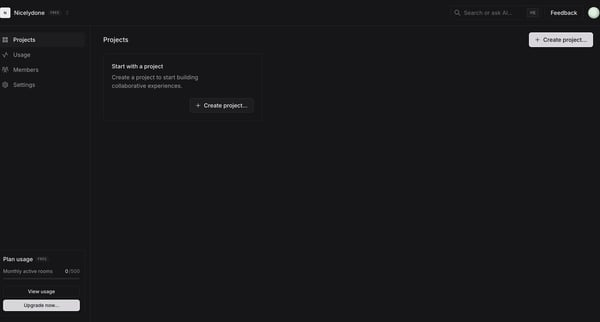
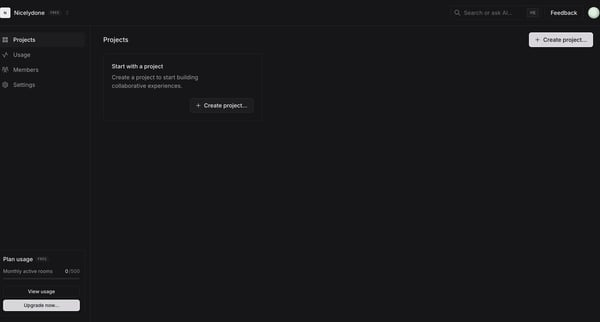
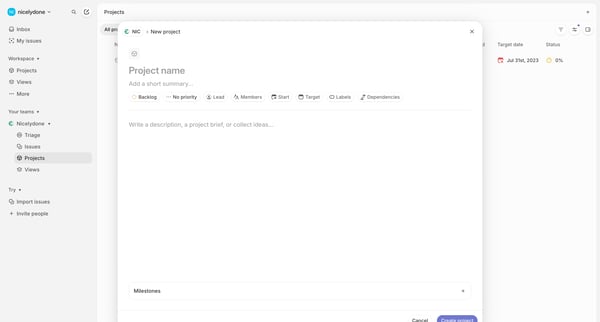
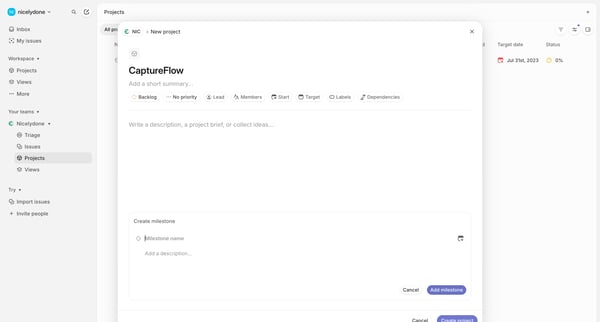
Preview this Marathon user flow: Creating first project. Explore the opening screens.
Preview these flows

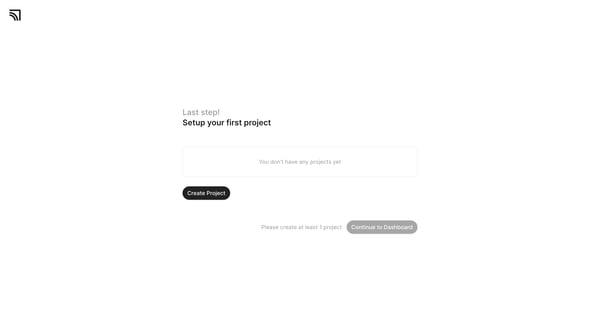
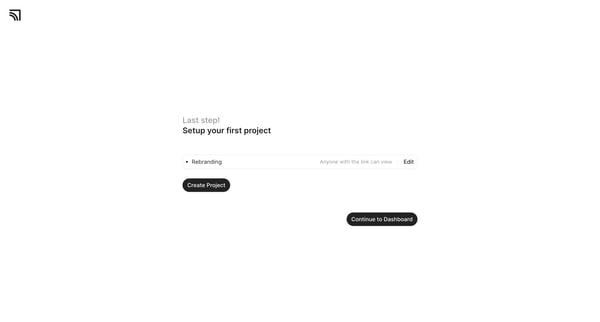
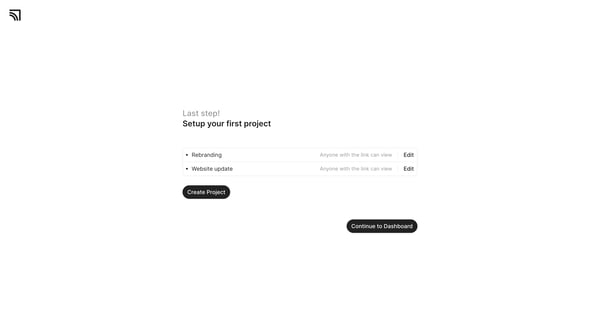
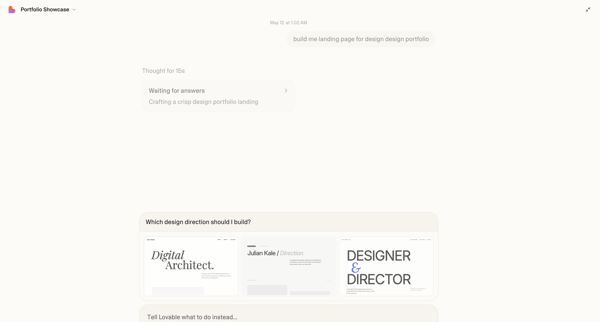
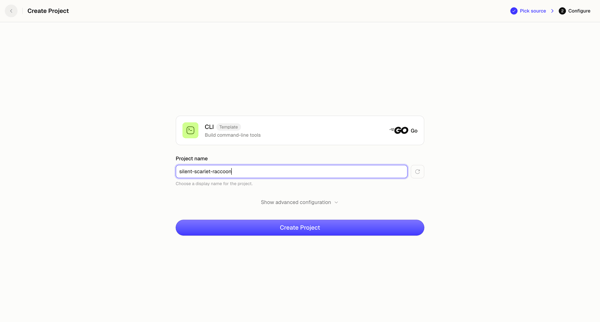
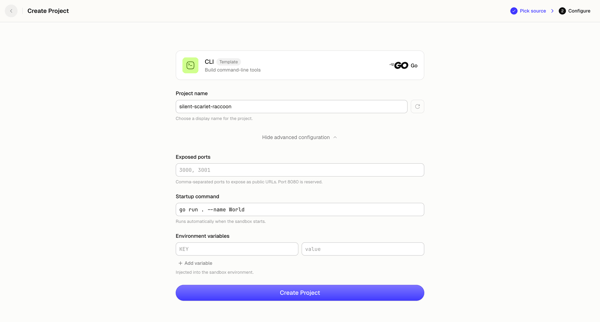
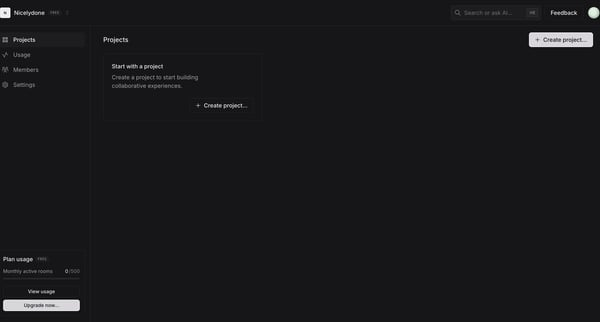
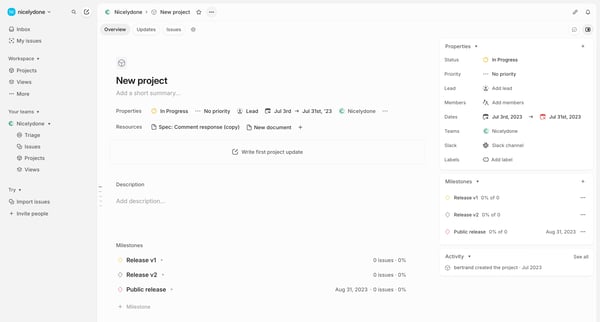
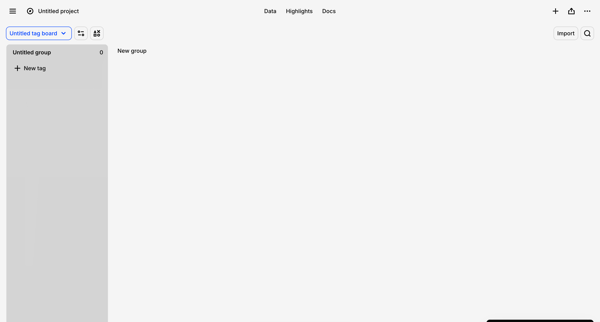
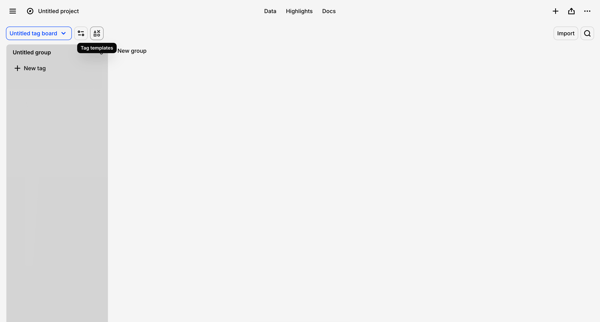
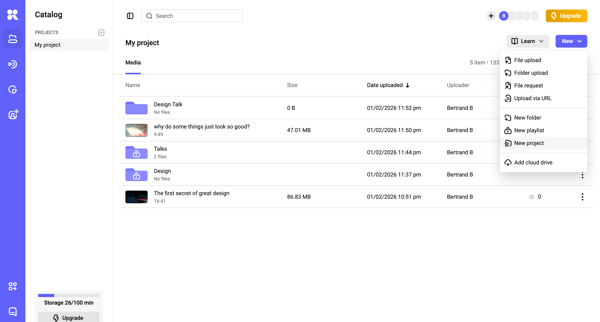
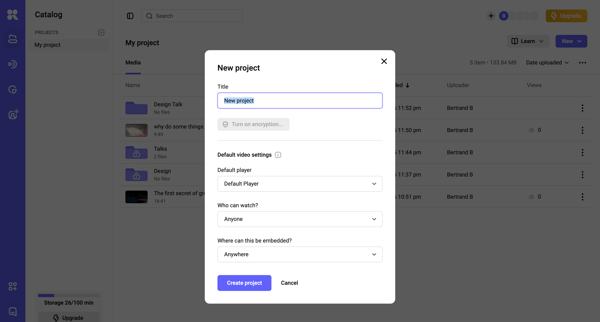
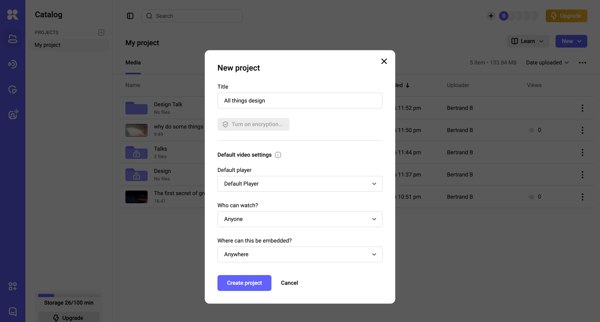
This onboarding flow guides the user through setting up their first project by sequentially adding project details until the configuration is complete.
Related user flows

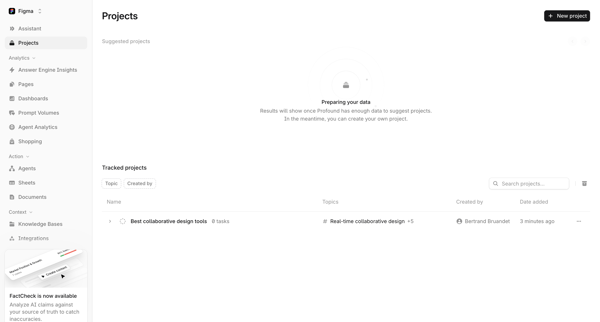
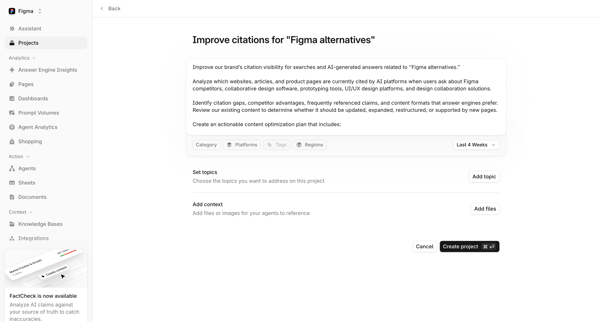
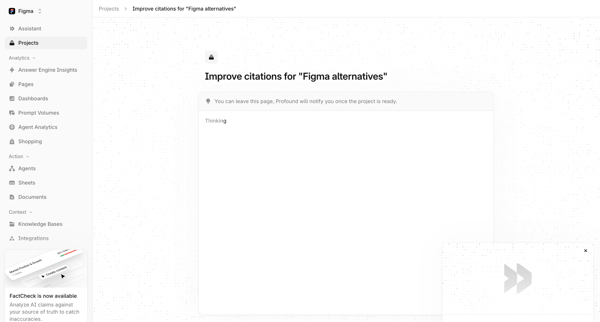
User starts on Projects List, clicks New project to reach setup form for topics and context files, then enters AI generation loading state for citation improvement project

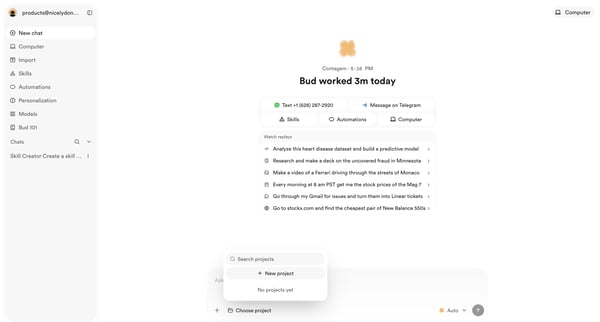
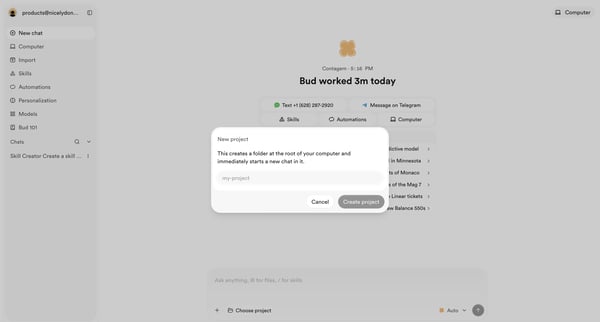
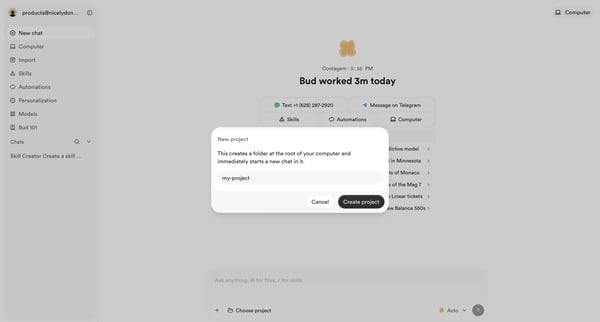
User opens new project modal from AI assistant home, enters project name, and confirms creation to start a chat folder

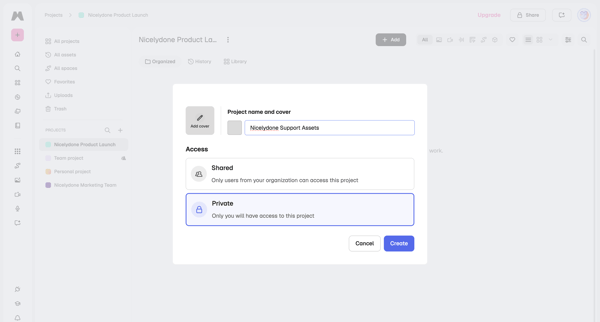
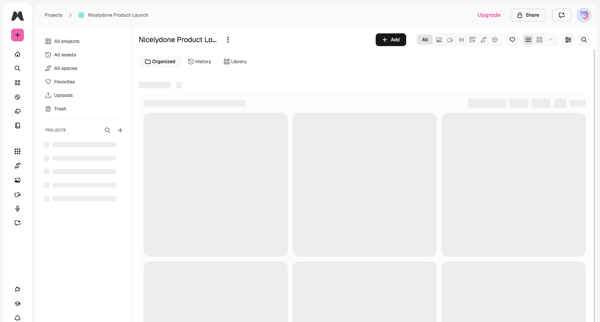
User opens project creation modal to enter name, add optional cover, and choose shared or private access, then lands on the new project's asset gallery

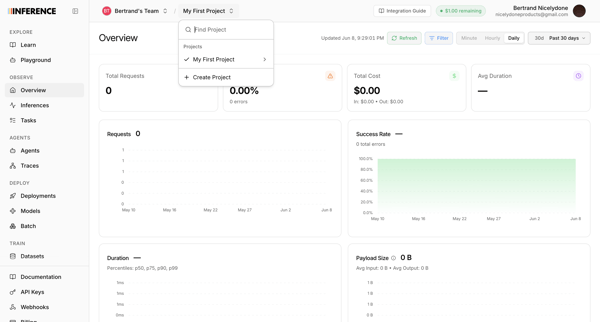
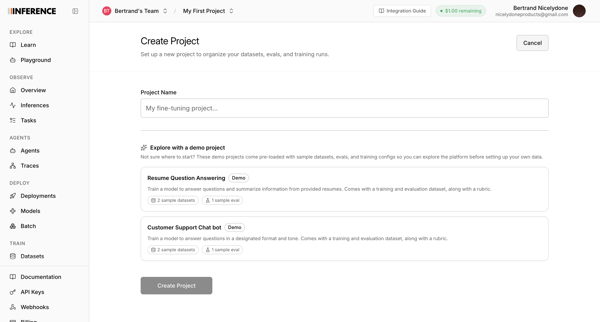
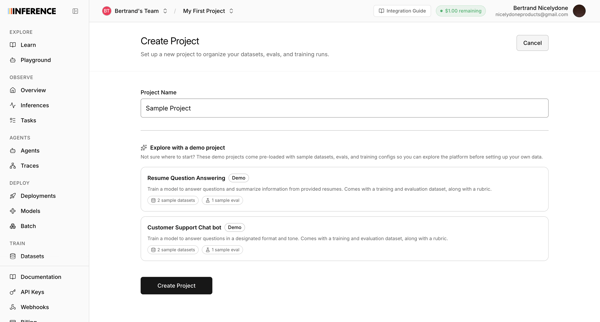
Journey from observability dashboard project switcher to create project screens for naming a new project or selecting demo templates

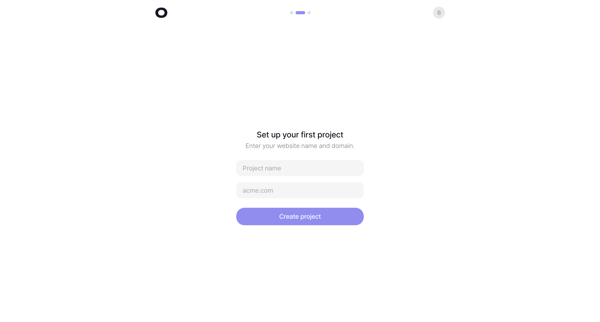
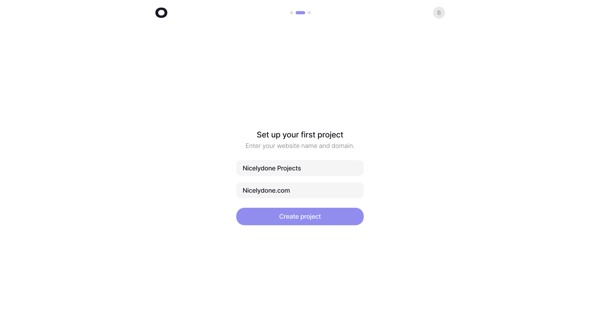
Onboarding wizard step to name the first analytics project and enter its website domain

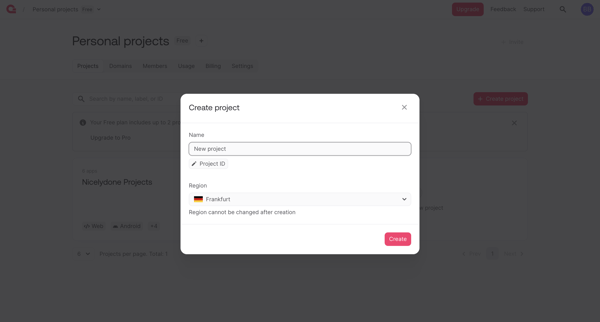
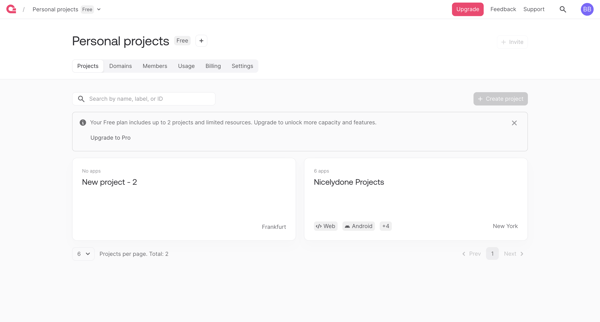
User opens create project modal from personal projects list, enters project name and selects region, then lands on updated project dashboard

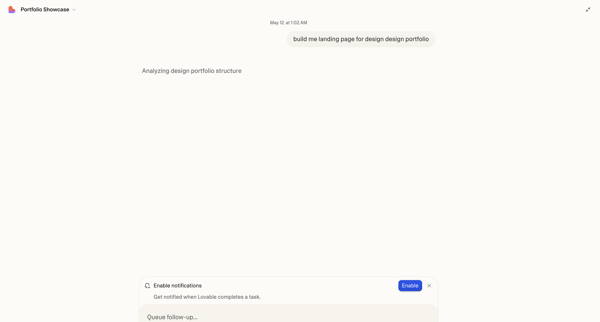
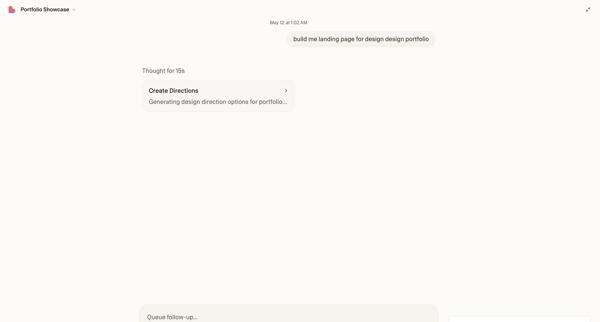





Explore the full SaaS flow library
Browse the full SaaS flow library.
Trusted by the best teams







