Todoist Flow Example: Moving project to team workspace
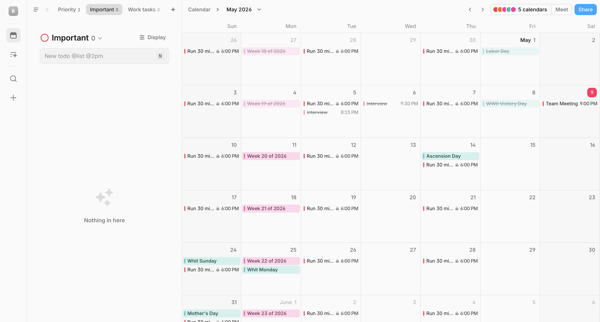
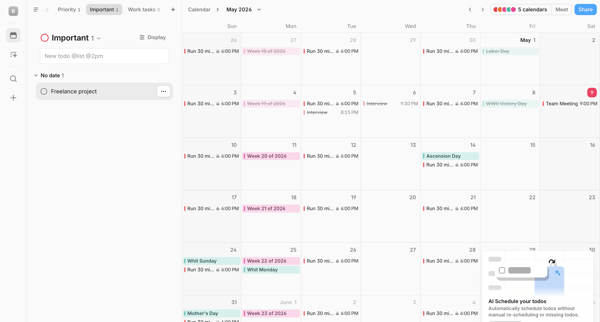
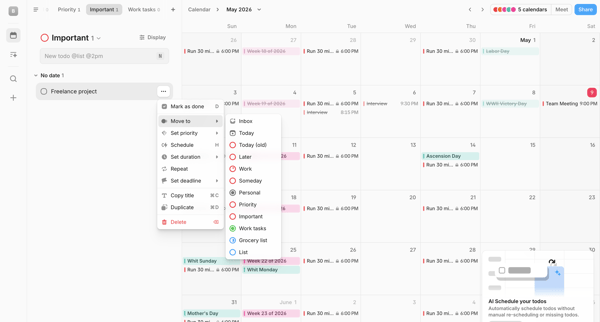
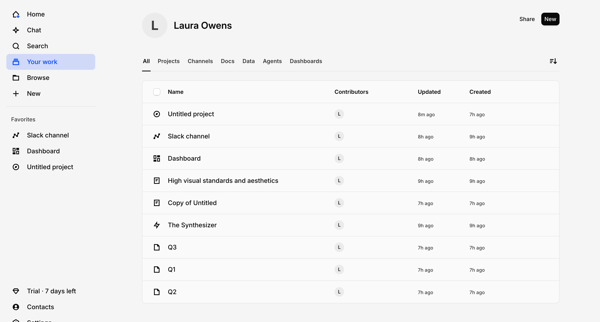
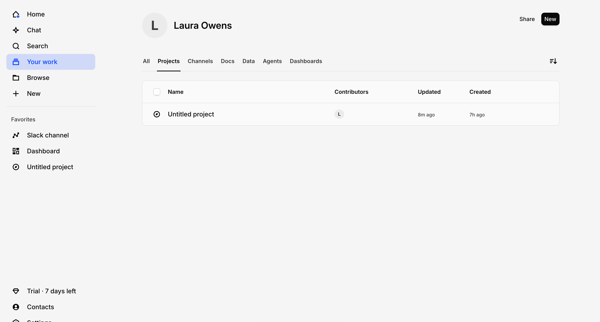
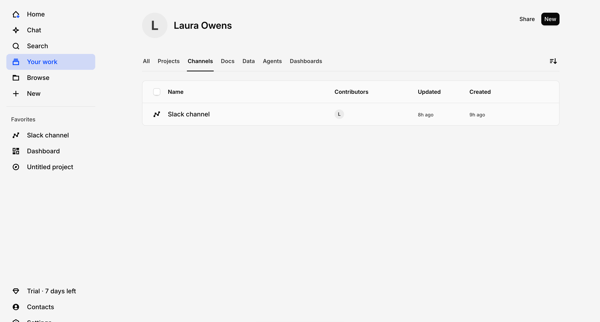
Preview this Todoist user flow: Moving project to team workspace. Explore the opening screens.
Preview these flows

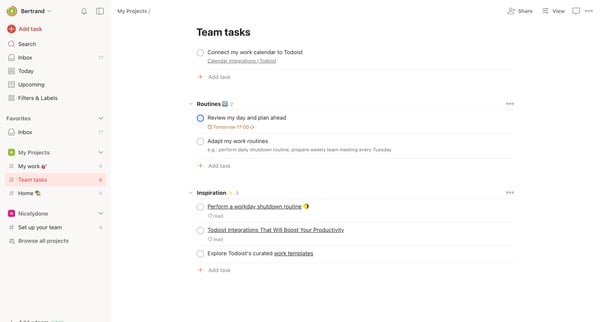
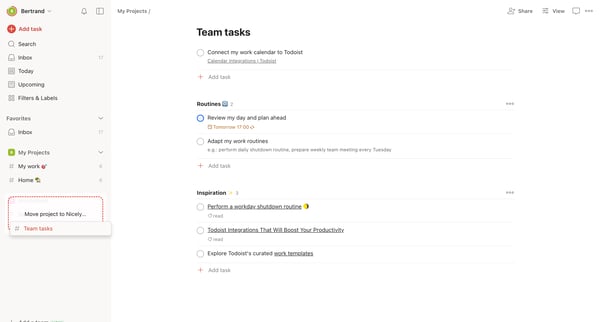
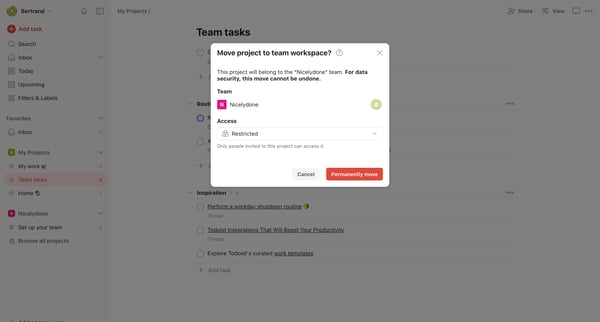
This flow outlines the process of moving a project to a team workspace within Todoist, including setting access permissions and confirming the move.
Related user flows

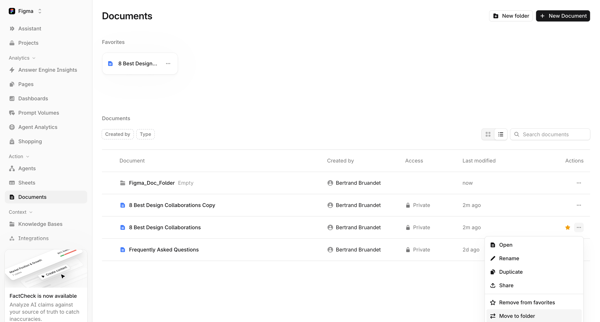
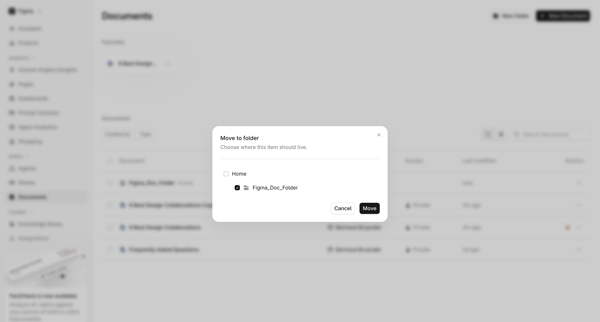
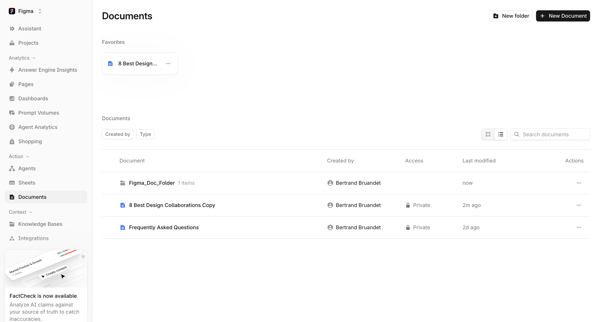
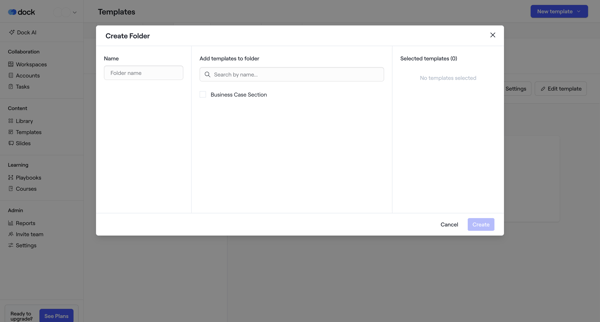
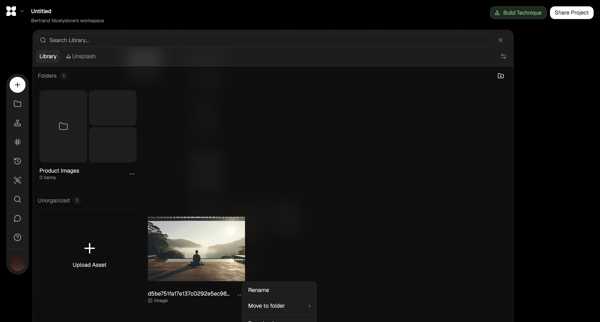
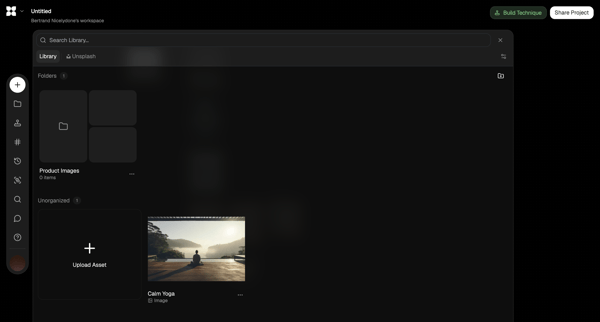
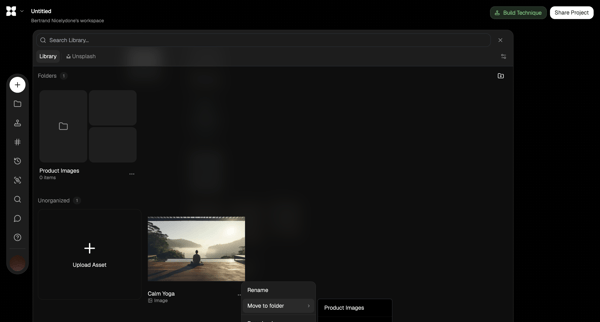
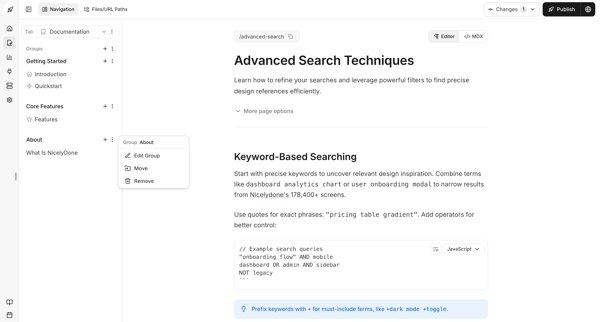
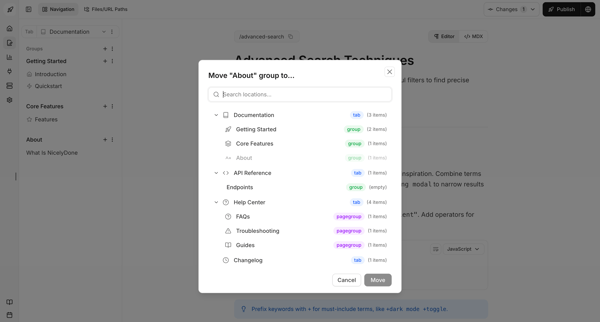
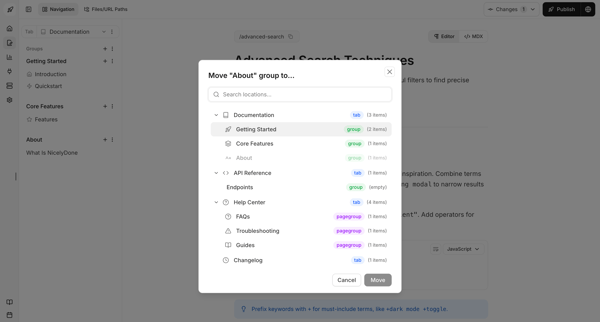
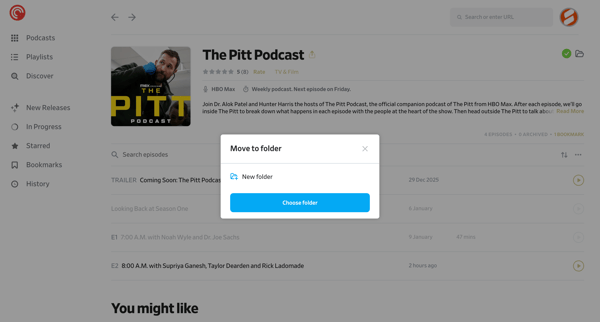
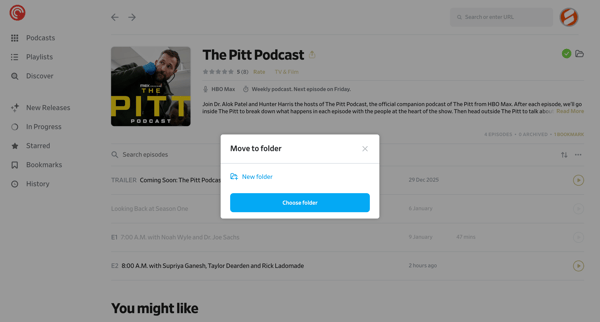
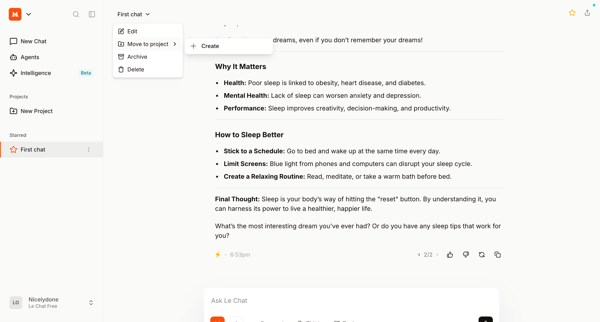
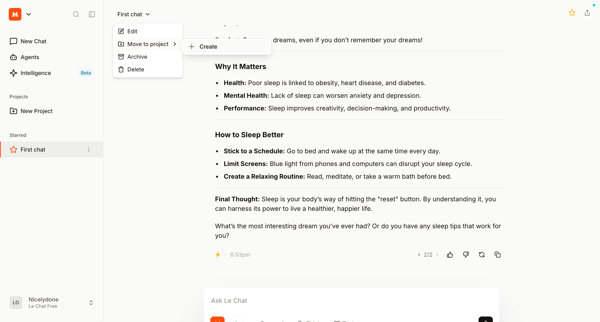
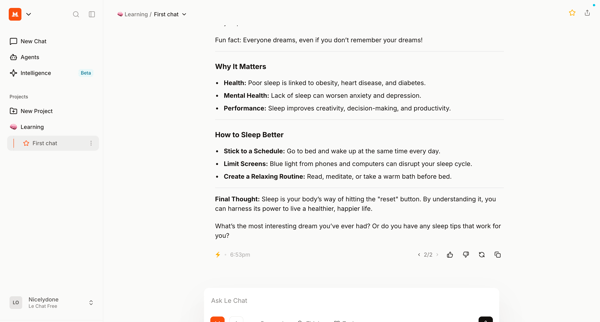
User opens move to folder modal from document context menu in list view, selects destination folder, and returns to updated documents list

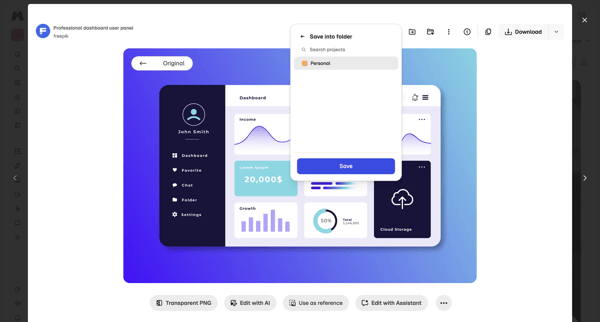
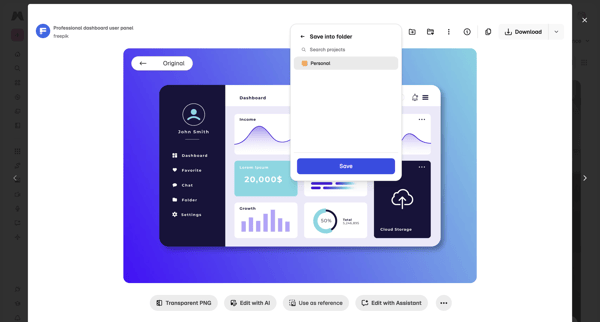
Saving a stock asset from asset detail modal into a personal project folder via popover and dialog

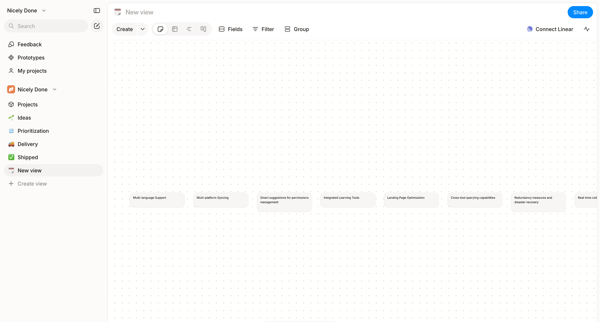
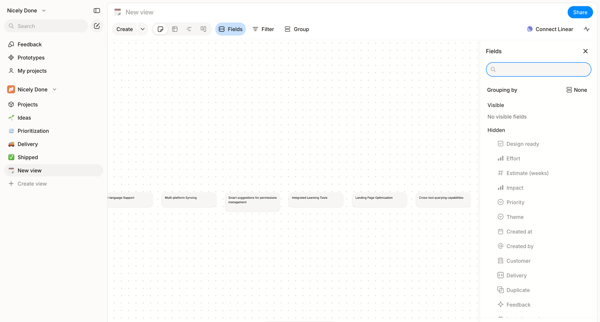
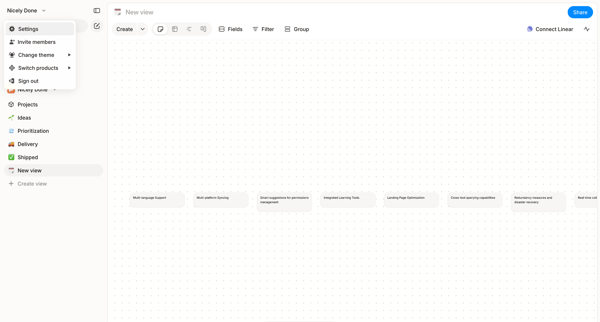
Arranging text cards, project features, and nodes on an infinite dot-grid canvas using drag, inspector panels, and tool palettes in Alloy's whiteboard editor.

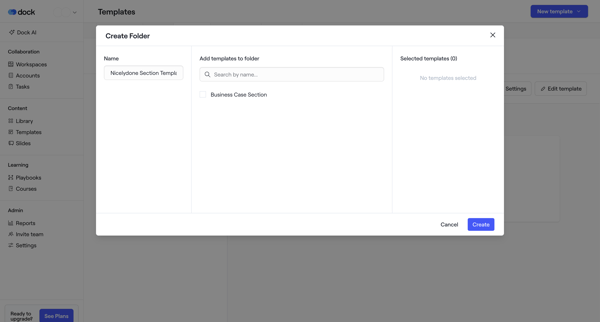
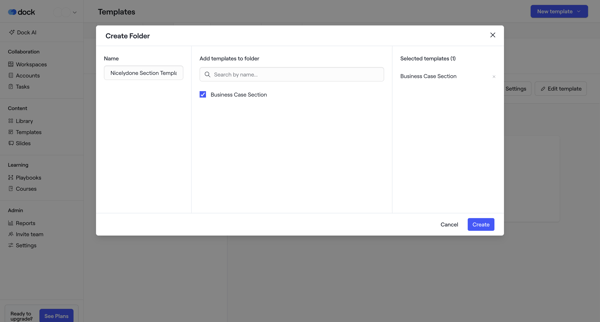

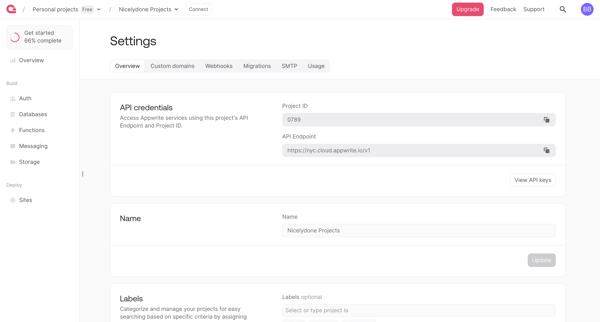
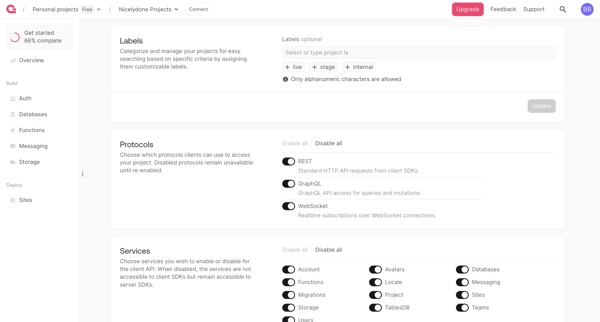
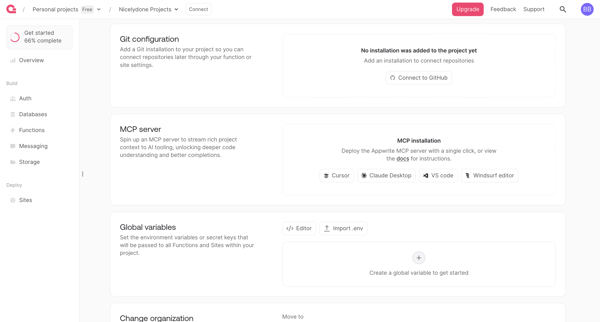
User reviews and updates project API credentials, labels, services, integrations, environment variables, organization moves, and deletion options across four settings screens in Appwrite











Explore the full SaaS flow library
Browse the full SaaS flow library.
Trusted by the best teams







