Status page screen examples
Status page screen design examples from SaaS apps. Browse examples from Voiceflow, Exa, Flora.
Explore the examples
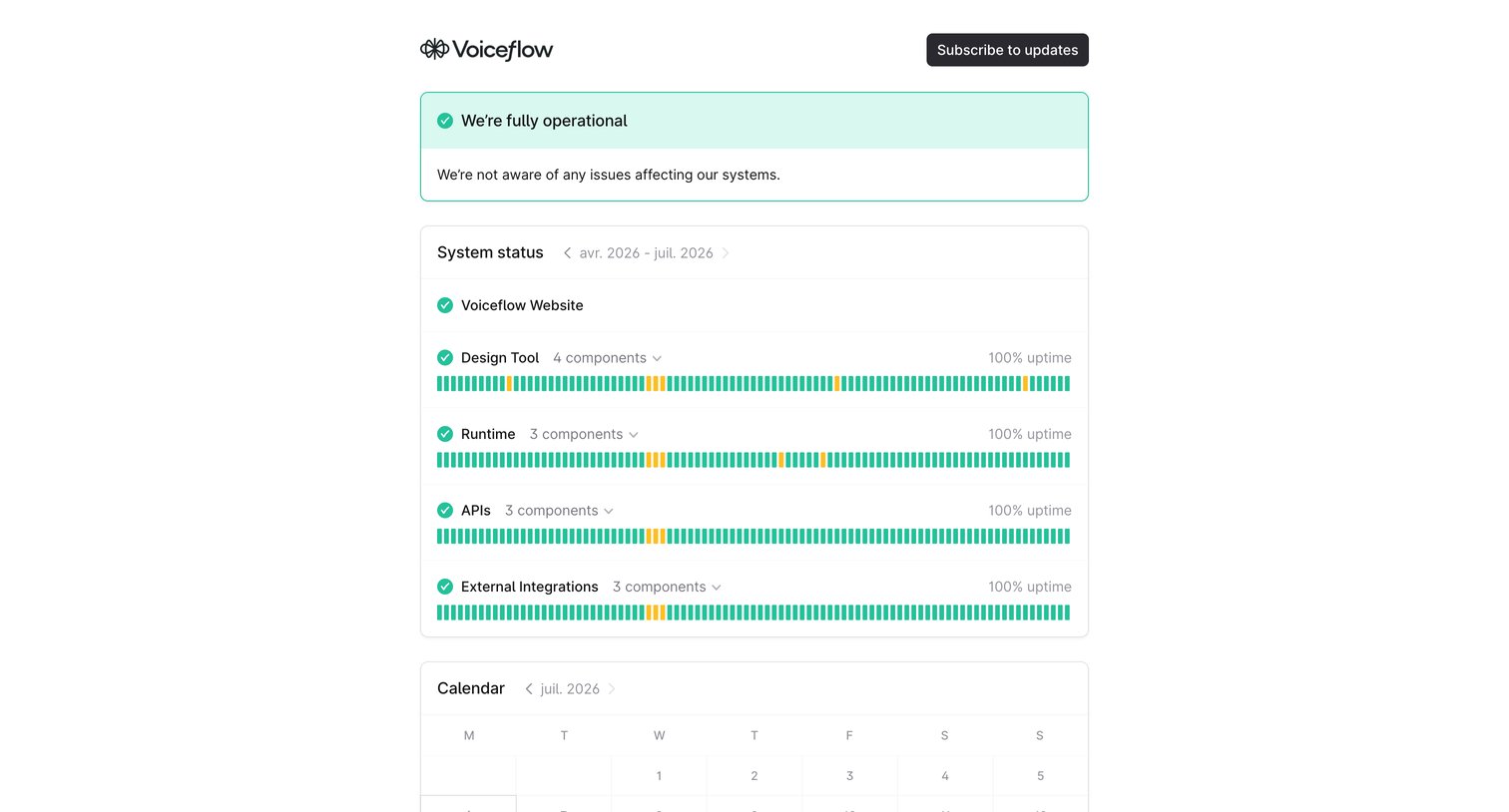

System status page showing fully operational health, historical uptime sparklines for core services like the Design Tool and APIs, and a calendar view for past incidents.
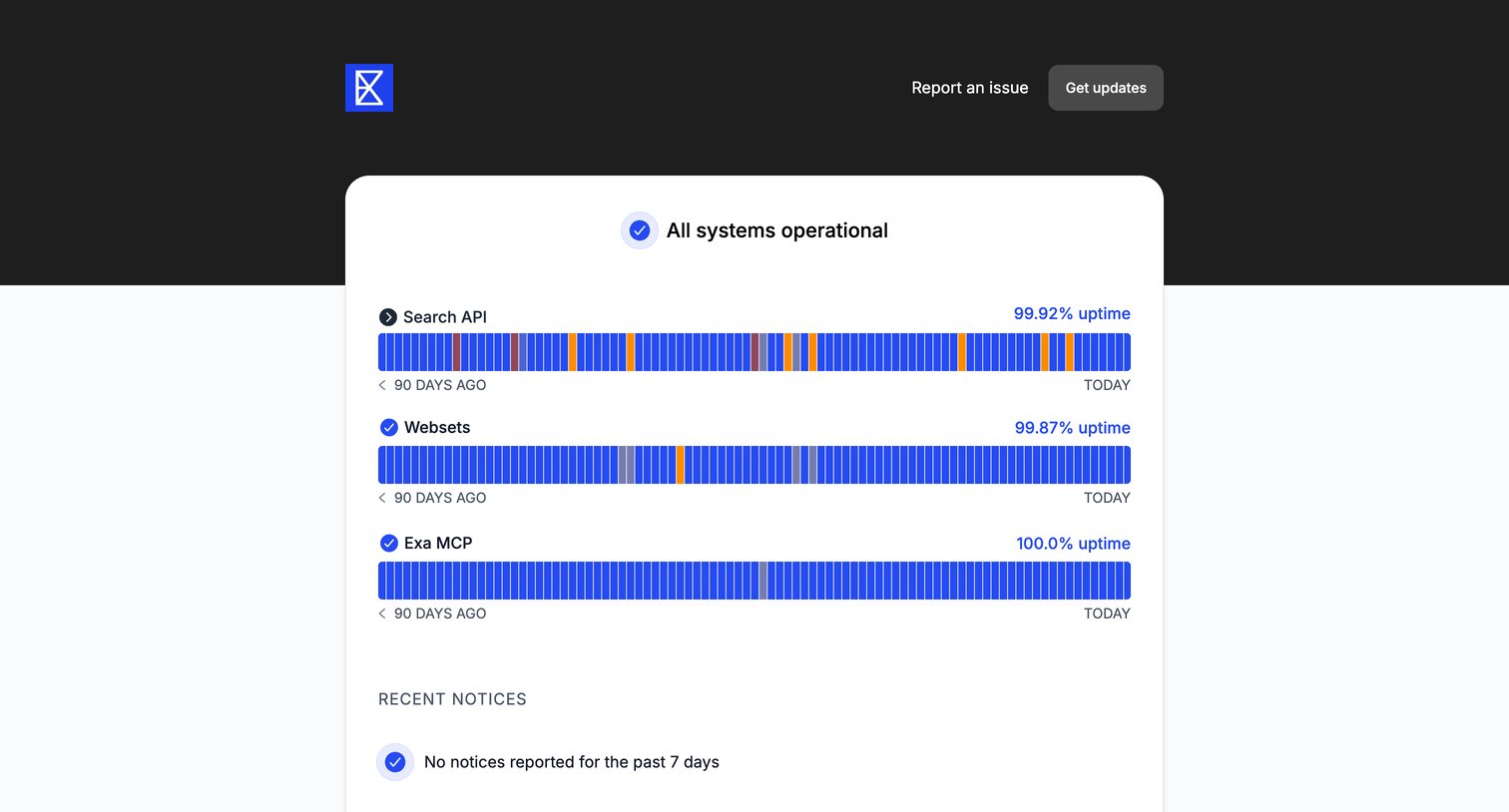

System status page showing 90-day uptime metrics for Search API, Websets, and Exa MCP, along with recent notices.
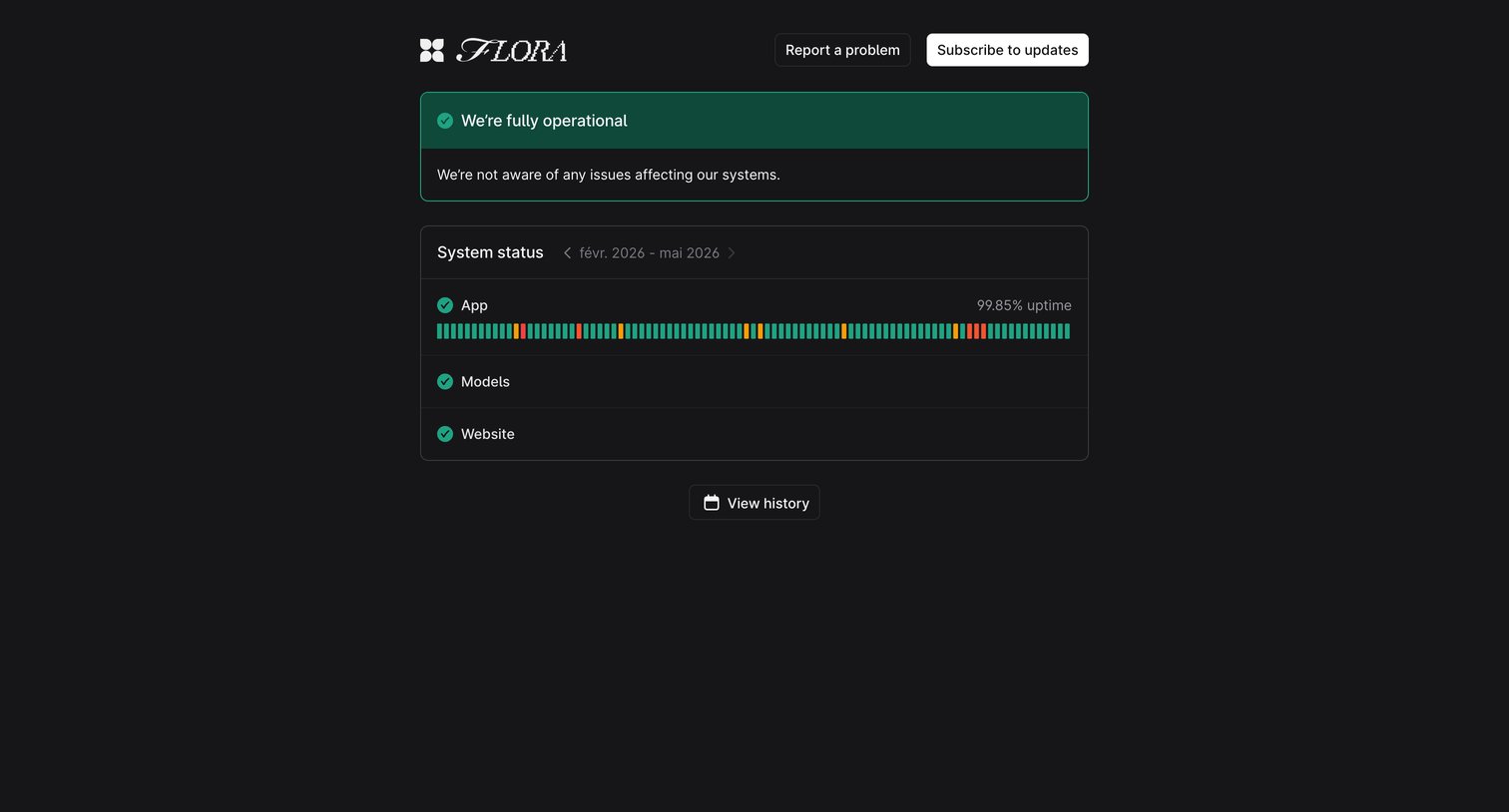

System status page showing current operational state, uptime metrics for App, Models, and Website, and options to subscribe to updates.
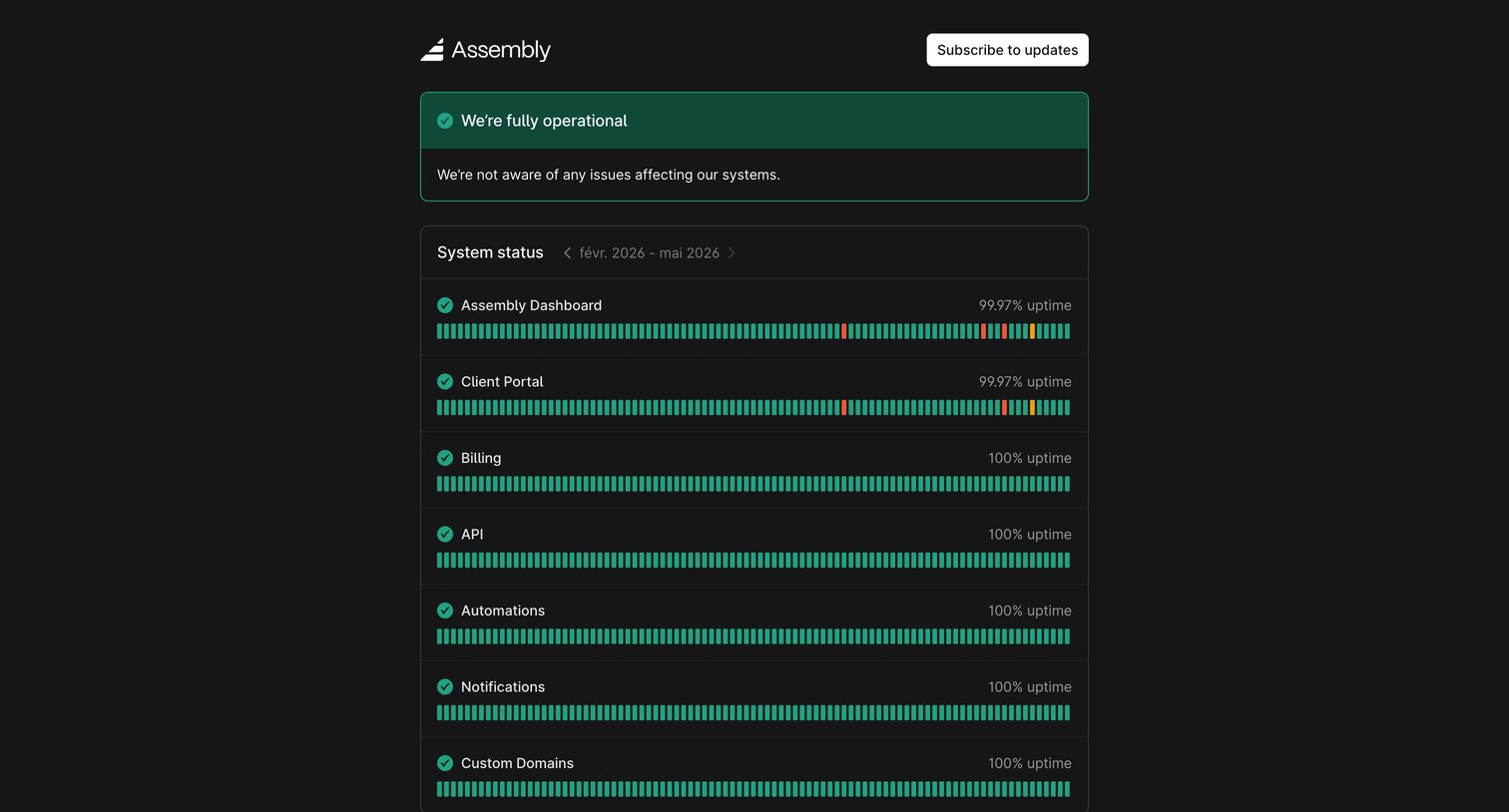

System status page showing current operational state, historical uptime for specific services, and an incident calendar.
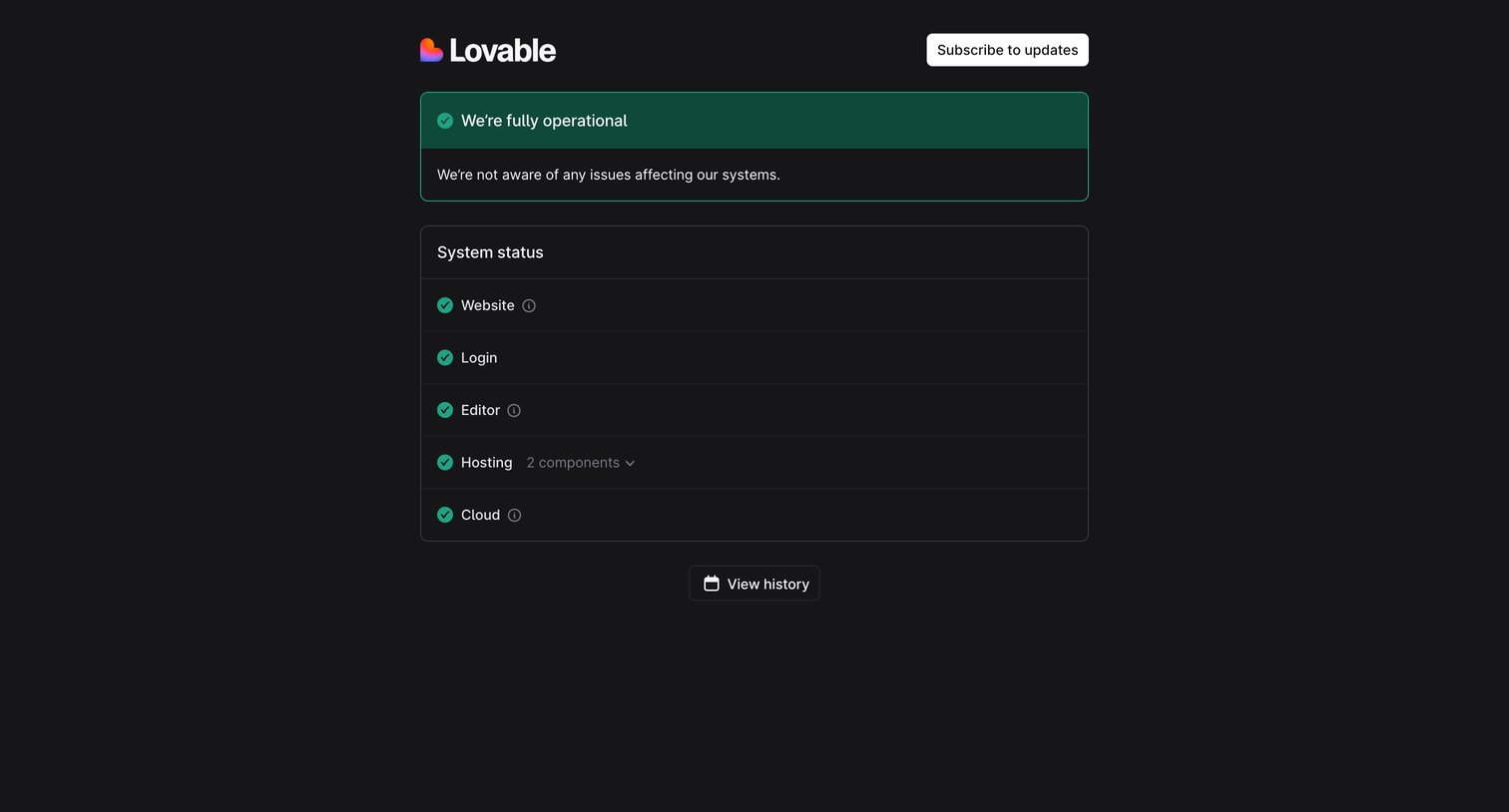

System status page showing all services are fully operational with a list of individual system components.
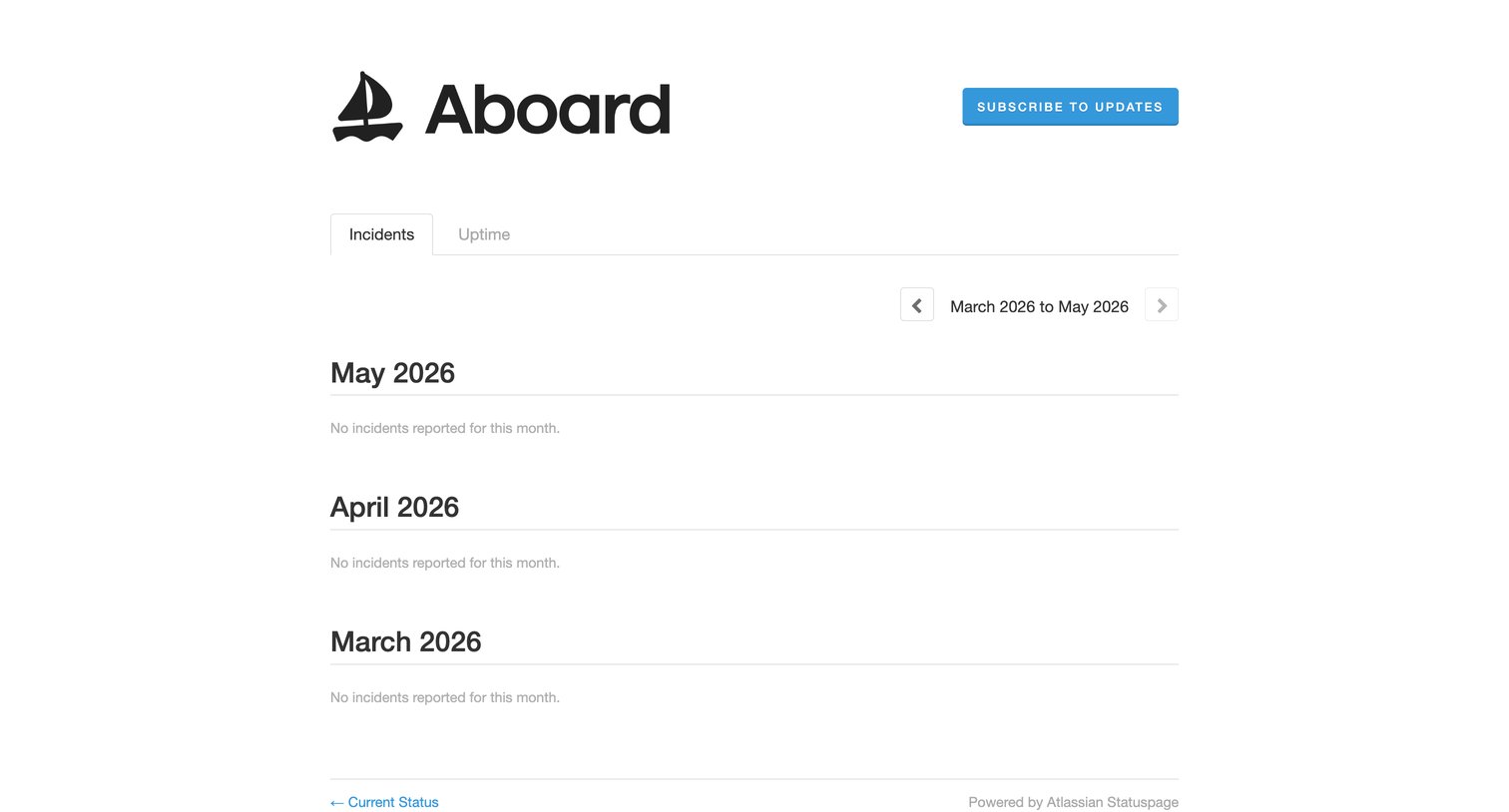

System status page showing a history of past incidents grouped by month, currently displaying an empty state with no reported incidents.
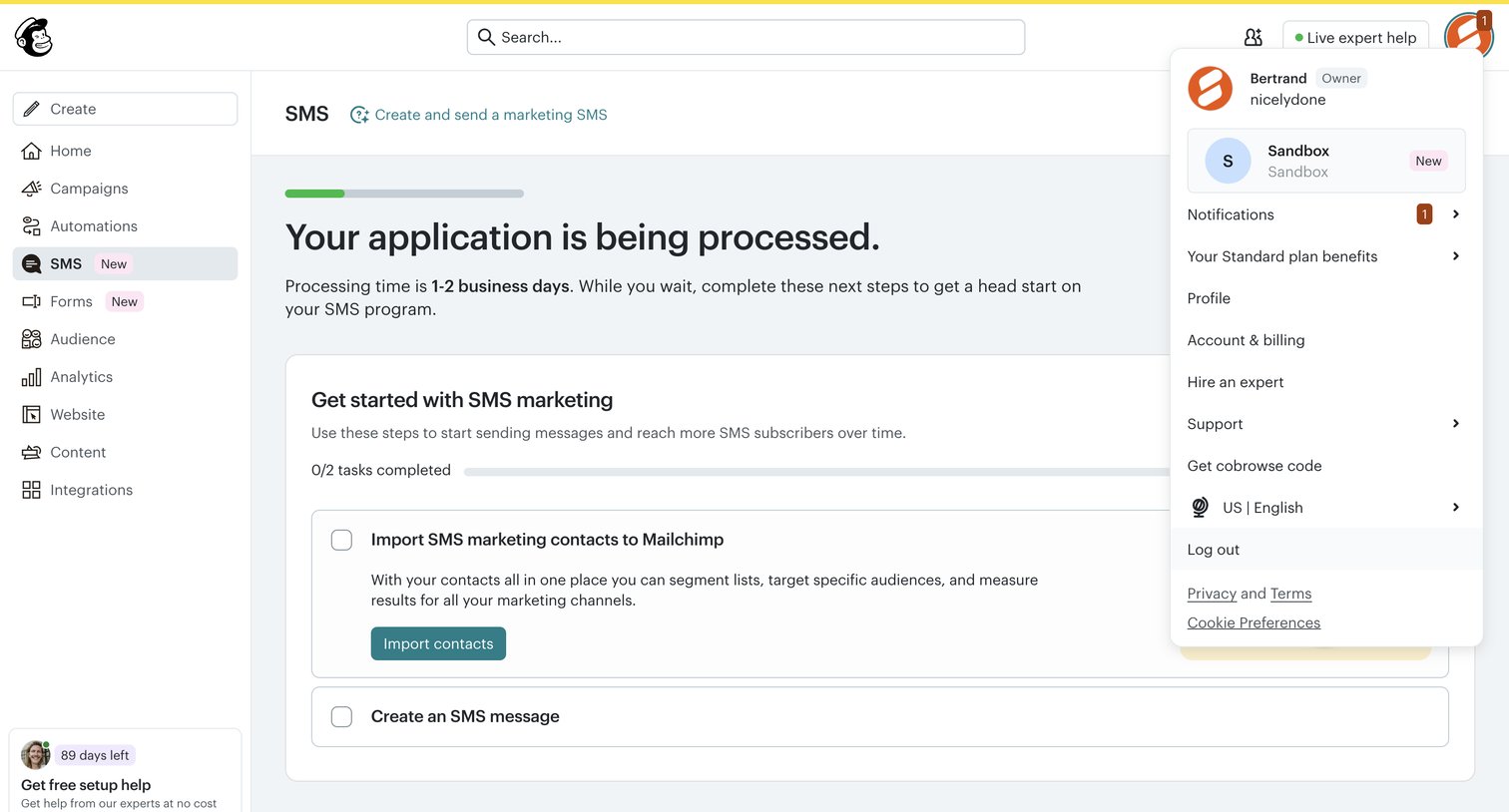

Onboarding screen where the user waits for their SMS application to process and completes a setup checklist to import contacts.
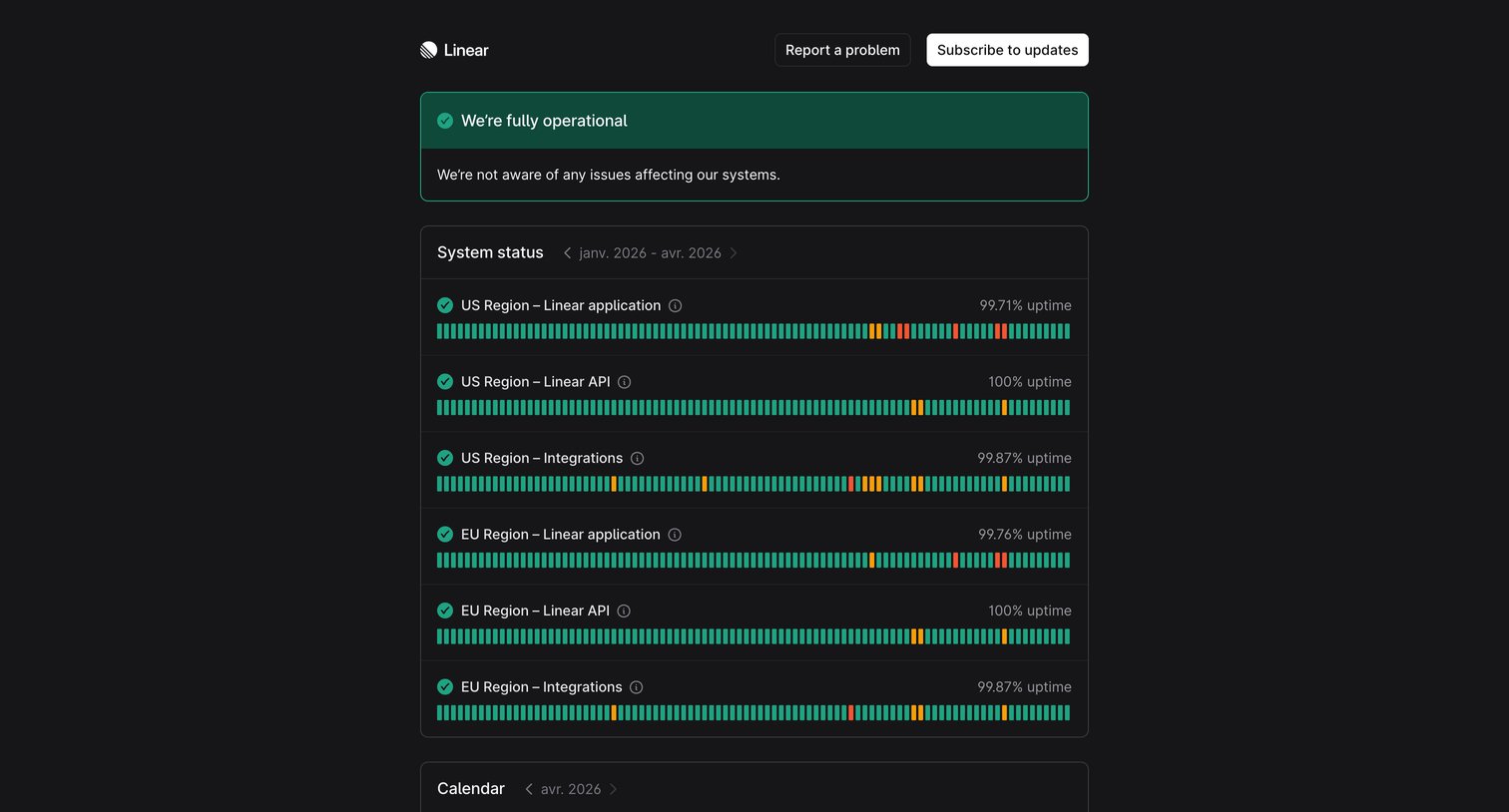

System status page showing current operational status, historical uptime bars for regional services, and an incident calendar.
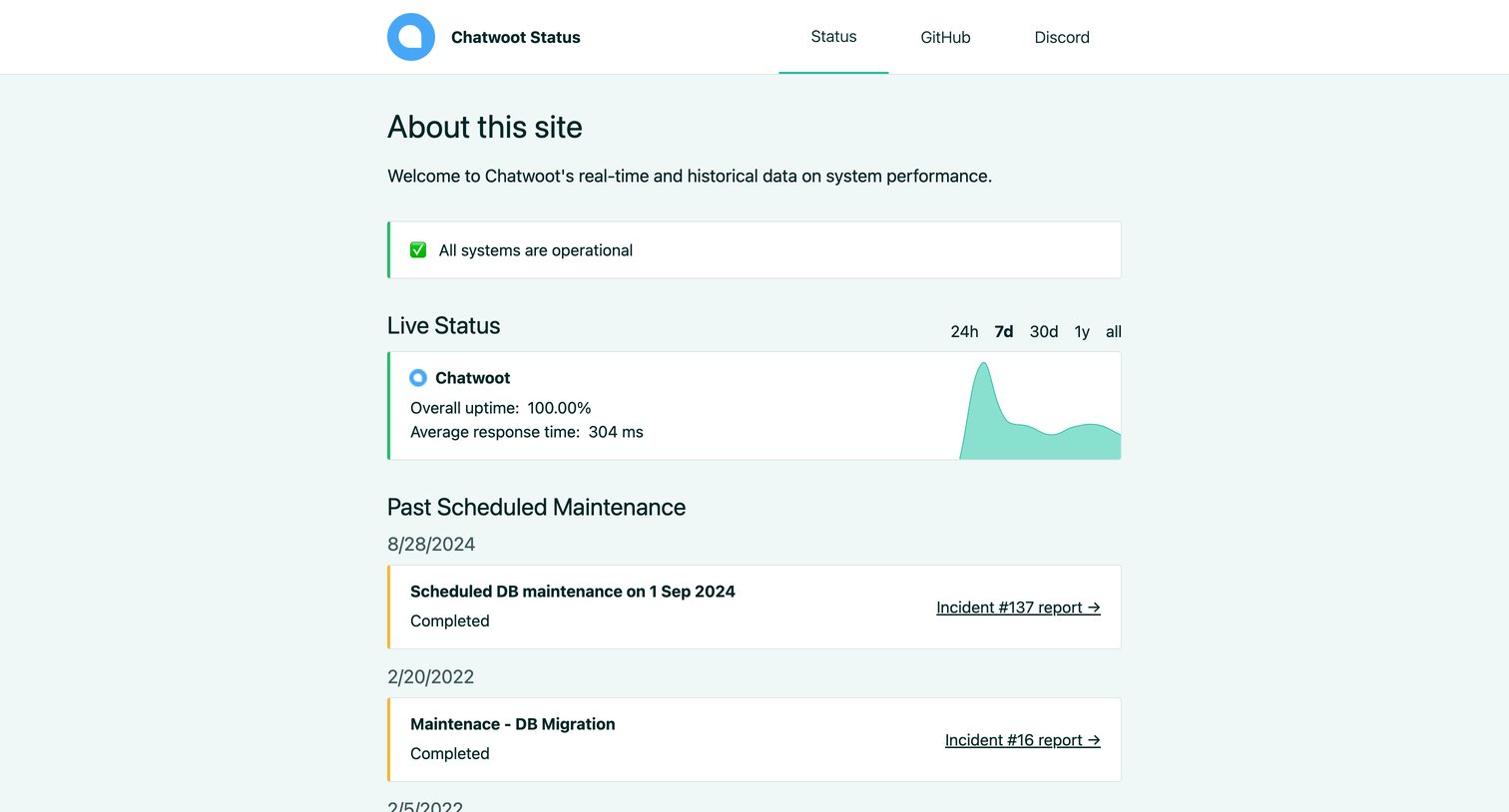

System status page showing current operational status, live uptime metrics with a sparkline chart, and a history of past incidents and maintenance.
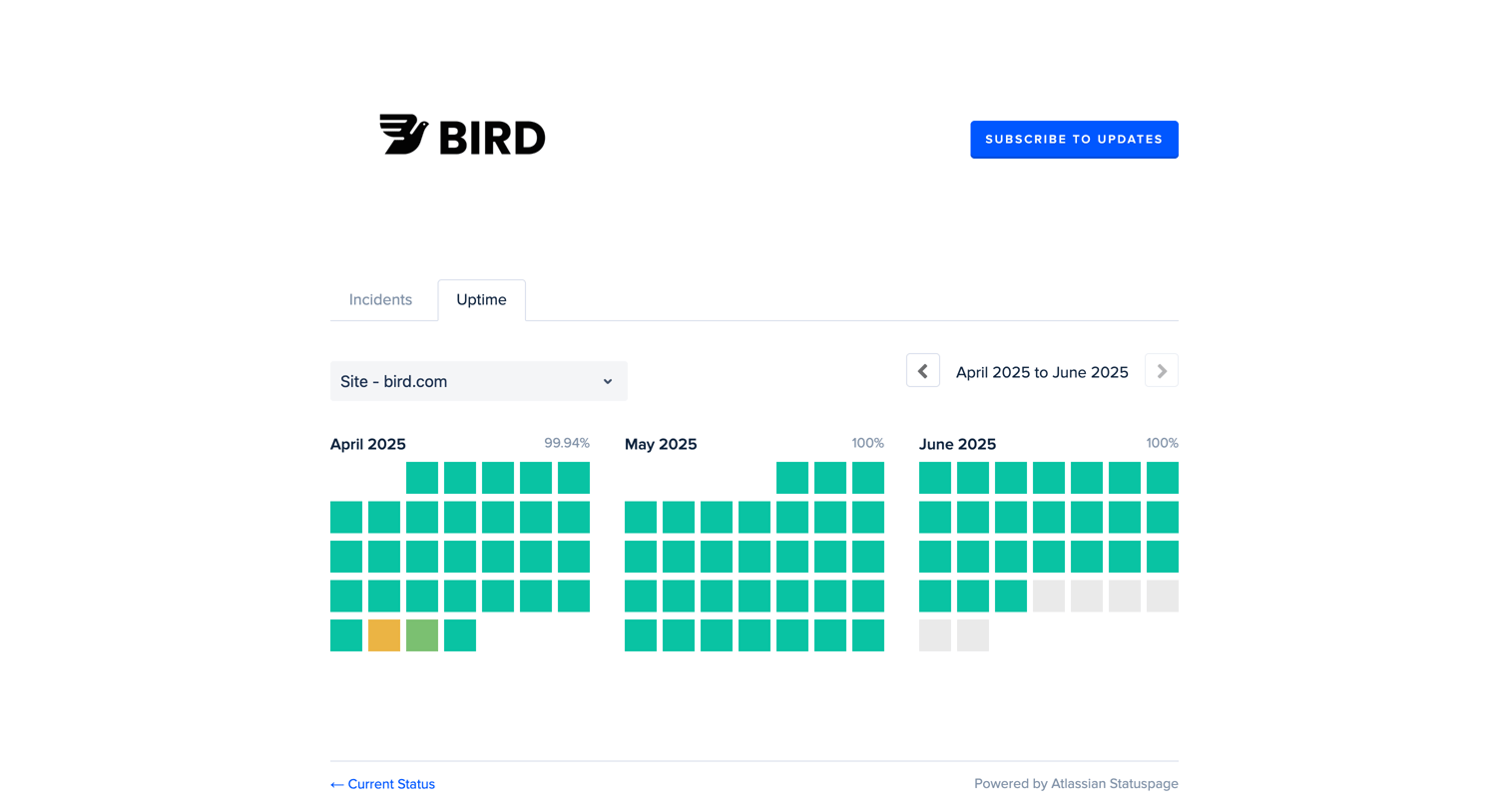

System status page showing historical uptime grids for the Bird.com site across three months.
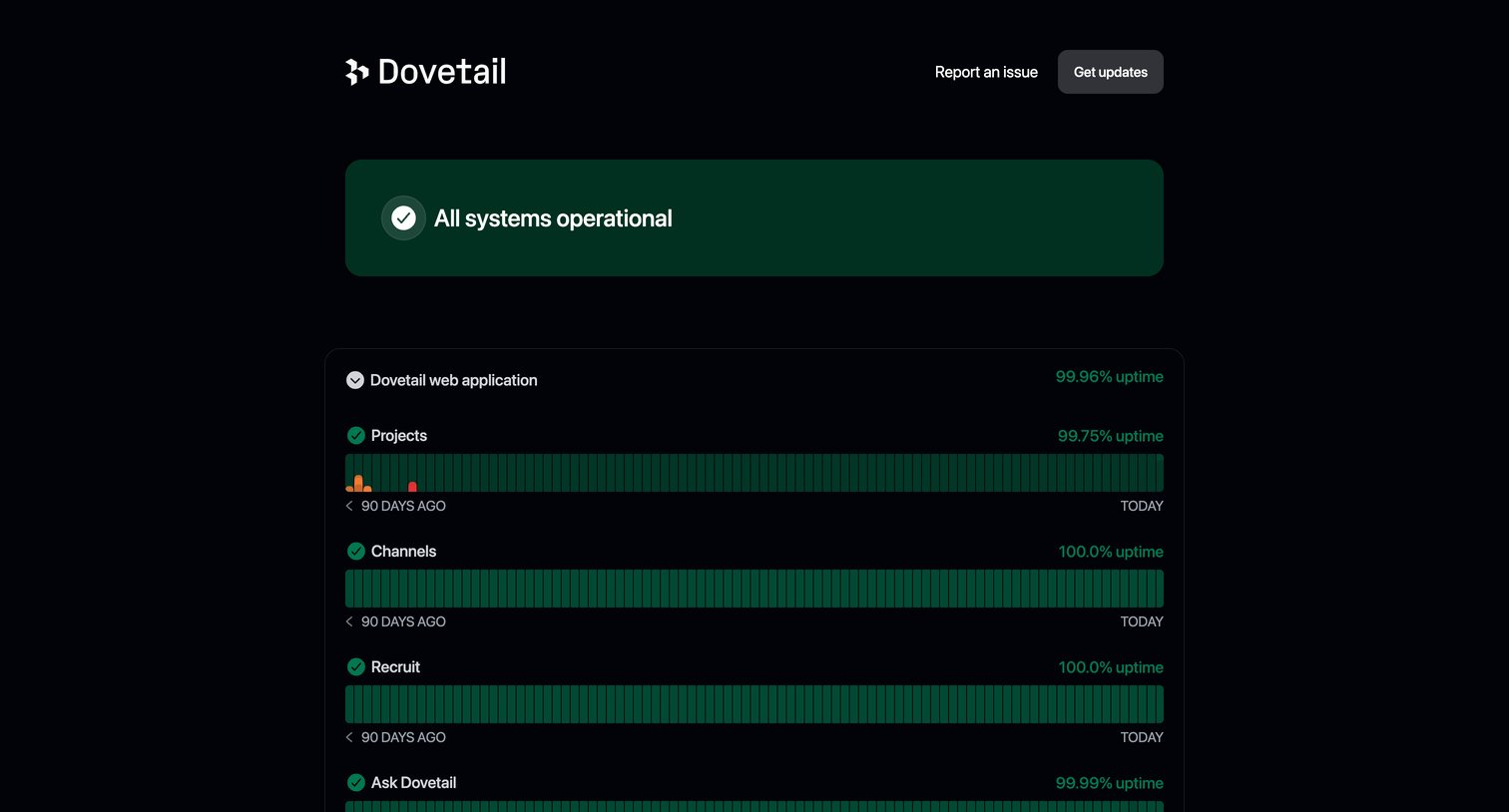

System status page displaying current operational health across services like web application, API, and integrations, alongside a timeline of recent incident notices.
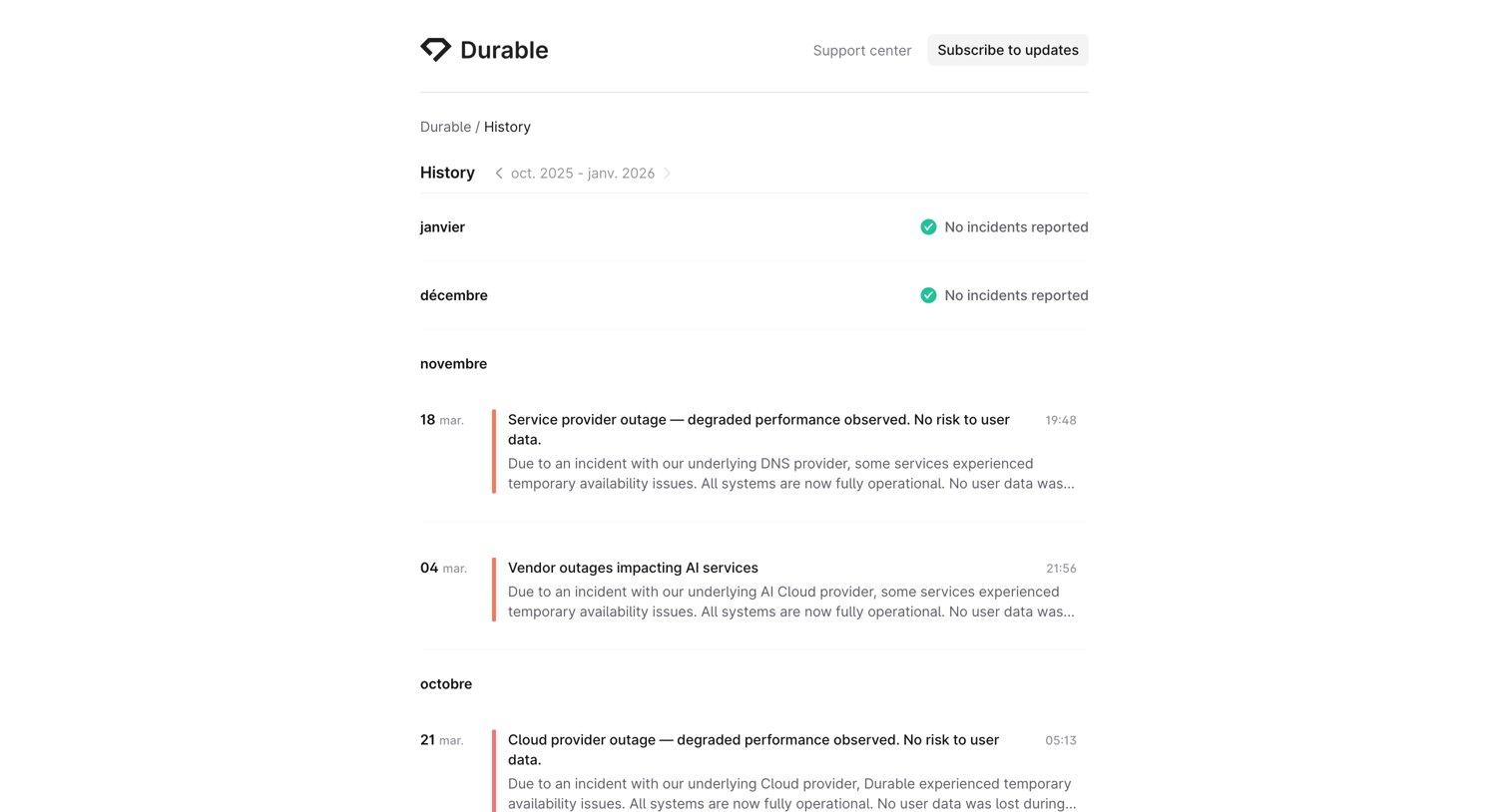

System status page showing a chronological history of past incidents and months with no reported issues.
Explore the full SaaS screen library
Upgrade to unlock the full library.
Trusted by the best teams







