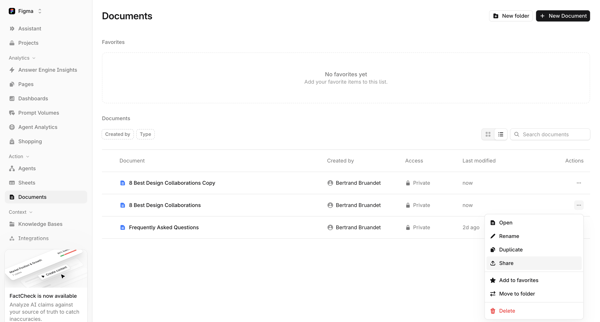
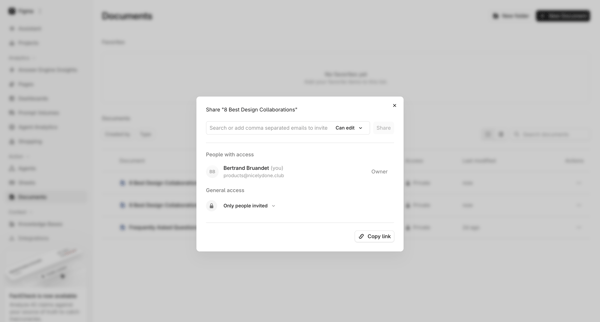
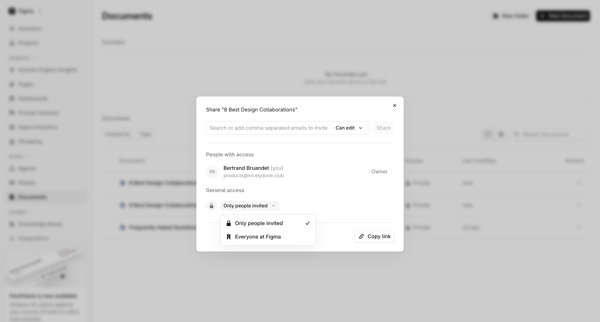
Tryprofound Flow Example: Sharing document
Preview this Tryprofound user flow: Sharing document. Explore the opening screens.
Preview these flows

Related user flows


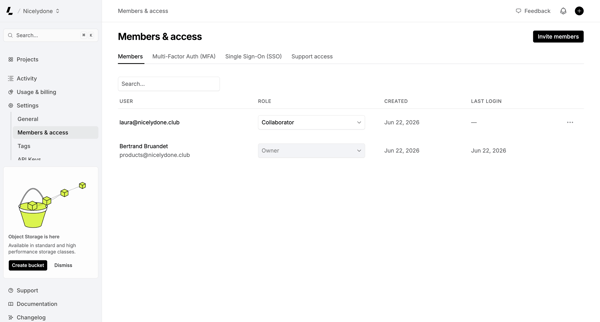
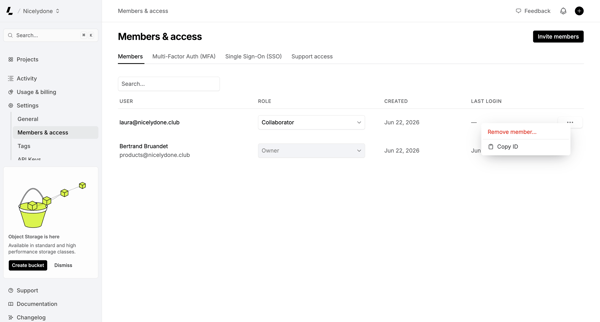
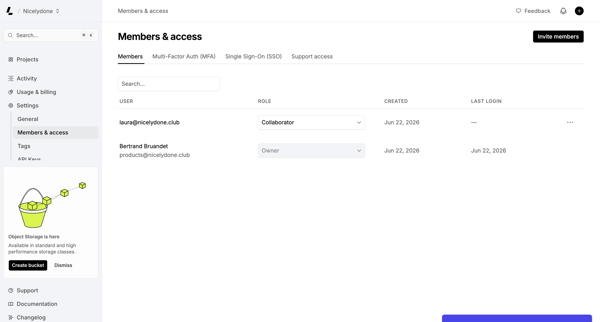
Admin manages workspace members, assigns roles, and configures MFA/SSO from the Members & permissions settings page

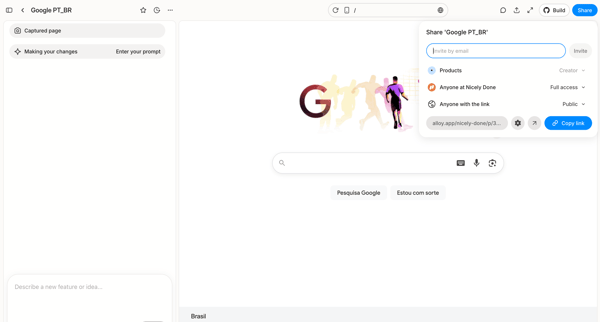
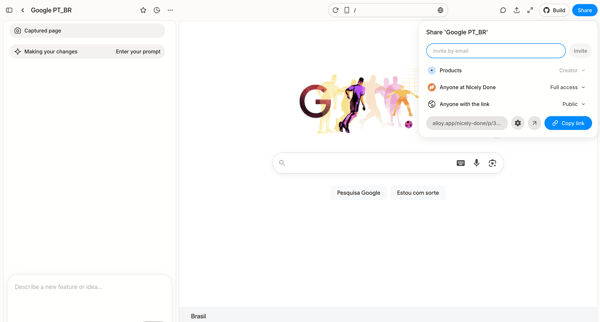
User opens share popover in AI design editor to invite collaborators by email or copy public link for a captured Google homepage prototype

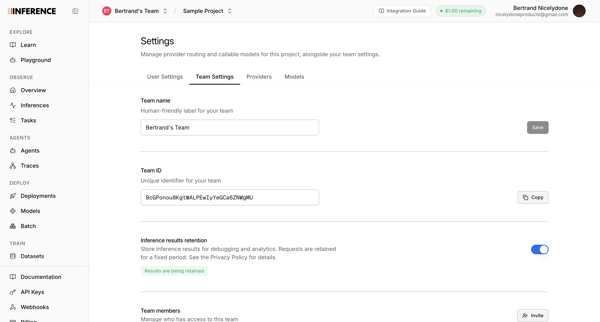
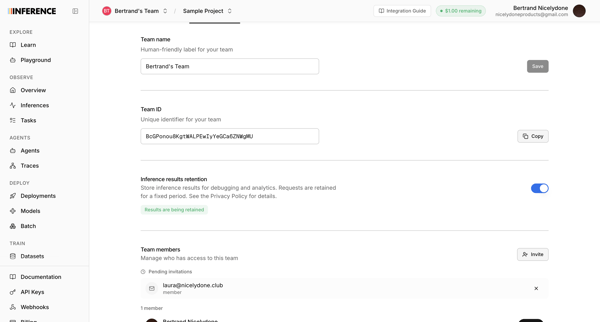
Configuring team name, ID, inference results retention, and managing members plus invitations from the team settings page


User opens partner invite modal from profile settings, enters email, sends invite, and sees success confirmation

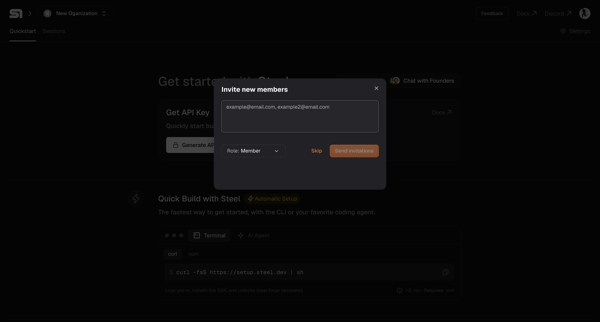
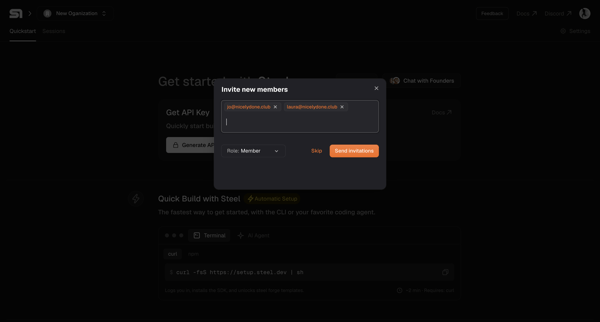
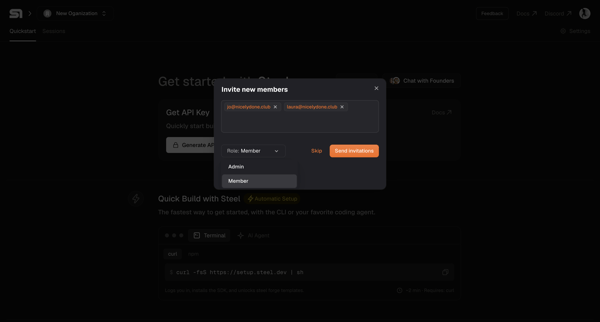
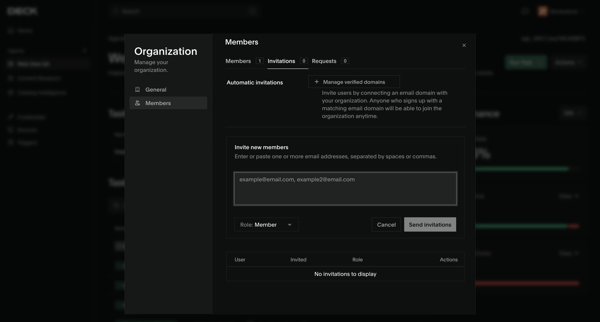
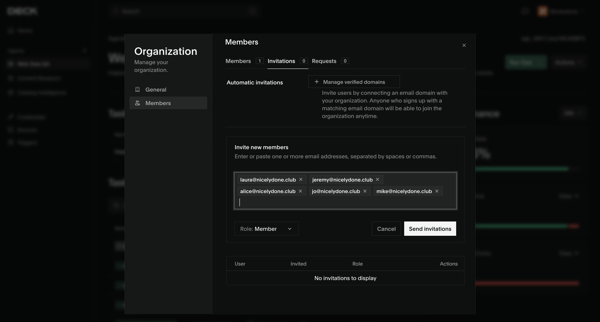
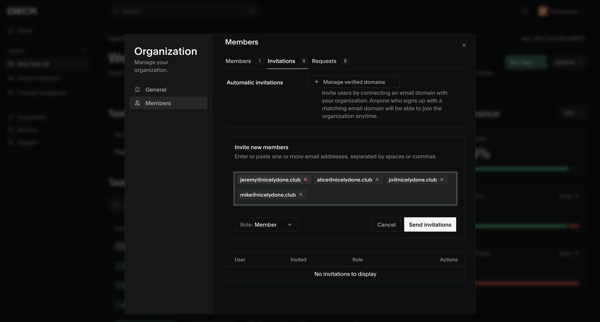
Onboarding flow for inviting new members to a new organization by entering emails, selecting roles, and sending invitations, ending in a success modal.

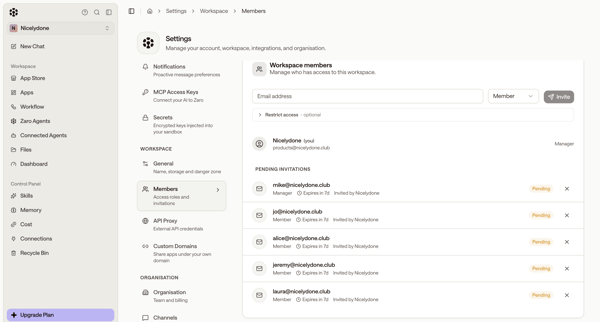
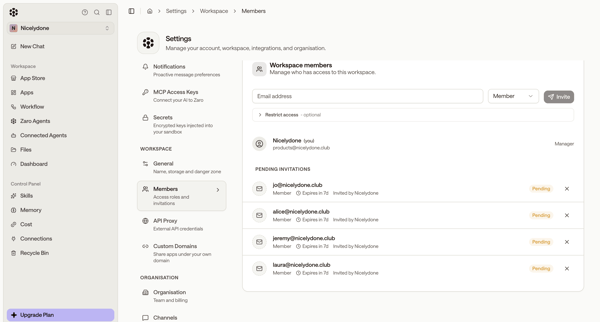
User accesses Workspace Members Settings to enter email addresses, select Member or Manager roles, and send invitations while viewing pending invitations

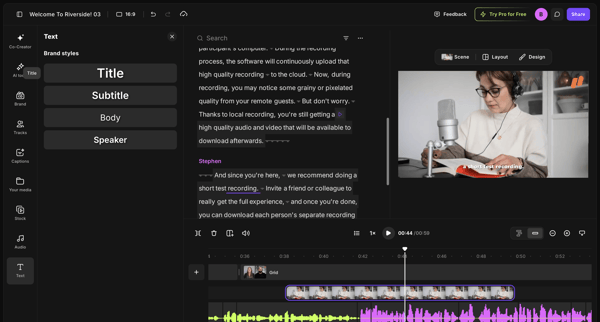
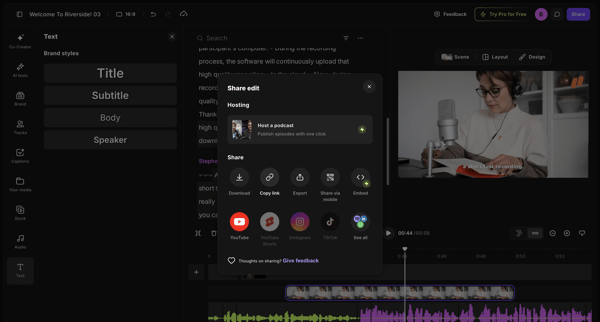
From video editor workspace to share edit modal displaying download, link, export and social options

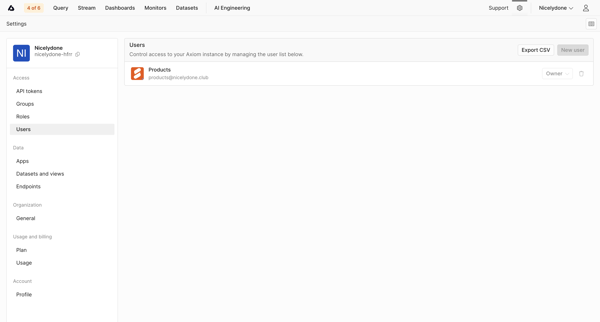
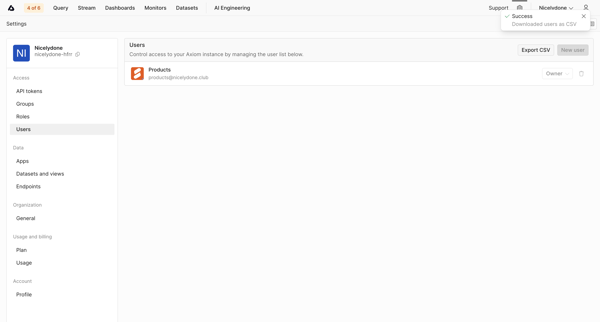
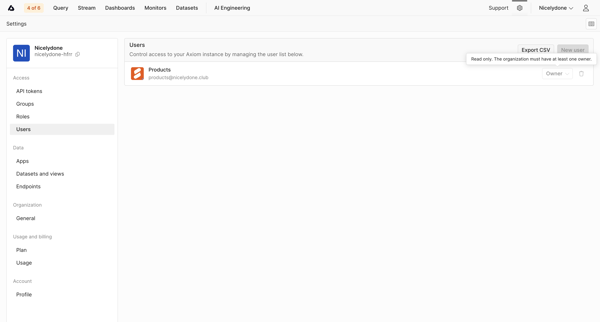
Admin views and manages users list, roles, and exports CSV from Users Settings page

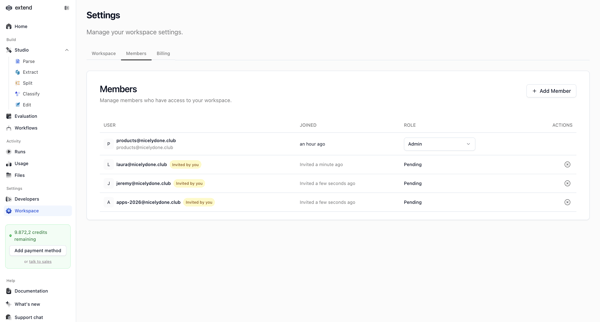
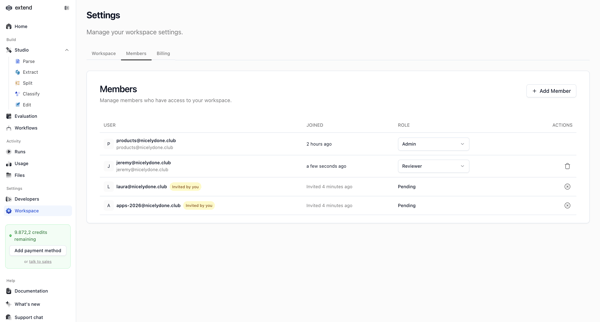
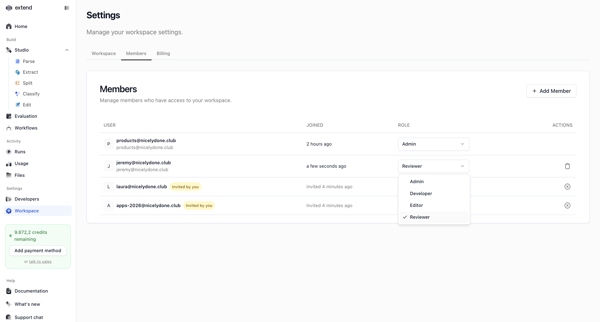
Workspace admin views and edits member list, roles, and pending invitations from settings page

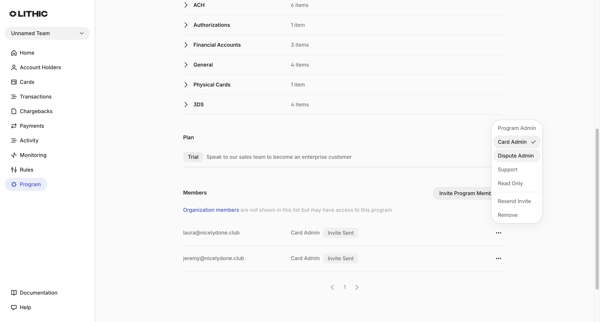
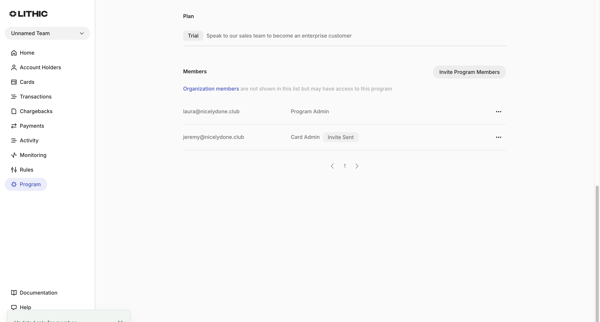
User views program members list in settings, selects role options, and sees success toast after role update completes

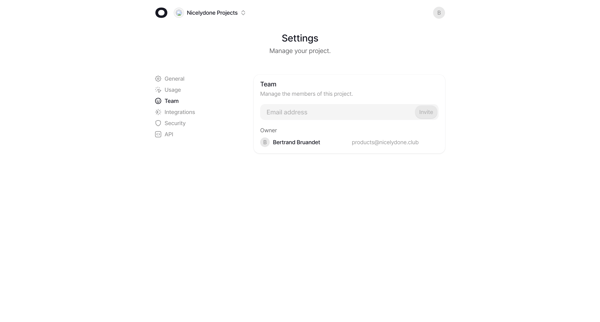
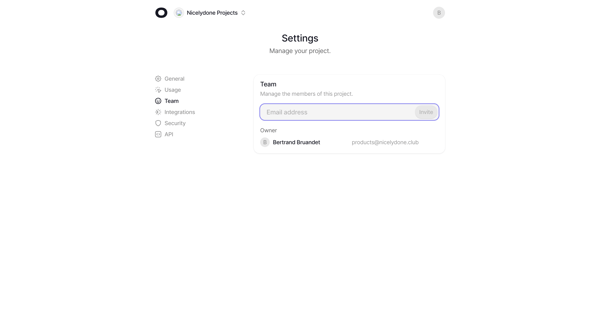
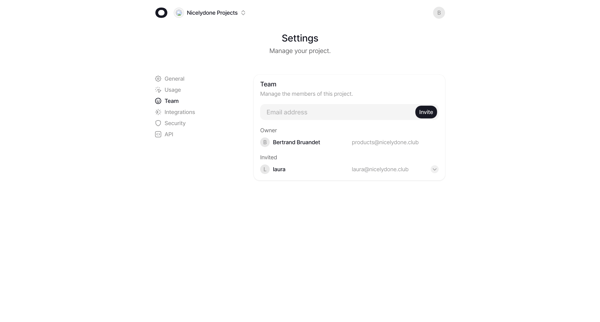
Invite new project members by email from Team Settings and view owner plus invited roster
Explore the full SaaS flow library
Browse the full SaaS flow library.
Trusted by the best teams







