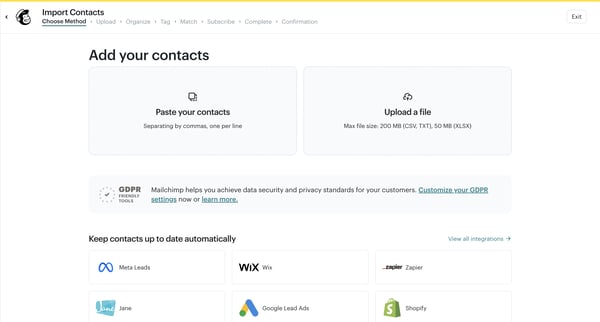
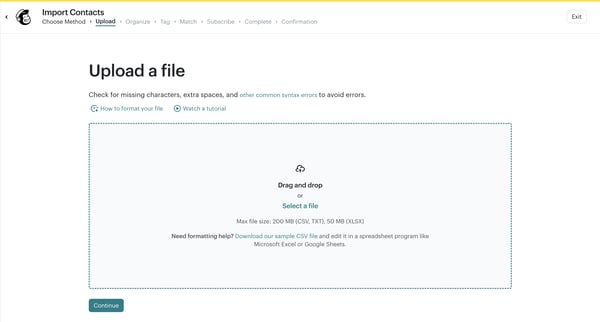
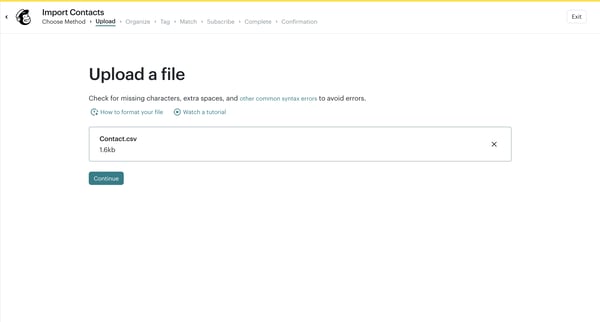
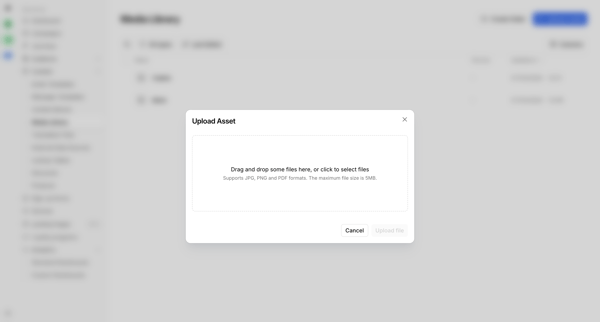
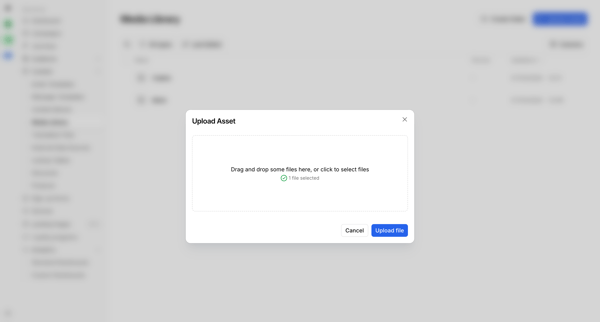
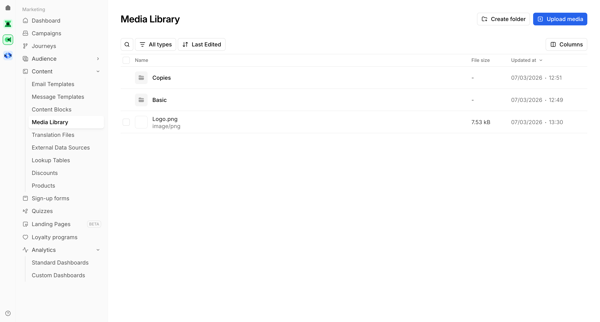
Mailchimp Flow Example: Uploading contact file
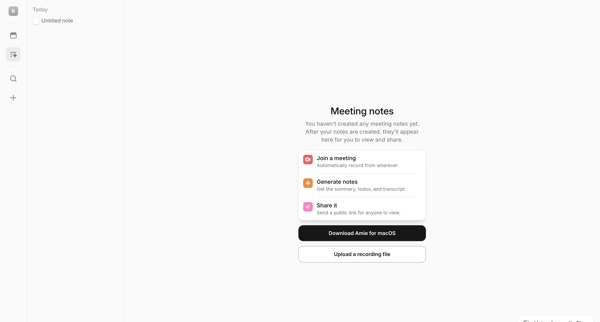
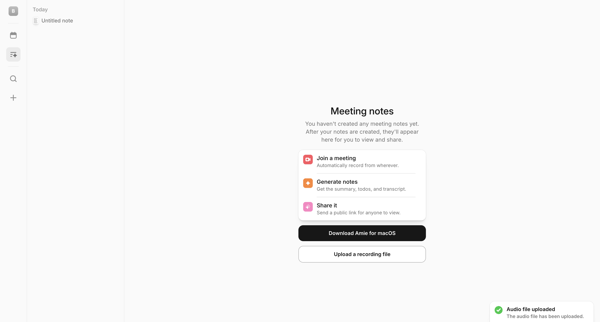
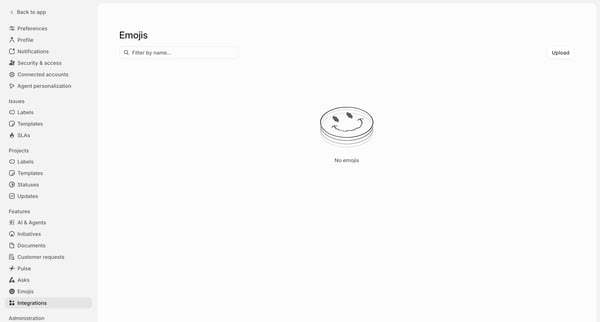
Preview this Mailchimp user flow: Uploading contact file. Explore the opening screens.
Preview these flows

Related user flows

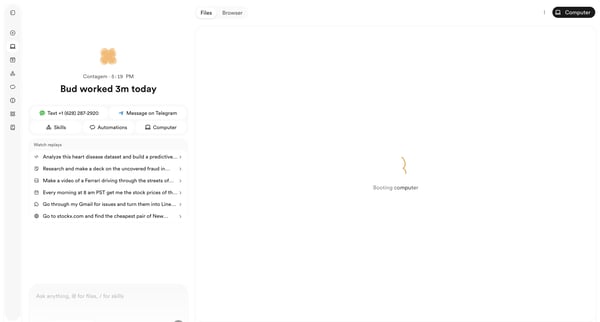
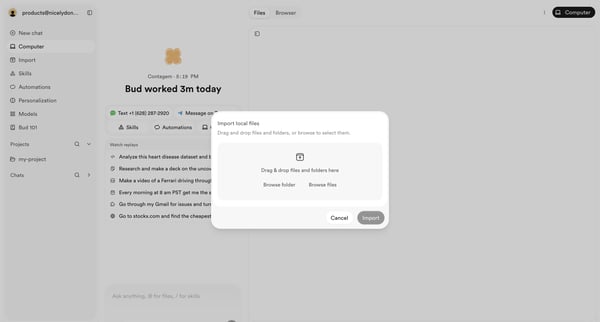
User opens file import modal from AI agent workspace dashboard to select local files or folders via drag-and-drop or browse

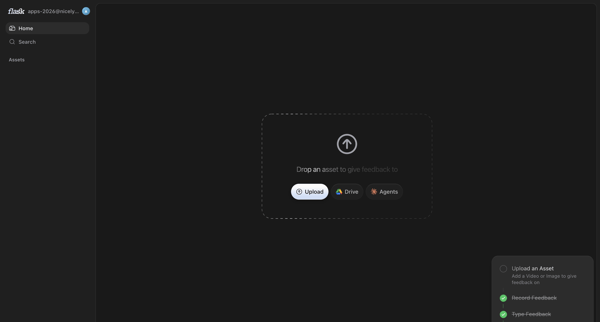
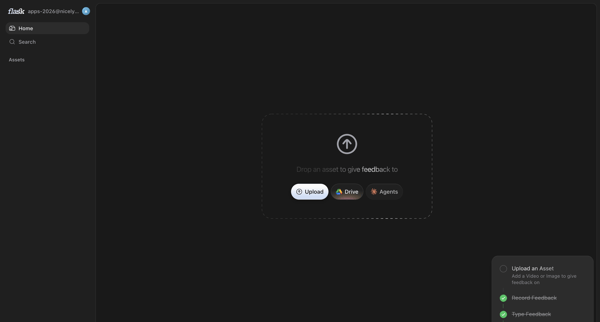
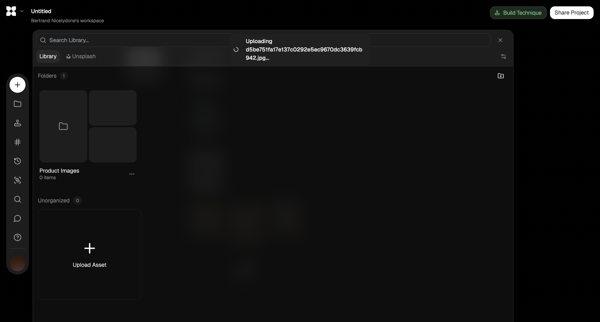
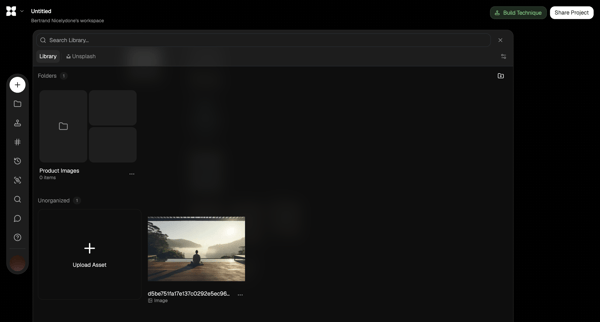
User prompted on home screen to upload asset via local file, Drive or Agents to begin feedback

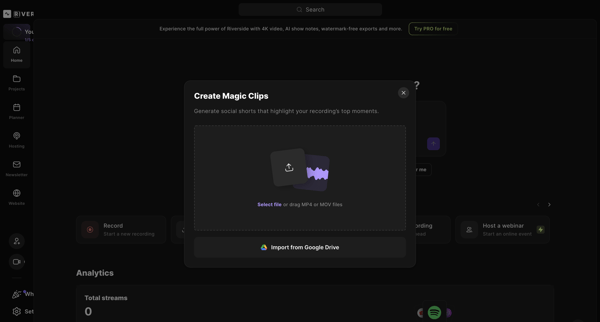
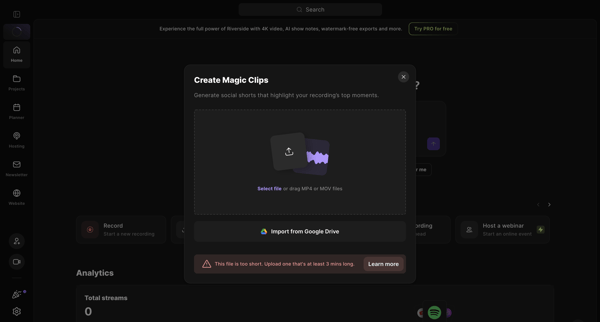
User opens Create Magic Clips modal from home dashboard to upload MP4/MOV or import from Google Drive for AI social shorts generation, resulting in minimum duration error state

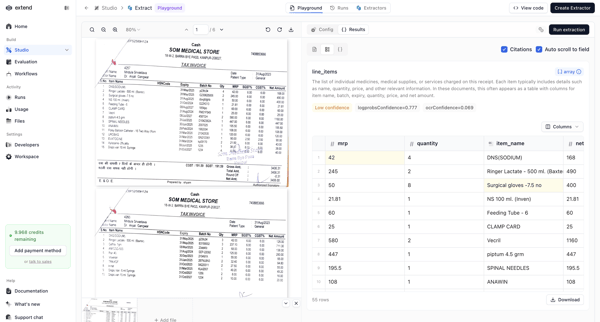
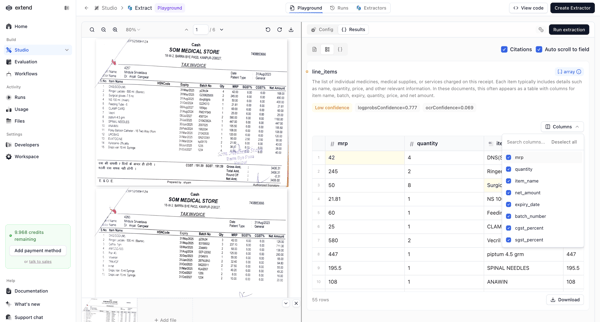
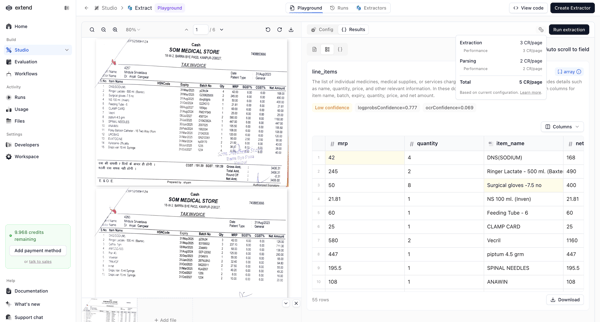
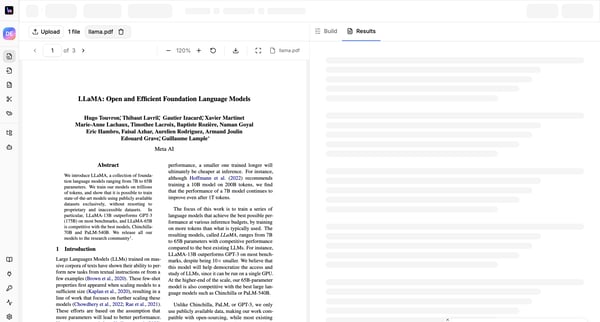
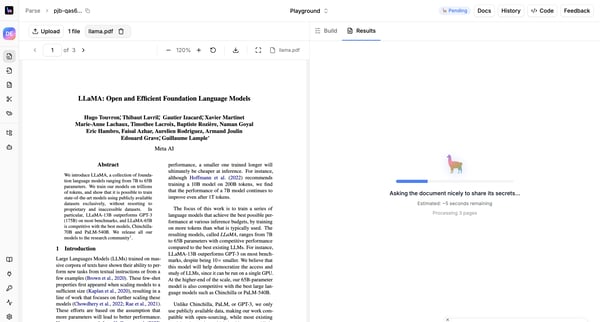
User uploads a PDF such as a tax invoice in the AI Extraction Playground, reviews AI-extracted line items with confidence scores and citations, and performs edits or downloads.

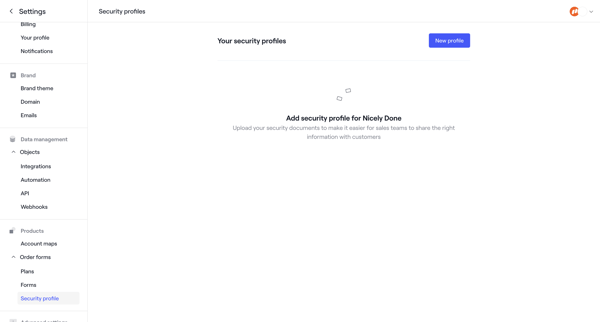
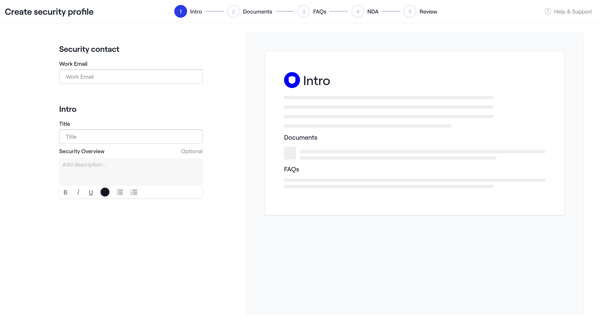
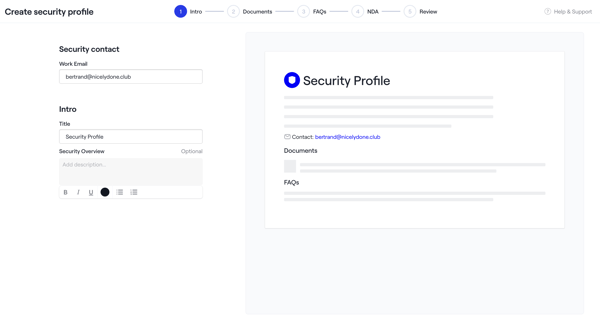
Admin creates a security profile via multi-step wizard starting from empty settings, configuring intro, uploading documents and NDAs, adding FAQs, reviewing, activating, then managing in settings

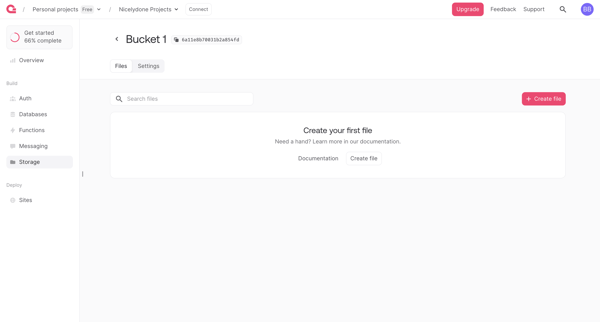
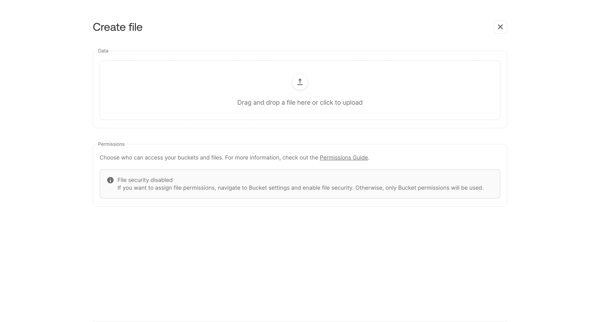
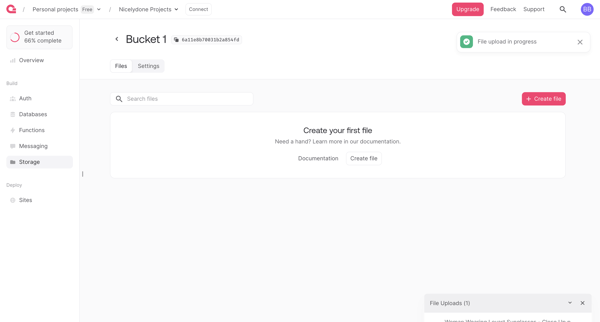
User uploads a file to an empty storage bucket via drag-and-drop form, monitors progress, and views the updated file list



User opens an AI-generated video detail page to watch playback, review transcript and summary, and access share, download, edit, or organization actions






Explore the full SaaS flow library
Browse the full SaaS flow library.
Trusted by the best teams







