Magnific Flow Example: Building AI prompt workflow
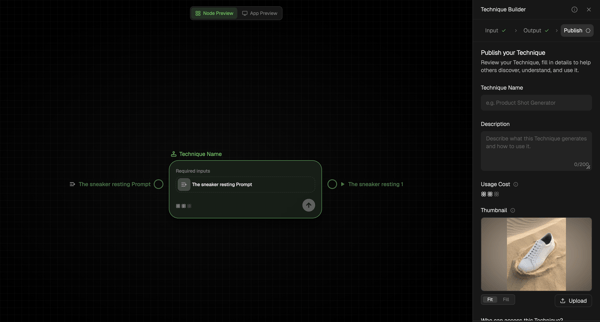
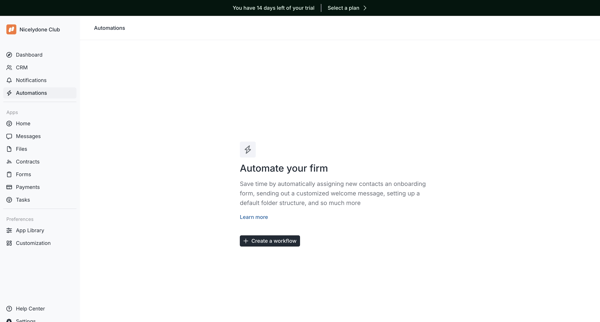
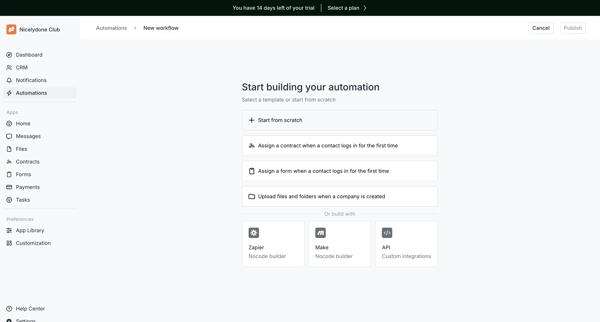
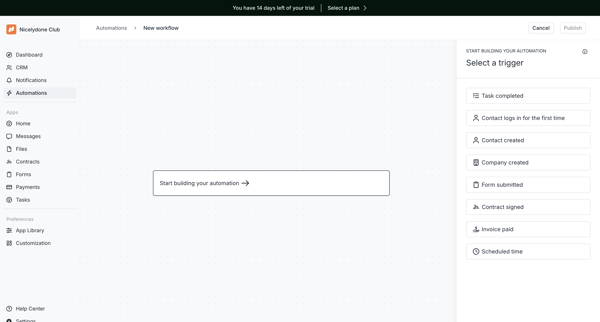
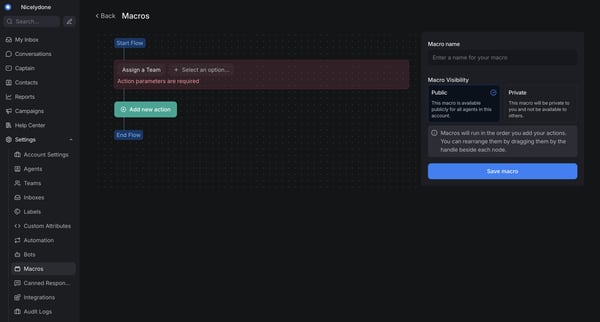
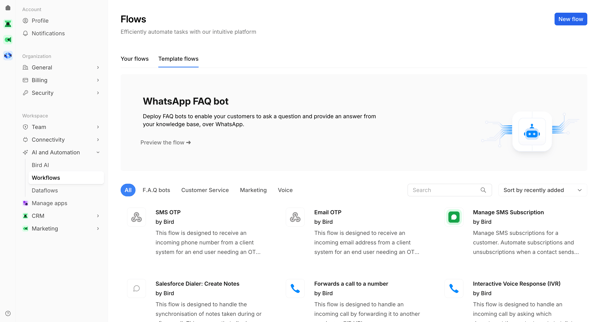
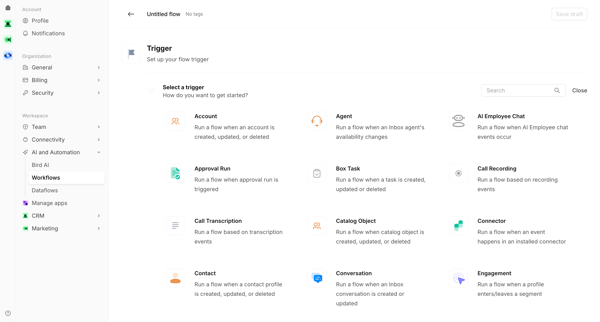
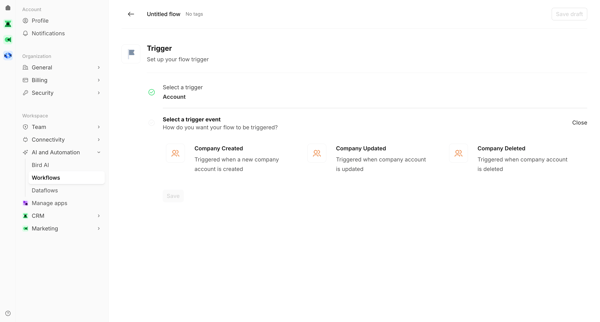
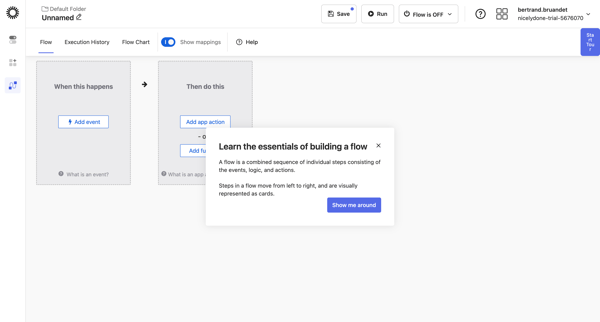
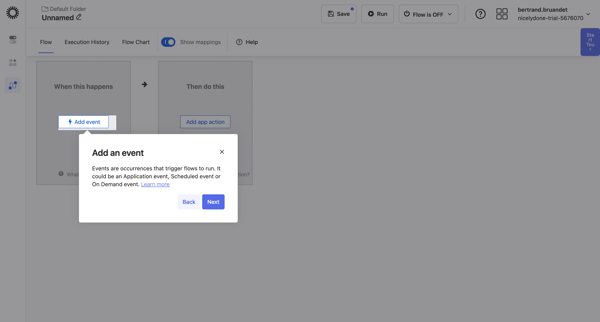
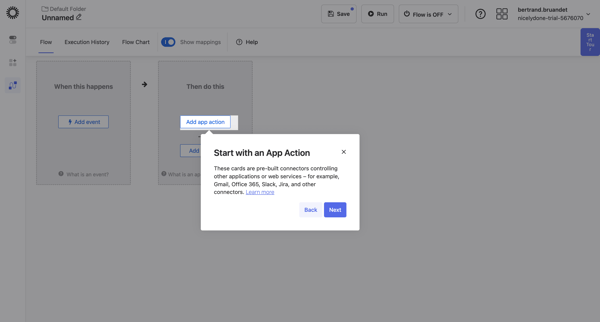
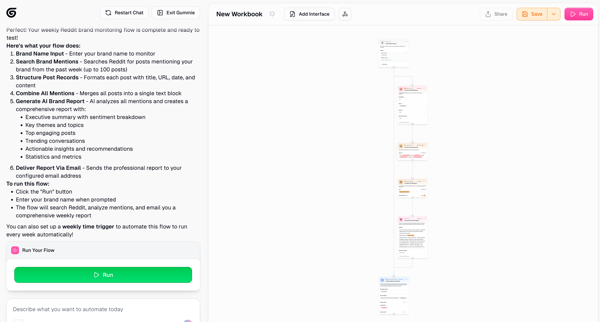
Preview this Magnific user flow: Building AI prompt workflow. Explore the opening screens.
Preview these flows

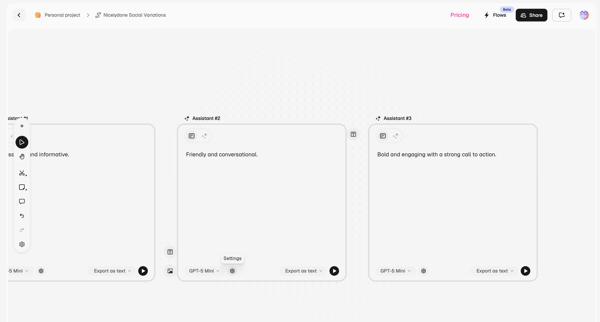
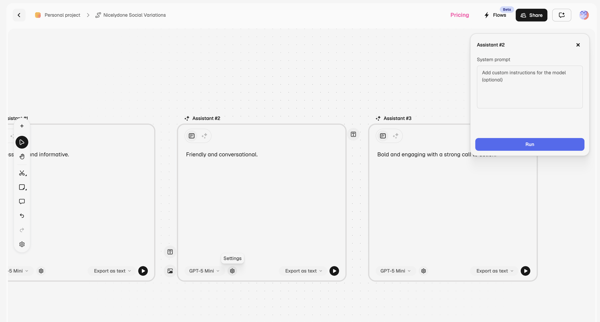
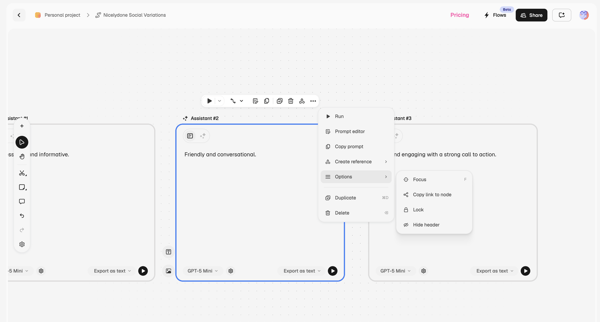
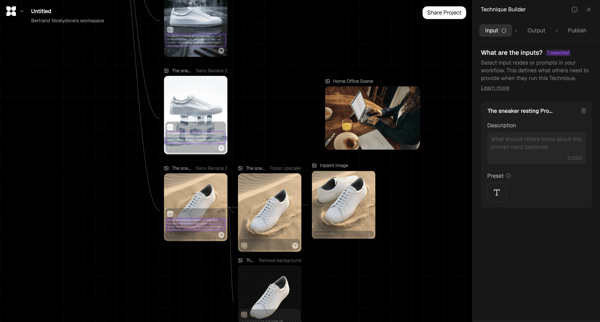
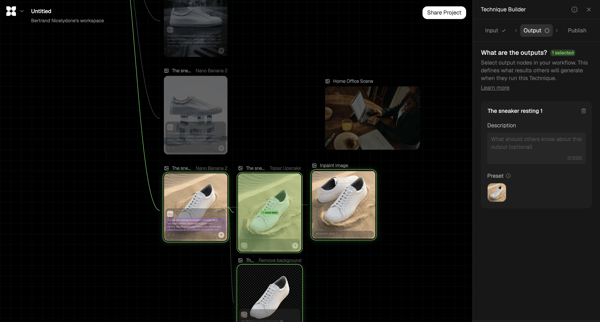
Configuring multiple AI assistants on an infinite node-based canvas to create prompt variations and chained workflows using different models and prompts
Related user flows

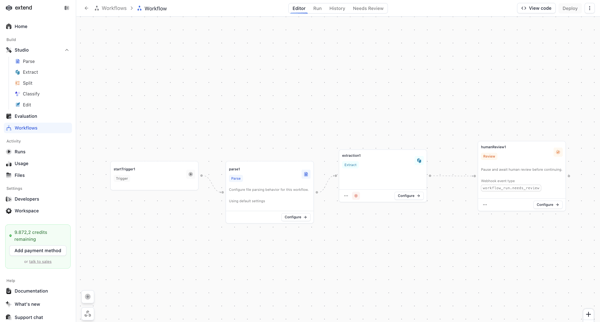
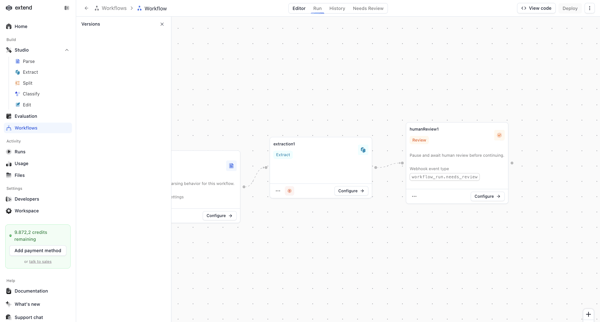
Configuring an AI document processing pipeline on the Extend workflow canvas using trigger, parse, extraction, and human review nodes

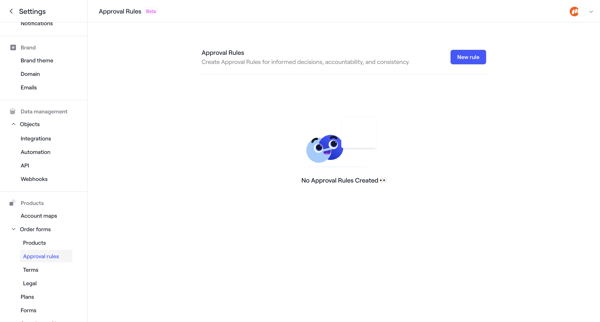
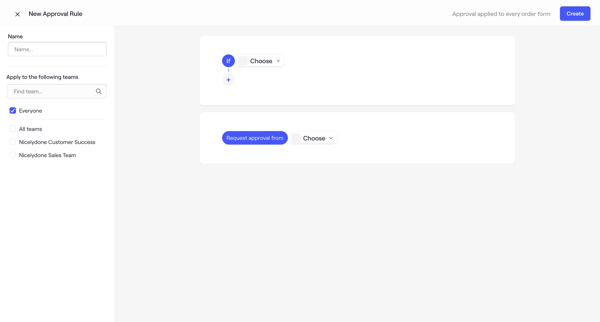
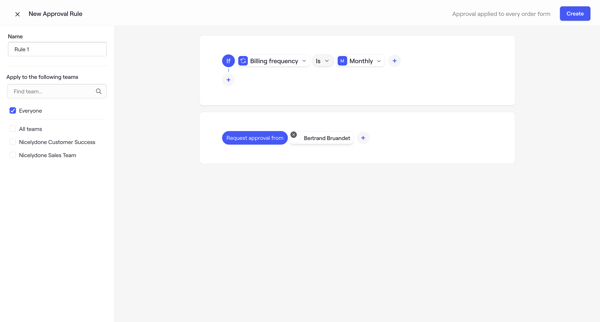
User starts from empty Approval Rules Settings, builds conditions and approvers in the rule builder, configures name and teams, then sees the rule listed with success state and can manage drafts or archive

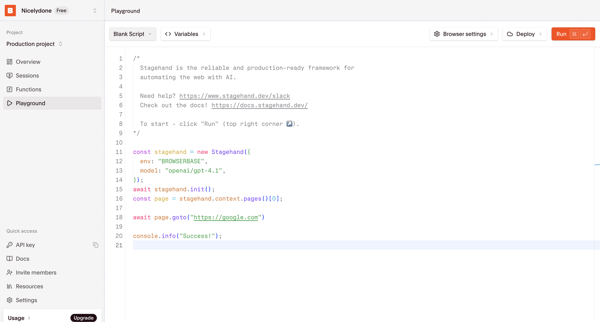
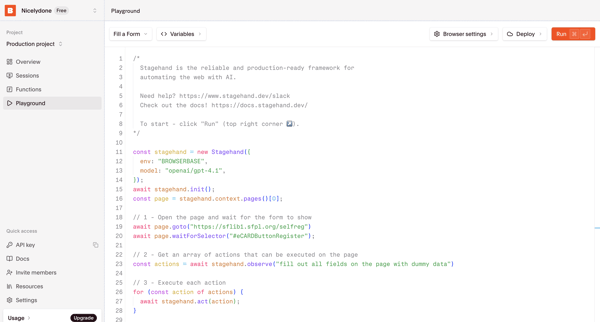
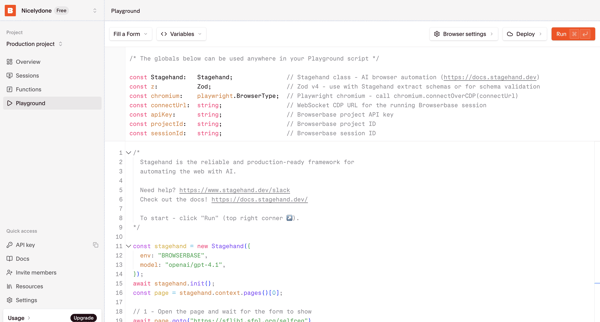
User writes, configures, and deploys Stagehand browser automation scripts as serverless functions inside the code editor playground

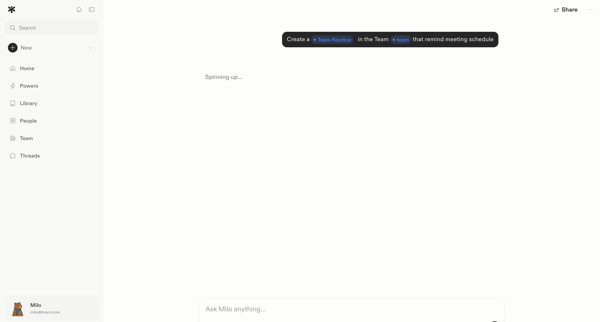
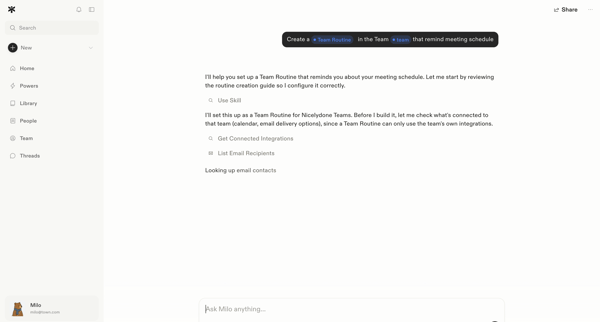
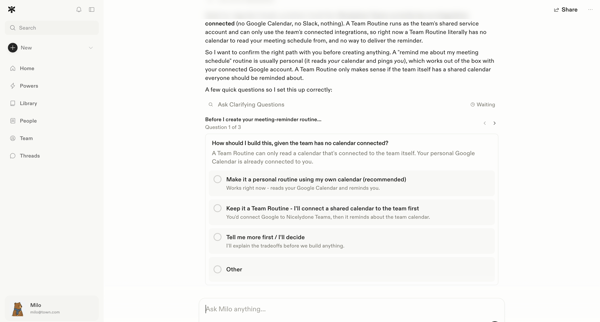
User prompts AI assistant in chat to create a meeting-reminder team routine; agent reviews integrations, asks three clarifying questions via embedded forms, and submits answers to begin setup.








Explore the full SaaS flow library
Browse the full SaaS flow library.
Trusted by the best teams







