Family Flow Example: Setting password requirements
Preview this Family user flow: Setting password requirements. Explore the opening screens.
Preview these flows

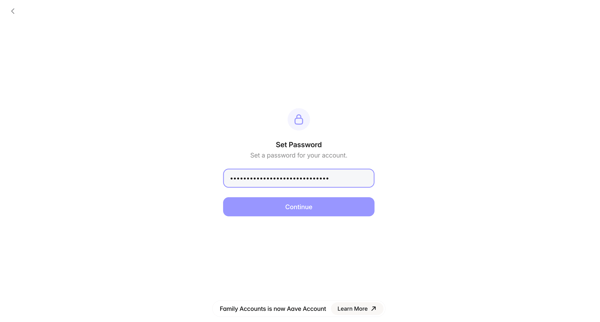
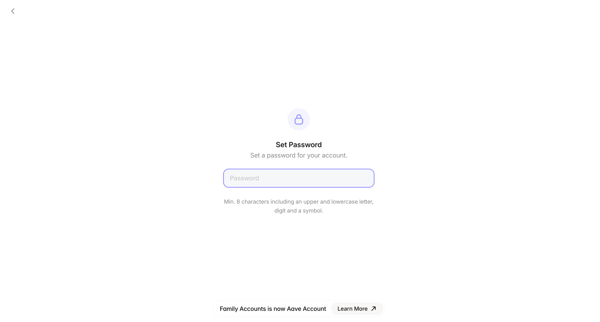
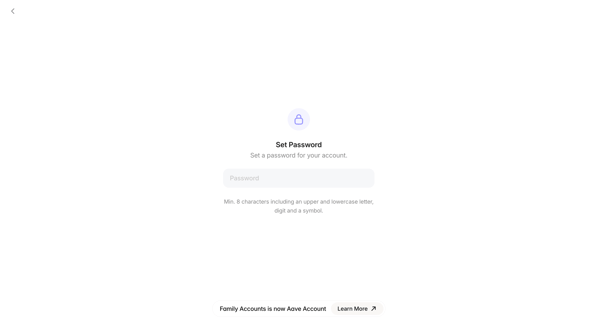
User sets a password meeting minimum character requirements during signup for a new account in the Family crypto wallet app, with a rebranding notice to Aave Account visible on all screens
Related user flows

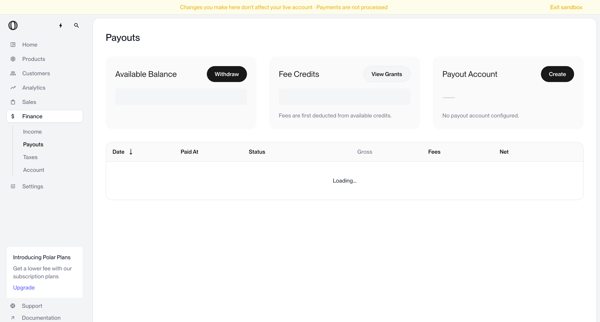
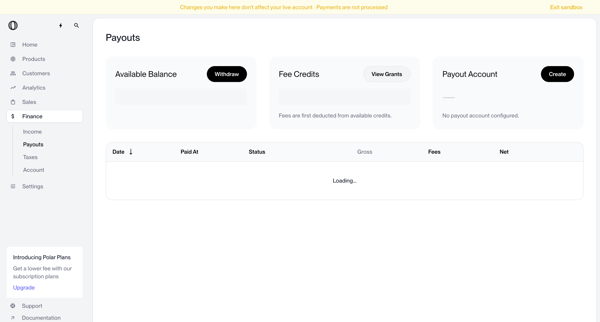
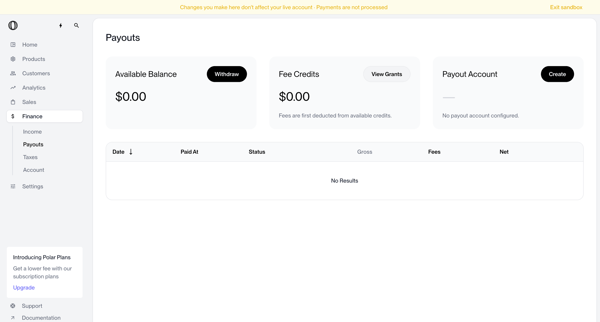
User views payouts dashboard showing no account configured, triggers withdrawal which shows blocked modal, opens create payout account modal, selects country of residence from dropdown, and returns to dashboard with manage button and setup required status

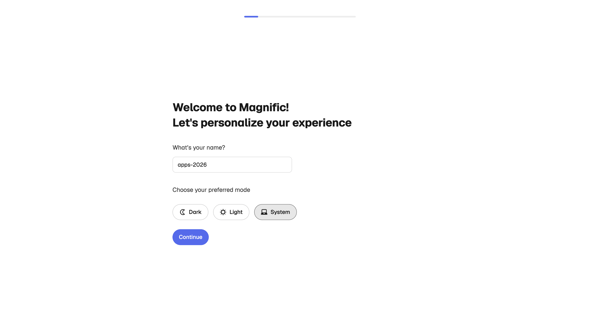
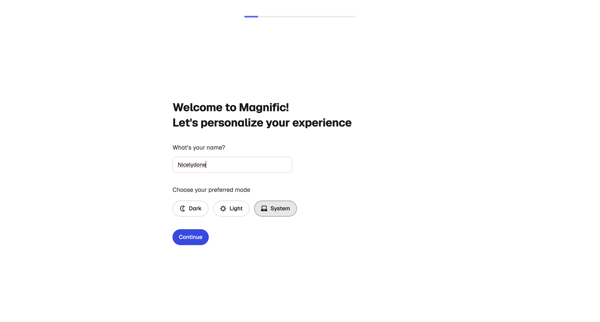
Onboarding personalization step where user enters name and selects display theme before entering the app

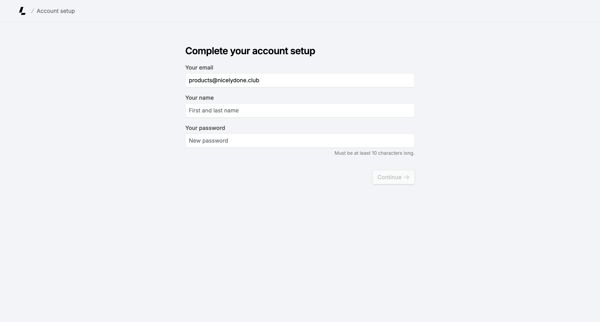
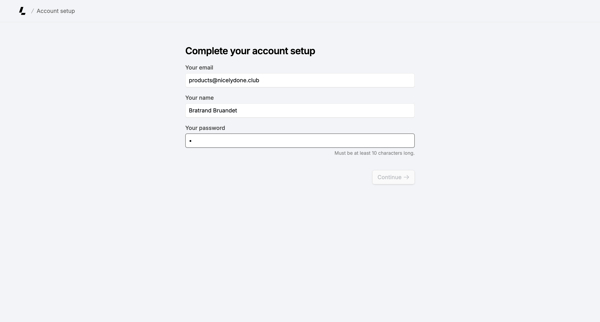
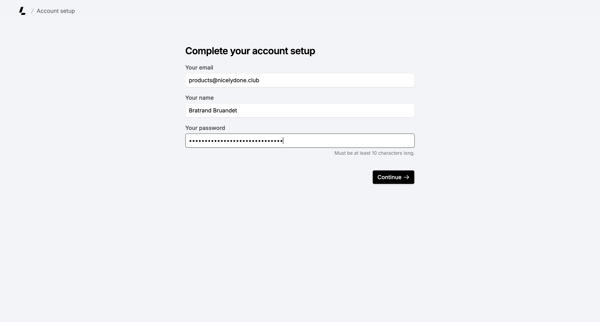
Onboarding form where user confirms email, enters name, and sets password to finish account creation

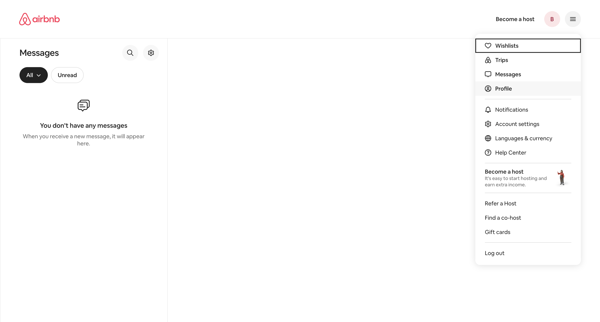
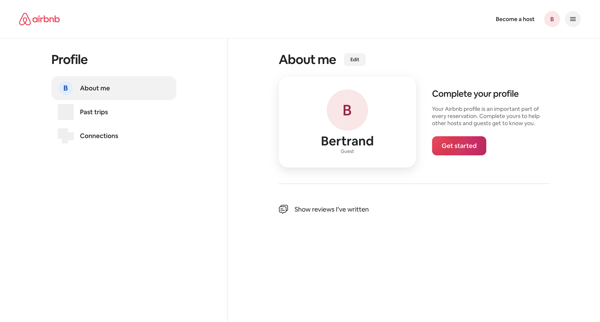
From empty messages inbox, open profile dropdown to reach profile settings page showing completion prompt and Get started action

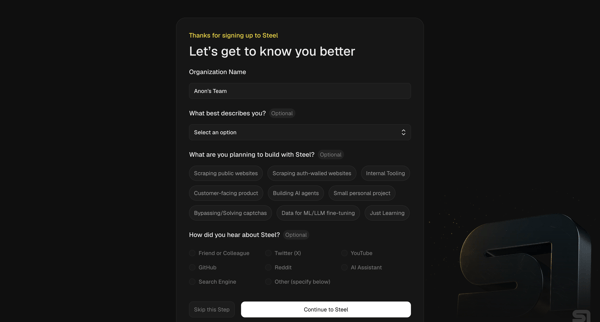
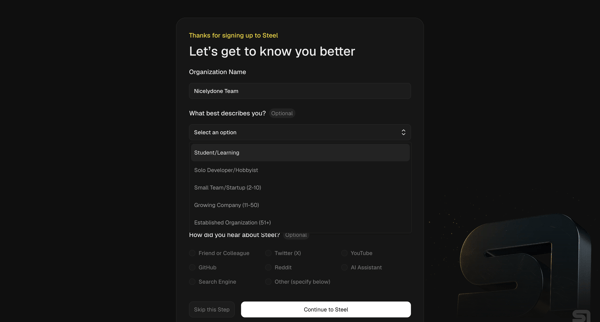
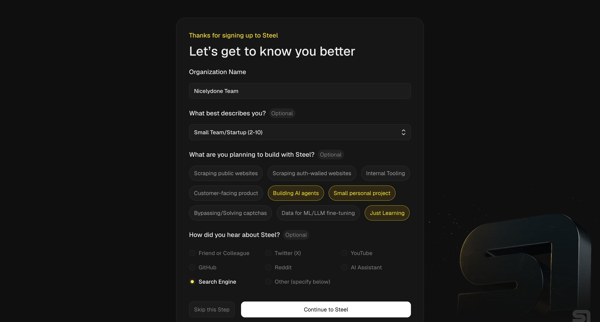
Multi-step onboarding questionnaire collecting organization name, role, use cases, and referral source for Steel account setup

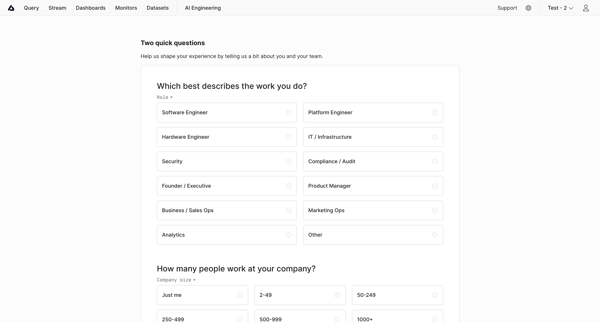
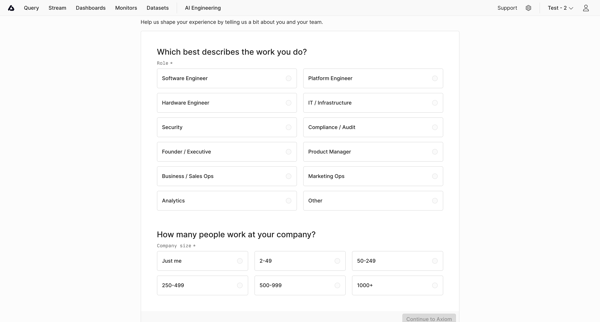
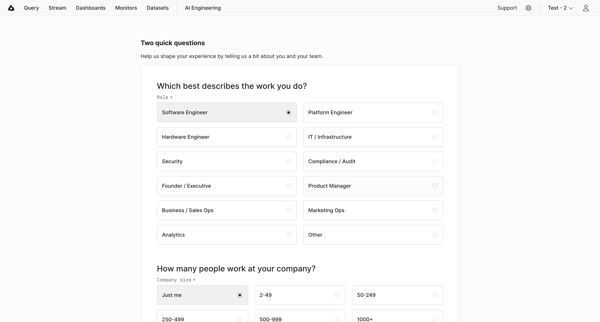
User completes onboarding questionnaire selecting role and company size to personalize experience in Axiom

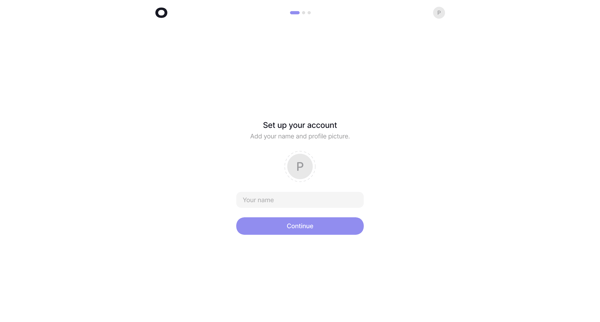
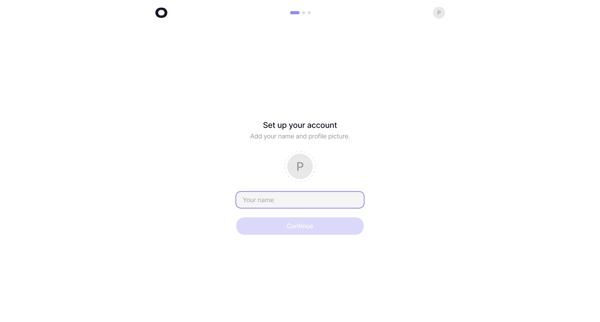
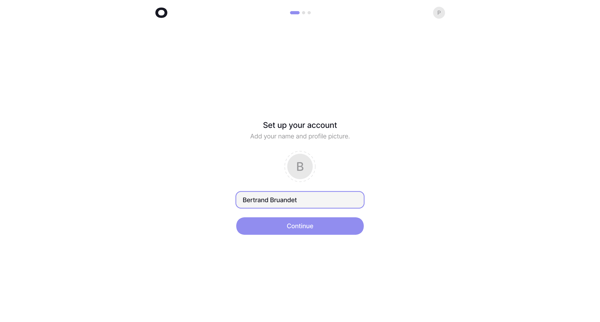
Onboarding sequence to provide name and profile picture during initial account setup

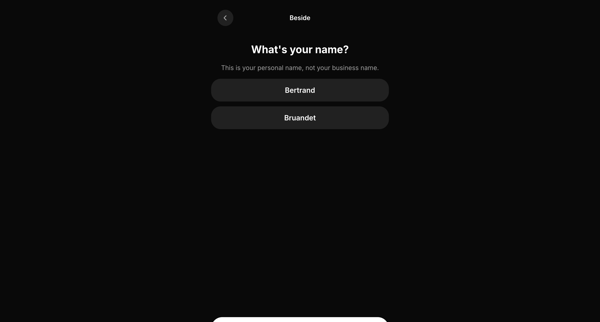
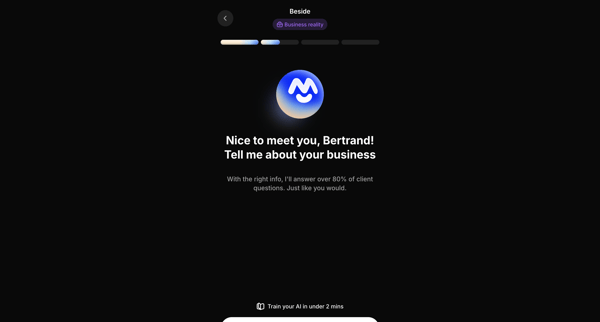
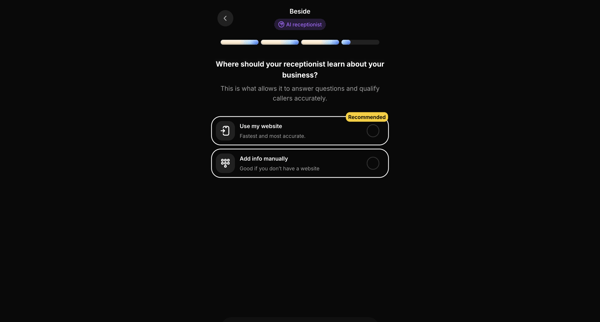
Onboarding sequence collecting personal name, business details, knowledge source, company name, and operating hours to configure an AI receptionist




Explore the full SaaS flow library
Browse the full SaaS flow library.
Trusted by the best teams







